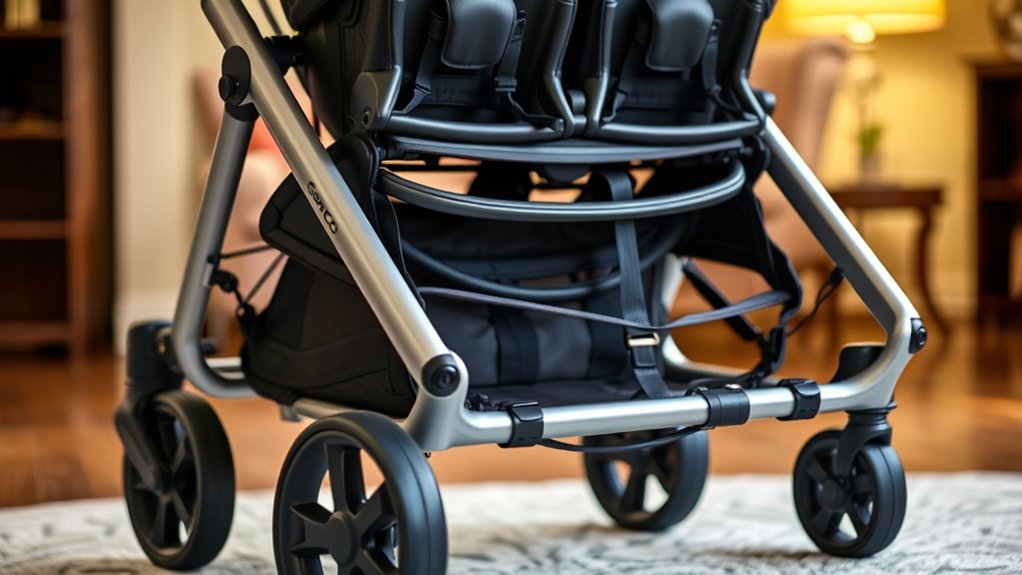
Assembling a Graco DuoGlider Double Stroller is safest when you follow the sequence for your exact model instead of treating every DuoGlider version as identical. For the Click Connect stroller covered by Graco owner’s manual PD349315A, the order is: open and lock the frame, secure the basket, install the two front-wheel assemblies, attach the rear axle, add the tray or arm-bar parts and front canopy for your model, then complete the safety checks.
Last verified: September 11, 2026. The model-specific steps and limits below were checked against the official Graco DuoGlider owner’s manual (PD349315A). If the model number on your stroller points to a different manual, follow that manual instead because parts and assembly details can vary.
Quick Answer
For the DuoGlider covered by manual PD349315A, release the storage latch and fully open the frame, fasten the basket, snap on both front-wheel assemblies, attach the rear axle with the brake levers facing the rear, install the child tray or arm-bar pieces and front canopy shown for your model, then test the frame lock, wheels, brakes, harnesses, and any infant-car-seat attachment before use. The seats are already part of the stroller frame; this manual does not include a separate seat-installation step.
Key Takeaways
- Use the model number on your stroller to match the correct Graco manual before assembly.
- For PD349315A, the manufacturer sequence is frame → basket → front wheels → rear axle → tray/arm-bar parts → front canopy.
- Recline the front seat before turning the stroller over for the rear axle, and make sure the brake levers point toward the rear.
- Pull on both front-wheel assemblies and the rear brake assembly after installation to confirm they are locked.
- The tray or arm bar is not a restraint. Always use the stroller harness or the infant car seat harness.
At a Glance
| Time Required | Graco does not publish a standard assembly time in manual PD349315A; allow enough time to complete every pull test and safety check. |
| Difficulty | Adult assembly required; most PD349315A steps use snap-in parts and hands-on security checks. |
| Tools Needed | The PD349315A assembly pages do not show a separate hand tool. If your model manual calls for a tool, use that model-specific instruction. |
| Before You Start | Confirm all parts for your model are present. Stop if any part is missing, damaged, or does not lock as shown in the manual. |
How to Assemble a Graco DuoGlider: Correct Order for PD349315A
- Open the stroller: release the storage latch, unfold the frame, and try to fold it again to confirm it is fully latched.
- Secure the basket: snap the side straps and secure the two snaps around the tube at the base of the basket.
- Install both front-wheel assemblies: snap them onto the frame and pull on each assembly to verify it is secure.
- Attach the rear axle: recline the front seat before turning the stroller over, point the brake levers toward the rear, snap the axle into place, and pull on the brake assembly to test it.
- Attach the child tray or arm bar: use the part shown for your model.
- Attach the rear arm bar if your model includes one.
- Attach the child tray shown for your model.
- Attach the front canopy: snap it into the mounting points shown in the manual.
Order note: The detailed sections below explain each component using the existing page layout. When assembling the stroller, follow the manufacturer sequence above and your model-specific manual.
Required Parts for Assembly

Before you begin, find the model number on your stroller and match it to the correct owner’s manual. In Graco manual PD349315A, the parts list shows the folded stroller frame, two front-wheel assemblies, a rear axle assembly, a front canopy, and tray or arm-bar components for the applicable model. Graco also notes that some models may not include every optional feature shown in the manual.
The seats are already part of the stroller frame in this version; there is no separate seat-installation step in the assembly section. Check every part before you start. If something is missing, cracked, bent, or unable to lock as shown, stop rather than substituting hardware or forcing the part.
Keep the assembly manual open while you work. The part shapes, optional rear arm bar, and car-seat setup depend on the exact DuoGlider version.
Note: Included parts can vary by DuoGlider version or production year. If something looks different from manual PD349315A, stop and use the manual that matches the model number on your stroller.
Preparing a Safe Assembly Area
Choose a flat floor with enough room to unfold the stroller fully. Graco’s manual recommends placing the stroller on cardboard or another protective cover before opening it so the floor is not damaged. Avoid stairs, escalators, sloped driveways, or cluttered surfaces while assembling.
Remove packaging, plastic bags, and twist ties before you start. Keep packaging away from children. Do not place a child in or near the moving frame while you are unfolding or attaching parts because fingers can be caught in the folding mechanism.
Warning: Do not place a child in the stroller during assembly. Finish all setup steps and safety checks first.
Unlocking the Folding Mechanism
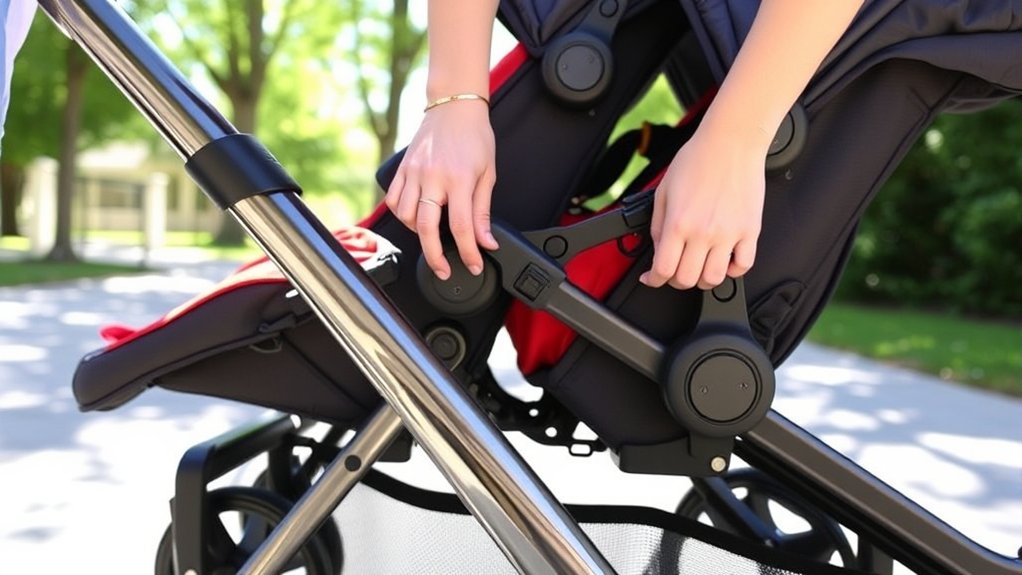
For manual PD349315A, start by locating and releasing the storage latch on the folded stroller. Lift and unfold the frame until it reaches its open position.
Do not rely only on how the stroller looks. Graco tells you to try to fold the stroller again before continuing. If it starts to collapse, the frame is not fully latched yet.
Once the frame resists folding and stands securely, continue with the basket and remaining assembly steps shown in the manufacturer sequence above.
Attaching the Rear Axle

In Graco’s PD349315A sequence, the rear axle is installed after the basket and both front-wheel assemblies. Before turning the stroller over, recline the front seat as directed in the manual.
Required Tools and Parts
You need the rear axle assembly supplied with the stroller. The PD349315A assembly pages do not show separate screws, caps, or a screwdriver for this step. If your DuoGlider manual shows different hardware, follow that model-specific manual rather than adapting these instructions.
Before snapping the axle into place, orient it so the brake levers point toward the rear of the stroller. If the assembly does not line up naturally, stop and recheck the orientation instead of forcing it.
Step-by-Step Installation Guide
Recline the front seat, carefully turn the stroller over as shown in the manual, and line up the rear axle assembly with the rear frame mounts. Push it into position until it snaps into place.
Then pull on the brake assembly. It should remain firmly attached. If the axle shifts, releases, or does not seat evenly, do not use the stroller until the connection matches the manual.
Pro Tip: The brake-lever direction is an easy orientation check: on PD349315A, both brake levers point toward the rear before the axle is snapped into place.
Securing the Front Wheels
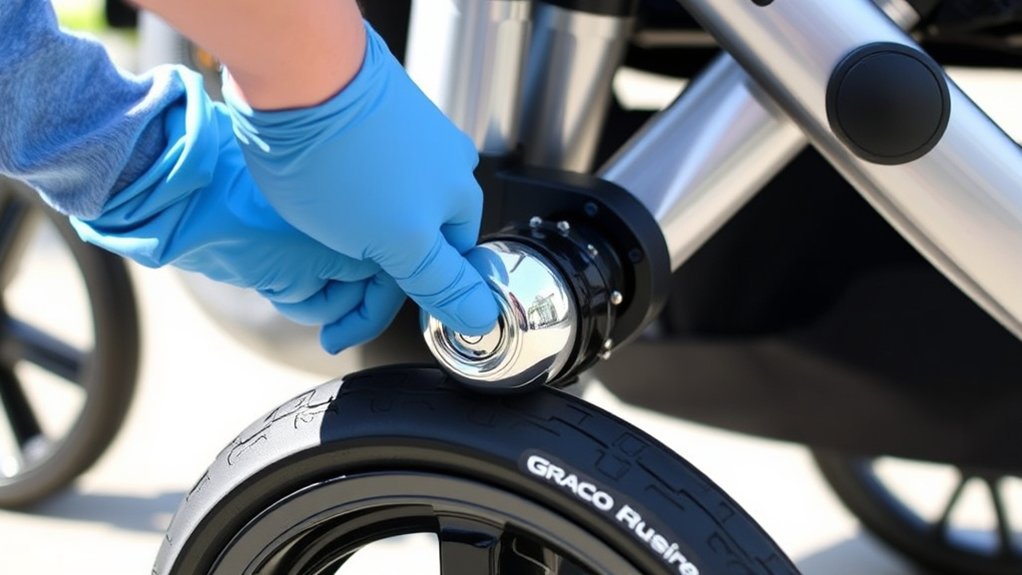
The PD349315A parts list includes two front-wheel assemblies. In the manufacturer sequence, install them before the rear axle. Push each front-wheel assembly onto its mount until it snaps into place.
After each front wheel is attached, pull on the complete wheel assembly. It should stay locked to the stroller. A wheel that rotates normally but can be pulled off the mount is not secure.
After assembly, inspect the wheels periodically for damage, trapped debris, or looseness. Stop using the stroller if a wheel assembly will not remain locked.
| Checkpoint | What to Verify | Hands-On Test |
|---|---|---|
| Frame lock | Stroller is fully open | Try to fold it before continuing |
| Front wheels | Both assemblies snapped on | Pull on each wheel assembly |
| Rear axle | Brake levers face rear and axle is seated | Pull on the brake assembly |
| Brakes | Both brakes engage | Apply both brakes and try to push the stroller |
Installing the Arm Bars, Child Trays, and Front Canopy
After the rear axle, attach the child tray or arm bar shown for your model. Some DuoGlider versions also include a rear arm bar. Snap each applicable part into the mounting points shown in your manual and pull gently to confirm it is seated.
The PD349315A assembly section does not instruct you to install the stroller seats as separate parts. Instead, attach the remaining child tray and the front canopy shown for your model. Make sure fabric is not trapped in any latch or mounting point.
If you plan to use a Graco infant car seat with the PD349315A DuoGlider, use only a Graco SnugRide infant car seat with Click Connect as specified by that manual. The front tray/arm bar or rear arm bar must be installed at the seat location being used for the car seat, and the car seat must be checked by pulling up on it after attachment.
Warning: The child tray or arm bar is not a restraint device, and you should not lift the stroller by it. Secure every child with the stroller harness or the infant car seat harness.
Fastening the Storage Basket

On PD349315A, the basket is the second assembly step, immediately after the frame is opened and checked. Snap the straps on both sides of the basket, then secure the two snaps around the tube at the base of the basket.
Before loading the basket, confirm the fabric is centered, every snap is closed, and nothing can drag into a wheel. Graco limits the storage basket to 10 lb (4.5 kg) total.
Do not hang purses, shopping bags, parcels, or accessory items from the handle or canopy. Graco warns that this can create an unstable condition.
Adjusting the Seats, Harnesses, and Brakes
After assembly, test both seat recline mechanisms using the controls shown for your model. Keep fabric clear of the latches because trapped fabric can prevent a seat from locking. Make sure each seat remains in the selected position before placing a child in it.
Inspect the harnesses next. Your DuoGlider version may use one of the harness configurations shown in its manual. Buckles should fasten normally, straps should lie flat, and the fit should be snug around the child.
Finally, apply both brakes on a flat surface and try to push the stroller. It should stay in place. Release the brakes only when you are ready to move the stroller.
Important load-order safety: Graco warns that weight only in the rear seat can tip the stroller backward. Put the heavier child, or heavier child/car-seat combination, in the front seat; load the front position first and unload the rear position first.
Rear-seat note: On models with the fully reclined carriage position, never use that position unless the closure flap is properly secured as shown in the manual.
Final Adjustments and Safety Checks
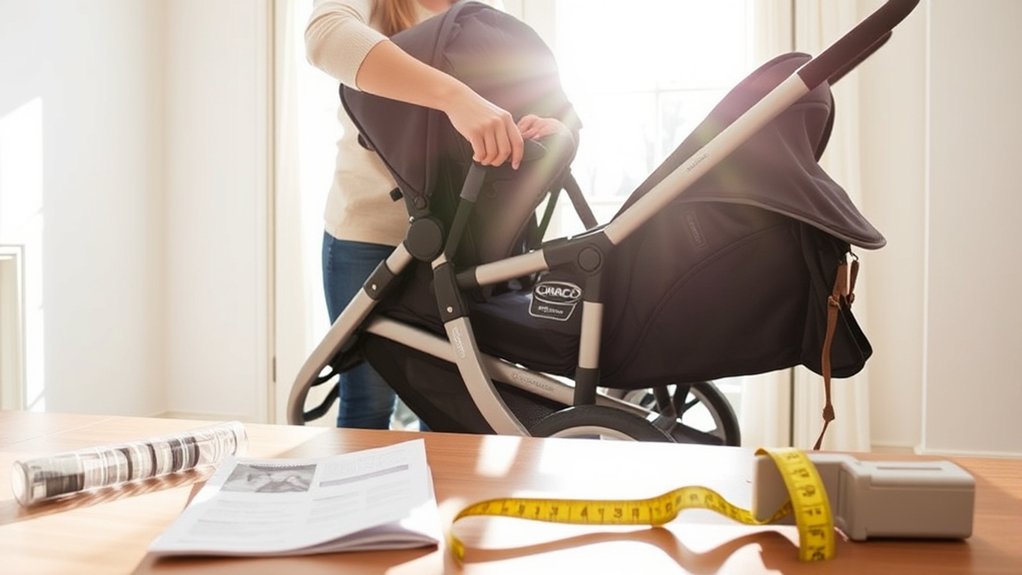
Before placing children in the stroller, repeat the hands-on checks: try to fold the open frame, pull on both front-wheel assemblies, pull on the rear brake assembly, and apply both brakes while trying to push the stroller.
Then inspect the tray or arm-bar connections, canopy mounts, basket snaps, seat latches, buckles, and harness adjustment. If you are using a compatible infant car seat, pull up on the car seat after it clicks into place to confirm it is securely attached.
For the PD349315A DuoGlider, each stroller seat is limited to 40 lb (18.1 kg) or 43 in. (109 cm), and the two children together must not exceed 80 lb (36.2 kg). Follow the infant car seat’s own manual for that seat’s child-size limits.
A DuoGlider is ready for use only after the frame, basket, front wheels, rear axle, trays or arm bars, brakes, harnesses, and any car-seat attachment all pass their required checks.
Common Assembly Mistakes to Avoid
Do not continue if the frame only looks open. On PD349315A, the check is physical: try to fold the stroller before moving to the next step.
Do not install the rear axle backward. The brake levers should point toward the rear, and the axle should stay attached when you pull on the brake assembly.
Do not treat the tray or arm bar as a restraint, and do not lift the stroller by it. Also avoid hanging bags from the handle or canopy, exceeding the 10 lb basket limit, or placing the only child in the rear position when the front is empty.
Troubleshooting After Assembly
If the frame will not lock open, check the storage latch area and make sure packaging, straps, or fabric are not blocking the folding mechanism. Do not place a child in the stroller until the frame resists the fold test.
If a front-wheel assembly will not snap on or fails the pull test, remove it, check for packaging or debris, realign it, and try again. If the rear axle will not seat, confirm the front seat is reclined as directed and the brake levers face the rear before retrying.
If a seat latch, harness buckle, brake, wheel assembly, axle connection, tray/arm bar, or car-seat attachment does not work as shown in the manual, stop using the stroller and contact Graco support for model-specific help or replacement parts.
Related Guides
Frequently Asked Questions
Can I assemble the stroller without any tools?
For the DuoGlider covered by manual PD349315A, the assembly pages do not show a separate hand tool. Other DuoGlider versions can differ, so use the manual that matches your stroller’s model number.
How long does assembly typically take?
Graco does not give a standard assembly time in manual PD349315A. Plan enough time to identify your parts, follow the steps in order, and complete every pull test and brake check without rushing.
What is the correct Graco DuoGlider assembly order?
For manual PD349315A, the order is: open and check the frame, secure the basket, install both front-wheel assemblies, attach the rear axle, attach the child tray or arm bar, add the rear arm bar if included, attach the remaining child tray, and install the front canopy.
Which way should the rear axle brake levers face?
On the PD349315A DuoGlider, the brake levers point toward the rear of the stroller. Recline the front seat before turning the stroller over, then attach the axle and pull on the brake assembly to confirm it is secure.
Is the stroller compatible with infant car seats?
The PD349315A manual specifies Graco SnugRide infant car seats with Click Connect. It also states that two infant car seats can be used when the stroller has the required front and rear arm bars installed. Check the model number on your stroller and follow both the stroller manual and the infant car seat manual.
What is the weight limit for each seat?
For the stroller covered by PD349315A, each seat is limited to 40 lb (18.1 kg) or 43 in. (109 cm). The combined weight of two children must not exceed 80 lb (36.2 kg).
Where can I find replacement parts if needed?
Use the model number from the stroller label when requesting parts from Graco support. Avoid substituting hardware or wheel parts that are not specified for your model because the locking points can differ.
What should I do if a front wheel will not click into place?
Remove the front-wheel assembly, check the mount for packaging or debris, realign it, and push it on again. After it snaps in, pull on the wheel assembly. If it can still come off, do not use the stroller until the problem is corrected.
Do I need to check the stroller again after the first assembly?
Yes. Recheck the frame lock, wheel and axle attachments, brakes, seat latches, harnesses, basket, and any car-seat connection before carrying children, and inspect the stroller regularly for loose, worn, torn, or damaged parts.
Conclusion
The safest way to assemble a Graco DuoGlider Double Stroller is to match the model number to the correct manual and follow that sequence exactly. For PD349315A, that means opening and checking the frame first, then securing the basket, front wheels, rear axle, tray or arm-bar parts, and front canopy before testing the brakes and restraints.
Do not use the stroller if any frame lock, wheel assembly, axle, brake, harness, tray/arm bar, or infant-car-seat attachment fails its check. Correct the connection or get the model-specific replacement part before carrying children.

