Print From Your Laptop in 3 Hassle-Free Steps

Keen to print from your laptop effortlessly? Discover the three simple steps that will have your documents ready in no time!
Laptop, Chromebook, MacBook and mini PC reviews, plus fixes and how-tos for everyday problems such as overheating, battery health, Wi-Fi drops, storage and settings. You’ll also find monitors, chargers, docks, routers and other computer accessories.
Keen to print from your laptop effortlessly? Discover the three simple steps that will have your documents ready in no time!

Stranded without your laptop? Discover three crucial recovery steps that could turn your loss into a success story. Don’t wait—act now!

How to effortlessly connect your printer to a Chromebook in 10 simple steps? Discover the secrets to a seamless setup!
Capture your screen effortlessly on a Chromebook in just five steps; discover how to master this essential skill today!
Power up your Windows 11 experience by checking your battery health—discover the simple steps to optimize performance and extend your device’s lifespan!
Discover how to conquer multitasking on your Chromebook with split screen features that can transform your workflow—let’s dive into these essential moves!
Clipboard History can transform your Windows 11 experience, but are you ready to unlock its full potential? Discover how in just five starter steps.
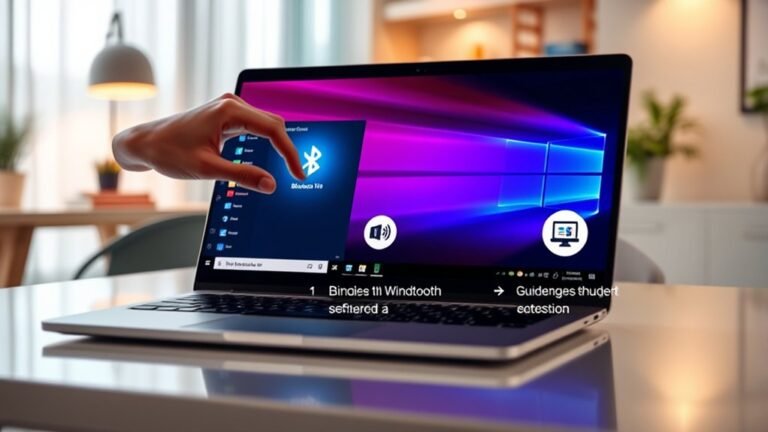
Unlock the convenience of Bluetooth on Windows 11 in just three easy steps; discover how to connect your favorite gadgets effortlessly.
Streamline your Windows 11 startup in just five steps and discover the secret to a faster, more efficient system waiting for you!

I discovered three practical tips to boost your laptop battery life—curious to find out how they can enhance your productivity?