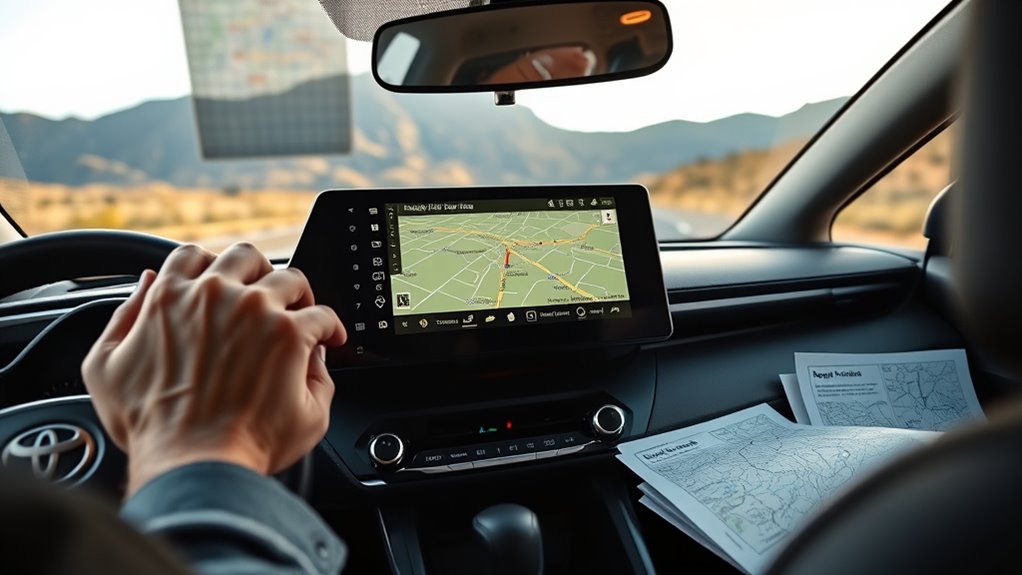
Yes, the 2024 Toyota RAV4 can use its built-in maps without a cellphone, because the navigation system runs from onboard GPS and embedded data. It can give turn-by-turn directions and voice prompts on its own. Some features, though, may depend on a paid service for live traffic and updates. The key question is how much works offline, and what setup is needed to make the system useful on its own.
Does RAV4 Navigation Work Without a Phone?
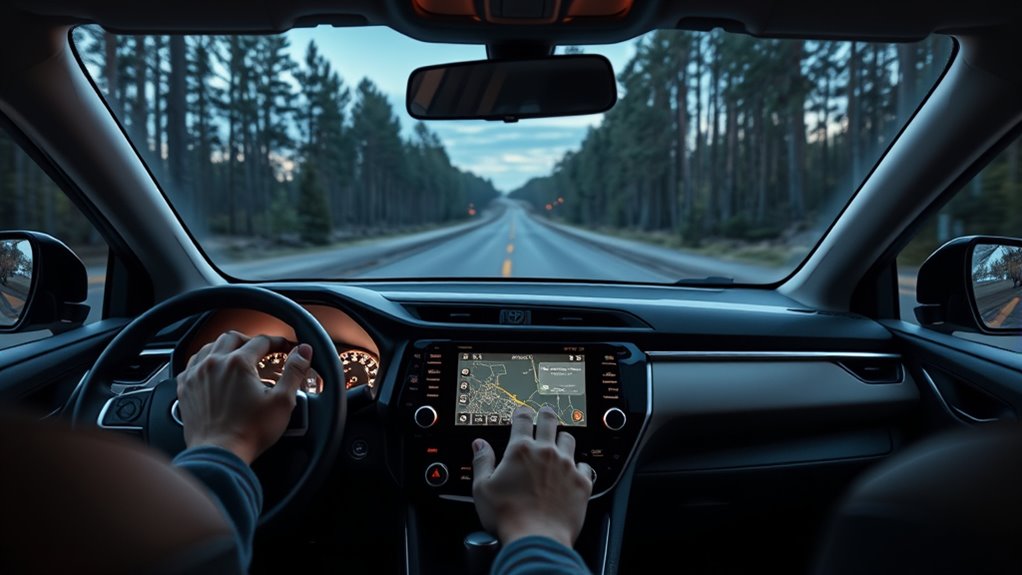
Yes—Toyota’s 2024 RAV4 navigation can operate without a phone, as long as the built-in navigation service is subscribed and active.
The system uses the vehicle’s onboard GPS and Toyota’s embedded maps through the multimedia interface, so routing does not depend on Apple CarPlay or any smartphone link.
When the subscription is live, voice prompts provide turn-by-turn guidance directly from the dash, keeping control inside the vehicle rather than in a mobile app.
This configuration supports drivers who want fewer digital dependencies and more direct access to the machine.
Without a phone, the RAV4 still delivers core navigation functions, but it remains limited to Toyota’s ecosystem.
Free alternatives such as Google Maps and Waze are unavailable unless a smartphone is connected.
In practice, the answer is clear: yes, the RAV4 navigates independently, but only within the bounds of Toyota’s paid service.
Toyota Navigation Subscription Costs
Toyota’s built-in navigation for the 2024 RAV4 is not free to use in full; access depends on an active paid subscription. The cost structure is tiered, with pricing options shaped by term length and the services included.
Shorter plans typically raise the monthly burden, while longer renewals may reduce the effective rate. Subscription benefits generally cover real-time traffic updates, advanced route planning, and persistent map services that remain available without a cellphone.
Activation is required to enable these functions, and renewal is often necessary after a set period. In feature comparisons, the paid system may offer integrated vehicle-level access, but it also places vital navigation behind a fee.
Activation is required, and renewal may be needed, placing key navigation features behind a recurring fee.
For users seeking mobility without dependence, the subscription becomes a gatekeeping mechanism. Without payment, essential navigation capabilities can be lost, limiting the system’s utility and weakening the promise of independent travel.
Use Google Maps and Waze in RAV4
Google Maps and Waze provide practical free navigation options for the 2024 RAV4, especially when the built-in Toyota system is limited by subscription requirements.
These navigation alternatives reduce dependence on paid factory software and restore access to current route guidance. Through smartphone connectivity, both apps can be projected onto the RAV4 multimedia system using Android Auto or Apple CarPlay, enabling direct control on the central display.
This multimedia integration supports real-time traffic data, rerouting, and point-of-interest search without extra cost. Voice navigation is available, allowing drivers to receive turn-by-turn prompts while keeping attention on the road.
The navigation volume can be adjusted independently, so spoken directions remain clear without overpowering music or podcasts.
For users seeking autonomy from subscription gates, Google Maps and Waze offer a straightforward, functional path to reliable navigation in the RAV4, with minimal setup and strong everyday utility.
Set Up Apple CarPlay for Navigation
To enable Apple CarPlay navigation in the 2024 RAV4, the iPhone’s Bluetooth and internet connection should be turned on before pairing it with the vehicle’s multimedia system.
Once detected, the system displays a confirmation prompt for CarPlay activation; approval is required on both the vehicle screen and the iPhone. This wireless connectivity options approach removes the need for a physical cable, supporting a cleaner, more autonomous driving setup.
After connection, a compatible apps overview becomes available through the multimedia interface, including navigation tools such as Google Maps and Waze with live routing and voice guidance.
For hands-free control, the driver can press the steering-wheel voice command button and state a destination.
Setup troubleshooting tips should focus on confirming Bluetooth status, internet access, and prompt acceptance if CarPlay does not appear.
When these steps are completed, the RAV4 delivers a practical, cable-free navigation environment that keeps attention on the road and movement unrestricted.
Set Up Android Auto for RAV4 Maps
Android Auto in the 2024 RAV4 can be set up by connecting an Android smartphone with a USB cable, or wirelessly if the device supports that option. A current Android Auto app is required for stable operation and Smartphone compatibility with the vehicle’s multimedia interface. After connection, the Android Auto icon appears on the display, opening access to Navigation alternatives such as Google Maps and Waze, which can provide basic map data without cellular dependence.
| Step | Action | Result |
|---|---|---|
| 1 | Install and update Android Auto | Confirms compatibility |
| 2 | Connect phone | Initiates Android Auto setup |
| 3 | Select icon on display | Activates navigation apps |
Voice commands support direct route requests, reducing manual input and preserving attention. The system also allows seamless switching between Android Auto and the built-in navigation function, offering practical freedom from a single routing source.
Fix Silent RAV4 Navigation Voice Prompts
Navigation voice prompts should be verified in the multimedia system before route guidance begins, with the navigation volume confirmed as unmuted and audible.
The volume knob can be used during a spoken prompt to adjust navigation output independently of media volume.
If prompts remain silent, the audio settings should be checked for navigation priority and the system tested while parked.
Check Navigation Volume
A silent RAV4 navigation voice prompt is often caused by the Toyota multimedia system’s navigation audio being muted or set too low.
The driver should inspect the navigation settings and confirm the voice prompt channel is active. During an app voice prompt, a direct volume adjustment with the knob can raise navigation output without changing media volume.
System menus should be checked to verify navigation volume is configured correctly and not reduced by an earlier setting. The steering wheel voice command button can also be used to issue commands while monitoring audio response.
Regular checks help keep guidance audible and preserve independent movement from distraction or dependence. Clear settings support reliable route instructions and safer, more autonomous travel.
Enable Voice Prompts
Voice prompts on the Toyota RAV4 should be enabled by confirming the navigation app is not muted before route guidance begins. Clear navigation audio supports independent travel and reduces reliance on guesswork. The system should be checked in both the app and multimedia interface so voice prompt settings remain active and properly routed.
- Verify mute is off in navigation audio controls
- Separate prompt volume from media volume
- Use the volume knob during spoken directions
- Review voice prompt settings for correct output
- Apply volume adjustment tips after software updates
If prompts remain silent, the latest map or system update should be installed, since improved firmware can restore clarity and routing cues.
With correct configuration, the driver regains dependable guidance and greater freedom on the road.
Use Voice Commands for RAV4 Navigation
Hands-free control is available through the Toyota 2024 RAV4’s built-in navigation system, which responds to steering-wheel voice commands for quick route setup.
Pressing the voice command button and stating “Navigate to [destination]” activates routing without a cellphone. The system then displays directions immediately, letting the driver retain control and remain focused on the road.
Clear voice prompts support each turn, reducing dependency on manual input and reinforcing autonomous mobility. Practical voice command tips include speaking destination names distinctly and waiting for confirmation before issuing the next request.
Useful navigation shortcuts also allow quick switching between map view and step-by-step directions. These hands-free features minimize distraction while preserving access to real-time guidance.
The result is a more liberated driving experience, where route selection, guidance, and display changes are handled efficiently through onboard controls rather than external devices.
Return to Toyota Maps and the Home Screen
Returning to Toyota Maps on the 2024 RAV4 begins at the multimedia system home screen.
Pressing the Home button or selecting the Toyota Maps icon restores navigation controls after exiting Apple CarPlay or Android Auto.
This interface allows direct access to map functions without a cellphone.
Return To Toyota Maps
To switch back to Toyota Maps from Apple CarPlay or Android Auto, the driver can press the Home button on the multimedia interface and then select the maps icon on the home screen.
This restores access to navigation features and built-in maps without a cellphone, supporting a smooth shift between systems.
- Press Home on the multimedia system.
- Select the maps icon.
- Confirm the Toyota Maps screen loads.
- Verify the navigation subscription remains active.
- Continue routing with onboard guidance.
This method keeps the vehicle autonomous in navigation use.
It allows drivers to move from phone-based mirroring to factory mapping with minimal interruption. The interface is designed for direct control, helping users stay free from dependence on a mobile device.
Home Screen Access
The Toyota multimedia home screen serves as the primary entry point for switching back to Toyota Maps from Apple CarPlay or Android Auto. From this interface, the driver can use a shortcut on the multimedia system to return to the native navigation display without a smartphone connection.
Home screen navigation exposes Toyota’s built-in features, including stored routes, map settings, and vehicle-based options. This structure supports independent access to guidance tools and reduces reliance on mobile services.
Users who learn the layout can move between external apps and Toyota Maps with minimal delay. The result is a more direct, liberated driving workflow, with faster access to navigation controls and a seamless shift back to the home screen when needed.
Frequently Asked Questions
How Do I Get Maps on My Toyota RAV4?
He would access maps on the Toyota RAV4 by opening the Toyota multimedia features, then selecting Navigation and activating the required subscription if prompted.
The system can load built-in maps directly, offering offline navigation options when available. Voice commands may simplify route entry without a phone.
If the factory system is limited, GPS software alternatives can be considered through compatible apps or services, preserving independent travel and minimizing dependency on external devices.
Is There a Free Navigation App for Toyota?
Yes—Toyota supports free map options through compatible apps such as Google Maps and Waze, accessed via Android Auto or Apple CarPlay.
Their app compatibility lets drivers use voice guidance, traffic updates, and rerouting without paying for the built-in navigation subscription.
For offline navigation, Google Maps can store areas in advance, preserving direction access when signal is weak.
This setup gives practical freedom from proprietary fees and limited factory mapping systems.
Does RAV4 Have Built-In Navigation?
Yes, the 2024 Toyota RAV4 does have built-in navigation through its multimedia system.
The Navigation Features are accessed on the vehicle’s display, offering maps, voice guidance, and route planning without a cellphone. The User Interface is straightforward, though some functions may require a subscription.
GPS Accuracy is generally dependable for everyday driving. For those seeking liberation from phone dependence, this integrated system provides a self-contained, vehicle-based solution.
How Do I Get Google Maps on My Toyota Car Screen?
Google Maps appears on the Toyota screen only after a device is paired through Apple CarPlay or Android Auto. The connection is made, permissions granted, and the app selected from the infotainment menu.
Then the route unfolds. Voice commands can launch navigation hands-free, while Offline access depends on the phone’s saved maps.
Map updates arrive through Google, not the vehicle, keeping the driver technologically unbound and informed.
Conclusion
The 2024 Toyota RAV4 can use its built-in navigation system without a cellphone, relying on onboard GPS and embedded maps for turn-by-turn guidance. A phone is only needed for apps like Google Maps, Waze, or smartphone-linked features. So why depend on a device when the vehicle already includes a capable navigation option? For drivers seeking independence, Toyota’s native maps provide a practical solution, with subscription-based traffic services available as an added feature.

