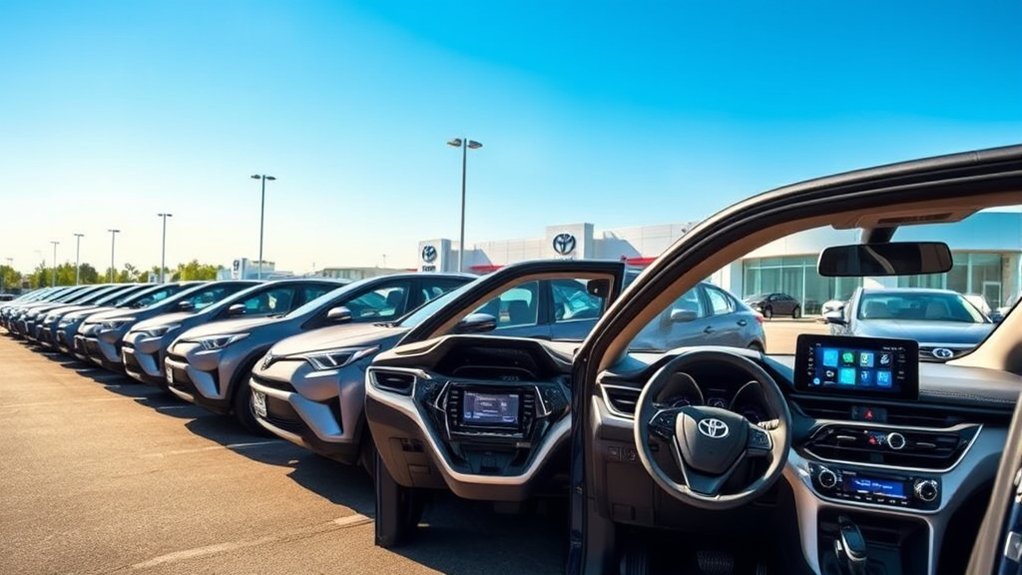
Every current Toyota RAV4 Hybrid includes a center touchscreen, but the size and features depend on the model year and trim. The biggest change arrived with the redesigned 2026 RAV4, which replaced the previous 8- and 10.5-inch choices with 10.5- and 12.9-inch Toyota Audio Multimedia systems.
This guide focuses on U.S.-market RAV4 Hybrid models. Equipment can differ in other countries, and the separately marketed RAV4 Plug-in Hybrid has its own trim combinations.
Quick Answer
Yes. Every 2026 U.S.-market Toyota RAV4 Hybrid includes a touchscreen. LE, SE, XLE Premium, and Woodland use a 10.5-inch display. XSE and Limited use a 12.9-inch display, with JBL premium audio standard on Limited and available on XSE. Older model years use different screen sizes.
Key Takeaways
- Every current RAV4 Hybrid has a factory touchscreen, but the screen size depends on its model year and trim.
- The 2026 LE, SE, XLE Premium, and Woodland have 10.5-inch displays.
- The 2026 XSE and Limited have 12.9-inch displays; JBL audio is standard on Limited and available on XSE.
- Most 2023–2025 RAV4 Hybrid trims use an 8-inch screen, while XSE and Limited use a 10.5-inch screen.
- Wireless Apple CarPlay and Android Auto are standard, but some connected navigation and cloud features require a trial or subscription.
Do All Toyota RAV4 Hybrids Come With a Touchscreen?
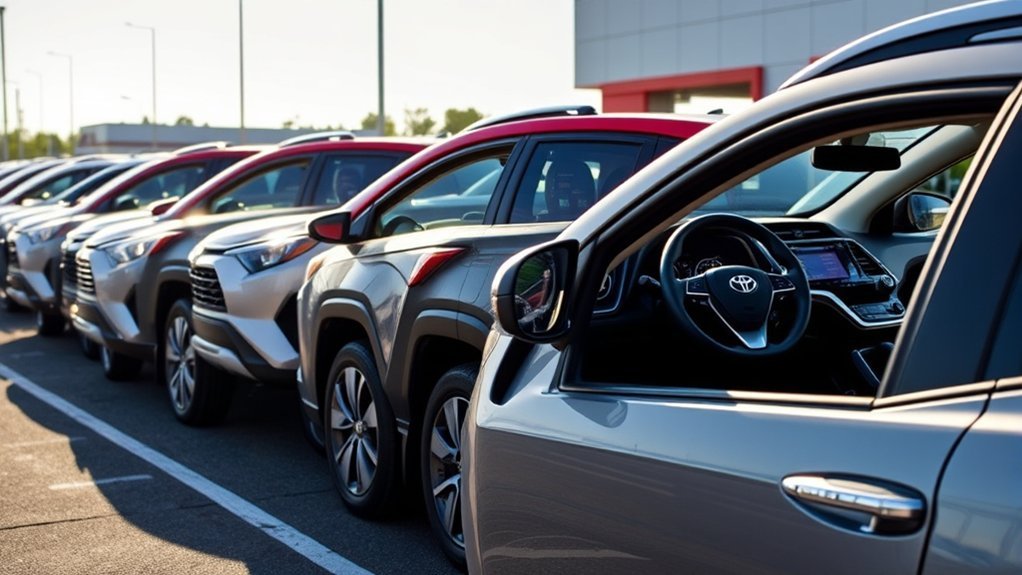
Yes. Toyota introduced the U.S.-market RAV4 Hybrid for the 2016 model year with a factory touchscreen, and every current 2026 Hybrid grade also includes one. However, the display has changed considerably between generations.
The redesigned 2026 model starts with a 10.5-inch Toyota Audio Multimedia system. Higher grades move to a 12.9-inch version. Both sizes support wireless Apple CarPlay and Android Auto.
Previous-generation 2023–2025 RAV4 Hybrids used an 8-inch screen on most trims and a 10.5-inch screen on Hybrid XSE and Hybrid Limited. That difference matters when you compare used vehicles or read reviews written before the 2026 redesign.
Note: Always confirm the model year before comparing RAV4 Hybrid technology. A statement that is correct for a 2026 Limited may be wrong for a 2025 Limited with the same trim name.
| Model years | Common RAV4 Hybrid screen sizes | What to know |
|---|---|---|
| 2023–2025 | 8 inches or 10.5 inches | Most grades use the 8-inch display. Hybrid XSE and Hybrid Limited use the 10.5-inch system. |
| 2026 | 10.5 inches or 12.9 inches | The redesigned model receives Toyota’s latest multimedia interface and a separate standard 12.3-inch digital gauge cluster. |
What Are the Touchscreen Sizes in 2026 RAV4 Hybrid Trims?
The 2026 RAV4 Hybrid has six U.S. grades: LE, SE, XLE Premium, Woodland, XSE, and Limited. Toyota lists a 10.5-inch screen on the first four and a 12.9-inch screen on XSE and Limited.
| 2026 Hybrid trim | Touchscreen | Notable multimedia equipment |
|---|---|---|
| LE | 10.5 inches | Six speakers, wireless Apple CarPlay and Android Auto, and three USB-C ports |
| SE | 10.5 inches | Five USB-C ports and the latest Toyota Audio Multimedia interface |
| XLE Premium | 10.5 inches | Five USB-C ports and one Qi-compatible wireless phone charger |
| Woodland | 10.5 inches | Five USB-C ports and a 3D Panoramic View Monitor with Multi-Terrain Monitor |
| XSE | 12.9 inches | Six speakers, five USB-C ports, one wireless charger, and available JBL premium audio |
| Limited | 12.9 inches | Nine-speaker JBL premium audio, five USB-C ports, and two Qi-compatible wireless chargers |
Toyota’s official 2026 Audio Multimedia applicability chart confirms the screen assignments. Packages and equipment can still vary, so check the window sticker when buying an individual vehicle.
How Do Touchscreen Features Differ Between RAV4 Hybrids?
The main 2026 differences involve screen size, audio hardware, charging ports, camera views, wireless charging, and included connected-service trials. Core smartphone features remain available across the lineup.
Touchscreen Size Variations
The 10.5-inch system provides the same basic multimedia functions as the larger unit. It handles audio, compatible phone apps, Bluetooth devices, vehicle settings, camera views, and available connected services.
The 12.9-inch display gives XSE and Limited drivers more screen area for menus, maps, camera images, and split information. It does not automatically make every cloud-based feature free.
Screen size is also separate from the digital instrument display. Every 2026 RAV4 receives a 12.3-inch gauge cluster behind the steering wheel. That display shows speed, warning information, driver-assistance status, and configurable vehicle data.
Features by Trim Level
LE provides the basic multimedia hardware at the lowest trim level. SE, XLE Premium, and Woodland keep the 10.5-inch display but add conveniences such as more charging ports, wireless charging, or upgraded camera systems.
XSE is the first Hybrid trim with the 12.9-inch screen. Its standard system has six speakers, while JBL premium audio is available. Limited combines the 12.9-inch screen with a standard nine-speaker JBL system, amplifier, and subwoofer.
User Interface Differences
The 2026 grades use Toyota’s latest Audio Multimedia platform, so the basic interface is consistent across both screen sizes. Toyota says the new system provides quicker responses, a customizable home screen, configurable widgets, and a Quick Control menu for frequently used settings.
The 2026 interface also keeps a home control visible when you use the native Toyota system, Apple CarPlay, or Android Auto. This makes it easier to move between your phone interface and vehicle functions.
Older RAV4 Hybrids have a different menu design and may not support the same widgets, embedded voice functions, 5G services, or over-the-air feature set.
What Essential Infotainment Features Should You Expect in RAV4 Hybrids?
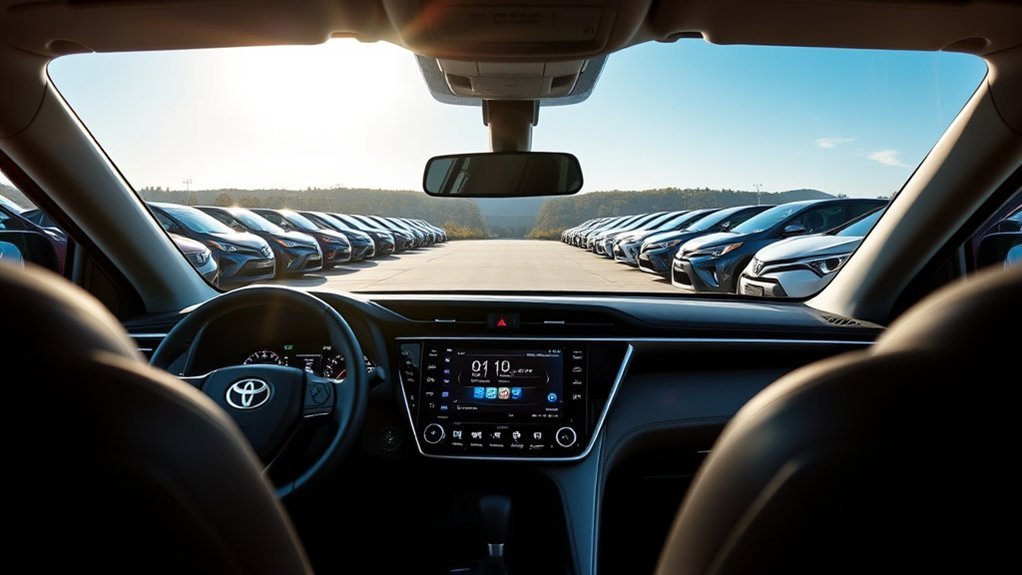
Every 2026 RAV4 Hybrid touchscreen includes the core features most drivers expect:
- Wireless Apple CarPlay and Android Auto: Compatible phones can display supported navigation, audio, messaging, and calling apps without a data cable.
- Bluetooth connectivity: The system supports hands-free calling, audio streaming, and simultaneous connection of two compatible phones.
- Customizable home screen: You can arrange widgets for items such as audio, drive mode, navigation, connected devices, and weather.
- Voice assistance: Embedded “Hey Toyota” commands can control common functions, while some cloud-based requests depend on Drive Connect.
- SiriusXM with 360L: New vehicles include a limited trial, after which a subscription is required.
- Software updates: Available system updates can be checked through the multimedia settings.
- Camera display: The screen shows the backup camera and any available Panoramic View Monitor or Multi-Terrain Monitor images.
Note: Wireless Apple CarPlay and Android Auto do not require Toyota’s paid navigation service. Drive Connect features such as cloud navigation, Destination Assist, and some Intelligent Assistant functions may require an active trial or subscription.
What Audio and Connectivity Upgrades Can You Get in RAV4 Hybrids?
The standard 2026 RAV4 Hybrid audio system uses six speakers. Limited upgrades that setup to a nine-speaker JBL premium system with an amplifier and subwoofer. Toyota also lists JBL premium audio as an available XSE upgrade.
Charging equipment changes by trim. LE provides three USB-C ports: two front charging ports and one media port in the center console. SE, XLE Premium, Woodland, XSE, and Limited provide five USB-C ports, including two rear charging ports.
XLE Premium includes one Qi-compatible wireless charger. XSE also provides one, while Limited has two. Wireless charging performance depends on phone compatibility, case thickness, placement, and temperature.
Pro Tip: Do not choose a trim based on screen size alone. Compare speaker quality, rear-seat charging, camera views, wireless chargers, and subscription-dependent services during the same test drive.
How User-Friendly Are Touchscreens in RAV4 Hybrids?
The 2026 touchscreen uses a smartphone-style layout with large icons, a configurable home page, and a shortcut menu for common settings. Increased on-device computing power also gives the new system faster response times than the previous platform, according to Toyota.
The larger 12.9-inch version makes map labels and camera images easier to view, but it uses the same core interface as the 10.5-inch unit. Drivers who prefer simple menus may find the smaller screen fully adequate.
The separate 12.3-inch digital gauge cluster reduces the need to look toward the center of the dashboard for basic driving information. Available native navigation can also place turn instructions in that driver display.
How to Connect a Phone
- Turn on Bluetooth and Wi-Fi on your phone.
- On the RAV4 screen, open Settings, choose Bluetooth & devices, and select Add another device.
- Select your phone when it appears and confirm the matching code on both devices.
- Approve contact, message, Apple CarPlay, or Android Auto permissions as needed.
- Follow the final prompts on the phone and vehicle screen.
Toyota provides separate official instructions for setting up Apple CarPlay and setting up Android Auto.
Basic Touchscreen Troubleshooting
If your phone stops connecting, try these steps before arranging service:
- Restart the phone and turn the vehicle off and back on safely.
- Confirm that Bluetooth, Wi-Fi, Apple CarPlay, or Android Auto is enabled.
- Remove the phone from the vehicle’s paired-device list and pair it again.
- Install available phone operating-system updates.
- Open the vehicle’s settings and check for a multimedia software update.
- Test another compatible phone to determine whether the issue follows the phone or the vehicle.
Warning: Set up phones, rearrange widgets, enter destinations, and adjust detailed settings while parked. A large touchscreen can still distract you if you use it for complex tasks while driving.
What Are the Key Differences Between Basic and Premium Touchscreens?

The premium system is not simply a larger version of the base screen. Higher trims can also add upgraded audio, wireless charging, more camera views, and included trials for selected connected services.
| Feature | 10.5-inch system | 12.9-inch system |
|---|---|---|
| 2026 Hybrid grades | LE, SE, XLE Premium, Woodland | XSE and Limited |
| Phone integration | Wireless Apple CarPlay and Android Auto | Wireless Apple CarPlay and Android Auto |
| Standard audio | Six speakers | Six speakers on XSE; nine-speaker JBL system on Limited |
| JBL upgrade | Not listed as a standard 2026 feature | Available on XSE and standard on Limited |
| Main benefit | Full core functionality with a smaller dashboard footprint | More viewing area for maps, menus, and camera images |
Screen Size Variations
The difference between 10.5 and 12.9 inches is most noticeable when you use navigation or a multi-camera view. Larger text and controls may also help drivers who find smaller interface elements difficult to read.
However, the 10.5-inch screen is already larger than the 8-inch unit fitted to many 2023–2025 RAV4 Hybrids. It includes the redesigned interface rather than serving as a carryover version of the older system.
Feature Set Comparison
Both screen sizes provide the core 2026 software platform, wireless smartphone integration, voice assistance, Bluetooth, SiriusXM capability, and access to compatible connected services.
The strongest reason to choose the premium setup is the combination of a larger screen and other trim equipment. Limited adds standard JBL audio and dual wireless charging, while XSE offers the larger screen with a sport-oriented equipment package and an available JBL upgrade.
How Does the Touchscreen Enhance Your Driving Experience?
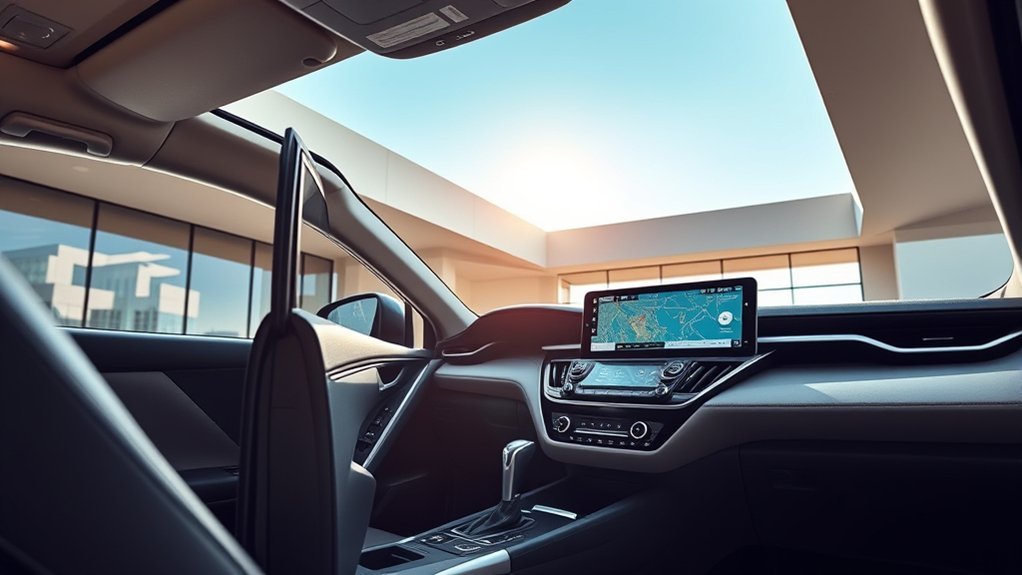
The touchscreen brings audio, phone functions, compatible navigation apps, camera views, and vehicle settings into one interface. Wireless phone integration also lets you use supported apps without repeatedly handling your phone.
Voice commands and steering-wheel controls can reduce the number of screen taps needed for common tasks. They do not remove the need to remain attentive, so complete detailed setup before driving.
The separate 12.3-inch gauge cluster keeps speed, warnings, driver-assistance status, and selected navigation information closer to your line of sight. It works with the center display but is not part of the touchscreen itself.
The most useful upgrade is not screen size by itself. It is the combination of clear controls, suitable audio, convenient charging, and the camera or navigation features you will use regularly.
What to Think About When Picking Your RAV4 Hybrid Trim
Choose the trim by matching its technology to your normal driving rather than buying the largest screen automatically.
- Choose LE when you want the 10.5-inch system and wireless phone integration without paying for unrelated premium equipment.
- Choose SE when you prefer sport styling but are satisfied with the 10.5-inch screen.
- Choose XLE Premium when five USB-C ports and a wireless charger matter more than moving to the larger display.
- Choose Woodland when trail-oriented equipment and its available multi-camera functions are more useful than a 12.9-inch screen.
- Choose XSE when you want the 12.9-inch display and may add JBL premium audio.
- Choose Limited when you want the 12.9-inch screen, standard nine-speaker JBL audio, dual wireless chargers, and the broadest collection of technology features.
Prices, packages, trials, and regional inventory can change. Compare the official build sheet and window sticker rather than relying on a fixed trim-price difference from an older article.
Frequently Asked Questions
Can I customize the touchscreen settings in my RAV4 Hybrid?
Yes. The 2026 system lets you configure home-screen widgets and adjust items such as connected devices, brightness, display mode, audio, and personal preferences. Available options differ on older systems.
Are there any touchscreen-related recalls for Toyota RAV4 Hybrids?
Recall status depends on the vehicle’s VIN. A 2025 Toyota campaign involved the separate 12.3-inch instrument display on certain vehicles, including some RAV4s, rather than the center multimedia touchscreen. Check your VIN or license plate through Toyota’s official recall lookup.
How does the touchscreen affect battery life in a RAV4 Hybrid?
Normal touchscreen use is part of the vehicle’s designed electrical load. Toyota does not publish a separate hybrid-range or fuel-economy penalty for using the factory display, so claims that ordinary screen use meaningfully drains the traction battery are unsupported.
Is the RAV4 Hybrid touchscreen covered by a warranty?
Defects in factory-installed multimedia components are generally covered by Toyota’s 36-month or 36,000-mile basic new-vehicle warranty, whichever comes first. Damage, modifications, misuse, and other exclusions may not be covered. Check the warranty guide supplied with your exact model.
Can I use voice commands with the RAV4 Hybrid touchscreen?
Yes. The 2026 system supports embedded “Hey Toyota” commands for common functions. Apple CarPlay and Android Auto can also provide their compatible phone assistants. Cloud navigation and some enhanced requests may require an active Drive Connect service.
Do 2025 and 2026 RAV4 Hybrids have the same touchscreen?
No. Most 2025 Hybrid trims have an 8-inch screen, while Hybrid XSE and Hybrid Limited use a 10.5-inch system. The redesigned 2026 Hybrid starts with a 10.5-inch screen and offers a 12.9-inch system on XSE and Limited.
Does wireless Apple CarPlay or Android Auto require a Toyota subscription?
No Toyota subscription is required for the standard wireless Apple CarPlay or Android Auto connection. Your phone, mobile-data plan, app subscriptions, and compatibility still apply. Toyota’s cloud navigation and other connected services may require separate enrollment or payment after a trial ends.
Conclusion
Every current Toyota RAV4 Hybrid has a touchscreen, but you must match the specification to the model year. For 2026, LE, SE, XLE Premium, and Woodland use a 10.5-inch screen, while XSE and Limited use a 12.9-inch display.
The smaller screen still provides the main phone, audio, Bluetooth, voice, and connected-service functions. Choose XSE or Limited when the larger display adds value for navigation and camera views, and choose Limited when standard JBL audio and dual wireless charging are also priorities.
Sources
- Toyota: The Next Adventure Begins, 2026 RAV4 Arrives This Winter — 2026 trim, display, speaker, USB-C, connected-service, and warranty information
- Toyota 2026 Audio Multimedia and Connected Services Feature Applicability — touchscreen sizes by trim and available JBL upgrade
- Toyota: Latest Evolution of Toyota Audio Multimedia — interface, widgets, voice assistant, 5G, Apple CarPlay, and Android Auto details
- Toyota: 2025 RAV4 Features — previous-generation 8- and 10.5-inch displays and 11-speaker JBL configuration
- Toyota: 2016 RAV4 Hybrid Debut — original U.S. RAV4 Hybrid touchscreen equipment
- Toyota Safety Recall and Service Campaign Lookup — VIN- and license-plate-based recall status

