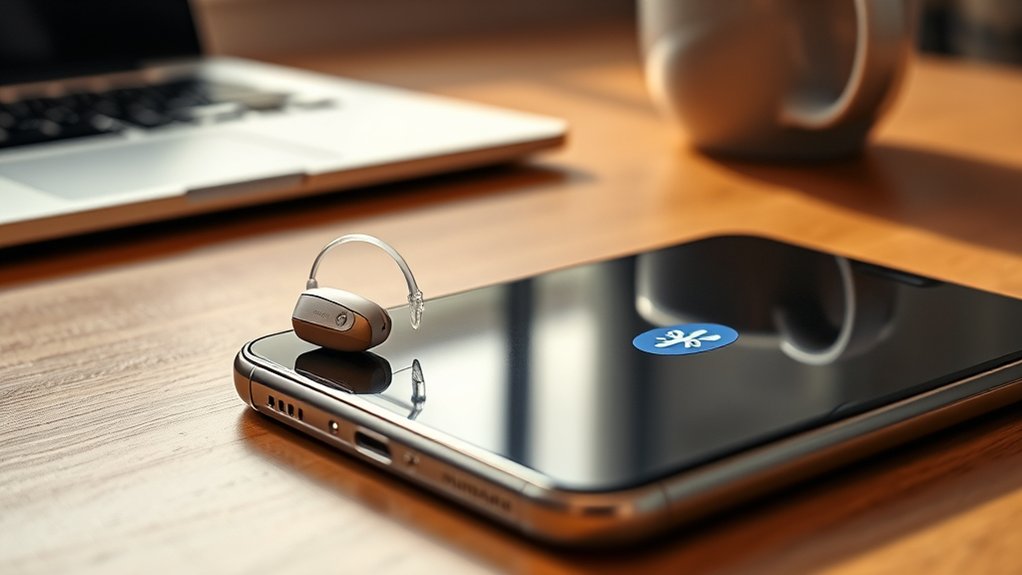
Phonak hearing aids can connect to an iPhone as a left-and-right pair for direct Bluetooth streaming, provided the phone runs iOS 16 or newer. They can store up to eight Bluetooth pairings, but only one Bluetooth LE connection and one myPhonak app connection can remain active at a time. They support calls, music, video audio, notifications, and Siri access. Pairing usually occurs in iPhone Bluetooth settings. Additional details below cover setup, limits, and troubleshooting steps.
Which Phonak Hearing Aids Work With iPhone?
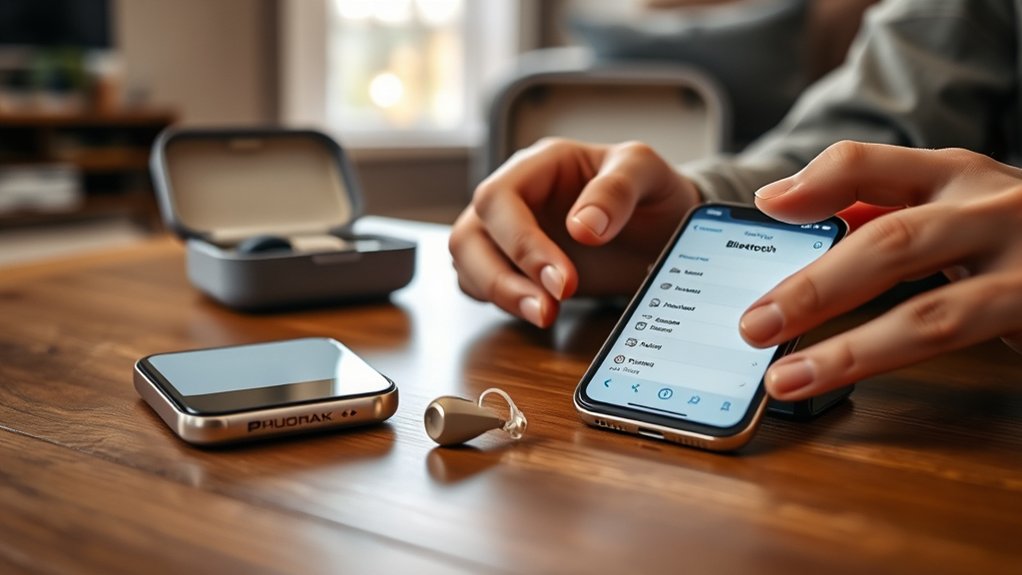
Several Phonak hearing aids work with iPhone, including Audeo Infinio Sphere, Audeo Lumity, and Audeo Paradise. These Phonak devices are engineered for seamless Bluetooth integration with Apple smartphones, supporting iOS 16 or newer. This compatibility enables direct streaming of phone calls and media without intermediary accessories, giving users a more independent and efficient listening experience overall.
These compatible hearing solutions are also supported by the myPhonak app, which permits adjustment of volume, program selection, and personalized settings from the iPhone interface. Multiple hearing aids can connect to one iPhone, allowing synchronized audio delivery during calls and entertainment.
Sound processing in these models emphasizes speech clarity and background noise reduction, which can improve communication in varied acoustic environments. For individuals seeking fewer technological barriers, these iPhone-ready Phonak models offer a practical path toward greater autonomy, clearer sound access, and more confident daily engagement across work, home, travel, and social settings.
How to Pair Phonak Hearing Aids to iPhone
Begin by confirming that the iPhone is running iOS 16 or newer and that the Phonak hearing aids are powered on and placed in pairing mode. This establishes compatibility and creates the conditions required for a stable Bluetooth connection, enabling a more independent listening experience.
For how to pair Phonak hearing aids to iPhone, the user should open Settings, select Bluetooth, and wait for the hearing aids to appear under available devices. Once listed, each device should be selected to complete pairing.
After connection, the hearing aids can be recognized by the iPhone for direct use without external accessories. The myPhonak app may then be installed or opened to adjust settings, apply enhancements, and support individualized control.
For reliable performance, firmware should remain current. If the devices do not connect as expected, restarting both the iPhone and the hearing aids often resolves temporary communication faults and restores proper pairing function quickly and safely.
What Can Phonak Hearing Aids Stream From iPhone?
Once paired, Phonak hearing aids can stream a wide range of iPhone audio directly through Bluetooth, including phone calls, music, video sound, and other media without requiring external accessories. This direct pathway supports clear communication and greater autonomy in daily listening tasks. Users receive high-quality audio for standard calls, video calls, streamed entertainment, and spoken navigation prompts, reducing reliance on speakerphone or handheld positioning.
Phonak hearing aids also relay iPhone notifications and alerts, helping users remain informed without interrupting movement or attention. Bluetooth connectivity further supports access to Siri, enabling voice-controlled assistance while audio remains routed through the hearing aids.
During streaming, the myPhonak app allows real-time adjustment of volume and sound balance, which can improve comfort across changing environments. Together, these functions create a seamless, hands-free listening experience that strengthens independence, simplifies interaction with technology, and supports more self-directed participation in work, travel, communication, and leisure.
How Many Devices Can Phonak Hearing Aids Connect To?
How many devices Phonak hearing aids can connect to depends on the type of connection being used. In practical terms, the answer to how many devices is nuanced rather than unlimited. Phonak hearing aids may be linked with multiple external devices, yet only one active Bluetooth LE connection is supported at a time for stable operation and clear control.
Phonak hearing aids can pair with multiple devices, but only one active Bluetooth LE connection works at a time.
- Only one device can maintain an active Bluetooth LE connection with each hearing aid at any given moment.
- Only one myPhonak app can be connected at a time, so another phone or tablet must first be disconnected.
- Multiple devices may be set up for use, but streaming audio or phone calls can come from only one active source.
This structure gives users freedom through predictability rather than restriction. The myPhonak app simplifies switching by allowing disconnection and reconnection when needed.
Understanding these limits helps users manage changes efficiently and optimize daily hearing aid performance across phones, tablets, and other compatible devices.
How Many Bluetooth Pairings Can Phonak Save?
Phonak hearing aids can store up to eight Bluetooth pairings, which supports use across multiple devices.
However, each hearing aid can maintain an active connection to only one Bluetooth LE device at a time.
Switching to a different saved device typically requires disconnection from the current device through the myPhonak app.
Saved Pairing Capacity
Device flexibility is a key feature of these hearing aids, which can store up to eight Bluetooth pairings for streamlined access across multiple smartphones, tablets, and computers. This saved pairing capacity supports efficient movement between digital environments without repeated setup, giving users greater autonomy and fewer barriers in daily communication.
- Up to eight Bluetooth pairings can be retained for quick recognition across compatible devices.
- Phones, tablets, and computers may all be included, expanding functional reach across common technologies.
- Stable performance depends on proper connection management and current firmware updates.
Although multiple pairings can be saved, active use still requires disconnecting from one device before connecting to another when shifting. This structure allows broad device versatility while maintaining orderly wireless behavior, helping users stay connected with less friction and more practical control daily.
App Connection Limits
While multiple Bluetooth pairings may be stored, the myPhonak app supports simultaneous management of no more than two hearing aids at one time. This limit applies to active app control rather than total pairing memory.
In practical terms, each Phonak hearing aid may be paired with several compatible devices, yet only one device can maintain an active connection to each aid at a given moment.
This distinction matters for users seeking reliable, independent daily function. The myPhonak app organizes Bluetooth relationships efficiently, helping preserve stable performance and predictable behavior.
Recognizing these limits reduces confusion, supports informed setup decisions, and allows hearing aids to operate within designed parameters. Clear awareness of active-connection boundaries is essential for optimizing responsiveness, preserving audio continuity, and maintaining confident use across varied listening environments each day.
Switching Between Devices
Switching between devices depends on understanding pairing memory versus active connection limits. Phonak hearing aids can store up to eight Bluetooth pairings, which supports flexible use across phones, tablets, and computers without repeated setup.
However, each hearing aid permits only one active connection at a time through the myPhonak app. This distinction gives users freedom while preserving stable performance.
- Up to eight Bluetooth pairings may be saved in memory for convenient future access.
- Only one device can maintain an active hearing aid connection at any given moment.
- The Disconnect button in the myPhonak app enables orderly shifts between paired devices.
Routine review of connection status and paired devices reduces avoidable conflicts.
This disciplined approach helps users move between technologies efficiently, with fewer interruptions and greater control over daily communication needs overall.
How to Fix Phonak Hearing Aid iPhone Issues
Start by confirming that the Phonak hearing aids and iPhone are compatible, since reliable pairing typically requires hearing aids with Bluetooth 4.2 or newer and an iPhone running iOS 16 or later. This verification establishes the basis for stable function and reduces unnecessary troubleshooting.
The myPhonak app should then be used to review connection status, access guided troubleshooting, and support more independent control. If available, Remote Support may further assist users seeking efficient resolution.
Use the myPhonak app to check connection status, follow guided troubleshooting, and access Remote Support when available.
If pairing problems continue, both the iPhone and hearing aids should be restarted to clear temporary communication faults. This step often restores Bluetooth recognition without additional intervention.
Firmware should also be updated regularly through the myPhonak app, as current software improves performance, stability, and compatibility. When these measures do not resolve persistent issues, consultation with an audiologist is advisable.
Professional assessment can identify model-specific settings, fitting adjustments, or iPhone configuration factors that may be limiting reliable connection and daily use.
Frequently Asked Questions
Can Phonak Hearing Aids Be Connected to Multiple Devices?
No. Phonak hearing aids generally support one active Bluetooth connectivity link per aid, limiting simultaneous device compatibility. Audio streaming can be switched between devices through app-based disconnection, while prudent battery management supports reliable, independent daily operation.
What Is the 5 Minute Rule for Hearing Aids?
The 5-minute rule advises wearing hearing aids daily for five minutes: to awaken perception, to build tolerance, to reduce fatigue. It complements Hearing Aid Maintenance, while Bluetooth Connectivity supports broader adaptation and confident auditory independence.
What Are the Best Hearing Aids to Use With an iPhone?
The best hearing aids for iPhone use are Phonak Audeo Infinio Sphere and Audeo Lumity, offering reliable wireless technology, direct streaming, and strong app features, empowering users with precise control, clarity, and adaptable everyday performance.
Why Are myPhonak Hearing Aids Not Connecting to My iPhone?
MyPhonak hearing aids may fail to connect because of Bluetooth connectivity issues, incompatible iOS versions, disabled pairing mode, device interference, or outdated firmware. Software updates, restarting both devices, and removing competing Bluetooth connections often restore function.
Conclusion
Phonak hearing aids compatible with iPhone can pair for calls, media, and app control, while connection limits depend on the model and Bluetooth memory. As with keys fitting only certain locks, compatibility, pairing steps, streaming features, and saved devices must align precisely for stable performance. When problems appear, methodical checks of Bluetooth status, software, and device settings usually restore function. Clear specifications and careful setup together determine the most reliable iPhone experience.
