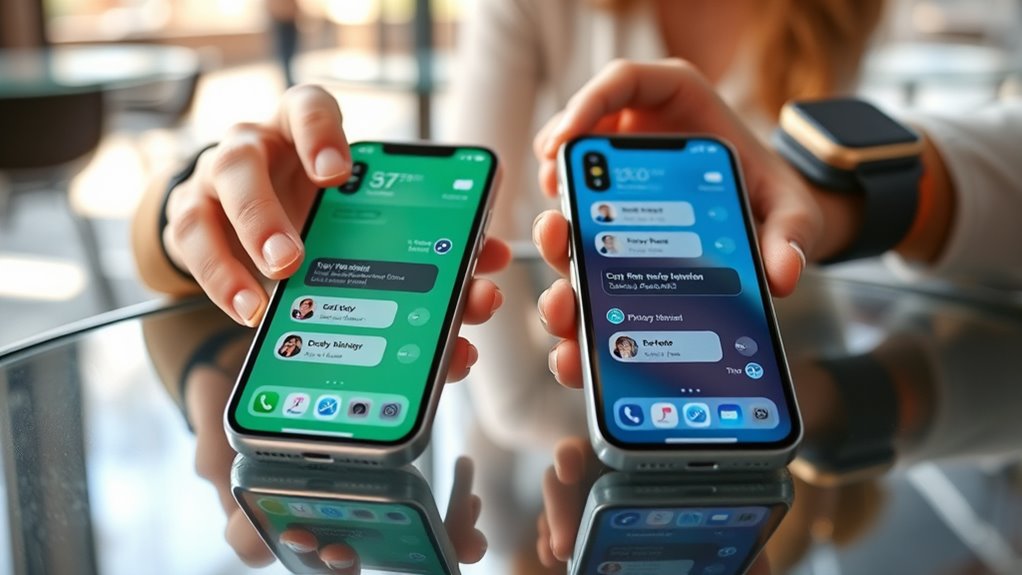
Apple group chats can split when a non-iPhone user joins, because iMessage falls back to SMS or MMS. That can create blue and green bubbles, separate replies, and fragmented threads. Group Messaging should be enabled in Settings, and the active line should be checked on dual-SIM iPhones. Carrier support also affects behavior. If problems persist, updating iOS or starting a new group thread may help, with more details below.
Key Takeaways
- Apple group chats can split when non-iPhone users join, because iMessage may switch to MMS/SMS.
- Mixed-device chats often show blue and green bubbles, and replies can appear in separate threads.
- Group Messaging must be enabled in iPhone Settings to help keep replies consolidated.
- Carrier support and MMS compatibility affect whether merged group chats work properly.
- If chats keep fragmenting, update iOS, verify the correct SIM line, or start a new group thread.
Why Group Texts Split on iPhone
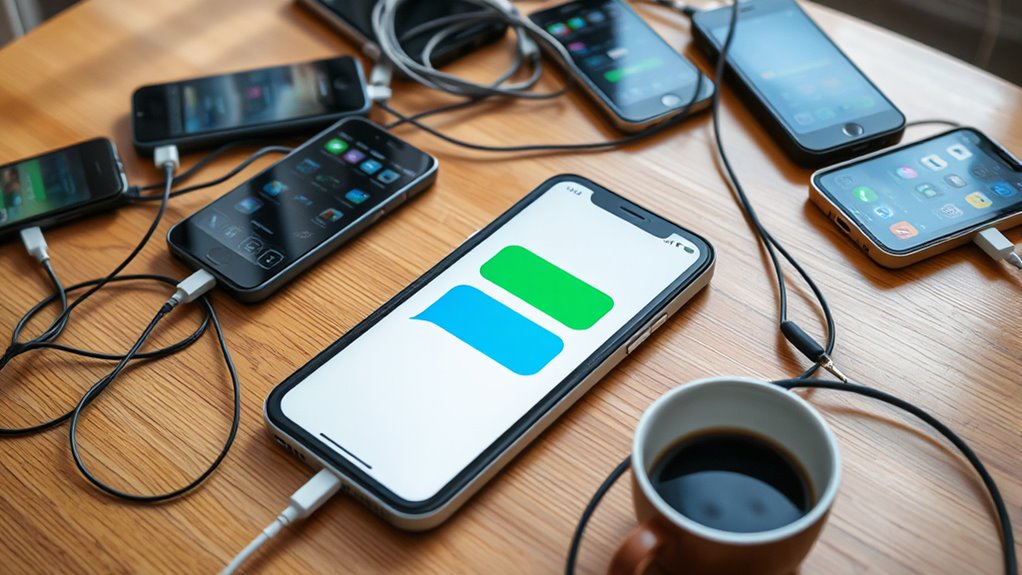
Group texts on iPhone often split into separate conversations when a non-iPhone user is added, because iMessage is designed for Apple devices and the thread must switch to MMS or SMS.
In a mixed group chat, that switch can create blue and green bubbles in different places, making the conversation seem divided. Individual replies may also appear as separate threads, so the same people seem to be speaking in more than one window.
The practical cause is usually simple: iMessage cannot carry the whole thread once a non-Apple number joins, so the phone depends on carrier messaging support instead.
The practical cause is usually simple: iMessage cannot carry the whole thread once a non-Apple number joins.
Turning on Group Messaging in Settings under Messages helps the device present the thread correctly. Carrier settings may also matter, since some networks offer extra support and others do not.
If the display still looks wrong, verify your browser only for account pages; the message issue itself is usually in the phone settings, not the chat content.
How iMessage and SMS/MMS Differ
iMessage is Apple’s encrypted messaging service, while SMS is the basic text standard that works across all mobile devices.
In mixed group chats, iMessages can shift to MMS so messages can move between iPhone and non-iPhone users.
That change also affects message types and limits, since SMS handles text only and MMS supports multimedia required for group messaging.
IMessage vs Sms/Mms
Unlike SMS and MMS, which depend on traditional cellular networks, Apple’s iMessage sends texts, photos, and videos over Wi‑Fi or cellular data and is limited to Apple devices.
iMessage adds encryption and a more private channel, while SMS remains text-only and MMS carries multimedia when carriers allow it.
In mixed-device groups, adding a non-iPhone user can push the chat into MMS, sometimes breaking one unified thread into separate conversations on iPhones.
That shift can frustrate users who want fluid, controlled communication.
To keep mixed groups consolidated, Group Messaging must be enabled in Messages settings, and carrier support matters.
AT&T, Verizon, and Sprint generally support it, while T-Mobile users may face limits even with MMS available.
Message Types And Limits
When Apple devices communicate through iMessage, the conversation stays encrypted and free of SMS and MMS constraints, but that system only works within the Apple ecosystem.
iMessage supports richer message types for iPhone users, while SMS remains limited to 160 characters and MMS carries media with looser text rules.
In group messaging, the inclusion of a non-iPhone contact triggers a shift from blue bubbles to green bubbles, and the thread may fragment into separate conversations.
To keep multiple recipients aligned, Group Messaging must be enabled in iOS, especially for MMS.
Carrier support also matters; major networks usually permit it, while some MVNOs restrict the settings.
These limits shape whether communication remains unified or breaks apart.
How to Turn On Group Messaging
- Open Settings without delay
- Tap Messages to reach options
- Toggle Group Messaging on
- Verify the correct line on dual-SIM devices
- Check iOS updates if behavior changes
When the option is enabled, all participants can receive responses together, making communication clearer and more autonomous.
When enabled, everyone receives replies together, making group communication clearer and more autonomous.
If the setting appears missing or inactive, the user should confirm the selected plan is the intended one, then revisit the Messages menu.
This approach keeps the process direct, empowering, and easy to manage.
Carrier Settings That Affect Group Chats
Carrier settings can strongly influence how group chats appear and function on an iPhone. Major carriers such as AT&T, Verizon, and Sprint generally support group messaging, while T-Mobile may not show a visible carrier settings option even though MMS still works.
Because of that, the absence of a menu does not always mean the feature is blocked. On iPhone, group messaging must also be enabled in Settings under Messages so mixed-device threads display correctly.
Dual-SIM users need to choose the active plan before turning on the setting, or the wrong line may control message behavior. MVNO providers often mirror the policies of their host networks, so the same group messaging option may behave differently across plans.
iOS updates can also reset or alter messaging preferences, making periodic checks wise. Knowing these carrier settings helps users keep conversations open, connected, and free from unnecessary friction.
Fix iPhone Group Chat Splitting
iPhone group chats can split into separate threads when a non-iPhone user joins the conversation, causing messages to switch from iMessage blue bubbles to SMS or MMS green bubbles.
To restore order, the device should have Group Messaging enabled in Settings > Messages. When this switch is on, mixed-device conversations are more likely to stay unified, reducing the scattered look that can burden daily coordination and digital freedom.
Enable Group Messaging in Settings > Messages to keep mixed-device chats unified and avoid scattered conversation threads.
- Check that Group Messaging is turned on.
- Review carrier support for the feature.
- Confirm iOS is updated.
- Watch for separate replies from non-iPhone users.
- If needed, open a browser and verify Apple or carrier guidance to protect against automated confusion.
Carrier limits may still affect performance, especially for some T-Mobile users.
AT&T, Verizon, and Sprint generally support group messaging. Because iOS updates can alter message behavior, settings should be reviewed after each update.
When to Start a New Group Thread
When mixed-device messaging starts to break into separate threads, starting a new group chat can be the cleanest fix. If a non-iPhone user needs to be added, the conversation may shift to MMS and split from the existing iMessage line. In that case, a fresh thread can protect message flow and keep everyone on the same page.
It is also wise to start over when the chat has become crowded with duplicate strands, because confusion drains momentum. A new group thread can restore clarity when a participant is only joining for one event or topic, rather than the ongoing conversation.
If messages begin appearing as individual texts instead of a single group exchange, that is a sign to act. There is no need to wait for the thread to become unmanageable; a new start can protect focus, support cleaner communication, and keep the group free to move with less friction.
Frequently Asked Questions
Can You Merge iPhone Group Chats?
No, iPhone group chats cannot be merged. Group chat features remain separate, and merging limitations apply, especially with non-iPhone users and MMS. Users may need to manage parallel threads and carrier settings manually.
Why Is iMessage Creating New Group Chats?
iMessage creates new group chats when a non-iPhone participant is added, because SMS/MMS handling can split threads. Nearly 30% of mixed-device chats fragment. Good group chat etiquette and awareness of merging challenges help reduce confusion.
Why Are There Two Groups Chats With the Same People on My iPhone?
Two group chats appear because mixed iPhone and non-iPhone messaging can split iMessage and SMS threads. Checking group chat etiquette and managing notifications helps; enabling Group Messaging may reunify conversations and reduce confusion.
Why Are Group Chats Duplicated in iMessage?
Group chats duplicate in iMessage when mixed devices force SMS/MMS fallback, splitting message synchronization and weakening group chat management. This fragmentation arises from compatibility demands, especially when non-iPhone participants trigger separate threads on iPhones.
Conclusion
In the end, merged group chats on Apple devices usually depend on how iMessage, SMS, and carrier settings work together. One useful stat: Apple has said iMessage handles billions of messages every day, showing how central it is to group texting. When a thread splits, checking settings, updating carrier options, and starting fresh can often solve the issue. With the right setup, group conversations stay organized, connected, and much easier to follow.

