Major Amazon sale events can be a great time to upgrade your desk, gaming setup, creator tools, smart-home gear, or everyday tech. This guide focuses on useful tech and gaming products that are worth comparing when prices move, coupons appear, or older gear finally needs replacing.
Quick note: Amazon prices, coupons, bundles, and availability change often. Use the buttons below to confirm the current listing details before you buy.
As an Amazon Associate, this site may earn from qualifying purchases.
Quick Verdict
If you want the strongest gaming upgrade, start with the Corsair K70 Pro TKL, Razer DeathAdder V3 Pro, or Samsung 990 Pro. If you create content, the Elgato Prompter, Stream Deck Mk.2, and Fifine microphone bundles are the most useful picks. For everyday home tech, compare the Anker Nano charging station, Blink doorbell, and HOTO screwdriver kit.
Quick Comparison
| Category | Product | Best For | Amazon |
|---|---|---|---|
| Best Hall Effect Keyboard | Corsair K70 Pro TKL | Competitive gamers who want adjustable actuation in a desk-friendly TKL layout | Check Details |
| Best Wireless Keyboard | ASUS ROG Strix Scope II 96 Wireless | Gamers and productivity users who want wireless flexibility without giving up important keys | Check Details |
| Best Value Headset | ASUS ROG Pelta | Players who want one headset for PC, console, mobile, and casual listening | Check Details |
| Best Portable SSD | Corsair EX4000U External SSD | Creators, students, and travelers who move large photos, videos, or project files | Check Details |
| Best Creator Tool | Elgato Prompter | Streamers, presenters, YouTubers, teachers, and remote workers who speak on camera | Check Details |
| Best DIY Gadget | Fantech D2 Laser Level | Home users who hang shelves, frames, panels, lights, or desk accessories | Check Details |
| Best Everyday Gadget | Fantiik C8 Nano Electric Scissors | People who open lots of boxes, cut packaging, or handle light craft materials | Check Details |
| Best High-End CPU | AMD Ryzen 9 9950X | PC builders who need strong multi-core power for gaming, streaming, rendering, and creative work | Check Details |
| Best Midrange CPU | AMD Ryzen 5 9600X | Gamers building a modern AM5 system without paying for high-end core counts | Check Details |
| Best Apple Audio Pick | Apple AirPods Pro 2 | iPhone, iPad, and Mac users who want easy pairing, noise control, and pocketable audio | Check Details |
| Best Productivity Gadget | Elgato Stream Deck Mk.2 | Streamers, editors, podcasters, and desk setup fans who repeat the same actions often | Check Details |
| Best Tablet Pick | Apple iPad Air 11-inch (2025) | Students, note-takers, casual creators, and Apple users who want a powerful tablet | Check Details |
| Best Budget Mouse | Razer Viper V3 Hyperspeed | Gamers who want reliable wireless performance at a more accessible price point | Check Details |
| Best Ergonomic Mouse | Razer DeathAdder V3 Pro | Right-handed gamers who prefer a supportive shape for longer sessions | Check Details |
| Best Lightweight Premium Mouse | Logitech G Pro X Superlight 2 DEX | Competitive players who want a light mouse with a right-handed ergonomic shape | Check Details |
| Best Comfort Headset | Alienware Pro Wireless Headset | Gamers who wear a headset for long sessions and care about comfort as much as sound | Check Details |
| Best Internal SSD | Samsung 2TB NVMe SSD 990 Pro | PC and PS5 users who want fast PCIe 4.0 storage from a well-known SSD line | Check Details |
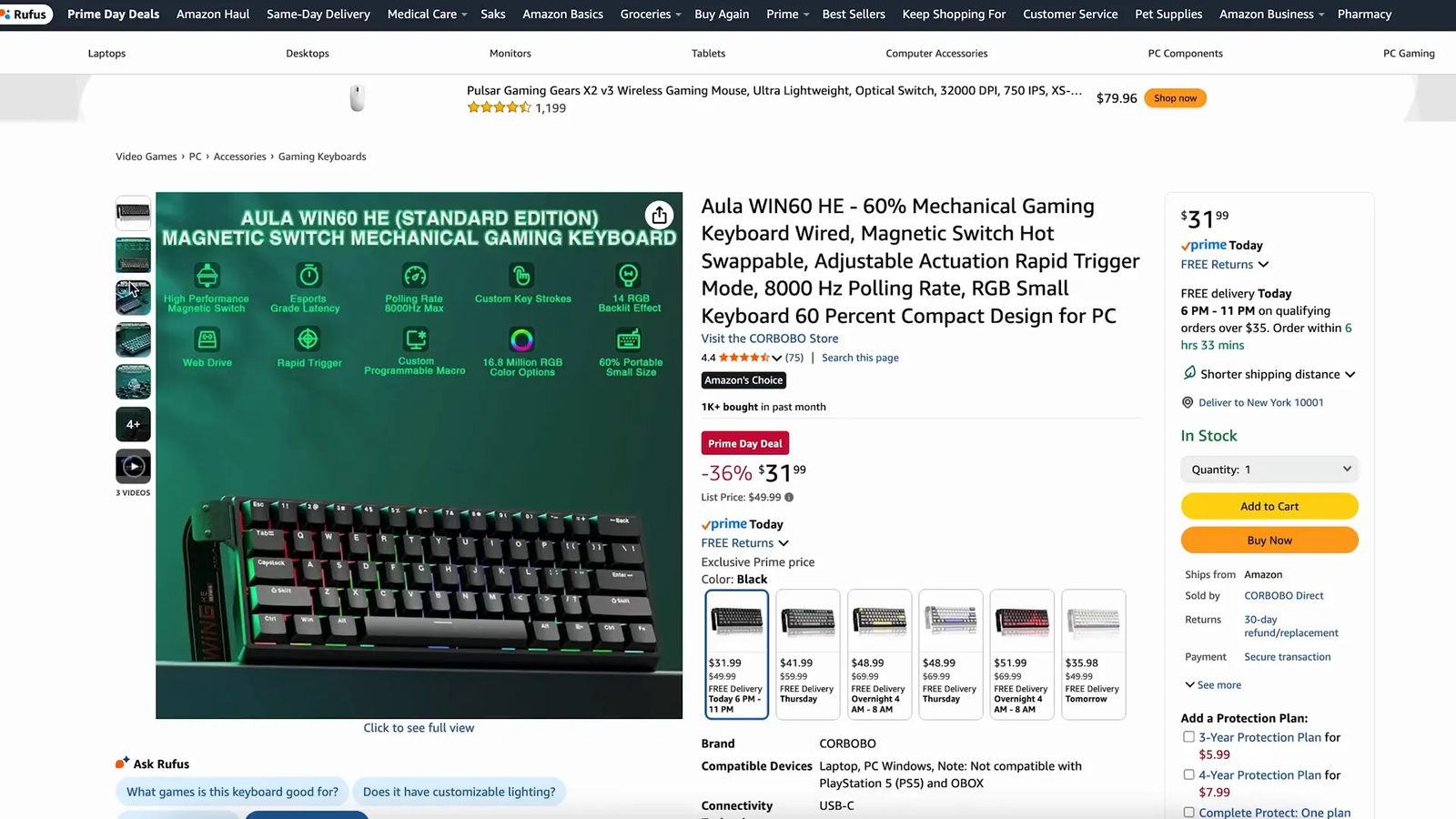
| Best Budget HE Keyboard | Aula WIN60 HE | Gamers who want rapid trigger-style features in a compact keyboard | Check Details |
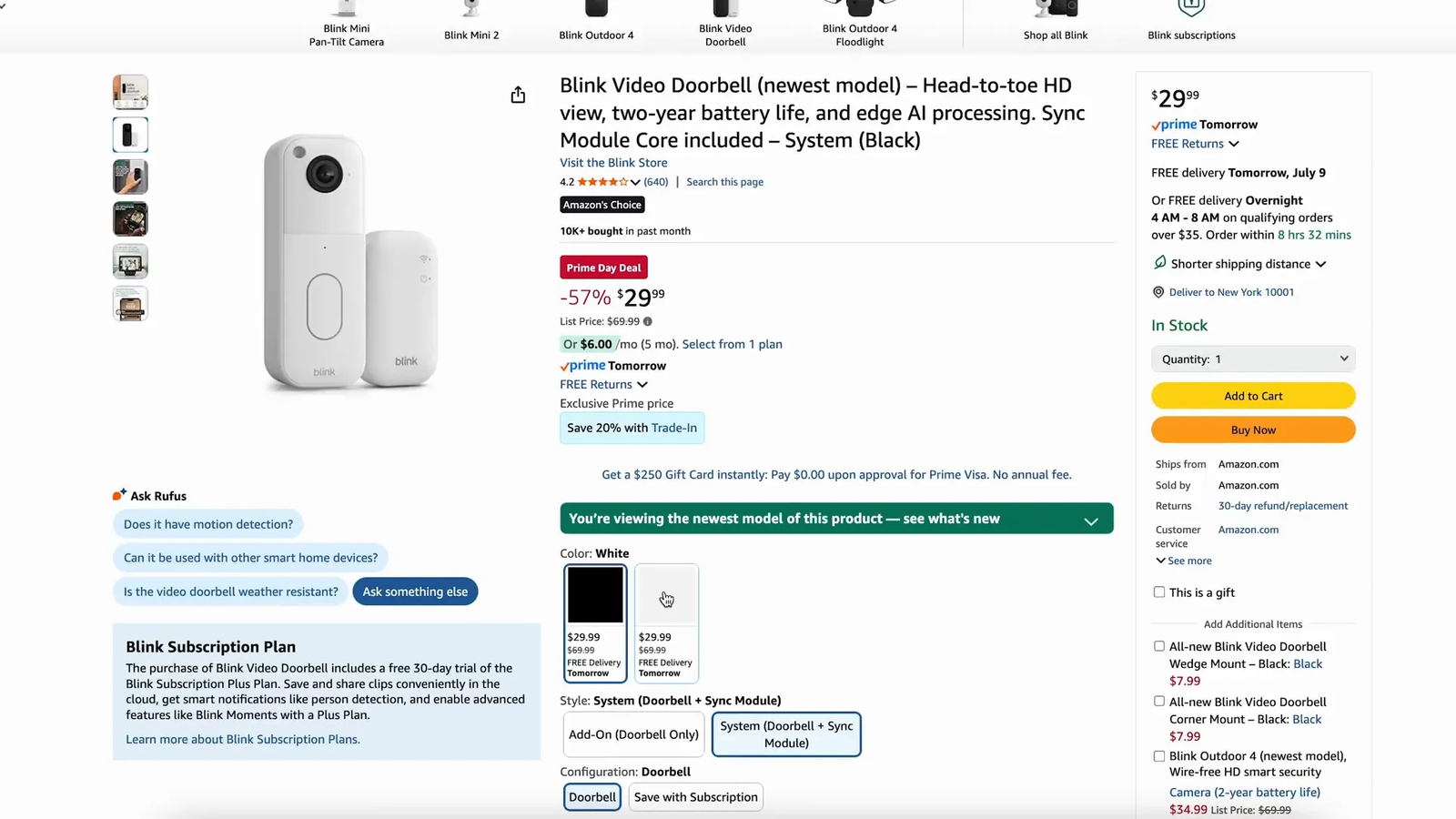
| Best Smart Doorbell | Blink Video Doorbell | Renters and homeowners who want a simple front-door camera option | Check Details |
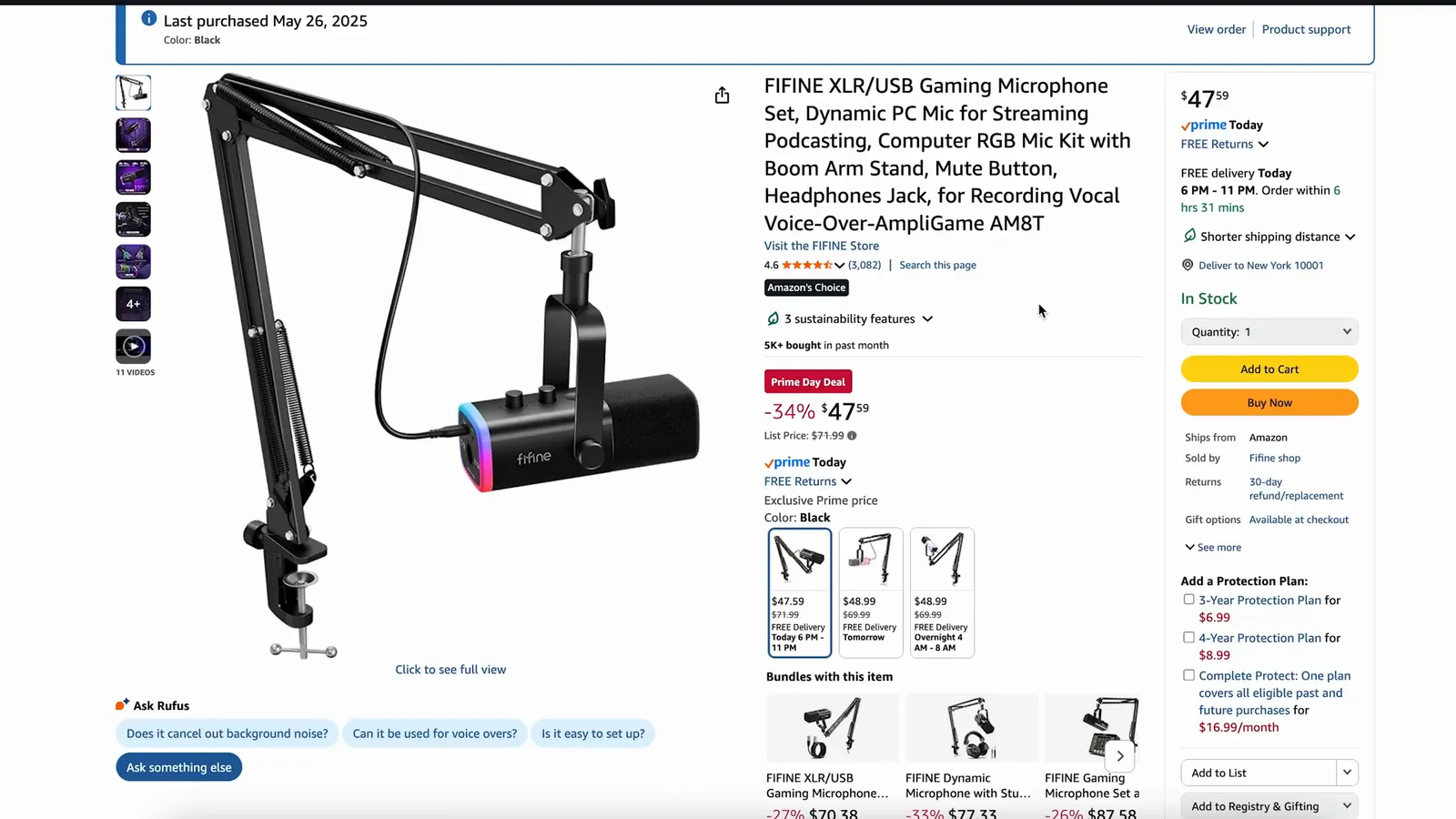
| Best Starter Mic | Fifine AM8T Mic Bundle | New streamers, podcasters, and remote workers who want a full microphone setup | Check Details |
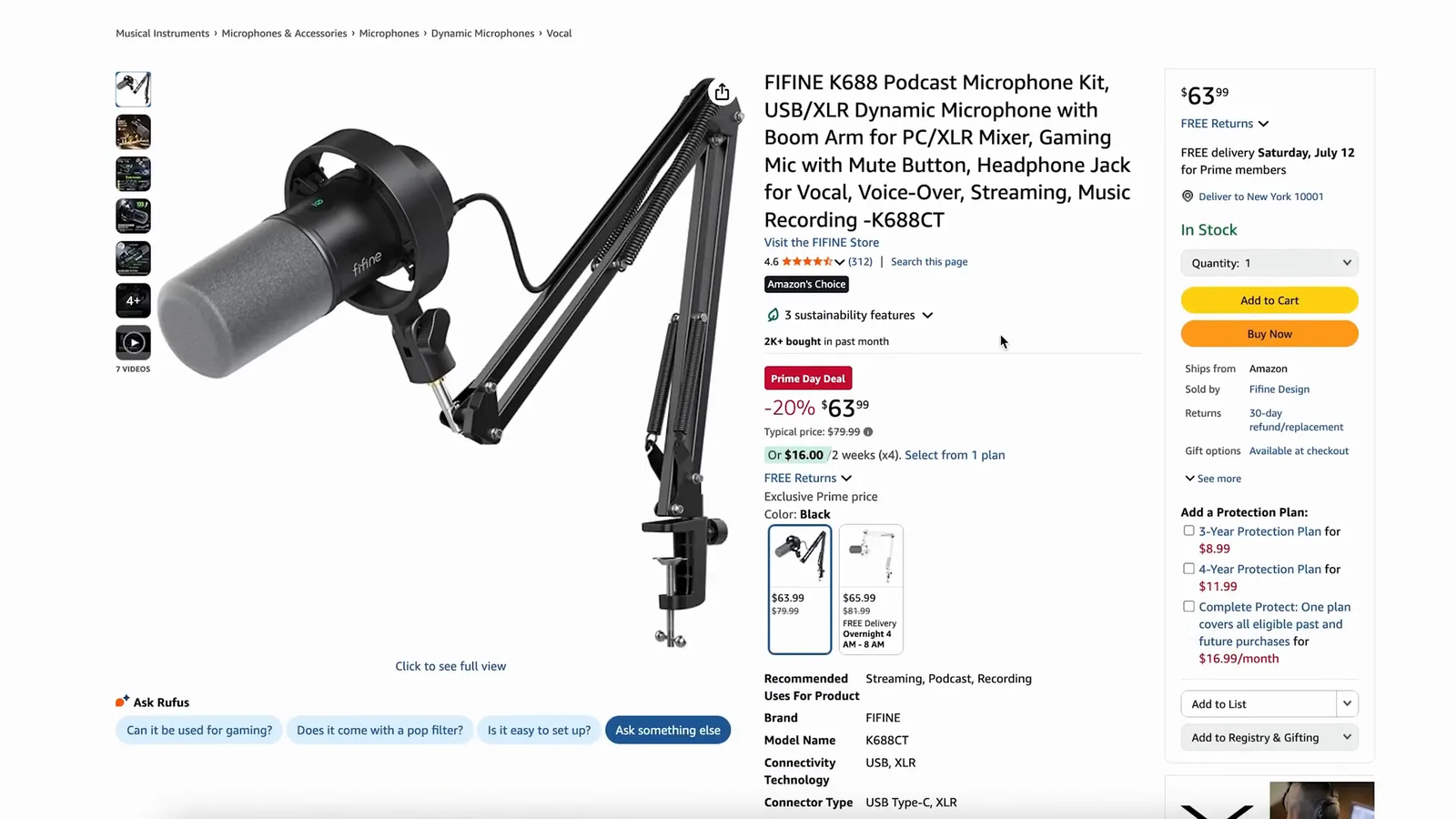
| Best Minimal Mic | Fifine K688CT Mic Bundle | Creators who want a less flashy microphone setup for work, podcasts, or streaming | Check Details |
| Best EDC Gadget | Super Slim Wallet Tracker | Apple users who want a thin tracker for a wallet, bag, or travel pouch | Check Details |
| Best Desk Charger | Anker Nano 7-in-1 Charging Station | Desk setups with a laptop, phone, earbuds, tablet, lamp, or other small devices | Check Details |
| Best Power Display Charger | Baseus 7-in-1 Charging Station | Users who like seeing real-time charging information at the desk | Check Details |
| Best Budget ANC Earbuds | CMF Buds 2a | Buyers who want active noise cancellation without paying for premium earbuds | Check Details |
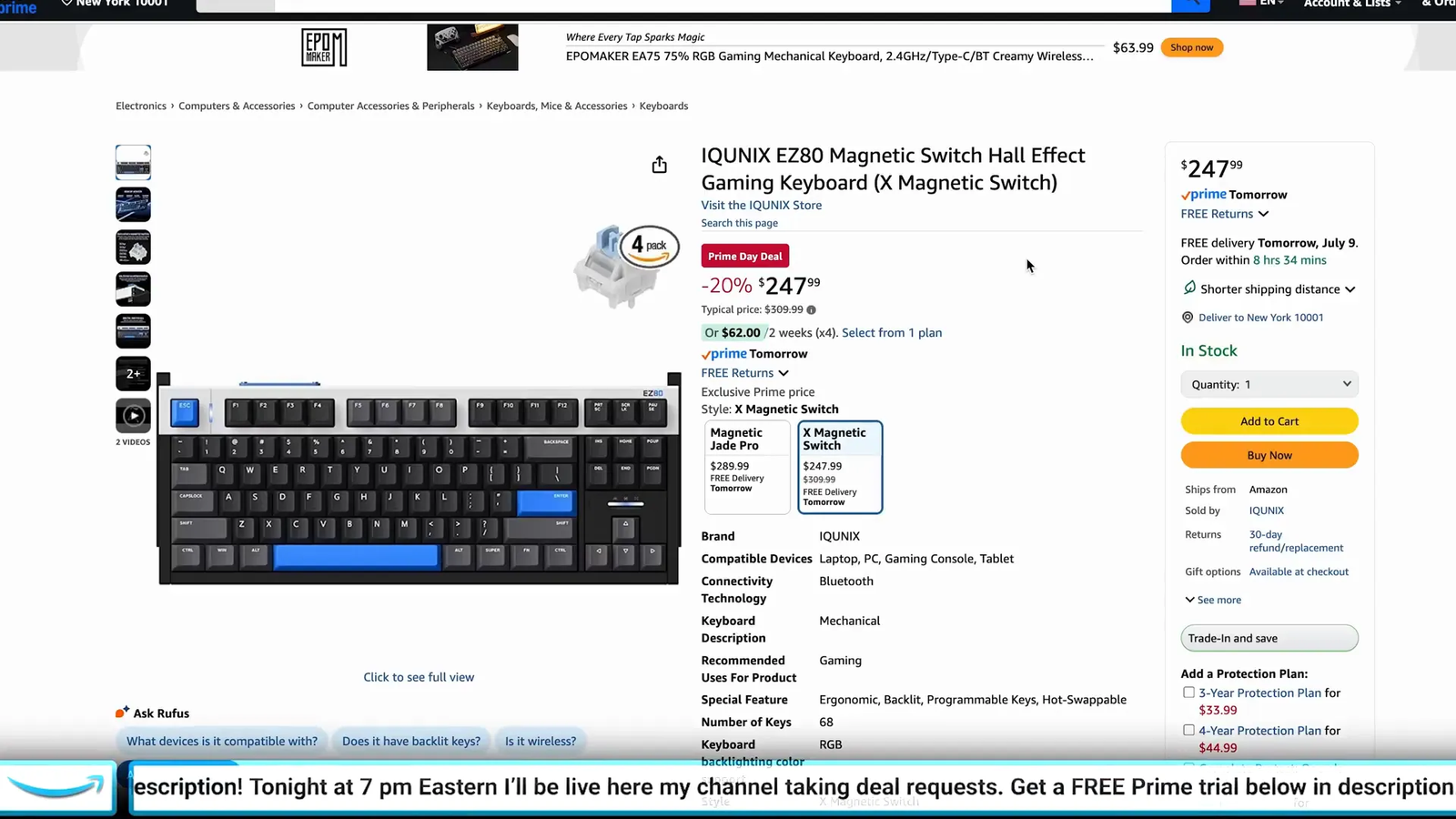
| Best Premium HE Keyboard | iQUNIX EZ80 | Keyboard enthusiasts who want a fast Hall effect board with a larger layout than 60% | Check Details |
| Best Smart-Home Kit | Blink Wireless Security Camera System | Homes that need more than one camera around doors, yards, garages, or indoor spaces | Check Details |
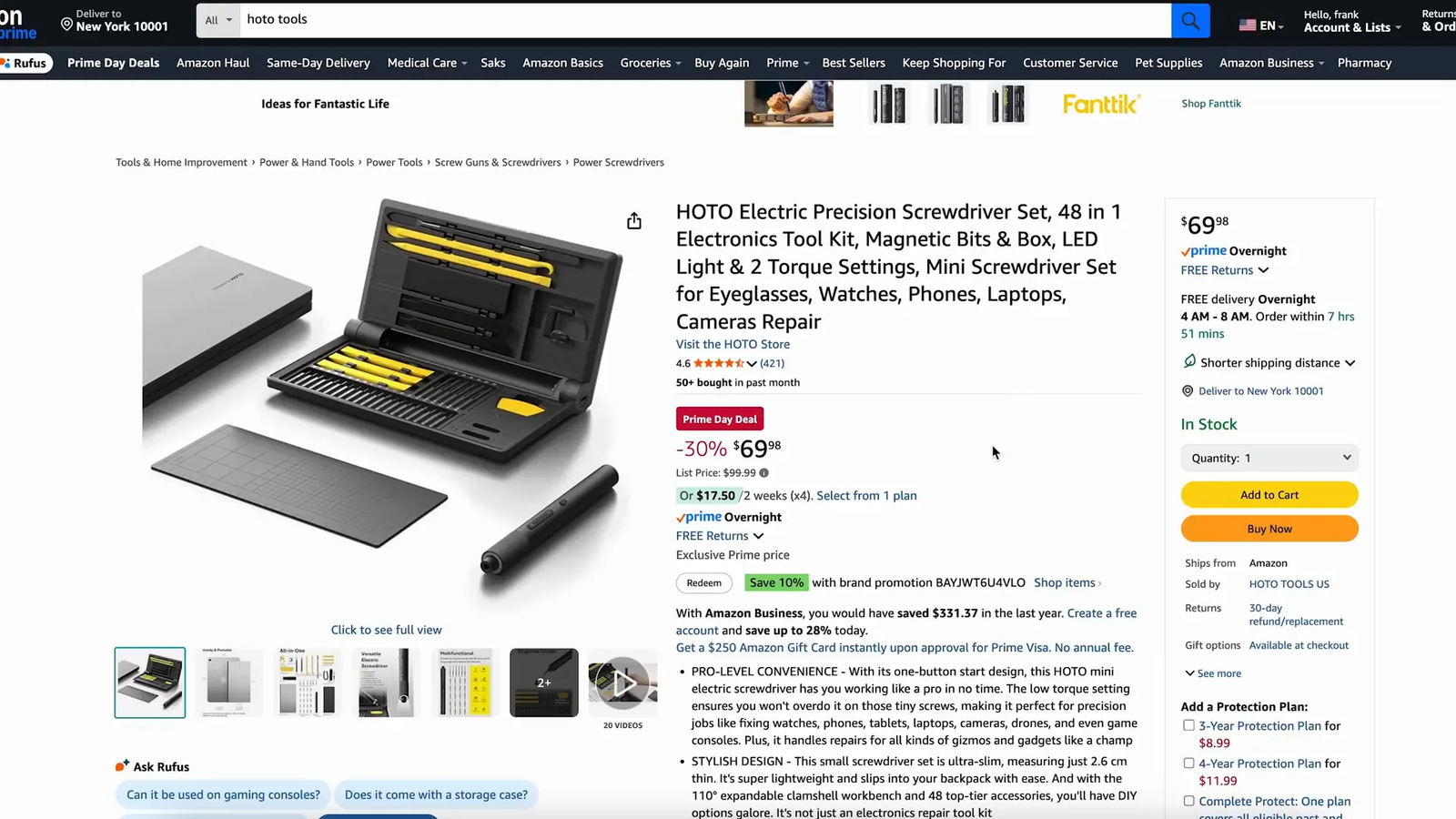
| Best Repair Tool | HOTO 48-in-1 Electronic Screwdriver Kit | PC builders, keyboard modders, gadget repair fans, and DIY electronics users | Check Details |
Table of Contents
- 1. Corsair K70 Pro TKL
- 2. ASUS ROG Strix Scope II 96 Wireless
- 3. ASUS ROG Pelta Headset
- 4. Corsair EX4000U External SSD
- 5. Elgato Prompter
- 6. Fantech D2 Laser Level
- 7. Fantiik C8 Nano Electric Scissors
- 8. AMD Ryzen 9 9950X CPU
- 9. AMD Ryzen 5 9600X CPU
- 10. Apple AirPods Pro 2
- 11. Elgato Stream Deck Mk.2
- 12. Apple iPad Air 11-inch (2025)
- 13. Razer Viper V3 Hyperspeed
- 14. Razer DeathAdder V3 Pro
- 15. Logitech G Pro X Superlight 2 DEX
- 16. Alienware Pro Wireless Headset
- 17. Samsung 2TB NVMe SSD 990 Pro
- 18. Aula WIN60 HE Keyboard
- 19. Blink Video Doorbell
- 20. Fifine AM8T Mic Bundle
- 21. Fifine K688CT Mic Bundle
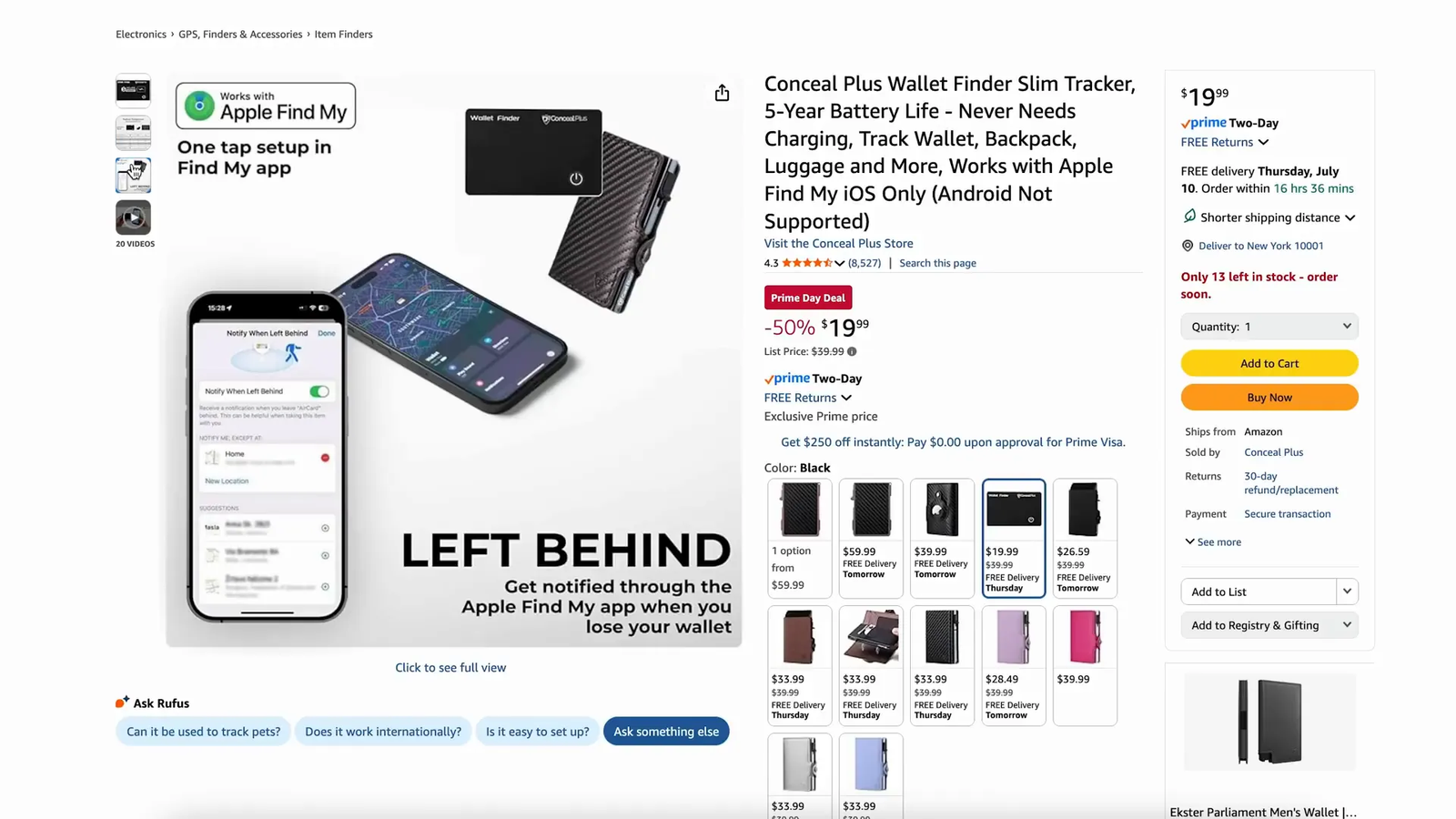
- 22. Super Slim Wallet Tracker
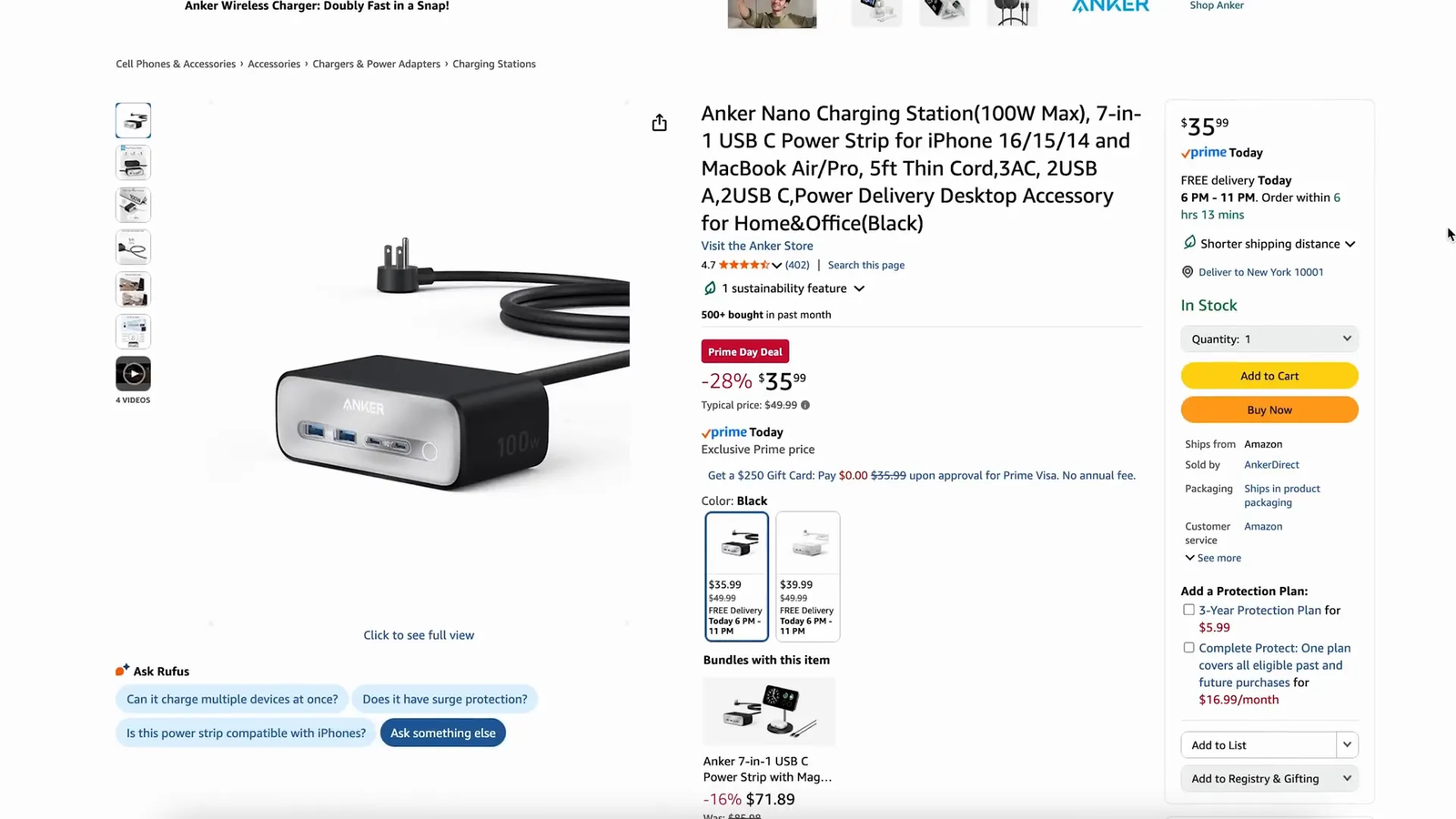
- 23. Anker Nano 7-in-1 Charging Station
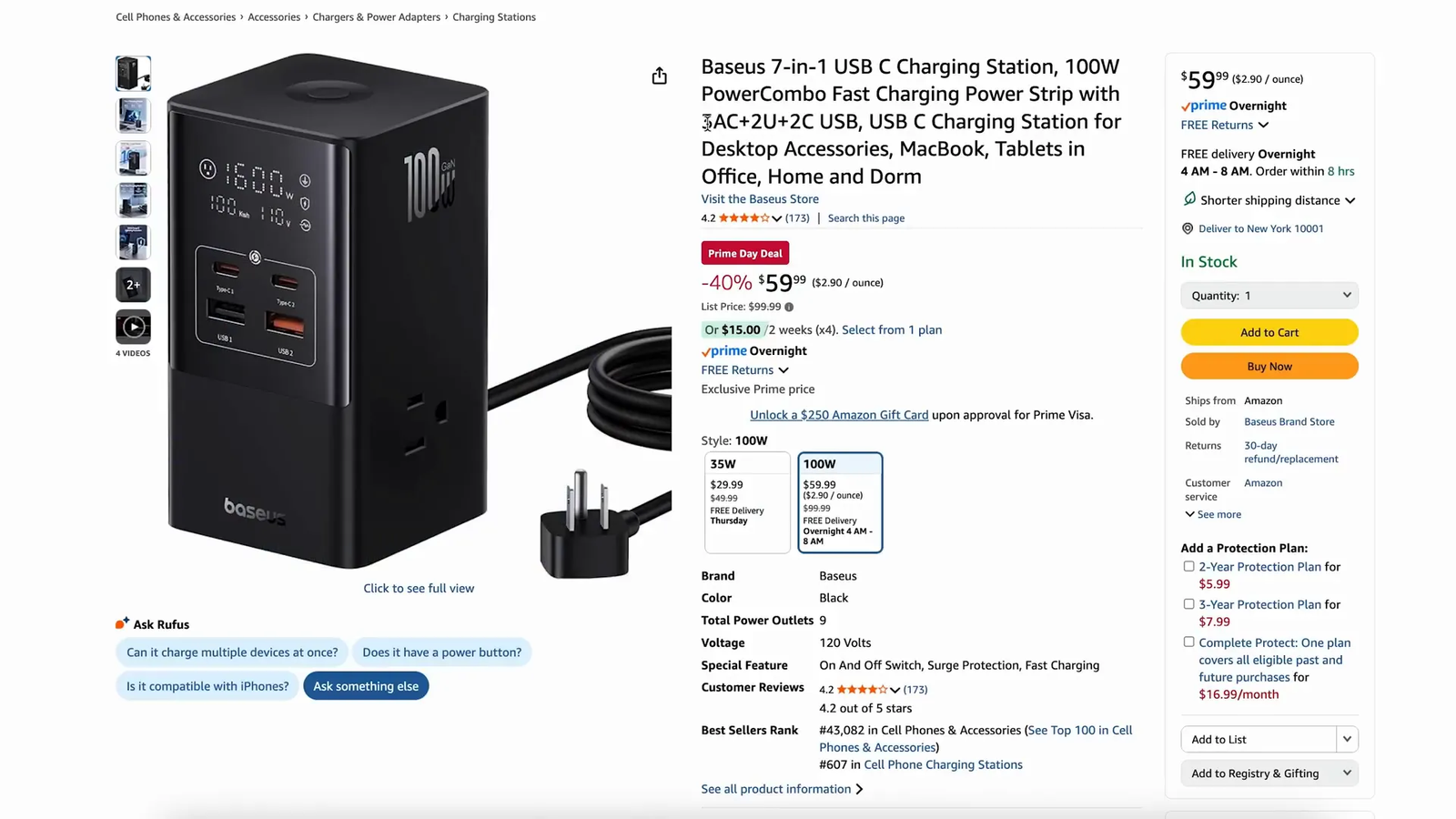
- 24. Baseus 7-in-1 Charging Station
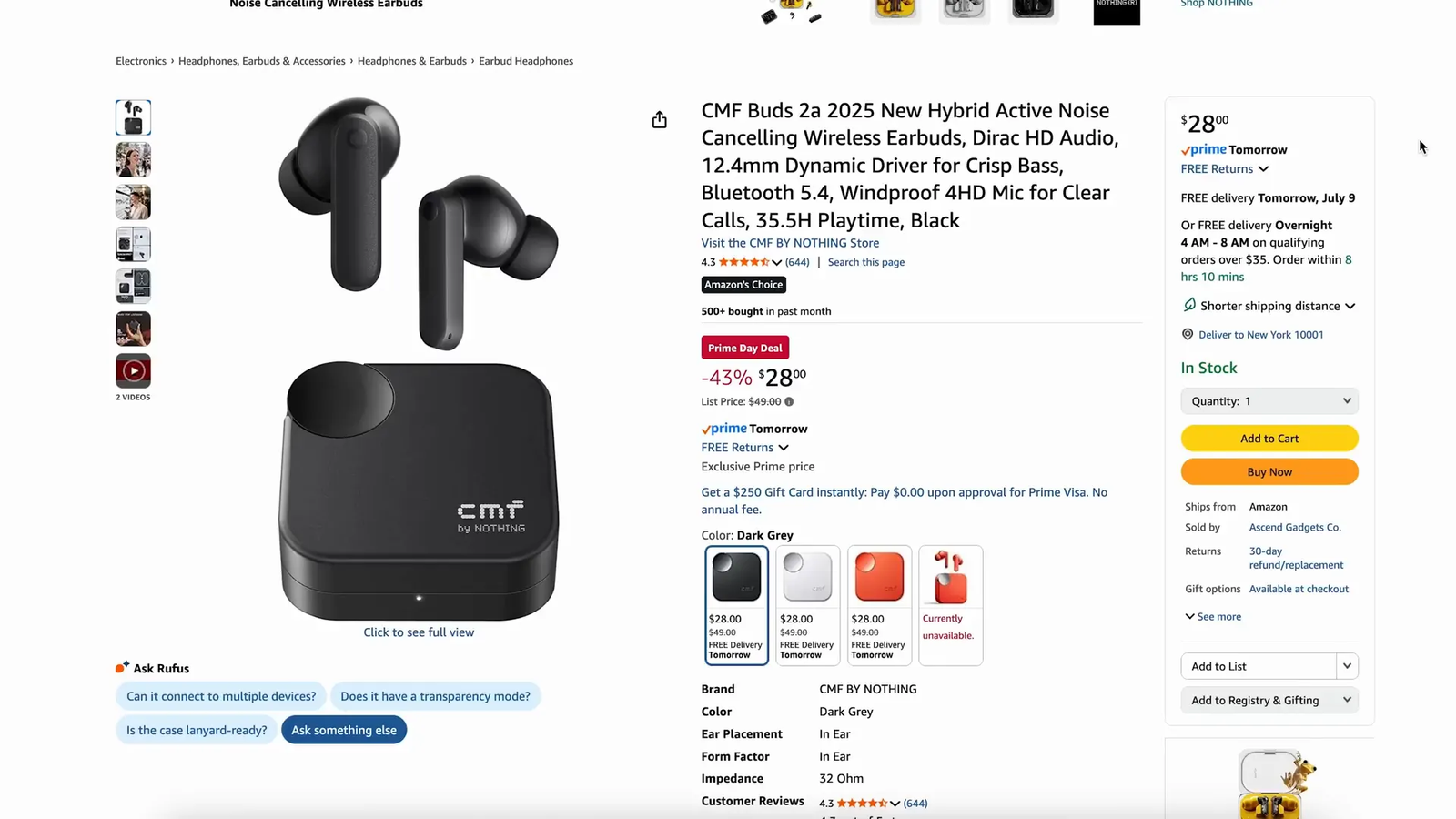
- 25. CMF Buds 2a Earbuds
- 26. iQUNIX EZ80 Keyboard
- 27. Blink Wireless Security Cameras
- 28. HOTO 48-in-1 Electronic Screwdriver Kit
- How to Choose the Right Tech and Gaming Deal
- FAQ
- Final Recommendation
How to Choose the Right Tech and Gaming Deal
Before you click buy, match the product to the problem you are trying to solve. A faster keyboard will not fix a weak internet connection, and a premium CPU will not help much if your graphics card, cooling, or motherboard is the real limit.
- For gaming: prioritize your mouse shape, keyboard layout, headset comfort, and PC compatibility.
- For content creation: look for gear that saves time, improves audio or camera presence, or simplifies repeatable tasks.
- For storage: confirm capacity, port type, motherboard support, heatsink needs, and real-world use case.
- For smart home: check subscriptions, app support, Wi-Fi range, power needs, and privacy settings.
- For chargers and tools: check wattage limits, cable requirements, accessories, and safety instructions.
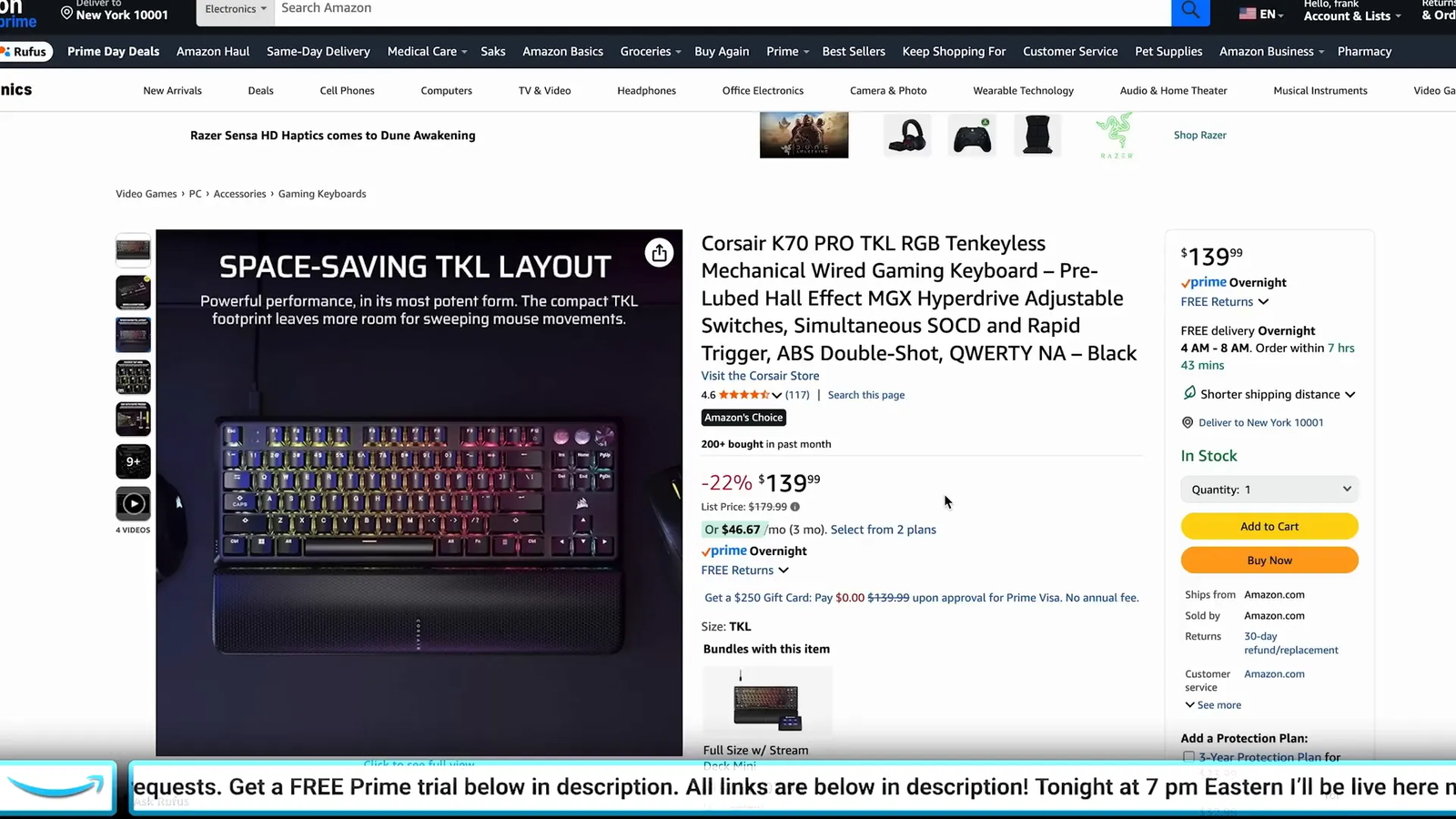
1. Corsair K70 Pro TKL: Best Hall Effect Gaming Keyboard
Best Hall Effect Keyboard: Competitive gamers who want adjustable actuation in a desk-friendly TKL layout.
The K70 Pro TKL is built for fast inputs and a cleaner gaming setup. Its Hall effect switches, rapid trigger features, and compact layout make it a strong fit if you play shooters, rhythm games, or any title where quick key resets matter.
Why You’ll Like It
- Hall effect key technology for adjustable actuation on supported keys
- 8,000 Hz polling support for very responsive input
- Tenkeyless layout to free up mouse space
- Internal dampening for a more controlled sound profile
Who Should Buy This
Competitive gamers who want adjustable actuation in a desk-friendly TKL layout.
Who Should Avoid This
Skip it if you need wireless connectivity or a full-size number pad.
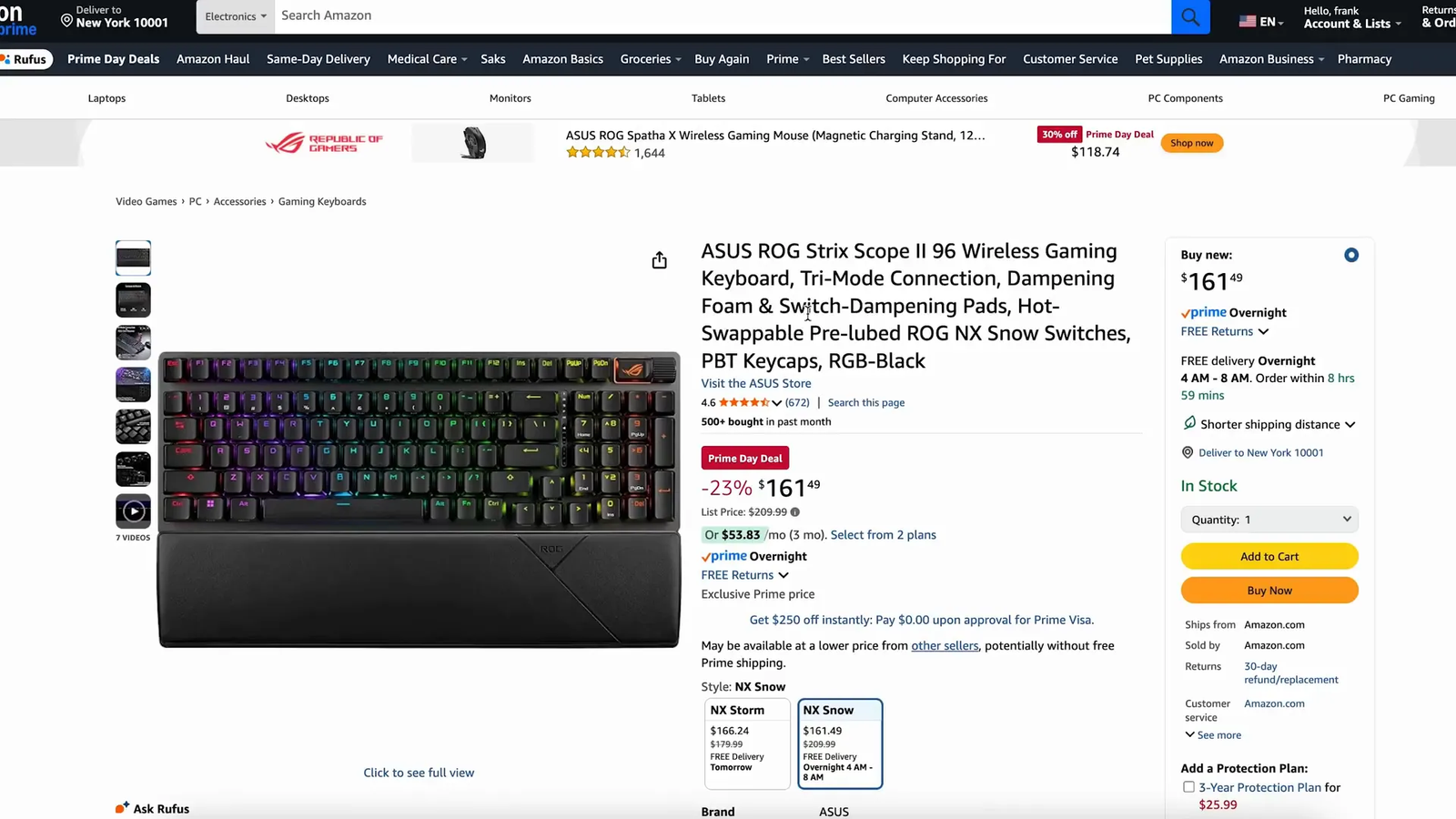
2. ASUS ROG Strix Scope II 96 Wireless: Best Compact Full-Size Keyboard
Best Wireless Keyboard: Gamers and productivity users who want wireless flexibility without giving up important keys.
This 96% keyboard keeps the number pad and function row while taking less desk space than a traditional full-size board. It is a practical pick if you switch between work, gaming, and general typing.
Why You’ll Like It
- Tri-mode connection options for wired, 2.4 GHz, and Bluetooth use
- Pre-lubed ROG NX Snow switches in many configurations
- PBT keycaps and sound-dampening design
- Multifunction control for quick media or lighting changes
Who Should Buy This
Gamers and productivity users who want wireless flexibility without giving up important keys.
Who Should Avoid This
Skip it if you want a tiny 60% keyboard or a pure tournament-style board.
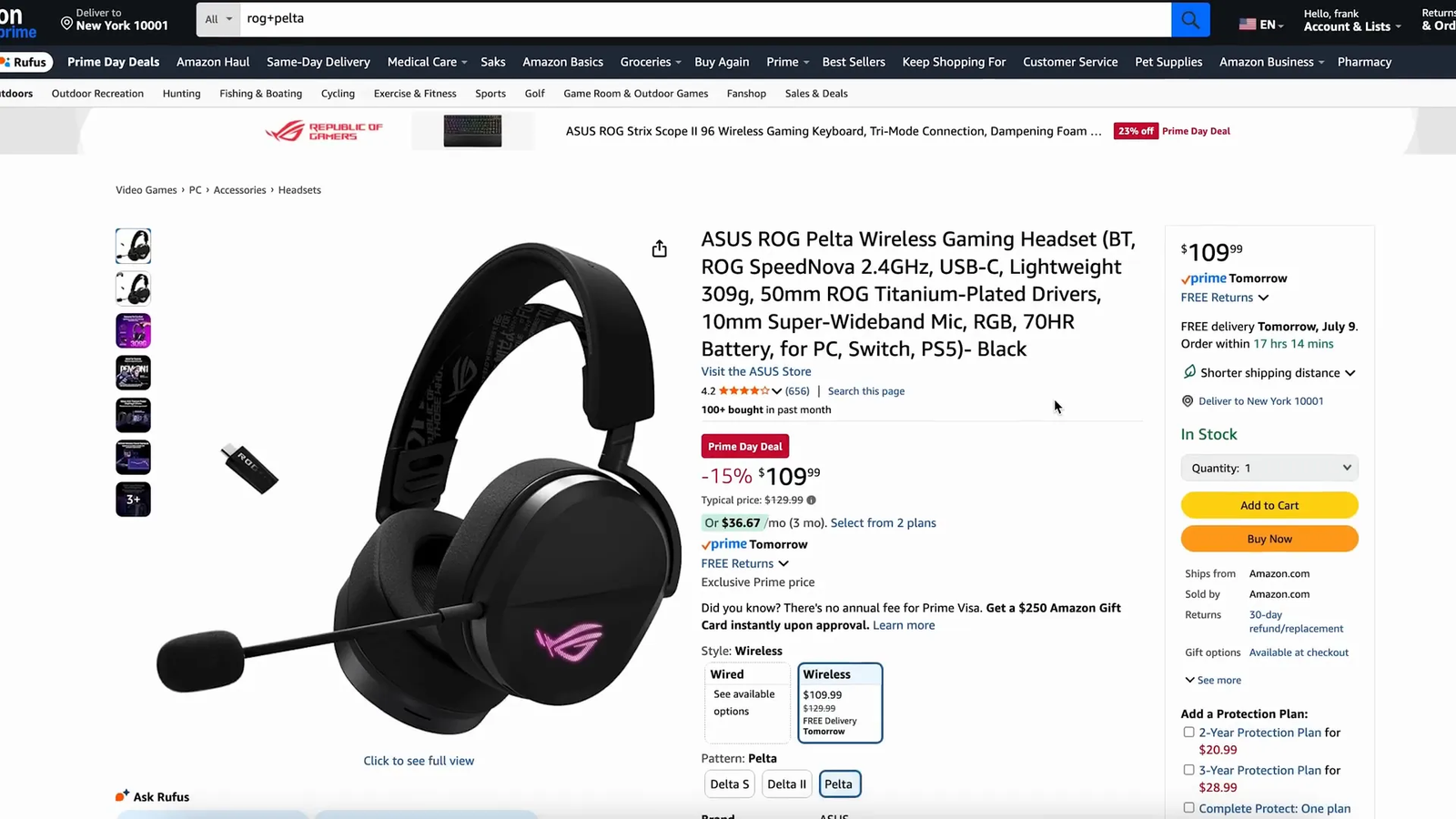
3. ASUS ROG Pelta Headset: Best Value Gaming Headset
Best Value Headset: Players who want one headset for PC, console, mobile, and casual listening.
The ROG Pelta gives you flexible wireless and wired options in a lightweight gaming headset. It is a good match if you want simple switching between game audio, voice chat, and everyday media.
Why You’ll Like It
- Bluetooth, 2.4 GHz wireless, and USB-C wired options
- Lightweight design for longer sessions
- Large drivers for fuller game audio
- Wideband microphone for clearer voice chat
Who Should Buy This
Players who want one headset for PC, console, mobile, and casual listening.
Who Should Avoid This
Skip it if you need a studio headphone or a headset with advanced mixer controls.
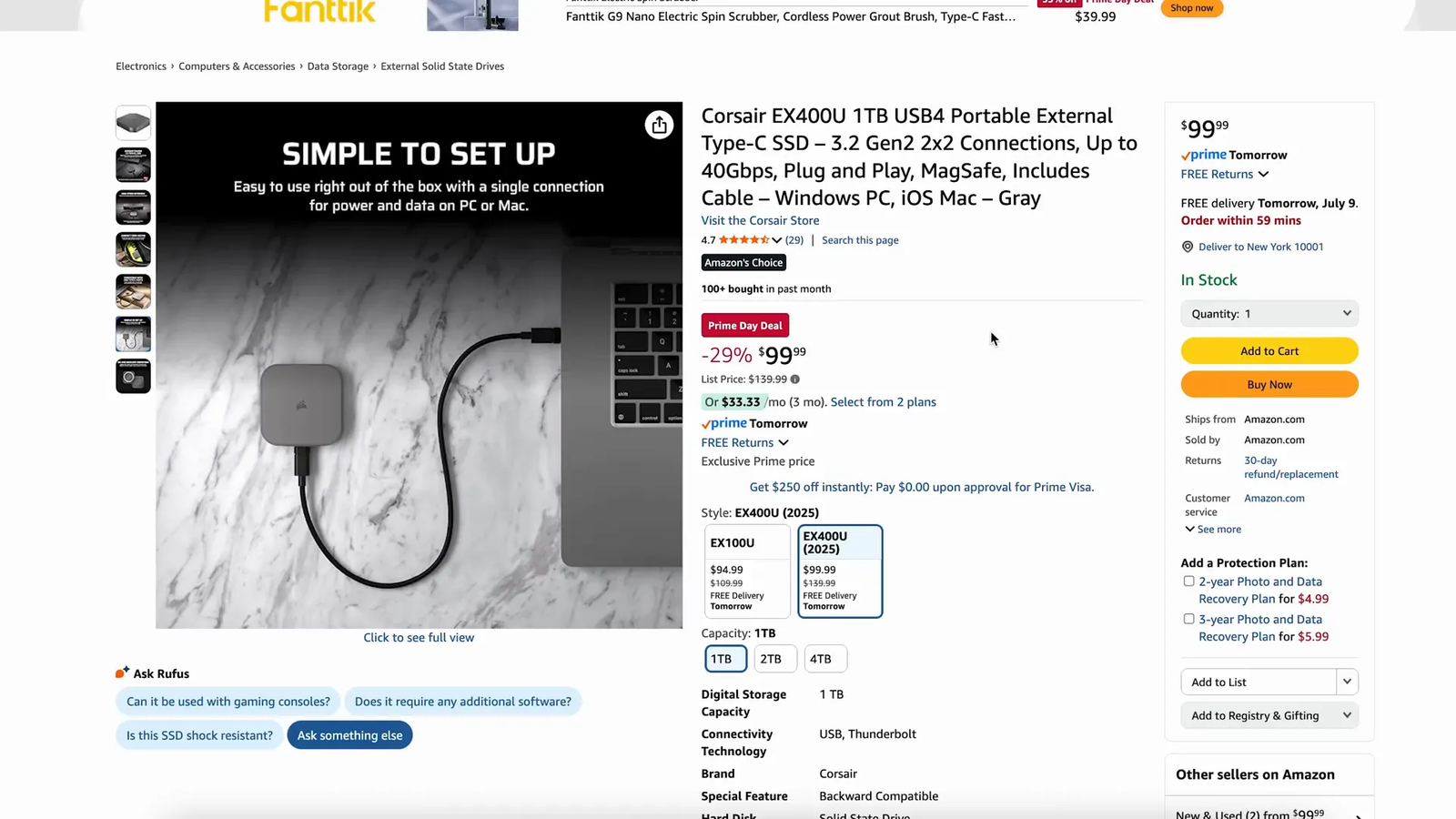
4. Corsair EX4000U External SSD: Best Portable Storage Upgrade
Best Portable SSD: Creators, students, and travelers who move large photos, videos, or project files.
The EX4000U is designed for fast external storage in a compact body. It is especially useful if you need a drive that can move between a phone, tablet, laptop, and desktop setup.
Why You’ll Like It
- Fast external SSD performance for large media files
- Compact design for travel and desk use
- Available in multiple capacity options
- Useful for backups, video projects, and file transfers
Who Should Buy This
Creators, students, and travelers who move large photos, videos, or project files.
Who Should Avoid This
Check your device ports before buying, since top speeds depend on compatible hardware and cables.
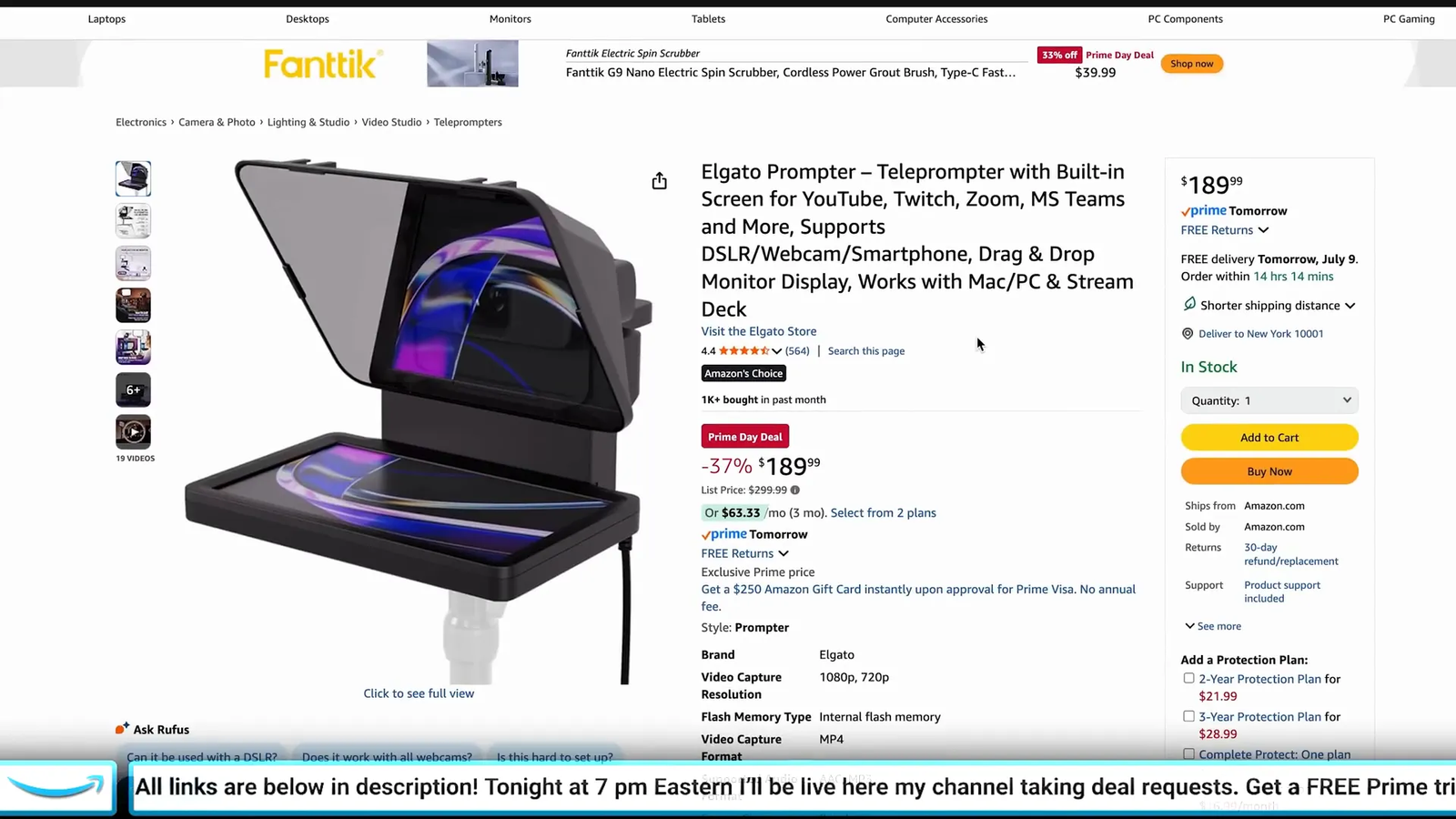
5. Elgato Prompter: Best Creator Upgrade for Camera Eye Contact
Best Creator Tool: Streamers, presenters, YouTubers, teachers, and remote workers who speak on camera.
The Elgato Prompter helps you read notes, scripts, chat, or meeting prompts while looking closer to the camera. That can make videos and calls feel more natural without using a separate tablet as a teleprompter.
Why You’ll Like It
- Built-in display instead of relying on a phone or tablet
- Works with many webcams, mirrorless cameras, and DSLR-style setups
- Useful for scripts, livestream chat, notes, and video calls
- Fits well into the broader Elgato creator ecosystem
Who Should Buy This
Streamers, presenters, YouTubers, teachers, and remote workers who speak on camera.
Who Should Avoid This
Skip it if your videos are casual and you do not need scripted delivery or better camera eye line.
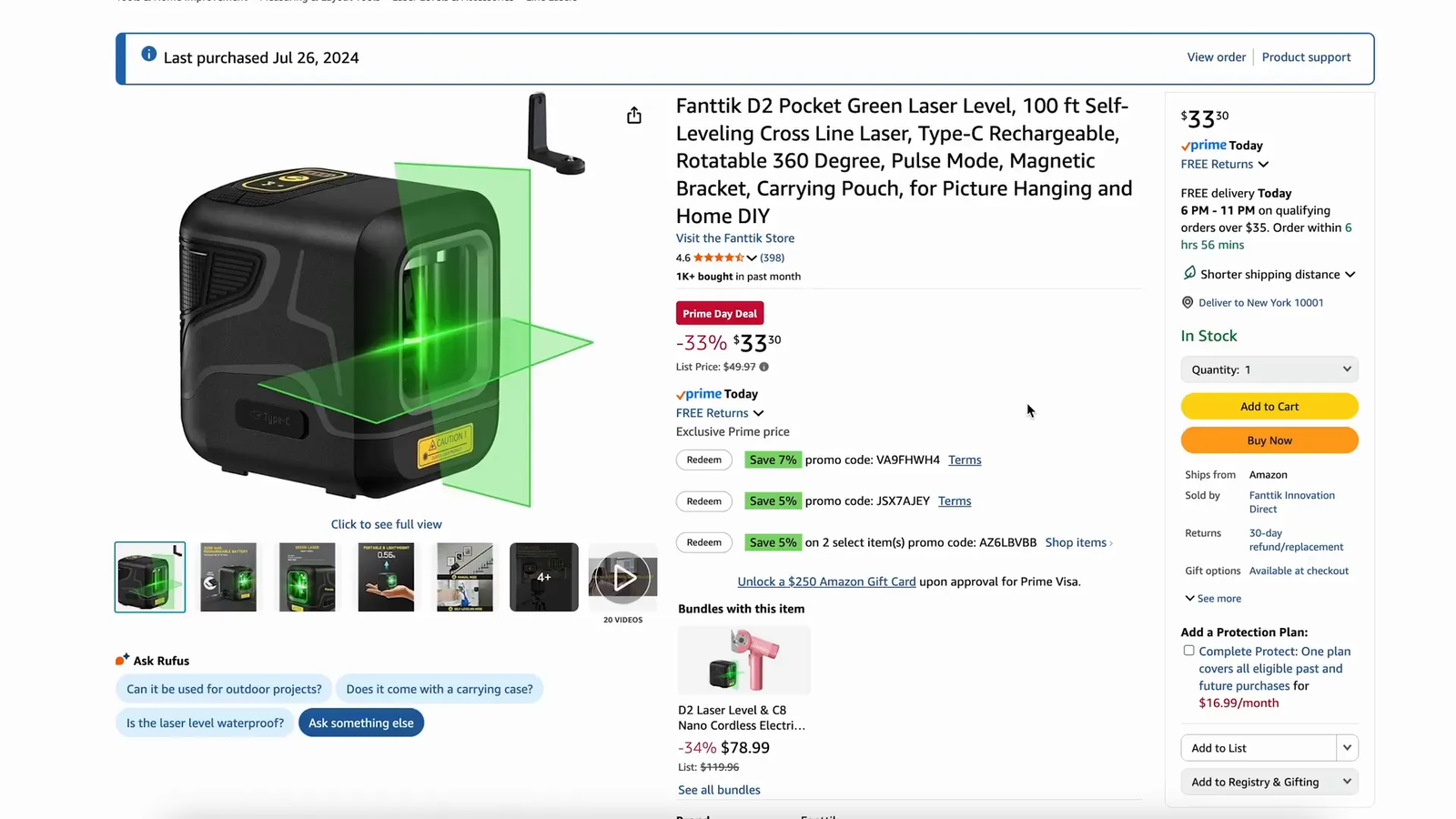
6. Fantech D2 Laser Level: Best DIY Setup Tool
Best DIY Gadget: Home users who hang shelves, frames, panels, lights, or desk accessories.
A compact laser level solves a common problem: keeping projects straight without repeated measuring and guessing. It is a practical add-on for anyone setting up a gaming room, office, or smart-home space.
Why You’ll Like It
- Self-leveling line support for easier alignment
- Compact body for small home projects
- Useful for shelves, pictures, mounts, and wall layouts
- Simple tool for improving setup accuracy
Who Should Buy This
Home users who hang shelves, frames, panels, lights, or desk accessories.
Who Should Avoid This
Check the listing details if you need professional construction-grade range, outdoor visibility, or tripod accessories.
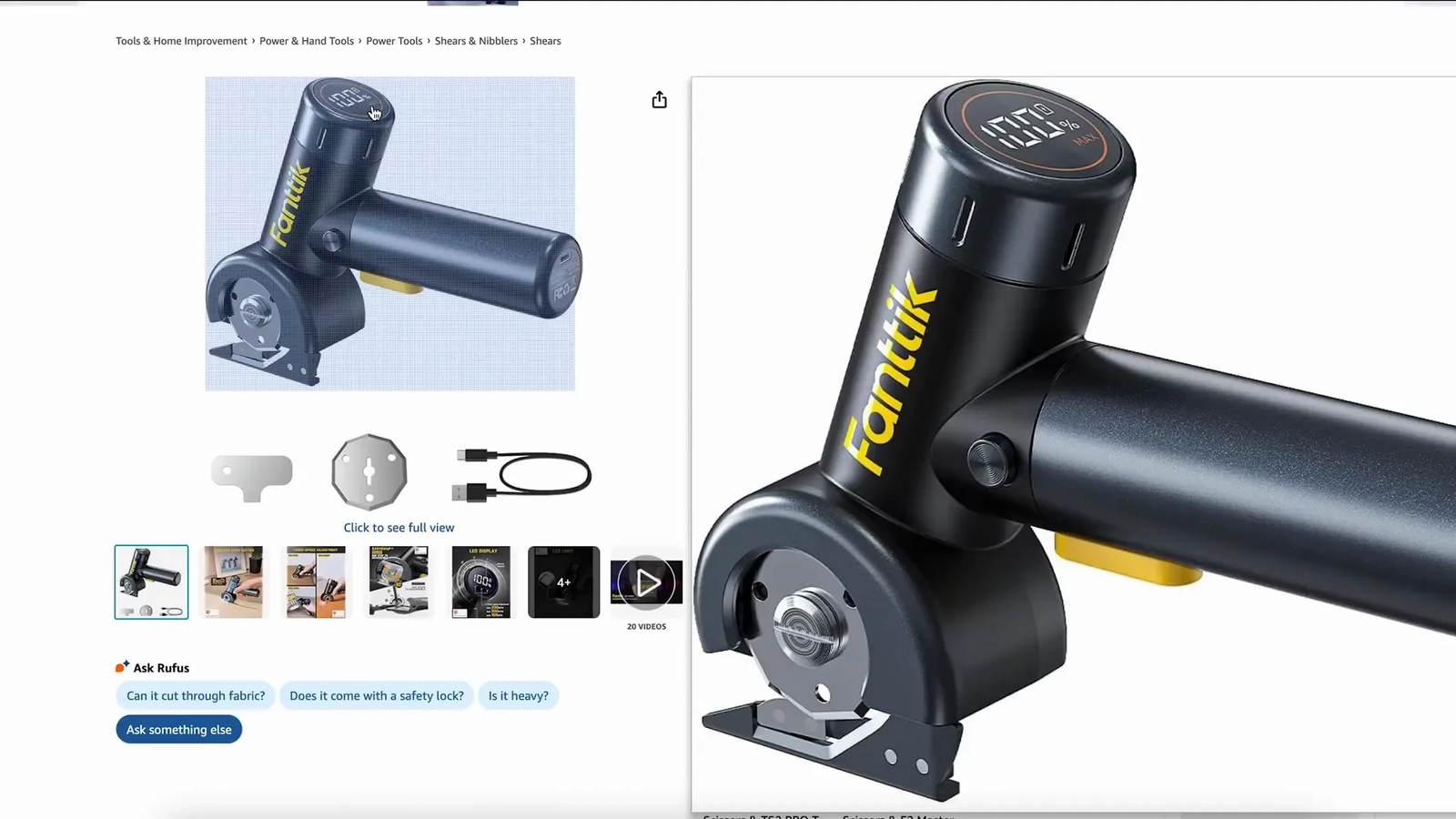
7. Fantiik C8 Nano Electric Scissors: Best Package-Opening Gadget
Best Everyday Gadget: People who open lots of boxes, cut packaging, or handle light craft materials.
Electric scissors are not a gaming product, but they fit this article as a useful tech gadget. They can make repeated cutting easier on your hands when you are breaking down boxes, packaging, or craft materials.
Why You’ll Like It
- Cordless design for quick use around the house
- LED display for status information
- Helpful for cardboard, paper, plastic packaging, and light materials
- Compact tool for delivery-heavy households
Who Should Buy This
People who open lots of boxes, cut packaging, or handle light craft materials.
Who Should Avoid This
Do not treat it as a heavy-duty cutting tool for thick, hard, or unsafe materials.
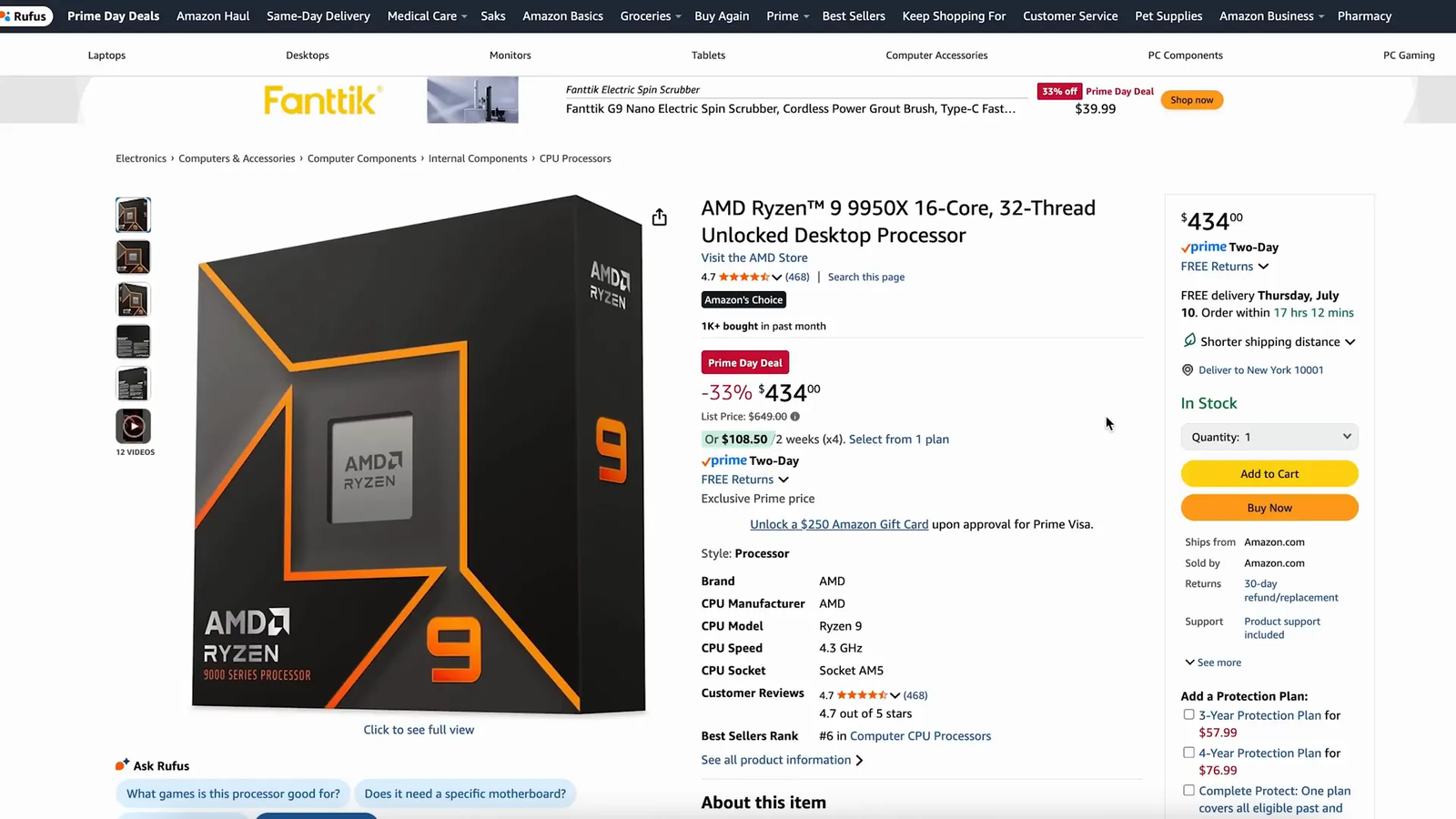
8. AMD Ryzen 9 9950X CPU: Best High-End Desktop Processor Pick
Best High-End CPU: PC builders who need strong multi-core power for gaming, streaming, rendering, and creative work.
The Ryzen 9 9950X is a high-end desktop CPU for users who want serious processing headroom. It makes the most sense in a premium AM5 build with strong cooling and a balanced graphics card.
Why You’ll Like It
- 16-core, 32-thread class performance for heavy workloads
- Strong fit for multitasking, rendering, editing, and streaming
- Modern AM5 platform support
- Better suited to high-end builds than basic gaming PCs
Who Should Buy This
PC builders who need strong multi-core power for gaming, streaming, rendering, and creative work.
Who Should Avoid This
Skip it if you mostly play games and want the best value; a lower-core CPU may be enough.
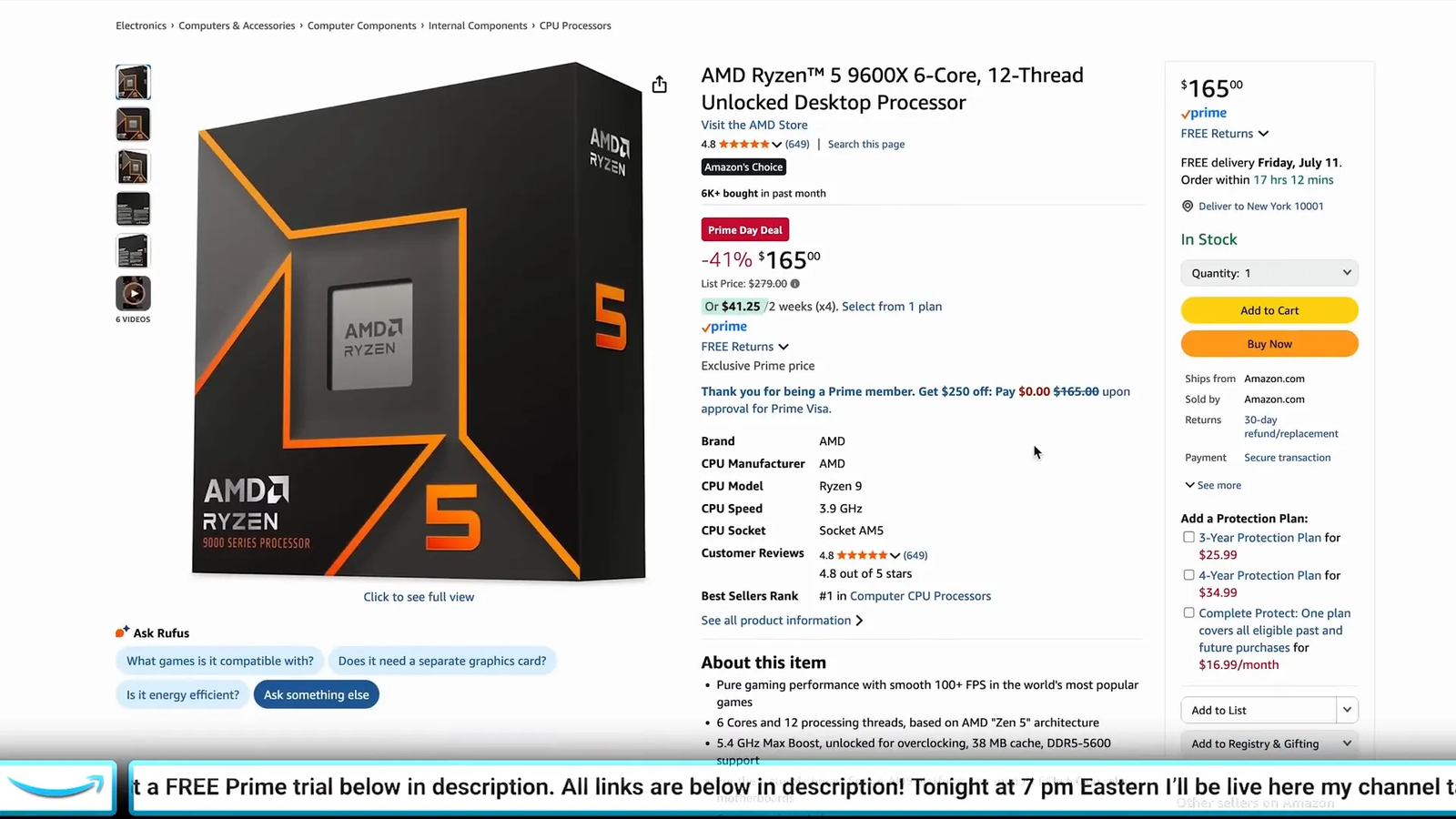
9. AMD Ryzen 5 9600X CPU: Best Midrange Gaming CPU
Best Midrange CPU: Gamers building a modern AM5 system without paying for high-end core counts.
The Ryzen 5 9600X is a sensible midrange CPU for many gaming builds. It gives you modern platform support and strong everyday performance without pushing into premium CPU pricing.
Why You’ll Like It
- 6-core, 12-thread design for gaming and daily work
- Modern Zen 5 desktop platform
- Good fit for balanced gaming PCs
- Works best when paired with the right motherboard, memory, and cooler
Who Should Buy This
Gamers building a modern AM5 system without paying for high-end core counts.
Who Should Avoid This
Choose a higher-core CPU if you do frequent rendering, heavy streaming, or production workloads.
10. Apple AirPods Pro 2: Best Earbuds for Apple Users
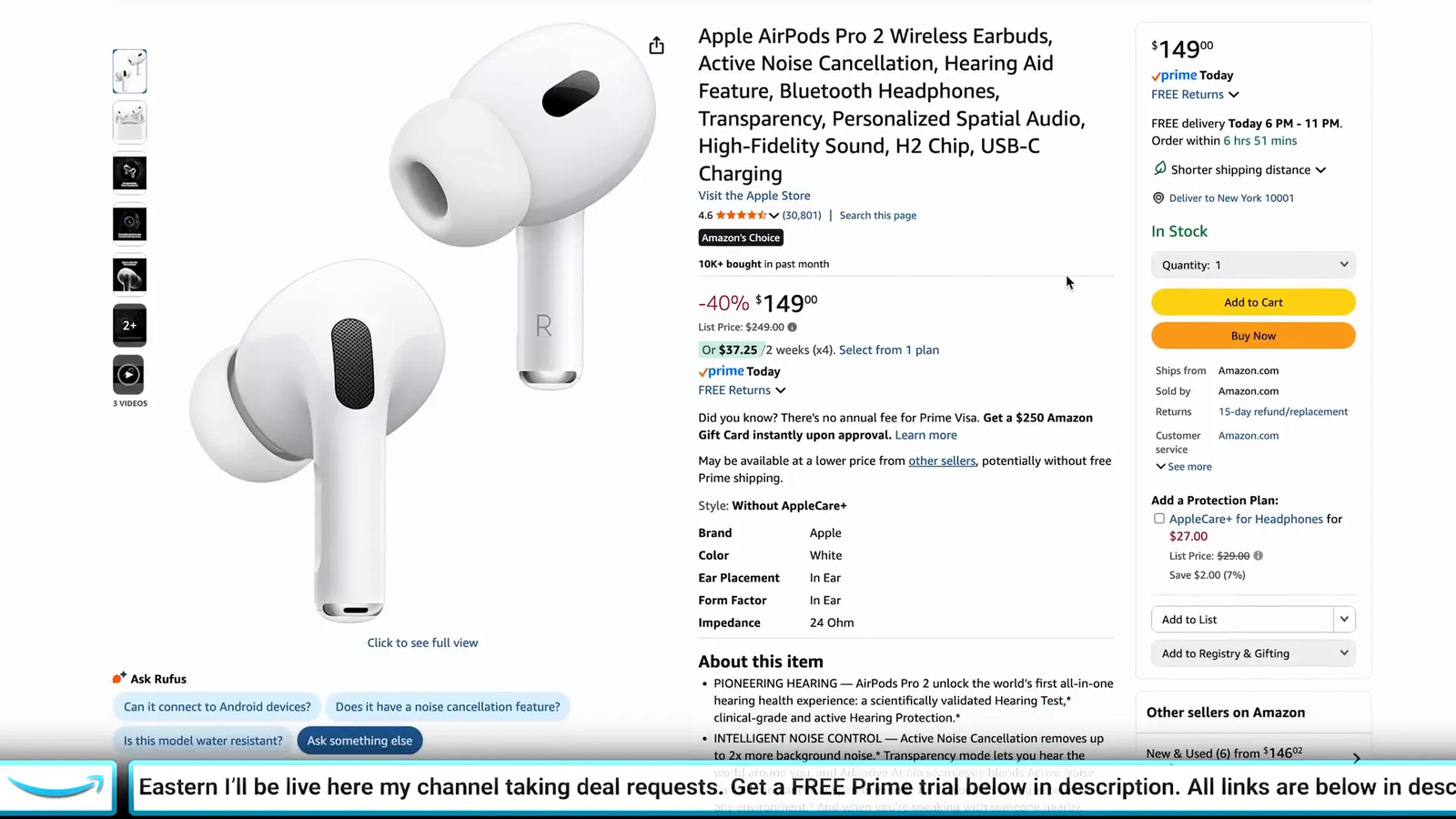
Best Apple Audio Pick: iPhone, iPad, and Mac users who want easy pairing, noise control, and pocketable audio.
AirPods Pro 2 are a strong fit if you live in the Apple ecosystem. They are easy to carry, simple to pair, and useful for music, calls, workouts, travel, and light gaming on Apple devices.
Why You’ll Like It
- Active noise cancellation and transparency mode
- Spatial audio support with compatible Apple devices
- Multiple ear tips for fit adjustment
- Compact charging case for everyday carry
Who Should Buy This
iPhone, iPad, and Mac users who want easy pairing, noise control, and pocketable audio.
Who Should Avoid This
Android users may prefer earbuds with a companion app and controls designed for their phone.
11. Elgato Stream Deck Mk.2: Best Workflow Control Pad
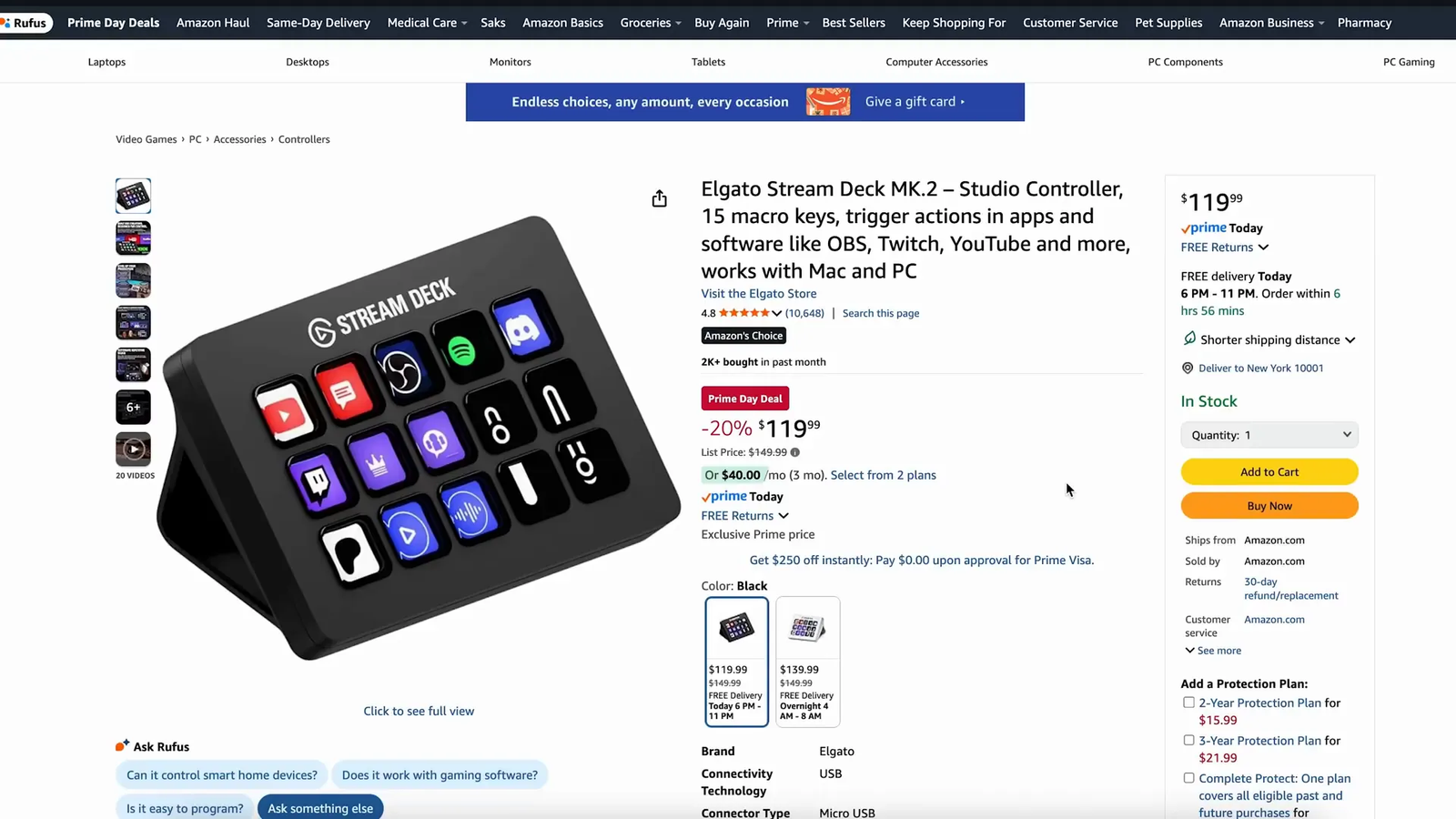
Best Productivity Gadget: Streamers, editors, podcasters, and desk setup fans who repeat the same actions often.
The Stream Deck Mk.2 turns shortcuts into physical buttons. It can help you launch apps, switch scenes, mute audio, trigger macros, control lights, or speed up repetitive work.
Why You’ll Like It
- 15 customizable LCD keys
- Drag-and-drop software setup
- Useful for streaming, editing, meetings, and productivity
- Compact footprint for most desks
Who Should Buy This
Streamers, editors, podcasters, and desk setup fans who repeat the same actions often.
Who Should Avoid This
Skip it if you do not use shortcuts, macros, streaming tools, or repeatable desk workflows.
12. Apple iPad Air 11-inch (2025): Best Tablet for Students and Creators
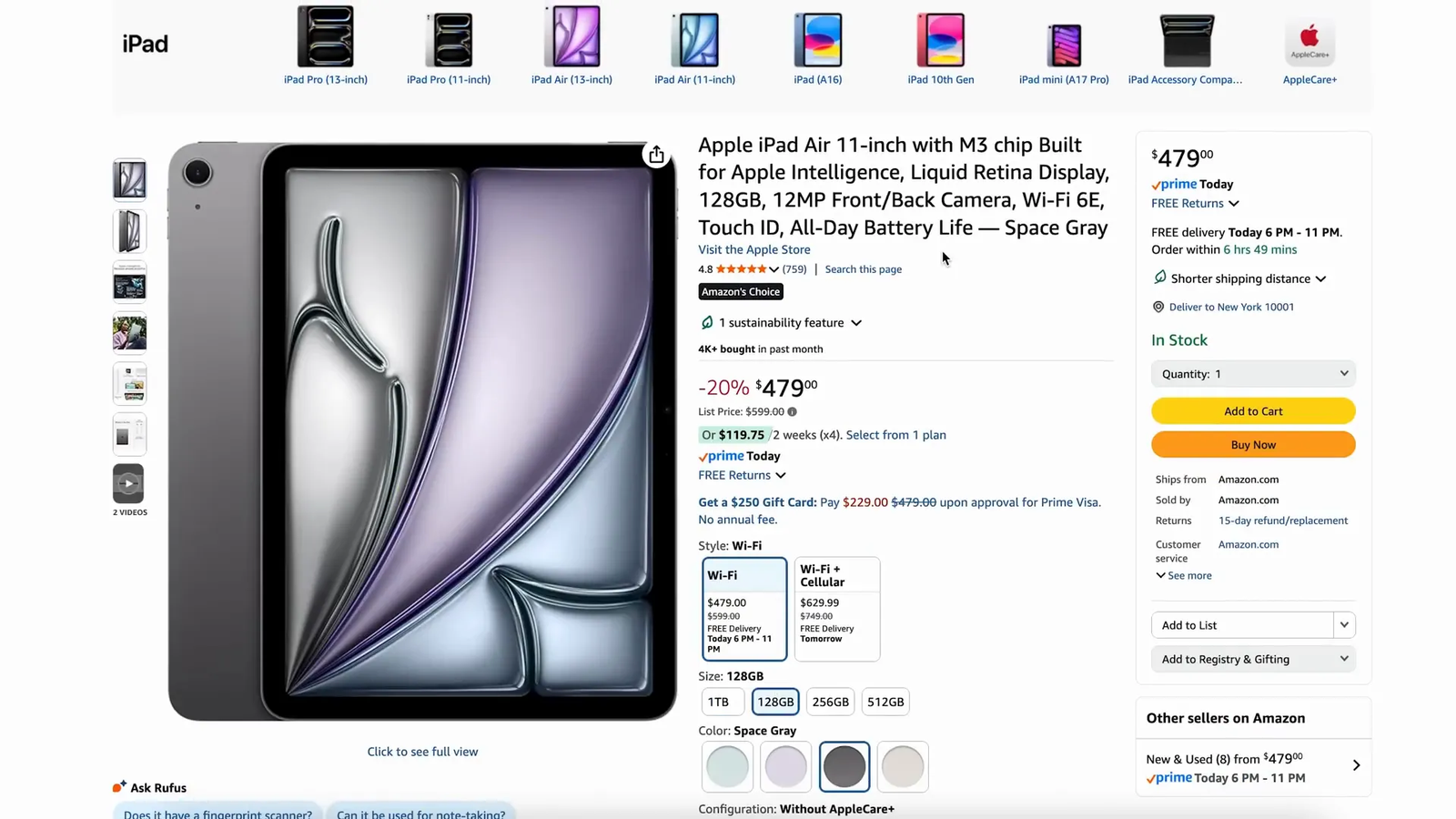
Best Tablet Pick: Students, note-takers, casual creators, and Apple users who want a powerful tablet.
The 11-inch iPad Air is a portable tablet for school, travel, streaming, sketching, and light productivity. It is easier to carry than a laptop and more capable than a basic media tablet.
Why You’ll Like It
- Apple M3 chip in the 2025 iPad Air model
- 11-inch portable display size
- Starts at 128GB storage on common configurations
- Works with supported Apple accessories
Who Should Buy This
Students, note-takers, casual creators, and Apple users who want a powerful tablet.
Who Should Avoid This
Skip it if you need desktop-class file management or a laptop replacement for demanding work.
13. Razer Viper V3 Hyperspeed: Best Budget Wireless Gaming Mouse
Best Budget Mouse: Gamers who want reliable wireless performance at a more accessible price point.
The Viper V3 Hyperspeed focuses on quick wireless input, a lightweight feel, and a simple gaming shape. It is a strong option if you want to cut the cable without paying for a flagship mouse.
Why You’ll Like It
- Razer HyperSpeed wireless connection
- Lightweight design for fast aim adjustments
- High-performance gaming sensor
- Simple shape for many grip styles
Who Should Buy This
Gamers who want reliable wireless performance at a more accessible price point.
Who Should Avoid This
Check size and battery preferences before buying, especially if you prefer rechargeable built-in batteries.

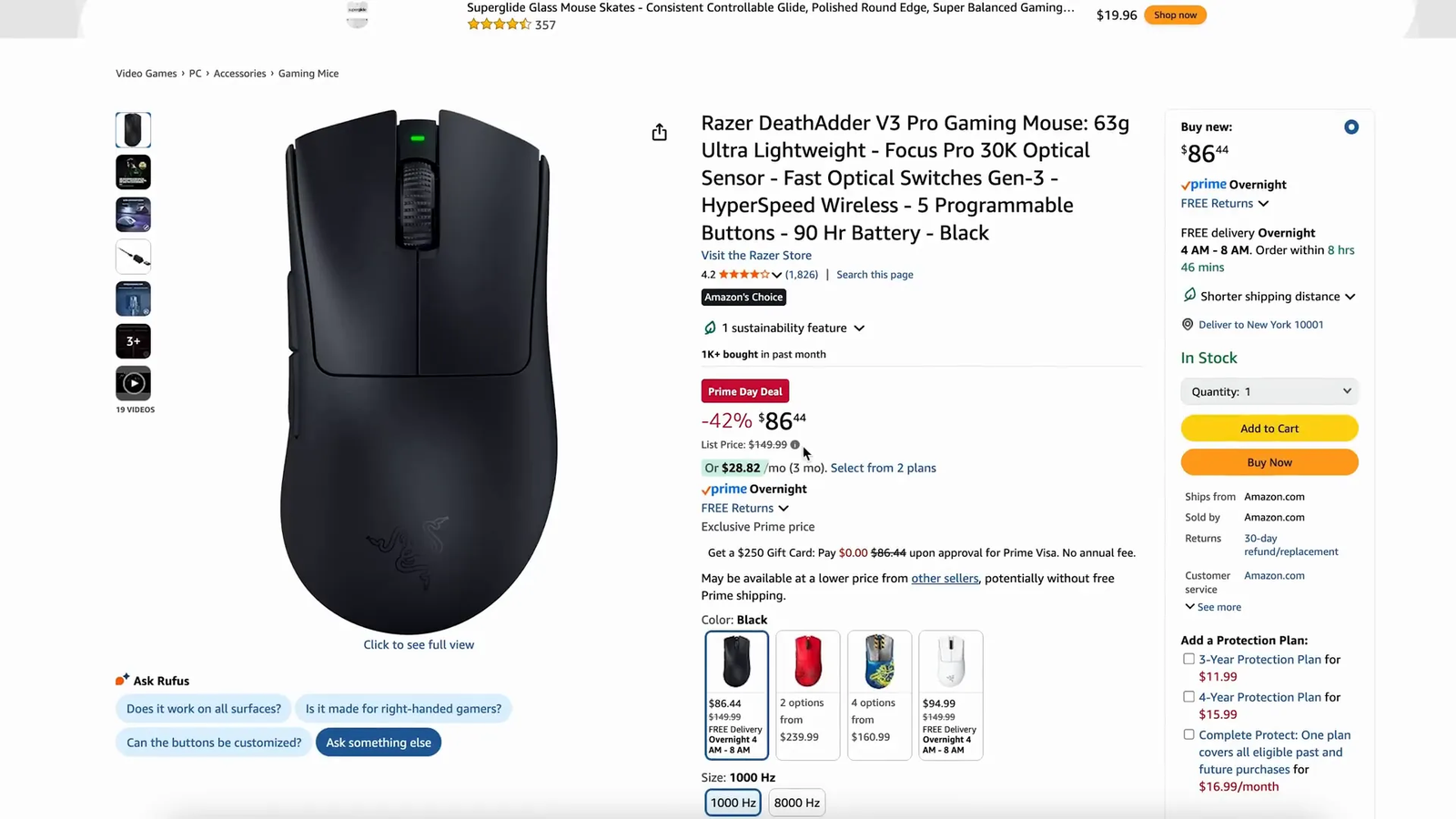
14. Razer DeathAdder V3 Pro: Best Ergonomic Gaming Mouse
Best Ergonomic Mouse: Right-handed gamers who prefer a supportive shape for longer sessions.
The DeathAdder V3 Pro is built around comfort and competitive performance. It is a better fit than a flat mouse if you like palm or relaxed claw grips.
Why You’ll Like It
- Ergonomic right-handed shape
- Very light build for an ergonomic mouse
- High-end sensor for accurate tracking
- Designed for low-latency wireless gaming
Who Should Buy This
Right-handed gamers who prefer a supportive shape for longer sessions.
Who Should Avoid This
Skip it if you need a left-handed mouse, lots of side buttons, or a compact shape.
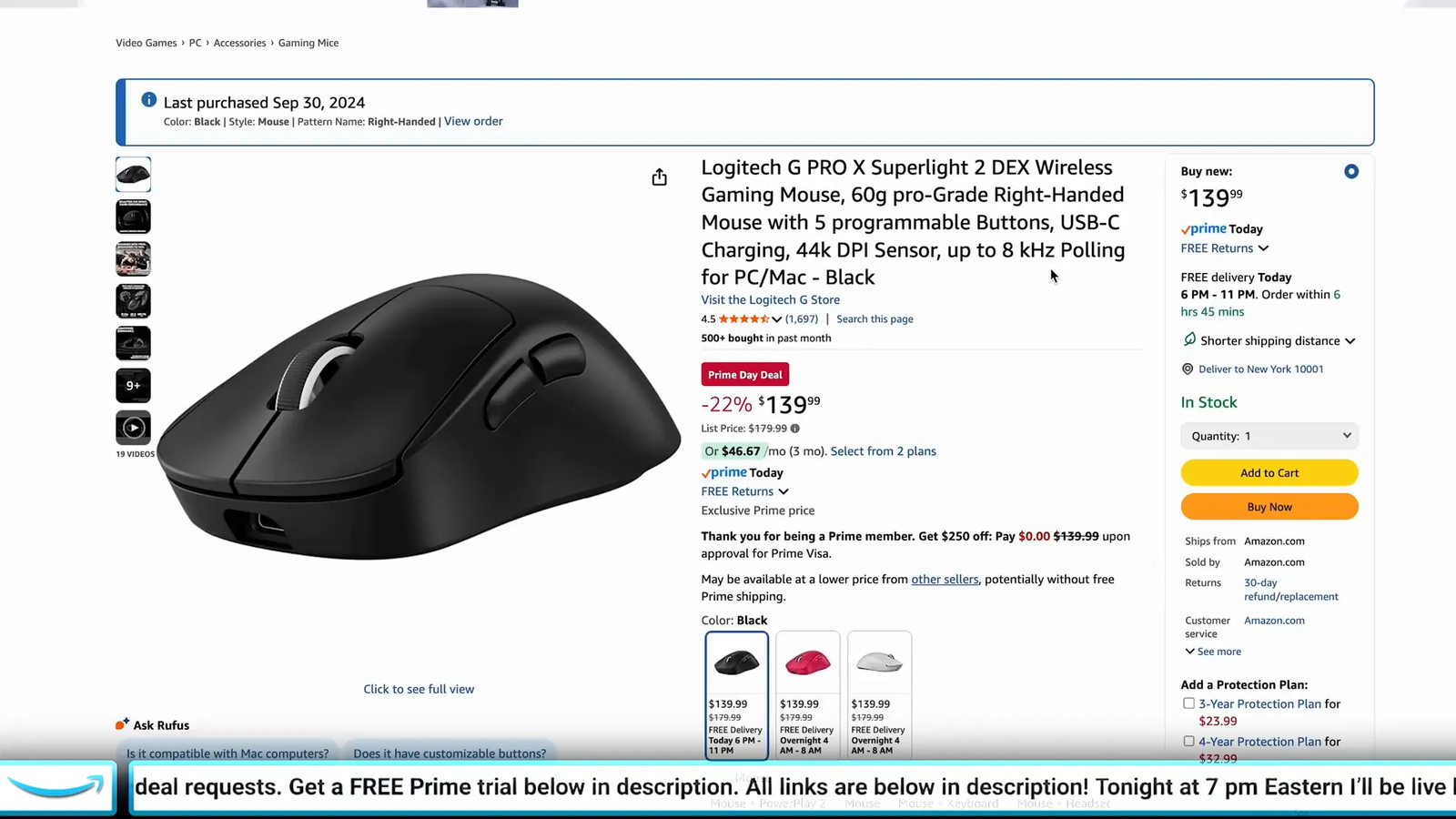
15. Logitech G Pro X Superlight 2 DEX: Best Lightweight Ergonomic Mouse
Best Lightweight Premium Mouse: Competitive players who want a light mouse with a right-handed ergonomic shape.
The Superlight 2 DEX aims to blend speed and comfort. It is a good match if you like Logitech’s competitive mouse platform but want a more hand-shaped design than a symmetrical mouse.
Why You’ll Like It
- Lightweight wireless design
- Ergonomic right-handed profile
- High-performance sensor platform
- Available in multiple colors on many listings
Who Should Buy This
Competitive players who want a light mouse with a right-handed ergonomic shape.
Who Should Avoid This
Skip it if you prefer heavier mice, many programmable buttons, or a lower-cost option.
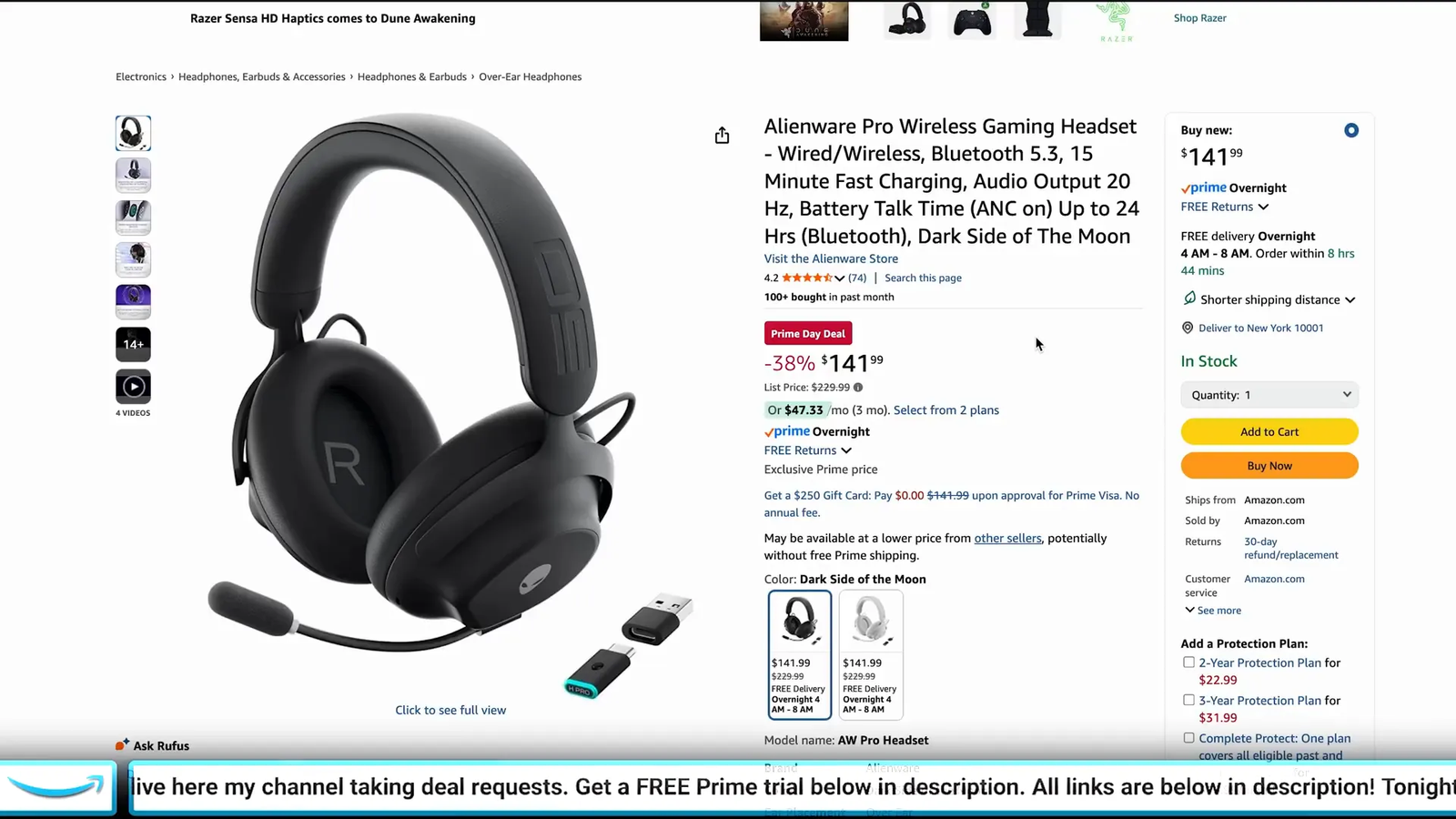
16. Alienware Pro Wireless Headset: Best Comfort-Focused Gaming Headset
Best Comfort Headset: Gamers who wear a headset for long sessions and care about comfort as much as sound.
The Alienware Pro Wireless is aimed at players who want a cleaner wireless setup and a comfortable fit. It is a good option if your current headset feels heavy or tiring during long sessions.
Why You’ll Like It
- Wireless connection for a cleaner desk setup
- Comfort-focused padding and fit
- Tuned for gaming, chat, and media use
- Simple choice for matching an Alienware or premium gaming setup
Who Should Buy This
Gamers who wear a headset for long sessions and care about comfort as much as sound.
Who Should Avoid This
Compare microphone samples and platform compatibility if voice quality is your top priority.
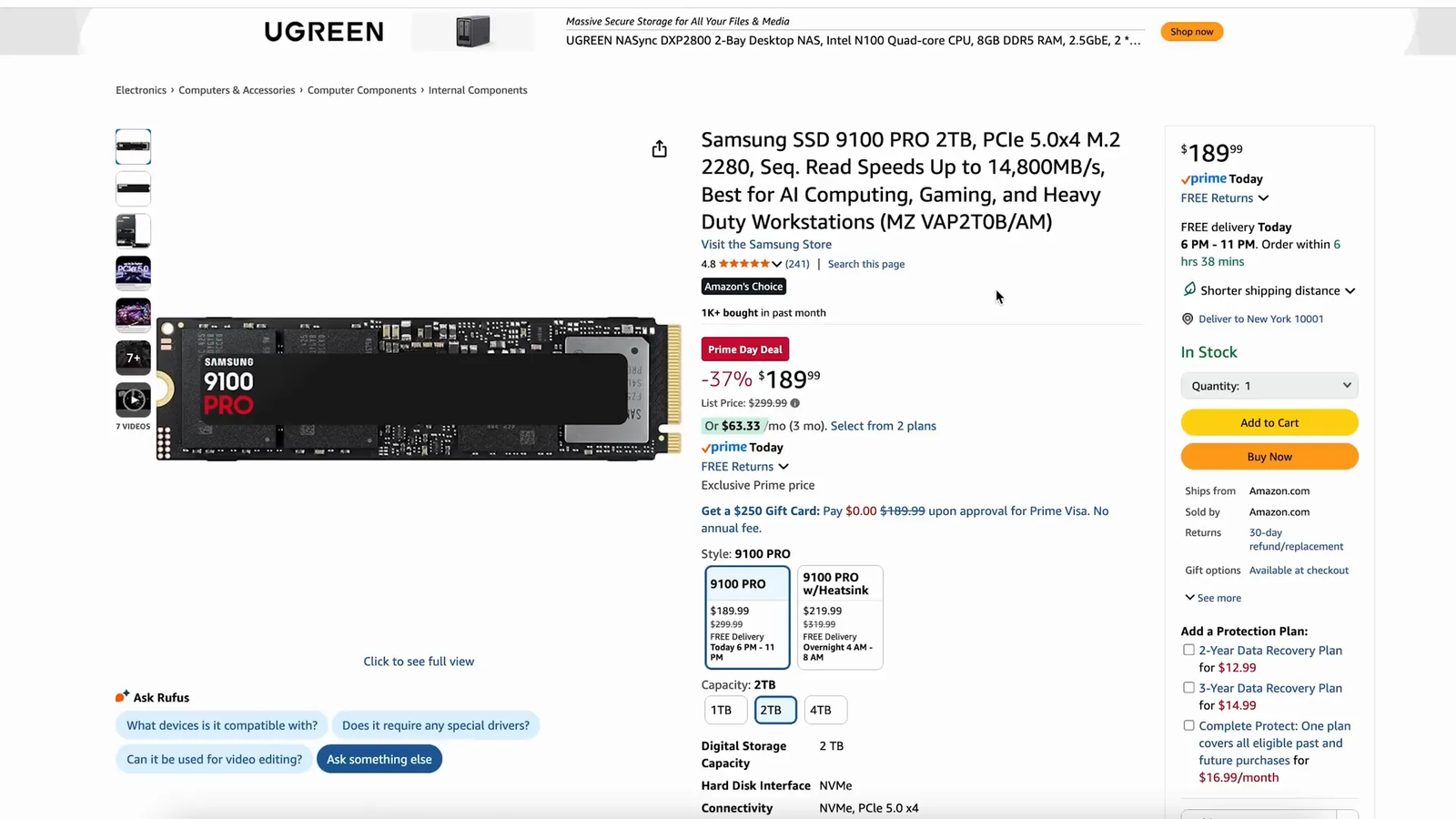
17. Samsung 2TB NVMe SSD 990 Pro: Best Internal SSD Upgrade
Best Internal SSD: PC and PS5 users who want fast PCIe 4.0 storage from a well-known SSD line.
The Samsung 990 Pro is a fast internal NVMe SSD for boot drives, game libraries, and creative projects. The key correction is that it is a PCIe 4.0 drive, not a near-15,000 MB/s PCIe 5.0 model.
Why You’ll Like It
- 2TB capacity for games, apps, and project files
- PCIe 4.0 NVMe performance class
- Useful as a boot drive or game library drive
- Also commonly found in other capacity options
Who Should Buy This
PC and PS5 users who want fast PCIe 4.0 storage from a well-known SSD line.
Who Should Avoid This
Check your motherboard, laptop, or console compatibility before buying, and choose a heatsink version if your setup needs one.
18. Aula WIN60 HE Keyboard: Best Budget Hall Effect Keyboard
Best Budget HE Keyboard: Gamers who want rapid trigger-style features in a compact keyboard.
The Aula WIN60 HE is a small Hall effect keyboard option for buyers who want gaming-focused switch features without a large board. It is best for users who already like compact layouts.
Why You’ll Like It
- Hall effect switch design for gaming-focused input control
- Compact 60% layout for more mouse room
- RGB lighting for a customized setup
- Dampened typing feel on many listings
Who Should Buy This
Gamers who want rapid trigger-style features in a compact keyboard.
Who Should Avoid This
Skip it if you rely on arrow keys, function keys, or a number pad every day.
19. Blink Video Doorbell: Best Budget Smart Doorbell
Best Smart Doorbell: Renters and homeowners who want a simple front-door camera option.
The Blink Video Doorbell is a smart-home pick that can help you monitor visitors and deliveries. It fits the broader tech-deals angle and is useful if you want a simple entry point into home security.
Why You’ll Like It
- Wireless-friendly setup options depending on configuration
- App-based visitor and motion alerts
- Available in common color options on many listings
- Can fit into a wider Blink camera setup
Who Should Buy This
Renters and homeowners who want a simple front-door camera option.
Who Should Avoid This
Check subscription, storage, chime, and power requirements before you buy.
20. Fifine AM8T Mic Bundle: Best Starter Streaming Mic Bundle
Best Starter Mic: New streamers, podcasters, and remote workers who want a full microphone setup.
The AM8T bundle gives you a more complete starting point than buying a microphone alone. It is useful if you need a desktop voice setup for streaming, gaming chat, podcasts, or calls.
Why You’ll Like It
- USB and XLR connectivity for flexible setups
- Boom arm included in the bundle shown in the article
- On-mic controls for gain and monitoring on many configurations
- RGB styling for gaming desks
Who Should Buy This
New streamers, podcasters, and remote workers who want a full microphone setup.
Who Should Avoid This
If you already own an audio interface and boom arm, a standalone mic may make more sense.
21. Fifine K688CT Mic Bundle: Best Clean-Look Microphone Bundle
Best Minimal Mic: Creators who want a less flashy microphone setup for work, podcasts, or streaming.
The K688CT bundle is a better fit if you want a simple, professional look instead of RGB. It gives beginners a practical way to improve voice quality without building a full studio setup first.
Why You’ll Like It
- USB and XLR connection options
- Built-in isolation mount on many configurations
- Gain and monitoring controls
- Clean black or white styling depending on listing
Who Should Buy This
Creators who want a less flashy microphone setup for work, podcasts, or streaming.
Who Should Avoid This
Check what stand, cable, and accessories are included before ordering, since bundles can vary.
22. Super Slim Wallet Tracker: Best Everyday Carry Tech
Best EDC Gadget: Apple users who want a thin tracker for a wallet, bag, or travel pouch.
A slim wallet tracker solves a simple daily problem: finding the wallet you just misplaced. It is a smart small gift and a useful carry item if you already use Apple’s Find My network.
Why You’ll Like It
- Credit-card style shape for wallets
- Designed to add little bulk
- Apple Find My compatibility according to the source listing
- Long battery-life claim should be confirmed on the current product page
Who Should Buy This
Apple users who want a thin tracker for a wallet, bag, or travel pouch.
Who Should Avoid This
Android users should choose a tracker built for their own phone ecosystem.
23. Anker Nano 7-in-1 Charging Station: Best Compact Desk Charger
Best Desk Charger: Desk setups with a laptop, phone, earbuds, tablet, lamp, or other small devices.
The Anker Nano 7-in-1 helps reduce cable clutter by combining USB charging and AC outlets in one compact station. It is useful for dorms, home offices, and gaming desks.
Why You’ll Like It
- Multiple USB-C and USB-A ports
- Three AC outlets on the back
- Up to 100W USB-C power output on supported configurations
- Compact black or white design on many listings
Who Should Buy This
Desk setups with a laptop, phone, earbuds, tablet, lamp, or other small devices.
Who Should Avoid This
Check total output rules, plug spacing, and surge-protection needs before buying.
24. Baseus 7-in-1 Charging Station: Best Charger With Power Display
Best Power Display Charger: Users who like seeing real-time charging information at the desk.
The Baseus 7-in-1 has a similar desk-friendly role to the Anker option, but the display and touch control make it more appealing if you want more visibility over your charging setup.
Why You’ll Like It
- Multiple AC outlets, USB-A ports, and USB-C ports
- Real-time wattage or power display on supported configurations
- Touch control for power management
- Up to 100W USB-C charging on compatible devices
Who Should Buy This
Users who like seeing real-time charging information at the desk.
Who Should Avoid This
Choose a simpler charger if you do not care about a display or touch controls.
25. CMF Buds 2a Earbuds: Best Budget ANC Earbuds
Best Budget ANC Earbuds: Buyers who want active noise cancellation without paying for premium earbuds.
The CMF Buds 2a are a budget-friendly audio option for commuting, workouts, calls, and casual listening. They are best if you want ANC and a simple wireless-earbud experience at a lower cost.
Why You’ll Like It
- Active noise cancellation support
- Compact charging case
- Color options often include neutral and brighter finishes
- Good fit for casual daily audio
Who Should Buy This
Buyers who want active noise cancellation without paying for premium earbuds.
Who Should Avoid This
Premium earbuds may offer stronger ANC, better microphones, or more app features.
26. iQUNIX EZ80 Keyboard: Best Premium Hall Effect Keyboard Alternative
Best Premium HE Keyboard: Keyboard enthusiasts who want a fast Hall effect board with a larger layout than 60%.
The iQUNIX EZ80 is aimed at users who want speed, adjustability, and a more complete layout than tiny gaming boards. It is worth comparing if Hall effect performance is your top keyboard priority.
Why You’ll Like It
- Hall effect switch design with rapid-trigger-style tuning
- 80% layout for a balance of size and function
- Fast polling and low-latency focus on many listings
- Premium build direction compared with basic budget boards
Who Should Buy This
Keyboard enthusiasts who want a fast Hall effect board with a larger layout than 60%.
Who Should Avoid This
Skip it if you only need a simple office keyboard or do not want to tune actuation settings.
27. Blink Wireless Security Cameras: Best Multi-Camera Smart-Home Pick
Best Smart-Home Kit: Homes that need more than one camera around doors, yards, garages, or indoor spaces.
A multi-camera Blink kit can be a simple way to expand home monitoring. It belongs in this roundup as a smart-home tech pick for readers who want practical household upgrades, not only gaming gear.
Why You’ll Like It
- Multiple cameras for wider property coverage
- Outdoor and indoor camera options depending on bundle
- App control for alerts and viewing
- Useful for deliveries, entrances, and general monitoring
Who Should Buy This
Homes that need more than one camera around doors, yards, garages, or indoor spaces.
Who Should Avoid This
Review subscription, local storage, Wi-Fi coverage, and battery requirements before you buy.

28. HOTO 48-in-1 Electronic Screwdriver Kit: Best Repair Desk Tool
Best Repair Tool: PC builders, keyboard modders, gadget repair fans, and DIY electronics users.
The HOTO 48-in-1 kit gives you a compact set of bits and an electric screwdriver for small electronics work. It is a helpful companion for PC upgrades, keyboard projects, controller repairs, and everyday fixes.
Why You’ll Like It
- 48-bit style kit for many small electronics fasteners
- Magnetic bits for easier handling
- Compact storage design
- Useful for phones, laptops, watches, keyboards, and small devices
Who Should Buy This
PC builders, keyboard modders, gadget repair fans, and DIY electronics users.
Who Should Avoid This
Use a manual precision driver for delicate screws where too much torque could cause damage.
Related Guides
FAQ
Should I buy tech during Prime Day or wait?
Buy only when the product fits your needs and the current listing makes sense for your budget. Sale labels can change quickly, so compare the current price, included accessories, warranty details, and competing models before ordering.
How do I know if a PC part is compatible with my build?
Check the motherboard socket, chipset support, BIOS requirements, RAM type, power supply capacity, case clearance, and cooling needs. For SSDs, confirm the M.2 size, PCIe generation, and heatsink requirements.
Are Hall effect keyboards worth it for everyone?
Not for everyone. They are most useful for competitive players who benefit from adjustable actuation and rapid trigger behavior. For normal typing, schoolwork, or office use, a good traditional mechanical keyboard may be enough.
What should I check before buying a smart-home camera or doorbell?
Check Wi-Fi coverage, power source, local storage options, subscription requirements, mobile app support, privacy settings, and whether the device works with your existing smart-home ecosystem.
Are Amazon short links safe to use in an affiliate article?
They can be used, but the article should keep clear affiliate disclosure and safe link attributes. Readers should still confirm the current Amazon listing, seller, return policy, and product details before buying.
Final Recommendation
If you are upgrading a gaming setup, start with the keyboard, mouse, headset, SSD, or CPU that solves your biggest bottleneck. If you are improving a work or creator desk, the Elgato, Fifine, Anker, Baseus, and HOTO picks may deliver more daily value. The best choice is the product you will use often, not the one with the loudest sale label.
Check the current Amazon listing for each product before you buy, especially for bundle contents, compatibility, warranty details, and live pricing.

