How Hot Should a Laptop Processor Get Under Load: What to Expect
Generally, a laptop processor under load runs hot, but when should you worry—and what hidden signs reveal trouble?
Laptop, Chromebook, MacBook and mini PC reviews, plus fixes and how-tos for everyday problems such as overheating, battery health, Wi-Fi drops, storage and settings. You’ll also find monitors, chargers, docks, routers and other computer accessories.
Generally, a laptop processor under load runs hot, but when should you worry—and what hidden signs reveal trouble?
Uncover what laptop internal temperatures are truly normal, which specs matter most, and the simple setup tips that could save your device.

Probing how hot a laptop gets before the fan starts, this guide reveals the hidden thresholds—and why your machine may be warning you sooner than expected.
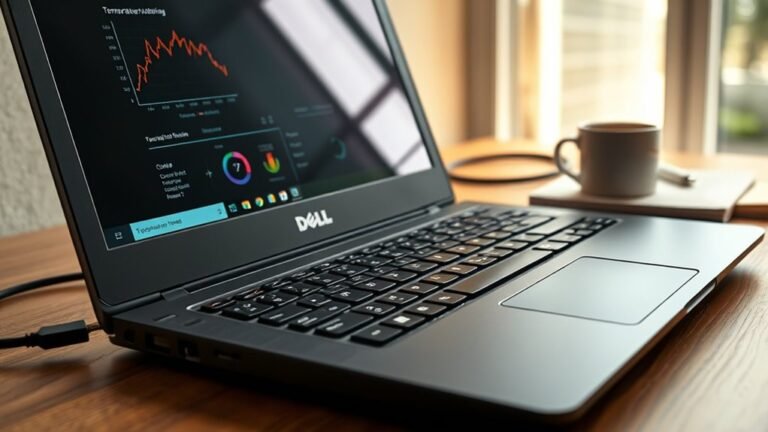
Discover how to check your Dell laptop’s temperature quickly and spot hidden heat issues before they cause trouble.

Just a few shortcut keys can reveal your laptop’s hidden heat—but the real temperature trick is easier than you think.
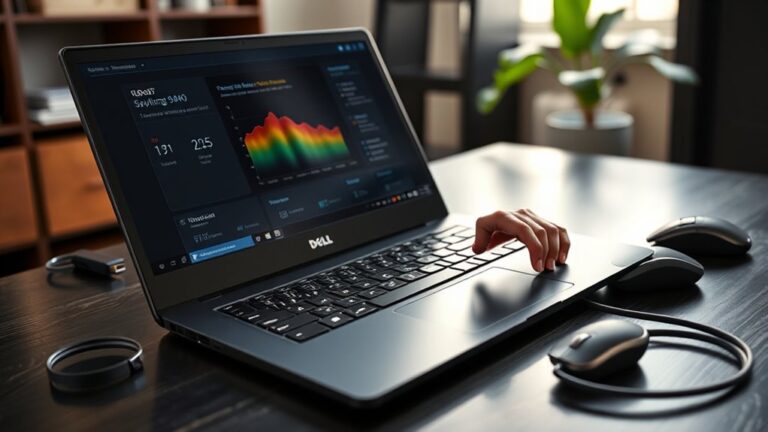
Watch your Dell Latitude 3440’s hidden heat readings and discover the simple tools that reveal whether it’s running safely or nearing trouble.

Just what you need for protecting your Osmo Pocket 3—discover essential insights before making your purchase and ensure you choose wisely.
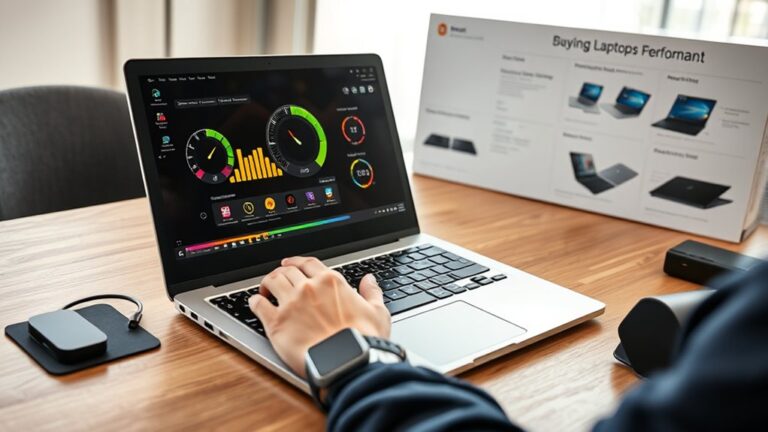
How to see system temperature on a laptop before you buy, and what hidden heat clues could save you from a costly mistake.
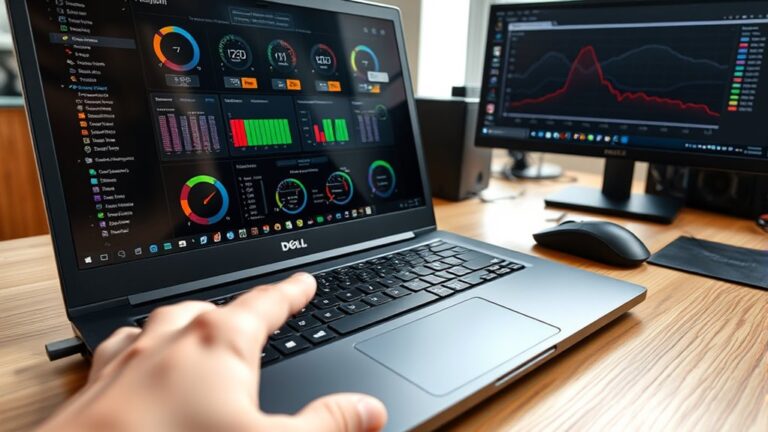
Check your Dell Precision 5500’s temperature with simple tools and hidden BIOS clues to find out whether it’s running cool or quietly overheating.
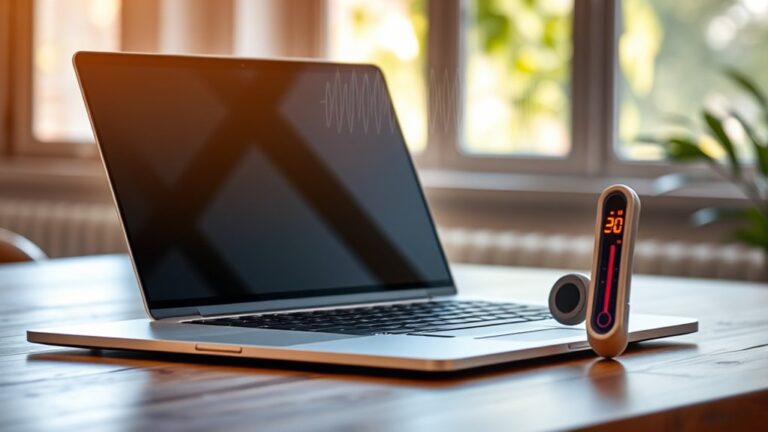
Find out whether a laptop can safely run at 30 Celsius, and the crucial warning signs most users miss before trouble starts.