
Keep your Mercedes healthier and avoid surprise repair bills by using a Bluetooth OBD2 scanner to read codes, watch live data, and decide when a shop visit is truly needed. A good scanner can help you understand check-engine lights, monitor engine temperature or fuel trims, check emissions readiness, and save diagnostic reports before you clear a fault. The key is choosing a tool that matches how deep you want to go, because basic OBD2 code reading is not the same as full Mercedes factory-level diagnostics.
This updated guide focuses on Bluetooth OBD2 scanners that make sense for Mercedes owners who want practical DIY checks, strong app support, clear code explanations, and safe everyday troubleshooting. We removed mismatched or confusing options and kept the picks that better fit the original Mercedes-focused buying intent.
Quick Verdict
Choose OBDLink MX+ if you want the strongest overall adapter with broad app support and more room to grow. Choose BlueDriver if you want the most beginner-friendly app experience and repair guidance. Choose ANCEL AD310 Pro if you want a Bluetooth scanner plus a 12V battery tester. Choose Veepeak or MLY if you mainly need a compact budget-friendly code reader for basic checks.
Top Picks
|
Category |
Product |
Best For |
|---|---|---|
|
🏆 Best Overall |
Deep app support and fast live data |
|
|
⚡ Best App Experience |
Clear repair reports and beginner-friendly guidance |
|
|
💡 Best 2-in-1 Tool |
Code reading plus battery checks |
|
|
💰 Best Value |
Low-cost app-based checks |
|
|
🔧 Best Compact Pick |
Simple glovebox diagnostics |
|
|
🔍 Best Basic Battery Check Option |
Engine codes, live data, and battery status |
|
|
🛠️ Best Display-Friendly Option |
Drivers who want a straightforward diagnostic workflow |
|
|
💰 Best Budget Dongle |
Basic check-engine code reading |
How We Picked These Scanners
You care about reliability, Mercedes compatibility, and usable data. We prioritized: 1) broad OBD2 compatibility for reading and clearing check-engine codes; 2) app quality on iPhone and Android; 3) useful features such as live data, freeze frame, I/M readiness, battery checks, and report history; 4) realistic Mercedes fit, especially whether the tool is a general OBD2 reader or offers deeper enhanced diagnostics through an app; 5) connection stability and ease of setup; and 6) value for different buyers, from budget dongles to more capable app-based adapters.
Mercedes Compatibility Note
Most Bluetooth OBD2 scanners can read standard engine-related OBD2 codes on 1996+ vehicles, but Mercedes-specific systems such as transmission, ABS, SRS, air suspension, service resets, or coding may require a scanner and app that explicitly support your model year and module. Before buying, check the app’s vehicle coverage and avoid assuming every Bluetooth dongle can perform dealer-level Mercedes functions.
Before You Buy
- Check your phone support: iPhone usually needs Bluetooth Low Energy or a vendor-supported app, while Android supports more low-cost adapters.
- Know your goal: basic code reading is enough for check-engine lights, but enhanced Mercedes diagnostics need better app support.
- Do not clear codes too early: save the code and freeze-frame data first so you do not erase useful diagnostic history.
- Confirm service functions: battery registration, oil reset, ABS, SRS, or transmission access should be verified for your exact Mercedes model.
- Use live data wisely: coolant temperature, fuel trims, voltage, RPM, and readiness monitors can help confirm whether a repair worked.
OBDLink MX+

If you like being hands-on with your Mercedes, the MX+ is the most flexible pick here. Plug it into the OBD port, pair with the OBDLink app or a compatible third-party app, and you can read pending and confirmed codes, watch live sensors, clear faults after a repair, and build a dashboard that fits how you maintain your car.
It is fast enough for smooth live gauges and practical enough for pre-commute checks, used-car inspections, and weekend troubleshooting. It is not a replacement for Mercedes factory software, but it gives you more room to grow than a basic budget dongle.
What People Say
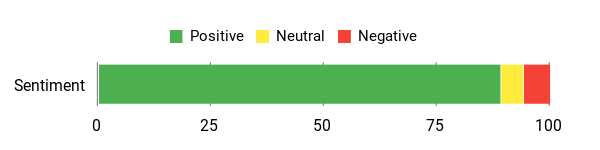
Owners like that the MX+ reads pending codes, connects well to popular apps, streams live data smoothly, and stays useful over time with firmware support.
Overall Sentiment: Positive
🗣️ Mike Neff
Pulled both pending and confirmed codes and automatically accessed OEM module data for multiple vehicles, letting the reviewer scan dozens of modules quickly and get complete reports for used-car checks.
🗣️ Jason Murphy
Reliable high-speed Bluetooth connection with third-party apps like Torque Pro, regular firmware updates, and stable data streaming for fast live-parameter logging.
Why You’ll Like It
The MX+ is best if you want one adapter that can handle quick checks today and more detailed app-based diagnostics later. It is especially useful if you care about live data, report history, app choice, and long-term support.
Who Should Buy This
Buy it if you want the strongest overall Bluetooth OBD2 adapter in this roundup and plan to use diagnostic apps regularly.
Who Should Avoid This
Skip it if you only want the cheapest possible way to read a basic check-engine code once or twice a year.
Key Benefits
- Strong app support for iPhone, Android, and Windows workflows
- Fast live data streaming for gauges, logging, and repair confirmation
- Useful for check-engine codes, readiness checks, and ongoing monitoring
- Low-power sleep mode makes it practical for frequent use
- Better long-term value for drivers who want more than basic code reading
Check Product Details on Amazon
BlueDriver Bluetooth Pro OBDII

If you want a no-nonsense way to check your Mercedes without feeling buried in raw data, BlueDriver is one of the easiest tools to understand. You plug the small Bluetooth dongle into the OBD-II port, pair it with your phone, and the app walks you through reading codes, clearing them after repairs, viewing live data, and saving diagnostic history.
The biggest appeal is the app experience. It connects codes to possible causes and repair direction, which helps you decide whether a problem is simple enough to handle or serious enough for a qualified technician.
What People Say
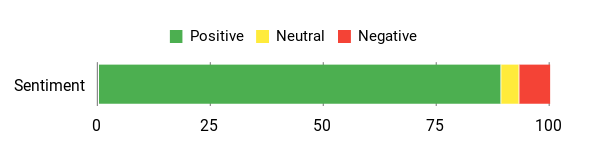
Users consistently call it accurate and easy to use, saying the app’s repair reports and history feature saved time and money by pointing to the likely fix before a shop visit.
Overall Sentiment: Positive
🗣️ Leah 💛
IT WORKS. It’s accurate, easy to use and doesn’t require mechanic experience. It identified codes for my Tahoe, let me track fixes, add notes and print reports, and saved me a dealership trip and fees.
🗣️ Luis Gutierrez
Used it to diagnose and clear a check engine light on a 2014 Optima — connection was quick, the app explained the issue clearly and even linked to the exact parts needed. No subscription fees and very convenient.
Why You’ll Like It
BlueDriver is less intimidating than many app-based scanners because it focuses on clear descriptions, repair direction, history, and printable reports. That makes it a strong choice for owners who want help interpreting what the code means.
Who Should Buy This
Buy it if you want a clean app experience and guidance that is easier to share with a mechanic.
Who Should Avoid This
Skip it if your main goal is advanced Mercedes coding, programming, or guaranteed access to every factory module.
Key Benefits
- Clear app workflow for reading and clearing diagnostic codes
- Repair-report style guidance to reduce guesswork
- Live data streaming for monitoring sensors and confirming repairs
- History, notes, and reports that help track recurring issues
- Works with iPhone and Android for a wireless phone-based setup
Check Product Details on Amazon
ANCEL AD310 Pro
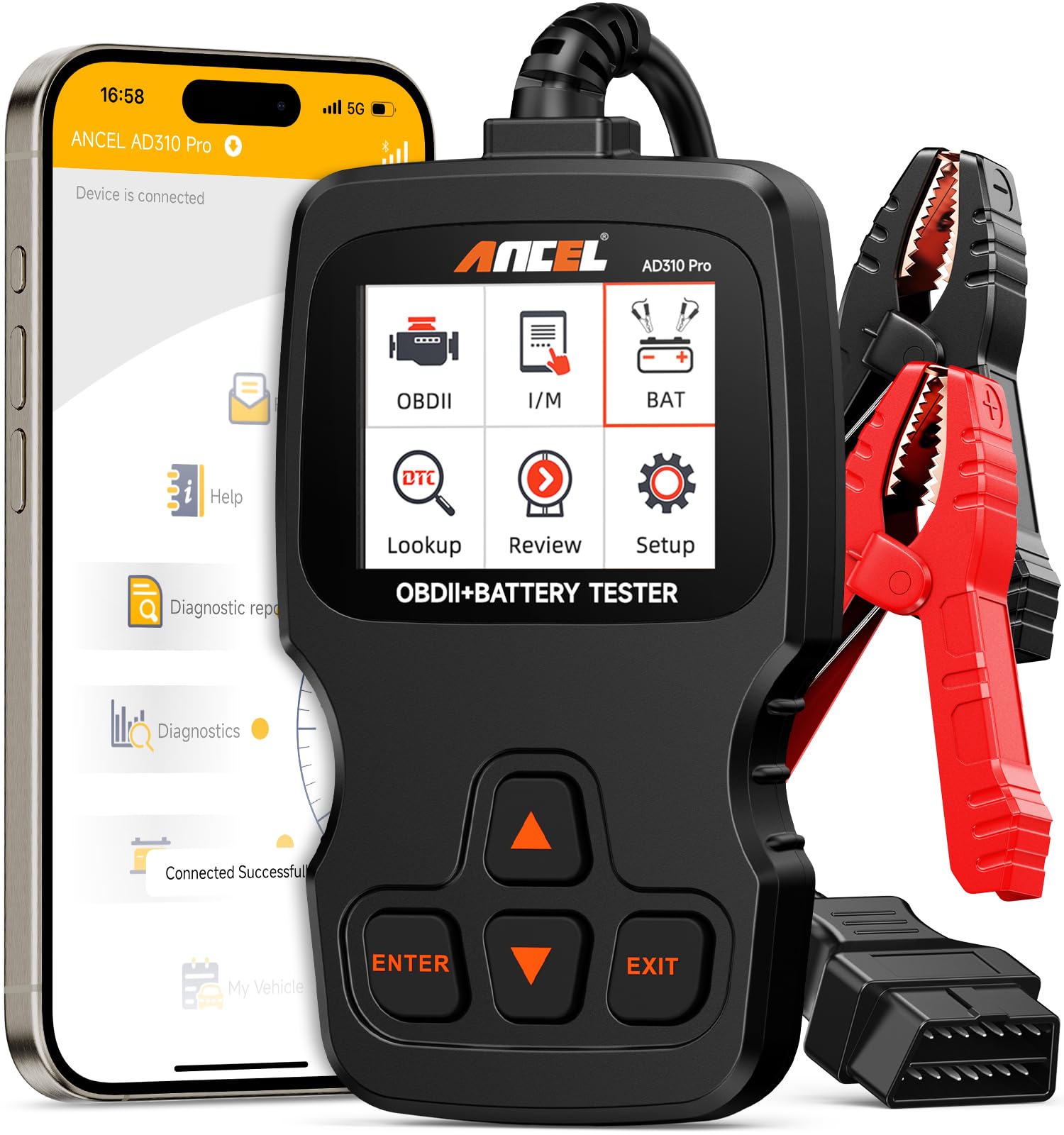
If you want one compact tool for both dashboard-light checks and basic battery health checks, the AD310 Pro makes sense. Plug it into your Mercedes’ OBD port, pair it with the app, and you can read and erase OBD2 codes, view live data, check freeze-frame information, and run battery-related checks before a long drive.
The built-in screen is useful when you do not want to rely only on your phone, while the app makes code explanations and reports easier to read. It is not a Mercedes factory scanner, but it is a practical option for everyday owners who want fewer surprises.
What People Say
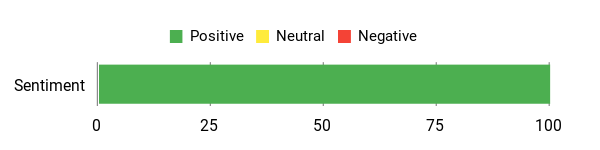
Users consistently praise the battery tester and the app’s plain-English explanations. Reviewers note the AD310 Pro pulls standard OBD2 data, shows live streams, and makes clearing codes simple.
Overall Sentiment: Positive
🗣️ MsWaitWhat
The device arrived with the OBD unit, battery cable and USB-C cable; out of the box the on-device display already showed full OBD functions (read/erase codes, data stream, freeze frame, I/M readiness). Pairing the app let me dive deeper into live data and clearer explanations — the battery tester was especially handy to check health across family cars.
🗣️ HardwareSense
Combines full OBD2 scanning with advanced 12V battery testing, including cranking and charging analysis. The Bluetooth app gives real-time performance tests and trip logs, and the tool handled diagnostics reliably across multiple vehicles — great for DIYers who want one tool instead of two.
Why You’ll Like It
The AD310 Pro solves two common problems at once: identifying why a warning light appeared and checking whether a weak battery or charging issue may be part of the problem.
Who Should Buy This
Buy it if you want a useful garage tool for basic diagnostics, battery checks, and pre-trip peace of mind.
Who Should Avoid This
Skip it if you need Mercedes-specific service resets, coding, programming, or advanced module access.
Key Benefits
- Two tools in one: OBD2 scanner plus 12V battery tester
- Reads and clears standard OBD2 codes after repairs
- Shows live data, freeze frame, and I/M readiness information
- Battery health checks help spot weak battery issues before a trip
- Built-in display plus app support for flexible use
Check Product Details on Amazon
Sttfaishen Bluetooth OBD2 Scanner
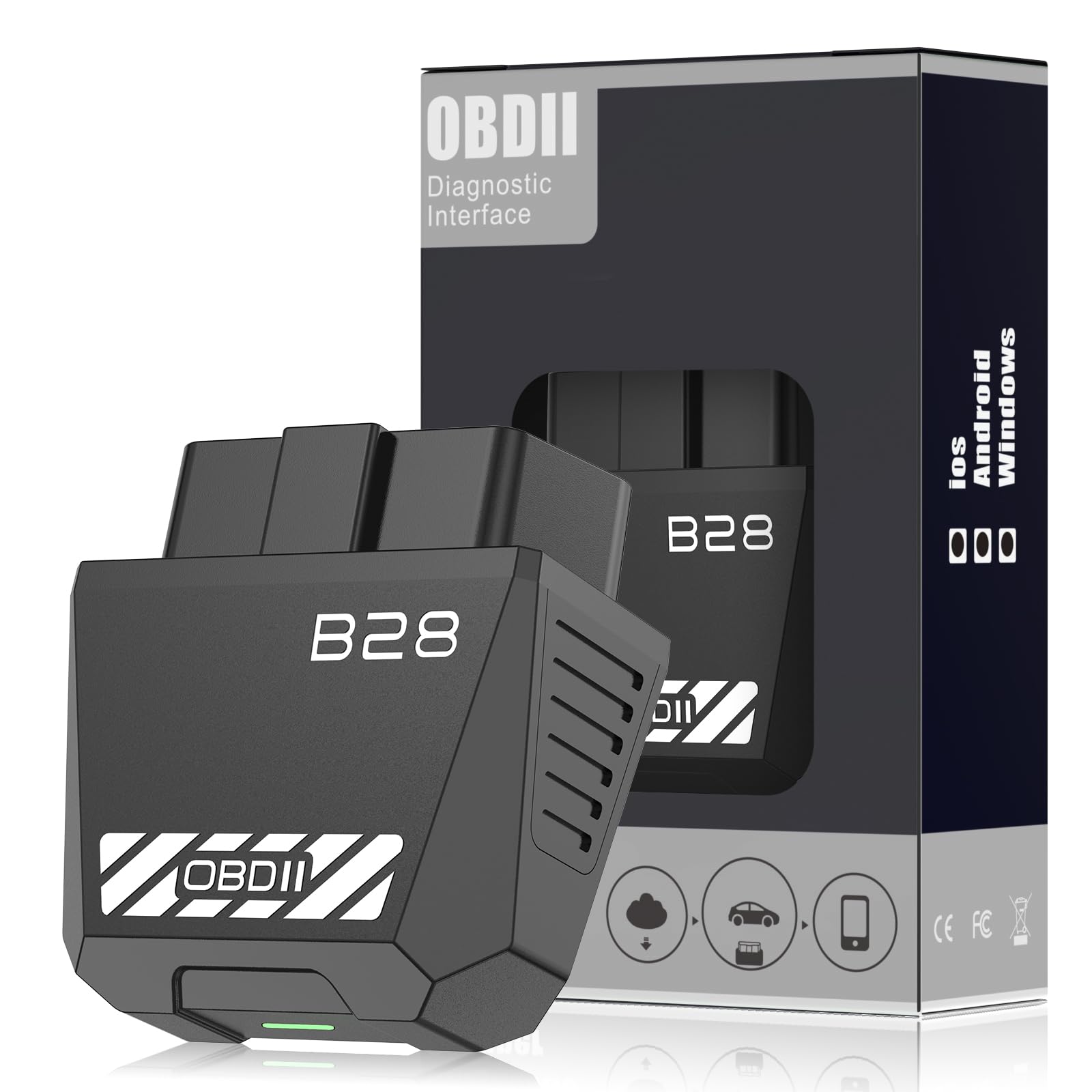
You want a simple, pocket-sized way to check what that dashboard light means. Plug this Sttfaishen Bluetooth OBD2 scanner into your car’s OBD port, pair it with your phone over Bluetooth, and use the app to view fault descriptions, live sensor data, and code-clearing options after you fix the issue.
It is useful for quick pre-drive checks, long-trip monitoring, or used-car inspections when you want more information before paying for a diagnostic appointment. For Mercedes-specific modules, confirm the app’s supported functions for your exact model before relying on enhanced coverage.
What People Say
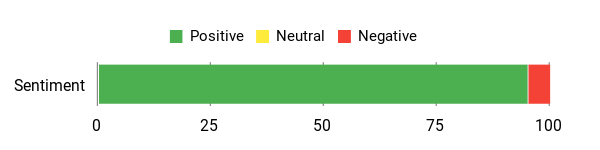
People highlight how fast it pairs and how the app translates codes into plain English. Reviewers often mention it read and cleared check-engine lights and provided live sensor data that helped avoid unnecessary trips to the mechanic.
Overall Sentiment: Positive
🗣️ Christie
Setup was quick and easy — scan the QR code, download the app, plug it in, and it paired smoothly with my iPhone. The app is user-friendly and provides clear diagnostic info; it read and cleared an engine light and also diagnosed ABS, SRS and airbag codes.
🗣️ Jasmine Marie
Paired in seconds via Bluetooth 5.4 and pulled up the engine code with a plain-English description so I knew what to expect before going to the shop. It also reads ABS and airbag codes and streams real-time data like coolant temp and fuel trims.
Why You’ll Like It
It gives budget-minded drivers a simple way to see basic fault information, live data, and readiness status from a phone without carrying a larger scan tool.
Who Should Buy This
Buy it if you want an affordable app-based scanner for basic checks and occasional troubleshooting.
Who Should Avoid This
Skip it if you need verified advanced Mercedes module coverage or professional diagnostic depth.
Key Benefits
- Bluetooth app-based setup for iPhone and Android users
- Reads and clears standard OBD2 engine codes
- Shows live data such as coolant temperature, RPM, and fuel-related values
- Compact design that fits easily in the glovebox
- Good choice for quick checks before a trip or shop visit
Check Product Details on Amazon
Veepeak OBDCheck BLE+

If you want a small scanner that is easy to leave in the glovebox, the Veepeak OBDCheck BLE+ is a practical choice. Plug it into the OBD-II port, open a compatible app, and you can pull and clear generic trouble codes, monitor live sensor data, and check readiness information before an inspection.
Its biggest strength is flexibility. The exact depth depends on the app you choose, but for everyday troubleshooting and smarter maintenance it gives you a simple way to stop guessing.
What People Say
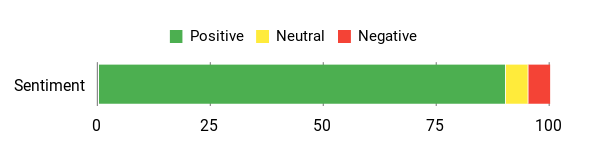
You’ll see consistent feedback that it pairs quickly, gives useful real-time data, and can help diagnose or confirm fixes when used with the right app.
Overall Sentiment: Positive
🗣️ William D. Foley
Used the Dr. Prius monitoring function to find two hybrid battery blocks out of spec, tested and replaced cells, and after 1,000 miles the car ran fine; connected easily via Bluetooth to an older iPhone.
🗣️ Filip Carlstedt
Paired with OBD Fusion and a vehicle-specific PID pack it unlocked airbag, A/C and traction control codes plus live values like knock feedback and knock learning on a Lexus IS250 — small but powerful.
Why You’ll Like It
It is small, app-flexible, and ideal for drivers who want a basic scanner they can keep nearby for check-engine lights, pre-trip checks, and repair confirmation.
Who Should Buy This
Buy it if you want a compact adapter and are comfortable choosing the app that fits your Mercedes and your phone.
Who Should Avoid This
Skip it if you want one bundled app that gives a guided repair workflow out of the box.
Key Benefits
- Reads and clears generic OBD-II trouble codes
- Shows freeze-frame and emissions readiness information
- Streams live sensor data for temperatures, speed, and fuel-related values
- Works with many third-party apps, depending on your phone and needs
- Compact design with indicator LED and storage case
Check Product Details on Amazon
AMTIFO OBD2 Bluetooth Scanner
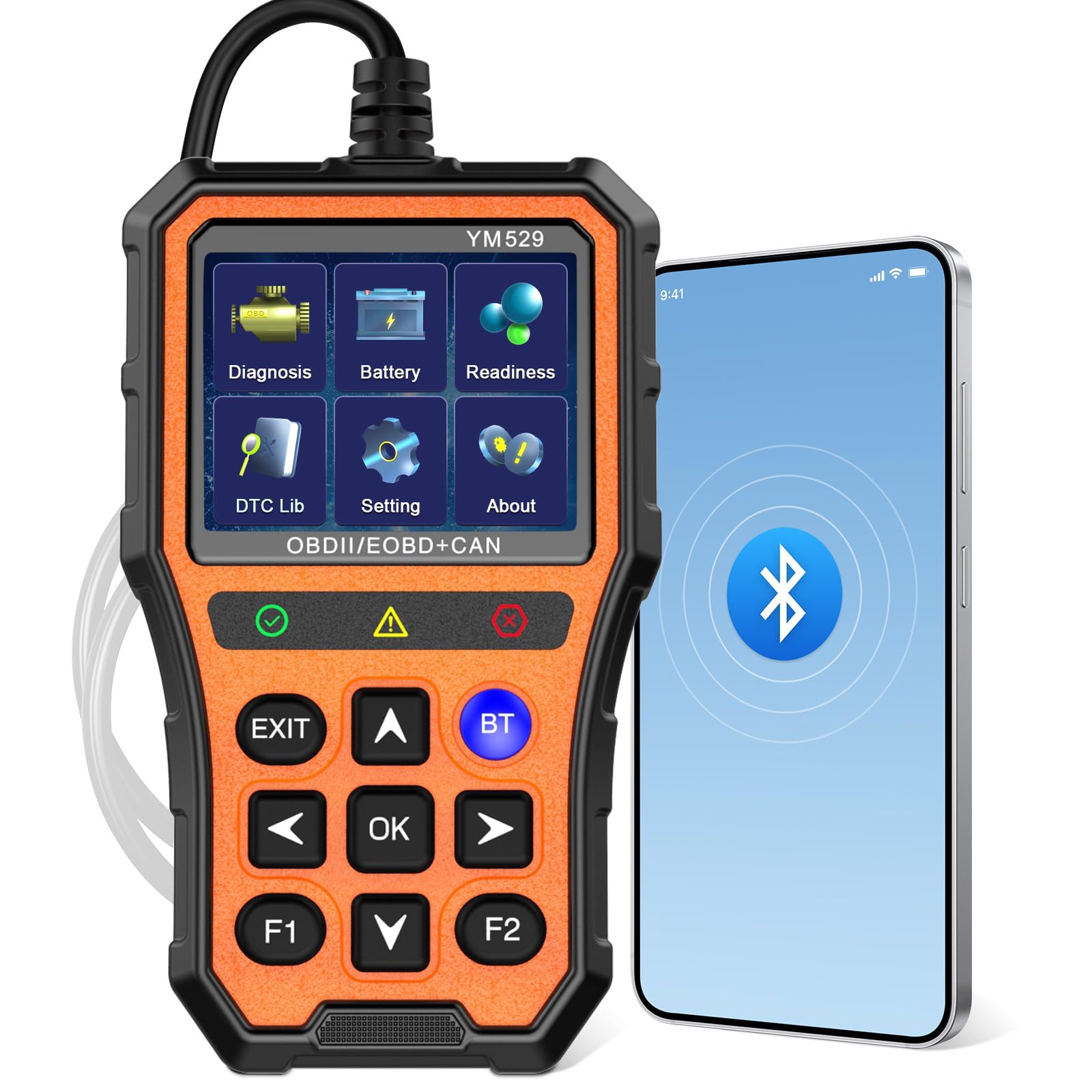
If you want a simple, phone-based way to keep your Mercedes in check, the AMTIFO scanner is worth a look. You plug it into the OBD-II port, pair it with the app, and you can read and clear engine codes, stream live data, and run basic battery and emissions readiness checks.
It is small enough to stash in the glovebox and useful for pre-drive checks, confirming a repair after maintenance, or understanding whether a warning light needs urgent attention.
What People Say
People mention fast pairing, useful real-time metrics, and code explanations that make it easier to decide whether you can DIY a fix or head to the shop.
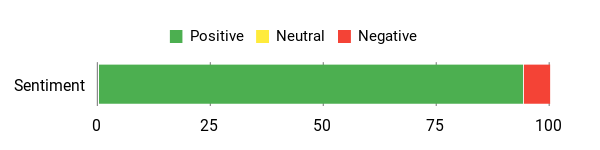
Overall Sentiment: Positive
🗣️ Chris
Setup was quick and simple — plug it into the OBD2 port, connect to the app via Bluetooth, and you’re ready. Worked seamlessly with my iPhone, showed real-time data like fuel efficiency and engine load, and gave clear explanations of codes. Being able to clear codes on the spot was a huge bonus.
🗣️ Kelli Suri
Super easy to use and plugs into the port under your dash. It reports battery status and helps diagnose warning/engine lights so you know what’s wrong before going to a mechanic — a great way to save time and avoid a costly diagnostic visit.
Why You’ll Like It
It gives everyday owners a quick way to check engine codes, battery status, and emissions readiness without needing a full handheld professional scanner.
Who Should Buy This
Buy it if you want a simple scanner for basic warning-light checks and battery-related peace of mind.
Who Should Avoid This
Skip it if you want advanced Mercedes service functions or a large built-in display.
Key Benefits
- Bluetooth connection with iOS and Android support
- Reads and clears standard engine codes with readable definitions
- Real-time data for RPM, engine load, and fuel-related values
- Battery status and emissions readiness checks for pre-trip planning
- Compact design that fits in your glovebox
Check Product Details on Amazon
BLCKTEC 440 Bluetooth OBD2

If you want a straightforward scanner to keep your Mercedes on the road, the BLCKTEC 440 is the kind of tool you reach for when a warning light appears and you need clear next steps. It can help you read and clear codes, watch live data, run battery or charging checks, and prepare for emissions readiness checks.
It is most useful for practical, real-world troubleshooting rather than advanced Mercedes programming. Use it to gather information before a repair, confirm a shop’s diagnosis, or decide whether a warning light needs urgent attention.
What People Say
Users highlight that it’s easy to use, practical for buying used cars or avoiding tow bills, and helpful for clearing codes after repairs.
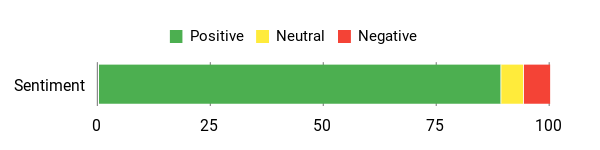
Overall Sentiment: Positive
🗣️ James C.
This scanner was everything it was advertised to be — easy to use and didn’t require downloading any apps to work. I cleared a code, drove about 250 miles to my mechanic instead of getting towed, and saved a lot on fees. I also appreciated that the company is USA based.
🗣️ Living Kalimanjira
This is one device every car owner MUST have. Very useful when you’re buying a used car or diagnosing the one you already own — it would save you some money.
Why You’ll Like It
It is a good fit if you want a more guided diagnostic workflow than a tiny dongle, but still want something portable enough for home use and road-trip peace of mind.
Who Should Buy This
Buy it if you want a practical scanner for quick checks, repair confirmation, and emissions readiness.
Who Should Avoid This
Skip it if you want the smallest possible Bluetooth-only dongle or factory-level Mercedes functions.
Key Benefits
- Reads and clears standard OBD2 codes
- Live data and graphing help monitor sensors and spot intermittent issues
- Battery and charging system checks for quick electrical screening
- I/M readiness support helps before emissions testing
- Portable enough to keep available for unexpected warning lights
Check Product Details on Amazon
MLY ELM327 V2.1 Bluetooth OBD2 Scanner
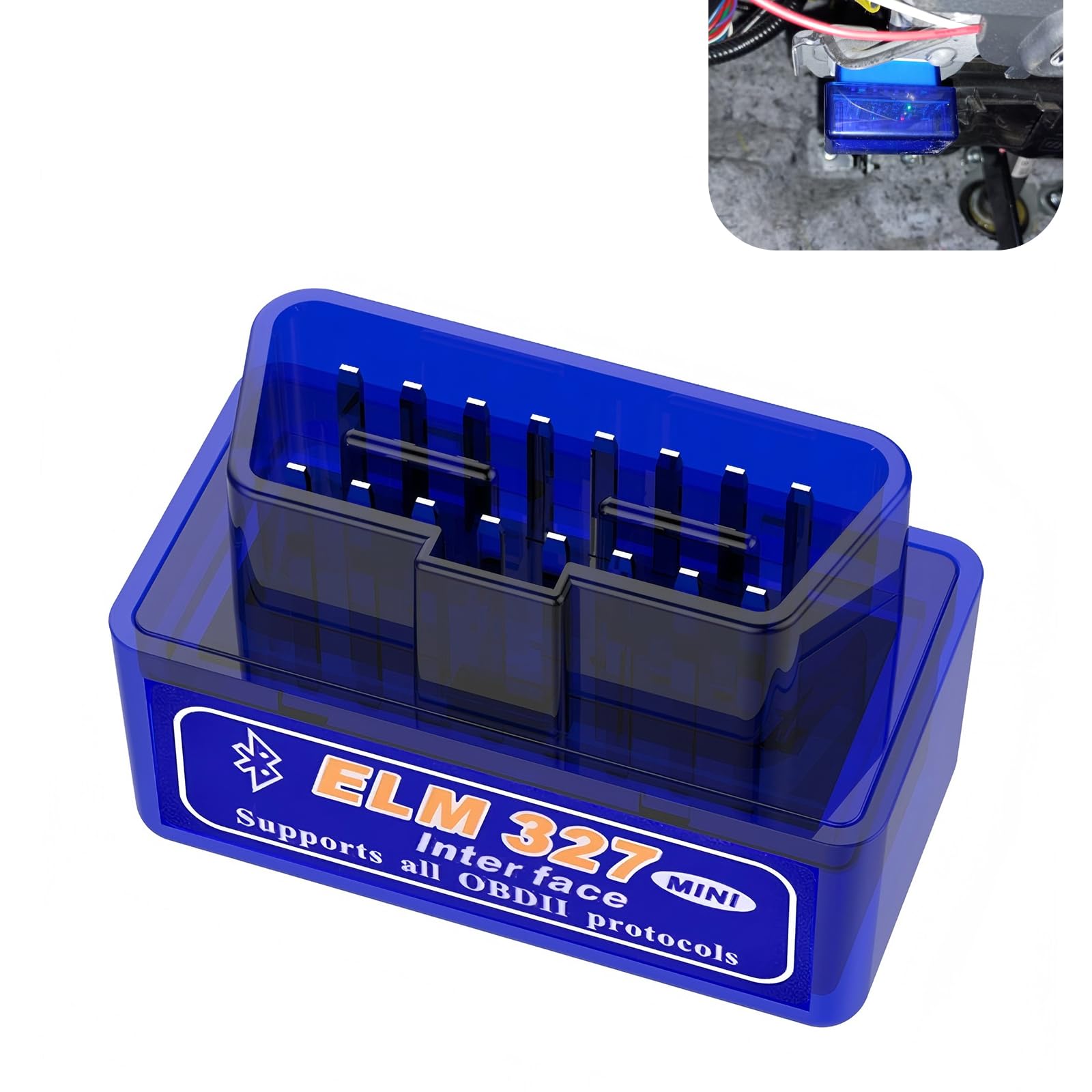
You want a tiny tool that turns a mystery check-engine light into a starting point. The MLY ELM327 V2.1 plugs into your car’s OBD2 port and works with compatible apps so you can read codes, clear them after repairs, and watch basic live data.
For a Mercedes owner, this is best treated as a basic budget reader. It is useful for quick sanity checks before a commute or road trip, but it should not be your first choice if you need enhanced Mercedes module access, service resets, or professional-level diagnostics.
What People Say
People who use it highlight how simple it is to pair and how helpful app dashboards are for seeing live data. Reviewers mention you may want the Car Scanner app for the best experience, and that while gauges are customizable in the app, they don’t appear in CarPlay.
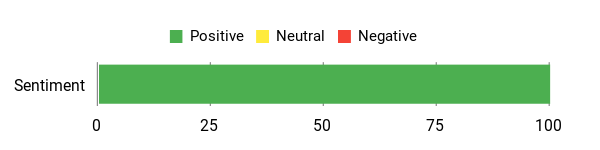
Overall Sentiment: Positive
🗣️ Sean
Easy to connect via Bluetooth and pairs with apps like Car Scanner. Once connected you can customize dashboards with colors and gauges and even stream data to a Bluetooth stereo; user notes the only drawback is gauges don’t show on CarPlay.
Why You’ll Like It
It is inexpensive, small, and simple enough for occasional use when you only need basic OBD2 information.
Who Should Buy This
Buy it if you want a low-cost backup scanner for standard check-engine code reading.
Who Should Avoid This
Skip it if you want the best Mercedes-focused experience, strong iPhone support, or advanced functions beyond basic OBD2.
Key Benefits
- Reads and clears standard engine fault codes
- Pairs with compatible mobile apps for live data viewing
- Compact design that can stay in the glovebox
- Useful for simple pre-trip and post-repair checks
- Best suited for budget-minded drivers with basic needs
Check Product Details on Amazon
FAQ
How Do I Choose The Right Bluetooth OBD2 Scanner For My Mercedes?
Start with your goal. If you only want to understand a check-engine light, a basic OBD2 reader can be enough. If you want enhanced systems such as ABS, SRS, transmission, service resets, or battery registration, choose a scanner and app that clearly list Mercedes support for your exact model year.
Also consider phone compatibility, app quality, update history, report saving, and how easy the scanner is to use when you are stressed by a warning light. For most Mercedes owners, OBDLink MX+ or BlueDriver will feel more polished than a very cheap dongle.
Can A Bluetooth OBD2 Scanner Read Mercedes ABS, SRS, Or Transmission Codes?
Sometimes, but not always. Basic OBD2 scanners usually focus on emissions-related engine codes. Enhanced Mercedes module access depends on the scanner, the app, your model year, and whether the app supports that specific control module. Always verify coverage before buying if ABS, SRS, transmission, or service functions are important to you.
Will These Scanners Work With iPhone And Android?
Many do, but the connection type matters. iPhone typically works best with Bluetooth Low Energy or a dedicated vendor-supported app. Android is often more flexible with lower-cost adapters. Before buying, check that the scanner supports your phone and the app you plan to use.
How Should I Use A Bluetooth OBD2 Scanner Safely?
Plug the scanner into the OBD2 port, follow the pairing instructions, and read the codes before clearing anything. Save the codes and freeze-frame data first because they may help you or your mechanic diagnose the root cause. Clearing a code without fixing the problem can hide symptoms and may reset emissions readiness monitors.
Can I Leave A Bluetooth OBD2 Scanner Plugged Into My Mercedes?
Some adapters have low-power sleep modes and are designed for frequent plug-in use, but a cheap adapter may draw power or create unwanted connection concerns. If you do not need constant monitoring, unplug the scanner after use, especially if the car will sit for several days.
Which Scanner Is Best For A Beginner?
BlueDriver is the easiest beginner-friendly option because the app focuses on clear explanations and repair guidance. OBDLink MX+ is better if you want more app flexibility and stronger long-term diagnostic potential. MLY and Veepeak are better for simple budget checks.
Final Recommendation
For most Mercedes owners, the OBDLink MX+ is the best overall choice because it offers the strongest mix of app support, fast live data, and room to grow beyond basic code reading. BlueDriver is the better pick for beginners who want clean explanations and repair-report style guidance. ANCEL AD310 Pro is the practical 2-in-1 option if battery checks matter to you. If your needs are simple, Veepeak, AMTIFO, Sttfaishen, BLCKTEC, or MLY can still help with standard code reading and live data, as long as you understand their Mercedes-specific limits.
| Product | Image | Primary Strength | Connection | Mercedes Buyer Note |
|---|---|---|---|---|
| OBDLink MX+ OBD2 Bluetooth Scanner |
 |
Best overall app flexibility and live data | Bluetooth | Strongest pick for owners who want more than basic checks |
| BlueDriver Bluetooth Pro OBDII Scan Tool |
 |
Best guided app and repair reports | Bluetooth | Great for beginners who want plain-English explanations |
| ANCEL AD310 Pro 2-in-1 OBD2 Scanner & Battery Tester |
 |
OBD2 diagnostics plus battery testing | Bluetooth plus device display | Good if you want battery health checks with basic diagnostics |
| OBD2 Scanner for Car Bluetooth 5.4 |
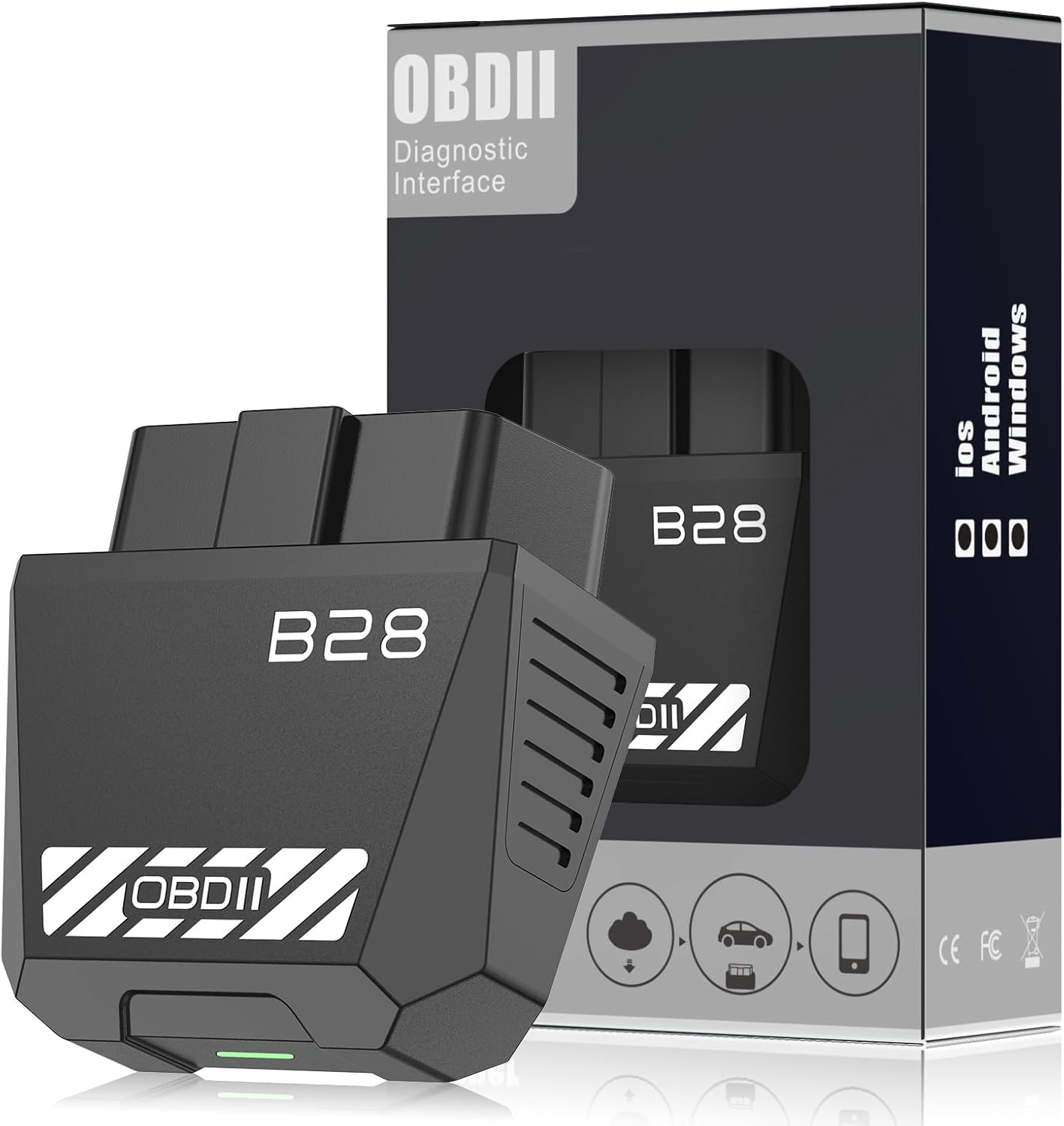 |
Value-focused app-based checks | Bluetooth 5.4 | Check app coverage before relying on enhanced Mercedes functions |
| Veepeak OBDCheck BLE+ Bluetooth OBD II Scanner |
 |
Compact third-party app flexibility | Bluetooth LE | Good glovebox adapter for basic checks and app-based live data |
| AMTIFO OBD2 Scanner Bluetooth Diagnostic Tool |
 |
Simple code reading, live data, and battery status | Bluetooth | Useful for basic owner checks, not advanced factory diagnostics |
| BLCKTEC 440 Bluetooth OBD2 Scanner |
 |
Straightforward diagnostics and reports | Bluetooth / scanner workflow | Good for practical troubleshooting and readiness checks |
| MLY OBDII Car Auto Diagnostic Scanner |
 |
Basic budget code reading | Bluetooth | Best as a low-cost backup for standard check-engine codes |
This Roundup is reader-supported. When you click through links we may earn a referral commission on qualifying purchases.

1 thought on “Best Bluetooth OBD2 Scanner for Mercedes: 8 Picks 2026”