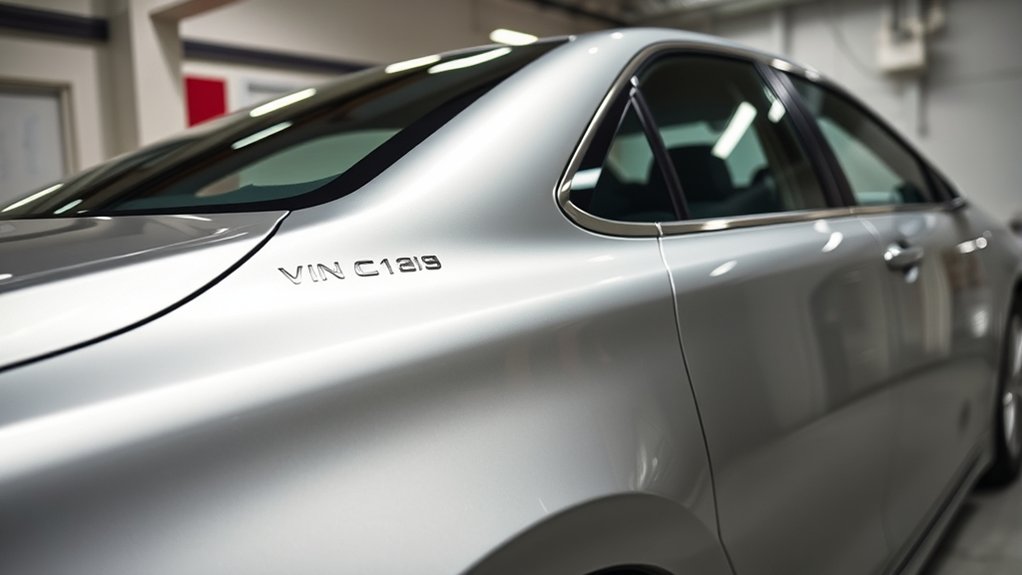
Finding your Toyota Camry’s Vehicle Identification Number (VIN) usually takes only a minute. The two most reliable places on the vehicle are the top of the driver-side dashboard near the windshield and the driver-side doorjamb certification label. You can also verify the same 17-character VIN on documents such as your registration and insurance card.
Quick Answer
On a Toyota Camry, first look through the driver-side windshield at the top left of the dashboard. Then open the driver’s door and check the certification label on the doorjamb or pillar. Toyota also lists the vehicle registration card and insurance identification card as reliable places to find the same VIN.
Key Takeaways
- The easiest Camry VIN location is the top of the dashboard on the driver’s side, visible through the windshield.
- A second VIN appears on the certification label in the driver-side doorjamb area.
- Your registration and insurance card can help verify the VIN without inspecting the vehicle.
- Do not assume an engine number, engine-bay label, or other stamped number is the vehicle VIN.
- For decoding or verification, use Toyota’s official VIN lookup or the NHTSA VIN Decoder.
At a Glance
| Time Required | About 1–3 minutes |
| Difficulty | Easy |
| Tools Needed | None; a phone camera or flashlight can help with small print |
| Cost | $0 |
How to Easily Locate Your Toyota Camry’s VIN
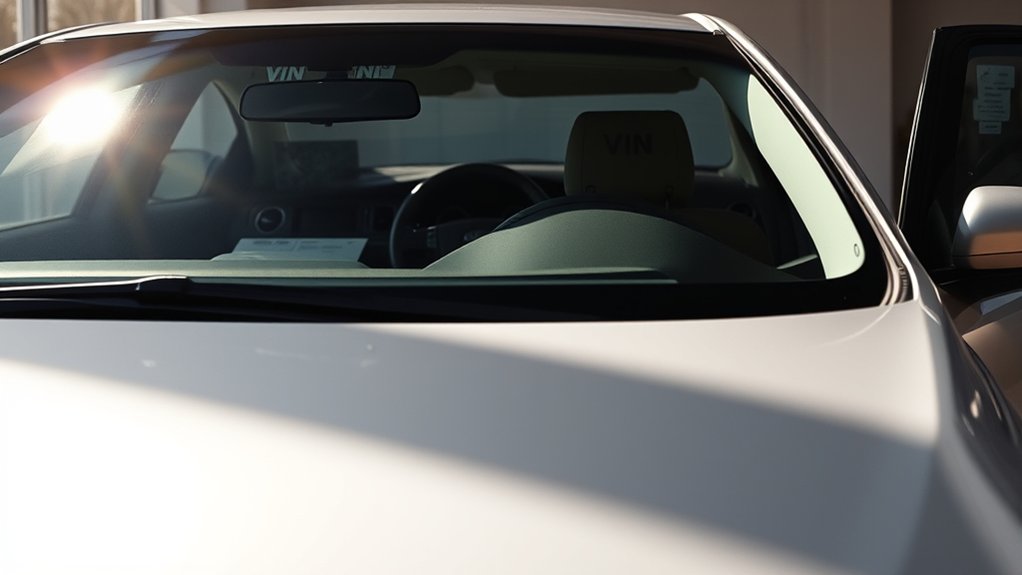
Start with the location Toyota makes easiest to see: the top left of the dashboard on the driver’s side. Stand outside the car and look through the lower portion of the windshield near the driver-side corner. The VIN is displayed on a plate that can be read without opening the vehicle.
Your second main physical location is the driver-side doorjamb. Open the driver’s door and inspect the certification label on the pillar or doorjamb area. The label includes the vehicle’s VIN along with certification information.
Toyota’s current VIN guidance also identifies the vehicle registration card and insurance identification card as reliable places to find the VIN. These are especially useful when the vehicle is not nearby.
For most Camry owners, the dashboard plate and driver-side certification label are the two physical VIN locations worth checking first.
Accessing Your VIN From the Dashboard
The dashboard VIN is usually the fastest one to check. Look through the driver-side windshield at the top of the instrument panel near the windshield edge. You should see the full 17-character identifier on a small plate.
A modern U.S.-market VIN contains 17 characters made up of letters and numbers. The VIN identifies the vehicle and encodes information used by manufacturers, government agencies, insurers, repair facilities, and parts systems.
When ordering parts, entering a vehicle into a service system, checking recalls, or using a VIN decoder, copy all 17 characters exactly. Toyota’s official Vehicle Specification VIN lookup can use the number to return vehicle-specific information such as model details, specifications, color, and installed equipment.
Pro Tip: Take a clear phone photo of the dashboard VIN instead of trying to memorize it. Zoom in on the photo when entering the number into a parts, insurance, registration, or recall system.
Locating Your VIN in the Driver’s Side Doorjamb
Open the driver’s door and look at the doorjamb or pillar next to the driver’s seat. Toyota places the VIN on the vehicle’s certification label in this area.
For U.S. vehicles, the certification label also carries regulatory information such as the manufacturer, date of manufacture, Gross Vehicle Weight Rating (GVWR), Gross Axle Weight Ratings (GAWR), and the required federal certification statement.
Read the VIN carefully and compare it with the dashboard plate. Both should identify the same vehicle.
Importance of the Doorjamb VIN Location
The doorjamb label gives you a second physical reference when glare, dirt, tint, windshield damage, or dashboard reflections make the windshield VIN difficult to read.
It is also useful when confirming that the vehicle identification shown on the dashboard matches the certification information applied by the manufacturer.
Having two easy-to-check locations can reduce transcription errors when registering the vehicle, obtaining insurance, ordering parts, or checking a VIN-based service record.
Warning: If the dashboard VIN and the certification-label VIN do not match, do not assume one is simply a typo. Stop before completing a title, registration, sale, insurance, or major parts transaction and contact Toyota, your state motor-vehicle agency, or the appropriate authority for verification.
Reading the VIN Label
The VIN is a 17-character alphanumeric identifier. Copy it from left to right exactly as shown, including any zeroes.
Do not confuse the certification label with every other label in the door area. A Toyota Camry may also have a separate tire and loading information label showing tire sizes and recommended cold tire pressures. That information is useful, but it serves a different purpose from the VIN certification label.
For standardized modern VINs, the letters I, O, and Q are not used. If you think you see one of those letters, inspect the plate again because the character has probably been misread.
Additional VIN Locations
The dashboard and driver-side certification label should be your first physical checks. You can then verify the number using your registration or insurance paperwork.
Toyota’s current owner tools specifically show these common sources:
- Top of the dashboard: visible through the driver-side windshield.
- Driver-side doorjamb: printed on the certification label.
- Vehicle registration card: useful when the vehicle is not present.
- Insurance identification card: another convenient document reference.
If you cannot read either vehicle label, use the owner’s manual for your exact Camry model year or contact a Toyota dealer rather than relying on an unverified stamped number elsewhere on the vehicle.
Discovering Your VIN Under the Hood
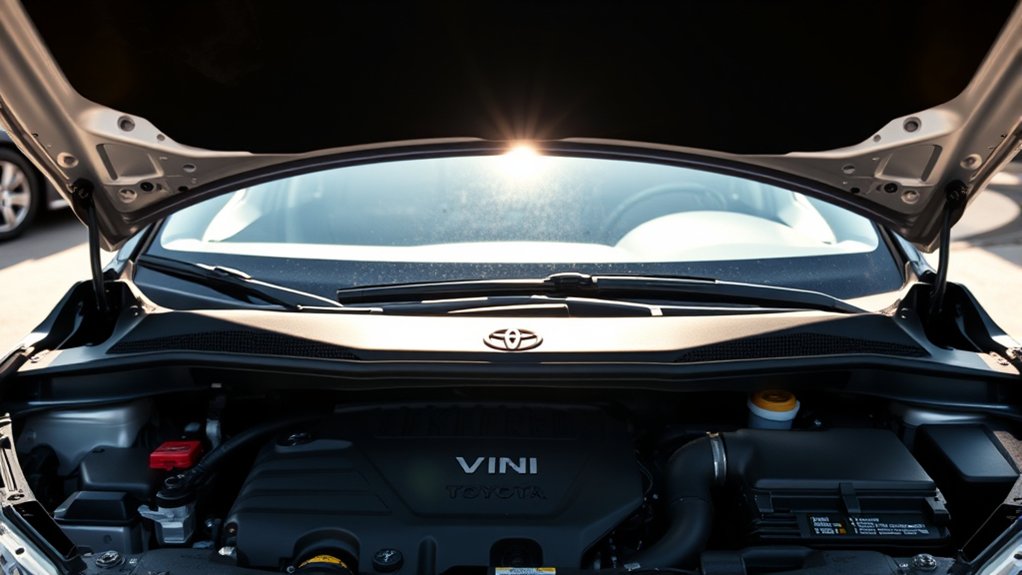
You may see several labels, plates, stamped numbers, and component identifiers under the hood of a Toyota Camry. However, you should not automatically treat one of these numbers as the vehicle VIN.
Toyota documentation distinguishes the vehicle identification number from an engine number or motor number. An engine block may carry an engine identifier, but that does not make it the same as the 17-character vehicle VIN shown on the dashboard and certification label.
For that reason, an engine-cover sticker, engine-block stamping, or other engine-bay number should not be your primary reference when registering the car, ordering VIN-specific parts, checking insurance records, or confirming ownership.
Exact markings can also vary by model year, engine, hybrid system, production market, and component. If you need to identify an under-hood number, compare it with the model-year-specific Toyota owner’s manual rather than assuming it is a VIN.
Note: A Camry’s engine number, motor number, part number, emissions label, tire label, and VIN can all serve different purposes. For vehicle identity, use the 17-character VIN from the dashboard or certification label.
Can’t Find Your VIN? Here’s What to Do?
If the VIN is difficult to locate or read, work through the reliable sources in order instead of searching random areas of the car.
Check Common Locations First
Start with the dashboard and driver-side doorjamb. Then move to official vehicle documents.
| Location | What to Look For | Reliability |
|---|---|---|
| Driver-side dashboard | 17-character VIN plate visible through the windshield | Primary physical location |
| Driver-side doorjamb | VIN on the certification label | Primary physical location |
| Registration or insurance card | Printed vehicle VIN | Good verification source |
| Under the hood | Various engine, component, regulatory, or identification markings | Do not assume a number here is the VIN |
Consult Vehicle Documentation
Your registration card and insurance identification card are two easy places to verify the number. A vehicle title may also display the VIN, depending on the document and jurisdiction.
Compare the document VIN character by character with the dashboard VIN. This is especially important when buying a used Camry, transferring ownership, correcting paperwork, or preparing an insurance claim.
If a label is damaged or unreadable, Toyota’s official Manuals and Warranties resource can help you find information for the exact model year.
Use Online VIN Tools
An online decoder will not physically locate a missing VIN for you, but once you have the number it can help confirm whether you copied it correctly and show vehicle-specific information.
- Use Toyota’s VIN lookup for Toyota-specific vehicle information.
- Use the NHTSA VIN Decoder for federally sourced VIN decoding information.
- Compare the returned make, model, model year, and manufacturing information with the vehicle you are inspecting.
- Use the full VIN when checking fitment through Toyota Genuine Parts.
- Contact Toyota or a Toyota dealer if the VIN will not decode or the returned information clearly conflicts with the vehicle.
Checking Your VIN on Vehicle Documents
Your VIN is used across registration, insurance, service, parts, and vehicle-record systems, so a single wrong character can create problems.
When comparing documents, do not just check the first and last few characters. Read all 17 characters from left to right and compare them with the dashboard plate and doorjamb certification label.
This check is useful before:
- registering or transferring the vehicle;
- buying or selling a used Camry;
- changing insurance coverage;
- ordering VIN-specific replacement parts;
- checking recalls or service campaigns; or
- using a vehicle-history service.
If an official document contains a VIN that does not match the car, do not alter a vehicle label or try to resolve the discrepancy yourself. Contact the issuing agency, Toyota, or another appropriate authority.
Verifying Your VIN Accuracy
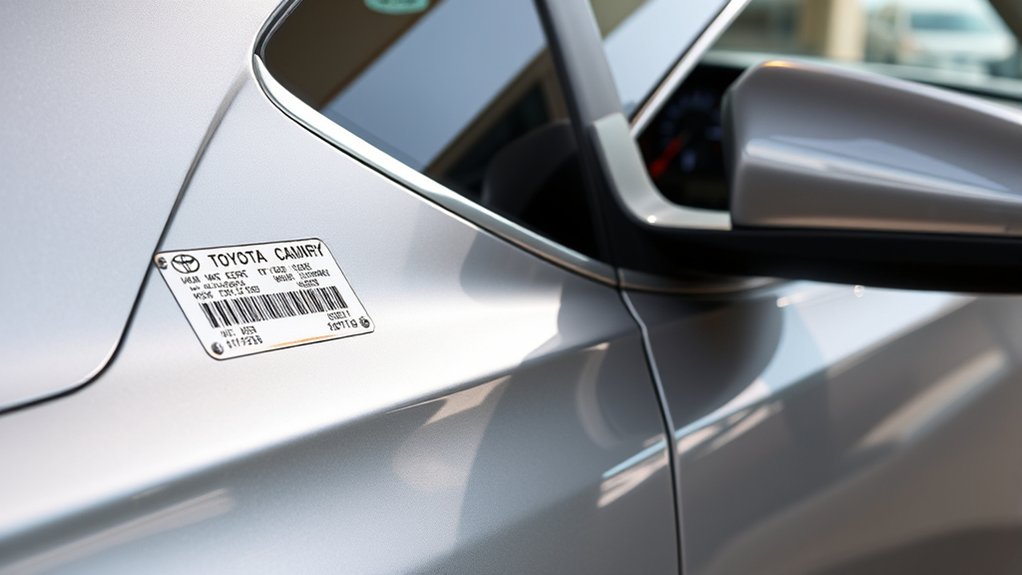
Use several checks before relying on a VIN for an important transaction:
Verify the VIN against both the vehicle and an official record before using it for registration, insurance, a vehicle purchase, or VIN-specific parts.
- Match the dashboard and doorjamb: the two physical VIN references should agree.
- Match your documents: compare the vehicle VIN with your registration and insurance information.
- Count all 17 characters: a missing or extra character means the VIN was copied incorrectly.
- Watch for impossible letters: standardized modern VINs do not use I, O, or Q.
- Check the 10th character: it represents the model year under the standardized VIN system.
- Use an official decoder: Toyota and NHTSA tools can identify vehicle details from the complete VIN.
How to Read a Toyota Camry VIN
You do not need to memorize every Toyota VIN code. Some positions are standardized, while other vehicle-description codes depend on information supplied by the manufacturer.
The most useful positions for a quick check are:
- Positions 1–3: the World Manufacturer Identifier (WMI), which helps identify the manufacturer and related origin information.
- Position 9: the check digit used to validate the VIN structure.
- Position 10: the vehicle’s model-year code.
- Position 11: the plant-of-manufacture code.
- Positions 12–17: part of the vehicle-identification/production sequence.
Because codes can repeat across different model-year cycles and manufacturer-specific positions can be difficult to interpret manually, entering the complete number into the NHTSA or Toyota decoder is safer than trying to decode the Camry from one or two characters alone.
Additional Resources for VIN Information
Toyota and NHTSA provide the most useful official resources for Camry owners.
Use Toyota’s VIN specification tool when you want Toyota-specific equipment and vehicle information. Use NHTSA’s decoder when you want standardized VIN data, including reported manufacturing-plant information.
For replacement components, enter the complete VIN into Toyota’s official parts system so the catalog can identify the vehicle before you evaluate part fitment.
For model-year-specific information, use Toyota’s official owner-manual library. This is a better approach than assuming that a location or label shown on a different Camry generation applies to your vehicle.
Common Questions About VINs?
Keep these VIN basics in mind when working with a Toyota Camry:
- A modern Camry VIN is a unique 17-character vehicle identifier.
- The driver-side dashboard and driver-side certification label are the main physical locations to check.
- The registration and insurance card can provide convenient document verification.
- The VIN is different from an engine number or other component identification number.
- The 10th character represents model year, while the 11th character is used for the manufacturing-plant code.
- Standardized VINs do not use the letters I, O, or Q.
- An official decoder is more reliable than guessing what individual Toyota VIN characters mean.
Frequently Asked Questions
How do I read a Toyota Camry VIN number?
Read all 17 characters from left to right. Position 9 is the check digit, position 10 represents the model year, and position 11 identifies the manufacturing plant code. Toyota-specific vehicle-description characters are best interpreted with Toyota’s VIN lookup or NHTSA’s decoder.
Where is the VIN located on a Toyota Camry?
The two main physical locations are the top of the driver-side dashboard, visible through the windshield, and the certification label in the driver-side doorjamb area. You can also verify the VIN on the vehicle registration card and insurance identification card.
How do I tell where my Toyota was manufactured?
The 11th VIN position is used for the plant-of-manufacture code. Instead of guessing the plant from the character, enter the complete VIN into NHTSA’s VIN Decoder, which reports plant and country information supplied by the manufacturer when available.
How do I decipher my VIN number?
Use the complete 17-character VIN with an official decoder. The VIN includes standardized positions for items such as the check digit, model year, and plant code, while other positions depend on manufacturer-specific decoding information.
Is the number stamped on my Camry engine the VIN?
Not necessarily. Toyota distinguishes the vehicle VIN from engine and motor identification numbers. Use the 17-character VIN on the dashboard or certification label when identifying the vehicle.
What should I do if the dashboard and doorjamb VINs do not match?
Do not assume the difference is harmless. Recheck every character and compare the vehicle with its registration and insurance records. If the numbers still differ, contact Toyota, the relevant motor-vehicle agency, or the appropriate authority before completing a purchase, registration, title, or insurance transaction.
Conclusion
The fastest way to find a Toyota Camry VIN is to check the driver-side dashboard through the windshield and the driver-side certification label. Verify the same 17-character number against your registration or insurance records before using it for important paperwork, parts, or vehicle-history checks.
If you find a different number under the hood, do not automatically assume it is the VIN; it may be an engine, motor, component, or regulatory identifier. When in doubt, use Toyota’s model-year-specific documentation or an official Toyota or NHTSA VIN decoder.
Sources
- Toyota Vehicle Specification VIN Lookup — Toyota VIN locations and vehicle-specific VIN information.
- Toyota Genuine Parts — VIN-based vehicle identification and parts fitment.
- NHTSA VIN Decoder — official VIN decoding and manufacturing-plant information.
- NHTSA Importation and Certification FAQs — VIN and federal certification-label requirements.
- Toyota Manuals and Warranties — model-year-specific Toyota owner documentation.

