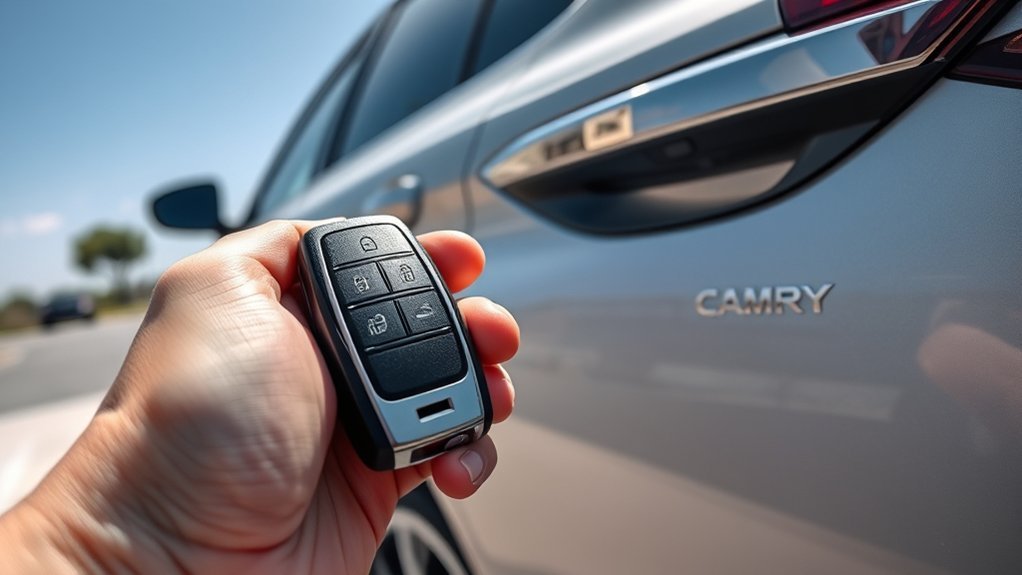
The Toyota Camry Smart Key System lets you lock, unlock, open the trunk, and start the vehicle without inserting a metal key. Keep the Smart Key with you, use the door-handle sensors or key-fob buttons, and confirm that your Camry is equipped for features such as Remote Connect, remote start, or remote climate. Features vary by model year, trim, region, and active connected-service status, so check your Toyota Owner’s Manual for the exact steps for your vehicle.
Quick Answer
The Toyota Camry Smart Key works by letting the vehicle detect an authorized electronic key nearby. With the fob in your pocket or bag, you can unlock the door by touching the handle, lock it from the handle sensor, start the car with the brake pedal and power button, and use remote features if your Camry is equipped.
Key Takeaways
- The Smart Key must be near the vehicle for touch unlock, touch lock, trunk release, and push-button start.
- Remote start and remote climate only work if your Camry supports them and any required Toyota Connected Services are active.
- A weak fob battery, radio interference, an open door, or a Smart Key left inside the car can stop normal locking or unlocking.
- You can still unlock the door with the hidden mechanical key when the fob battery dies.
- Never use remote start in an enclosed space, and check the owner’s manual if you have an implanted medical device.
At a Glance
| Time Required | 1 minute to use basic lock, unlock, trunk, and start features; 5 to 10 minutes for basic troubleshooting. |
| Difficulty | Easy for daily use; moderate if you need to diagnose interference, a weak fob battery, or a vehicle warning. |
| Tools Needed | Smart Key fob, hidden mechanical key, owner’s manual, and the correct replacement coin-cell battery if the fob is weak. |
| Cost | Basic use costs nothing. A replacement fob battery is usually a low-cost maintenance item, while dealer diagnosis or replacement keys cost more. |
Understanding the Toyota Camry Smart Key System
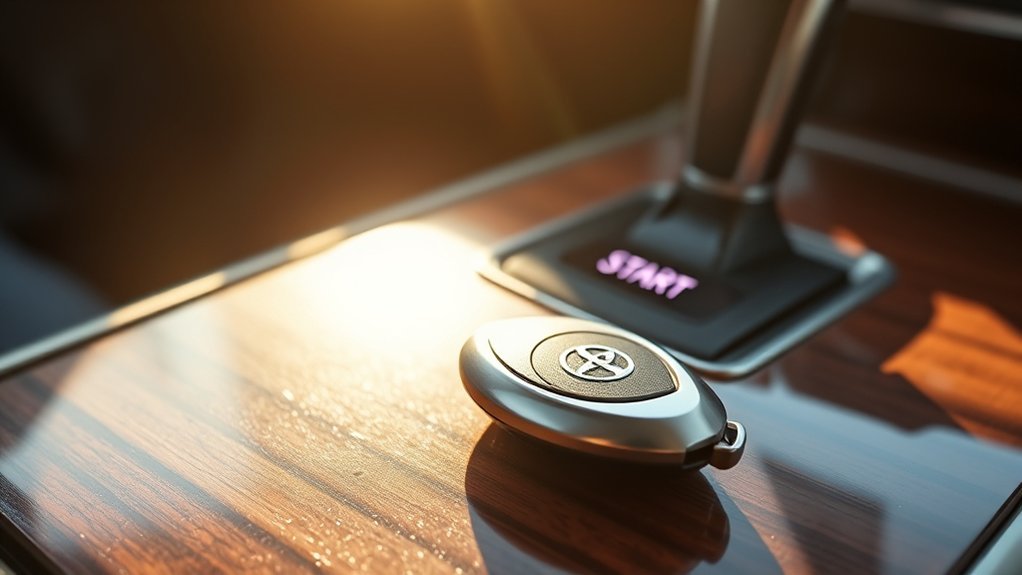
The Toyota Camry Smart Key System combines keyless entry, push-button start, and vehicle security checks. Instead of inserting a key into the door or ignition, you keep the electronic key with you. The car detects the registered key when it is close enough to an approved entry point or inside the cabin.
When you touch a door handle sensor or press the engine switch, control modules inside the vehicle check whether the detected key is authorized. If the key matches the vehicle, the system allows the requested action, such as unlocking a door, opening the trunk, or enabling push-button start.
This system also works with the immobilizer. Your Camry should not enter READY mode or start the engine unless it detects an approved Smart Key inside the vehicle. That security check helps prevent normal starting with an unregistered key.
Note: Smart Key features vary by Camry year, trim, market, and package. Some cars have touch sensors on more doors, while others limit Smart Key entry to the front doors and trunk.
How to Unlock and Lock Your Camry With the Smart Key
To unlock your Camry, keep the Smart Key in your pocket, purse, or bag. Walk up to the vehicle and touch the inside surface of the front door handle. The car should unlock when it detects the registered key nearby.
To lock the doors, step out with the Smart Key and touch the lock sensor or grooves on the outside of the front door handle. A beep or light flash may confirm the lock, depending on your vehicle settings.
Here’s a quick reference table for the most common Smart Key actions:
| Action | How to Do It |
|---|---|
| Unlock the driver’s door | Carry the Smart Key and touch the inside of the front door handle. |
| Lock the doors | Close all doors and touch the lock sensor or grooves on the outside of the front door handle. |
| Prevent accidental lockout | Listen for warning beeps if the Smart Key is left inside or a door is not fully closed. |
| Open the trunk | Carry the Smart Key and press the trunk release button above the license plate, or press the trunk button on the fob. |
| Start the vehicle | Keep the Smart Key inside, press the brake pedal, and press the power or engine start button. |
If the doors do not respond, move the fob closer to the vehicle, check that you are touching the correct sensor area, and confirm that the fob battery is not weak.
Using the Remote Start Feature for Climate Control
Remote start can make your Camry more comfortable before you get in, but it only works on equipped vehicles. Depending on your Camry and service setup, you may be able to start the vehicle from the key fob or through Toyota Remote Connect in the Toyota app.
For many Toyota key fobs with remote start, the common pattern is to press LOCK, press LOCK again, then press and hold LOCK on the third press until the lights flash. Some fobs and model years use different steps, so confirm the exact process in your owner’s manual.
With Remote Connect, supported Camry models may allow vehicle start/stop, door lock/unlock, trunk lock/unlock, and remote climate functions from a compatible smart device. These services can depend on account registration, network connection, GPS signal, active trial or subscription status, and Toyota’s current service terms.
Warning: Never remotely start a gas engine vehicle in a garage, carport, or other enclosed space. Do not use remote start if a child, pet, or vulnerable passenger is inside the vehicle.
Remote climate features may use your last climate settings or app-selected settings, depending on your Camry. In equipped vehicles, you may be able to set cabin temperature, activate the defroster, or use heated and ventilated seat functions through Remote Connect.
Troubleshooting Common Smart Key Issues
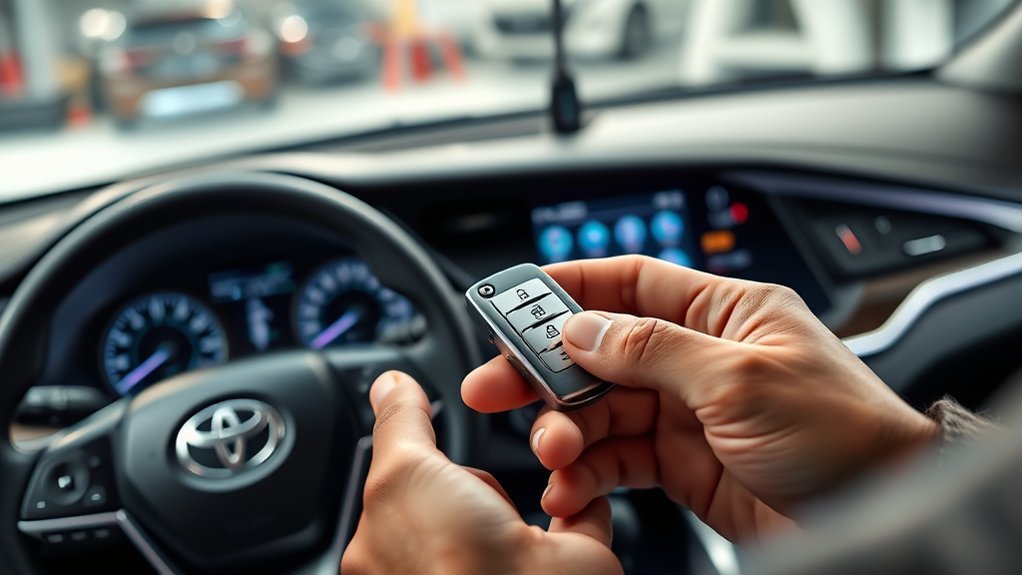
If your Toyota Camry Smart Key stops working, start with the simple causes before assuming a major fault. A weak fob battery, interference, poor key location, or an open door can all stop normal locking, unlocking, or starting.
- Move the fob closer: Hold the Smart Key near the door handle or inside the cabin and try again.
- Check the doors and trunk: A door, hood, or trunk that is not fully closed can trigger warning tones or stop locking.
- Replace the fob battery: If range has dropped or buttons work only sometimes, open the fob and replace the coin-cell battery with the type listed in your owner’s manual or printed on the old battery.
- Try the second key: If the spare Smart Key works, the problem is likely with the first fob or its battery.
- Move away from interference: Strong nearby radio signals, other electronic devices, or a phone stored directly against the fob can affect performance.
- Use the mechanical key: If the fob is dead, remove the hidden metal key blade from the fob and unlock the driver’s door manually.
- Try emergency starting: If the fob battery is weak, hold the fob close to the power or engine start button, press the brake, and press the button as directed in your owner’s manual.
Pro Tip: If your Camry shows a key battery warning, replace the battery soon. Waiting until the fob dies can leave you using the hidden mechanical key at the worst time.
If the Smart Key still fails after battery replacement and emergency-start steps, schedule diagnosis with a Toyota dealer or qualified technician. The vehicle may need fob registration, antenna diagnosis, or a control-module check.
How Does the Certification ECU Enhance Smart Key Functionality?
The Certification ECU, or Smart Key control module in Toyota service language, helps the vehicle decide whether the detected electronic key is authorized. It works with other vehicle modules to compare key information, confirm user intent, and control whether the doors, trunk, immobilizer, and start system can respond.
For example, when you touch the door handle sensor, the vehicle looks for a registered Smart Key nearby. If the system verifies the key, the door unlocks. If it does not detect a valid key, the door should stay locked.
The same basic idea applies when you start the Camry. The Smart Key must be inside the cabin, the brake pedal must be pressed, and the immobilizer must be satisfied before the vehicle enters READY mode or starts the engine.
This layered process gives you convenience without removing the security checks that help prevent unauthorized starting.
How to Access the Trunk With Your Smart Key
Accessing the trunk with the Smart Key is simple when the fob battery is healthy and the key is nearby. Carry the Smart Key with you, reach above the license plate, and press the trunk release button under the trunk lid. The trunk should open when the vehicle detects the authorized key.
You can also press the trunk button on the Smart Key fob. This is helpful when you are walking toward the car or carrying bags.
If the Smart Key battery is dead, use the hidden mechanical key to unlock the driver’s door first. Depending on your Camry year and settings, you may then be able to open the trunk from inside the cabin or by restoring power to the fob with a new battery.
If the trunk still will not open, check that the vehicle is not in a valet or trunk-lockout mode, and review your owner’s manual for model-specific trunk release instructions.
Key Functions and Limitations of the Toyota Smart Key System
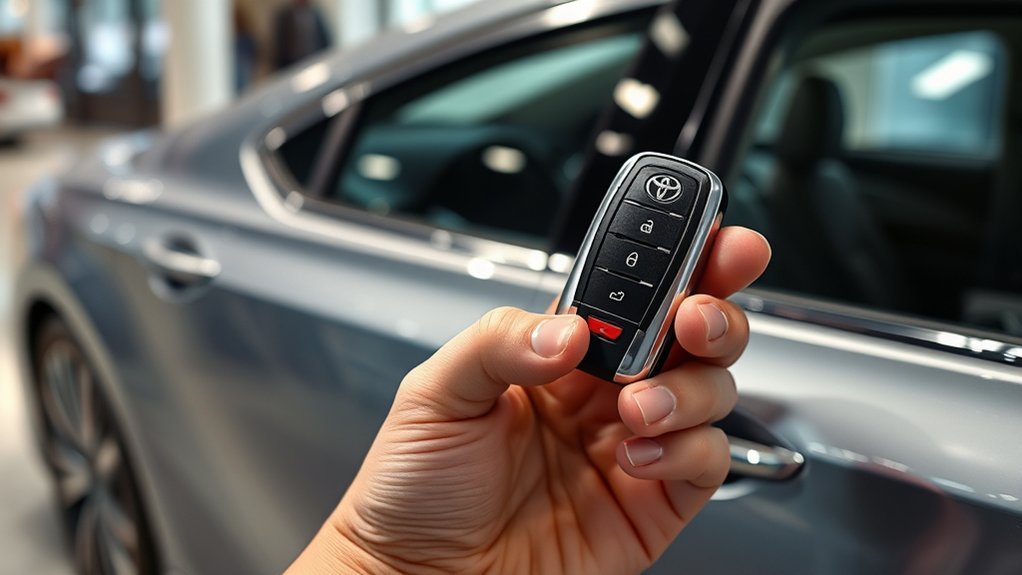
The Toyota Smart Key system adds convenience, but it still has limits. Understanding those limits helps you avoid lockouts, no-start issues, and confusion about unavailable features.
The Smart Key is not just a remote. It is part of the Camry’s entry, starting, immobilizer, and convenience systems.
Common functions can include:
- Touch unlocking from the door handle.
- Touch locking from the handle sensor.
- Push-button start when the key is inside the vehicle.
- Trunk release from the trunk button or fob.
- Remote start or Remote Connect features on equipped vehicles.
- Warning beeps when a door is open, the fob is left inside, or the system detects a lockout risk.
Common limitations include:
- A dead or weak fob battery can reduce range or stop wireless functions.
- Radio interference can affect door-handle response.
- Remote Connect features may require an active trial or paid subscription after the trial period.
- Remote features can fail if the vehicle lacks cellular, GPS, or network coverage.
- Features differ by Camry year, trim, package, and market.
Safety Features and Considerations of the Smart Key System
The Smart Key system includes several safeguards, but you still need to use it carefully. Your Camry may warn you if you try to lock the vehicle while the Smart Key is inside or if a door is not fully closed. These warnings help reduce accidental lockouts.
The hidden mechanical key gives you a backup way to open the driver’s door when the fob battery is dead. Keep that key blade in the fob, and learn how to remove it before you need it.
If you use remote start, think about the surroundings before starting the vehicle. Do not start the engine remotely in a closed garage or any space where exhaust can collect. Also avoid remote starting when a child or pet is inside the vehicle.
If you have a pacemaker, implanted cardiac defibrillator, or another implanted medical device, review the Smart Key precautions in your owner’s manual and ask your doctor or device manufacturer for guidance. Toyota manuals include model-specific warnings and recommended distances for electronic systems.
How to Reduce Smart Key Theft Risk
Keyless systems can be targeted by relay-style theft attempts, where thieves try to extend the signal between the vehicle and a key stored nearby. You can reduce that risk with a few simple habits.
- Store your Smart Key away from exterior doors and windows at home.
- Use a signal-blocking pouch or box if you park outside or near a public area.
- Do not leave the spare key inside the vehicle.
- Lock the car and check for the confirmation beep or light flash.
- Ask your Toyota dealer whether your Camry allows Smart Key signal-saving or fob-sleep settings.
These habits do not replace normal theft prevention, but they make the Smart Key harder to misuse.
What to Do When Your Smart Key Isn’t Working?
When your Smart Key is not working, stay calm and work through the issue in order. Most problems come from battery, range, door status, or interference.
- Try the fob buttons. Press lock or unlock. If the buttons work but the handle sensor does not, the handle sensor or proximity detection may be the issue.
- Try the door handle again. Hold the fob in your hand and touch the inside of the handle.
- Check the fob battery. Replace it if range has dropped or the vehicle shows a key battery warning.
- Use the hidden mechanical key. Remove the metal key blade from the fob and unlock the driver’s door.
- Start with a weak fob battery. Hold the fob near the power or engine start button, press the brake, and press the button.
- Try your spare Smart Key. If the spare works normally, the first fob may need service or replacement.
- Get a diagnosis. If both keys fail, have the vehicle inspected by a Toyota dealer or qualified technician.
Do not keep pressing the start button repeatedly if the vehicle shows warning messages. Read the message, check the fob location, and follow the emergency-start instructions in your manual.
Related Guides
Frequently Asked Questions
How does a Toyota Camry Smart Key work?
A Toyota Camry Smart Key lets the vehicle detect an authorized electronic key nearby. When you touch a handle, press the trunk release, or press the start button with the brake pedal down, the vehicle checks the key before allowing the action.
What is a Smart Key for a Toyota Camry?
A Smart Key is the electronic key fob that supports keyless entry and push-button start. It may also include remote buttons for locking, unlocking, trunk release, panic alarm, and remote start on equipped vehicles.
What does pressing the lock button three times do?
On some Toyota vehicles with key-fob remote start, pressing LOCK twice and then pressing and holding LOCK on the third press can start the vehicle. This does not apply to every Camry. Check your owner’s manual to confirm whether your fob supports it.
Can I start my Camry if the Smart Key battery is dead?
Usually, yes. Use the hidden mechanical key to unlock the driver’s door. Then hold the fob close to the power or engine start button, press the brake pedal, and press the button as your owner’s manual directs.
Why won’t my Camry lock with the Smart Key?
Common causes include a Smart Key left inside the car, an open door or trunk, a weak fob battery, interference, or touching the wrong part of the door handle. Close every door, move the fob outside the car, and try again.
Does every Toyota Camry have Remote Connect or remote start?
No. Remote Connect and remote start depend on model year, trim, package, region, connected-service setup, and active trial or subscription status. Review your Toyota app, window sticker, or owner’s manual to confirm your exact features.
Conclusion
The Toyota Camry Smart Key System makes daily driving easier when you understand how each feature works. Keep the fob with you, use the door-handle sensors correctly, start the vehicle with the brake pedal and power button, and use remote start only when your Camry supports it.
If the system acts up, check the simple items first: fob battery, range, door status, interference, and the spare key. For safety, avoid remote starting in enclosed spaces, learn how to use the hidden mechanical key, and check your owner’s manual for model-specific Smart Key instructions.
Sources
- Toyota Owners Manuals and Warranties — model-specific owner’s manual access and feature instructions.
- Toyota Connected Services — Remote Connect overview and connected-service feature context.
- Toyota 2025 Remote Connect Features by Model — current Remote Connect commands, remote climate availability, and safety disclosures.
- Toyota Connected Services Terms of Use — service terms, data, and connected-feature limitations.
- SoK: Stealing Cars Since Remote Keyless Entry Introduction and How to Defend From It — research background on remote keyless entry security risks.

