
You need a laptop that can handle lectures, deadlines, research, video calls, and long study sessions without becoming another source of stress. The right choice depends on more than processor speed. Your required course software, storage needs, operating system, battery expectations, ports, and daily travel all matter.
This guide compares four student-focused laptops across Windows and ChromeOS. Each option solves a different problem, from affordable cloud-based coursework to premium portability and a vivid touchscreen display. Start with your school’s required software, then choose the laptop that best fits how you study.
Quick Verdict
Choose the Surface Laptop 13-inch when you want a compact Windows touchscreen with 16GB of memory, 512GB of storage, and strong claimed battery life, provided your required software and peripherals work properly on Windows on Arm.
Choose the Dell XPS 13 9345 when premium portability, a 120Hz-capable display, and 1TB of storage matter most, but verify the seller-upgraded configuration and warranty terms carefully.
Choose the Acer Chromebook Plus 514 when you mainly use browser-based coursework and want a practical 14-inch touchscreen Chromebook.
Choose the Galaxy Chromebook 2 when its QLED touchscreen is your priority and the current seller, condition, and price make sense for an older 2021 model that is scheduled for ChromeOS updates through June 2030.
Top Picks
| Category | Product | Best For | Main Limitation |
|---|---|---|---|
| Best Overall Windows Pick | Surface Laptop 13-inch | Writing, research, presentations, and touchscreen use | Course software and driver compatibility should be checked |
| Best Premium Ultraportable | Dell XPS 13 9345 | Frequent travel, multitasking, and large local storage | Only two USB-C ports and a seller-upgraded SSD on the linked configuration |
| Best Budget Chromebook | Acer Chromebook Plus 514 | Google Workspace, web apps, notes, and video calls | Limited local storage and no native Windows desktop software |
| Best Chromebook Display | Samsung Galaxy Chromebook 2 | Reading, streaming, annotations, and vivid visuals | Older 2021 hardware despite support through June 2030 |
Selection Criteria
We prioritized the factors that affect student life most: required-software compatibility, practical multitasking performance, battery potential, portability, display quality, webcam usefulness, storage, connectivity, support life, and overall buying risk.
Manufacturer and seller battery figures come from controlled tests and should not be treated as guaranteed classroom runtime. Screen brightness, video calls, browser tabs, background apps, wireless conditions, operating-system updates, and power settings can reduce actual battery life.
Before You Buy
- Ask your department for its required applications. Engineering, architecture, nursing, design, music, statistics, testing, and laboratory software may have strict operating-system or processor requirements.
- Check Windows on Arm support. The Surface and linked Dell use Snapdragon processors. Windows 11 can run many x86 and x64 applications through emulation, but driver-dependent software, older peripherals, plug-ins, virtualization tools, and specialized programs may still require native Arm64 support.
- Aim for 16GB of memory for heavier multitasking or a longer-term Windows purchase. Eight gigabytes remains practical for lighter ChromeOS use.
- Plan your storage. Cloud users may manage with 128GB, while large media files, datasets, development tools, or offline projects benefit from 512GB or more.
- Check the ports you actually use. Projectors, lab equipment, storage drives, wired networking, card readers, and monitors may require a USB-C hub or adapter.
- Confirm the seller and warranty. Marketplace configurations may be modified by a reseller rather than shipped in their original factory specification.
- Check the return policy before opening, registering, or extensively configuring the laptop.
The Acer Chromebook Plus 514 solves a common student problem: you need more speed and screen space than an entry-level Chromebook provides, but you do not need an expensive Windows workstation.
The Core i3-N305 and 8GB of memory suit browser tabs, Google Docs, video calls, research, streaming, and cloud-based assignments. Its 14-inch Full HD touchscreen also gives you more room for side-by-side documents than a smaller 13-inch display.
Why You’ll Like It
- Practical performance for everyday ChromeOS multitasking
- Touchscreen support for scrolling, annotations, and simple edits
- FHD webcam for remote classes and group meetings
- Wi-Fi 6E support for compatible campus and home networks
- Designed for mobile use, although published battery claims vary by listing and test method
Who Should Buy This
Pick this Acer when your classes rely on Google Workspace, Microsoft 365 web apps, a learning-management system, browser research, and video conferencing. It also makes sense when you store most files in the cloud and want a larger touchscreen without moving to a Windows laptop.
Who Should Avoid This
Skip it when your program requires locally installed Windows or macOS applications. The 128GB storage capacity may also feel restrictive if you keep large videos, raw photos, games, datasets, or offline project folders.
Buyer Considerations
ChromeOS keeps setup and maintenance relatively simple, but compatibility matters more than convenience. Confirm that required testing, coding, design, statistical, laboratory, VPN, or proctoring applications work through the browser, Android, Linux, or another method approved by your school.
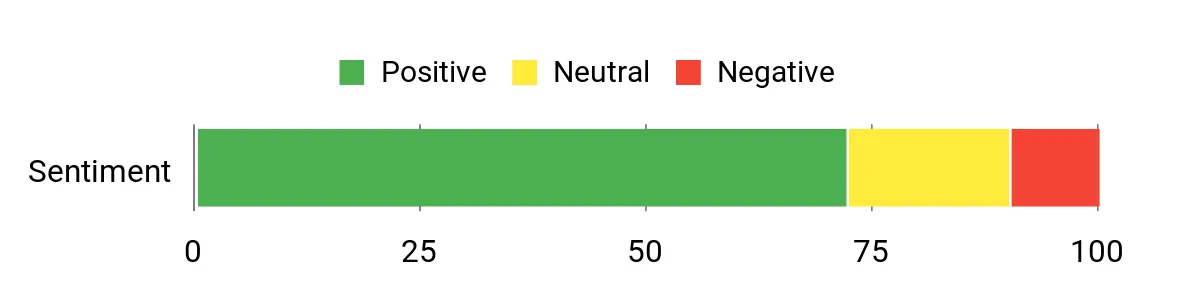
Editorial note: This visual was included in the original article. It is not an independent laboratory test or a current review-count analysis.
Check Product Details on Amazon
The 13-inch Surface Laptop is designed for students who want a small Windows notebook without dropping to 8GB of memory or a cramped storage configuration. Its 16GB RAM and 512GB of storage provide a practical base for documents, research files, presentations, collaboration apps, and everyday multitasking.
The 1920 × 1280 touchscreen uses a productivity-friendly 3:2 shape, giving documents and websites more vertical space. Microsoft lists up to 23 hours of local video playback and up to 16 hours of active web use under specified test conditions. Video calls, high brightness, demanding apps, background activity, and constant wireless use can reduce real-world runtime.
Why You’ll Like It
- Compact 2.7-pound design for backpacks, lecture halls, and small desks
- 16GB RAM for smoother multitasking than basic 8GB Windows laptops
- 512GB of storage for documents, offline files, and moderate media storage
- 13-inch 1920 × 1280 touchscreen with a 3:2 aspect ratio
- Two USB-C ports, USB-A, and a 3.5mm headphone jack without relying entirely on adapters
Who Should Buy This
Choose the Surface when you want a polished Windows laptop for writing, business courses, general coursework, remote learning, presentations, and browser-heavy research. It is especially appealing when portability and a touchscreen matter more than having a large display or many ports.
Who Should Avoid This
Skip it until you verify compatibility when your course uses specialized Windows software, older printer or laboratory drivers, exam or security tools, advanced plug-ins, virtualization software, or other applications that depend on components without Arm64 support.
Copilot+ and AI Features
Copilot+ features can help with selected search, writing, image, accessibility, and productivity tasks. Availability may depend on Windows updates, region, account settings, and the application being used. Buy the laptop for its core hardware, portability, and software compatibility rather than for one specific AI feature.
Buyer Considerations
Windows 11 on Arm can run many x86 and x64 applications through emulation, but emulation does not solve every compatibility problem. Drivers and hardware-dependent components may still require native Arm64 support. Check your school’s exact applications and peripherals before ordering.
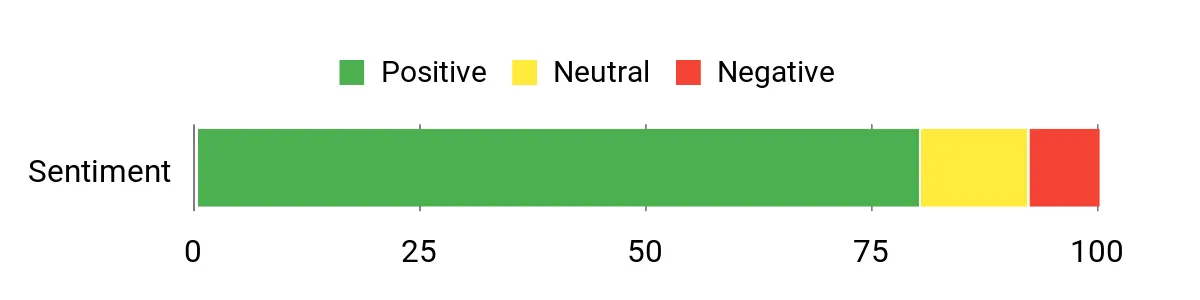
Editorial note: This visual was included in the original article. It is not an independent laboratory test or a current review-count analysis.
Check Product Details on Amazon
The Galaxy Chromebook 2 stands out because of its 13.3-inch Full HD QLED touchscreen. Text, presentations, photographs, and streaming content can look more vivid than they do on many ordinary Chromebook panels.
Its slim design and touchscreen remain useful for campus work, but this is a 2021 model with a 10th-generation Core i3 processor. Google currently lists the Galaxy Chromebook 2 for automatic ChromeOS updates through June 2030, so its main concern is hardware age and buying value rather than an immediately expiring update window.
Why You’ll Like It
- Color-rich 13.3-inch Full HD QLED touchscreen
- Compact design for commuting and small workspaces
- 8GB memory for normal browser-based coursework
- 128GB storage for documents, downloads, and offline files
- Samsung lists up to 13 hours of battery life under specified conditions
Who Should Buy This
Pick the Samsung when display quality is more important than owning the newest processor. It suits reading, streaming, web research, Google Workspace, video calls, and light annotation.
Who Should Avoid This
Skip it when you want current-generation performance, a larger port selection, native Windows applications, or the longest possible useful hardware life. Newer Chromebook Plus models may deliver better performance and value depending on current pricing.
Important Configuration Check
The linked configuration is identified as the Core i3 model with 8GB RAM and 128GB storage. Marketplace listings can still contain conflicting specification fields, so confirm the model number, processor, memory, storage, condition, seller, and warranty before payment.
Buyer Considerations
Google currently lists the Galaxy Chromebook 2 for automatic updates through June 2030. That gives it meaningful software-support life remaining, but you should still compare its processor age, battery condition, seller warranty, physical condition, and current cost with newer Chromebook Plus models before deciding.
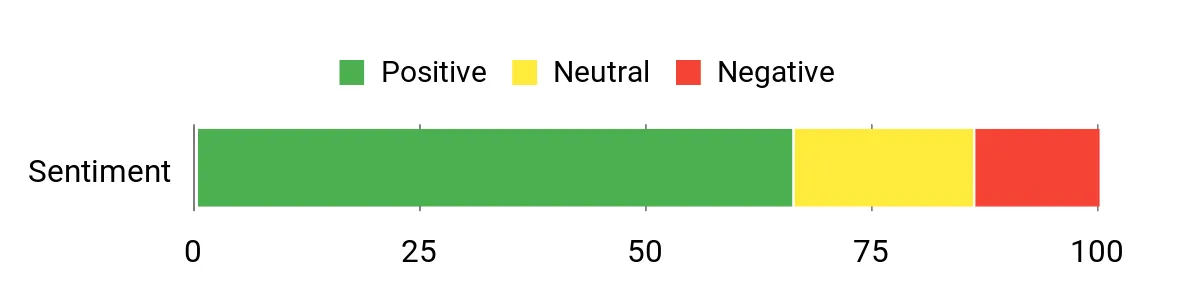
Editorial note: This visual was included in the original article. It is not an independent laboratory test or a current review-count analysis.
Check Product Details on Amazon
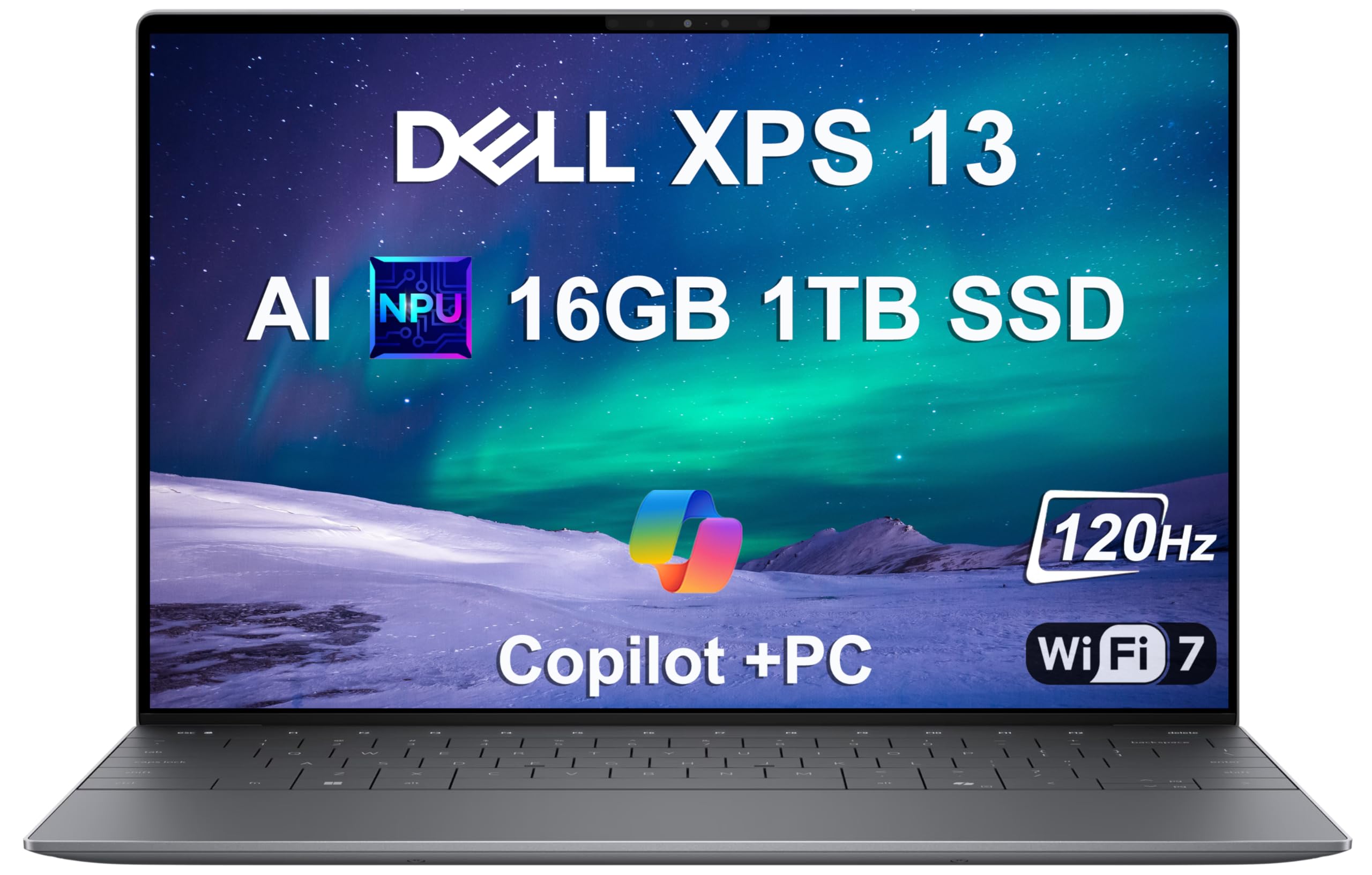
The linked XPS 13 configuration targets students who want a premium, highly portable Windows laptop with substantial local storage. Its 13.4-inch 1920 × 1200 non-touch display can refresh at up to 120Hz, making scrolling and interface movement look smoother than on a standard 60Hz panel.
The Snapdragon X Plus processor and 16GB of memory suit research, office applications, browser-heavy workflows, supported programming environments, and light creative work. The 1TB SSD also provides substantially more local space than either Chromebook in this roundup.
Why You’ll Like It
- Thin, lightweight chassis for frequent campus travel
- 16GB LPDDR5X memory for everyday multitasking
- 1TB SSD for large offline project folders
- 13.4-inch FHD+ non-touch display with a refresh rate up to 120Hz
- Wi-Fi 7 and two USB4 Type-C connections
Who Should Buy This
Choose the Dell when portability, premium construction, a smooth display, and 1TB of local storage are more important than having many built-in ports. It can work well for writing, research, presentations, supported coding tools, and everyday content creation.
Who Should Avoid This
Skip it when your devices require HDMI, USB-A, an SD card slot, or other legacy connections and you do not want to carry adapters. You should also avoid it until you confirm Windows on Arm support for specialized course applications, drivers, and peripherals.
Battery Claim Caution
Battery figures for this model vary by configuration, display, workload, and test method. Treat the XPS as a laptop designed for mobile use, but do not assume a seller’s highest battery-life figure will match a mixed day of classes, calls, browsing, and project work.
Buyer Considerations
The edge-to-edge keyboard design, touch-sensitive function row, and nearly invisible touchpad area may feel different from a traditional laptop. Try a similar XPS keyboard and touchpad in person when possible. Also confirm the exact seller-upgraded storage and warranty arrangement before buying the linked configuration.
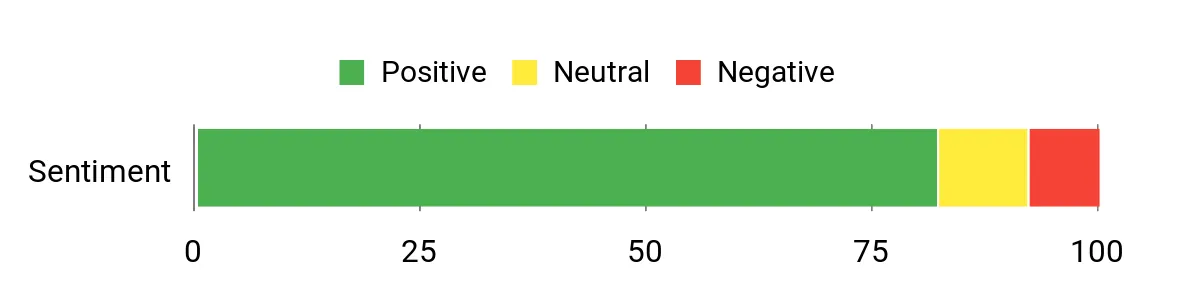
Editorial note: This visual was included in the original article. It is not an independent laboratory test or a current review-count analysis.
Check Product Details on Amazon
How to Choose a Student Laptop
Start With Required Software
Your school’s application list should decide the operating system and processor compatibility before brand preference does. A Chromebook can be excellent for browser-based coursework but unsuitable for a class that requires a specific Windows or macOS desktop application. Likewise, a Snapdragon Windows laptop deserves an extra compatibility check when software depends on drivers, plug-ins, hardware accessories, or specialized system components.
Choose Enough Memory
Eight gigabytes is workable for ChromeOS, documents, video calls, and moderate browser use. Sixteen gigabytes provides more breathing room for heavier Windows multitasking, programming tools, larger spreadsheets, and longer-term use.
Plan for Offline Storage
A 128GB drive works best when you actively use cloud storage. Around 512GB is more comfortable for a general-purpose Windows laptop, while 1TB helps when you keep large videos, photographs, datasets, development tools, games, or large offline projects.
Do Not Compare Battery Numbers Alone
Manufacturers and sellers use different tests. One figure may measure local video playback, while another measures active web use or streaming under controlled settings. Compare the test method when possible, look for independent real-world testing, and carry the charger during unusually long days.
Check Ports and Accessories
Count the connections required for external monitors, projectors, storage drives, lab equipment, headphones, wired networking, and card readers. A compact USB-C hub can solve many connection problems, but it adds cost and another item to carry.
Check Seller, Condition, and Warranty
Marketplace laptops may be sold by the manufacturer, an authorized retailer, or a third-party reseller. Confirm whether the device is new, open-box, refurbished, or modified, and check who covers upgraded components before you buy.
FAQ
Which Laptop Is Best for Most Students?
The Surface Laptop 13-inch offers the most balanced Windows configuration in this group because it combines 16GB RAM, 512GB of storage, a touchscreen, useful built-in ports, and a compact design. It is not automatically best for every major because its Snapdragon processor requires a compatibility check for specialized software, drivers, and peripherals.
Can a Chromebook Handle College Work?
A Chromebook can handle web research, Google Workspace, Microsoft 365 web apps, learning-management systems, streaming lectures, video calls, and many writing assignments. It becomes a poor choice when your program requires unsupported Windows or macOS desktop software or specialized local tools.
Is 8GB of RAM Enough for a Student Laptop?
Eight gigabytes is generally suitable for ChromeOS and lighter workloads. Choose 16GB when you expect demanding multitasking, programming tools, large spreadsheets, creative applications, or several years of Windows use.
Will Every Windows Program Work on a Snapdragon Laptop?
No. Windows 11 on Arm can emulate many x86 and x64 applications, and many common applications now run well on Arm-based PCs. Compatibility is still not universal because drivers and some hardware-dependent components must support Arm64 natively. Confirm every required program, plug-in, peripheral, exam browser, VPN or security tool, and development environment before buying the Surface or linked Dell.
How Much Storage Does a College Student Need?
Cloud-focused students may manage with 128GB. Around 512GB is a practical general-purpose target, while 1TB helps when you store videos, photographs, engineering files, datasets, games, development tools, or large offline projects.
How Long Will the Battery Last?
Actual runtime depends on brightness, wireless conditions, video calls, browser activity, background applications, processor load, and power settings. Manufacturer claims are useful only when you understand the test method; they do not guarantee the same runtime during a mixed day of classes.
Should I Buy an Older Chromebook?
An older Chromebook can make sense when its condition, current price, processor performance, battery health, and remaining automatic-update period still provide good value. The Galaxy Chromebook 2 in this roundup is currently listed by Google for automatic updates through June 2030, but you should still compare it with newer Chromebook Plus models before buying.
Final Recommendations
The Surface Laptop 13-inch is the strongest all-around Windows choice here for writing, research, presentations, and general coursework. Its 16GB of memory, 512GB of storage, 3:2 touchscreen, and useful port selection make it easy to recommend for general students, but confirm every required application and peripheral supports Windows on Arm.
The Dell XPS 13 9345 offers the most premium travel experience and the largest storage capacity in this group. Its 120Hz-capable display and compact design are appealing, but the linked third-party SSD upgrade, limited port selection, unusual input design, seller-specific warranty, and Windows-on-Arm compatibility require closer review.
The Acer Chromebook Plus 514 is the practical option for cloud-based coursework, especially when you want a larger 14-inch touchscreen. The Samsung Galaxy Chromebook 2 remains attractive for its QLED touchscreen and is currently scheduled for ChromeOS updates through June 2030, but its 2021 hardware should still be weighed against newer Chromebook Plus alternatives.
Final Buying Checklist
- Confirm every required school application, driver, exam tool, and peripheral.
- Verify the exact processor, RAM, storage, display, and operating-system configuration.
- Check whether the item is new, used, refurbished, open-box, or seller-modified.
- Review both manufacturer and seller warranty terms.
- Check the included charger and any adapters or hubs you will need.
- For a Chromebook, confirm its remaining automatic-update period.
- Read the current return policy before ordering.
| Product Name | Image | Processor | RAM | Storage | Display | Operating System | Important Check | Amazon |
|---|---|---|---|---|---|---|---|---|
| Acer Chromebook Plus 514 |
 |
Intel Core i3-N305 | 8GB LPDDR5 | 128GB | 14-inch FHD touchscreen | ChromeOS | Confirm required apps work on ChromeOS | Check Details |
| Microsoft Surface Laptop 13-Inch |
 |
Snapdragon X Plus, 8-core | 16GB | 512GB | 13-inch 1920 × 1280 touchscreen | Windows 11 Home | Check Windows-on-Arm software and driver compatibility | Check Details |
| Samsung Galaxy Chromebook 2 |
 |
Intel Core i3-10110U | 8GB listed configuration | 128GB | 13.3-inch FHD QLED touchscreen | ChromeOS | Older hardware; ChromeOS updates currently listed through June 2030 | Check Details |
| Dell XPS 13 9345 |
 |
Snapdragon X Plus, 8-core | 16GB LPDDR5X | 1TB seller-upgraded SSD | 13.4-inch FHD+ non-touch, up to 120Hz | Windows 11 Pro | Verify seller upgrade, warranty, and Arm compatibility | Check Details |
