
Portable monitors give you more screen space without turning a travel setup into a desk full of gear. For MacBook and Windows users, the main choices are resolution, USB-C video support, touch compatibility, stand design, and portability.
The ViewSonic TD1656-2K is the best overall pick for its 16-inch 2560×1600 touchscreen and dual USB-C ports. The ARZOPA Z1RC is the best value if you want the same resolution plus mini-HDMI without paying for touch.
We checked the exact Amazon listings, manufacturer specifications, compatibility guidance, and recall records before rebuilding these recommendations.
Portable Monitors Compared
| Product | Best for | Resolution | Connectivity | Touch |
|---|---|---|---|---|
|
Premium
|
Large touchscreen productivity | 2560 × 1600 | 2 × USB-C | 10-point |
|
Mid-range
|
Compact touch and pen workflows | 2240 × 1400 | 2 × USB-C | 10-point |
|
Budget
|
High-resolution value | 2560 × 1600 | USB-C, Mini HDMI | No |
| Comparing an older portable OLED option | 1920 × 1080 | 2 × USB-C, Mini HDMI | No | |
|
Premium
|
Premium touchscreen design | 1920 × 1080 | 2 × USB-C | Touchscreen |
Portable Monitors: Our Top Picks
Portable Monitor Reviews
1. ViewSonic TD1656-2K
Bottom line: The ViewSonic TD1656-2K gives you a large, sharp touchscreen without moving up to a desktop monitor. It fits productivity and creative workflows where touch and extra vertical space both matter.
- Screen: 16-inch 16:10 IPS, gives you extra vertical workspace
- Resolution: 2560×1600, provides finer text and more desktop space
- Refresh rate: 60Hz, suited to productivity and general media
- Connectivity: 2 × USB-C with DP Alt Mode, no native HDMI
- Touch: 10-point capacitive, supports pen input on compatible systems
The 16:10 panel is useful for spreadsheets, timelines, browser windows, and documents because it gives you more vertical room than a 16:9 display. ViewSonic rates the panel at 330 nits and 99% sRGB coverage.
Both USB-C ports support DisplayPort Alt Mode. The smart cover also works as an adjustable stand, and ViewSonic includes a passive touch pen. Mac users should note that touch requires ViewSonic’s vTouch software rather than working as a universal native macOS touchscreen.
- Sharp 2560×1600 16:10 panel
- 10-point touchscreen with pen support
- USB-C ports on both sides
- Smart cover doubles as a stand
- 99% sRGB coverage
- No native HDMI input
- 60Hz refresh rate is not aimed at high-refresh gaming
- macOS touch requires ViewSonic software
Check Current Amazon Availability
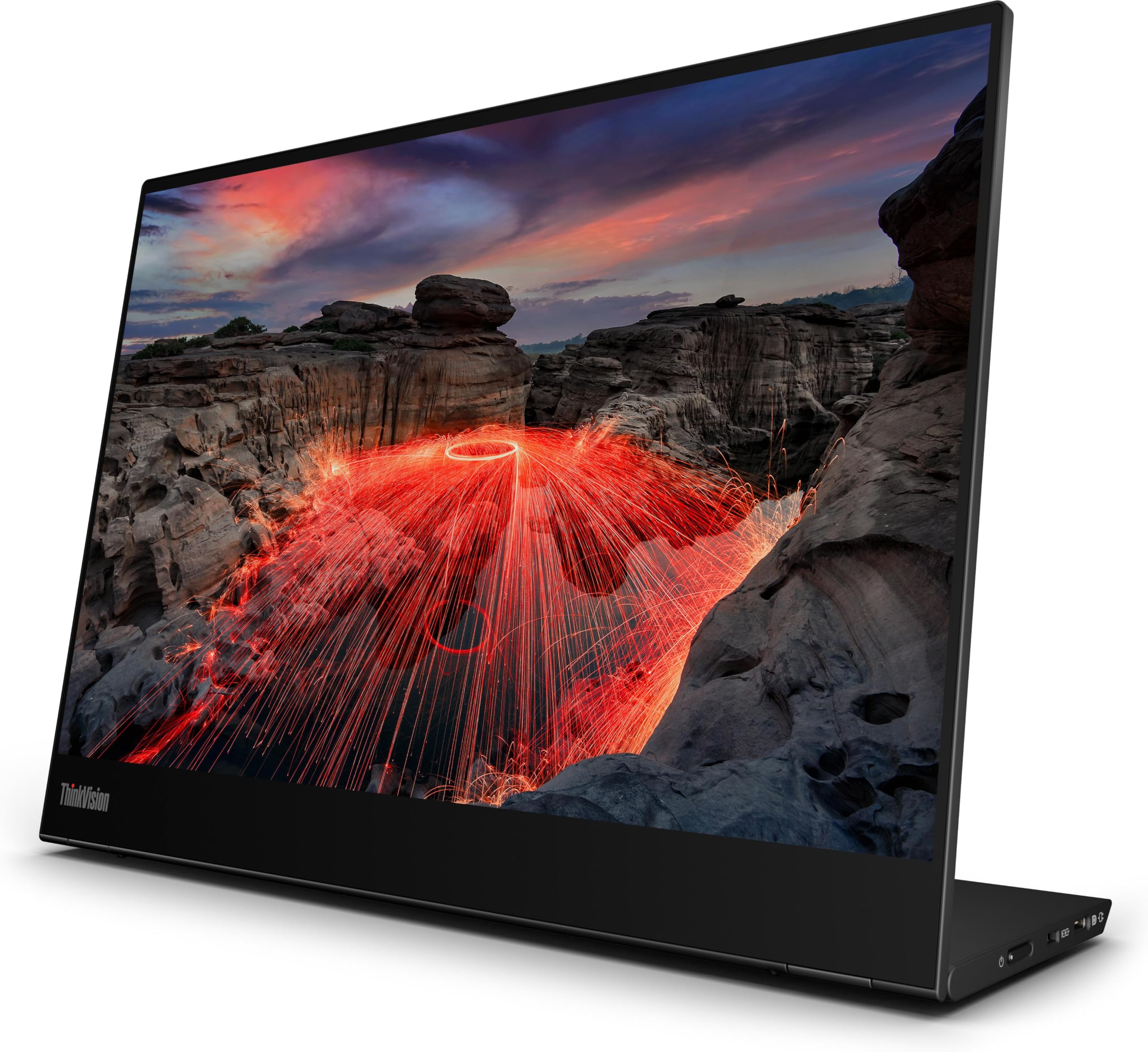
2. ThinkVision M14t Gen 2
Bottom line: The ThinkVision M14t Gen 2 is a strong travel choice when you want touch in a smaller bag-friendly format. Its 2240×1400 panel keeps the 16:10 workspace sharper than a typical 1080p portable display.
- Screen: 14-inch 16:10 IPS, easier to fit in travel bags
- Resolution: 2240×1400, gives small text extra definition
- Refresh rate: 60Hz, designed for productivity rather than fast gaming
- Connectivity: 2 × USB-C with DP 1.2, no native HDMI
- Touch: 10-point, with included touch pen
Lenovo rates the panel at 300 nits before system-level adjustment and 100% sRGB coverage. The integrated stand supports tilt, pivot, and a small amount of height adjustment, which gives you more positioning control than a simple folding cover.
Both USB-C ports support DisplayPort 1.2 and USB Power Delivery, with Lenovo listing up to 65W PD depending on the connected devices and configuration. Lenovo’s PSREF lists Windows 10 and Windows 11 as supported operating systems, so verify touch behavior for other platforms before relying on it.
- Sharp 2240×1400 16:10 panel
- 10-point touch with pen support
- Dual USB-C connectivity
- Integrated adjustable stand
- 100% sRGB coverage
- No native HDMI input
- Smaller workspace than the 16-inch picks
- Touch support should be checked for non-Windows systems
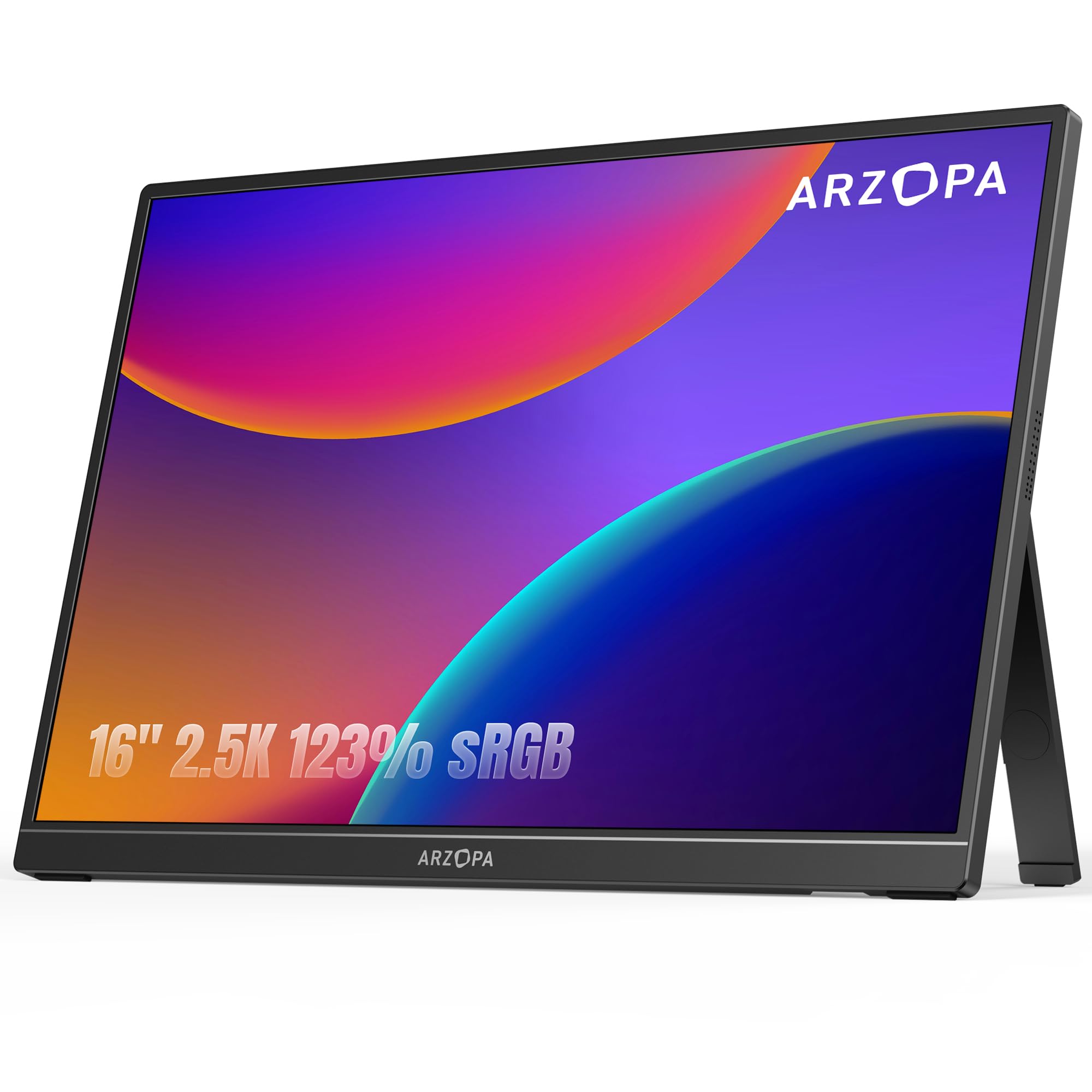
3. ARZOPA Z1RC
Bottom line: The ARZOPA Z1RC gives you a large 2560×1600 workspace at the value end of this group. It is especially practical when you need both USB-C and an HDMI-based connection.
- Screen: 16-inch 16:10 IPS, provides useful vertical workspace
- Resolution: 2560×1600, gives you sharp text and detail
- Refresh rate: 60Hz, fits work and general entertainment
- Connectivity: USB-C with DP Alt Mode plus mini-HDMI, broad source support
- Touch: No, keeps the design focused on display use
ARZOPA rates the Z1RC at 350 nits with a 123% sRGB color-gamut specification. It also has a built-in stand and two 1W speakers, reducing the number of accessories you need for a quick temporary setup.
Mini-HDMI makes it easier to connect cameras, consoles, and HDMI-equipped computers than a USB-C-only monitor. For USB-C video, the source port still needs DisplayPort Alt Mode. If color accuracy matters for final delivery, calibrate the screen rather than relying only on a gamut percentage.
- 2560×1600 16:10 resolution
- USB-C and mini-HDMI inputs
- Built-in stand for quick setup
- Integrated speakers
- 350-nit manufacturer brightness specification
- No touchscreen
- 60Hz is not intended for high-refresh competitive gaming
- Advertised gamut coverage does not replace calibration
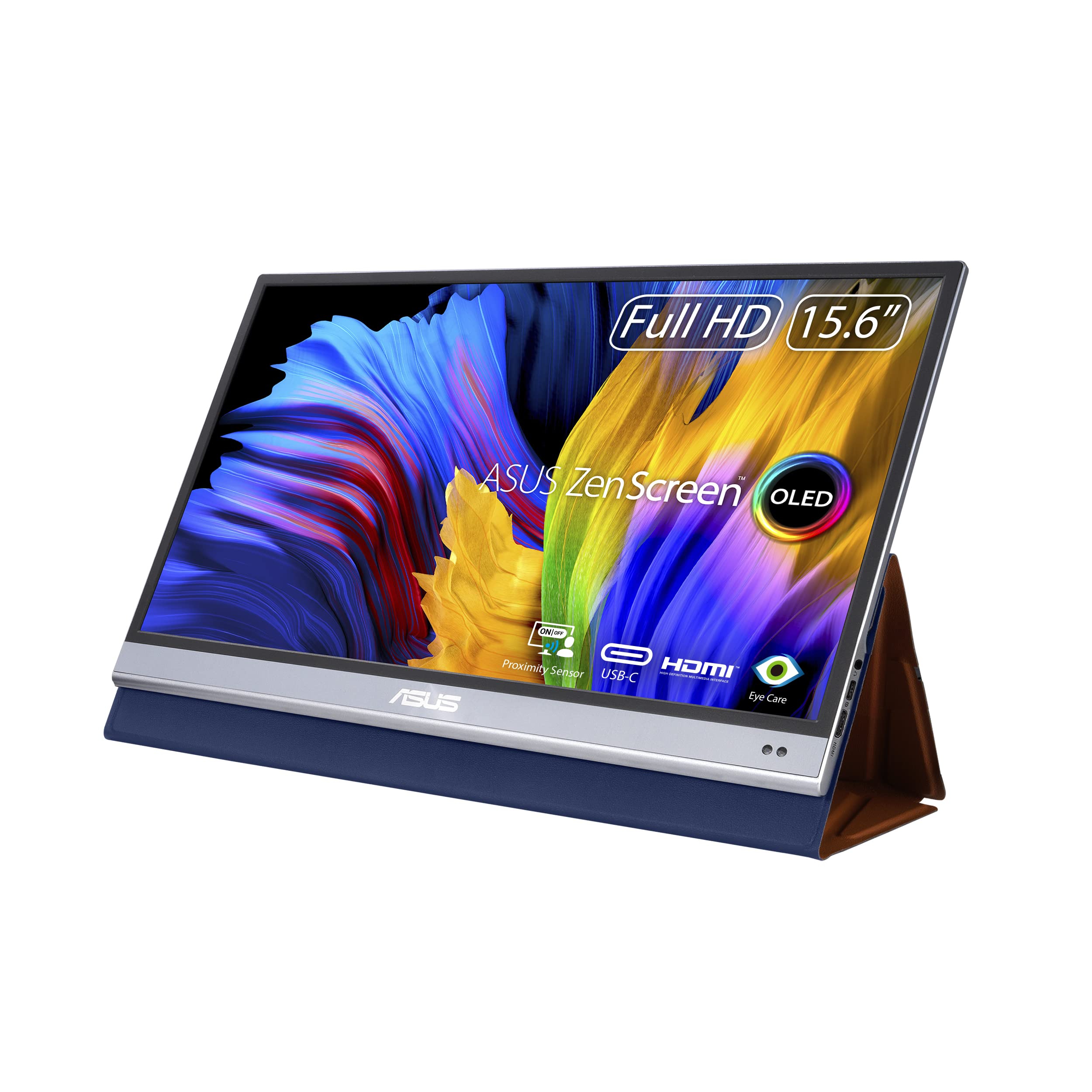
4. ASUS ZenScreen OLED MQ16AH
Bottom line: The ASUS ZenScreen OLED MQ16AH remains here for reference because it was part of the original roundup, but it is not included in the current recommendations. Its main appeal is OLED contrast rather than high resolution or touch.
- Screen: 15.6-inch 16:9 OLED, delivers deep blacks and high contrast
- Resolution: 1920×1080, adequate for portable media and preview work
- Refresh rate: 60Hz, suited to general viewing and creative work
- Connectivity: 2 × USB-C plus mini-HDMI, supports multiple source types
- Touch: No, designed as a conventional portable display
The MQ16AH uses a glossy OLED panel with 100% DCI-P3 coverage, a manufacturer-rated Delta E below 2, HDR10 support, and 360-nit typical brightness. Those specifications make color and contrast its main strengths.
Its Full HD resolution gives you less desktop space than the 2240×1400 and 2560×1600 models in this guide. ASUS has also introduced the newer MQ16AHE, so compare the generations before deciding which model fits your setup.
- OLED panel with deep blacks
- 100% DCI-P3 manufacturer specification
- Delta E below 2 manufacturer specification
- USB-C and mini-HDMI connectivity
- 1920×1080 provides less workspace than the 2K picks
- Glossy surface can show reflections
- No touchscreen or built-in speakers
Check Current Amazon Availability
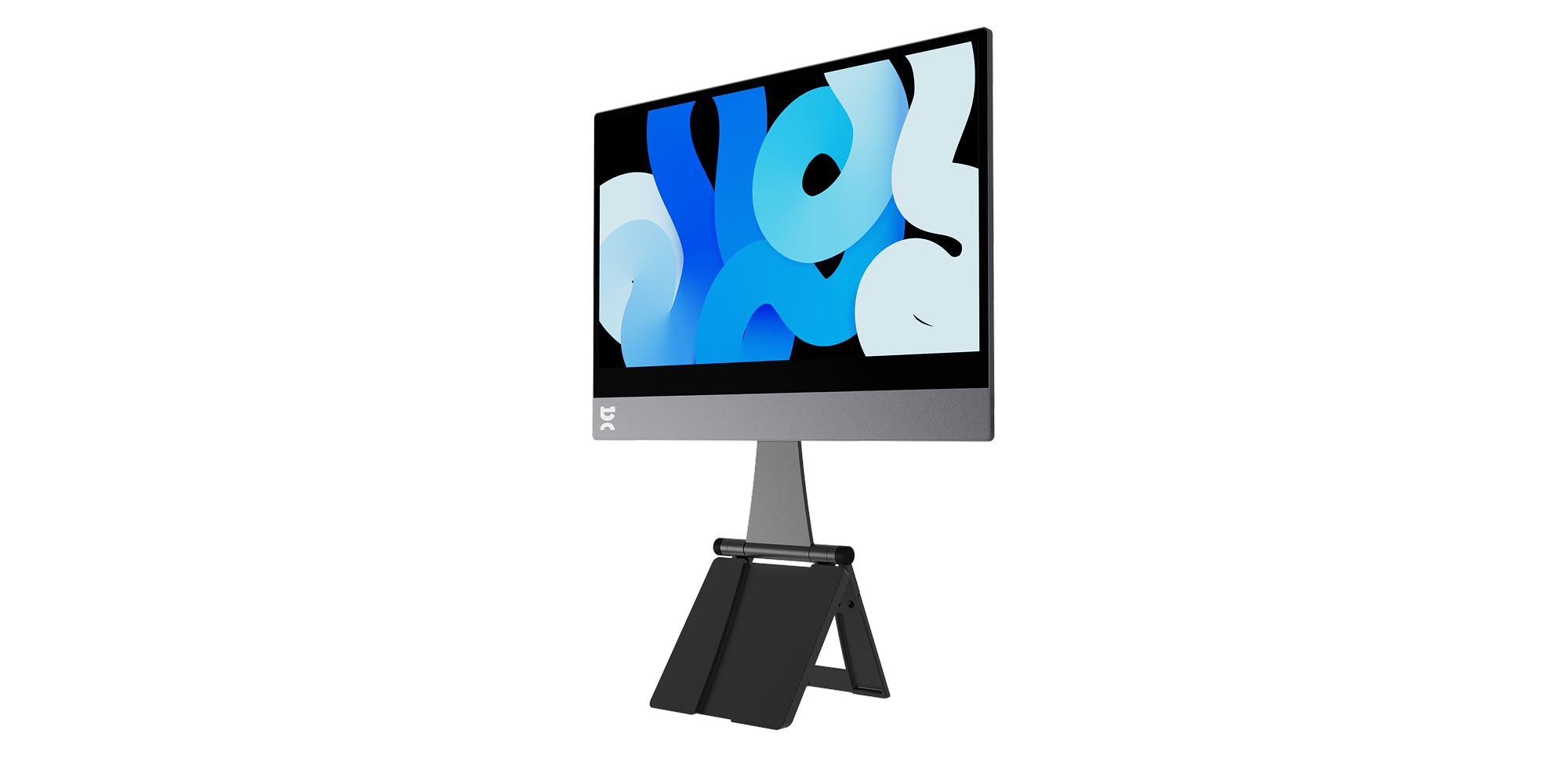
5. Espresso 15 Touch
Bottom line: The Espresso 15 Touch is for buyers who value touch, materials, and stand flexibility more than maximum resolution. It creates a clean mobile workstation when your device supports its USB-C workflow.
- Screen: 15.6-inch 16:9 LCD, balances workspace and portability
- Resolution: 1920×1080, fits general productivity and presentations
- Refresh rate: 60Hz, suitable for everyday work and media
- Connectivity: 2 × USB-C with power pass-through, no native HDMI
- Touch: Touchscreen, supported on Mac and Windows with compatible setup
Espresso specifies 300-nit brightness, an aerospace-aluminum chassis, built-in speakers, and two USB-C ports with power pass-through. The official 15-inch bundle includes the magnetic Stand+, a USB-C cable, and a cleaning cloth.
Touch works with Mac and Windows, while Espresso recommends its espressoFlow software for the best touch experience. The main trade-off is resolution: Full HD gives you less text density and workspace than the 2K and 2.5K screens above.
- Touch support for compatible Mac and Windows setups
- Two USB-C ports with power pass-through
- Adjustable magnetic Stand+ included in the official bundle
- Aluminum chassis
- Built-in speakers
- 1920×1080 resolution trails the sharper 2K options
- No native HDMI input
- Touch and power requirements vary by connected device
ViewSonic TD1656-2K vs ARZOPA Z1RC: Is the Upgrade Worth It?
The ViewSonic costs more because it adds touch and pen input to a 2560×1600 16:10 screen. The ARZOPA keeps the same resolution and adds mini-HDMI, making it the simpler value choice when touch is unnecessary.
- Touch: ViewSonic adds 10-point touch and passive pen support; ARZOPA does not.
- Inputs: ViewSonic uses dual USB-C, while ARZOPA adds mini-HDMI for more source devices.
- Display: Both use 16-inch 2560×1600 16:10 IPS panels.
- Setup: ViewSonic uses a protective smart cover stand; ARZOPA has a built-in stand.
Which Portable Monitor Should You Buy?
- Need a large touchscreen: get the ViewSonic TD1656-2K.
- Need compact touch for travel: get the ThinkVision M14t Gen 2.
- Need the best 2.5K value: get the ARZOPA Z1RC.
- Need premium touch and stand flexibility: get the Espresso 15 Touch.
How We Chose
- Display quality: We compared screen size, aspect ratio, resolution, panel type, and manufacturer brightness specifications.
- Connectivity: We checked USB-C video requirements, DisplayPort Alt Mode support, HDMI availability, and power options.
- Travel usability: We considered stand design, included accessories, screen size, and how much extra hardware each setup requires.
- Verification: We checked exact Amazon ASINs, manufacturer specifications, operating-system guidance, and recall records. We did not add owner-sentiment claims without repeated evidence from independent sources.
Portable Monitor Buying Guide
Screen Size and Aspect Ratio
A 14-inch portable monitor is easier to fit beside a laptop on narrow tables and in smaller bags. A 15.6- or 16-inch model gives you more room for timelines, spreadsheets, and side-by-side windows. A 16:10 panel adds vertical workspace, which is especially useful for documents and productivity. The ViewSonic TD1656-2K is the strongest fit when workspace matters most.
Resolution and Scaling
Full HD is adequate for documents, presentations, streaming, and general travel use on a portable screen. Moving to 2240×1400 or 2560×1600 gives you finer text and more working space. Your operating system may use scaling to keep menus readable. The ARZOPA Z1RC is the value-focused 2560×1600 option here.
USB-C Video, HDMI and Power
A USB-C connector does not automatically mean the port can send video. Your source device generally needs DisplayPort Alt Mode or Thunderbolt for direct USB-C display output. HDMI or mini-HDMI gives you another route for cameras, consoles, and computers without USB-C video. The ARZOPA Z1RC is the most flexible current pick here if mini-HDMI matters.
Touchscreen Support on Windows and macOS
Touch support is separate from basic video compatibility. The ThinkVision M14t Gen 2 officially supports Windows 10 and 11, while the ViewSonic TD1656-2K requires vTouch for touch operation on macOS. Espresso supports touch on Mac and Windows and recommends espressoFlow. Check your exact operating system and expected gestures before buying.
Panel Type and Color
IPS panels are a practical choice for productivity because they combine good viewing angles with broad availability. OLED delivers much deeper blacks, but panel type alone does not guarantee color accuracy. For photo or video delivery, calibration matters more than a marketing gamut percentage. Manufacturer color specifications are useful for comparison, not a replacement for measurement.
Stand Design and Travel Setup
A built-in stand is quick to deploy and hard to forget at home. A folding cover saves space but may offer fewer positions. Magnetic stand systems can provide more flexibility but add another piece to carry. The Espresso 15 Touch is the premium choice when stand adjustment is a priority.
Mistakes to Avoid When Buying a Portable Monitor
- Assuming every USB-C port carries video: confirm DisplayPort Alt Mode or Thunderbolt support first.
- Assuming touch works on every operating system: check the manufacturer’s current compatibility guidance.
- Ignoring power needs: some phones, consoles, and laptops need a separate monitor power source.
- Buying by color-gamut claims alone: calibrate when accurate color is important to your work.
- Assuming every accessory is included: check the exact Amazon bundle for cables, stands, cases, and pens.
FAQs
Will a Portable Monitor Work With My MacBook?
Yes. Most modern MacBooks with USB-C or Thunderbolt can send video to a compatible portable monitor. Confirm that the monitor and cable support DisplayPort Alt Mode and allow for the monitor’s power draw. Touch is separate: the ViewSonic TD1656-2K uses vTouch on macOS, while Espresso recommends espressoFlow for its touch features.
Can One USB-C Cable Run a Portable Monitor?
Yes, when the laptop’s USB-C port supports DisplayPort Alt Mode and can provide enough power. A full-featured USB-C cable can carry video and power, and touchscreen models also need data. If the picture is unstable or the source is a phone or console, use a separate power source when the monitor supports it.
Do I Need Extra Cables or Adapters?
It depends on your source device. A full-featured USB-C laptop often needs one USB-C cable. An HDMI source may need an HDMI-to-mini-HDMI cable plus USB-C power. A USB-C-only monitor can require an active adapter or dock for an HDMI-only device. Check the included accessories before buying because bundles can vary.
Which Portable Monitor Is Best for Creators?
For a sharp creator-friendly secondary screen, the ViewSonic TD1656-2K combines 2560×1600 resolution, 99% sRGB coverage, and touch. The ARZOPA Z1RC gives you the same resolution with USB-C and mini-HDMI at a lower price tier. For color-critical delivery, calibrate your display and use a reference monitor when your workflow requires one.
Is a 1080p Portable Monitor Sharp Enough?
Yes. Full HD is usually enough for documents, presentations, web browsing, and video on a 14- to 16-inch portable screen. A 2240×1400 or 2560×1600 display gives you finer text and more workspace, but it can also require more scaling and may draw more power depending on the monitor and brightness.
Can a Portable Monitor Drain My Laptop Battery?
Yes. A bus-powered portable monitor draws energy from the connected laptop, so battery life can fall during mobile use. Lowering brightness can help. You can also use a suitable USB-C charger or power source when the monitor supports that power path. Do not assume every USB-C port passes power in the same direction.
Can I Use a Portable Monitor With a Game Console?
Yes, if the monitor has the right input and you provide enough power. The ARZOPA Z1RC is the easiest current pick here for consoles because it includes mini-HDMI as well as USB-C. USB-C-only monitors may need an active adapter or dock, depending on the console and display.
Final Verdict
Among these portable monitors, the ViewSonic TD1656-2K gives you the strongest mix of resolution, workspace, touch, and travel-friendly design. Its main limitation is the lack of a native HDMI input, so confirm your source device can send video over USB-C.
For value, compare the ARZOPA Z1RC. For a premium touch-focused setup with an adjustable magnetic stand, see the Espresso 15 Touch.
| Product Name | Image | Screen Size | Resolution | Connectivity | Best For | Amazon |
|---|---|---|---|---|---|---|
| ViewSonic TD1656-2K |
 |
16 Inches | 2560 × 1600 | USB-C, Mini HDMI | Large touchscreen productivity | Check Details |
| ThinkVision M14t Gen 2 |
 |
14 Inches | 2240 × 1400 | 2 × USB-C | Compact touch and pen workflows | Check Details |
| ARZOPA Z1RC |
 |
16 Inches | 2560 × 1600 | USB-C, Mini HDMI | High-resolution value | Check Details |
| ASUS ZenScreen OLED MQ16AH |
 |
15.6 Inches | 1920 × 1080 | USB-C, Mini HDMI | OLED color and contrast | Check Details |
| Espresso 15 Touch |
 |
15.6 Inches | 1920 × 1080 | USB-C | Premium touchscreen design | Check Details |
