Last updated: September 19, 2026 · This article contains affiliate links. As an Amazon Associate, we earn from qualifying purchases at no extra cost to you.
If you want the best Garmin car GPS for 2026, the Garmin DriveSmart 76 is the strongest all-round choice for its large 7-inch screen and connected navigation features. The Garmin Drive 53 is better if you want simple, dependable guidance without paying for extras. The older Garmin DriveSmart 55 EX remains a useful compact option for drivers who want Bluetooth calling and included traffic on a 5.5-inch display.
Quick Verdict
Choose the DriveSmart 76 for the easiest large-screen experience, the Drive 53 for straightforward offline navigation, or the DriveSmart 55 EX for compact smart features with traffic included. Traffic, weather, parking, and other connected services can depend on the exact model, bundle, compatible smartphone, Garmin Drive app, or included traffic receiver.
How We Compared These Garmin GPS Options
- Display size and readability
- Map coverage and update options
- Driver alerts, voice guidance, and connected features
- Traffic method: phone app or traffic receiver cable
- Best use case and important limitations
These picks are based on Garmin’s published specs and current listing details, not hands-on road testing.
Best Garmin Car GPS Picks for 2026
| Garmin DriveSmart 76 Car GPS Navigator | 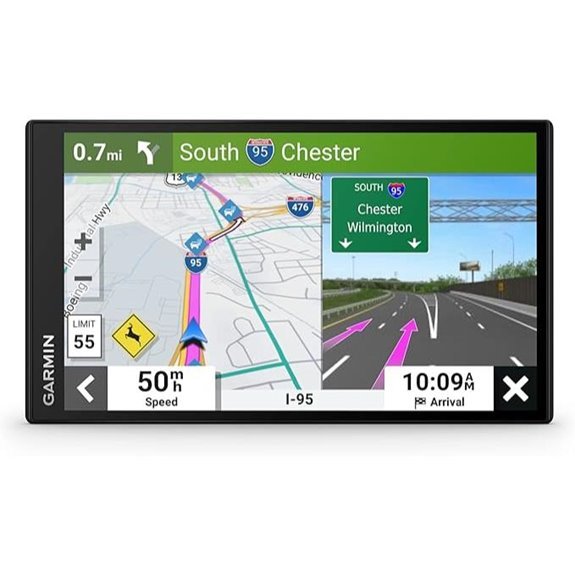 |
Best Overall | Screen Size: 7 inches | Map Coverage: North America | Traffic: Connected services via compatible phone/app | Check Price on Amazon | Read Our Analysis |
| Garmin Drive 53 GPS Navigator with North America Maps | 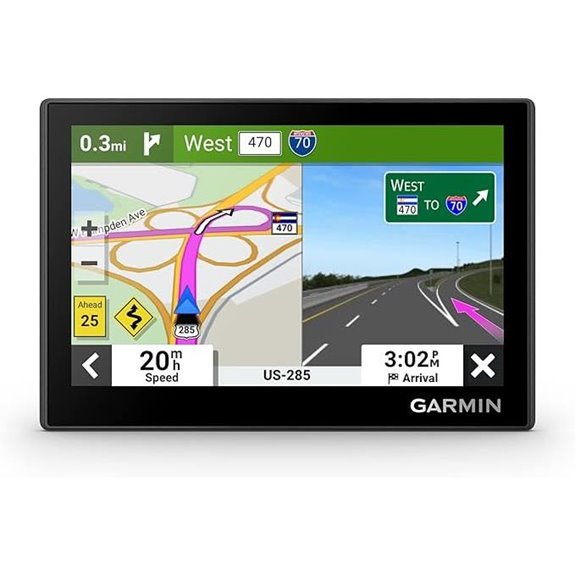 |
Best Value | Screen Size: 5 inches | Map Coverage: North America | Traffic: Not included with the standard unit | Check Price on Amazon | Read Our Analysis |
| Garmin DriveSmart 55 EX Car GPS Navigator | 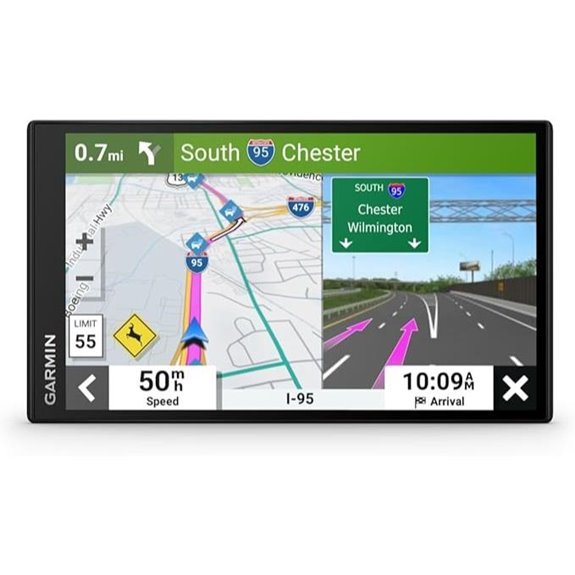 |
Best Compact Smart Pick | Screen Size: 5.5 inches | Map Coverage: North America | Traffic: Included with this “with Traffic” version | Check Price on Amazon | Read Our Analysis |
More Details on Our Top Picks
-
Garmin DriveSmart 76 Car GPS Navigator
The Garmin DriveSmart 76 is the best fit for drivers who want a large display and useful connected features. Its 7-inch touchscreen is easier to read at a glance than the smaller Drive 53 and DriveSmart 55 EX screens. Garmin Voice Assist supports hands-free destination searches, while Bluetooth can support hands-free calling and smart notifications from a compatible phone.
Why you’ll like it: When paired with the Garmin Drive app, the navigator can provide connected information such as live traffic, weather, fuel prices, and parking details. Built-in Wi-Fi also makes supported map and software updates more convenient.
Keep in mind: Connected features require a compatible smartphone and data connection. This listing is the Garmin Voice Assist version; Garmin sells a separate DriveSmart 76 with Amazon Alexa. The larger body also takes up more dashboard or windshield space, so check the mounting position before buying.
- Screen Size: 7 inches
- Map Coverage: North America
- Voice Guidance: Garmin Voice Assist
- Driver Alerts: Yes
- Connectivity: Bluetooth and Wi-Fi
- Traffic: Connected services through the Garmin Drive app
- Best For: Large-screen navigation and smart features
- Main Limitation: Live services depend on a compatible phone and data connection
-
[Amazon Products Picked for You]

7” high-resolution navigator includes map updates of North America .Special Feature:Easy-To-Read Display; Voice Assist; Hands-Free Calling; Live Traffic and Weather; Traffic Cams and Parking; Smart Notifications,Driver Alerts; Tripadvisor; National Parks Directory; Find Places by Name; Garmin Real Directions Feature.

【Lifetime Free Updates】 Equipped with the latest road data, this device comes with complete built-in 2026 North America maps and lifetime free map update service with no additional fees.
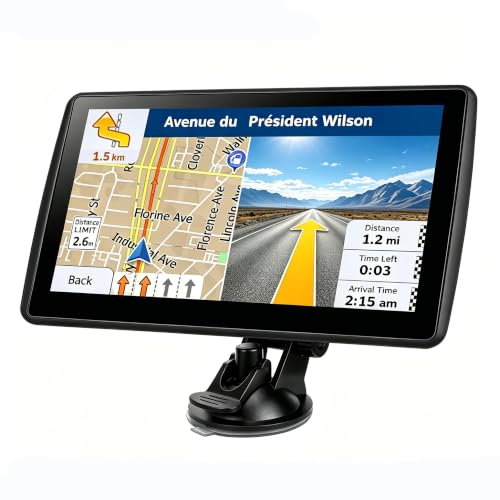
【Map Updates】 This car GPS comes pre-installed with the complete 2026 North America maps and supports free lifetime updates. If you need maps for Europe or other regions, please contact us to download.
Garmin Drive 53 GPS Navigator with North America Maps
The Garmin Drive 53 is a better choice for drivers who want straightforward navigation without paying for a larger screen or many connected extras. Its 5-inch high-resolution touchscreen shows preloaded North America maps (the U.S., Canada, and Mexico, plus Puerto Rico, the U.S. Virgin Islands, the Cayman Islands, and the Bahamas), spoken turn-by-turn directions, and Garmin Real Directions landmark guidance. Driver alerts can warn you about school zones, speed changes, and sharp curves along the route.
Why you’ll like it: The interface is simple, and the device can show food, fuel, rest areas, upcoming cities, and road-trip points of interest. Core GPS navigation works without relying on a smartphone or cellular signal.
Keep in mind: This standard Drive 53 listing does not include traffic. If traffic matters, Garmin also sells a separate Drive 53 with Traffic version that picks up traffic through an antenna built into its vehicle power cable. There is no Bluetooth or Wi-Fi, and the battery is listed at about one hour, so plan to keep it plugged in.
- Screen Size: 5 inches
- Map Coverage: North America
- Voice Guidance: Spoken turn-by-turn directions and Garmin Real Directions
- Driver Alerts: Yes
- Connectivity: USB
- Traffic: Not included with the standard model
- Battery Life: About 1 hour (listed)
- Best For: Simple offline navigation and value
- Main Limitation: Fewer connected features than DriveSmart models
-
[Amazon Products Picked for You]

Bright, high-resolution 5” glass capacitive touchscreen display lets you easily view your route
Bright, high-resolution 5” glass capacitive touchscreen display lets you easily view your route
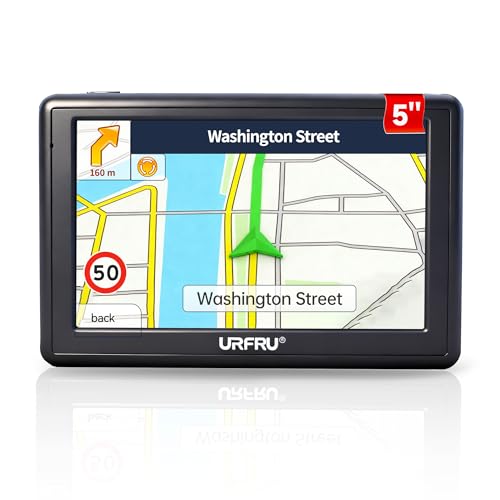
【GPS Satellite Connection】URFRU Navigator was communication with GPS satellites directly, no needs the mobile network. and it can smart corrected the route by GPS signals to provide accurate navigation. 【Note! GPS single can not connection indoor, it should be turn on outdoor for work well.】
Garmin DriveSmart 55 EX Car GPS Navigator
The Garmin DriveSmart 55 EX suits drivers who want a compact navigator with more smart features than the basic Drive 53. Its 5.5-inch edge-to-edge display balances visibility with a smaller footprint. Garmin Voice Assist, lane guidance, driver alerts, Bluetooth calling, and smart notifications can reduce the need to handle your phone while driving.
Why you’ll like it: This listing is the “with Traffic” version, so live traffic is included without a subscription. Garmin’s DriveSmart 55 & Traffic gets traffic through an included receiver cable, and pairing the Garmin Drive app adds connected information from your phone. It also supports map and software updates over Wi-Fi and includes road-trip features such as points of interest and landmark-based directions.
Keep in mind: This is an older DriveSmart generation, so compare its current price with newer DriveSmart models, and check that the traffic receiver cable is in the box. Portable automotive GPS batteries are mainly for short unplugged use, so plan to keep the unit connected to vehicle power during longer trips.
- Screen Size: 5.5 inches
- Map Coverage: North America
- Voice Guidance: Garmin Voice Assist
- Driver Alerts: Yes
- Connectivity: Bluetooth and Wi-Fi
- Traffic: Included (“with Traffic” version)
- Best For: Compact smart navigation
- Main Limitation: Older generation and designed mainly for powered in-car use
[Amazon Products Picked for You]
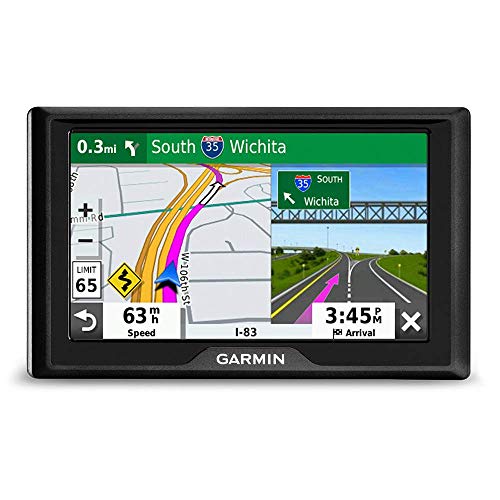
DRIVER ALERTS AND TRAVEL DATA: Stay informed and safe with the 5" GPS navigator, providing driver alerts for upcoming hazards, sharp curves, speed changes, and more. Access valuable travel data to enhance your journey.

Maps Navigation Software -Rand Navigation 2.0 Coverage -USA & Canada Lifetime Maps Included -Yes

TomTom GPS navigation with a 5-inch, full-color, TFT LCD widescreen touch display
Factors to Consider When Choosing a Garmin Car GPS
The right Garmin GPS depends on how much screen space you want, whether you need connected traffic, and whether you prefer a new or renewed unit. Use the following points to compare models before you buy.
1. Screen Size and Dashboard Space
A 7-inch screen is easier to read quickly and can show more map detail, but it takes up more windshield or dashboard space. A 5-inch or 5.5-inch model fits smaller vehicles more easily. Measure the intended mounting area and make sure the screen will not block your view of the road.
2. Map Coverage and Updates
Check the exact map region before ordering. The products in this guide are listed with North America maps, but imported or marketplace versions can include a different region. Also confirm whether map updates are included and whether the model updates through Garmin Express, built-in Wi-Fi, or both.
3. Traffic and Smartphone Requirements
Do not assume every Garmin GPS includes the same traffic service. Some models use the Garmin Drive app and a compatible smartphone, while other bundles use a traffic receiver built into the vehicle power cable. Basic route navigation can work without a phone, but live traffic, weather, parking, fuel prices, and smart notifications may require a phone and mobile data.
4. Navigation and Driver Alerts
Look for spoken turn-by-turn directions, landmark-based Garmin Real Directions, lane guidance, speed-change alerts, school-zone alerts, and sharp-curve warnings. These features can improve awareness, but they do not replace road signs, local laws, or attentive driving.
5. Power and Battery Life
Most portable car GPS units are designed to stay connected to vehicle power during use. Their internal batteries are mainly useful for brief unplugged operation, setup, or route review. Check that the listing includes the correct vehicle power cable and USB cable.
6. Mounting and Safe Placement
Confirm that the suction-cup mount and bracket are included. Place the GPS where you can glance at it without blocking your forward view, airbags, controls, or mirrors. Windshield-mount rules vary by location, so check local requirements before installation.
7. New Versus Renewed Condition
A renewed GPS can be a good value, but inspect the listing for the seller, cosmetic condition, battery expectations, included mount and cables, return policy, and warranty. A small saving may not be worthwhile if important accessories are missing.
Before You Buy: Quick Checklist
- Confirm the exact model name and that maps cover North America.
- Check how traffic works: phone app, traffic receiver cable, or none.
- Decide whether you want Bluetooth calling and smart notifications.
- Measure your mounting area for a 5-, 5.5-, or 7-inch screen.
- Confirm the suction-cup mount and vehicle power cable are included.
Frequently Asked Questions
Can I Update Garmin GPS Maps for Free?
Many Garmin automotive GPS models include map updates for the supported region, but the exact update entitlement depends on the model and listing. You can usually update through Garmin Express on a computer, while selected DriveSmart models also support Wi-Fi updates.
How Often Should I Update My Garmin GPS?
Check for map and software updates before a long road trip and every few months during regular use. Updates can add road changes, points of interest, and software fixes, but the available schedule depends on Garmin and your model.
Are Garmin Car GPS Devices Waterproof?
Garmin car navigators are designed for use inside a vehicle, not for exposure to rain or submersion. Keep the unit dry and avoid leaving it in extreme heat or direct sunlight when the vehicle is parked.
Can I Use a Garmin GPS Without a Smartphone?
Yes. Core satellite navigation and preloaded maps can work without a smartphone. A compatible phone may still be required for live traffic, weather, parking, fuel prices, smart notifications, hands-free calling, or other connected services.
Is a Subscription Required for Garmin Traffic Updates?
Many compatible Garmin models provide subscription-free traffic through the Garmin Drive app or an included traffic receiver. However, traffic support and hardware vary by model and bundle, so verify the exact listing before buying.
Does the Standard Garmin Drive 53 Include Traffic?
No. The standard Garmin Drive 53 in this guide is the no-traffic version. Garmin also sells a Drive 53 with Traffic version whose vehicle power cable includes a traffic antenna, so compare the model name and included cable before ordering.
Is a Garmin GPS Better Than Using My Phone?
It depends on how you drive. A dedicated Garmin keeps working without cell signal or a data plan, saves your phone’s battery, and adds driver alerts and landmark-based directions on a screen made for the dashboard. Phone apps are free and often have richer real-time data, so a Garmin makes the most sense for road trips, areas with weak coverage, and drivers who don’t want to tie up their phone.
Final Recommendation
The Garmin DriveSmart 76 is the best overall choice when you want a large screen, voice control, and connected travel information. Choose the Garmin Drive 53 when simple offline navigation and value matter more than smart features. The DriveSmart 55 EX remains useful for drivers who want a smaller screen with Bluetooth and included traffic. Before buying, confirm the map region, traffic method, included mount, power cable, condition, and warranty on the current Amazon listing.
