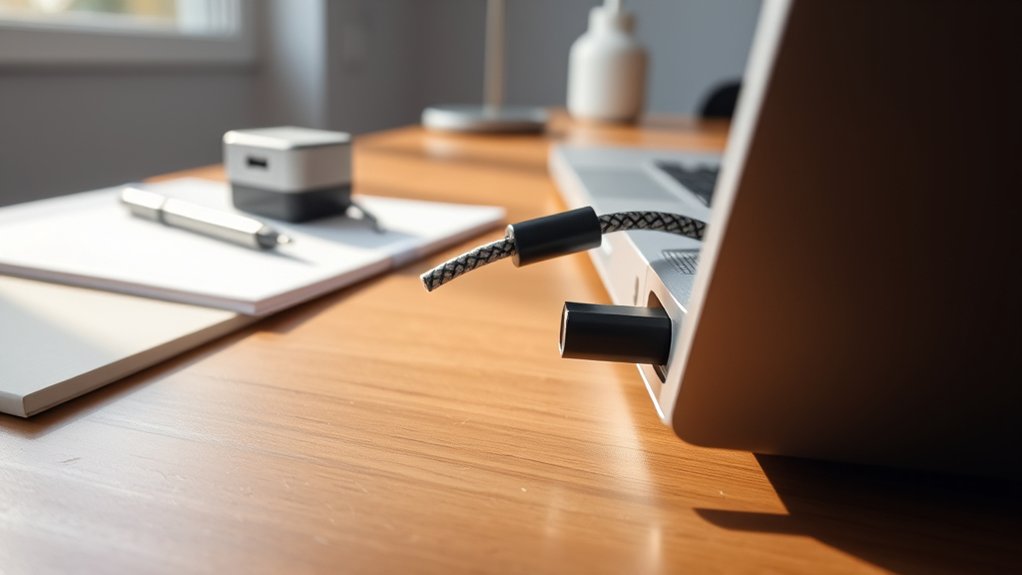
Many laptops released in 2026 are equipped with USB-C ports that support charging. Users can identify charging capability by looking for battery symbols adjacent to the ports. It’s essential to guarantee that the USB-C cable and charger support Power Delivery for peak performance. Compatibility varies based on wattage requirements, and manufacturers may restrict the use of third-party chargers. Exploring these details will enhance understanding of USB-C charging and its benefits for modern devices.
How Does USB-C Charging Work?
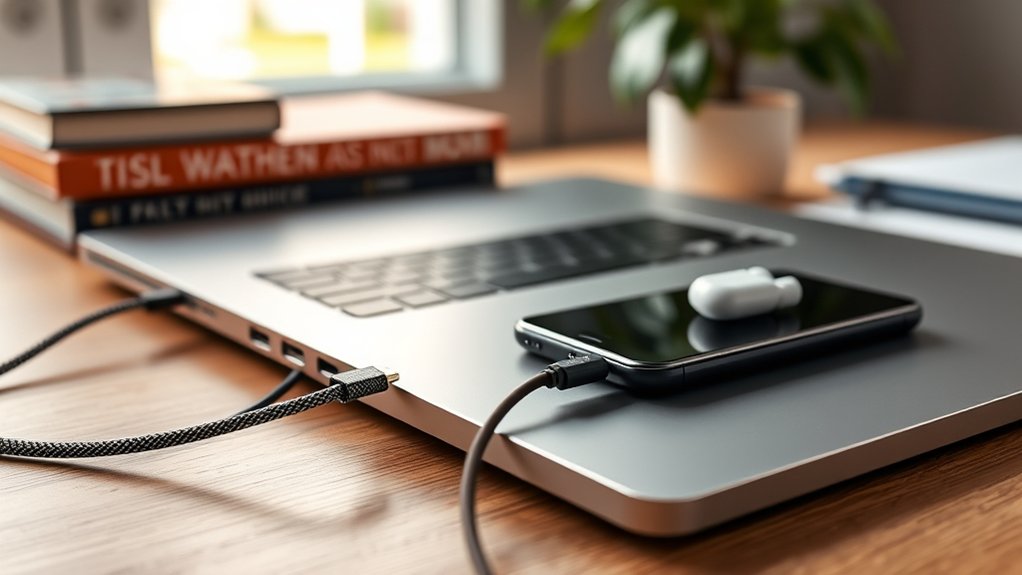
USB-C charging revolutionizes the way devices connect and power up. This innovative charging method utilizes a reversible connector that effortlessly supports both data transfer and power delivery. With the capacity to deliver up to 240 watts, USB-C enables rapid charging for a diverse array of devices, including laptops with USB-C ports.
Users benefit from the simplicity of interchangeable USB-C chargers, allowing one charger to power multiple devices as long as wattage requirements align.
The convenience of interchangeable USB-C chargers lets users power various devices with a single charger, provided wattage matches.
However, not all USB-C ports serve the same function; some are designated exclusively for charging, while others may support only data transfer. Therefore, identifying which ports can facilitate power transfer is essential for effective use.
As more laptops adopt USB-C charging, understanding compatibility is vital for maximizing device potential and ensuring a liberated charging experience. This flexibility empowers users to streamline their tech lives effortlessly.
How to Identify If Your Laptop’s USB-C Port Supports Charging?
Identifying whether a laptop’s USB-C port supports charging is vital for effective usage of this versatile technology. Users can begin by checking for a battery or power symbol next to the USB-C ports, indicating charging capability. Consulting the laptop’s user manual or the manufacturer’s website is also important to confirm if the port is designated for power delivery (PD) charging.
Additionally, using a USB-C cable that supports power delivery is essential, as not all cables facilitate charging. Testing the port with a compatible USB-C charger will further clarify its capability; successful charging confirms the port’s functionality. Finally, reviewing specifications related to the laptop’s wattage requirements guarantees that the power output from the charger aligns with the laptop’s needs, safeguarding battery health.
| Indicator | Action Required | Confirmation Method |
|---|---|---|
| Battery/Power Symbol | Check for symbols near USB-C ports | Visual inspection |
| User Manual | Refer to specifications | Manufacturer’s documentation |
| USB-C Cable | Confirm PD support | Cable labeling |
| Compatible Charger | Use appropriate charger | Testing with charger |
| Wattage Requirements | Match charger output | Review laptop specifications |
Are Other USB-C Chargers Compatible With Your Laptop?
When considering whether other chargers can effectively power a laptop, users must take into account various compatibility factors. Not all USB-C chargers are suitable for every model; compatibility hinges on the laptop’s wattage requirements and charging capabilities.
High-performance laptops often demand chargers that deliver over 100 watts, while many available USB-C chargers typically output between 30 to 65 watts.
To guarantee effective charging, it is essential to use a USB-C cable that supports Power Delivery (PD). Additionally, some manufacturers restrict charging compatibility to specific approved chargers, making it wise to consult the laptop’s user manual for guidance.
Before opting for a third-party charger, users should verify that it meets the voltage and amperage specifications outlined in their laptop’s power requirements. This careful consideration helps safeguard the laptop’s battery and promotes ideal performance.
The Best Laptops With USB-C Charging in 2026
As technology continues to evolve, the landscape of laptops with USB-C charging capabilities has expanded considerably by 2026. Models like the Dell XPS 15, Acer Chromebook Spin 514, and Apple MacBook Pro 16-Inch stand out, offering fast charging and compatibility with various power sources.
Users will find battery symbols next to USB-C ports, indicating charging capabilities; however, verifying compatibility is vital, as not all USB-C ports support charging.
The USB-C specification now accommodates power delivery up to 240 watts, enabling quick charging for high-performance laptops that require more power.
Additionally, laptops such as the Lenovo Yoga 9i Gen 8 and Microsoft Surface Pro 9 feature USB-C ports that support both charging and data transfer, enhancing versatility.
To guarantee peak charging performance, it’s important to use USB-C cables capable of power delivery, as not all cables meet the necessary output standards to charge your laptop effectively.
Why Choose USB-C Charging Over Traditional Methods?
USB-C charging presents significant advantages over traditional methods, primarily through improved charging speeds and universal compatibility.
This modern approach not only reduces the time needed to power devices but also streamlines the charging process by minimizing the variety of chargers required.
As technology evolves, USB-C is emerging as the go-to solution for a diverse range of devices, enhancing both efficiency and convenience.
Improved Charging Speed
Revolutionizing the way devices are charged, USB-C technology offers enhanced power delivery capabilities that can reach up to 240 watts. This impressive charging speed considerably reduces the time needed to charge devices compared to traditional methods.
Many modern laptops and gadgets equipped with USB-C ports support quick charging protocols, enabling them to charge up to 80% in just 30 minutes. In addition, USB-C allows for simultaneous data transfer and charging, enhancing efficiency for users managing multiple devices.
The reversible design of USB-C connectors also eliminates orientation hassles, making connections easier, even in low light. By utilizing a single USB-C charger, users can power various devices, streamlining their charging process and liberating them from cluttered charging stations.
Universal Compatibility Benefits
While traditional charging methods often require multiple chargers for different devices, USB-C offers a streamlined solution with its universal compatibility. This versatile port connects laptops, smartphones, and tablets, markedly reducing the clutter of chargers.
The reversible design of USB-C connectors eliminates orientation issues, allowing for effortless connections. With advanced USB-C power delivery capabilities, users can experience faster charging speeds—some configurations support up to 240 watts.
Additionally, USB-C enables simultaneous data transfer and charging, enhancing the user experience by consolidating functionalities into a single cable. As regulatory pressures for standardization increase, USB-C emerges as a future-proof choice, liberating consumers from the constraints of outdated charging methods while embracing a more unified tech ecosystem.
Troubleshooting Common USB-C Charging Issues
Many users encounter challenges when charging their laptops through USB-C, leading to frustration and inconvenience.
To effectively troubleshoot these issues, consider the following steps:
- Inspect the USB-C cable and port: Look for any signs of physical damage that could impede charging functionality.
- Update the laptop’s software: Verify that drivers are current, as outdated software may prevent proper USB-C port recognition.
- Test with alternative power sources: Use a different power outlet or charger to rule out compatibility issues with the power adapter.
- Check battery health: Regularly monitor the battery status through system settings, as a degraded battery can greatly affect charging efficiency.
Frequently Asked Questions
How Do I Know if My Laptop Can Charge Through USB-C?
To determine USB-C charging capability, identify the port, check laptop specifications for compatibility, guarantee the use of a power delivery cable, and verify adapter options that meet required charging standards and battery technology.
Why Can’t I Charge My Laptop With USB-C?
Charging limitations often plague users, as USB-C specifications vary widely. Power delivery issues arise from laptop compatibility, inadequate cable quality, or adapter requirements, restricting device support and thwarting the quest for seamless charging solutions.
How to Enable USB-C Charging on HP Laptop?
To enable USB-C charging on an HP laptop, verify USB-C compatibility, use a compliant cable, and guarantee the adapter meets wattage requirements. This enhances charging speed, device versatility, and overall HP charging options through power delivery benefits.
Which Laptops Charge With USB-C?
Many laptops, including the Dell XPS 15 and Apple MacBook Pro, support USB-C charging, offering advantages like fast charging and power delivery. Compatibility varies; users should check port locations and accessory options to guarantee functionality.
Conclusion
To sum up, understanding USB-C charging can empower users to make informed decisions about their devices. As the saying goes, “A stitch in time saves nine,” meaning that knowing your laptop’s charging capabilities can prevent future complications. With advancements in technology and the growing prevalence of USB-C, embracing this method not only enhances convenience but also aligns with modern standards. By staying informed, users can navigate their charging options with confidence and ease.

