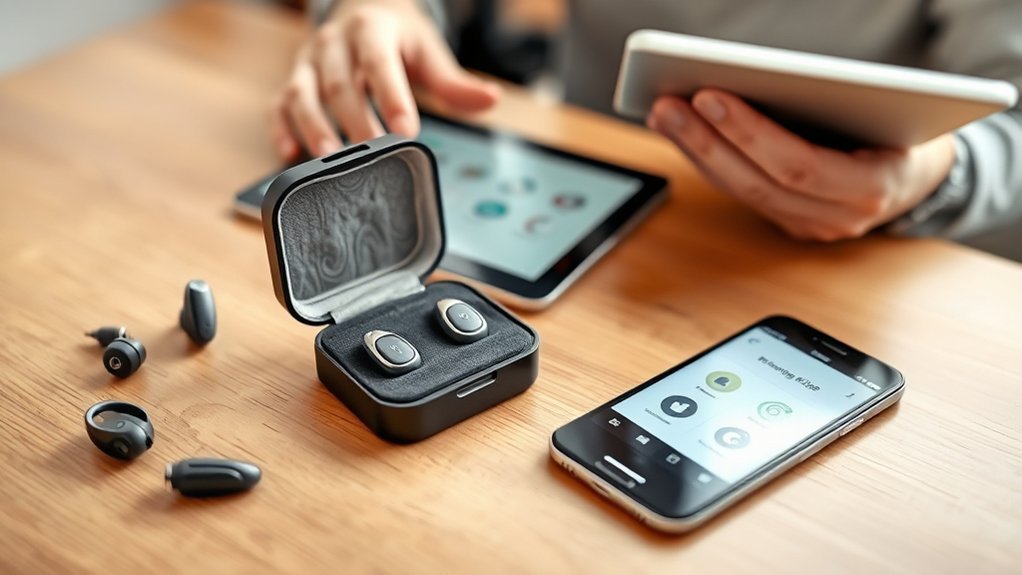
Phonak hearing aids are designed for universal Bluetooth connectivity with most smartphones, tablets, and laptops. The MyPhonak app is vital for customizing settings on both Android and iOS devices, though older models may vary in compatibility. Users benefit from advanced Bluetooth features, including direct audio streaming and the Auracast technology. Troubleshooting tips are available for common connection issues. Understanding device compatibility is essential for peak performance, and further insights are available for users considering a purchase.
Understanding Phonak Hearing Aid Compatibility
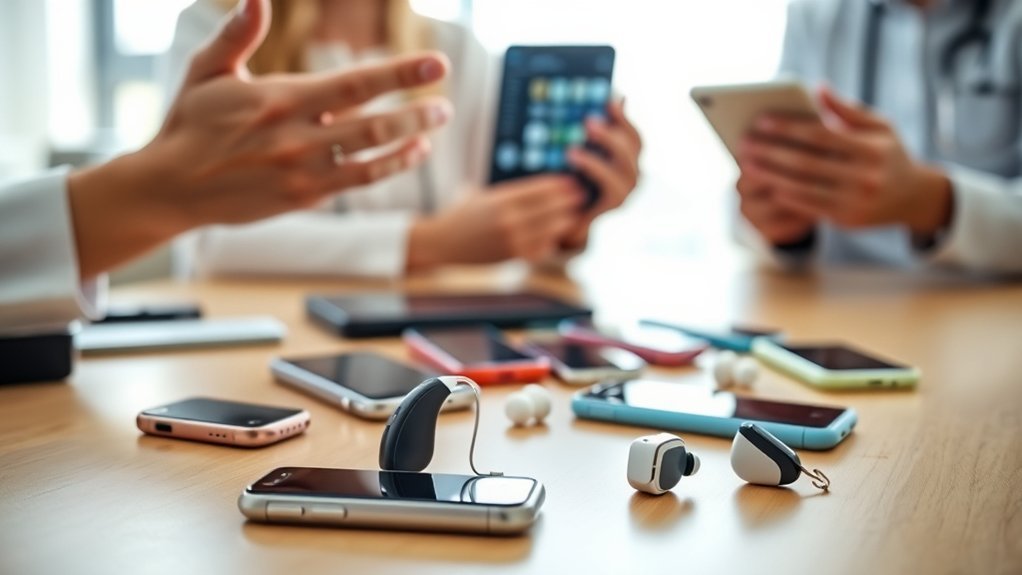
Understanding Phonak hearing aid compatibility is essential for users seeking seamless integration with modern devices. Phonak hearing aids feature universal Bluetooth connectivity, allowing compatibility with most smartphones, tablets, and laptops equipped with Bluetooth technology. This capability enables users to connect effortlessly, enhancing their auditory experience.
The MyPhonak app plays a significant role in customizing hearing aid settings, requiring either Android or iOS devices for peak functionality. While users have reported successful connections with various Android devices, iPhone users may occasionally encounter issues with call routing, highlighting the importance of device-specific considerations.
Additionally, compatibility can vary with older Phonak models, necessitating careful review of specific device requirements prior to purchase. Regular updates for both hearing aids and smartphone operating systems are recommended to improve connectivity and performance, ensuring users maximize the benefits of their Phonak hearing aids.
Key Bluetooth Features of Phonak Hearing Aids
Phonak hearing aids incorporate advanced Bluetooth® technology, enabling seamless device pairing and direct audio streaming from a variety of compatible devices.
Users benefit from high-quality audio, whether receiving calls or enjoying music and podcasts, with automatic reconnection capabilities enhancing convenience.
Additionally, the integration of the myPhonak app provides further customization options, allowing users to manage settings and optimize their hearing experience effectively.
Seamless Device Pairing
Seamless device pairing is a hallmark of modern hearing aid technology, particularly evident in the Bluetooth capabilities of Phonak hearing aids. These devices leverage universal Bluetooth connectivity, enabling effortless pairing with most smartphones, tablets, and computers without the need for additional accessories.
The automatic reconnection feature guarantees that Phonak hearing aids reconnect to previously paired devices as soon as they are within range, enhancing user convenience. Moreover, users can directly stream calls, music, and podcasts, enriching their audio experiences.
The myPhonak app aids in this process by providing step-by-step pairing instructions, making navigation simple and efficient. Additionally, compatibility with Auracast technology allows for broadcast audio reception from multiple sources, improving accessibility in various environments.
Streaming Audio Quality
Streaming audio quality in Phonak hearing aids exemplifies advanced Bluetooth technology designed for optimal user experience. These devices facilitate direct streaming of calls, music, and podcasts without the need for additional accessories.
The Infinio Ultra model streamlines this process by automatically enabling streaming after pairing, while earlier models require separate pairings for calls and audio.
Auracast technology enhances compatibility by allowing audio broadcasting to multiple receivers, making it suitable for diverse environments such as theaters and museums.
Additionally, Roger™ Technology considerably improves speech clarity in noisy settings, ensuring users can engage fully in social interactions.
To achieve ideal audio quality, it is essential for users to maintain a strong mobile phone signal and remain within the Bluetooth range during use.
App Integration Features
The integration of advanced app features greatly enhances the user experience for individuals utilizing Phonak hearing aids. Central to this experience is the myPhonak app, which allows for customization of hearing aid settings and monitoring of battery levels, ensuring peak performance.
Through a robust Bluetooth connection, users can stream calls, music, and podcasts directly to their hearing aids without the need for additional accessories. The automatic reconnection feature simplifies interactions when paired devices are within range.
Additionally, Auracast technology facilitates audio broadcasting to multiple devices, enriching public listening experiences. In challenging environments, Roger™ Technology enhances speech clarity, providing users with a superior auditory experience even in noisy settings like restaurants or classrooms.
Troubleshooting Bluetooth Issues With Phonak Hearing Aids
Troubleshooting Bluetooth connectivity issues with Phonak hearing aids may involve addressing common challenges that users encounter.
Effective techniques include ensuring both devices are updated, restarting them, and confirming the hearing aids are in pairing mode.
Additionally, checking for interference from other Bluetooth devices and re-pairing through the myPhonak app can greatly enhance connection reliability.
Common Connection Challenges
Managing Bluetooth connectivity issues with Phonak hearing aids can be challenging, particularly after operating system updates such as Android’s One UI 6.x, which may affect audio profiles and reconnections.
To maintain ideal hearing aid functionality, users should confirm that both their smartphones and hearing aids are updated to the latest firmware.
Common Bluetooth connection issues can often be resolved by unpairing and repairing devices, especially if they were previously connected. Additionally, interference from other Bluetooth devices may disrupt pairing; users are advised to check their Bluetooth settings for active connections.
Restarting both the phone and hearing aids, along with resetting the myPhonak app, can also help address persistent connectivity problems, guaranteeing seamless compatibility information for users.
Effective Troubleshooting Techniques
Establishing a reliable Bluetooth connection with Phonak hearing aids requires a systematic approach to troubleshooting. First, verify the hearing aids are in pairing mode and Bluetooth is activated on the device.
If hearing aid connection issues occur, unpair the devices through Bluetooth settings and re-pair them using the myPhonak app, adhering to the provided instructions. Restart both the smartphone and hearing aids to eliminate temporary connectivity glitches.
Regularly check for software updates on both devices, as these can provide compatibility enhancements and bug fixes that improve Bluetooth performance.
If problems persist, consider resetting the hearing aids to factory settings and reinstalling the myPhonak app to resolve any app-related issues effectively.
Getting Started With the myPhonak App
The myPhonak app serves as an essential tool for users seeking to enhance their hearing experience through personalized adjustments and real-time control. This app is designed for ideal compatibility with Phonak hearing aids, allowing seamless Bluetooth connection for customized settings. Users can easily pair their hearing aids by guiding themselves to the Devices section and following the on-screen instructions, ensuring a straightforward setup process.
In addition, the myPhonak app provides access to crucial firmware updates, enabling users to benefit from the latest features and performance enhancements. Monitoring battery life is simplified, with alerts for low battery ensuring that users maintain peak functionality.
Moreover, the app includes troubleshooting tools and support resources, making it easier for users to resolve any connectivity issues. Overall, the myPhonak app not only empowers users to tailor their hearing experience but also supports the longevity and efficiency of their hearing aids.
Comparing User Experiences: Android vs. iPhone With Phonak
How do user experiences with Phonak hearing aids differ between Android and iPhone platforms?
Users of Android devices, such as the Samsung S25FE and Google Pixel 8, typically report smoother Bluetooth connectivity and enhanced audio configuration options with Phonak hearing aids.
In contrast, iPhone 11 users have encountered occasional call routing issues, where calls default to the phone speaker rather than the hearing aids, an issue less common among Android users.
Additionally, the Live Caption feature on Google Pixel enriches call experiences through real-time text, a functionality unavailable on iPhones.
While Android users generally enjoy better integration with Phonak aids, iOS users often face fewer configuration challenges but have limited customization options.
Compatibility concerns are more pronounced with older Phonak models on iPhones, prompting some users to favor upgrading to newer Android devices for improved functionality and performance.
Top Phonak Models for Your Needs
User experiences with Phonak hearing aids are influenced not only by device compatibility but also by the specific model selected.
The Phonak Audeo Paradise stands out with its exceptional sound quality and Bluetooth connectivity, allowing users to stream calls and music directly from smartphones effortlessly.
For individuals with varying degrees of hearing loss, the Phonak Bolero Marvel offers robust connectivity options, including Roger™ technology, enhancing speech clarity in noisy environments.
Users with severe to profound hearing loss may find the Phonak Naída Paradise ideal, as it provides powerful amplification and seamless compatibility with Bluetooth® devices.
The Phonak Virto Paradise combines discretion with advanced technology, featuring personalized sound settings and direct Bluetooth connectivity for both iOS and Android devices.
Finally, the Phonak Lumity line focuses on improved speech understanding in challenging situations, complemented by automatic environmental adaptation and Bluetooth streaming capabilities.
How to Leverage Community Support and Resources
While maneuvering through the complexities of hearing aid usage and compatibility, individuals can greatly benefit from the extensive resources and support offered by the community.
With over 22,000 members sharing their insights since 2006, users can access a wealth of knowledge that enhances their understanding of hearing aid functionality.
To effectively leverage this community support, individuals can:
To maximize community support, individuals can ask questions, share audiograms, and actively engage in forums for tailored advice.
- Post Questions: New members can ask questions immediately upon joining, ensuring quick access to tailored advice.
- Share Audiograms: By sharing personal audiograms, users can receive more specific recommendations suited to their unique hearing loss needs.
- Engage in Forums: Participation in user forums encourages collaborative troubleshooting, allowing members to discover solutions collectively.
This supportive environment fosters a sense of belonging, empowering individuals to navigate their hearing aid journey with confidence and improved compatibility.
Exploring Future Purchase Recommendations and Upgrades
Steering through the landscape of hearing aid technology requires careful consideration, particularly when it comes to future purchases and upgrades. Users of Phonak hearing aids should prioritize phone compatibility to guarantee the best Bluetooth connection.
Models like the Samsung S25FE and Google Pixel 8 have received positive feedback for their seamless integration. Audiologists recommend upgrading to these phones, especially for features such as Live Caption and Transcribe, which enhance the hearing experience.
It is vital to verify that the phone’s operating system meets the requirements for the myPhonak app, as this can greatly enhance functionality. Additionally, users must confirm that their Phonak hearing aids are compatible with the selected device, as older models may face connectivity issues.
User feedback indicates that Android devices often provide superior audio configuration options, making them a preferred choice for many seeking liberation through enhanced hearing solutions.
Frequently Asked Questions
Should Hearing Aid Compatibility Be on or Off?
Hearing aid compatibility should be enabled for ideal Bluetooth connectivity. Proper hearing aid settings enhance user preferences, ensuring seamless audio streaming and call clarity. Disabling this feature can hinder device pairing and functionality.
Which Phonak Model Is Considered the Best?
The Phonak Audéo Paradise consistently garners positive user reviews for its advanced Bluetooth capabilities and sound quality. Price comparisons reveal it balances performance with cost, making it a top choice among various Phonak model features.
What Devices Are Compatible With Phonak Devices?
Phonak devices utilize Bluetooth technology for seamless device pairing with iPhones, most Android phones, tablets, laptops, and smart TVs, facilitating efficient streaming audio. Compatibility may vary, particularly with older Phonak models.
What Hearing Aid Do Most Audiologists Recommend?
Most audiologists recommend Phonak hearing aids due to their advanced features, including universal Bluetooth connectivity and Roger™ Technology. Patient experiences highlight reliability and superior sound clarity, solidifying Phonak’s standing in professional audiology circles.
Conclusion
In summary, understanding Phonak hearing aid compatibility is essential for ideal performance. With the right knowledge and tools, users can navigate potential challenges and maximize their experience. As the saying goes, “a stitch in time saves nine,” emphasizing the importance of proactive troubleshooting and familiarization with features like Bluetooth and the myPhonak app. By leveraging community resources and exploring future upgrades, individuals can guarantee their hearing aids meet evolving needs, enhancing both usability and satisfaction.
