
As an Amazon Associate I earn from qualifying purchases.
Choosing the right Samsung tablet in 2026 matters because the lineup spans from ultraportable powerhouses to family-friendly value machines, and the model you pick will shape how you work, create, and relax. You want a device that matches your priorities—display fidelity for media and design, S Pen support for notes and drawing, AI and performance for productivity, or long battery life for travel.
This guide highlights the best Galaxy Tab models so you can quickly find the one that makes your day easier and more productive.
Top Picks
|
Category |
Product |
Score |
|---|---|---|
|
🏆 Best for Creators |
95/100 |
|
|
⭐ Best All-Rounder |
93/100 |
|
|
🎯 Best for Productivity |
91/100 |
|
|
🔰 Best for Students |
90/100 |
|
|
💰 Best Value Tablet |
86/100 |
How We Picked The Tablets
When evaluating these Galaxy Tabs we focused on the features that affect your day-to-day experience. Display quality and refresh rate matter for media and drawing, while processor and RAM determine whether apps and multitasking feel smooth.
Battery life and charging speed influence how long you can work away from an outlet, and S Pen support, software features like Galaxy AI, and durability decide whether a tablet fits creative, student, or family use. Price and ecosystem integration were also considered so you can balance value and convenience.
You’ll notice right away that the Tab S10 Ultra was built to handle creative work and serious multitasking. The huge 14.6 inch AMOLED screen makes editing photos, sketching with the S Pen, and running split-screen apps feel natural, while the Dimensity 9300+ and ample RAM keep everything responsive. It’s equally at home as a portable studio for content creation, a media center for movies, or a productivity device for long work sessions thanks to strong battery life and fast charging.
The tablet’s durable aluminum frame and IP68 rating mean you don’t have to baby it during travel, and deep Galaxy integration makes moving files and calls between your phone and tablet painless. If you want a single device that replaces a laptop for creative tasks and doubles as a premium entertainment screen, this is a solid choice.
Ease Of Use
|
Feature |
Ease Level |
|---|---|
|
Setup & Interface |
Easy |
|
Multitasking / Split Screen |
Easy |
|
S Pen Note-Taking |
Easy |
|
Video Calls / Camera Framing |
Moderate |
|
Portability (Size & Weight) |
Moderate |
Design
The Tab S10 Ultra looks and feels premium with a slim aluminum chassis and minimalist Moonstone Gray finish. The large screen and narrow bezels give it a modern, professional presence whether you’re in a meeting or on the couch.
Key Benefits
- Immersive 14.6″ Dynamic AMOLED 2X display
- Precise S Pen input and AI note tools
- High-end performance for editing and multitasking
- Long battery life with fast charging
- Premium, durable build with IP68 protection
You’ll find the Galaxy Tab A9+ is built for everyday family use and light productivity. The 11 inch display and quad speakers make movies and video calls feel lively, while the upgraded chipset keeps apps snappy and multitasking practical. Samsung Kids and multi-window support help you switch between homework, games, and streaming without fuss, and microSD support means you can add storage as needed.
It’s lightweight enough to carry around the house or toss in a bag, so it’s a solid pick when you want a simple, reliable tablet for shared use.
Ease Of Use
|
Feature |
Ease Level |
|---|---|
|
Setup & Interface |
Easy |
|
Streaming & Media |
Easy |
|
Multitasking / Multi-Window |
Moderate |
|
Kids Mode / Parental Controls |
Easy |
|
Portability / Carrying |
Easy |
Design
The Graphite finish and slim profile give it a modern, understated look that blends into family spaces and feels comfortable to hold during long viewing sessions.
Key Benefits
- Bright 11″ screen for streaming and reading
- Quad speakers for fuller audio
- Upgraded chipset that feels responsive
- Family-friendly software like Samsung Kids
- Expandable storage via microSD
You’ll find the Tab S9 strikes a strong balance between portability and performance. The 11 inch AMOLED screen and 120Hz refresh keep media and games smooth, while the Snapdragon chip and ample RAM let you switch between work apps without slowdown.
The included S Pen makes note-taking and quick sketches feel natural, and Galaxy AI features like transcript assist and in-notes summarizing save time when you’re juggling meetings or study sessions. It’s compact enough to carry around daily but capable enough to replace a laptop for many tasks, so pick it if you want a versatile tablet for work, study, and entertainment.
Ease Of Use
|
Feature |
Ease Level |
|---|---|
|
Setup & Interface |
Easy |
|
S Pen Input |
Easy |
|
Multitasking |
Easy |
|
AI Tools |
Moderate |
|
Portability |
Easy |
Design
The Graphite finish and slim bezels give the Tab S9 a refined, modern look that feels premium without being flashy, and the AMOLED screen adds real pop to photos and videos.
Key Benefits
- Vibrant 11″ AMOLED display with 120Hz smoothness
- S Pen included for note-taking and drawing
- Powerful Snapdragon performance for multitasking
- Galaxy AI tools for faster notes and photo edits
- Long battery life that supports full days away from a charger
You get a roomy 12.4 inch Dynamic AMOLED 2X display that makes streaming, photo edits, and note-taking feel special without being bulky. The S Pen is included and offers natural writing and sketching, while Galaxy AI features like Circle to Search and Note Assist help you work faster when you need to capture ideas or research on the fly.
The Armor Aluminum frame and IP68 rating mean it can handle everyday bumps and the occasional spill, so it’s a dependable travel companion for classes, meetings, or creative sessions. Dolby Atmos speakers and a crisp screen make it enjoyable for downtime, and the tablet’s connectivity with other Galaxy devices makes moving files and calls effortless.
If you want a premium, portable tablet that’s built for both productivity and media, this one strikes a good balance.
Ease Of Use
|
Feature |
Ease Level |
|---|---|
|
Setup & Interface |
Easy |
|
S Pen Input |
Easy |
|
Multitasking |
Easy |
|
Media Playback |
Easy |
|
Outdoor Visibility |
Moderate |
Design
The Moonstone Gray finish and slim bezels give it a refined, professional look, while the Armor Aluminum frame adds a tactile, durable feel that suits both office and casual use.
Key Benefits
- Large, vivid 12.4″ Dynamic AMOLED 2X display
- Included S Pen for natural notes and sketching
- Galaxy AI tools for faster workflows
- Durable Armor Aluminum frame with IP68
- Dolby Atmos speakers for richer audio
You get a spacious 13.1 inch screen that’s great for streaming, note-taking, and light creative work. The included S Pen makes handwriting and quick sketches feel natural, while Circle to Search and other Galaxy tools help when you need fast answers or to organize ideas.
The IP68 rating and sturdy build mean it handles travel and everyday life without much fuss, and the long battery life keeps you going through long study sessions or flights. Choose this if you want a larger-screen tablet that balances media, productivity, and durability for everyday use.
Ease Of Use
|
Feature |
Ease Level |
|---|---|
|
Setup & Interface |
Easy |
|
S Pen Note-Taking |
Easy |
|
Media Playback |
Easy |
|
Multitasking |
Moderate |
|
Portability |
Moderate |
Design
The gray finish and slim profile look clean and professional, while the solid frame gives a reassuringly premium feel in your hands.
Key Benefits
- Expansive 13.1″ display for media and multitasking
- S Pen included for natural note-taking and drawing
- IP68 water and dust resistance for added durability
- Long battery life suitable for all-day use
- Galaxy tools like Circle to Search for quick research
FAQ
Which Model Is Right For Me?
Think about how you’ll use the tablet most. If you want the biggest canvas for drawing, video editing, or split‑screen multitasking, the Tab S10 Ultra leans into creative work with its large AMOLED display and powerful chip.
The Tab S10+ and Tab S9 are great if you want a balance of portability and power, with the S Pen and Galaxy tools for notes and quick edits. If you need a durable, larger-screen option that’s family and student friendly, the S10 FE+ gives extra screen real estate and water resistance, and the A9+ is a solid pick when you mainly want streaming and everyday reliability.
How Is Battery Life And Charging?
Battery life varies by model and how you use it, but larger tablets generally pack bigger batteries and longer runtime. The Ulta and Plus models are built to last through long creative or entertainment sessions and support faster charging to top up quickly; lighter workloads like reading or streaming will stretch a charge even further.
To get the best battery life, lower display brightness, limit high refresh rates when you don’t need them, and close unused background apps.
Can a Tablet Replace My Laptop?
It depends on what you do. For note-taking, web work, email, media consumption, and light photo edits the higher-end Galaxy Tabs with S Pen support and keyboard compatibility can easily replace a laptop for daily tasks. For heavy video rendering, specialized desktop software, or workflows that need full desktop apps, you’ll still find a traditional laptop or desktop more capable.
You can pair a keyboard and mouse and use DeX-like workflows to make the tablet feel more laptop-like for productivity on the go.
Wrapping Up
If you need a creative workhorse with the largest, most immersive display and top-tier performance, the Tab S10 Ultra is the clear pick. For a balanced mix of power and portability that suits both work and play, the Tab S10+ offers a strong all-around experience.
If your daily routine leans toward productivity and AI-assisted notes and editing, the Tab S9 delivers a compact, fast option. Students who want a large screen, long battery life, and S Pen support will find the Tab S10 FE+ especially compelling.
If you want a reliable family tablet that keeps costs reasonable while still offering solid performance and a bright display, the Tab A9+ is the most budget-friendly choice. Pick the model that matches how you plan to use it and you’ll get the most value from your Galaxy Tab.
| Product Name | Image | Display Size | Storage Capacity | Processor | Battery Life |
|---|---|---|---|---|---|
| Samsung Galaxy Tab S10 Ultra |
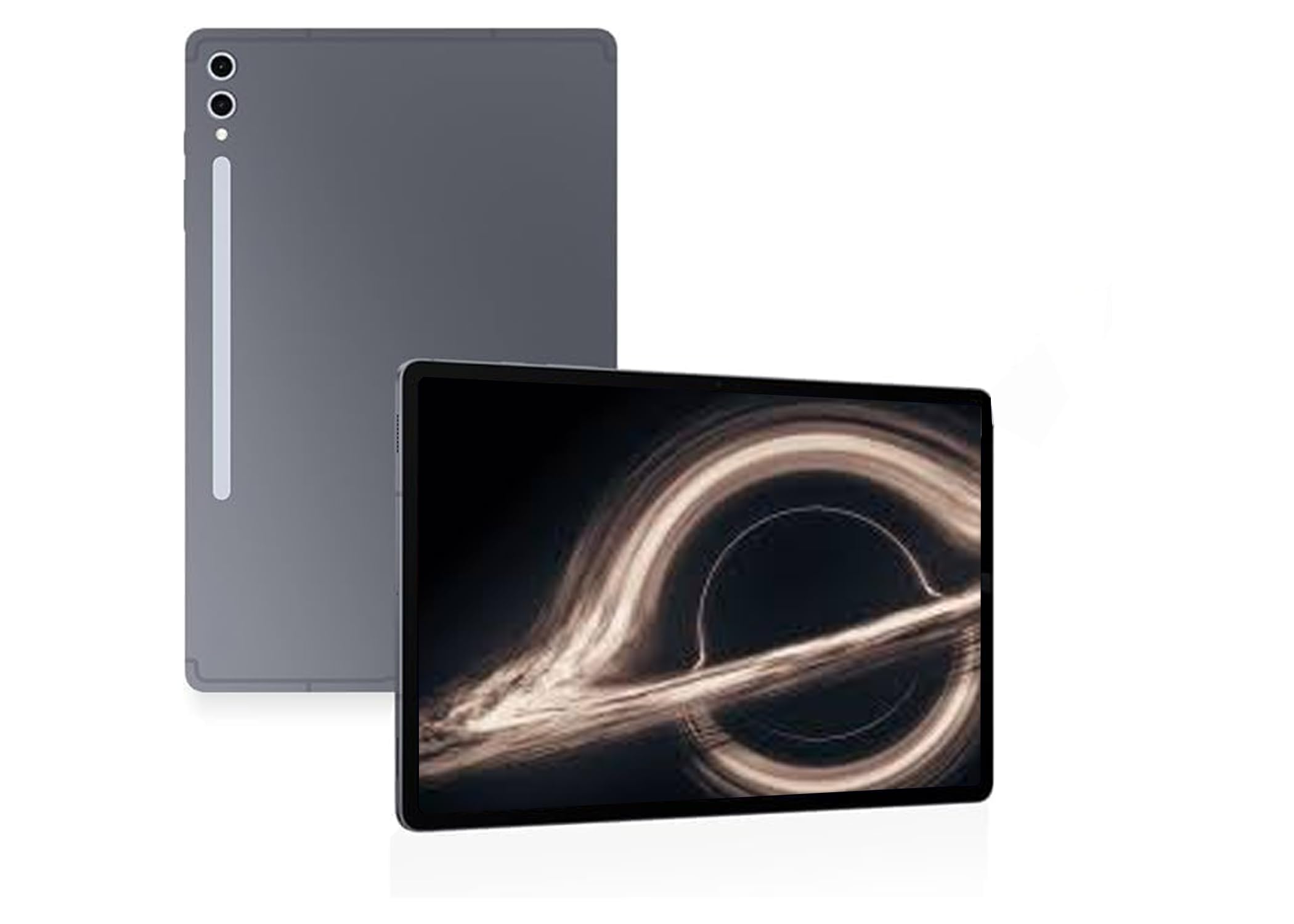 |
14.6 Inches | 256 GB (up to 1 TB with microSD) | MediaTek MT6989 (8-Core, 3.3 GHz) | 11,200 mAh – lasts through heavy use, supports 45W fast charging |
| Samsung Galaxy Tab A9+ Plus |
 |
11 Inches | 128 GB (expandable) | Upgraded chipset (exact model unspecified) | 7,040 mAh – designed for all-day family use |
| Samsung Galaxy Tab S9 |
 |
11 Inches | 128 GB (up to 1 TB with microSD) | Qualcomm Snapdragon 8 Gen 2 | 8,400 mAh – provides up to 18 hours of usage |
| Samsung Galaxy Tab S10+ Plus |
 |
12.4 Inches | 256 GB (expandable with microSD) | MediaTek Dimensity 9300+ | 10,090 mAh – supports extended usage with fast charging |
| Samsung Galaxy Tab S10 FE+ |
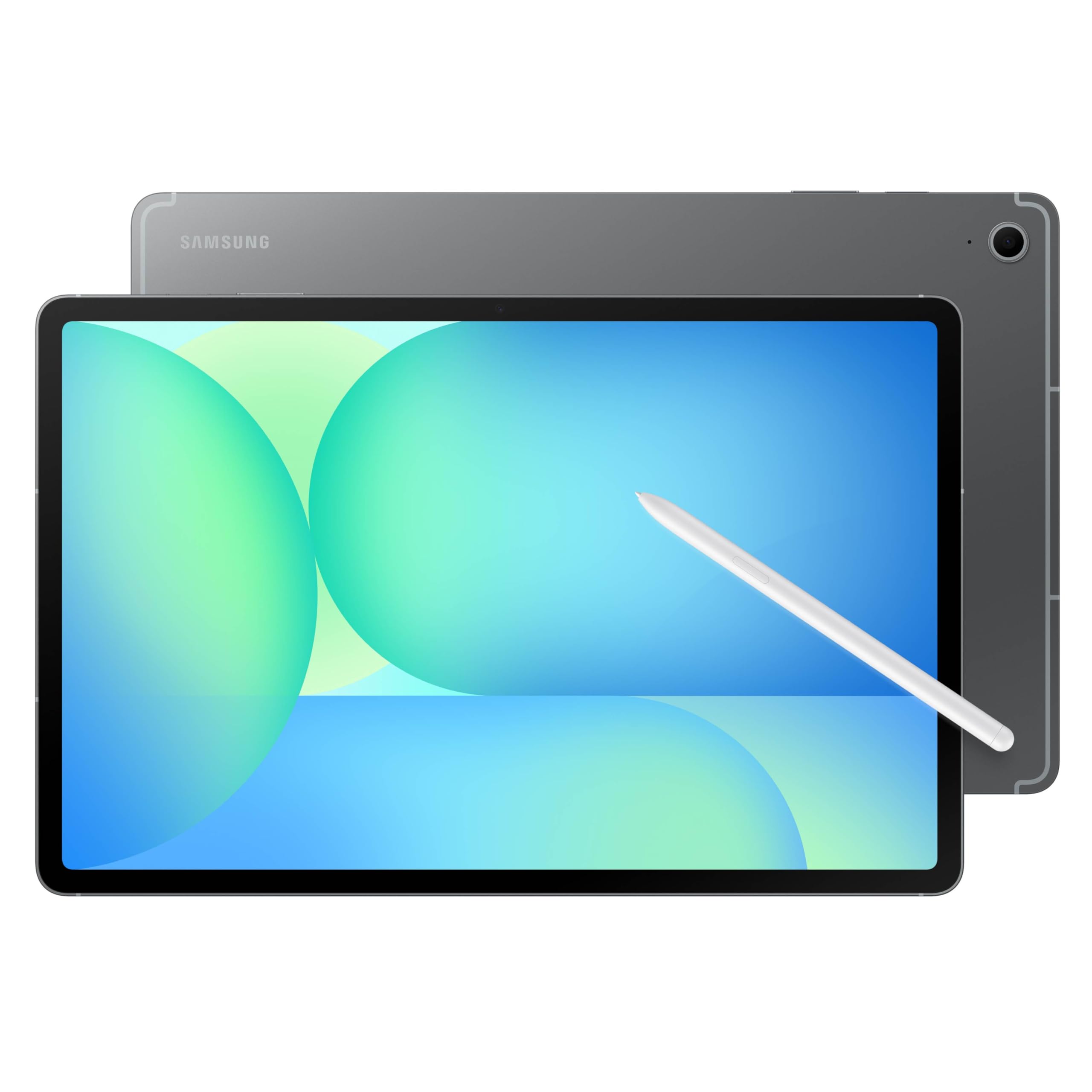 |
13.1 Inches | 128 GB (expandable) | Exynos 1580 | 10,090 mAh – lasts approximately 21 hours |
This Roundup is reader-supported. When you click through links we may earn a referral commission on qualifying purchases.

