Last verified: September 28, 2026, against Costco’s US, Canada and UK tire pages. This guide is not affiliated with Costco.
Quick answer
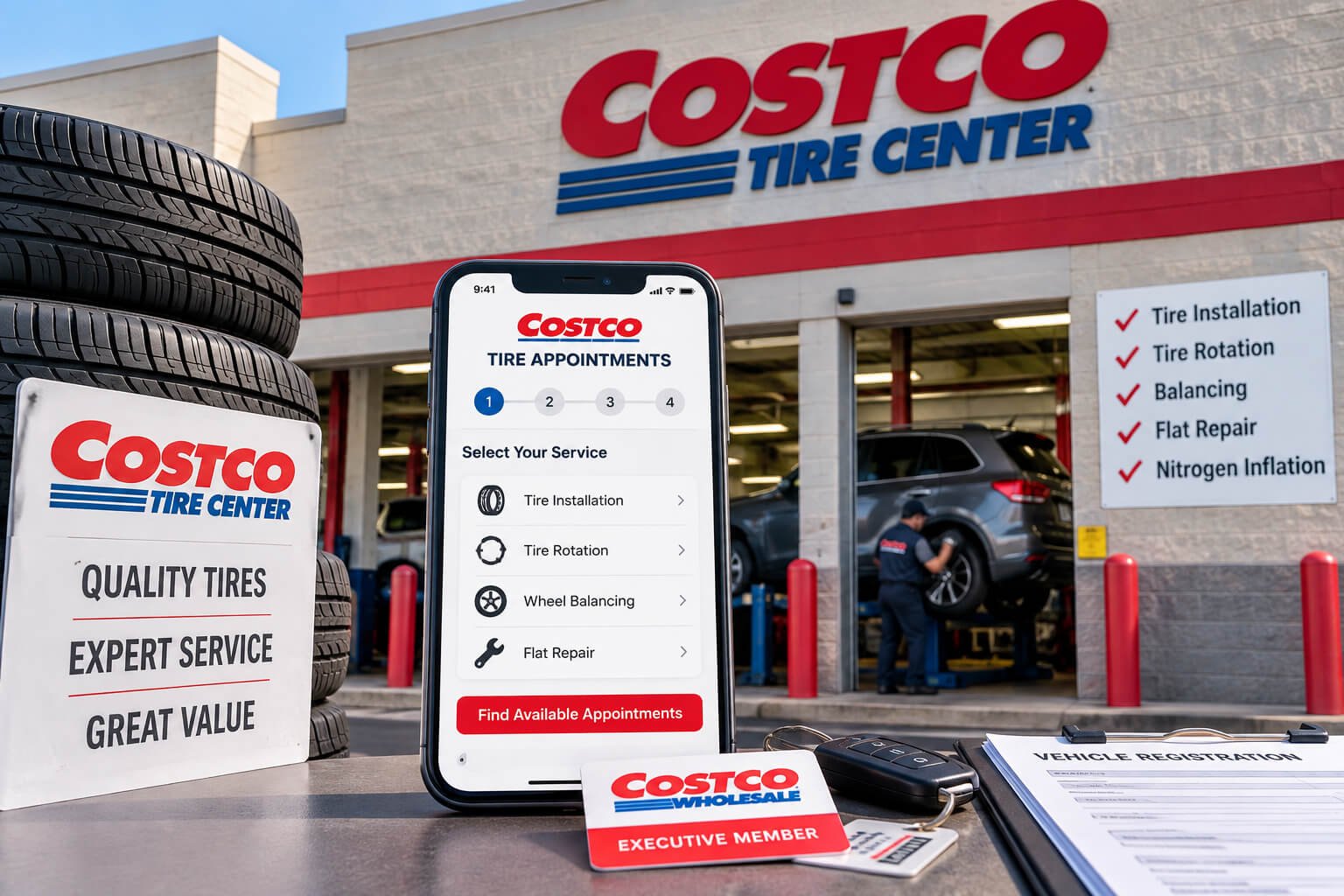
Book at CostcoTireAppointments.com (US) or CostcoTireAppointments.ca (Canada). Enter your vehicle, check the Tire Center shown, and pick a time. To change or cancel, call your warehouse. Costco installs only tires you bought at Costco. Tires shipped to the warehouse must be installed within 14 days (US) or 7 days (Canada) of arrival. In the UK, call your tyre centre.
Ways to book a Costco tire appointment
- Online: use the booking site for your country (see the table below).
- When you order tires online: you can schedule the installation as part of the order. Costco’s steps are search, select, schedule, then free shipping to the Tire Center you chose.
- In the warehouse: Costco’s tire pages say you can also schedule at the warehouse.
- By phone: call your warehouse’s Tire Center. This is how you change or cancel, and it is the main option in the UK.
You need a Costco membership. Costco installs only tires bought from Costco, not tires bought elsewhere.
US, Canada and UK at a glance
| Topic | US | Canada | UK |
|---|---|---|---|
| Where to book | CostcoTireAppointments.com | CostcoTireAppointments.ca | Your warehouse’s tyre centre (phone) |
| Install deadline after tires arrive | 14 days | 7 days | Ask your tyre centre |
| Change or cancel | Call your warehouse | Call your warehouse | Call your tyre centre |
| Extra costs to know | TPMS service pack fees may apply | TPMS service pack fees may apply | Puncture repair £14.98 (TPMS not included) |
How to book in the US

- Go to CostcoTireAppointments.com. It opens Costco’s tire site with a “Schedule an Appointment” box.
- Sign in if you have an account. Use the same email and password as your Costco.com account.
- Check the Tire Center shown. Costco starts with your default location. Select Change to pick another one. If you ordered tires online, pick the warehouse where they are being delivered.
- Enter your vehicle. Add the year, make, model, trim and your ZIP code.
- Choose your service, date and time. Pick from the open times shown.
- Confirm and keep your confirmation. Note the date, time and warehouse.
Vehicle made before 2002? Call or visit the warehouse instead.
Buying tires online? At tires.costco.com you can search by vehicle, license plate or tire size, then schedule the installation as part of your order.
How to book in Canada

The steps match the US steps, with these differences:
- Use CostcoTireAppointments.ca. Costco’s tire site is available in English and French.
- Sign in with your Costco.ca account.
- Enter your postal code instead of a ZIP code.
- Search tires by vehicle, tire size or item number. Costco’s Canadian page has no license plate search.
- Costco Canada calls it a Tire Centre.
- The install deadline is 7 days, not 14 (see below).
How to book in the UK
Costco UK uses “tyre” and “tyre centre,” and its tyres are for warehouse members. A tyre purchase includes installation at no charge, and online orders ship free to your local warehouse. Costco UK’s tyres page links to a list of tyre-bay phone numbers, so call your warehouse’s tyre centre to book or confirm a slot. Find your warehouse with the Costco UK warehouse finder.
Costco UK lists a puncture repair at £14.98, which includes a new standard valve and wheel balancing. TPMS is not included.
How long you have to install your tires
- Shipping: orders usually reach the warehouse in 5 to 10 business days. Alaska and Hawaii orders take about 10 to 20. Costco notifies you by phone or email when your tires arrive.
- US: Costco’s FAQ says you then have 14 days for installation.
- Canada: tires must be installed or picked up within 7 days of arrival, or the order may be cancelled and refunded.
Book as soon as you can, and check the date in your arrival notice. If you think you will miss the deadline, call the warehouse right away.
What to bring and what to expect
- Your Costco membership card
- Your order confirmation or receipt, in case staff need to find your order
- Your locking wheel nut key, if your wheels have locking nuts (ask your Tire Center if you are unsure)
- A way to pay if extra fees apply, such as a TPMS service pack
Arrive about 15 minutes early to check in. Many drivers plan on one to two hours, and busy days can take longer. Ask your Tire Center for its current wait when you call. You can shop in the warehouse while you wait.
How to change or cancel an appointment
Costco’s scheduling pages in both the US and Canada say to call your warehouse to change an existing appointment. Call the Tire Center with your name and appointment time ready, and ask to move or cancel it. Do it as early as you can so someone else can use the slot.
What’s included, and what may cost extra

Costco says installation is included at no charge when you buy tires there. For the life of the tire, the package covers rotation, balancing, inflation checks and flat repairs. Flat repairs follow USTMA standards. It also includes nitrogen inflation and new rubber valve stems, plus a warranty for mileage, road hazard and manufacturer’s defects (not available for all vehicles or tires). Costco lists a 5-year road hazard warranty.
Extra costs: Costco says TPMS service pack fees and other component costs may apply.
Costco may refuse a tire. Costco’s US tire disclaimers say the Tire Center manager makes the final call on whether a tire can go on your vehicle. The speed rating and load capacity must be the same as or higher than the factory tires. If you buy fewer than four tires, the new ones go on the rear. Snow tires are installed only in sets of four on front-, four- and all-wheel-drive vehicles.
Golf, ATV and trailer tires: Costco ships these directly to your home, and they don’t come with the installation package. Costco will mount a loose trailer tire only if the new tire has the same size and load index as the one on the wheel. It will work on a tire that is on a trailer only if you have the trailer maker’s wheel torque specification. Call your Tire Center first.
If booking doesn’t work
Costco’s tire site can show messages like these:
- “Appointment scheduling is temporarily unavailable.” Try again later, or call your Tire Center.
- “We were unable to match your license plate to a vehicle” (US). Search by vehicle, tire size or item number instead.
- No open times. Try another day or another warehouse, or call.
- Can’t sign in. Reset your password on Costco.com (Costco.ca in Canada).
- Tires haven’t arrived. Wait for the notice (check your spam folder). If the shipping time has passed, call the warehouse.
Frequently asked questions
Do I need a Costco membership?
Yes. Costco installs only tires bought from Costco by members, and it won’t service tires bought by non-members.
Can Costco install tires I bought elsewhere?
No. Installation is only for tires bought at Costco.
Can I get a rotation or flat repair without buying tires at Costco?
Those services come with tires bought at Costco. Costco’s pages don’t offer them for tires bought elsewhere, so call your Tire Center if your case is unusual.
Do I need an appointment, or can I walk in?
Costco’s pages tell you to schedule online or at the warehouse. They don’t promise walk-in service. Call before you go, especially for a flat repair.
How do I find my Tire Center’s phone number?
Use Costco’s warehouse locator, or call the warehouse’s main line and ask for the Tire Center. In the UK, use the warehouse finder and the tyre-bay phone list on Costco UK’s tyres page.
Is installation really free?
In the US, Canada and the UK, Costco says a tire purchase includes installation at no charge. Extra parts, such as a TPMS service pack, may cost more.

