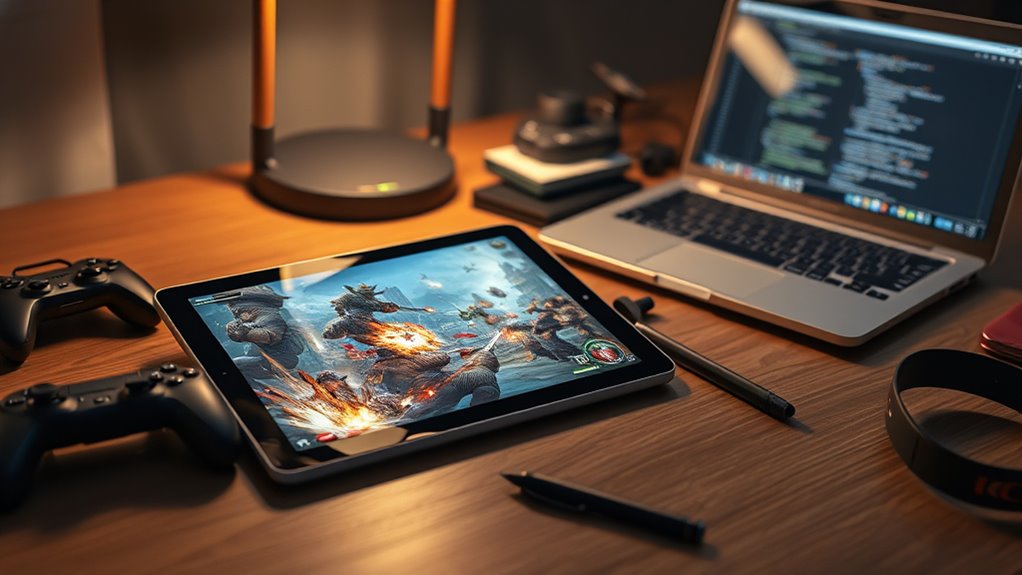
A decent gaming tablet needs more than basic power. A fast chip such as an Apple A16 or Dimensity 9400+ helps modern games run smoothly, while 8GB of RAM is the floor and 12GB is better for heavier 3D titles. At least 128GB of storage keeps the library usable. An 11-inch or larger Full HD screen adds clarity, and a strong battery with fast charging keeps the session alive. More details follow just ahead.
Key Takeaways
- A decent gaming tablet should have at least an A16 or Dimensity 9400+ class processor for smooth performance.
- Aim for 8GB RAM minimum, with 12GB or more for demanding 3D games.
- Choose at least 128GB storage so your game library fits without constant cleanup.
- An 11-inch or larger Full HD display makes gameplay clearer and more immersive.
- Strong battery life and fast charging help keep gaming sessions uninterrupted.
What Specs Matter Most for Gaming Tablets?
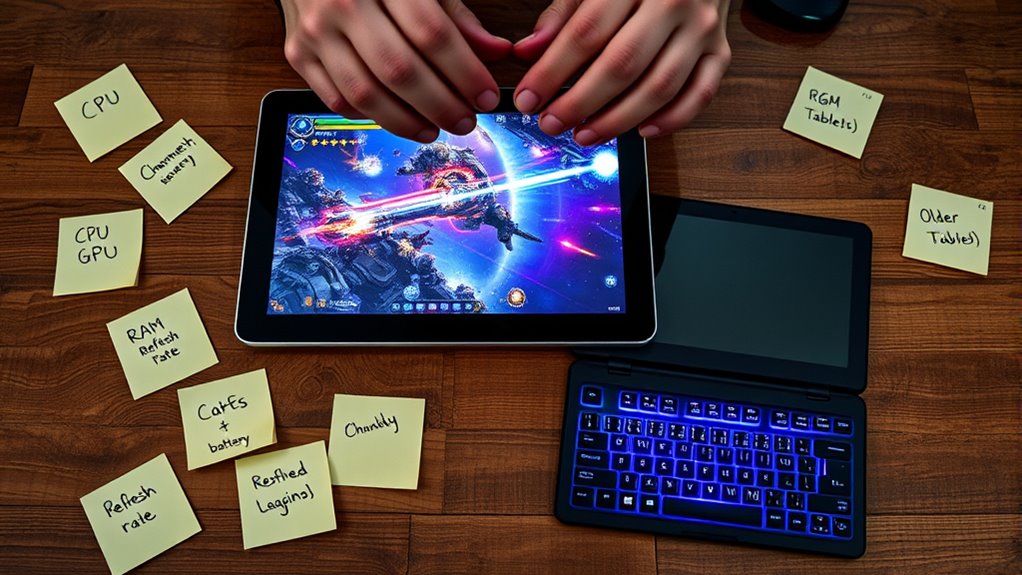
When it comes to gaming tablets, the hardware stack must work as a coordinated engine rather than a collection of isolated parts. For a tablet for gaming, the processor leads the charge, with newer chips such as the Apple A16 or MediaTek Dimensity 9400+ delivering the speed modern titles demand.
Memory follows, and 8GB of RAM is the practical floor for keeping action fluid under pressure. Next, storage capacity matters because 128GB or more keeps a broad library ready without constant deletion.
8GB of RAM keeps gameplay fluid, while 128GB or more helps your library stay ready.
Display quality shapes the experience too: an 11-inch or larger Full HD screen sharpens detail and widens the field of play, helping users read complex scenes and move with confidence.
Battery endurance and fast charging then preserve momentum, letting play continue without interruption. Together, these specs create a liberated gaming setup, where performance, visibility, and endurance align instead of compete.
How Much RAM and Storage Do You Need?
At minimum, a gaming tablet should carry 8GB of RAM, though 12GB or more is the safer threshold for demanding 3D titles that load heavy textures and crowded scenes. That memory lets a gaming tablet breathe, reload, and persist without choking under the weight of modern worlds.
For lighter games, 32GB of RAM may still function, yet 64GB or beyond gives newer titles more room to move with dignity. Storage matters just as much: 128GB is the practical floor, because multiple high-end games can quickly consume space and strain freedom of choice.
Older models can still serve, but their lower RAM and storage often limit them as games evolve. Brand differences can shift the result, so reviews and specifications should be checked before purchase.
The best setup is iterative: add memory, widen storage, then test whether performance feels open, smooth, and unburdened.
What Tablet Screen Size Is Best for Games?
What screen size best serves mobile play? A tablet with at least 11 inches begins to open the field, giving the eye room to read textures, maps, and action without strain. For many, this is the threshold where best gaming becomes less cramped and more liberated. Smaller panels may still function, yet intricate elements can disappear into the margins, narrowing tactical awareness.
- 11 inches: a practical minimum for immersion
- 13.1 inches or more: generous space for on-screen controls and multitasking
- Full HD plus 120Hz: clarity and responsiveness in motion
A large screen does more than look grand; it supports precision, comfort, and a steadier rhythm in fast-paced play.
When resolution climbs to 1920 x 1080 and above, the tablet renders detail with cleaner edges, while higher refresh rates keep movement fluid. The result is an iterative improvement: each extra inch and each sharper frame expands freedom, until the display itself feels like an unlatched arena.
Do You Need a Controller for Tablet Gaming?
A controller is not strictly required for tablet gaming, yet it often changes the experience from merely workable to distinctly refined. For those who play games on glass, the interface can feel free but imprecise; a Bluetooth controller introduces steadier motion, cleaner input, and less strain. In racing and action gaming, this shift is immediate. Touchscreen controls may miss the mark, while a controller can sharpen reaction times and precision in competitive moments. Many tablets already support varied Bluetooth options, so connection is usually simple.
| Control mode | Comfort | Precision |
|---|---|---|
| Touchscreen | Moderate | Variable |
| Bluetooth controller | High | Strong |
| Racing games | Better with controller | Excellent |
| Action games | Better with controller | Excellent |
| Competitive play | Lower | Highest |
Some titles also perform better with a controller, raising satisfaction without demanding extra complexity. The result is not necessity, but liberation through choice.
Which Accessories Make Gaming Easier?
Once control is settled, the question becomes which add-ons remove friction and make play feel smoother. The most useful accessories tend to free the player from awkward positions, thin audio, and storage anxiety, letting the game command attention instead of the hardware.
A Bluetooth controller can sharpen steering in racing games and simplify dense inputs in complex titles. Wireless headsets carry clear sound while sparing others, creating immersion without confinement. Tablet covers with stands matter too, because hands-free viewing supports longer sessions and steadier posture.
For those who collect many games, external storage can ease space limits and reduce performance strain. Large screen tablets, especially 11 inches or more, also help by making details easier to see and less tiring on the eyes.
- Bluetooth controller
- tablet covers with stands
- wireless headsets
Taken together, these accessories expand comfort, control, and freedom, turning a capable tablet into a more liberated gaming setup.
Frequently Asked Questions
What Is the 40 Second Rule in Gaming?
The 40 second rule means game performance should invite play within forty seconds, or interest fades. Through mobile optimization and tuned graphics settings, the experience becomes swifter, iterative, and more liberating for the player.
How Much RAM Should a Good Tablet Have?
A good tablet should have 8GB RAM minimum, though 32GB better suits performance benchmarks and gaming optimization. For freer multitasking capabilities, 128GB is ideal. Six gigabytes can suffice for casual play, but demanding titles prefer more.
What Do You Need for a Good Gaming Tablet?
A good gaming tablet needs sharp display quality, strong processing power, and long battery life. Like a racer tuned from the first lap, 8GB RAM, 128GB storage, and 120Hz help games feel free, fast, and fluid.
Is a Tablet Good for Gaming?
Yes, a tablet can be good for gaming, provided tablet performance is strong, gaming graphics are crisp, and battery life endures. Cheap models may falter, yet powerful tablets can liberate play, especially for demanding titles.
Conclusion
In the end, a “decent” gaming tablet turns out to be less about brute strength than about the quiet balance of specs, screen, and comfort. Ironically, the device built to escape the constraints of a console can become its own limitation if RAM, storage, or controls are neglected. The strongest tablet is not the flashiest one, but the one that disappears in play, letting the game—not the hardware—do the heavy lifting.

