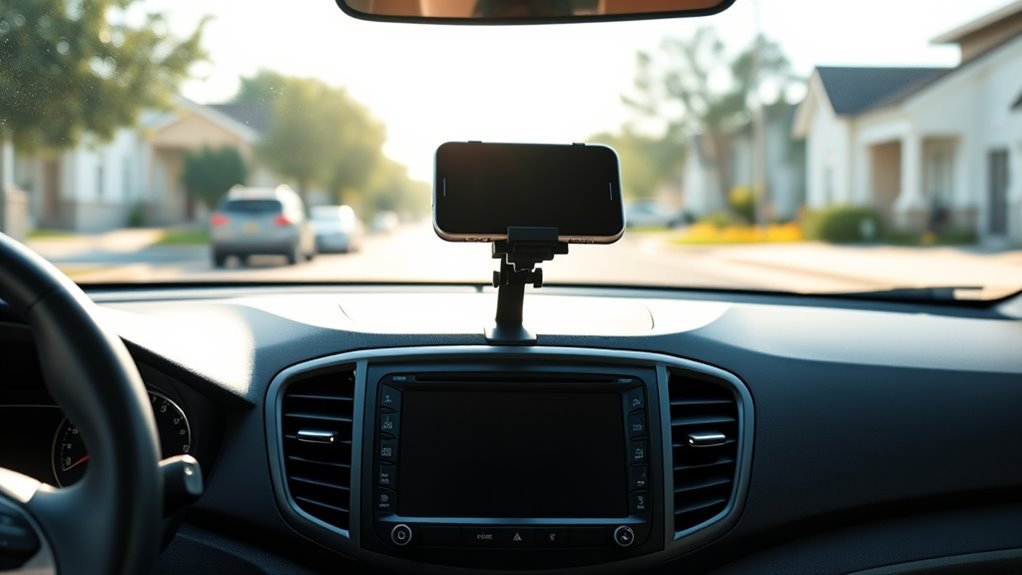
The best Hyundai Tucson phone mount for day-to-day navigation is usually a dash-top or vehicle-specific clip-in mount: both hold the phone steady near your line of sight without blocking the screen or vents. Vent mounts are quicker to fit but suit lighter phones and firm, horizontal vent blades.
The most important check is your Tucson’s model year. The 2025 facelift changed the dashboard, so many mounts made for earlier Tucsons won’t fit the latest car.
Hyundai Tucson Phone Mount Types Compared
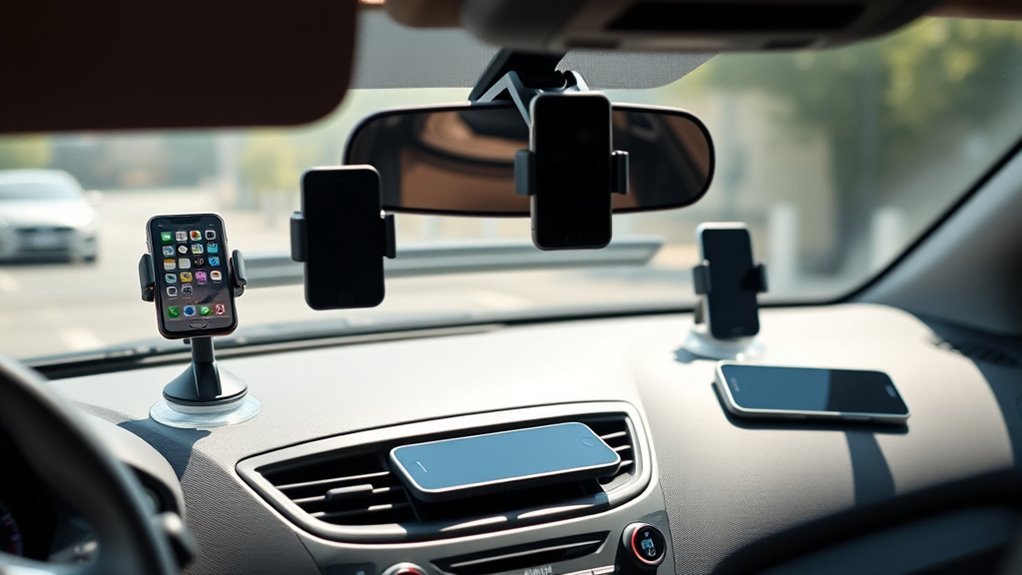
| Mount type | Stability | Fitting | Best for |
|---|---|---|---|
| Vehicle-specific clip-in (e.g. ProClip / Brodit) | Very good | Clips into dash seams or vents, no adhesive | Owners wanting a tidy, factory-like position |
| Screen-side bracket for Tucson | Good | Clamps beside the infotainment screen | Keeping the phone next to the car’s display |
| Dash-top adhesive or suction | Good to very good | Adhesive pad or suction on a smooth area | Larger phones, rough roads |
| Air vent clip or hook | Fair to good | Clip onto vent blade | Light phones, quick swaps between cars |
| Magnetic / MagSafe | Varies | Vent or dash base | iPhone 12 and newer with MagSafe cases |
Check Your Tucson’s Generation First
- 2025 facelift (current Tucson): per Auto123’s report on the refreshed model, a single wide display runs across the dash, the air vents moved to a strip below it, the gear selector moved to the steering column, and a wireless charging pad sits in the console.
- Earlier fourth-generation Tucson: separate instrument and centre screens with a console gear selector. Most “for Tucson” mounts sold before 2025 were designed around this layout.
- Older Tucsons: universal dash or vent mounts are usually the simplest choice.
Model years differ by market (for example, the US and UK facelifts did not launch at the same time). Match the listing to your car’s exact year and layout, and look at photos of the mount in the same interior.
Best Places to Mount a Phone in a Tucson
- Beside or just above the centre screen: close to your line of sight and easy to glance at.
- Centre vent: keeps the phone within reach; check it doesn’t block airflow you rely on.
- Low on the windscreen: only where it doesn’t obstruct your view of the road.
Avoid placing a mount over airbag covers, warning lights or the climate controls.
What to Check Before You Buy
- Model-year fitment listed by the seller, with photos of the same dashboard
- Your phone’s size and weight with its case
- Side buttons and charging port left clear
- Vent blade shape (vent mounts need firm, horizontal blades or a hook design)
- Adhesive type, if the mount sticks to a textured dash
- Charging: cable route, Qi or MagSafe for long trips
Pros and Limitations by Type
Vehicle-specific mounts
Pros: very stable, no adhesive, neat. Limitations: tied to one model and year; harder to move to another car.
Vent mounts
Pros: cheap, quick, easy to move. Limitations: can sag with heavy phones and block airflow; hot air in winter can warm the phone.
Dash-top mounts
Pros: stable and adjustable. Limitations: adhesive can mark soft-touch surfaces; suction can let go in heat.
Related Guides
See our guide to phone mounts for Google Maps sat nav in the UK for legal placement rules, the Mercedes E-Class W213 holder guide, and our MagSafe holder guide for the Toyota Highlander.
FAQ
What is the best type of phone mount for a Hyundai Tucson?
For most Tucsons, a dash-top mount or a vehicle-specific clip-in mount is the most stable. Vent mounts are fine for lighter phones if your vent blades are firm and horizontal.
Do I need a phone mount if my Tucson has Apple CarPlay or Android Auto?
Not for basic navigation: Google Maps and Waze run on the car’s screen through CarPlay or Android Auto. A mount is still useful if you want a second map, a different app or your Tucson lacks smartphone integration.
Did the 2025 Tucson facelift change mount fitment?
Yes, likely. Per Auto123’s report on the refreshed model, the vents moved to a strip below a single wide display and the gear selector moved to the steering column. Mounts made for earlier Tucsons may not fit, so check the model years on the listing.
Will a dashboard adhesive mount damage my Tucson’s dash?
Strong adhesive can leave marks or lift texture on soft-touch surfaces when removed. Use the cleaning wipe supplied, avoid very hot surfaces, and remove it slowly with gentle heat and dental floss.
Are MagSafe mounts good in a Tucson?
They work well with iPhone 12 or newer and a MagSafe-compatible case. Android phones need a metal ring or plate. Check that the base suits the Tucson’s vent or dash before buying.
Is it legal to use a phone for navigation in a Tucson?
In most places, yes, if the phone is in a secure holder that doesn’t block your view and you don’t hold it while driving. Set the route before setting off and check your local rules.

