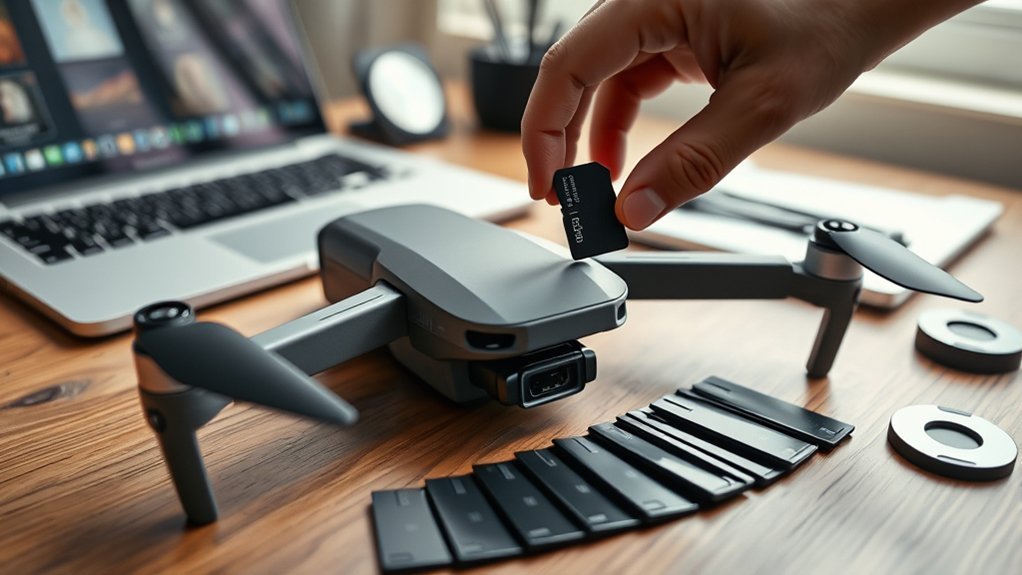
DJI drones perform best with microSD cards that match recording demands. For 1080p and 4K, UHS-I U3 or V30 cards are the baseline, while higher bitrates benefit from faster write speeds and 8K workflows favor UHS-II V90 media. A 128GB or 256GB card suits most operators. Reliable options include Lexar 1066x, SanDisk Extreme, and Samsung Pro Plus. Cards should be formatted in the DJI app or aircraft menu. The sections ahead cover setup and troubleshooting.
Match Your DJI Drone to the Right Card Speed
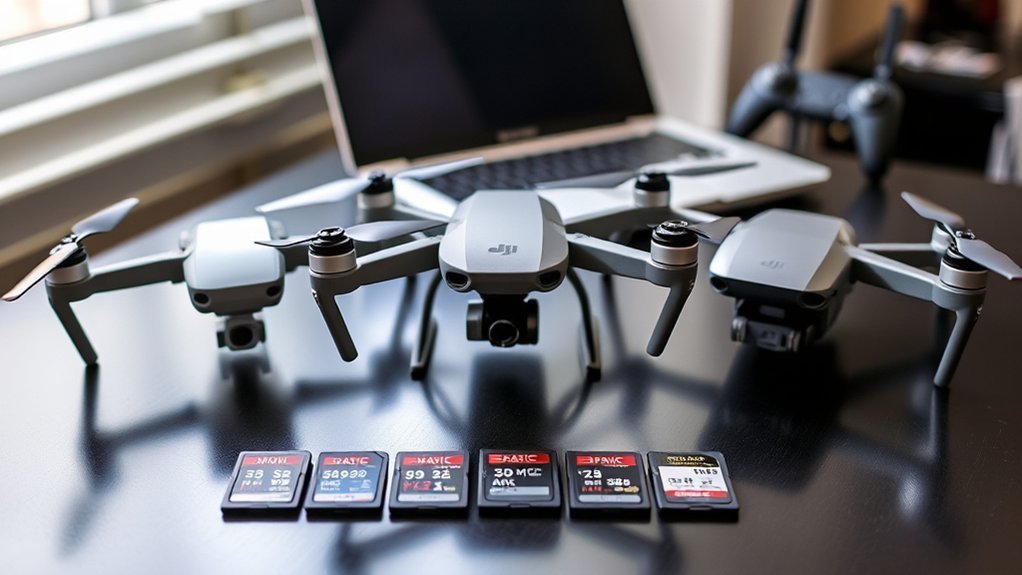
Selecting the correct microSD card speed for a DJI drone depends on the recording resolution and bitrate the aircraft is expected to handle. For 1080P capture, DJI specifies MicroSD cards rated UHS-I U3 with write speed performance of at least 70MB/s to maintain reliable recording.
When shooting 4K video, a V30 card is the minimum acceptable standard, delivering no less than 30MB/s sustained write throughput. Higher resolution workflows demand faster cards. User reports indicate that 165MB/s write speed capability improves consistency at demanding settings, reducing dropped frames and buffering risk.
For 4K recording, V30 is the baseline, while faster 165MB/s cards improve stability and help prevent buffering or dropped frames.
For 8K applications, UHS-II cards with V90 ratings are the practical choice. The Mavic 3 operates smoothly with cards up to 128GB that carry U3 or V30 markings, aligning speed with stable capture.
Although storage capacity matters during longer flights, card selection here should prioritize sustained write performance first. This approach gives operators greater freedom to record without technical bottlenecks or interruption.
Pick the Right MicroSD Card Size for DJI Drones
After speed compatibility is confirmed, storage capacity becomes the next parameter to match with the aircraft and recording workload. For most DJI drone setups, a 256GB microSD card offers the most practical balance, supporting extended flights and sustained high resolution capture with fewer interruptions.
A 128GB option remains sufficient for many operators, especially those who offload footage regularly between sessions.
A 64GB card suits shorter flights, training use, or casual hobby work, but demands more frequent card swaps and tighter file management.
To choose the best capacity, the operator should align storage volume with recording habits, mission length, and the drone manufacturer’s supported limits.
Capacity must not be considered separately from performance: memory cards intended for 4K recording should still meet UHS I Speed Grade 3 or higher, with minimum write speeds of 30MB/s.
This combination gives the user greater operational freedom while preserving stable recording reliability in demanding aerial workflows.
Choose the Best MicroSD Cards for DJI Drones
Which microSD cards perform reliably in DJI drones depends on a combination of speed certification, sustained write performance, and proven media stability under continuous video capture. When Choosing a Memory Card, UHS-I Speed Grade 3 and the correct Video Speed Class are baseline requirements. For 1080P capture, a minimum write of 70MB/s is advised; for 4K or 8K, 165MB/s is preferred. Faster read speeds help offload footage quickly, but write consistency matters more in flight.
| Model | Key spec | Use case |
|---|---|---|
| Lexar 1066x | UHS-I U3, strong sustained write | Reliable 4K capture |
| SanDisk Extreme | UHS-I U3, stable media behavior | General DJI use |
| Samsung Pro Plus | UHS-I U3, dependable throughput | Frequent recording |
A 256GB card is generally large enough for most operators, storing about 5GB per five minutes at higher resolutions. Swapping cards at each battery change also limits footage loss risk.
Format Your DJI MicroSD Card the Right Way
Even a high-quality microSD card can underperform in a DJI drone if it is not formatted correctly. For maximum compatibility, the recommended method is to format the Micro SD card through the DJI app or the aircraft’s internal menu, rather than on a computer. This approach aligns the file system with DJI requirements and supports stable performance during capture operations.
For best DJI drone performance, format the microSD card in the DJI app or aircraft menu for proper compatibility.
Before any format procedure, a complete backup of needed footage should be made, since formatting erases all stored files.
DJI guidance is straightforward: use FAT32 for cards 32GB or smaller, and exFAT for cards larger than 64GB. Regular maintenance formatting is advisable after heavy use because it helps preserve write efficiency and card longevity.
A quick format is the preferred option for routine upkeep; it is faster than a full format and fully adequate in normal operating conditions. This simple discipline gives pilots more control, fewer constraints, and more dependable storage behavior aloft.
Fix DJI MicroSD Card Errors and Recording Problems
Resolve most DJI microSD card errors by verifying three basics first: card specification, available capacity, and current formatting.
DJI systems generally require UHS-I Speed Grade 3 media, with sustained write speed around 70MB/s for Full HD and 165MB/s for high-bitrate 4K or 8K recording. Cards below specification, or non-recommended models, often trigger dropped frames, recording stoppages, or memory corruption.
Corrective action should begin inside the drone menu: format the card there, not only on a computer, to align file structure with DJI firmware.
Storage should then be checked before every flight, because a full card can interrupt recording without warning. A disciplined workflow increases operational freedom: back up footage promptly, then swap to a fresh card after each flight.
This reduces exposure if the aircraft is lost and guarantees predictable capacity for the next mission. If errors persist after format and replacement, the card is likely incompatible or failing.
Frequently Asked Questions
What Is the Recommended SD Card for DJI Drones?
Recommended DJI drone SD cards are microSD UHS-I U3/V30, up to 128GB, from Samsung, SanDisk, Lexar, or Kingston, balancing card speed, storage capacity, video quality, brand reliability, and overall drone performance for dependable recording.
What Size SD Card Is Recommended for DJI Drones?
A 256GB microSD card is recommended; like a runway opening freedom, it balances Storage Capacity and Card Speed. One should verify Brand Reliability, Price Comparison, and Compatibility Issues; 128GB suits 4K, while 512GB supports prolonged sessions.
What Is the Recommended SD Card Format for DJI Cameras?
DJI cameras generally recommend microSD cards formatted as FAT32 or exFAT. Best brands and User reviews help assess Compatibility issues, Speed ratings, and Storage capacity, enabling informed, independent media management and reliable high-resolution recording performance.
What Kind of SD Card Should I Get for My Drone?
A drone requires a UHS-I U3 microSD card balancing storage speed, data transfer, and brand reliability. Selection should match video resolution demands, avoid compatibility issues, and favor 64GB to 256GB capacities for operational autonomy.
Conclusion
Selecting a suitable microSD card for a DJI drone is less a minor detail than the quiet hinge on which stable recording turns. Matching speed class, storage capacity, and card model to the aircraft’s imaging demands helps avoid dropped frames, stalled writes, and other unwelcome interruptions. Proper formatting and routine error checks keep the workflow orderly. When these small preparations are handled correctly, the drone is better positioned to deliver clean footage and a more dependable flight record.
