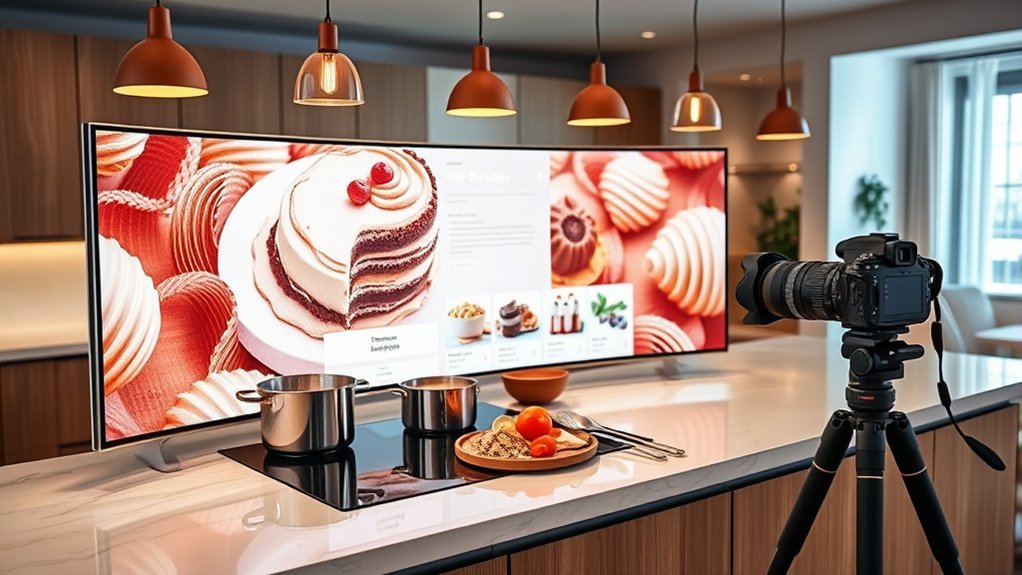
A practical kitchen monitor setup can make birthday meal prep easier when several recipes, timers, and prep tasks are running at once. The best setup is not defined by one screen size. It depends on available counter depth, safe distance from water and heat, comfortable viewing height, a stable mount or stand, readable text, and reliable timer alerts.
Quick Answer
For birthday cooking, choose a monitor that fits the available workspace without entering the sink, burner, or main cutting zone. A 24–27-inch display can work well in many kitchens, but measure first. Keep the top of the screen at or slightly below eye level, use a stable adjustable stand, protect electrical connections from moisture, and keep timers easy to hear and see.
Key Takeaways
- Measure the counter and your normal viewing distance before choosing a monitor size.
- Position the top of the screen at or slightly below eye level and enlarge recipe text instead of leaning toward the display.
- Keep the monitor, plugs, power strips, and cables away from sinks, wet surfaces, burners, steam, and other heat sources.
- Use a stable stand or correctly rated VESA-compatible mount; lock mobile casters before touching the screen.
- Use labeled timers, prevent unwanted device sleep, and keep alert volume high enough to hear during cooking.
- Clean according to the monitor manufacturer’s instructions and never spray liquid directly onto the display.
At a Glance
| Time Required | About 30–60 minutes for measuring, positioning, cable routing, and app setup |
| Difficulty | Easy to moderate |
| Tools Needed | Tape measure, cable clips or ties, microfiber cloth, and an optional rated monitor stand or VESA mount |
| Cost | Varies from essentially no extra cost when reusing an existing display to several hundred dollars for a new touch monitor, stand, and accessories |
Choose a Monitor That Fits Your Kitchen
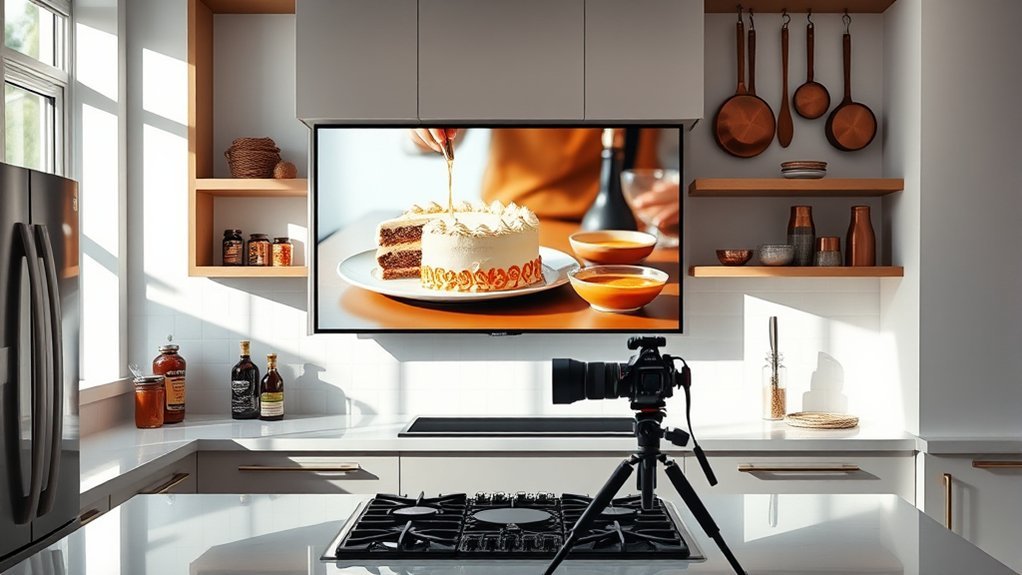
Start with the kitchen rather than the monitor specification sheet. Measure the usable counter or floor area, note where people walk, and identify the sink, stovetop, oven, steam-producing appliances, and main food-prep zone. The display should be easy to see without occupying a surface needed for cutting, mixing, or plating.
A 24–27-inch monitor is a practical range for many kitchens because it can show recipes, ingredient lists, and several timers at readable sizes. It is not a universal requirement. A smaller screen may be better in a compact kitchen, while a larger display may work when it is wall-mounted or placed on a mobile floor stand away from the counter.
Choose the screen after measuring the viewing distance and prep space. A display that is readable without blocking the kitchen is more useful than a larger monitor that constantly has to be moved.
A touch screen is convenient for scrolling and starting timers, but it is optional. Touch also means more fingerprints and more contact with a device located around food. Voice control, a wireless mouse, a remote, or keyboard shortcuts can reduce the need to touch the screen when hands are wet or dirty.
For mounting flexibility, check whether the monitor supports a standard VESA mounting interface. If it does, match the monitor’s mounting pattern and weight to the arm, wall mount, or rolling stand instead of assuming any stand will fit.
Match Monitor Size to Counter Space
Counter space sets the practical limit for monitor size. Instead of following a fixed clearance such as 12 inches on each side, test the setup against the way the kitchen is actually used.
- Measure the footprint. Record the width and depth of the monitor base or stand and make sure it does not take over the primary cutting, mixing, or plating surface.
- Check viewing distance. For a conventional monitor, a comfortable reading position is usually more important than screen diagonal. OSHA workstation guidance commonly uses roughly 20–40 inches as a general monitor viewing range, with text enlarged when necessary.
- Protect the work triangle. Do not place the display where it blocks normal movement between the sink, refrigerator, stovetop, oven, and prep area.
- Test the actual recipe view. Open a recipe at the text size you expect to use. If you have to lean forward, increase text scaling or reconsider the display position before buying a larger screen.
- Plan for movement. If the monitor occasionally has to move for kneading, cake decorating, or plating, a mobile floor stand may be more useful than putting a large base on the counter.
Pro Tip: Open your longest recipe and largest timer layout before finalizing the position. Increase browser zoom or operating-system text scaling until it is readable from your normal cooking position.
Set Your Monitor at Eye Level
For comfortable viewing, place the monitor directly in front of the main viewing position when possible. OSHA recommends keeping the top of the screen at or slightly below eye level, with the center of the screen below the horizontal line of sight. This reduces the tendency to bend the neck or lift the chin for repeated recipe checks.
A height-adjustable stand is especially useful when the same screen is used for standing meal prep and seated cake decorating. Adjust text size before raising the monitor excessively; a screen that sits too high can create just as much neck strain as one that sits too low.
A slight tilt can improve the viewing angle, but there is no single correct tilt for every kitchen. Adjust it while standing at the normal cooking position. Also move or angle the display to reduce reflections from windows and ceiling lights rather than relying on tilt alone.
Stability matters more with a touch display. The base or mount should not wobble when you tap or swipe. If the screen moves under normal touch pressure, tighten the stand according to its instructions or use a more suitable support.
Pick a Rolling Stand for Easy Movement
A rolling monitor stand is useful when birthday cooking moves from ingredient preparation to the stovetop, oven, decorating table, and serving area. It also keeps a large display off valuable counter space.
- Check weight capacity. The stand must support the complete monitor weight, including adapters or accessories.
- Confirm mounting compatibility. If the monitor uses a VESA mount, confirm that the stand supports the same mounting pattern.
- Use locking casters. Lock the wheels before tapping a touch screen or leaving the stand beside an active work area.
- Check the center of gravity. A wide, stable base is preferable to a narrow stand that becomes top-heavy when the screen is raised.
- Route cables with the stand. Give power and video cables enough slack for normal adjustment without leaving loops where someone can trip.
- Keep vents open. Covers, cable bundles, shelves, and enclosures should not block the monitor’s ventilation openings.
Warning: A kitchen combines electricity, water, steam, heat, and foot traffic. Keep the monitor and electrical connections away from sinks and wet counters, keep cords away from burners and other hot surfaces, and use the ground-fault protection required by local electrical rules. In U.S. kitchens, countertop receptacles should be GFCI-protected. Do not use damaged cords or overloaded power strips, and have a qualified electrician correct unsafe outlets.
Choose Recipe and Timer Apps
Birthday cooking often means several dishes are active at the same time, so software should reduce the amount of information you have to remember. Prioritize large text, high contrast, simple navigation, labeled timers, and reliable notifications.
For recipes, browser-based recipe pages may be enough if the text can be enlarged and the screen can stay awake. A dedicated recipe app becomes more useful when you want saved recipes, shopping lists, meal plans, ingredient scaling, or synchronized notes.
For timers, use software that lets you distinguish one countdown from another. Labels such as “cake,” “potatoes,” “sauce,” and “resting time” are much safer than four anonymous countdowns. Windows includes timer functions in the Clock app, while other operating systems and recipe platforms offer similar tools.
If an important timer depends on the computer, check the device’s sleep settings and notification volume. A timer that becomes inaudible because the device sleeps, disconnects from speakers, or has notifications muted is not useful during a busy cooking session.
Video guides can help with unfamiliar decorating or preparation techniques, but position the monitor so watching the screen does not pull attention away from a hot pan, knife, mixer, or other active hazard.
Shared notes are also useful when several people are cooking. Keep ingredient shortages, completed prep tasks, serving times, and last-minute changes in one place instead of spreading them across separate phones.
Keep Your Monitor Setup Clean and Safe
A kitchen monitor should remain dry, stable, ventilated, and easy to clean. Cable routing, splash control, and screen maintenance all matter more in a cooking area than they do at an ordinary desk.
Do not treat a standard consumer monitor as a kitchen appliance simply because it has a screen protector. Unless the complete product or enclosure has a manufacturer-specified resistance rating for the environment, keep it outside direct splash, steam, and grease zones.
Manage Cables Safely
Good cable management reduces snagging and trip hazards, but electrical safety comes first.
- Route cords along the stand, wall, or back edge of the work area instead of across normal walking paths.
- Keep plugs, power strips, adapters, and loose cable connections away from the sink and other wet surfaces.
- Keep cords away from stovetops, ovens, toaster ovens, and other hot surfaces.
- Do not pinch cords under furniture, wheels, doors, or equipment.
- Replace cracked, frayed, loose, or heat-damaged cords rather than wrapping damaged areas and continuing to use them.
- Avoid overloading extension cords or power strips, and use extension cords only when appropriate for the load and environment.
Protect From Splashes
Grease, batter, steam, and water can reduce screen clarity and may damage electronics. The safest strategy is distance from the hazard.
Place the display outside the direct line of the sink, mixing bowls, frying pans, steam vents, and countertop appliances that release hot moisture. A touch-compatible screen protector can make fingerprints and surface cleanup easier, but it does not make the monitor waterproof or protect its vents, ports, power supply, or internal electronics.
If an enclosure is used, make sure it is suitable for the monitor and does not block required airflow. A sealed improvised cover can trap heat even if it keeps surface splashes away.
A rolling stand can make hazard avoidance easier because the display can be moved before frying, washing large pans, or other high-splash tasks. Move the stand using its frame or handle rather than pulling it by the monitor or cable.
Clean Screen Properly
The monitor manufacturer’s instructions should take priority because screen coatings differ. A conservative cleaning routine begins with a powered-off, unplugged, cool monitor and a clean microfiber cloth.
- Wipe loose dust and fingerprints gently with a dry microfiber cloth.
- If the manufacturer allows moisture, dampen the cloth lightly with distilled water. Do not soak it.
- Apply liquid to the cloth rather than spraying the display.
- Do not let moisture run toward the bezel, buttons, ports, or ventilation openings.
- Avoid paper towels, abrasive pads, window cleaner, and any chemical the monitor manufacturer warns against.
- Allow the display to dry fully before reconnecting power.
Note: Some manufacturers permit specific diluted cleaning solutions for stubborn food residue, while others recommend only distilled water or a product made for that screen. Follow the instructions for the exact monitor rather than assuming one homemade cleaner is safe for every panel coating.
Troubleshoot Common Kitchen Monitor Problems
Screen Has Too Much Glare
Change the screen angle or move the stand so overhead lights and windows are not reflecting directly toward your eyes. Increase text size before simply raising brightness to its maximum.
Touch Controls Do Not Respond Reliably
Dry your hands and the screen first. Grease, water, food residue, gloves, or an incompatible screen protector can interfere with touch input. If touch remains unreliable, use voice control, a mouse, or another input method rather than repeatedly tapping harder.
Timers Are Easy to Miss
Give each timer a clear label, raise notification volume, check Do Not Disturb or Focus settings, and prevent the device from entering a sleep state that suppresses or hides the alert.
The Rolling Stand Wobbles
Stop using touch input until the cause is corrected. Lock the casters, lower an unnecessarily high screen, tighten approved fasteners, and verify that the monitor does not exceed the stand’s rated capacity.
The Display Loses Internet Access
Save critical recipes locally or take screenshots before a large cooking session. Internet-dependent instructions are a poor single point of failure when several dishes are already underway.
When a Tablet or Smart Display Makes More Sense
A full monitor is useful when you want a large recipe view, several timers, videos, notes, or a computer-based kitchen command center. It is not always the most practical solution.
A tablet or smart display may be better when counter space is limited, when you need a device that is easy to move between rooms, or when your workflow mainly involves one recipe and a few timers. A monitor becomes more attractive when you already have a small computer available, need a larger viewing area, or want the display mounted away from the food-prep surface.
Whatever device you choose, the same priorities remain: readable text, safe electrical placement, stable support, dry connections, adequate ventilation, and simple controls.
Frequently Asked Questions
What Is the Ideal Monitor Setup?
For kitchen use, the ideal setup has a screen that is readable from the normal cooking position, with the top at or slightly below eye level, enough viewing distance to avoid leaning, a stable adjustable stand, safe cable routing, and generous clearance from sinks, steam, heat, and active food-prep areas.
Is a 27-Inch Monitor Too Big for a Kitchen?
Not necessarily. A 27-inch display can work well when it does not consume essential prep space and can be viewed comfortably. In a compact kitchen, a 22–24-inch monitor, tablet, or wall-mounted display may be easier to position safely.
Should a Kitchen Monitor Have a Touch Screen?
Touch is convenient but not required. It works well for scrolling recipes and starting timers, while voice control, a wireless mouse, or remote controls can be cleaner when your hands are wet, greasy, or covered with ingredients.
Can I Put a Regular Computer Monitor Beside the Kitchen Sink?
It is better to keep an ordinary monitor away from the sink and direct splash paths. A screen protector does not seal the electronics. Keep power connections dry and follow the monitor manufacturer’s environmental and electrical-safety instructions.
What Is the Best 3-Monitor Setup for Work?
There is no universal best size or layout. For general office work, place the primary monitor directly in front of you and secondary monitors beside it so frequent viewing requires minimal head movement. A three-monitor arrangement is normally unnecessary for kitchen recipe use.
What Is the Best 4 Monitor Setup for Work?
A four-monitor layout should be chosen around the user’s tasks, desk dimensions, viewing angles, graphics outputs, and monitor-arm capacity rather than a fixed 27-inch or 1440p rule. For cooking, one well-positioned screen is usually much easier to manage safely.
What Are the Best Specs for a Gaming Monitor?
Gaming priorities commonly include refresh rate, adaptive synchronization, response performance, resolution, panel quality, and HDR capability, but the ideal balance depends on the computer and games being used. Those specifications provide little benefit for a kitchen display, where readability, viewing angle, stability, cleanability, and safe placement matter more.
Conclusion
A well-configured kitchen monitor can simplify birthday meal preparation by keeping recipes, timers, videos, and shared notes visible in one place. The most important decisions are not a particular screen size or resolution. Measure the kitchen first, keep the display at a comfortable viewing height and distance, use a stable stand, protect electrical equipment from water and heat, and keep the interface simple enough to operate during active cooking.
A 27-inch touch monitor can be a good solution when the space supports it, but a smaller monitor, tablet, or smart display may be more practical in a compact kitchen. The best setup is the one that remains readable, stable, dry, ventilated, and out of the way throughout preparation, cooking, decorating, and serving.
Sources
- U.S. Occupational Safety and Health Administration — Computer Workstation Monitor Guidance — supports viewing distance, eye-level positioning, viewing angle, and glare guidance.
- Electrical Safety Foundation International — Kitchen Safety Tips — supports GFCI use, sink clearance, and keeping appliance cords away from hot surfaces.
- U.S. Consumer Product Safety Commission — Electrical Safety — supports safe use of cords, power strips, and electrical equipment.
- Microsoft Support — Alarms and Timers in Windows Clock — supports timer setup and the need to consider device sleep settings.
- Samsung Support — Clean Your Samsung Monitor — supports powering down, microfiber cleaning, distilled water, and avoiding direct liquid application.
- VESA — Mounting Standard — supports checking standardized monitor mounting compatibility before using a stand or arm.

