Split Your Laptop Display for Multitasking in 5 Steps
Perfect your multitasking skills by splitting your laptop display in 5 easy steps and unlock a new level of productivity.
Perfect your multitasking skills by splitting your laptop display in 5 easy steps and unlock a new level of productivity.
Learn how to effortlessly connect an external monitor to your laptop and unlock a new level of productivity with these 5 easy steps.
Clipboard History can transform your Windows 11 experience, but are you ready to unlock its full potential? Discover how in just five starter steps.

I discovered three practical tips to boost your laptop battery life—curious to find out how they can enhance your productivity?
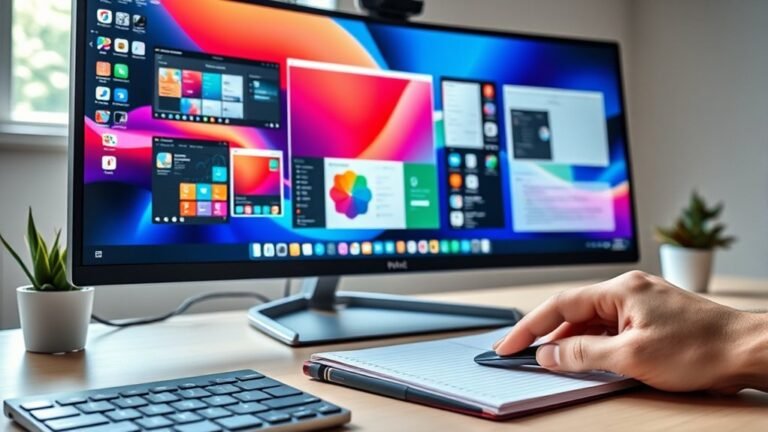
Navigate the world of virtual desktops on Windows 11 and discover 7 key steps to enhance your productivity—your workflow will never be the same!
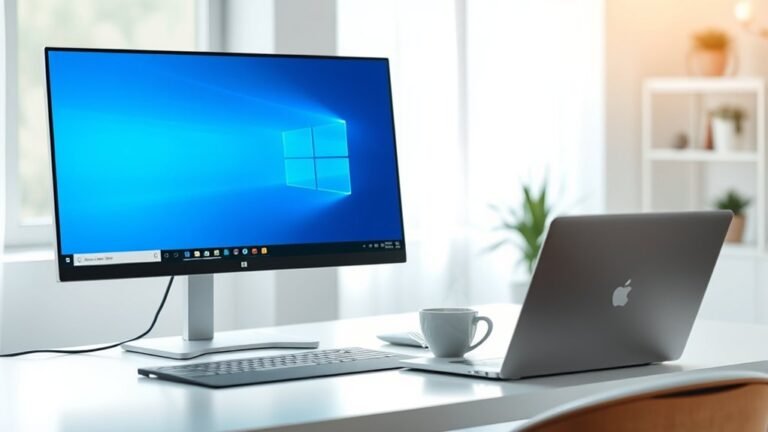
Harness the power of Focus Assist on Windows 11 to eliminate distractions—discover the simple steps to transform your productivity today!
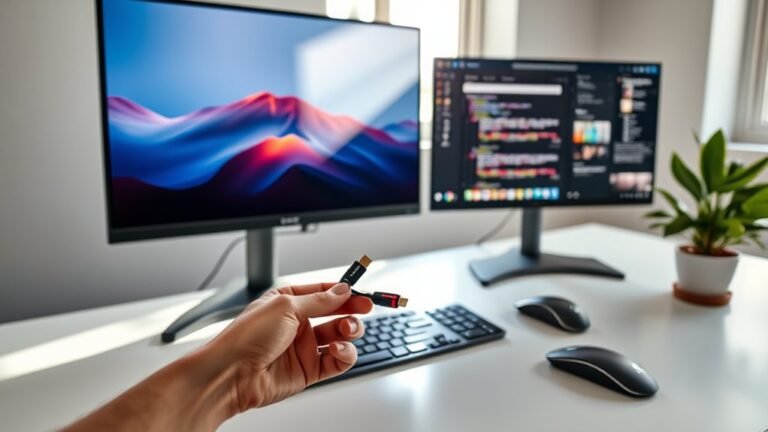
Connect a second monitor on Windows 11 effortlessly with these 7 plug-and-play steps and unlock a new level of productivity—discover how inside!
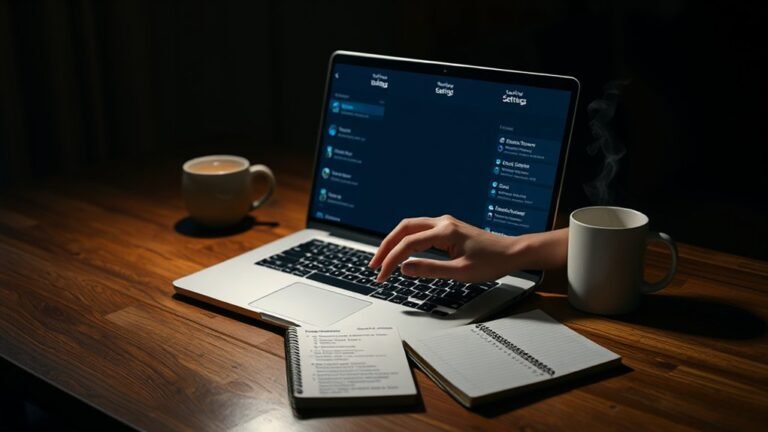
Just a few simple tweaks can keep your laptop awake when the lid is closed—discover the essential settings to boost your productivity!
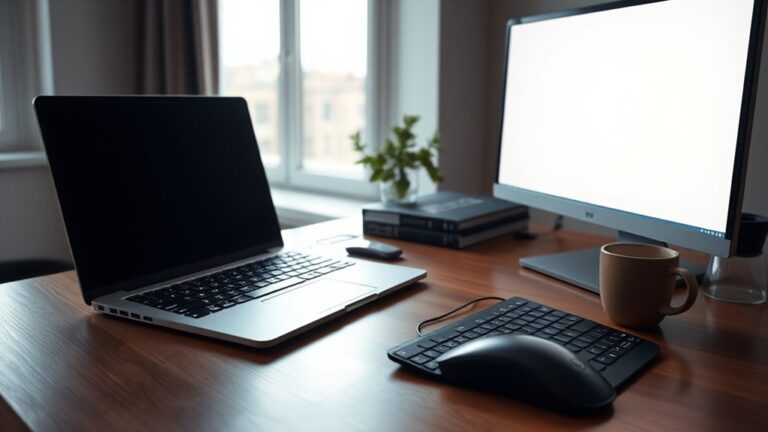
To keep your laptop running when the screen is closed, discover simple settings adjustments that can enhance your productivity and efficiency.
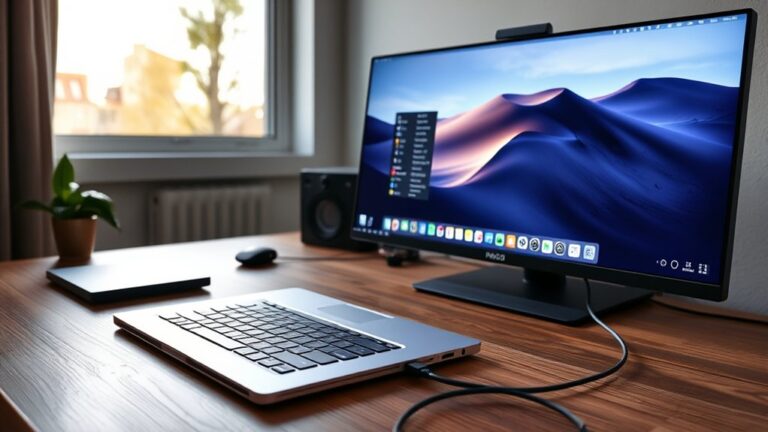
How to prevent your laptop from sleeping when closing the lid with an external monitor connected? Discover the simple steps to maintain productivity.