This review is reader-supported. When you click through links, we may earn a referral commission on qualifying purchases. As an Amazon Associate I earn from qualifying purchases.
A smart microwave should make everyday reheating easier, not add more hassle to your kitchen. The GE Smart Countertop Microwave Oven with Scan-to-Cook technology is a compact 0.9 cubic foot countertop microwave built for buyers who want WiFi connectivity, voice control, and app-based cooking support in a smaller footprint.
Selection Criteria
When reviewing a smart countertop microwave, the most important factors are capacity, wattage, counter space, smart-home compatibility, manual controls, setup process, safety features, and real-world ease of use. The GE Smart Countertop Microwave stands out because it combines a compact 0.9 cubic foot size with 900 watts of cooking power, WiFi connectivity, Scan-to-Cook support, and compatibility with Alexa and Google Assistant.
| Best For | Small kitchens, dorms, apartments, offices, and smart-home users |
|---|---|
| Capacity | 0.9 cubic feet |
| Power | 900 watts |
| Approximate Exterior Size | 14.5″D x 19″W x 11.5″H |
| Smart Features | WiFi, SmartHQ app support, Alexa, Google Assistant, and Scan-to-Cook for compatible items |
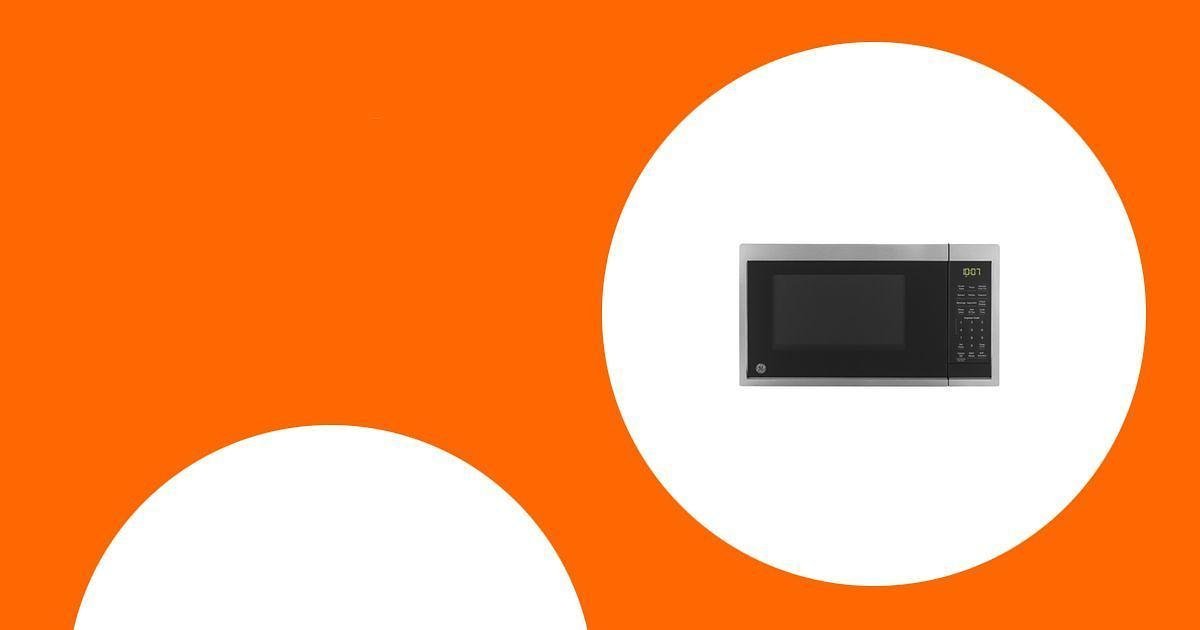
GE Smart Countertop Microwave Oven

The GE Smart Countertop Microwave Oven is designed for people who want a compact microwave with smarter controls. Its 0.9 cubic foot capacity works well for everyday reheating, frozen meals, snacks, beverages, and smaller dinner plates, while its 900 watts of power give it enough output for common countertop microwave tasks.
The main feature is Scan-to-Cook technology. With compatible packaged foods, you can scan a barcode through the SmartHQ app so the microwave can apply a suggested time and power level. This can be useful when you often heat frozen meals or packaged foods and do not want to manually enter cooking settings each time. Just keep in mind that barcode support can vary by product, so the manual controls still matter.
WiFi connectivity also lets the microwave work with Alexa and Google Assistant for supported voice commands, such as starting or stopping the microwave, adding time, or changing power level. This is most useful if you already use smart-home devices in your kitchen. If you prefer simple appliances, you can still use the microwave manually without relying on the smart features for every task.
Why You’ll Like It
- Compact but useful: The 0.9 cubic foot size is easier to fit on a counter, shelf, dorm setup, or office breakroom than many larger microwaves.
- Smart-home friendly: WiFi support works with the SmartHQ app, Alexa, and Google Assistant for compatible controls.
- Helpful for packaged foods: Scan-to-Cook can reduce guesswork for compatible frozen or packaged meals.
- Still has regular controls: You can use the microwave manually for reheating, defrosting, snacks, and everyday cooking tasks.
- Safety-minded features: Child-lock controls and cooking-complete alerts add convenience for daily use.
Who Should Buy This
- You want a smart countertop microwave that works with Alexa or Google Assistant.
- You often heat frozen meals, packaged foods, leftovers, snacks, or beverages.
- You need a compact microwave for a small kitchen, apartment, dorm, office, or secondary cooking space.
- You like having both app-connected features and traditional button controls.
Who Should Avoid This
- You need a larger microwave for big casseroles, oversized dinner plates, or frequent family-size cooking.
- You do not want to connect kitchen appliances to WiFi or install an app.
- You expect Scan-to-Cook to work with every food package or fresh ingredient.
- You want a built-in or over-the-range microwave rather than a countertop model.
What People Say
Many buyers like the compact size, everyday heating power, and smart-control options. The most common hesitation is setup: WiFi pairing and app connection may take extra patience depending on your home network and device settings. Some users also note that the button panel can be harder to read in certain lighting.
Pros and Cons
Pros:
- Compact 0.9 cubic foot size fits many smaller kitchens and workspaces
- 900 watts of power for common reheating and cooking tasks
- Works with Alexa and Google Assistant through WiFi-connected smart features
- Scan-to-Cook can simplify cooking for compatible packaged foods
- Includes useful everyday features such as defrost options, timer, alerts, and child-lock controls
Cons:
- Smart setup may take extra time if your WiFi or app connection is finicky
- Scan-to-Cook depends on supported barcodes and may not work with every food item
- 0.9 cubic feet may feel small for large households or oversized dishes
- Voice control is convenient for some tasks but not necessary for everyone
Key Benefits
- Voice control support with Alexa and Google Assistant
- Scan-to-Cook technology for compatible packaged foods
- Compact countertop design for kitchens with limited space
- Manual controls remain available when you do not want to use the app
- Child-lock controls add extra protection against unintended use
Energy and Everyday Use Notes
For simple reheating, a countertop microwave can be more convenient than turning on a full-size oven because it does not require preheating. Actual energy use and savings depend on how often you use it, what you cook, and your household’s cooking habits, so it is best to view this model as a convenience upgrade rather than a guaranteed money-saving appliance.
Long-Term Value
The best long-term value comes from using the GE Smart Countertop Microwave for the tasks it handles well: reheating leftovers, defrosting, warming drinks, preparing snacks, and cooking compatible packaged foods. Its compact size also helps if you want a capable microwave without giving up too much counter space.
Situational Benefits
This microwave makes the most sense for busy professionals, students, apartment dwellers, parents handling quick snacks, and smart-home users who already rely on voice assistants. It is also a practical option for an office, basement kitchenette, guest space, or secondary kitchen area where a full-size microwave would be too large.
Check Product Details on Amazon
Related Guides
FAQ
What Is Scan-To-Cook Technology and How Does It Work?
Scan-to-Cook technology lets you use the SmartHQ app to scan the barcode on compatible packaged food. When the item is supported, the microwave can apply a suggested cooking time and power level. It is most useful for compatible frozen or packaged foods, but it should not be treated as a replacement for checking food labels, package directions, or food temperature when needed.
Can You Use This Microwave Without WiFi?
Yes. You can still use the GE Smart Countertop Microwave as a regular countertop microwave with manual controls. WiFi, SmartHQ app features, Alexa, Google Assistant, and Scan-to-Cook require setup, but basic heating and reheating do not need voice control.
What Should I Consider Before Buying This Smart Microwave?
Start with size and counter space. This is a compact 0.9 cubic foot microwave, so it is best for everyday plates, bowls, snacks, beverages, and smaller packaged meals. Also consider whether you will actually use the smart features. If you already use Alexa or Google Assistant, the voice controls may feel useful. If you prefer simple appliances, the standard microwave controls may matter more than the app features.
How Do I Set Up the WiFi and Voice Control Features?
To use the smart features, download the SmartHQ app, create or sign in to your account, and follow the app prompts to connect the microwave to your home WiFi network. For voice control, connect the appliance through the compatible Alexa or Google Assistant setup flow. If setup fails, check your WiFi password, phone connection, app permissions, and router settings before trying again.
Is 0.9 Cubic Feet Big Enough?
For many small kitchens, apartments, dorm rooms, and offices, 0.9 cubic feet is a practical size. It should work well for common reheating and snack tasks, but it may feel limiting if you regularly use oversized dinner plates, large casserole dishes, or tall containers. Measure your available counter space and compare your everyday dishes before buying.
Is The GE Smart Countertop Microwave Worth It?
It is worth considering if you want a compact microwave with app support, voice control, and Scan-to-Cook for compatible packaged foods. It is not the best choice if you only want the simplest possible microwave, need a larger capacity, or do not want to connect an appliance to WiFi.
Wrapping Up
The GE Smart Countertop Microwave Oven is a practical pick for buyers who want a compact 900-watt microwave with smart-home features. Its strongest appeal is the mix of everyday microwave functions, WiFi connectivity, Alexa and Google Assistant support, and Scan-to-Cook for compatible packaged foods. The main trade-offs are its smaller 0.9 cubic foot capacity and the fact that smart features depend on app setup and supported barcodes. If those limits fit your expectations, it can be a convenient upgrade for a small kitchen, dorm, apartment, office, or smart-home setup.

