
Understanding drone flight logs helps you review each flight, spot problems early, and improve your drone handling over time. A flight log records important details such as GPS coordinates, altitude, speed, battery levels, control inputs, and flight events. When you know where to find this data and what each section means, you can make safer decisions before, during, and after every flight.
Quick Answer
Drone flight logs show where your drone flew, how high it went, how the battery performed, and how your control inputs affected the flight. To read them well, locate the log files, open them in a compatible viewer, then review GPS, altitude, speed, battery, warnings, and post-flight notes.
Key Takeaways
- Flight logs help you review location, altitude, speed, battery use, control inputs, warnings, and flight behavior.
- DJI, DroneDeploy, and other drone apps may store logs in different folders, so the correct path depends on your device and app.
- Battery trends, signal changes, GPS accuracy, and altitude changes often reveal the most useful safety and performance insights.
- Manual notes make automated logs more useful because they explain weather, airspace, mission purpose, and unusual events.
- Back up flight logs before deleting app data, changing phones, updating firmware, or troubleshooting missing records.
At a Glance
| Time Required | 10 to 30 minutes for a basic review; longer for detailed flight analysis |
| Difficulty | Beginner to intermediate |
| Tools Needed | Drone app, mobile device or computer, USB cable, log viewer, and backup folder |
| Cost | Usually free, unless you choose a paid analysis or fleet-management platform |
Locating Your Drone Flight Logs

How can you effectively locate your drone flight logs? Start by checking the folder path on your controlling device. For some DJI setups, you may find logs in a folder path such as DJI » com.aryuthere.visionplus » FlightRecord. This path can contain detailed flight information, including route data, aircraft status, and recorded flight events.
To locate your drone flight logs, start with the app folder on the device you used to fly. Then copy the logs to a computer before you edit, delete, sync, or upload anything.
If you’re using the DroneDeploy app, access Project Settings and make sure the app stays open with a strong Wi-Fi connection for at least 10 minutes to sync data. A weak connection or closed app can delay uploads, especially when flight logs were created offline.
For iOS users, flight logs may be found in the NoCloud folder through Finder or iTunes, depending on your device and app version. Android users can often retrieve logs through a USB connection by selecting the File Transfer option and browsing the app’s storage folders.
If logs aren’t visible, initiate syncing using the Sync icon on the Dashboard or restart the app. You should also check whether the flight was completed under a different account, project, device, or aircraft profile.
Note: Folder names can vary by drone model, controller type, operating system, and app version. If one path does not appear, search for folders named FlightRecord, Logs, DJI, DroneDeploy, or the app name used during the flight.
Finally, always copy logs to a computer for backup and further analysis, especially if you work with DAT files typically stored in the DJI Go/4 folder. This gives you a secure record of your flight activity and protects your data before app updates, firmware changes, or device resets.
Understanding the Structure of Flight Logs

To effectively analyze drone flight logs, you need to understand the essential data points they contain, such as GPS coordinates, altitude, speed, battery levels, flight mode, signal strength, and warning messages.
An organized logbook format ensures that this information remains easy to find, compare, and interpret. A clear structure also helps you spot repeated problems, such as weak signal areas, fast battery drain, compass errors, or rough landing habits.
Additionally, consider the importance of manual logging practices to improve the accuracy and reliability of your records. Automated logs tell you what happened, while manual notes explain why it may have happened.
Essential Data Points
A well-structured drone flight log is important for effective flight analysis and safety management. Key data points include GPS coordinates, altitude, speed, battery levels, and control inputs, which are essential for evaluating flight performance and identifying potential issues.
You should also document the date, time, location, drone model, pilot credentials, and purpose of the flight to create a complete record. Including environmental factors like weather conditions, visibility, wind, obstacles, and airspace restrictions gives context to the flight outcome.
Post-flight notes are critical for detailed evaluations and can support post-incident analysis. A precise flight log format not only improves data reliability but also supports compliance with operating rules, company procedures, and safe recordkeeping practices.
Organized Logbook Format
While maintaining an organized logbook may seem tedious, it is crucial for effective flight management and safety oversight. A systematic logbook should include key data points for easy reference and analysis:
- Date and time of the flight
- Launch and landing location
- Drone model, controller, app, and firmware version
- Pilot name, role, and credentials
- Battery levels before and after the flight
- Flight purpose, route, and planned operating area
- Pre-flight checklist details and unexpected events
- Weather, visibility, wind, and airspace notes
Each entry should also document weather conditions and maintenance records to support safe operations. This is especially useful when you manage several aircraft, batteries, pilots, or job sites.
Consistency across pilots improves data reliability, allowing for trend analysis and operational efficiency. When every pilot records the same core details, it becomes much easier to compare flights and identify repeat issues.
Finally, post-flight notes on observations or problems contribute to thorough records, supporting future operational improvements and safety. These notes can include hard landings, unexpected battery drops, GPS drift, obstacle warnings, or unusual aircraft behavior.
Manual Logging Considerations
Maintaining an organized logbook sets the foundation for effective manual logging, which plays an essential role in flight operations. Your manual logs should capture key pre-flight details, including date, time, location, planned flight path, drone model, battery status, airspace restrictions, and weather conditions. This information creates a clear flight history.
Post-flight entries, such as unexpected events and checklist completion, improve data reliability and support operational evaluations. Standardized procedures and templates ensure consistency, particularly in commercial settings with specific documentation needs.
Manual logs complement automated data collection by providing necessary context, improving overall flight records for analysis and troubleshooting. Consistent data capture not only boosts operational efficiency but also supports regulatory compliance, safety, and performance improvement.
Pro Tip: Use the same log template after every flight. A repeatable format makes it easier to compare battery health, pilot habits, environmental conditions, and recurring warnings over time.
Key Data Points to Analyze
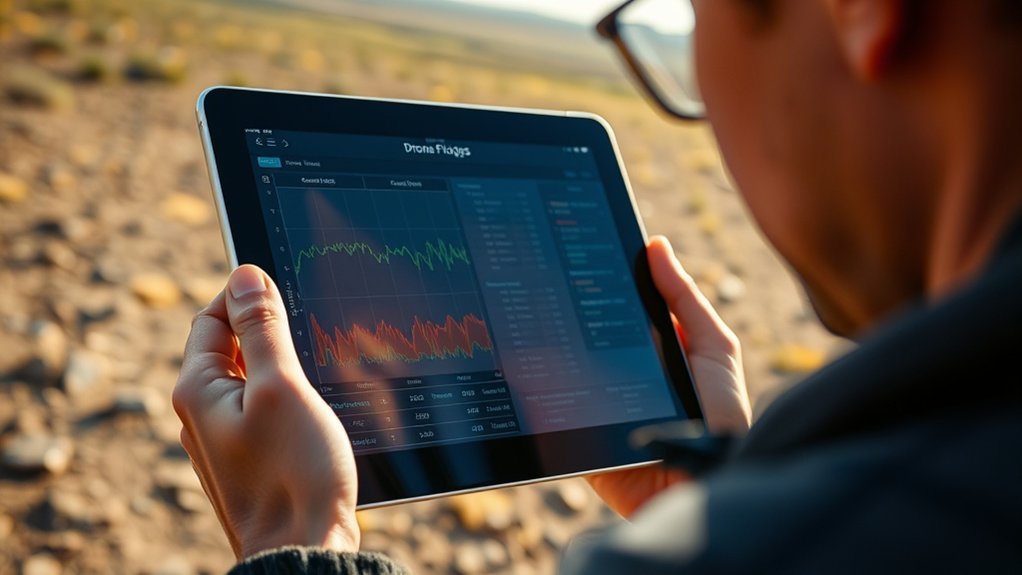
Drone flight logs contain critical data points that are essential for performance analysis and operational safety.
By examining these data points, you can improve your flying skills, protect your equipment, and support the long-term reliability of your drone.
Here are the most important data points to analyze:
- GPS Coordinates: Track your drone’s exact location during flight for route review, mapping accuracy, and recovery support.
- Altitude: Monitor altitude changes to support safe operation and avoid flying higher than your planned limits.
- Speed: Review speed changes to see how fast you flew during turns, climbs, descents, and return paths.
- Battery Levels: Watch battery performance to avoid mid-flight failures and understand how weather, payload, and speed affect power use.
- Control Inputs: Analyze how stick movements affected your drone’s behavior, which can help you improve smoother takeoffs, turns, and landings.
- Flight Mode: Check whether the aircraft stayed in the expected mode or switched modes during the flight.
- Signal Strength: Review controller and video-link signal changes to identify areas with interference or weak connection.
- Warnings and Errors: Look for compass, GPS, obstacle, battery, or motor warnings that need attention before your next flight.
Understanding these elements not only improves your flying experience but also helps you address potential issues before they become serious. A small warning in one log may not seem important, but repeated warnings across several flights can point to a battery, calibration, firmware, or pilot-habit problem.
Accessing and Using Flight Log Viewer
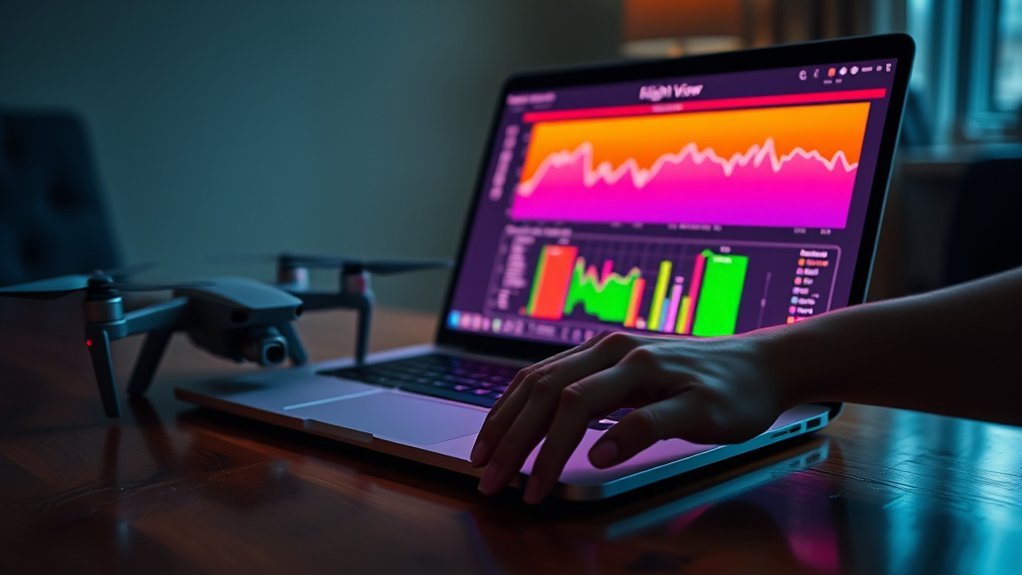
To access your flight logs, navigate to the DroneDeploy app, where the Flight Log Viewer allows you to analyze telemetry data from your recent flights with ease.
Click on “view flight log” within the app to bring up an organized interface that presents vital flight information. You can also view recent flights directly from the main dashboard, giving you quick access to your most recent logs.
If your logs don’t appear immediately, keep the app open for at least 10 minutes while connected to a strong Wi-Fi network. This step is essential for successful syncing of your flight logs, especially when the flight was completed in an area with poor service.
The Flight Log Viewer is designed for user-friendliness, enabling you to efficiently analyze flight data, identify trends, and improve your flying skills. Familiarize yourself with this tool to get more value from your drone flight experience.
[Amazon Products Picked for You]

Simple and easy way to log every RC flight, including date, aircraft, location, duration, and notes

All-in-one RC flight log system with 4 dedicated sections for complete pilot organization

How to Review a Flight Log Step by Step
A simple review process keeps you from missing important details. Use this basic workflow when you open a flight log:
- Confirm the flight details: Check the date, time, aircraft, battery, location, and pilot information.
- Review the route: Look at the takeoff point, flight path, hover points, turns, and landing location.
- Check altitude and speed: Watch for sudden climbs, drops, fast descents, or speeds that do not match the mission plan.
- Study the battery curve: Look for fast drain, sudden voltage drops, or low-battery warnings.
- Scan warnings: Review compass, GPS, signal, obstacle, motor, gimbal, or battery alerts.
- Compare control inputs: Match stick movements with aircraft behavior to find rough handling or overcorrection.
- Add post-flight notes: Record anything the automated log cannot explain, such as wind gusts, birds, obstacles, or site conditions.
This step-by-step method works for beginners and experienced pilots. It keeps your review focused on safety first, then performance improvement.
Troubleshooting Missing Flight Logs

Have you ever experienced missing flight logs after a session? Don’t worry, this can happen for several reasons. Your device may not have synced yet, the app may have closed too soon, the flight may be stored under another account, or the logs may still be on the controller or mobile device.
Use these troubleshooting steps to help recover those logs:
- Check Offline Generation: If your flight logs were created offline, confirm you’re connected to the internet for successful syncing.
- Stable Internet Connection: Verify that your mobile device has a strong and stable internet connection, as this is vital for effective log syncing.
- Use the Sync Icon: Open the DroneDeploy app and use the Sync icon on the Dashboard to manually initiate the flight log sync process.
- Restart the App: If logs are still missing, try force-closing and restarting the app. This can often resolve upload or sync issues, prompting the logs to appear.
- Check the Correct Account: Make sure you are logged into the same account that was used during the flight.
- Check the Correct Project: If you use project-based apps, confirm the flight was not saved under another project or workspace.
- Reconnect the Device: Connect your phone, tablet, or controller to a computer and browse the local app folders.
- Avoid Reinstalling Too Soon: Do not delete or reinstall the drone app until you copy local logs to a safe location.
Warning: Do not clear app data, reset the controller, or uninstall your drone app before backing up local flight logs. These actions can remove unsynced records from the device.
Following these steps can help you troubleshoot and retrieve missing flight logs efficiently. If the logs still do not appear, check whether the aircraft, controller, or app created a separate DAT, TXT, CSV, or cloud-based record.
[Amazon Products Picked for You]

Want to use your FlySky remote controller transmitter radio with a flight simulator? Well, you'll need the FlySky SM100 cable USB dongle

Easy to install, sturdy and durable, One replacement can be used for a long time

Insert and Use Directly: With the double-ended 1.25-1.0mm terminal line, you can insert the VTX module and flight controller jacks separately and use them directly
Extracting Insights for Improved Performance
After resolving issues with missing flight logs, you can access valuable insights by analyzing the data collected during your flights. Start by examining performance metrics like battery efficiency and flight duration per charge. These metrics help identify areas needing improvement.
Monitoring GPS coordinates and speed data allows you to assess flight paths, helping you optimize routes for better operational efficiency. By reviewing control inputs in the logs, you can understand your actions and their effects on flight behavior, which is essential for developing your piloting skills.
Additionally, flight logs reveal environmental factors, such as wind conditions, enabling you to adjust your flying strategies for better safety and performance.
To streamline this analysis, consider utilizing software solutions like Airdata UAV, which offers visualization tools that highlight trends and pinpoint performance issues in your flight data. This approach helps you keep improving and refining your drone operation techniques.
Battery Performance Insights
Battery data is one of the most useful parts of a drone flight log. Review the starting percentage, ending percentage, voltage behavior, temperature, and how quickly the battery drained during different parts of the flight.
Fast battery drain may point to strong wind, aggressive flying, heavy payloads, cold conditions, old batteries, or repeated climbs. A sudden voltage drop can be more serious and should be reviewed before using that battery again.
Track each battery separately when possible. If one battery consistently performs worse than the others, remove it from demanding flights until you understand the cause.
GPS and Route Insights
GPS data shows where your drone traveled and how stable the route was. A clean route usually shows smooth movement, consistent positioning, and a clear launch-to-landing path. A messy route may show drifting, signal problems, poor GPS lock, or pilot overcorrection.
Review the takeoff point, landing point, return path, and any unexpected movement. If your drone drifted during hovering, compare that section with weather notes, satellite count, compass status, and nearby interference sources.
Pilot Control Insights
Control inputs show how your stick movements affected the aircraft. This is useful because many flight problems come from overcorrection, rushed turns, fast descents, or sudden throttle changes.
If your footage looks jerky, compare the video with the control-input data. You may find that smoother stick movement, slower yaw turns, or gentler altitude changes improve both safety and footage quality.
Best Practices for Manual Logging
Effective manual logging is essential for any drone operation, as it helps maintain an accurate and detailed flight history.
To ensure complete documentation, follow these best practices:
- Include essential pre-flight details: date, time, location, planned flight path, drone model, and battery status.
- Document airspace restrictions and weather conditions to provide context for any operational challenges.
- Record unexpected events and post-flight details, such as checklist completion, to improve data reliability for future analysis.
- Use standardized procedures and templates for consistency, especially in commercial operations.
- Label batteries, aircraft, controllers, and projects clearly so you can match each log to the correct equipment.
- Store copies of important logs in more than one place, such as a computer folder and a cloud backup.
- Review logs soon after each flight while the conditions and events are still fresh in your memory.
[Amazon Products Picked for You]


What to Write Before Flight
Before you launch, write down the mission purpose, planned route, weather, battery status, crew roles, and any nearby risks. These details help explain the flight log later.
You should also note whether you completed a pre-flight inspection. Include propeller condition, battery fit, controller connection, memory-card status, GPS readiness, and any firmware or app alerts.
What to Write After Flight
After landing, write down the actual flight outcome. Include the landing condition, remaining battery, warnings, unexpected events, and any maintenance concerns.
If something felt unusual during the flight, document it even if the app did not show an error. Pilot observations can help explain log data that looks confusing later.
Common Flight Log Mistakes to Avoid
Flight logs are only helpful when you keep them accurate and organized. Avoid these common mistakes:
- Only checking logs after a problem: Regular reviews help you spot small issues before they become serious.
- Ignoring warning messages: Even short alerts can reveal battery, GPS, compass, signal, or obstacle problems.
- Failing to back up logs: App updates, device changes, and resets can make old logs harder to recover.
- Mixing batteries without labels: Unlabeled batteries make it difficult to track health and performance over time.
- Skipping manual notes: Automated logs do not always explain weather, distractions, obstacles, or site conditions.
- Using inconsistent file names: Random file names make it harder to find the correct log later.
A simple naming system can solve many organization problems. For example, use the date, location, aircraft, and battery number in your backup folder names.
Related Guides
Frequently Asked Questions
How do you read DJI flight log data?
To read DJI flight log data, access the logs from the DJI app directory, then open them with a compatible viewer such as Phantom Help Log Viewer or Airdata UAV. Review GPS location, altitude, speed, battery behavior, signal strength, control inputs, and warning messages.
What is the 1 1 rule for drones?
The 1 1 rule for drones is a practical training habit that suggests reviewing flight logs for about one hour for every hour of flying. This is not a universal legal rule, but it can help you sharpen your skills, improve safety, and learn from each flight.
How do you fly a drone for the first time as a beginner?
To fly a drone for the first time, read the manual, charge the batteries, check propellers, confirm GPS, choose a wide open area, and use beginner mode if available. Practice basic takeoff, hovering, turning, and landing. After the flight, review the flight log to see how the drone responded.
How do you access drone flight logs?
To access drone flight logs, connect your mobile device, tablet, or controller to a computer and explore the app folders. Look for folders named DJI, FlightRecord, Logs, DroneDeploy, or the app name you used. On iOS, Finder or iTunes may help. On Android, use USB File Transfer.
Why are my drone flight logs missing?
Drone flight logs may be missing because the app has not synced, the device was offline, the app closed too soon, you used a different account, or the log is stored locally on the controller or phone. Keep the app open on Wi-Fi, use the sync option, and back up local files before deleting app data.
What should you check first in a drone flight log?
Start with the basics: flight date, location, route, altitude, battery level, signal strength, and warnings. Then review control inputs, flight mode changes, GPS behavior, and any unusual events. These areas usually reveal the most useful safety and performance information.
Conclusion
Drone flight logs give you a clearer view of every flight. They show where your drone went, how it performed, how the battery behaved, and whether any warnings appeared. When you review these details regularly, you can make smarter choices before your next launch.
As you dive deeper into your drone flight logs, you’ll uncover patterns that can transform your flying experience. Each data point holds a story, revealing insights that can improve your skills, safety, and efficiency.
But beware: neglecting these logs can leave you in the dark and cause you to miss valuable opportunities for improvement. Don’t let important flight information slip away. Back up your logs, review them often, add manual notes, and use the power of analysis to help your drone flying abilities soar to new heights.
