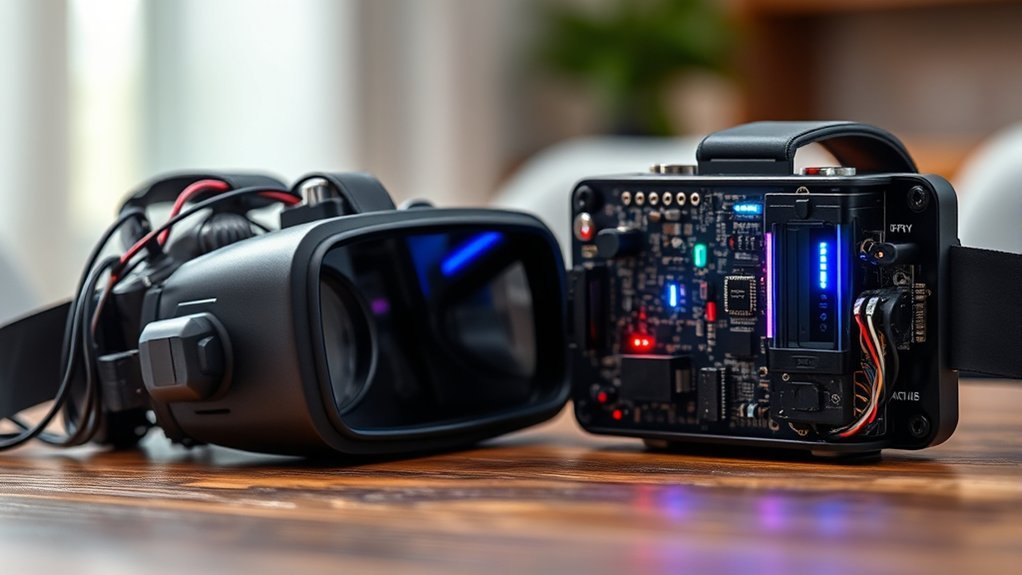
For most FPV pilots, the choice between analog and digital comes down to cost and predictable signal behavior versus image clarity and ecosystem features. Analog FPV remains inexpensive, lightweight, highly cross-compatible across common 5.8GHz gear, and easy to read as the signal weakens because the picture usually degrades into static. Digital FPV provides much sharper live video and better obstacle detail, while modern systems such as DJI O4, Walksnail Avatar, and HDZero now offer very different latency, range, and signal-breakup characteristics.
Last updated: September 22, 2026 — revised for current DJI O4, Walksnail Avatar, and HDZero specifications. Author: [VERIFY: add the real author/byline and relevant FPV experience]
Quick Answer
Choose analog FPV if your priorities are the lowest equipment cost, very light hardware, broad 5.8GHz component compatibility, and gradual signal degradation for racing, Tiny Whoops, or budget builds. Choose digital if you value a much clearer live view for freestyle, cinematic flying, or obstacle visibility. For racing, do not assume all digital systems are slow: HDZero is designed around fixed low latency, while DJI O4 Pro can reach a manufacturer-rated minimum transmission latency of 15 ms with DJI Goggles 3 in Racing Mode.
Key Takeaways
- Analog normally has the lowest entry and replacement cost and the broadest cross-brand compatibility among common FPV video hardware.
- Modern digital FPV systems can provide 1080p live video and substantially more visible detail than analog.
- Analog video normally becomes progressively noisier as link margin falls; digital breakup behavior varies by system and may include pixelation, stuttering, or freezing.
- Competitive racers commonly consider analog or HDZero, while DJI O4 and Walksnail are strong options when image clarity is a higher priority.
What Is an FPV System?
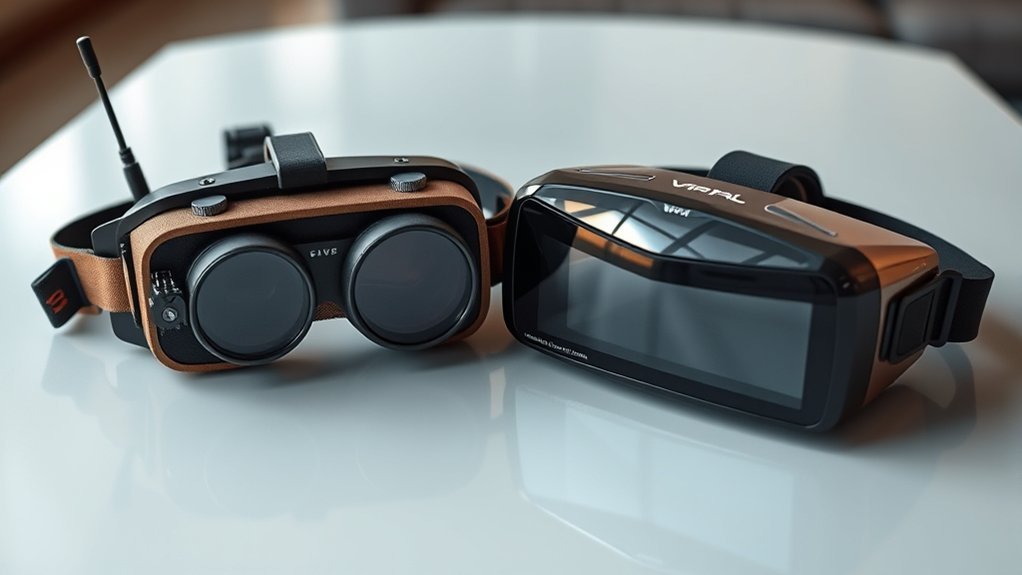
A First Person View (FPV) system sends live video from a camera on the aircraft to goggles or another display. The airborne side normally includes an FPV camera and video transmitter, or VTX. The pilot’s goggles contain or connect to the receiver that turns the transmitted signal back into a live image.
The two broad categories are analog FPV and digital FPV. Analog uses a comparatively simple continuous video signal. Digital systems encode and process the image before transmission. The important 2026 distinction is that “digital” is not one technology: DJI O4, Walksnail Avatar, and HDZero have different latency targets, compatibility rules, weight, and weak-signal behavior.
Quick Verdict: Analog vs. Digital
Choose Analog if: You race on a tight budget, build multiple inexpensive aircraft, fly very small whoops where every gram matters, or prefer a video feed that gives progressively more static as reception weakens.
Choose Digital if: You value a sharp live view, need to see branches, wires, gates, terrain, or other fine detail more clearly, or want features tied to a modern digital ecosystem.
Do not choose by the analog-versus-digital label alone. A racing-focused digital system such as HDZero behaves differently from a compression-focused system such as DJI or Walksnail, so compare the actual ecosystem before buying goggles and VTX hardware.
Understanding the Two Main FPV Formats
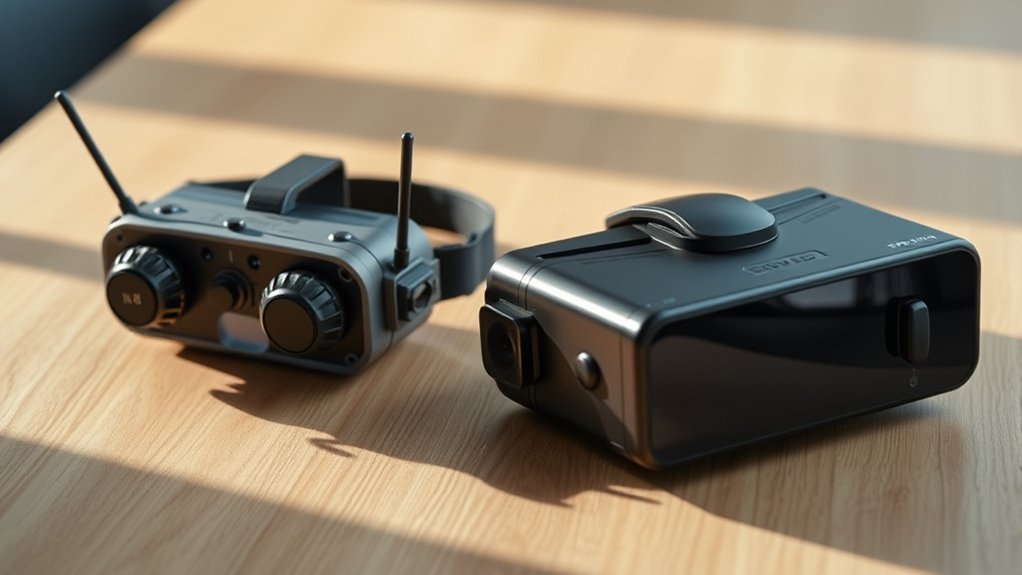
Analog FPV sends the camera feed as a continuous radio video signal. It remains popular because the hardware is simple, inexpensive, light, and easy to mix across many common 5.8GHz products when the transmitter and receiver support matching frequencies.
Digital FPV encodes the image before transmitting it. That extra processing makes higher-resolution live video possible, but performance depends heavily on the ecosystem. DJI, Walksnail, and HDZero do not share cameras, transmitters, or native receivers with one another.
Traditional analog FPV commonly operates around 5.8GHz. Digital frequency support is ecosystem-, hardware-, and region-dependent. For example, the current DJI O4 Air Unit specifications list both 5.1GHz and 5.8GHz operating ranges, while the Walksnail Avatar V2 specifications list 5.725–5.850GHz.
The Analog FPV Experience
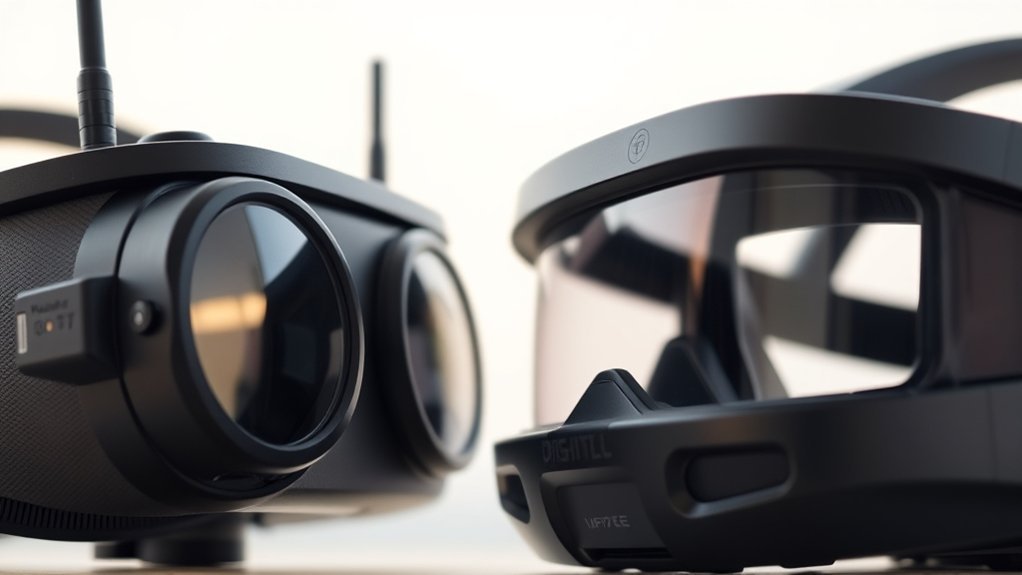
Analog’s strongest advantages are low hardware cost, light components, simple troubleshooting, and broad availability. Most standard 5.8GHz analog FPV transmitters and receivers can work together when their supported frequencies or channel bands match, but compatibility is not completely universal. Video standard support, channel tables, connectors, antenna polarization, and regional frequency restrictions still need to be checked.
Image Quality and Signal Noise
Analog FPV normally delivers standard-definition PAL- or NTSC-style video rather than an HD digital feed. Its lower detail is easy to notice when you are trying to identify thin branches, wires, gate edges, or small objects at distance.
- The picture usually develops increasing noise and static as reception becomes weaker.
- That gradual degradation can give the pilot useful warning that video-link margin is disappearing.
- Image clarity is substantially lower than a current HD digital system.
What Determines Analog FPV Range?
There is no single meaningful maximum range for analog FPV. Usable range depends on legal transmitter power, VTX quality, receiver sensitivity, antenna gain and polarization, antenna placement, obstacles, RF interference, and the pilot’s acceptable image quality.
A directional receiving antenna can increase link margin in the direction it is pointed, while an omnidirectional antenna gives broader coverage. Range claims should never be treated as permission to fly that distance: aviation rules, visual-line-of-sight requirements, radio regulations, battery reserve, and the control link can become the limiting factor first.
Pro tip: A correctly matched circular-polarized antenna setup can improve analog link reliability, but both ends should use compatible polarization and suitable frequency coverage. Good mounting and a clear antenna view matter as much as buying a higher-gain antenna.
The Digital FPV Experience
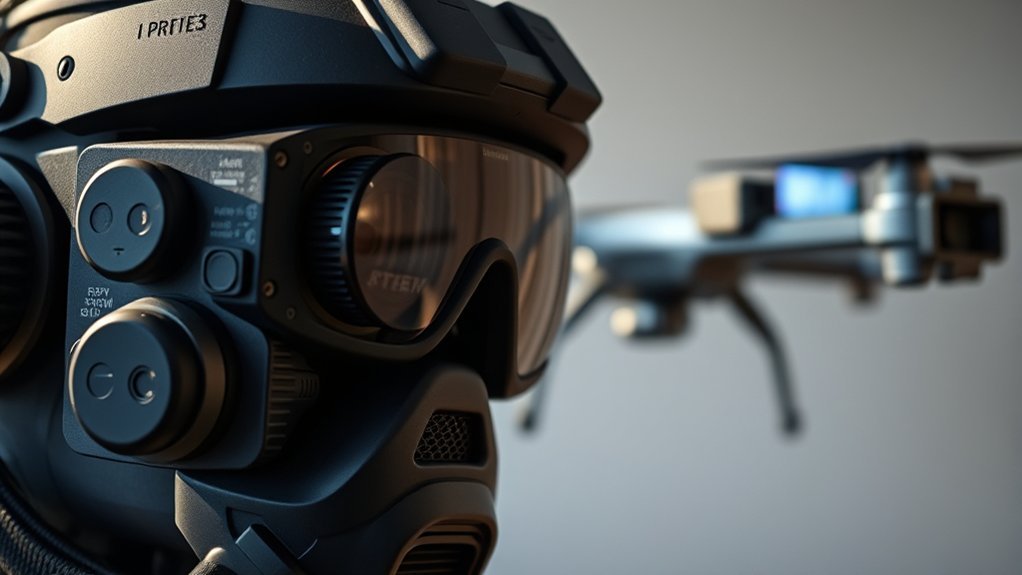
Digital FPV systems encode the camera image and transmit data that the receiving hardware reconstructs for display. The result is a much sharper live image than conventional analog FPV, but latency, range, breakup behavior, weight, and compatibility depend on the system.
- DJI O4: DJI lists 1080p live view and, with DJI Goggles 3 in Racing Mode, minimum transmission latency as low as 20 ms for O4 and 15 ms for O4 Pro. DJI lists maximum open-environment transmission specifications of 10 km FCC for O4 and 15 km FCC for O4 Pro, with lower figures under some other regulatory standards. See the official DJI O4 specifications.
- Walksnail Avatar: The Avatar V2 platform supports 1080p/60fps and higher-frame-rate modes, and Walksnail lists approximately 22 ms average latency in its high-frame-rate mode. See the Walksnail Avatar V2 specifications.
- HDZero: HDZero is designed around fixed low latency rather than maximizing compression efficiency. Current HDZero goggle documentation describes an integrated low-latency digital pipeline and analog support. See the HDZero goggle documentation.
These manufacturer figures are useful for comparing systems, but they are measured under defined test conditions. Real performance changes with goggles, video mode, regulatory region, antennas, interference, obstructions, firmware, and installation.
Side-by-Side Feature Comparison
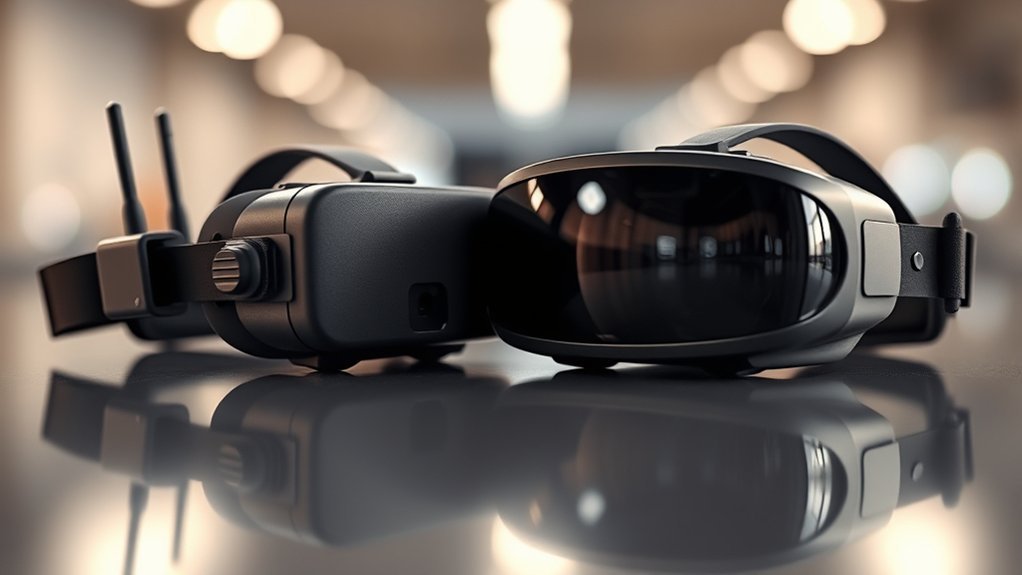
Use this table as a decision framework rather than treating every digital system as identical.
| Feature | Analog FPV Systems | Digital FPV Systems |
|---|---|---|
| Entry Cost | Usually lowest; inexpensive cameras and VTXs make multi-drone fleets easier to maintain | Usually higher because goggles and airborne video hardware are ecosystem-specific |
| Latency | Very low with a simple signal path; exact glass-to-glass latency depends on camera and display hardware | System-specific: HDZero emphasizes fixed low latency; Walksnail lists about 22 ms average in high-frame-rate mode; DJI O4 Pro lists as low as 15 ms in a specified Racing Mode setup |
| Image Quality | Standard-definition image with visible noise and less fine detail | HD live view, with current systems capable of 1080p modes |
| Practical Range | Highly dependent on legal power, antennas, receiver, interference, terrain, and acceptable static | Highly system- and region-dependent; manufacturer maximums are test-condition figures, not guaranteed usable flight distances |
| Weak-Signal Behavior | Usually progressively more static and noise | Varies by design: may show pixel errors, reduced quality, stuttering, or freezing rather than analog-style snow |
| Compatibility | Broad cross-brand compatibility when common frequencies and standards match | Native compatibility is generally locked to the selected digital ecosystem and sometimes to specific hardware generations |
| Best Fit | Budget builds, racing, inexpensive fleets, many Tiny Whoops | Freestyle, cinematic flying, pilots prioritizing obstacle detail, plus racing when using a latency-focused digital setup |
Ecosystem Compatibility and Lock-in
Analog offers much more freedom to mix hardware. With common 5.8GHz analog equipment, you can often pair goggles or receiver modules from one manufacturer with a VTX from another as long as their supported frequencies and video standards line up.
Digital requires more planning. DJI, Walksnail, and HDZero use their own native video links, and hardware from one ecosystem does not simply bind to another. Even within one brand, generation-specific compatibility can matter. Check the current manufacturer compatibility list before buying goggles around which you intend to build several drones.
Analog support differs by digital goggle: DJI states that Goggles 3 does not support analog video transmission. HDZero’s current goggles support analog input/reception, while Walksnail Goggles X provides AV input that can be used with an external analog receiver.
How to Choose Between Analog and Digital
Start with the kind of aircraft you will fly most often, then compare five factors: latency, visual detail, airborne weight, replacement cost, and ecosystem compatibility.
- Competitive Racing: Compare analog and HDZero first when fixed, predictable response is the priority. DJI O4 also has a Racing Mode, so digital racing should no longer be dismissed solely because it is digital.
- Freestyle: Digital is attractive when a clearer view helps you judge gaps, branches, terrain, and approach speed. Analog remains useful when crash cost, simple repairs, and predictable weak-signal feedback matter more.
- Cinematic FPV: DJI O4 and other high-definition systems make sense when live-view detail and onboard recording capabilities are major priorities.
- Tiny Whoops and Micro Builds: Analog still offers excellent cost and weight efficiency, especially for fleets. Lightweight digital hardware is increasingly viable, however, so check the complete installed weight rather than assuming digital is automatically too heavy.
- Long-Range Builds: Do not choose from advertised video range alone. Your control link, battery reserve, antennas, regulatory transmitter power, terrain, interference, and legal operating limits all affect the safe usable distance.
Which FPV system is better for a beginner?
For a beginner on a strict budget or someone expecting frequent crashes, analog keeps replacement costs and setup experimentation relatively inexpensive. Digital can be easier to learn visually because the sharper feed makes obstacles and terrain easier to identify. If you expect to move to digital soon anyway, choosing the digital ecosystem you want from the beginning can avoid buying a second set of goggles later.
How should you compare FPV range claims?
Compare range only after checking the test conditions and regulatory region. An advertised maximum measured outdoors with no interference is not a normal operating target. For practical planning, use the first limiting factor: video margin, control-link quality, battery reserve, antenna orientation, obstacles, or legal flight rules. See the site’s Long-Range FPV Basics: Gear, Antennas, and Setup guide for a fuller system-level approach.
Related Guides
Frequently Asked Questions
Which FPV system has the lowest latency?
Traditional analog FPV has a very short signal path and remains a strong choice when minimizing and stabilizing latency is the priority. HDZero is a digital system specifically engineered around fixed low latency. DJI has also narrowed the gap: the current O4 Air Unit Pro is specified as reaching a minimum transmission latency of 15 ms with DJI Goggles 3 in Racing Mode. Do not compare latency figures unless the measurement method, goggles, frame rate, and video mode are also stated.
Do digital FPV systems have better range?
Not automatically. Digital systems can have very long manufacturer-rated transmission distances, but analog can also cover substantial distance with an appropriate legal transmitter and antenna system. Real usable range depends on regulatory power limits, antennas, receiver performance, interference, obstacles, installation, and the aircraft’s other links. Image quality at the edge of range also behaves differently between systems, so maximum distance alone is a poor buying criterion.
Can I use analog video with digital goggles?
It depends on the goggles. A native digital receiver cannot decode an analog FPV signal by itself. Some digital goggles provide analog input or an analog receiver option: current HDZero goggles support analog, and Walksnail Goggles X provides AV input for an external analog receiver. DJI states that Goggles 3 does not support analog video transmission. Check the exact goggle model before buying an adapter or receiver.
How does signal loss differ between analog and digital FPV?
Analog video normally becomes progressively noisier as reception weakens, so static can provide an early warning that link margin is falling. Digital breakup depends on the system: you may see pixel errors, reduced quality, stuttering, or frozen frames rather than analog-style snow. Do not deliberately continue until the picture becomes unusable; turn back or improve the link while you still have reliable video margin.
Is digital FPV better than analog for beginners?
Neither is automatically better. Analog is attractive for a low-cost first setup, inexpensive practice aircraft, racing, and Tiny Whoops. Digital provides a much clearer view and can reduce the difficulty of identifying obstacles. A beginner should choose based on budget, aircraft size, intended flying style, and the ecosystem they expect to keep using.
Do all FPV systems use 5.8GHz?
No. Traditional analog FPV commonly uses the 5.8GHz band, and several digital systems also operate there, but current digital hardware can support additional bands depending on the product and regulatory region. Always check the exact transmitter, goggles, and local radio-frequency rules instead of assuming every FPV system uses the same band.
Final Thoughts on FPV Systems
Analog FPV remains useful because it is inexpensive, light, widely interoperable, and gives progressive visual warning as reception deteriorates. Digital FPV is the stronger choice when you prioritize image detail, obstacle visibility, and modern video features, but you should choose the specific digital ecosystem rather than buying based on the word “digital” alone.
For racing and latency-sensitive flying, compare analog and HDZero and also review current DJI O4 Racing Mode performance. For freestyle and cinematic builds, compare DJI O4 and Walksnail alongside the aircraft size, replacement cost, and goggles you want to keep long term. Before extending range, review your complete video, control, battery, antenna, and legal operating limits rather than relying on a manufacturer’s maximum-distance specification.

