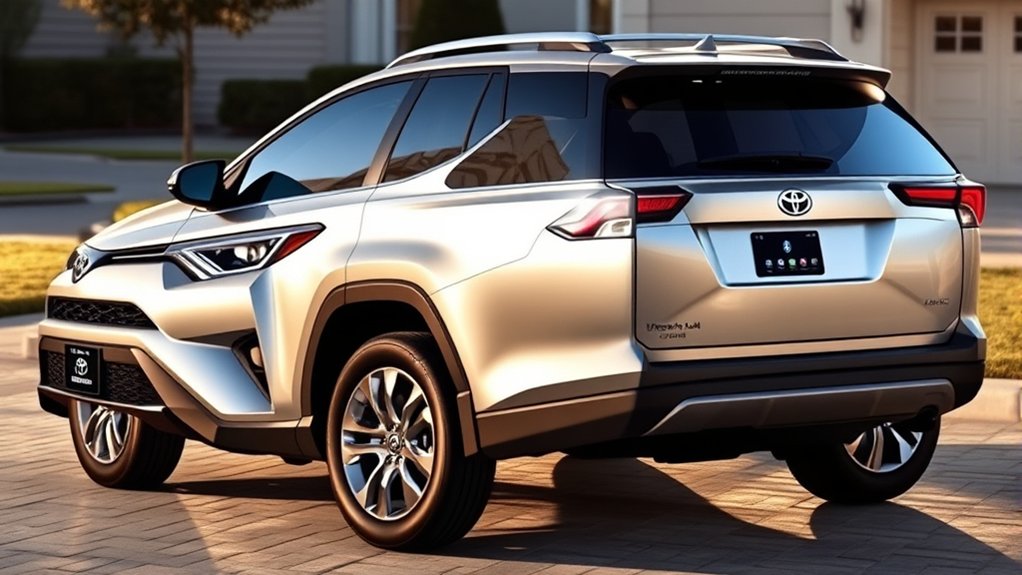
Yes. The U.S.-market 2025 Toyota RAV4 Limited and Hybrid Limited have standard Bluetooth for hands-free calling and wireless audio streaming. Bluetooth itself is standard across the 2025 RAV4 lineup; the Limited grades add a standard 10.5-inch Toyota Audio Multimedia display and 11-speaker JBL Premium Audio. Both Limited grades also include wireless Apple CarPlay and Android Auto compatibility.
Last updated: September 22, 2026
Quick Answer
The 2025 Toyota RAV4 Limited and Hybrid Limited both have Bluetooth. The multimedia system can register up to five Bluetooth devices. With a driver profile configured, it can automatically connect up to two hands-free phones. Pair a phone only while parked through Bluetooth & Devices, Add Another Device, and Search for Devices.
Key Takeaways
- Bluetooth is standard on the 2025 gas-powered RAV4 Limited and RAV4 Hybrid Limited.
- The system can register up to five Bluetooth devices; with a driver profile configured, it can automatically connect up to two hands-free phones.
- Bluetooth calling and audio streaming are separate from wireless Apple CarPlay and Android Auto.
- Bluetooth does not require a Toyota Connected Services subscription.
- Pair devices and change detailed settings only while the vehicle is safely parked.
What Bluetooth and Multimedia Features Come With the 2025 RAV4 Limited?
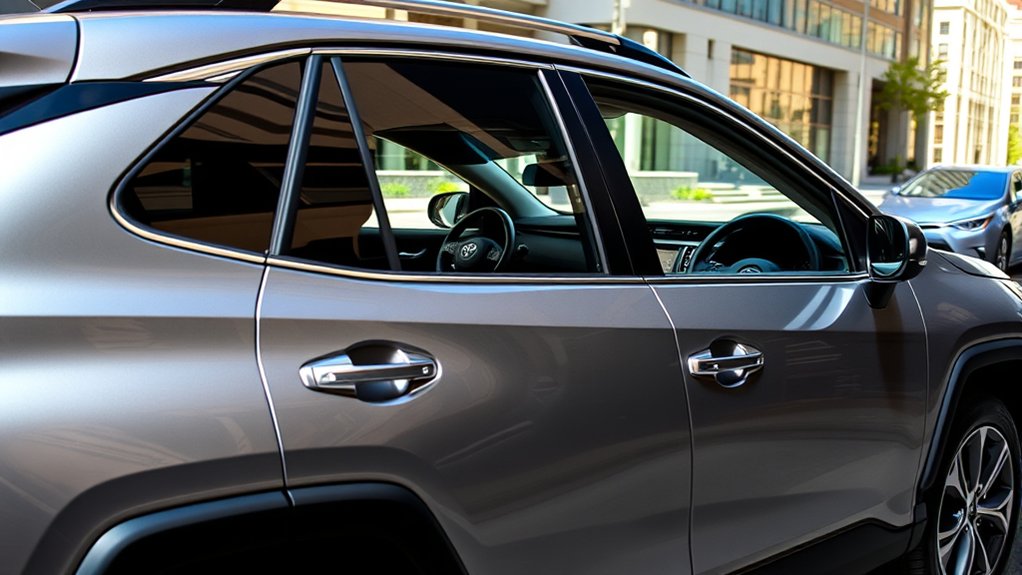
The 2025 RAV4 Limited combines Toyota’s upgraded comfort features with the largest multimedia system offered on that model-year lineup. Both the gas Limited and Hybrid Limited include a standard 10.5-inch Toyota Audio Multimedia touchscreen and a 12.3-inch digital gauge cluster.
Bluetooth is standard throughout the 2025 RAV4 lineup. The Limited grades stand out because they pair it with the 10.5-inch display and standard 11-speaker JBL Premium Audio.
According to Toyota’s official 2025 RAV4 specifications, standard Limited features include:
- Bluetooth phone and audio connectivity
- Wireless Apple CarPlay and Android Auto compatibility
- 11-speaker JBL Premium Audio with a subwoofer and amplifier
- Heated and ventilated front seats
- SofTex-trimmed seating
- Power-adjustable front seats
- Power liftgate
Front and Rear Parking Assist with Automatic Braking, a Panoramic View Monitor, wireless charging, and other convenience features may depend on the vehicle’s drivetrain, package, or installed options. Check the window sticker or VIN-specific equipment list before assuming an available feature is included.
Do All Toyota RAV4 Limited Trims Have Bluetooth?
Both U.S.-market 2025 Limited grades have Bluetooth:
- 2025 RAV4 Limited: Yes
- 2025 RAV4 Hybrid Limited: Yes
Bluetooth supports several practical functions:
- Hands-free calling: Make or answer compatible phone calls through the vehicle’s microphone, speakers, touchscreen, or steering-wheel controls.
- Bluetooth audio: Stream music, podcasts, and other phone audio without a cable.
- Contact access: Allow the multimedia system to display compatible contacts and recent calls after you approve phone permissions.
- Dual-phone connectivity: Keep a primary and secondary hands-free phone connected when the system is configured correctly.
Note: This guide covers the U.S.-market 2025 RAV4. Older Limited models may use different menus, device limits, or Bluetooth profiles. The redesigned 2026 RAV4 uses Toyota’s next-generation multimedia system; the 2026 Limited has a 12.9-inch display and 9-speaker JBL Premium Audio. Confirm instructions for your exact model year.
How Do You Connect Your Smartphone via Bluetooth?
Pairing normally takes only a few minutes. Keep the vehicle parked, turn on your phone’s Bluetooth, and have the phone unlocked before you begin.
At a Glance
| Time Required | About 2–5 minutes |
| Difficulty | Easy |
| Tools Needed | A compatible Bluetooth smartphone and a parked 2025 RAV4 |
| Cost | No Bluetooth subscription fee; mobile data charges may apply to phone apps |
Warning: Toyota advises drivers not to perform Bluetooth pairing while driving. Complete the setup in Park and make detailed changes before starting your trip.
Bluetooth Pairing Process
Toyota’s 2025 RAV4 multimedia manual uses the following registration flow. Menu wording can vary slightly after a multimedia software update:
- Put the RAV4 in Park and leave the multimedia system on.
- Open your phone’s settings and turn Bluetooth on.
- From the Toyota multimedia main menu, open Bluetooth & Devices.
- Select Add Another Device.
- Select Search for Devices.
- Choose your phone’s name from the vehicle’s device list.
- Confirm that the PIN shown on the Toyota screen matches the PIN on the phone, then approve the pairing request.
- Allow contacts, favorites, call history, messages, and notifications only when you want those features available in the vehicle.
Toyota provides additional instructions through its Bluetooth and Connected Services support page.
For menu variations on older RAV4 systems, see our full Toyota RAV4 Bluetooth pairing guide.
Pro Tip: Give each phone a clear device name before pairing. Names such as “Alex iPhone” and “Sam Pixel” make it easier to choose the correct primary phone, secondary phone, or audio source.
Troubleshooting Connection Issues
If the phone does not appear, keep it unlocked and near the dashboard and make sure Bluetooth is enabled. If a paired phone fails to reconnect, open Bluetooth & Devices, select the device, and confirm the phone and media functions you want are enabled.
If the connection still fails, use the ordered Bluetooth troubleshooting checklist below before deleting all multimedia data.
What Are the Benefits of Bluetooth in the RAV4 Limited?
Bluetooth gives you basic phone and audio functions without connecting a cable. Its main advantage is convenience, especially when you want to make a call, answer through the steering-wheel controls, or stream audio from an app.
Wireless Connectivity Advantages
- Automatic reconnection: A registered phone can reconnect when the vehicle starts and the phone’s Bluetooth is available.
- Hands-free calling: Calls can use the RAV4’s microphone and speakers.
- Audio streaming: You can play music, podcasts, audiobooks, and other phone audio.
- Two-phone support: A primary and secondary hands-free phone can remain connected.
- Separate audio selection: You can choose which compatible device supplies Bluetooth audio.
Wireless Apple CarPlay and Android Auto add compatible maps, messages, voice assistants, and supported apps to the touchscreen. They are related connectivity features, but they are not the same as basic Bluetooth calling and audio streaming.
Enhanced Safety Features
Bluetooth can reduce the need to hold or repeatedly touch your phone. Steering-wheel controls and voice functions may also reduce manual interaction for simple tasks.
However, hands-free does not mean distraction-free. A conversation, message, navigation change, or music search can still take your attention away from driving. The National Highway Traffic Safety Administration advises drivers to give the driving task their full attention.
Set your destination, playlist, contacts, and device preferences before moving. Pull over safely when a task requires more than a brief voice or steering-wheel command.
Key Features of the RAV4 Limited Infotainment System
The 2025 Limited grades include more than basic Bluetooth. Their standard multimedia package brings together several related but distinct technologies:
- 10.5-inch Toyota Audio Multimedia display: Provides access to audio, phone, device, and compatible app controls.
- Dual Bluetooth phone connectivity: Allows two compatible hands-free phones to remain connected when configured as primary and secondary devices.
- Bluetooth audio streaming: Plays compatible phone audio through the vehicle’s speakers.
- Wireless Apple CarPlay: Projects supported iPhone apps and functions without a USB cable.
- Wireless Android Auto: Projects supported Android phone functions on compatible devices.
- 11-speaker JBL Premium Audio: Includes a subwoofer and amplifier as standard equipment on Limited and Hybrid Limited.
- Over-the-air multimedia updates: Allows Toyota to deliver certain system updates when requirements are met.
Note: Bluetooth calling and audio streaming do not require a paid Toyota subscription. Cloud Navigation, Intelligent Assistant, Wi-Fi Connect, Destination Assist, and other Connected Services may require activation, mobile data, a trial, or a paid subscription.
How Bluetooth Enhances Safety While Driving
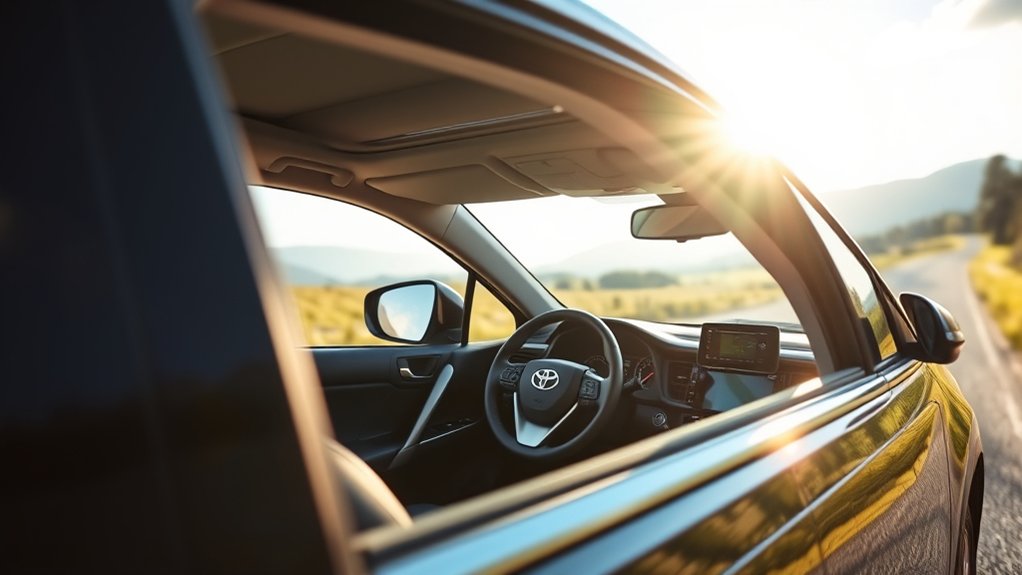
Bluetooth can help you keep your phone out of your hand by routing calls and audio through the RAV4’s controls and speakers. That can reduce manual and visual interaction compared with holding a phone. NHTSA reports that 3,208 people were killed in U.S. motor-vehicle crashes involving distracted drivers in 2024.
Hands-free controls can reduce phone handling, but they cannot remove the mental distraction caused by a call, message, or complicated infotainment task.
Use the steering-wheel call controls for simple actions, and keep voice requests brief. Avoid browsing contact lists, typing destinations, reading messages, or changing detailed settings while the vehicle is moving.
Apple CarPlay and Android Auto can place compatible navigation and communication tools on the vehicle screen, but they should still be used responsibly. Prepare the route and audio before leaving whenever possible.
How to Fix Common Bluetooth Connection Problems
Work through these steps in order. Test the connection after each step so you do not remove settings unnecessarily.
- Confirm Bluetooth is enabled: Check the phone and the RAV4’s Bluetooth & Devices menu.
- Check the selected functions: Confirm that the phone is enabled for calls, media, or both.
- Raise the correct volume: Call volume, Bluetooth audio volume, navigation volume, and the phone’s media volume may be controlled separately.
- Select Bluetooth as the audio source: A connected phone may not play audio until Bluetooth Audio is selected.
- Pause wireless projection: Apple CarPlay or Android Auto may manage phone and audio functions while active. Disconnect it temporarily when testing basic Bluetooth.
- Restart the phone: This can clear a temporary Bluetooth service problem.
- Power-cycle the vehicle: Park safely, turn the vehicle off, open and close the driver’s door, wait briefly, and restart.
- Forget and re-pair: Delete the vehicle from the phone and the phone from the RAV4, then pair them again.
- Install updates: Update the phone’s operating system and apps. Check the Toyota system for available multimedia updates.
- Check compatibility: Review Toyota’s phone-compatibility resources when calls, messages, contacts, or audio remain unavailable.
Do not erase all personal data as an early troubleshooting step. A full multimedia reset can remove paired devices, profiles, preferences, and other saved information.
Bluetooth Features in Different RAV4 Trims
Bluetooth is not exclusive to the Limited. Every U.S.-market 2025 RAV4 grade uses Toyota Audio Multimedia with Bluetooth and wireless smartphone compatibility. The main trim differences involve screen size, audio hardware, and available packages.
| 2025 RAV4 grade group | Standard display | Phone connectivity | Audio system |
|---|---|---|---|
| LE, XLE, XLE Premium and most comparable Hybrid grades | 8 inches | Bluetooth, wireless Apple CarPlay and wireless Android Auto | Six speakers standard; JBL available on certain grades or packages |
| Hybrid XSE | 10.5 inches | Bluetooth, wireless Apple CarPlay and wireless Android Auto | Six speakers standard; JBL available with qualifying equipment |
| Limited and Hybrid Limited | 10.5 inches | Bluetooth, dual-phone connectivity, wireless Apple CarPlay and wireless Android Auto | 11-speaker JBL Premium Audio standard |
The Limited therefore does not provide a unique type of Bluetooth. Its advantage is the larger standard screen, upgraded JBL system, digital gauge cluster, and additional comfort equipment.
What Does the 2025 RAV4 Limited Add for Connectivity?
The Limited’s connectivity advantage is its standard hardware, not exclusive access to Bluetooth. Lower 2025 RAV4 grades already include Bluetooth, wireless Apple CarPlay, and wireless Android Auto, while the Limited and Hybrid Limited add the 10.5-inch display and 11-speaker JBL Premium Audio as standard equipment.
Bluetooth itself has no Toyota subscription fee. Paid plans apply only to eligible Connected Services such as Cloud Navigation, Intelligent Assistant, Wi-Fi Connect, or Destination Assist.
The Limited’s main connectivity advantages include:
- A standard 10.5-inch display instead of the 8-inch display used by many lower trims.
- Standard 11-speaker JBL Premium Audio rather than the base six-speaker system.
- Dual Bluetooth phone connectivity for households that regularly share the vehicle.
- Wireless phone projection for compatible iPhone and Android devices.
- A 12.3-inch digital gauge cluster that can display supported vehicle and navigation information.
Choose the Limited for the complete equipment package, not because it is the only RAV4 with Bluetooth.
Frequently Asked Questions
Can I use Bluetooth with two phones at the same time in the 2025 RAV4 Limited?
Yes, when a driver profile is configured. Toyota states that the system can automatically connect up to two hands-free phones and one Bluetooth audio device. The hands-free phone and audio device can be the same device.
How many Bluetooth devices can I pair with the 2025 RAV4?
The 2025 Toyota multimedia manual states that up to five Bluetooth devices can be registered. Registering five devices does not mean that all five can actively handle calls or audio at the same time.
Does the Bluetooth system support voice commands for calls and music?
Yes, compatible phone, steering-wheel, and multimedia voice functions can control certain calls and audio tasks. Toyota’s cloud-based Intelligent Assistant is a separate Connected Service and may require activation or a subscription after its trial.
How do I reset a Bluetooth connection in my RAV4 Limited?
Open Bluetooth & Devices on the Toyota screen and forget the phone. Then remove the Toyota entry from the phone’s Bluetooth settings, restart both systems, and pair them again. Avoid erasing all multimedia data unless simpler troubleshooting fails.
Will Bluetooth work with every smartphone brand?
The system works with many Bluetooth-compatible phones, but Toyota does not guarantee identical support for every device. Contact syncing, messaging, wireless projection, and voice features can vary by phone model, operating system, carrier, and software version.
Does Bluetooth require a Toyota subscription?
No. Basic Bluetooth pairing, hands-free calling, and audio streaming do not require a Toyota Connected Services subscription. Some cloud navigation, assistant, hotspot, and remote services have separate activation, trial, data, or subscription requirements.
Why is my phone connected but no music is playing?
Confirm that media audio is enabled for the phone, select Bluetooth Audio as the vehicle’s source, raise the phone and vehicle media volumes, and check whether Apple CarPlay or Android Auto is controlling the audio connection.
How do I remove my personal Bluetooth information before selling the RAV4?
Forget every registered phone, remove saved driver profiles, and use the multimedia system’s personal-data reset option when appropriate. Also remove the RAV4 from your phone and Toyota app before selling, trading, or returning the vehicle.
Sources
- Toyota USA Newsroom: 2025 Toyota RAV4 — Limited equipment, multimedia display, JBL audio, dual Bluetooth connectivity, and smartphone compatibility.
- Toyota 2025 Audio Multimedia and Connected Services Feature Applicability — Model-year multimedia systems, standard features, trials, and subscription distinctions.
- 2025 Toyota RAV4/RAV4 Hybrid Multimedia Owner’s Manual — Bluetooth registration, device management, primary and secondary devices, and connection limits.
- Toyota Bluetooth and Connected Services Support — Pairing guidance, compatibility information, and Bluetooth functions.
- National Highway Traffic Safety Administration: Distracted Driving — Safety guidance concerning calls, messages, navigation, and other driver distractions.
- Toyota USA Newsroom: 2026 RAV4 — Next-generation multimedia hardware and 2026 Limited display and JBL audio details.
Conclusion
The U.S.-market 2025 Toyota RAV4 Limited and Hybrid Limited both have standard Bluetooth for phone calls and audio streaming. They also include dual-phone connectivity, a 10.5-inch multimedia display, wireless Apple CarPlay and Android Auto, and an 11-speaker JBL system.
Pair your phone while parked, approve only the permissions you need, and remember that hands-free controls do not eliminate distraction. If Bluetooth, wireless Apple CarPlay, and Android Auto are your only priorities, lower 2025 RAV4 grades already provide those functions. The Limited’s main technology upgrades are its larger standard screen, JBL Premium Audio, digital gauge cluster, and additional cabin equipment.

