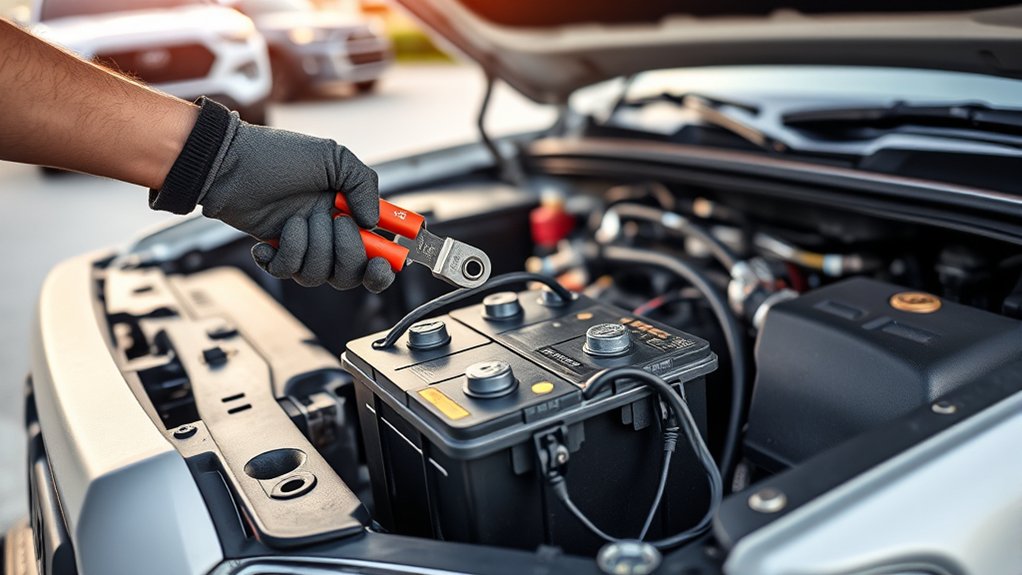
Replacing the 12-volt starting battery in a 2018 Toyota Tacoma is a manageable driveway job when you use the correct battery, protect yourself from acid and electrical shorts, and follow the terminal sequence carefully. Before removing anything, confirm that the battery is the real cause of the starting problem and compare the replacement with the battery already installed.
Quick Answer
To replace a 2018 Toyota Tacoma battery, switch the truck off, set the parking brake, wear eye and hand protection, disconnect the negative cable first, then the positive, remove the hold-down, and lift the battery out upright. Install the correct-fit replacement, secure it, connect positive first, then negative, and test startup.
Key Takeaways
- Verify battery fit by VIN, physical dimensions, terminal layout, hold-down design, cold-cranking amps, and reserve capacity instead of assuming one group size fits every Tacoma.
- Disconnect negative first and positive second. During installation, secure the battery, then connect positive first and negative last.
- Stop if the battery is swollen, cracked, frozen, leaking, or heavily damaged. A shop should handle an unsafe battery.
- A reading near 12.6 volts is an engine-off resting benchmark, not the expected reading immediately after starting the engine.
- Return the old lead-acid battery to a retailer or household hazardous-waste program. Never place it in household trash or curbside recycling.
At a Glance
| Time Required | About 20–40 minutes |
| Difficulty | Beginner to intermediate |
| Tools Needed | 10 mm socket or wrench, ratchet and extension as needed, pliers, battery brush, multimeter, battery lifting strap, gloves, and safety glasses |
| Cost | Varies by battery type, capacity, warranty, and location; a refundable core charge may apply |
Replace a 2018 Toyota Tacoma Battery in 5 Steps
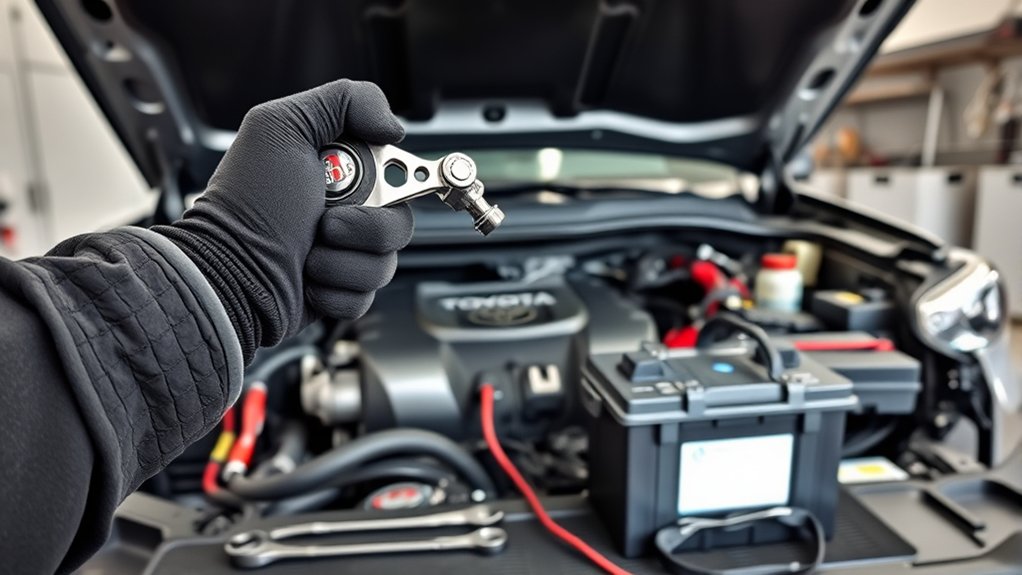
- Prepare the truck. Park on level ground, shift into Park, set the parking brake, switch off the ignition and accessories, remove the key, and open the hood.
- Disconnect the cables. Remove the negative cable first, move it away from the battery, and then remove the positive cable.
- Remove the hold-down and battery. Note the battery orientation, remove the retaining bracket or clamp, and lift the battery straight up with its handle or a battery strap.
- Install and secure the replacement. Place the correct-fit battery in the same orientation, make sure it sits flat, and reinstall the hold-down before reconnecting the cables.
- Reconnect and test. Connect positive first and negative last, confirm that neither clamp rotates by hand, close any terminal cover, start the truck, and check for warning lights or weak cranking.
Warning: Do not work near cigarettes, open flames, sparks, or a charging battery in an enclosed space. Remove rings and metal jewelry, and never bridge the positive post to body metal with a wrench. Stop if the case is cracked, swollen, leaking, or frozen.
Tools, Safety Gear, and Battery Specs for a 2018 Tacoma
Gather everything before disconnecting power. Most terminal and hold-down fasteners can be handled with a 10 mm socket or wrench, although hardware may differ if the battery tray or cables were previously replaced. A ratchet extension, pliers, battery-terminal brush, shop towels, multimeter, and battery lifting strap make the job easier.
- Personal protection: Acid-resistant gloves, safety glasses, closed-toe shoes, and clothing that covers your skin.
- Cleaning supplies: Battery-terminal brush, damp disposable towels, clean water, and a battery-safe corrosion cleaner or a small amount of baking-soda solution for external corrosion only.
- Replacement supplies: Correct-fit battery, terminal-protectant spray or grease, and matching replacement hold-down hardware only when the original parts are damaged.
Do not buy a battery by model year alone. Use your full VIN in Toyota’s official parts catalog, consult the battery manufacturer’s fitment guide, or have a parts retailer confirm the application. Compare the new unit with the old battery before installation.
| Fitment Check | What to Match |
|---|---|
| Case size | Length, width, height, and clearance under the hood |
| Terminal layout | Positive and negative posts must be on the correct sides so the cables reach without strain |
| Mounting | Base shape, tray fit, and hold-down location |
| Electrical rating | Meet the specified battery type, cold-cranking amps, and reserve capacity for the vehicle and climate |
Note: The original draft called group size 24F standard for every 2018 Tacoma. Because configuration, market, and previous modifications can affect fit, confirm the replacement by VIN and physical comparison instead of relying on that single label.
Confirm the Battery Needs Replacement
A slow crank or no-start can come from a discharged battery, loose or corroded cables, a faulty starter, parasitic draw, or a charging-system problem. Replacing the battery without testing can leave the original fault unresolved.
- Inspect both cable clamps, the ground connection, and the battery case.
- Check the manufacture date and service history if available.
- Measure engine-off voltage after the truck has rested and surface charge has dissipated.
- Have the battery load-tested if it repeatedly loses charge or cranks slowly.
- If the battery warning light remains on while the engine runs, test the charging system rather than assuming the new battery is defective.
A fully charged conventional starting battery often rests near 12.6 volts, but temperature, battery chemistry, recent charging, and electrical loads affect the reading. Voltage alone does not prove the battery can deliver enough current during cranking.
Open the Hood, Locate the Battery, and Identify the Hold-Down
Pull the interior hood-release lever, release the secondary latch, raise the hood, and secure it with the prop rod. The starting battery is on the passenger side of the engine compartment. Clear loose items from the work area and identify the positive post, negative post, cable routing, and battery-retaining hardware before touching a fastener.
Your truck may have a red protective cap over the positive terminal rather than a full removable battery cover. Open the cap gently if fitted. Do not pry on plastic parts. Photograph the cable positions and hold-down arrangement before removal if anything looks unfamiliar.
| Action | Tool | Purpose |
|---|---|---|
| Open and secure the hood | Release lever, latch, and prop rod | Create a stable work area |
| Identify polarity | Post markings and cable colors | Prevent reverse-polarity installation |
| Inspect the battery | Flashlight | Find leaks, swelling, cracks, or severe corrosion |
| Record the layout | Phone camera | Preserve cable and hold-down orientation |
Remove the Old Battery Step by Step
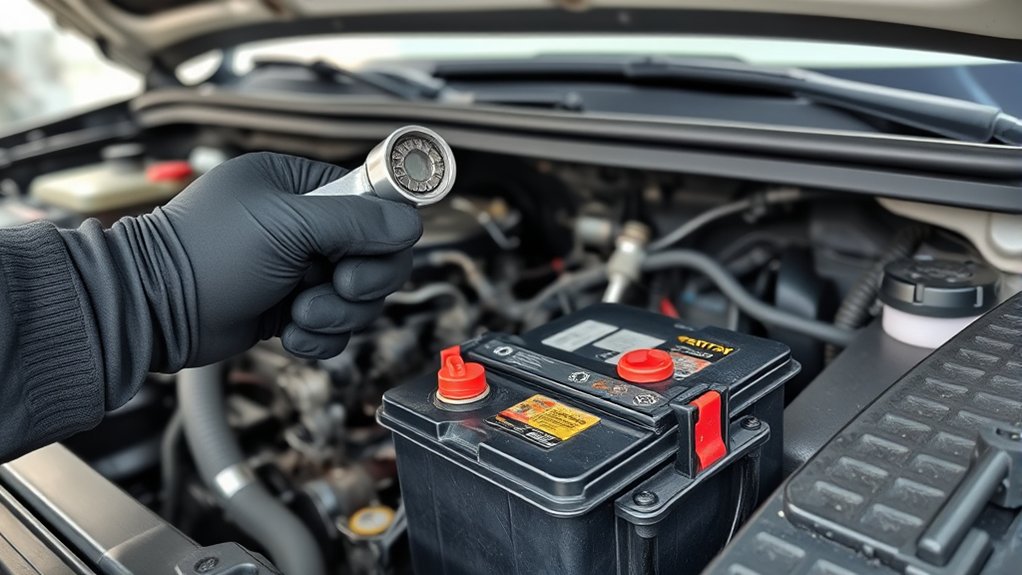
Keep the ignition off and the key away from the truck. Work slowly so a tool cannot touch a battery post and nearby body metal at the same time.
Disconnect the Terminals Safely
- Loosen the negative cable clamp, marked with a minus sign and usually connected to a black cable.
- Lift the clamp from the post. If it sticks, twist it gently or use a proper terminal puller. Do not pry against the battery case.
- Position the negative cable where it cannot spring back onto the post.
- Open the positive-terminal cap if fitted, loosen the positive clamp, and remove it from the post.
- Keep both cable ends separated from the posts while you remove the hold-down.
Negative comes off first. Positive goes back on first.
Remove the Battery From the Tray
Remove the upper retaining bracket, clamp, or other hold-down hardware while supporting any long fasteners so they do not drop into the engine bay. Keep the parts in order for reassembly.
Use the battery’s built-in handle or a battery lifting strap. Keep the case upright, lift with both hands and your legs, and avoid pulling on the posts or cables. Set the old battery in a stable plastic tray away from children, pets, heat, and direct sunlight.
Warning: Do not tip a conventional lead-acid battery. If electrolyte contacts your skin or eyes, flush immediately with plenty of clean water and seek appropriate medical help. Follow the emergency instructions printed on the battery.
Clean the Battery Tray and Cable Clamps
With the battery removed, inspect the tray, cable ends, and hold-down. Replace cracked cable clamps, damaged insulation, severely pitted terminals, or a corroded hold-down that can no longer secure the battery.
- Brush away dry debris without sending it into electrical connectors.
- For external acid residue or corrosion, use a battery-safe cleaner or a small amount of baking-soda solution on the affected metal. Keep liquid away from battery vents, fuse boxes, connectors, and the alternator.
- Wipe the area with damp disposable towels, then dry it completely.
- Clean the inside of each cable clamp and the replacement battery posts until the contact surfaces are bright and free of heavy deposits.
Pro Tip: Make the electrical connection on clean, dry metal first. Tighten the clamps, then apply a thin coating of terminal protectant around the outside of the assembled connection. Do not place a thick layer between the post and clamp.
Install the New Battery and Connect Terminals Correctly
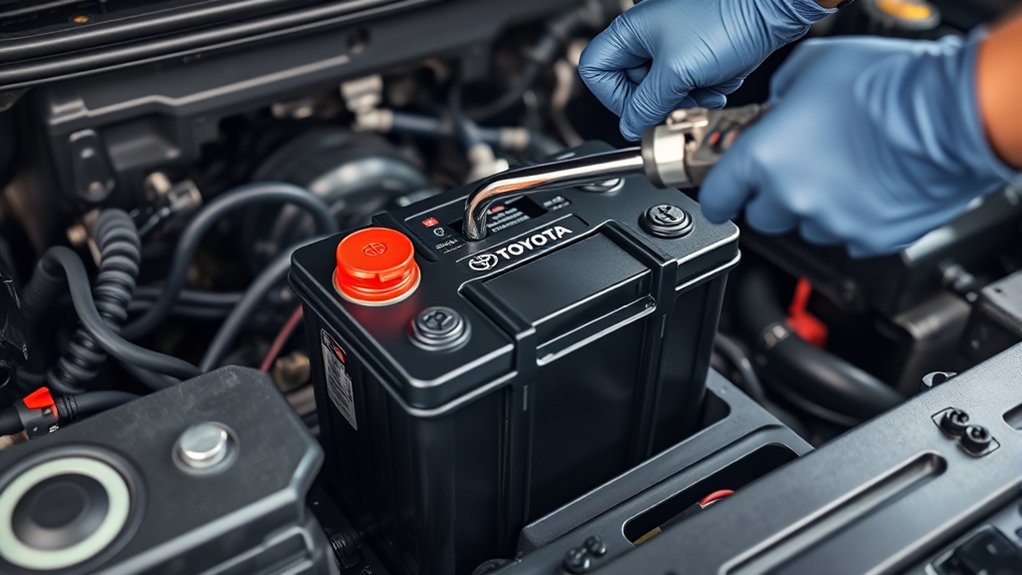
- Compare the old and new batteries one more time. Confirm case dimensions, post positions, base shape, and polarity.
- Lower the new battery into the tray in the same orientation. Make sure it sits flat and does not trap a cable underneath.
- Reinstall the hold-down. The battery should not slide, rock, or lift, but the bracket should not crush or distort the case.
- Place the positive clamp fully onto the positive post and tighten it until the clamp cannot rotate by hand.
- Place the negative clamp fully onto the negative post and tighten it the same way.
- Apply terminal protectant around the finished connections and close the positive-terminal cap.
A loose clamp can cause intermittent no-starts, flickering lights, heat, and charging problems. Overtightening can damage the post, clamp, or battery case. Use published Toyota service information or the component manufacturer’s instructions when a specific torque value is required.
Secure the Cover, Replace Hardware, and Test Startup and Voltage
Secure the Battery Cover and Hold-Down
Close the positive-terminal cap and reinstall any cover that was actually present on your truck. Confirm the hold-down is seated correctly, the battery cannot move, no cable is stretched or rubbing a sharp edge, and no tools remain in the engine bay.
Replace Rusted or Damaged Hardware
Replace hold-down fasteners only with hardware that matches the original dimensions, thread, strength, and corrosion protection. Generic hardware that is too long can contact the hood or nearby components. Do not substitute a loose strap or operate the truck with an unsecured battery.
Verify Startup and Voltage
- Before starting, switch the headlights on briefly and confirm normal brightness, then switch them off.
- Start the engine. The starter should crank normally, and the battery or charging-system warning light should go out after startup.
- With the engine off after the battery has rested, a charged conventional battery commonly reads roughly 12.4–12.7 volts. Recent charging, temperature, battery type, and loads can change this value.
- With the engine running, the reading should normally rise above the resting value, but modern charging control can vary output. Diagnose the system with Toyota specifications rather than one universal number.
- If cranking is slow, the warning light stays on, or voltage does not behave normally, switch the truck off and recheck the clamps, ground path, battery charge, and charging system.
| Check | Normal Result | If It Fails |
|---|---|---|
| Cable clamps | No rotation or visible gap | Reseat and tighten without overtightening |
| Hold-down | Battery does not move | Reposition the bracket or replace damaged hardware |
| Startup | Strong, even cranking | Check charge, connections, starter circuit, and ground |
| Warning light | Turns off after startup | Test the charging system promptly |
Troubleshooting Common Issues After Battery Replacement
Start with the work you just performed. Most immediate post-replacement problems come from a loose connection, a discharged replacement battery, incorrect polarity, an unsecured cable, or a fault that existed before the swap.
| Symptom | Likely Checks | Next Step |
|---|---|---|
| No lights and no crank | Loose clamp, wrong polarity, discharged battery, damaged main fuse or cable | Switch everything off, verify polarity, and test battery voltage and cable continuity |
| Rapid clicking or dim lights | Low charge, poor clamp contact, weak ground | Charge and load-test the battery; clean and reseat connections |
| Battery warning light remains on | Alternator, belt, wiring, fuse, or charging control fault | Arrange a charging-system diagnosis before driving far |
| Clock or audio presets reset | Normal loss of keep-alive power | Restore settings using the owner’s manual |
| Corrosion returns quickly | Battery leakage, damaged clamp, poor seal, or charging fault | Inspect the battery and have the charging system tested |
Warning: If the cables were connected backward, do not keep attempting to start the truck. Disconnect power safely and have the main fuses and electronic systems inspected because reverse polarity can cause extensive damage.
Recycle the Old Battery Safely
Keep the old battery upright during transport and protect the posts from contact with metal objects. Return it to the retailer that sold the replacement or take it to an approved household hazardous-waste collection program. The U.S. Environmental Protection Agency says lead-acid automotive batteries contain lead and corrosive sulfuric acid and should not go in household trash or municipal recycling bins.
Many sellers charge a battery core deposit and refund it when you return the old unit. Keep your receipt and follow the retailer’s transport instructions.
Frequently Asked Questions
How do I reset my Toyota after replacing the battery?
A 2018 Tacoma normally does not require one universal battery-reset or accelerator-pedal routine. Restore the clock and audio settings as needed, then drive normally while learned idle and transmission values readjust. If a window, warning light, or accessory does not operate correctly, use the procedure in the 2018 Toyota Tacoma owner’s manual or have the system diagnosed.
How do you disconnect a Toyota Tacoma battery?
Switch the truck and accessories off, remove the key, wear gloves and eye protection, loosen the negative cable first, and move it away from the post. Remove the positive cable second. This order reduces the chance that a tool on the positive terminal will complete a short through grounded body metal.
Do you have to reprogram a Tacoma after changing the battery?
Usually not. The clock, radio presets, trip information, or learned settings may reset, but the truck should relearn normal operating values. Do not perform an internet reset sequence unless it appears in Toyota service information for the exact system and model.
Which battery terminal should you remove first on a Toyota?
Remove the negative terminal first, then the positive. When installing the battery, connect positive first and negative last. Keep each disconnected cable away from its post until you are ready to reconnect it.
What battery fits a 2018 Toyota Tacoma?
Confirm fit with the truck’s VIN and match the installed battery’s dimensions, terminal positions, base and hold-down design, required battery type, cold-cranking amps, and reserve capacity. Do not rely on group size alone when cables, trays, climates, and prior modifications may differ.
Why won’t my Tacoma start after installing a new battery?
Check polarity, clamp seating, battery charge, the negative ground path, and the hold-down area for a pinched cable. A new battery can be undercharged, and the original problem may be a starter, fuse, cable, alternator, or parasitic draw. Stop and seek professional help if you find heat, smoke, a burning smell, or damaged wiring.
Conclusion
A safe 2018 Toyota Tacoma battery replacement depends on correct fitment, the right terminal sequence, a secure hold-down, clean connections, and a proper post-installation check. Disconnect negative first, install positive first, and never assume that one voltage reading or battery group label tells the whole story.
If the truck still cranks slowly, shows a battery warning light, overheats a cable, or repeatedly loses charge, stop replacing parts and have the battery, starter circuit, grounds, and charging system tested. Return the old lead-acid battery to a retailer or approved hazardous-waste program.
Sources
- Toyota: 2018 Tacoma Manuals and Warranties — official vehicle-specific owner’s-manual access and operating guidance.
- Toyota Parts Center Online — VIN-based parts and fitment lookup.
- U.S. Environmental Protection Agency: Used Household Batteries — lead-acid battery hazards and approved disposal routes.
- OSHA 29 CFR 1910.178(g) — general storage-battery precautions concerning ventilation, sparks, secure installation, and metallic tools.
