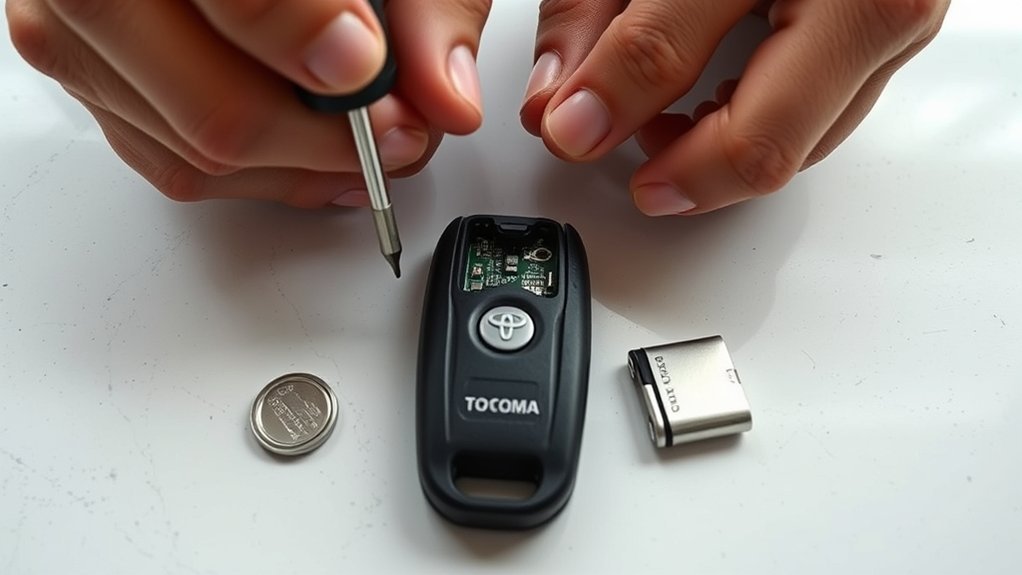
A weak Toyota Tacoma key fob can cause short range, delayed button response, or no response at all. You can usually replace the coin-cell battery in a few minutes, but the battery number, shell design, and polarity can vary by model year and fob type. Check the old battery or your exact owner’s manual before buying a replacement.
Quick Answer
Confirm the battery number printed on your old cell or listed in the manual. For a smart-key fob, remove the emergency key, open the shell at its notch, note the battery orientation, install the same battery type, close the case, reinsert the key, and test every button near the truck.
Key Takeaways
- Do not assume every Tacoma fob uses the same battery. Match the code on the old cell or check the manual for your year and key type.
- Photograph the old battery before removal so you can copy its polarity and position.
- Use gentle pressure at the designed notch. Forcing the shell can break clips, damage seals, or loosen the circuit board.
- A battery change usually does not call for reprogramming. Check fit, polarity, contacts, and shell alignment first.
- Keep new and used coin batteries away from children and recycle the old cell through an approved collection point.
At a Glance
| Time Required | About 5 to 10 minutes |
| Difficulty | Easy, with careful handling |
| Tools Needed | Matching coin-cell battery, emergency key or plastic pry tool, clean cloth |
| Cost | The cost of one replacement coin cell; brand and retailer affect the price |
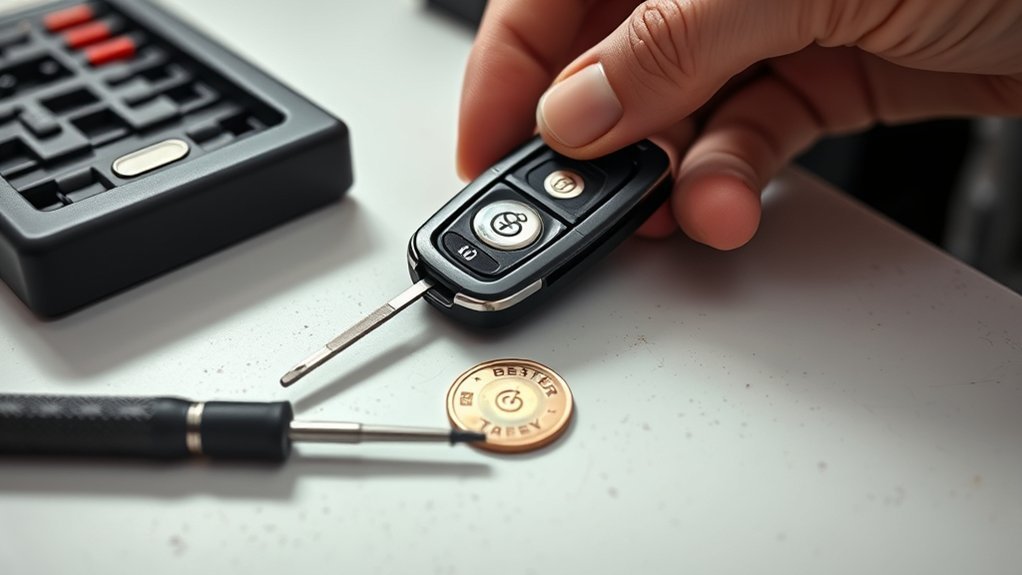
Warning: Coin batteries can cause severe internal injury if swallowed. Keep the old and new battery out of children’s reach, do not leave either cell loose on the work surface, and seek immediate medical help if ingestion is suspected.
Checklist: Tacoma Key Fob Battery, Parts, and Tools
Work on a clean, well-lit table where the fob, emergency key, and battery cannot roll away. Wash and dry your hands first. Avoid touching the circuit board or battery contacts more than necessary.
Confirm the Required Battery Type
Open the fob and read the code stamped on the old coin cell before discarding it. If the cell says CR2032, replace it with another CR2032. The manufacturer’s CR2032 data sheet identifies that battery as a 3-volt lithium coin cell. Do not substitute a thinner, thicker, rechargeable, or differently numbered cell just because it fits loosely.
Tacoma fob designs vary. Some smart-key fobs have a removable emergency key and a twist notch. Older remote-head keys may have a screw, a different seam, or another battery size. Toyota’s manuals and warranties portal lets you select the exact model year and vehicle.
Note: “CR2032, positive side up” is common for some Tacoma smart keys, but it is not a safe universal rule. Match the holder marking and the orientation of the battery you removed.
Emergency Key Tool
On a smart-key fob, press the side release and slide out the metal emergency key. Many Toyota smart-key shells have a notch where the key tip can gently twist the two halves apart. Use only enough pressure to release the clips.
Optional Pry Tools
- A small plastic spudger to reduce marks on the shell
- A small flat screwdriver only when the fob has a suitable notch or screw
- A lint-free cloth for the case and battery area
- A shallow tray to hold the emergency key and old battery
Avoid oversized screwdrivers, knives, pliers, and metal tools that can slip across the battery contacts. Do not use a magnet to hold the coin cell or place the fob on a magnetic parts tray.
Identify Your Tacoma Key Fob Type Before Opening It
Look at the fob before applying pressure. The correct opening method depends on its construction.
- Smart-key fob: Usually has push-button start controls, a removable emergency key, and a small notch near the key slot.
- Remote-head key: Has the metal ignition key attached to the remote body. The case may use a screw or snap seam instead of a removable emergency key.
- Aftermarket or replacement fob: May not match Toyota’s original shell, battery, or opening procedure. Follow the maker’s instructions when available.
If the shell has no clear notch or screw, stop and compare it with the manual. Prying at the wrong edge can break the case or button membrane.
Remove the Emergency Key From a Smart-Key Fob
Skip this section if your Tacoma uses a remote-head key without a removable emergency key.
Locate the Side Release Button
Find the small release on the side or back of the smart-key fob. Hold it in while pulling the metal emergency key straight out. Do not bend or twist the key during removal.
- Press and hold the release fully.
- Slide the emergency key out in a straight line.
- Set it in the tray so it cannot fall or scratch the fob.
- Confirm the key slot is empty before opening the shell.
Use the Key Only at the Designed Notch
Examine the empty key slot and the edge of the shell. Insert the emergency key tip only into the designated notch. A shallow, controlled twist should release the first clip. If the shell does not move, do not force it. Recheck the notch or use a plastic pry tool.
Open the Fob Shell Without Damaging the Clips
Hold the fob over the table with the buttons facing up. This position reduces the chance of internal parts falling out. Twist the emergency key or pry tool gently until the shell begins to separate, then work around the seam with your fingers.
- Seat the tool fully in the correct notch.
- Twist with light, steady pressure until you hear or feel a soft release.
- Separate the halves slowly and note how the rubber button pad and circuit board sit.
- Place both shell halves in their original orientation.
For a remote-head key, remove any visible screw with the correct screwdriver before opening the seam. Keep the screw in the tray. Never twist the attached metal ignition key as a lever unless the manual specifically shows that method.
Pro Tip: Take a clear phone photo as soon as the shell opens. The image records the battery polarity, contact position, circuit-board alignment, and button-pad orientation for reassembly.
Install the Correct Coin Cell and Match the Polarity

Read the battery number and note which face points upward. The broad face marked with a plus sign is the positive side, but its installed direction depends on the holder. Follow the holder’s polarity mark, the manual, or your reference photo.
- Use a fingernail or small plastic tool to lift the edge of the old battery.
- Avoid bending the retaining tab or scraping the contacts.
- Place the old battery in a separate container immediately.
- Insert a fresh battery with the same number and orientation.
- Press the cell gently until it sits flat and secure under the retaining tabs.
Do not stack batteries, install two cells, or force a cell that sits above the holder. A loose or incorrect battery can cause intermittent operation and may damage the contacts when the shell closes.
Reassemble the Fob and Check the Circuit Board
Leave the circuit board in place if it did not move. If it lifted with the shell, place it back in the same direction shown in your photo. The button switches must line up with the rubber button pad, and the board should sit flat without rocking.
- Check that the battery remains seated and no contact is trapped underneath it.
- Align the rubber button pad, circuit board, and shell posts.
- Join the shell halves at one end and press around the seam until every clip snaps closed.
- Replace the screw if your fob uses one. Tighten it only until snug.
- Reinsert the emergency key until it locks in place.
Inspect the full seam. A gap usually means a clip, button pad, or circuit board is misaligned. Open the shell and correct the problem instead of squeezing harder.
Test the Fob and Fix Common Problems
Stand near the Tacoma and test lock, unlock, panic, tailgate, and remote-start buttons that apply to your fob. Confirm the physical emergency key is secure. Then step farther away and test the operating range.
| Symptom | What to Check |
| No buttons work | Confirm the battery number, polarity, seating, and contact position. Try another fresh battery from sealed packaging. |
| Only one button fails | Check that the rubber button pad is aligned and not torn. A worn switch may need professional repair. |
| Range remains short | Use a verified fresh battery, close the shell fully, and compare operation with a spare fob if available. |
| Fob works but the truck does not respond consistently | Test the spare fob and the vehicle’s 12-volt battery. The problem may be with the truck rather than the coin cell. |
Do not begin with random reprogramming sequences from unrelated models. A normal battery replacement should not require you to erase or add keys. If the fob worked before the battery change, reopen it and check installation first. Use the exact owner’s manual or a Toyota dealer or qualified automotive locksmith if programming is truly needed.
If you see green or white corrosion, liquid damage, a cracked board, broken battery tabs, or loose solder joints, stop. Do not scrape or solder the fob unless you have the correct electronics tools and experience.
Store and Dispose of the Old Battery Safely
Do not leave the removed battery in a cup holder, glovebox, pocket, purse, or open trash container. Place nonconductive tape over both faces or keep the cell in a separate plastic bag until you can recycle it.
The U.S. Environmental Protection Agency advises against putting button-cell, coin, or lithium single-use batteries in household trash or municipal recycling bins. Use a specialized battery recycler, participating retailer, or local household hazardous-waste program instead. See the EPA’s used household battery guidance for handling and recycling options.
Store unused replacements in their original child-resistant packaging in a cool, dry, secure place. Do not keep loose spare coin cells in the truck, where heat, metal objects, and easy access can create avoidable risks.
When to Replace the Fob or Call a Professional
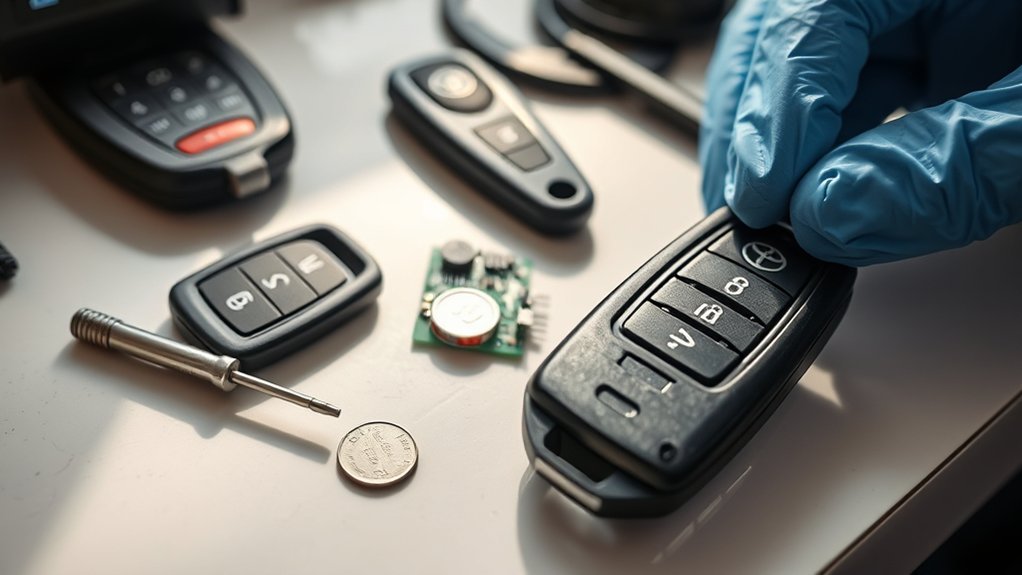
A weak battery alone does not mean you need a new fob. Replace or repair the fob only after you have confirmed the correct battery, polarity, seating, and vehicle response.
- Physical damage: Replace a shell with broken clips, a missing seal, severe cracks, or buttons that no longer return.
- Water intrusion or corrosion: A locksmith, electronics specialist, or dealer should inspect the board.
- Broken battery contacts: Professional microsoldering may save the original fob, but replacement can be more practical.
- Programming or immobilizer problem: A Toyota dealer or qualified automotive locksmith can verify the key, vehicle receiver, and required programming.
- Both fobs fail: Check the vehicle’s 12-volt battery, door-lock system, receiver, or related fuse before buying two new remotes.
When buying a replacement, match the fob’s identification information and confirm compatibility with the exact Tacoma year, trim, ignition type, and regional specification. A shell that looks identical may use different electronics.
Frequently Asked Questions
How do I change the battery in my Toyota Tacoma key fob?
Verify the battery number, open the fob at its designed notch or screw, photograph the old battery orientation, remove it gently, install the same battery type in the same direction, close the shell, and test all buttons. Smart-key and remote-head fobs may open differently.
Can I replace my Toyota key fob battery myself?
Yes. Most owners can complete the job with a matching coin cell and a small pry tool. Stop if the shell will not open with light pressure, the battery contacts are damaged, or the fob shows corrosion or liquid intrusion.
Do you have to reprogram a Toyota key fob after changing the battery?
Usually, no. First recheck the battery type, polarity, seating, contacts, and circuit-board alignment. If the fob still does not work, consult the manual for your exact Tacoma or ask a Toyota dealer or qualified automotive locksmith to test it.
Do I need to reset the fob after replacing the battery?
Do not use a reset procedure unless the owner’s manual or a qualified technician directs you to one. A failed test immediately after replacement usually points to the wrong cell, reversed polarity, poor contact, or incorrect reassembly.
What battery does a Toyota Tacoma key fob use?
The answer depends on the model year and fob type. Some Tacoma smart-key fobs use a CR2032, but you should verify the code on the old battery or in the exact owner’s manual before purchasing a replacement.
Which side of the key fob battery faces up?
Match the polarity mark in the holder and the orientation of the battery you removed. Do not rely on a universal “plus side up” rule because the holder can differ between fob designs.
Sources
- Toyota Manuals and Warranties — vehicle-specific owner’s manuals and operating guidance.
- Energizer CR2032 Product Data Sheet — CR2032 voltage, dimensions, chemistry, and coin-battery safety information.
- U.S. EPA: Used Household Batteries — handling, taping, storage, and recycling guidance for button and lithium batteries.
Conclusion
Replacing a Tacoma key fob battery is a simple job when you start with the correct battery and opening method. Verify the cell number, record its polarity, use gentle pressure, and keep the internal parts aligned. If a fresh battery does not restore reliable operation, inspect the shell and contacts, compare a spare fob, and seek professional testing before buying a replacement.
Keep coin cells in their original packaging, away from children, and recycle the old battery properly. A careful five-minute repair can restore dependable access without damaging the fob.

