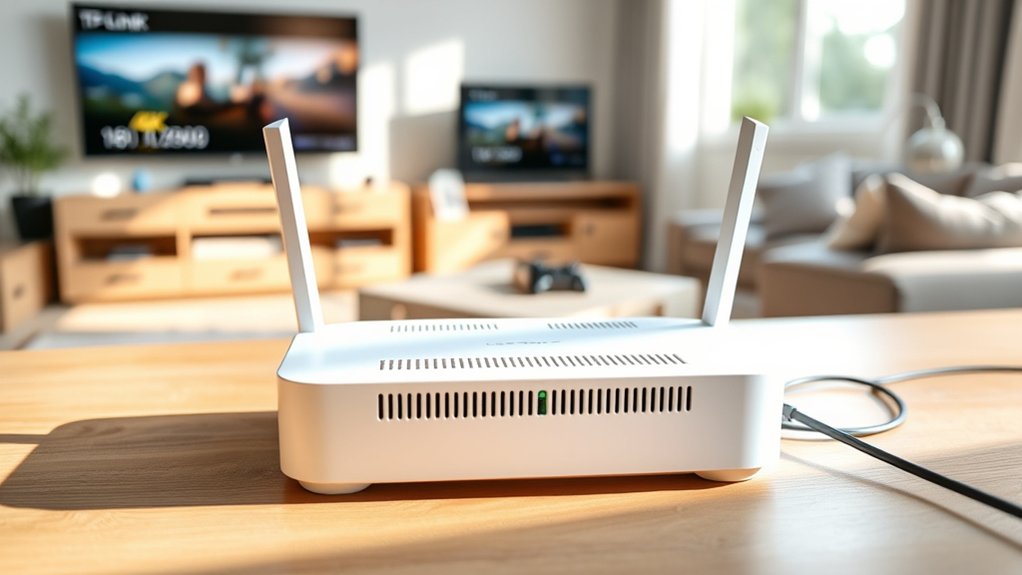
The TP-Link Deco BE25 is an entry-level Wi-Fi 7 mesh system (BE5000) with two bands, 2.4 GHz and 5 GHz, and no 6 GHz radio. It is a good fit if you want two 2.5 Gbps ports per unit and Wi-Fi 7 features like Multi-Link Operation without paying for a tri-band system. Its “5G” is the 5 GHz Wi-Fi band, not 5G cellular.
TP-Link Deco BE25 Key Specs
| Wi-Fi standard | Wi-Fi 7 (802.11be), dual-band BE5000 |
| 5 GHz | Up to 4324 Mbps (802.11be, 240 MHz channels) |
| 2.4 GHz | Up to 688 Mbps (802.11ax) |
| 6 GHz | Not supported |
| Wi-Fi 7 features | Multi-Link Operation (MLO), 4K-QAM |
| Ports per unit | 2 × 2.5 Gbps WAN/LAN auto-sensing |
| Coverage | Up to 2,600 sq ft (1-pack); up to 6,600 sq ft whole-home with more units |
| Devices | Over 150 (TP-Link lab figure) |
| Backhaul | Wireless or wired Ethernet |
| Security | WPA3, HomeShield (advanced features paid), guest and IoT networks |
| Size | 150 × 150 × 62 mm |
Specs are from TP-Link’s US product page and datasheet. Speeds are maximum link rates, not real internet speed.
What Does “5G” Mean for the Deco BE25?
The BE25 has no cellular modem and does not use a SIM card. “5G” refers to its 5 GHz Wi-Fi band, which carries most of its speed.
Some devices only see one network name because Deco combines both bands by default. Older smart-home gadgets that need 2.4 GHz usually still connect. If one does not, use the Deco app’s IoT network option.
Who Should Buy the TP-Link Deco BE25?
- Homes with internet plans above 1 Gbps, or a NAS or PC that can use 2.5 Gbps wired links.
- Buyers who want Wi-Fi 7 on a budget and whose devices do not support 6 GHz anyway.
- Small to mid-size homes where one or two units cover the space, or larger homes with Ethernet backhaul.
Who Should Skip It
- Anyone wanting 6 GHz for the fastest phone and laptop speeds. Look at tri-band Deco models instead.
- Homes that need many wired devices at each node; two ports per unit fills up fast without a switch.
- Users who want full parental controls and security without a subscription.
The Dual-Band Trade-Off
Without a dedicated backhaul radio, wireless satellites share the same bands with your devices. In rooms served by a wireless satellite, speeds can drop compared with the main unit.
Running Ethernet between units avoids most of that loss and lets the 2.5 Gbps ports do their job.
Deco BE25 vs Deco X55
| Feature | Deco BE25 | Deco X55 |
|---|---|---|
| Wi-Fi standard | Wi-Fi 7, BE5000 | Wi-Fi 6, AX3000 |
| 5 GHz max | 4324 Mbps | 2402 Mbps |
| Ports per unit | 2 × 2.5 Gbps | 3 × 1 Gbps |
| MLO | Yes | No |
| Best for | Multi-gig plans, newer devices | Gigabit plans, more wired devices per node |
If your plan is 1 Gbps or less and your devices are Wi-Fi 6, the X55 is still capable. See how many Deco X55 units you need. For a single, simple router in a small space, read our TP-Link Archer AC1200 guide.
How to Set Up the Deco BE25
- Install the Deco app and sign in with a TP-Link ID.
- Power off your modem, connect one BE25 port to it with Ethernet, then power both on.
- Follow the app to create the main Deco and your Wi-Fi name and password.
- Add satellites with the + button, placing each one or two rooms from the previous unit.
- Update firmware from the app after setup.
Pros and Limitations
- Pros: Wi-Fi 7 with MLO, two 2.5 Gbps ports per unit, simple app, works in a mesh with other Deco models, guest and IoT networks.
- Limitations: no 6 GHz, wireless backhaul shares bandwidth, only two ports per unit, advanced HomeShield features need a paid plan.
FAQ
Does the TP-Link Deco BE25 support 6 GHz?
No. It is a dual-band system using 2.4 GHz and 5 GHz. Wi-Fi 7 features like MLO and 4K-QAM work across those two bands.
Is the Deco BE25 a 5G router?
No. It has no cellular modem. “5G” refers to the 5 GHz Wi-Fi band, which supports up to 4324 Mbps.
How much area does one Deco BE25 cover?
TP-Link rates a single unit for up to 2,600 sq ft and advertises up to 6,600 sq ft whole-home coverage with more units. Walls and layout affect real coverage.
Can I use the Deco BE25 with my existing Deco units?
Yes. TP-Link says all Deco models can work together in one mesh network.
Is the Deco BE25 better than the Deco X55?
It has faster 5 GHz, Wi-Fi 7 and 2.5 Gbps ports. The X55 has three gigabit ports per unit and is enough for plans up to 1 Gbps.
Bottom Line
The Deco BE25 is a sensible step into Wi-Fi 7 if you have multi-gig internet or 2.5 Gbps wired gear. If you want the fastest wireless speeds, choose a tri-band model with 6 GHz.