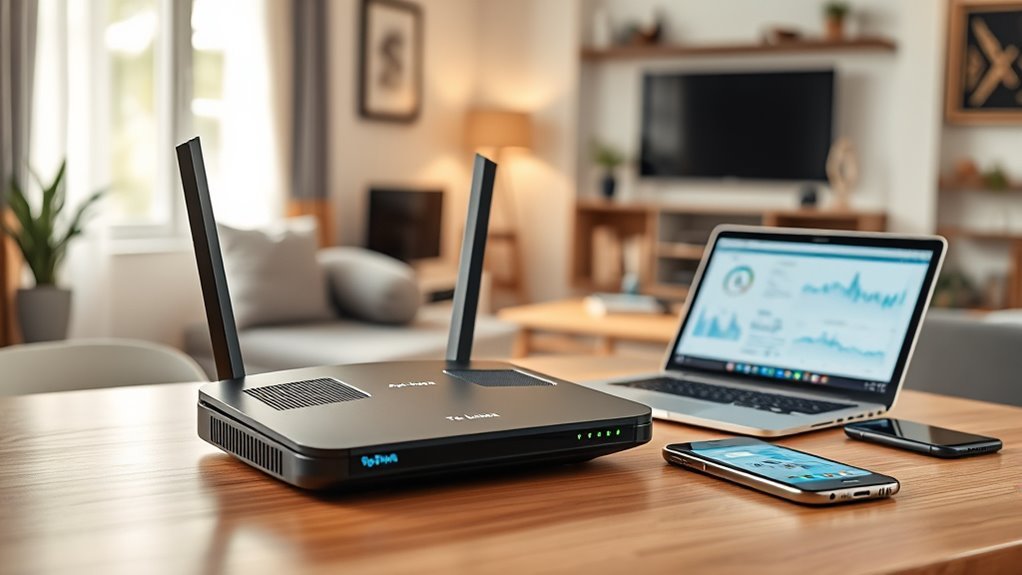
The TP-Link Archer C1200 is an affordable AC1200 router built for basic to moderate home use. It offers up to 1167 Mbps combined Wi‑Fi speed, three external antennas, four gigabit Ethernet ports, and a USB 2.0 port for sharing files or a printer. Setup is simple through a web wizard or the Tether app. Performance is solid for streaming and browsing, especially on 5GHz, with more details worth noting ahead.
Key Takeaways
- The TP-Link Archer C1200 is an affordable AC1200 dual-band router with up to 1167 Mbps total wireless speed.
- It offers stronger 5GHz performance, while 2.4GHz is better for longer-range, lower-speed connections.
- Three external antennas help improve coverage in small to medium-sized homes.
- Four gigabit Ethernet ports and a USB 2.0 port add useful wired and sharing options.
- Setup is simple, with app or browser controls, guest Wi-Fi, WPA/WPA2 security, and parental controls.
TP-Link Archer C1200 Overview
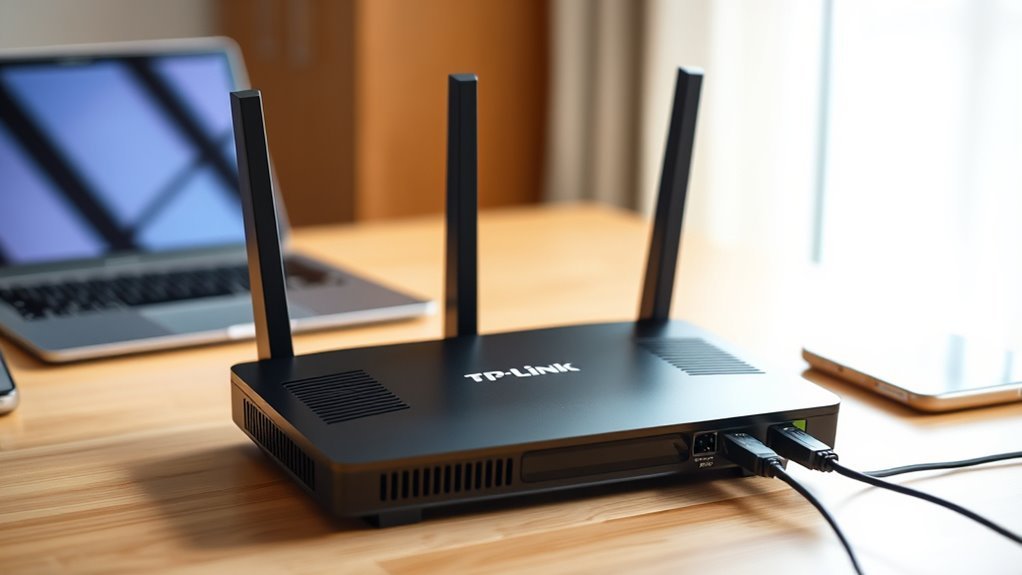
The TP-Link Archer C1200 is an AC1200 dual-band wireless router rated for combined speeds of up to 1167 Mbps, with 867 Mbps on 5GHz and 300 Mbps on 2.4GHz.
The TP-Link Archer C1200 presents a straightforward option for households seeking broader internet coverage without unnecessary complexity. Its AC1200 wireless dual-band design supports separate bands for everyday browsing and heavier traffic, helping multiple users maintain service.
Three external antennas are intended to strengthen signal reach across larger rooms or workspaces. A USB 2.0 port provides sharing for printers or media devices, while gigabit Ethernet ports support stable wired links for consoles and televisions.
Security-oriented features include WPA/WPA2 protection, parental controls, and a guest network for limited access.
Setup and management are handled through the user-friendly TP-Link Tether app, though it requires connection to the router’s Wi-Fi.
TP-Link Archer C1200 Specs and Features
Built on 802.11ac Wi‑Fi, the TP-Link Archer C1200 delivers combined speeds of up to 1200Mbps, split between 867Mbps on the 5GHz band and 300Mbps on 2.4GHz.
As an AC1200 Wireless Gigabit Router, it uses modern Wi‑Fi technology to support streaming, browsing, and shared access across multiple devices without obvious congestion.
The TP-Link Archer C1200 relies on three external antennas to extend coverage and help maintain signal strength in larger homes or offices.
The TP-Link Archer C1200 uses three external antennas to broaden coverage and keep signals strong throughout larger spaces.
A USB port allows printer, file, and media sharing, while four gigabit Ethernet ports provide wired links for devices that benefit from steadier throughput.
Security is handled with WPA/WPA2 encryption, a guest network, and parental controls for managing access.
Configuration and monitoring are available through the TP-Link Tether app, which gives users direct control from a smartphone.
Setting Up the Archer C1200
Setup on the TP-Link Archer C1200 is designed to be straightforward, with a quick start wizard that walks users through initial steps such as changing the default username and password.
The Archer setup is user-friendly, and the TP-Link AC1200 provides access to advanced settings through a web browser or the TP-Link Tether app, though app management requires a Wi-Fi connection to the router.
During setup, the 2.4GHz and 5GHz bands can be configured to suit different devices and tasks. The 2.4GHz band supports broader reach, while 5GHz offers a cleaner path for faster wireless use.
Three external antennas help extend wireless coverage across larger homes or offices, supporting more dependable placement options.
Built-in parental controls can also be adjusted at this stage, allowing administrators to set access limits and usage rules. This keeps the process practical for users seeking efficient, controlled network access.
Archer C1200 Performance in Daily Use
With a maximum combined Wi-Fi speed of 1167 Mbps, the Archer C1200 delivers its strongest results on the 5GHz band, where 867 Mbps is well suited to streaming and gaming.
In contrast, the 2.4GHz band’s 300 Mbps is better reserved for basic browsing and everyday tasks.
In a performance test, the TP-Link AC1200 shows stable connections on the 5GHz band, even at longer range, although the 2.4GHz signal can slow or drop in difficult locations.
Four gigabit Ethernet ports provide near-max internet connection speeds, supporting online gaming consoles and smart TVs with minimal loss.
The USB port handles file sharing and media access efficiently, matching expectations for its class.
Overall, the router manages multiple devices reliably in small to medium-sized homes, where balanced wireless and wired performance matters.
Its daily use profile favors dependable access over advanced flexibility.
Is the TP-Link Archer C1200 Worth Buying?
The TP-Link Archer C1200 is worth considering for users who want an affordable entry-level router with solid everyday performance. This WiFi router delivers 1200Mbps total speed, enough for streaming HD video, casual gaming, and routine browsing.
Its three antennas improve network coverage, helping the signal reach larger rooms with fewer dead spots. A USB port adds sharing flexibility, while four Gigabit Ethernet ports support stable wired links for consoles and smart TVs.
- Affordable WiFi for basic networking needs
- Reliable parental controls and WPA/WPA2 security
- Strong network coverage for homes and offices
- Useful USB port and Gigabit Ethernet ports
It suits households seeking practical freedom from high costs and complex setup. However, users in difficult 2.4GHz environments may see weaker results.
For those needing straightforward performance, the TP-Link Archer C1200 remains a sensible buy.
Frequently Asked Questions
Is the Tp-Link AC1200 Good?
Yes, the TP-Link AC1200 is generally good. TP Link performance comparison and Wi Fi speed tests show solid value; Router range analysis, User experience reviews, Price reliability factors, Installation ease ratings, Firmware update importance, Customer support evaluation, Device compatibility issues, Security features assessment matter.
Why Avoid Tp-Link?
Avoid TP-Link when the tower creaks: TP Link issues, Customer complaints, Performance concerns, Firmware updates, Security vulnerabilities, Compatibility problems, Design flaws, Support services, Price comparison, User reviews. Buyers seeking liberation may prefer sturdier, better-supported alternatives.
Is Tp-Link AC1200 a Good Wifi Extender?
No, the TP-Link AC1200 is better as a router than a dedicated extender. WiFi speed, Coverage range, Signal strength, and Device compatibility are decent, but Setup process, Customer reviews, Performance issues, Brand reliability, Price comparison, Warranty options matter.
Is TP Link Deco AC1200 Good?
Yes, it is generally good; despite price doubts, a performance comparison and user reviews suggest strong range coverage, easy setup process, thoughtful design features, regular firmware updates, decent customer support, few compatibility issues, solid network security.
Conclusion
The TP-Link Archer C1200 offers a simple setup, solid core features, and dependable everyday performance. It is suitable for basic streaming, routine browsing, and general home use. It is not the fastest option, not the most advanced option, and not the best choice for demanding networks. For buyers who want an affordable, straightforward router, it remains a practical option. For users needing higher speeds or newer standards, it is likely too limited.
