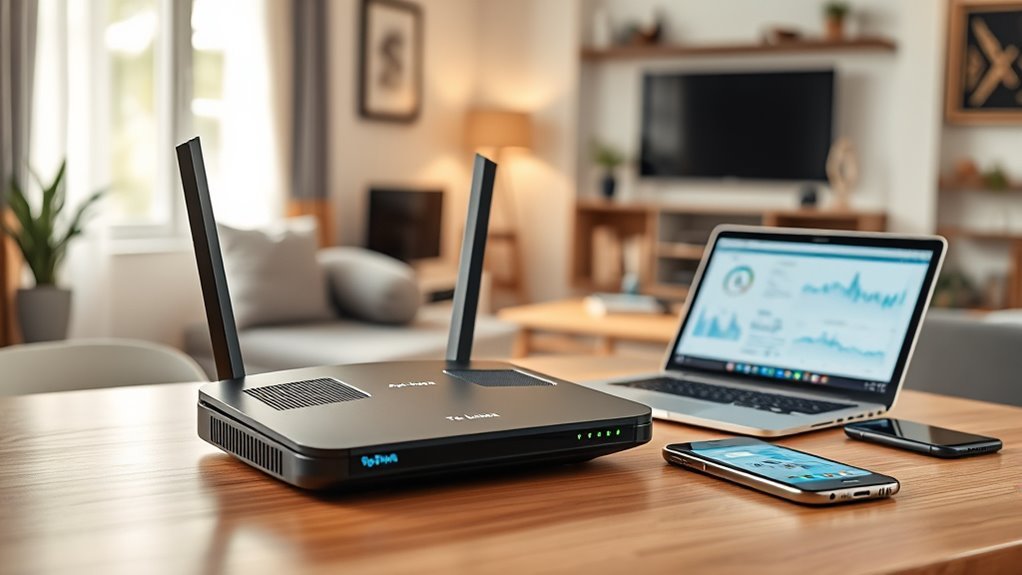
A TP-Link AC1200 router is a dual-band Wi-Fi 5 router rated up to 867 Mbps on 5 GHz plus 300 Mbps on 2.4 GHz. Models like the Archer A6 and Archer C6 are fine for small homes with internet plans of a few hundred Mbps. The older Archer C1200 is now listed as End of Life by TP-Link, so choose a current model or a Wi-Fi 6 router instead.
What “AC1200” Means
- AC = Wi-Fi 5 (802.11ac) on the 5 GHz band.
- 1200 = the two bands’ maximum link rates added together: 867 Mbps (5 GHz) + 300 Mbps (2.4 GHz), rounded up.
- No single device gets 1200 Mbps. Real Wi-Fi speeds are usually well below the 5 GHz link rate.
TP-Link uses the AC1200 label on routers, range extenders and some older Deco mesh units, so check the model name before you buy.
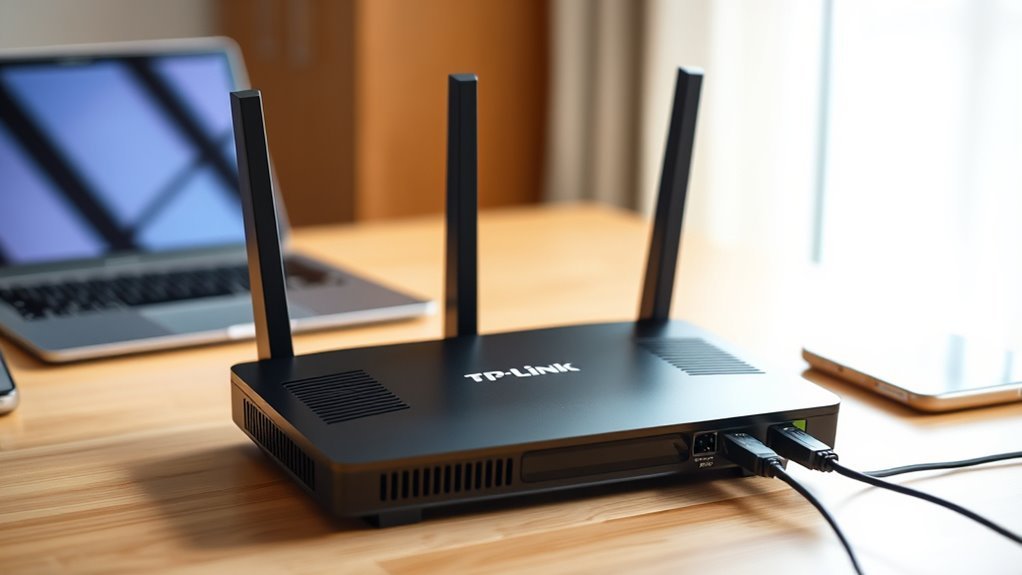
TP-Link AC1200 Router Models Compared
| Model | Antennas | Ports | MU-MIMO | WPA3 | Notes |
|---|---|---|---|---|---|
| Archer C1200 | 3 external | 1 WAN + 4 LAN, Gigabit; USB 2.0 | Not listed | Not listed | End of Life per TP-Link |
| Archer A6 (V6) | 4 external | 1 WAN + 4 LAN, Gigabit | Yes | Yes | EasyMesh compatible |
| Archer C6 (V2.8) | 4 external + 1 internal | 1 WAN + 4 LAN, Gigabit | Yes | Yes | OneMesh and EasyMesh |
Specs are from TP-Link’s US product pages for the listed hardware versions. Features can vary by hardware version and region, so check the label on the box or router.
Who Should Buy a TP-Link AC1200 Router?
- Apartments and small homes with a handful of phones, laptops and a TV.
- Internet plans up to roughly 300–500 Mbps.
- Anyone replacing a very old single-band router on a tight budget.
Who Should Skip It
- Gigabit or multi-gig internet plans. Wi-Fi 5 will not reach those speeds wirelessly.
- Larger or multi-story homes. A mesh system like the Deco X55 covers more space.
- Homes with many smart devices, where Wi-Fi 6 handles crowded networks better.
- Buyers wanting the newest features. See our TP-Link Deco BE25 Wi-Fi 7 guide.
How to Set Up a TP-Link AC1200 Router
- Power off your modem. Connect it to the router’s WAN (internet) port with an Ethernet cable.
- Power on the modem, then the router. Wait for the lights to settle.
- Join the router’s default Wi-Fi (name and password are on the label), or connect a computer by cable.
- Open the TP-Link Tether app, or go to tplinkwifi.net in a browser, and follow the Quick Setup wizard.
- Set a strong admin password and your own Wi-Fi name and password. Choose WPA2 or WPA3 if available.
- Check for a firmware update and install it.
Tips for Better Speed and Coverage
- Place the router centrally and up high, away from microwaves and thick walls.
- Point the antennas in mixed directions (some vertical, some horizontal).
- Use 5 GHz for nearby streaming and gaming devices; 2.4 GHz reaches farther but is slower.
- Wire consoles, TVs and desktops into the gigabit LAN ports where possible.
Security Notes
Older routers without recent firmware are a security risk. TP-Link labels the Archer C1200 End of Life, which generally means no further firmware updates. If you already own one, keep the last available firmware installed, disable remote management, and plan to replace it.
Pros and Limitations
- Pros: low cost, gigabit wired ports, simple Tether app setup, guest network and parental controls.
- Limitations: Wi-Fi 5 only, 2.4 GHz capped at 300 Mbps, limited range for large homes, older models lack WPA3.
FAQ
Is a TP-Link AC1200 router good enough in 2026?
For small homes with internet plans up to a few hundred Mbps, yes. For gigabit plans, larger homes or many devices, a Wi-Fi 6 or mesh system is a better choice.
What is the real speed of AC1200?
The 5 GHz band has an 867 Mbps link rate and 2.4 GHz has 300 Mbps. Real-world Wi-Fi throughput to one device is usually much lower than the link rate.
Is the Archer C1200 still supported?
TP-Link’s product page lists the Archer C1200 as End of Life. Newer AC1200 models such as the Archer A6 and C6 add MU-MIMO and WPA3.
Can a TP-Link AC1200 router be used as an extender?
Some models offer an access point mode, but for extending Wi-Fi a dedicated range extender or a mesh system works better. Check your model’s operation modes in its manual.
Does the TP-Link AC1200 support mesh?
The Archer C6 supports OneMesh and EasyMesh, and the Archer A6 lists EasyMesh compatibility. The Archer C1200 does not list mesh support.
Bottom Line
A TP-Link AC1200 router is a sensible budget pick for small spaces and modest internet plans. Choose a current model such as the Archer A6 or C6 rather than the end-of-life Archer C1200, and step up to Wi-Fi 6 or mesh if your home or plan is bigger.

