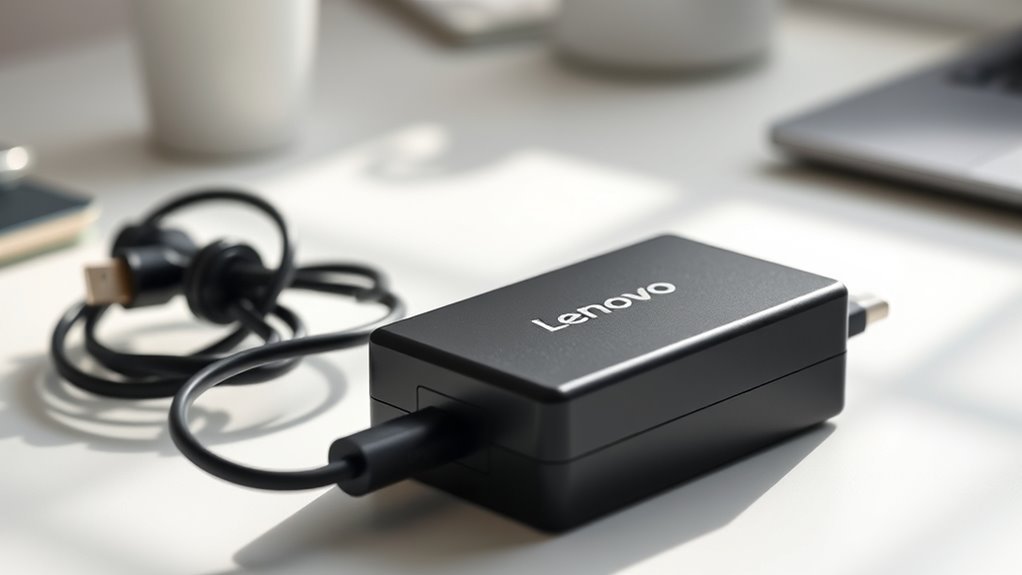
The Lenovo USB-C 65W AC adapter (common part number 4X20M26268) is Lenovo’s standard USB-C Power Delivery charger for ThinkPad, ThinkBook, IdeaPad, and Yoga laptops that charge over USB-C and ship with a 65W or smaller charger. It outputs up to 20V at 3.25A (65W) and comes with a separate AC power cord. It won’t fully power laptops that need more than 65W, or models that use a barrel or slim-tip connector.
Here are the verified specs, how to check compatibility, and what to do if it won’t charge.
Lenovo USB-C 65W AC Adapter Specs
| Spec | Lenovo 65W Standard AC Adapter (USB-C) |
|---|---|
| Part number | 4X20M26268 (US version; other regions use different numbers) |
| Maximum output | 65W |
| Output profiles | 5V, 9V, 15V/3A, and 20V/3.25A |
| Input | 100–240V AC (works worldwide with the right plug cord) |
| Connector | Fixed USB-C cable |
| Standard | USB Power Delivery |
| In the box | Adapter, AC power cord, warranty info |
| Warranty | 1-year limited (check Lenovo’s terms for your region) |
| Price | Check the current price at Lenovo or an authorized retailer |
Specs are from retailer listings for 4X20M26268. An older version of this article listed “9V at 3.5A” as the output. That’s wrong: 65W comes from the 20V × 3.25A profile.
Which Lenovo Laptops Work With the 65W USB-C Adapter?
Any Lenovo laptop or tablet that charges over USB-C and is rated for 65W or less should work. Examples include:
- ThinkPad: USB-C models such as X1 Carbon (5th generation and later), T-series and X-series with USB-C charging, and the P51s
- ThinkBook: USB-C ThinkBook 13s/14s and Yoga models
- IdeaPad and Yoga: USB-C models such as IdeaPad 5 and Yoga Slim series
It does not suit:
- Older ThinkPads with a round barrel or rectangular “slim tip” connector (for example X1 Carbon 1st–4th gen, P50, P51)
- Gaming laptops (Legion) and workstations that ship with 135W or higher adapters
How to check your model in 3 steps
- Look at the original charger’s label. If it’s USB-C and says 45W or 65W, this adapter is a match.
- Check the laptop’s charging port. A USB-C port with a power or plug icon usually means USB-C charging.
- Look up your machine type on Lenovo’s support site (PSREF lists the supported adapters for each model).
Can You Use Other USB-C Chargers With a Lenovo Laptop?
Usually, yes. Lenovo USB-C laptops follow the USB Power Delivery standard, so a reputable 65W+ USB-C PD charger, including Apple’s, will typically work. Lower-wattage chargers (30–45W) may charge slowly, only while the laptop is asleep, or show a “low-wattage charger” warning.
For a Mac-focused comparison, see our Apple 70W USB-C power adapter compatibility guide.
Lenovo 65W USB-C Adapter Not Charging? Try This
- Plug the USB-C end into the laptop’s charging port. Some models only charge from one port.
- Check that the AC cord is fully seated in the adapter brick, then try another outlet.
- Look for damage, bent pins, or a kinked cable near either end.
- Update the BIOS and Lenovo Vantage. Lenovo often fixes USB-C charging issues in BIOS updates.
- Try another USB-C PD charger. If that works, the adapter is likely faulty and may be covered by warranty.
Original vs. Third-Party Lenovo 65W Adapters
- Buy from Lenovo or an authorized retailer, and check that the part number and Lenovo branding match.
- Avoid unbranded “replacement” adapters with no safety marks (UL, CE, or similar).
- Very low prices on marketplaces can indicate counterfeits.
Pros and Limitations
Pros: standard USB-C PD, works with most USB-C Lenovo laptops, also charges phones and tablets, and has a universal 100–240V input.
Limitations: the fixed cable can’t be replaced, it’s bulkier than GaN chargers, and it’s underpowered for high-wattage laptops.
Alternatives
- Lenovo 65W USB-C GaN or travel adapters: smaller, wall-plug designs
- Lenovo 100W USB-C adapter: for USB-C laptops rated above 65W
- Third-party 65–100W GaN USB-C PD chargers: multi-port options for laptop and phone
Also charging an iPhone? See how group iMessages work and our other Apple guides.
FAQ
What is the output of the Lenovo USB-C 65W AC adapter?
Up to 65W through USB Power Delivery, using 20V at 3.25A. It also offers lower 5V, 9V, and 15V profiles for phones, tablets, and other USB-C devices.
Can I use a 65W USB-C charger on a Lenovo laptop that came with a 45W charger?
Yes. USB-C PD laptops only draw the power they need, so a 65W adapter is safe and may charge slightly faster.
Will the Lenovo 65W USB-C adapter charge a laptop that needs 90W or more?
It may charge slowly or only when the laptop is idle, and Lenovo may show a low-wattage warning. Use an adapter that matches the original wattage.
Is the Lenovo 65W USB-C adapter compatible with non-Lenovo laptops?
Generally, yes, if the laptop charges via USB-C Power Delivery at 65W or less, including many Dell, HP, and Apple laptops.
How do I know if my Lenovo charger is original?
Check for Lenovo branding, a matching part number such as 4X20M26268, and safety certification marks, and buy from Lenovo or an authorized seller.

