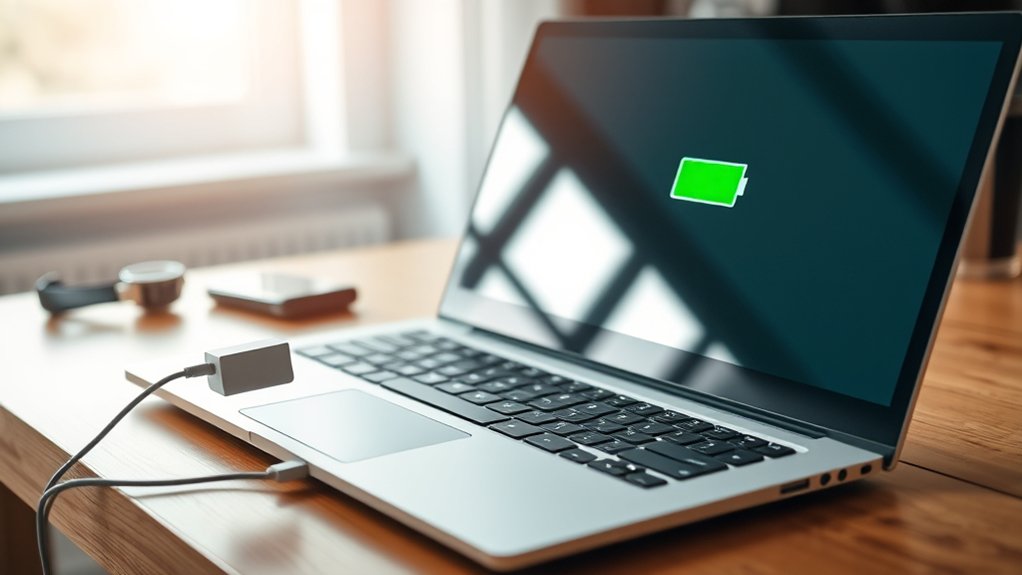
Lenovo Rapid Charge is useful for buyers who need faster top-ups, but it is not universal across all Lenovo laptops. Many ThinkPad models and some newer ThinkBook systems support it, while compatibility should always be confirmed by model. It typically needs a Lenovo-approved 65W or higher charger and a quality USB-C cable. It can reach 80% in under an hour, though frequent use may increase heat and battery wear. The details below clarify the tradeoffs.
What Is Lenovo Rapid Charge?
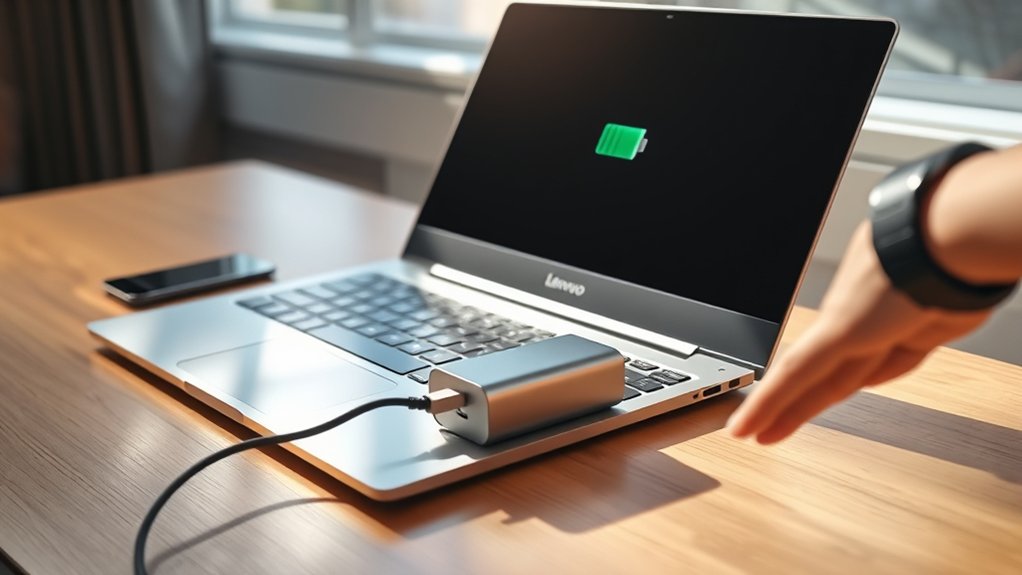
Lenovo Rapid Charge is a fast-charging feature designed to restore battery power much more quickly than standard charging, with supported devices able to go from 0% to 80% in less than an hour and reach a full charge in under two hours.
In practical terms, Rapid Charge gives users more freedom between outlets. Compared with conventional battery charging, it cuts waiting time sharply, which helps during travel, deadlines, and other time-sensitive demands. The feature is aimed at people who need dependable power recovery without being tethered for long periods. That benefit can translate into better productivity and less disruption across a mobile routine.
There are tradeoffs. Faster charging may produce more heat than standard methods, so occasional use is generally wiser than constant use when long-term battery health matters.
Performance also depends on matching the charger and settings to the device specifications and following manufacturer guidance. Used correctly, Rapid Charge is efficient power management with fewer compromises overall.
Which Lenovo Models Support Rapid Charge?
Support is broad but not universal: Rapid Charge appears across parts of Lenovo’s lineup, most importantly many ThinkPad models, select Yoga laptops, and newer ThinkBook systems such as the ThinkBook 14 Gen 9 and ThinkBook 16 Gen 9.
- ThinkPad models are the safest bet, with broad Lenovo Rapid Charge support aimed at professionals who need freedom from wall outlets.
- Yoga laptops offer a more selective match, so buyers should compare individual models rather than assume every convertible includes Rapid Charge.
- ThinkBook 14 Gen 9 and ThinkBook 16 Gen 9 stand out for reaching 0% to 80% in under one hour, reducing downtime sharply.
- Specs matter most: support depends on built-in fast-charging hardware, so the smartest move is verifying each model on Lenovo’s official site before purchase.
For users seeking mobility and fewer interruptions, these Lenovo models deliver the most practical path to Rapid Charge convenience with confidence.
What Charger Do You Need for Rapid Charge?
What charger is needed for Rapid Charge? A Lenovo user typically needs a compatible adapter that supplies more than the standard 5 volts and usually at least 65W for peak performance. Charger compatibility matters because not every Lenovo model supports Rapid Charge or the same fast-charging standard. Checking device specifications and Lenovo guidance helps buyers avoid limits that keep charging ordinary.
| Charger type | What to expect |
|---|---|
| Standard 5V charger | Slower charging, no Rapid Charge benefit |
| 65W+ compatible fast charger | Faster charging, better Lenovo Rapid Charge support |
A practical rule is simple: choose a Lenovo-approved or otherwise compatible fast charger, and confirm support for standards such as Qualcomm Quick Charge where applicable. A high-quality USB-C cable should also be part of the setup. Low-quality or incompatible chargers can create excess heat and reduce freedom from charging frustration. For the safest, fastest results, manufacturer recommendations remain the clearest guide for specific models.
Does Your Charging Cable Affect Rapid Charge?
Although the charger gets most of the attention, the cable can be just as important to Rapid Charge performance. A weak charging cable may limit rapid charging, even when the adapter is fully capable. Higher-voltage charging depends on cables built for stronger power delivery, not just basic connectivity.
For users seeking freedom from slow top-ups and avoidable safety issues, cable quality matters.
- Support standards: Certified USB cables that match Qualcomm Quick Charge or USB Power Delivery are more reliable than generic alternatives.
- Check compatibility: If the cable does not meet fast-charge specifications, the device may fall back to ordinary charging behavior.
- Prioritize quality: Better materials and construction reduce overheating risk and help preserve battery and device longevity.
- Compare value: A cheaper cable may save money upfront, but a certified option usually delivers better performance, fewer safety issues, and less daily frustration.
In practice, the right cable protects both convenience and control.
How Fast Is Lenovo Rapid Charge?
Lenovo Rapid Charge is generally rated to reach about 80% in under an hour, while a full charge often takes less than two hours. This makes it noticeably faster than standard charging.
Actual results vary based on factors such as charger compatibility, cable quality, device usage during charging, and heat levels.
Buyers should also weigh its practical limits, since rapid charging is most useful for quick top-ups rather than constant daily use.
Charge Time Benchmarks
For most users, the headline benchmark is simple: Lenovo Rapid Charge can bring a battery from 0% to 80% in under an hour, while a full 0% to 100% charge typically finishes in less than two hours.
These charge time benchmarks matter because they cut tethered downtime and return control faster than standard charging.
- 0% to 80%: under 60 minutes for urgent recovery.
- 0% to 100%: under 120 minutes for full-day readiness.
- Compared with standard charging: noticeably shorter waits and quicker task turnaround.
- Best fit: mobile users who need freedom from outlets during demanding schedules.
For buyers comparing models, these figures provide a practical baseline before checking warranty validation requirements or reviewing exclusive online offers.
In short, Lenovo Rapid Charge prioritizes availability, making battery-intensive routines less restrictive and more manageable every day.
Real-World Speed Factors
Lenovo Rapid Charge feels in everyday use depends on more than the advertised benchmark, even if its core advantage remains clear: compatible devices can reach 0% to 80% in under an hour and 0% to 100% in under two hours.
Still, real-world speed factors shape that freedom from the outlet. Hardware compatibility matters most: a supported Lenovo device, charger, and cable are needed to access higher power output.
Compared with standard charging, Rapid Charge cuts downtime sharply, which suits packed routines and mobile work. Heat can also influence the experience, since faster energy transfer may raise temperatures more noticeably than conventional charging, making battery health monitoring a practical habit.
Buyers comparing models should also review product support details, including warranty validation or insurance, because supported accessories and service policies can affect long-term confidence.
Rapid Charge Limits
Actual charging limits are best judged by the ceiling Rapid Charge can realistically reach on supported hardware: under Lenovo’s Rapid Charge mode, a compatible device can go from 0% to 80% in less than an hour and from 0% to 100% in under two hours, markedly faster than standard charging.
- Speed: rapid charge limits clearly beat standard charging for users needing freedom from long wall time.
- Method: Lenovo raises power output and voltage, pushing energy faster into the battery.
- Compatibility: not every Lenovo model qualifies; support depends on internal charging circuitry and hardware.
- Tradeoff: extra speed creates more heat, so occasional use is wiser, and users should monitor battery health if relying on it often.
Compared with ordinary charging, Rapid Charge offers quicker release from waiting, but with practical boundaries and care.
When Should You Use Rapid Charge?
When time is limited, Rapid Charge is most useful as a short-term solution rather than an everyday default. It fits urgent charging needs: a Lenovo device can climb from 0% to 80% in under an hour, freeing users from long waits. Compared with standard charging, Rapid Charge better serves busy mornings, airport layovers, and short work breaks when immediate mobility matters. It also makes sense before battery-intensive tasks, such as video calls, presentations, or travel, where a quick boost protects productivity.
| Situation | Best Choice | Feeling |
|---|---|---|
| Busy morning | Rapid Charge | Relief |
| Desk day | Standard charging | Calm |
| Pre-meeting boost | Rapid Charge | Confidence |
Still, this mode is most sensible occasionally, not continuously, because it can create more heat than slower charging. Users who rely on it often should monitor battery health and decide whether convenience today outweighs longer-term tradeoffs. That balance gives more control, freedom, and fewer interruptions overall daily.
How Can You Protect Battery Health?
Battery health is generally better preserved when charging stays between about 15% and 70–80%, rather than cycling between empty and full.
Compared with unrestricted charging, Lenovo Vantage charge thresholds and Conservation Mode can reduce heat and extend long-term battery lifespan.
Because Rapid Charge can raise temperatures more often, it is best used selectively and only on compatible devices.
Use Charge Thresholds
Although Rapid Charge is convenient, Lenovo users who keep their laptops plugged in for long stretches can protect battery health more effectively by enabling charge thresholds in Lenovo Vantage.
- Setting a cap such as 65% is often smarter than charging to 100%, because it reduces wear and supports longer battery lifespan.
- Compared with unrestricted charging, staying between roughly 15% and 80% helps lithium-ion cells avoid deeper stress and slower degradation.
- Conservation Mode gives users more freedom from constant battery anxiety by simplifying healthy charging behavior during desk-bound use.
- Regularly reviewing charge thresholds in Lenovo Vantage can improve efficiency, support sustainable habits, and keep long-term performance steadier.
For users seeking more control, these settings offer a practical way to preserve autonomy, reduce replacement pressure, and use Rapid Charge more deliberately.
Limit Heat Exposure
Heat is one of the main tradeoffs of rapid charging, and compared with standard charging, it can place more stress on Lenovo laptop batteries over time.
To limit heat exposure, users may reserve rapid charging for urgent situations rather than everyday top-ups, since repeated high temperatures can accelerate wear and reduce battery health.
A more controlled approach gives users freedom without unnecessary strain. Monitoring battery health through Lenovo tools helps confirm whether temperatures stay within safe limits.
Using a certified fast-charging adapter and cable can also reduce excess heat compared with lower-quality accessories.
For longer unplugged independence, Lenovo Vantage Conservation Mode offers another safeguard by capping charging near 65 percent, which lowers heat buildup during charging and can extend battery health more effectively than keeping the battery full constantly.
Frequently Asked Questions
Is Rapid Charge Bad for Battery Lenovo?
Rapid Charge is not inherently bad for Lenovo batteries, but frequent use can shorten battery lifespan through greater heat generation. Compared with standard charging, it improves charging efficiency yet should be used selectively for long-term battery health.
Should I Turn on Rapid Charge?
Yes, it should be turned on selectively: Rapid Charge suits urgent needs better than everyday charging habits. For greater battery lifespan and energy efficiency, standard charging remains preferable, giving users more freedom while reducing heat and long-term wear.
Is Smart Rapid Charging Good or Bad?
Like a green light through traffic, smart rapid charging is both good and bad: it boosts charging efficiency and user convenience, yet repeated heat may shorten battery lifespan. Best used selectively, not constantly, for freedom.
Should You Charge a Lithium-Ion Battery to 100% Before First Use?
No, a lithium-ion battery need not reach 100% before first use. Compared with older habits, modern first use guidelines favor battery maintenance tips like 20–80% charging, which better supports lithium ion longevity and user independence.
Conclusion
Lenovo Rapid Charge can be a useful advantage for buyers who value less downtime and more flexibility. Like a pit stop that gets a car back in the race, it can deliver meaningful power in a short time when paired with a supported model, proper charger, and suitable cable. Still, speed should be weighed against long-term battery care. For most users, the best choice balances charging convenience, device compatibility, and habits that help preserve battery health over time.
