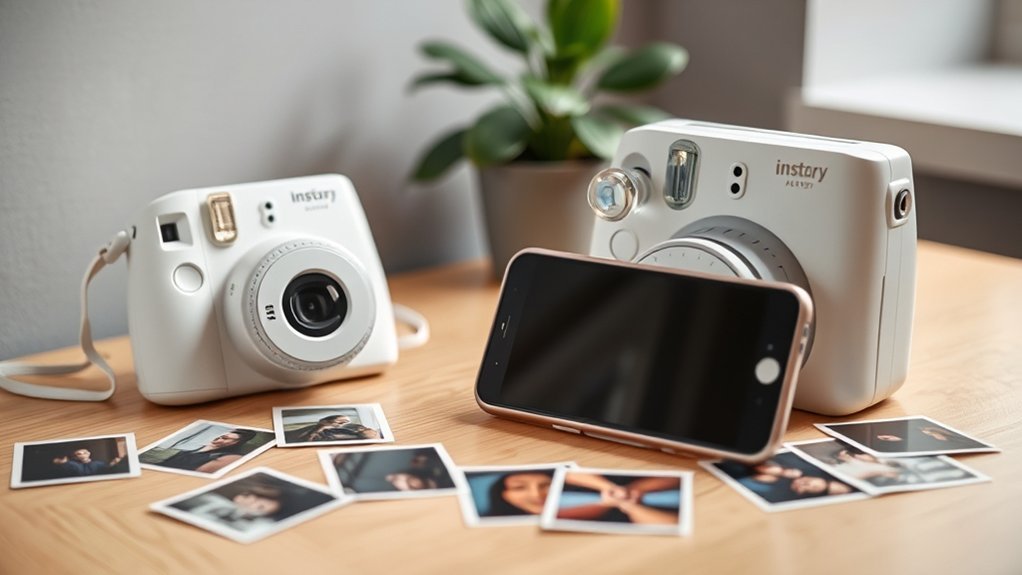
Portable photo printers allow users to instantly print high-quality images from smartphones. These compact devices connect via Bluetooth or Wi-Fi, often utilizing dye-sublimation technology for vibrant results. Accessories like the instant camera film phone lens clip enhance this experience by enabling easy attachment to smartphones. Users can capture images and print them quickly using dedicated apps. Proper maintenance and the right film selection further improve print quality. Discover more about maximizing the use of these innovative tools.
What Is a Portable Photo Printer and How Does It Work?
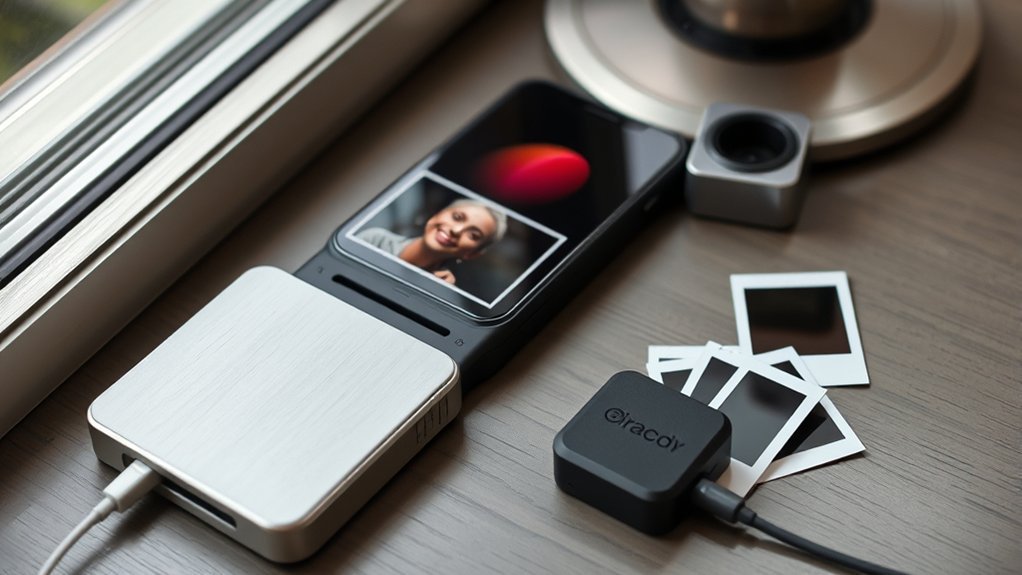
A portable photo printer is a compact device designed for immediate photo printing, allowing users to create physical copies from their smartphones or cameras with ease.
These smart devices connect via Bluetooth or Wi-Fi, enabling users to print directly from their photo libraries. Popular models utilize dye-sublimation technology, which enhances print quality through layered color application, resulting in vibrant images.
Print sizes vary, with 2.1 x 3.4 inches being common for Instax printers and 4 x 6 inches for dye-sublimation options like the Canon Selphy CP1500.
Users can also leverage apps like the Instax Mini Link app, which offers editing features to customize photo prints with filters, frames, and collages before printing.
This portability and ease of use make portable printers ideal for capturing spontaneous moments, aligning perfectly with the desires of those seeking instant gratification and creative expression through photography.
Essential Features of a Quality Portable Photo Printer
Portable photo printers come equipped with a range of features that enhance their usability and performance. Quality models offer multiple connectivity options, such as Bluetooth and Wi-Fi, enabling seamless printing from smartphones and tablets.
For superior image quality, many utilize dye-sublimation technology, delivering vibrant colors and intricate details in each print. The cost per print is also a vital factor; economical choices like the Canon Selphy CP1500 provide prints for about 32 cents each, making it feasible to print photos frequently.
Additionally, the size of prints matters; portable printers like the Fujifilm Instax Mini Link produce credit-card-sized images (2.1 x 3.4 inches), perfect for sharing and carrying. User-friendly features, including mobile app integration for editing and quick printing times of around 90 seconds, further enhance the overall experience, making these devices both easy to use and enjoyable.
Top Portable Photo Printers: A Comparison
When seeking the best portable photo printers, various models offer distinct advantages tailored to different needs.
The Fujifilm Instax Link Wide printer excels with its 4.3-by-3.4-inch prints, perfect for landscapes, costing around $1.20 per print.
In contrast, the Canon Selphy CP1500 delivers 4-by-6-inch images with excellent color accuracy and sharpness, priced at $159 and offering a lower cost per print of about 32 cents.
For quick, credit-card-sized prints, the Fujifilm Instax Mini Link 3 shines, producing images in about 90 seconds at an average of $0.85 per exposure.
While dye-sublimation printers like the Selphy provide sharper prints, Zink options are more affordable but compromise on quality.
Connectivity varies; the Canon Selphy supports SD card, USB, and Wi-Fi, while the Instax series primarily uses Bluetooth, ensuring instant photos can easily be printed via a mobile photo print app.
How to Use the Instant Camera Film Phone Lens Clip
The Instant Camera Film Phone Lens Clip offers a unique way to merge modern smartphone photography with the nostalgic charm of instant film printing.
To use this innovative device, users should carefully align the clip over their smartphone’s camera lens, securing it tightly to make sure the film slot is ideally positioned. Once attached, the smartphone must connect to the designated app via Bluetooth, allowing for image selection and editing before printing.
This lens clip is compatible with various smartphone sizes, though checking dimensions for a snug fit is advisable.
After capturing the desired photo, users simply press the print button on the app. The film will then develop in approximately 90 seconds, resulting in a vibrant instant photo that combines the immediacy of real-time printing with vintage-style aesthetics.
This blend of technology and nostalgia empowers users to create tangible memories effortlessly.
How Instant Printing Enhances Social Gatherings
Instant printing transforms social gatherings by creating immediate memories that guests can take home.
With devices like the Fujifilm Instax Mini Link 3, vibrant photos are produced in seconds, encouraging shared experiences and spontaneous photo opportunities.
These tangible keepsakes not only enhance interactions but also serve as unique conversation starters, fostering connections among attendees.
Instant Memories Creation
Capturing moments in real time transforms social gatherings into unforgettable experiences. Instant photo printers, such as Fujifilm’s Instax Mini Link 3, bring fun to life with credit-card-sized prints ready in just 90 seconds. Their print mode allows guests to share vibrant memories instantly, fostering connection and nostalgia. High-quality options like the Canon Selphy CP1500 produce 4×6-inch prints, ensuring keepsakes guests cherish. With a rechargeable battery, these photo printers keep the celebration going without interruption.
| Feature | Benefit |
|---|---|
| Instant Film | Captures memories instantly |
| Fujifilm’s Instax | Fun, compact prints |
| Print Mode | Easy sharing |
| Rechargeable Battery | Continuous enjoyment |
| Camera Roll | Preserve every moment |
Shared Experiences Amplified
While social gatherings thrive on shared moments, the introduction of portable photo printers considerably enhances this experience. Instant photo printers, such as the Fujifilm Instax Mini Link 3, produce vibrant images in about 90 seconds, making it easy to capture and share fun memories.
The Canon Selphy CP1500 elevates group shots with high-quality 4×6 prints, enriching the visual storytelling of events. The Instax Mini Link app’s Click to Collage feature allows users to creatively combine a series of six images into a single print, adding a playful touch.
These tangible keepsakes deepen emotional connections, encouraging guests to take home cherished memories. Overall, instant printing fosters a lively atmosphere, amplifying shared experiences among friends and family.
Fixing Common Problems With Portable Photo Printers
Portable photo printers can encounter several common issues, including frequent paper jams, poor print quality, and connectivity problems.
Addressing these challenges begins with ensuring proper paper alignment and maintaining updated firmware for seamless device connections.
Frequent Paper Jams
Frequent paper jams can be a frustrating issue for users of portable photo printers. To minimize these jams, proper loading of photo paper, whether Instax film or zero ink, is essential. Exceeding the tray’s capacity can lead to complications. Utilizing high-quality, manufacturer-recommended paper also mitigates the risk of jams caused by poor cuts. Regular cleaning of the printer’s rollers and feed mechanisms is important to remove dust and debris. If a jam occurs, it’s imperative to follow the manufacturer’s instructions for safe removal. Many models include companion apps with troubleshooting guides to assist users in identifying and resolving these frequent paper jams.
| Action | Importance |
|---|---|
| Load paper correctly | Prevents jams |
| Use recommended photo paper | Minimizes compatibility issues |
| Clean rollers regularly | Reduces dust accumulation |
| Follow instructions for jams | Protects printer from damage |
| Utilize companion app | Aids in troubleshooting |
Poor Print Quality
Many users encounter poor print quality with portable photo printers, often stemming from several common issues. To enhance print outcomes, consider the following:
- Use High-Resolution Images: Confirm that source images are high-resolution to avoid pixelation.
- Update Printer Settings: Regularly check and update printer firmware and use manufacturer-recommended paper to maintain color accuracy.
- Perform Regular Maintenance: Clean printer nozzles and perform maintenance cycles as outlined in the user manual to prevent clogging.
- Adjust App Settings: Modify brightness and contrast settings in the printing app to combat overexposure or underexposure.
Additionally, consider environmental factors; storing the printer and paper in a controlled climate can greatly improve print quality.
Connectivity Issues
Resolving connectivity issues with portable photo printers can greatly enhance the user experience. Users should verify their portable photo printer is fully charged and within Bluetooth or Wi-Fi range of their smartphone to avoid disruptions.
Restarting both devices can refresh connections and often resolves temporary communication problems. Regularly checking for firmware or app updates is vital, as manufacturers frequently release enhancements that improve connectivity and performance.
Additionally, clearing previous Bluetooth connections on the smartphone can prevent interference, guaranteeing a stable link to the printer. If using an app, it’s imperative to grant necessary permissions for Bluetooth and location access, as these factors greatly influence the printer’s ability to connect, particularly with models like the Instax Link.
Choosing the Right Film for Your Printer
How can one guarantee the best printing experience when selecting film for their portable photo printer? Choosing the right film is essential for achieving vibrant prints and ensuring compatibility with various printer models. Here are key considerations:
- Printer Compatibility: Always verify that the film matches your specific printer type, such as Fujifilm Instax for Instax Mini or Wide models, or Canon’s dye-sublimation options.
- Print Size: Assess your needs; Instax Mini film delivers credit-card-sized prints, while Instax Wide provides larger images ideal for landscapes.
- Print Quality: Consider Zink paper for waterproof, adhesive-backed prints, though it may sacrifice quality compared to dye-sublimation films.
- Cost Efficiency: Evaluate print costs; Canon’s KP-108IN set offers economical 4-by-6-inch prints at about 32 cents each, while Instax Mini averages 85 cents per print.
Frequently Asked Questions
What Is the Best Portable Photo Printer for Phones?
The best portable photo printer for phones balances photo quality, printing speed, and connectivity options. User reviews highlight its size portability and battery life, while cost efficiency remains essential for casual users seeking convenience.
Is It Worth Buying a Portable Printer?
Purchasing a portable printer can be worthwhile, offering cost effectiveness, impressive print quality, size convenience, and ease of use. Enhanced smartphone compatibility and decent battery life further guarantee photo longevity, making memories easily accessible and shareable.
What Are Some Good Instant Photo Printers for Phones?
For instant photo printers, the Fujifilm Instax Mini Link 3 excels in photo quality and printing speed, while the Canon Selphy CP1500 offers superior size comparison and cost effectiveness, enhancing wireless connectivity and app features for users.
What Instant Camera Can Print Photos From My Phone?
The Fujifilm Instax Mini Link 3 excels in photo printing with excellent smartphone compatibility, impressive printing quality, and notable battery life. Its compact size, cost efficiency, and positive user reviews make it highly desirable for instant photography enthusiasts.
Conclusion
In the domain of portable photography, the convergence of instant printing and smartphone technology has transformed how memories are captured and shared. As users navigate the features of portable photo printers and instant camera film, they often discover unexpected connections—like the joy of a spontaneous gathering where memories are printed in real-time. Consequently, the art of photography becomes a shared experience, reinforcing bonds and creating lasting impressions, all through a simple click and print, illuminating the beauty of coincidence in life’s fleeting moments.
