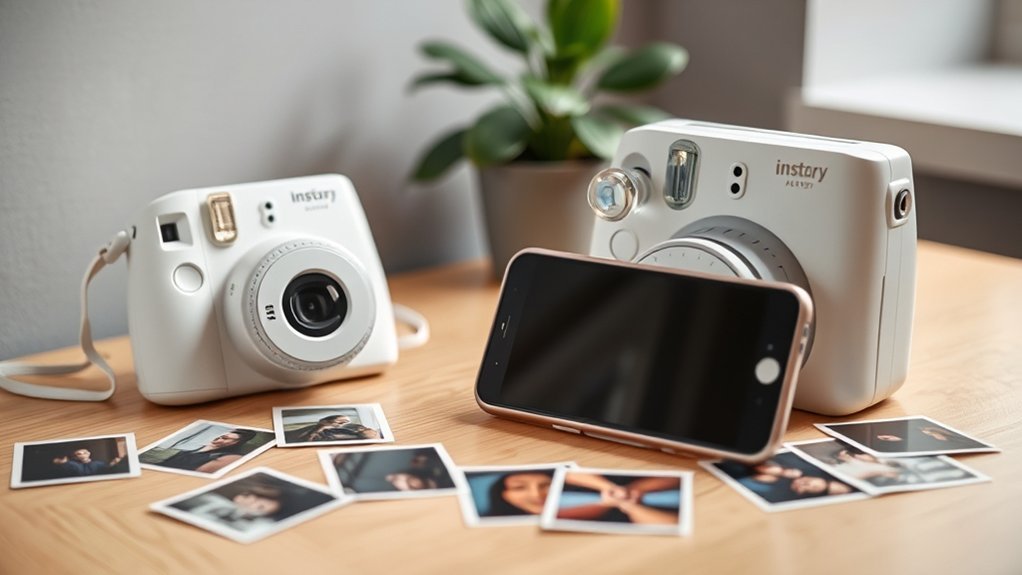
A portable photo printer is the simplest way to print photos from your phone. An instant camera prints its own shots, not your phone’s, unless it is a hybrid model. A phone lens clip does not print at all. It is a small lens that clips over your phone camera. This guide explains what each one does, so you can pick the right one.
What Is a Portable Photo Printer and How Does It Work?
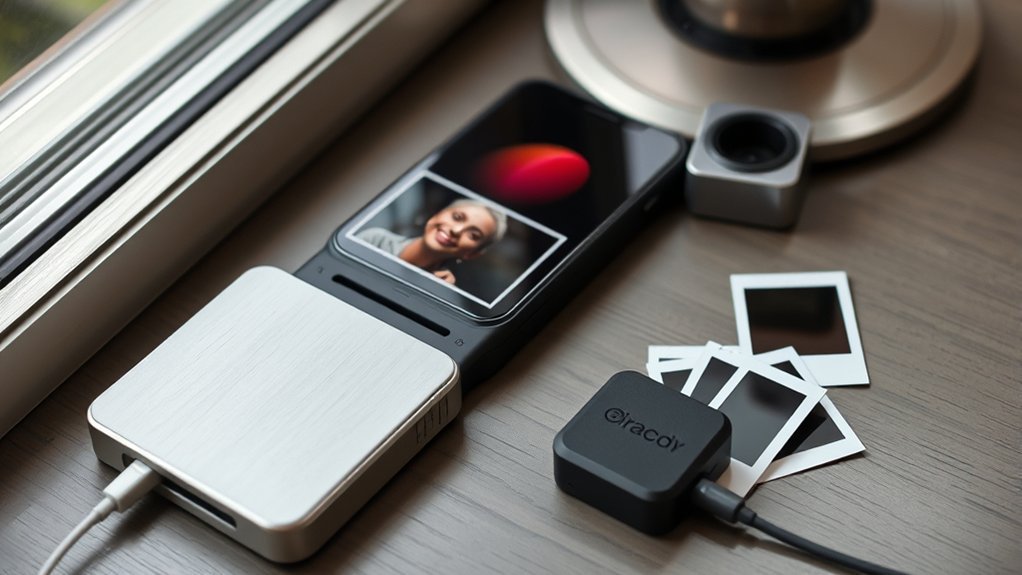
A portable photo printer is a small printer that makes a paper photo from a picture on your phone. You pair it with the phone over Bluetooth or Wi-Fi, pick a photo in the maker’s app, and press print.
There are three main types:
- Instant film printers (such as the Fujifilm Instax Mini Link 3 and Instax Link Wide) print onto Instax film. The picture appears and develops after printing.
- Dye-sublimation printers (such as the Canon SELPHY) print 4 × 6 inch photos that come out dry and sharp. They are bigger and need a matching paper and ink set.
- Zink printers print on sticker-backed paper with no ink. They are small, but the picture quality is usually lower.
Essential Features of a Quality Portable Photo Printer
- Connection: Bluetooth is fine for pocket printers. Wi-Fi, USB or an SD card slot helps with larger printers.
- Print size and type: Instax Mini prints are credit-card size. Dye-sublimation prints are 4 × 6 inch, which suits frames and albums.
- Running cost: film and paper are what you keep paying for. Instax film usually costs more per print than a 4 × 6 inch dye-sublimation set.
- Power: pocket printers have a built-in battery. Some larger printers run on a mains adapter, with a battery pack sold separately.
- App: a good app lets you crop, add a frame and adjust brightness before you print.
Top Portable Photo Printers: A Comparison
These three are common choices. Each uses a different type of print.
| Model | Type | Print size | Connects by | Notes |
|---|---|---|---|---|
| Fujifilm Instax Mini Link 3 | Instax Mini film | 2.4 × 1.8 inch picture on a credit-card-size print | Bluetooth and the Instax app | Pocket size, with a built-in rechargeable battery |
| Fujifilm Instax Link Wide | Instax Wide film | Wide picture, about 3.9 × 2.4 inch | Bluetooth and the Instax app | Bigger prints for group shots and scenery |
| Canon SELPHY CP1500 | Dye-sublimation | 4 × 6 inch | Wi-Fi (2.4 GHz), AirPrint, USB-C and SD card | Mains adapter included. Battery pack sold separately. Canon’s US site lists it as discontinued, so stock varies |
Dye-sublimation prints look sharper and cost less per print. Instax prints are smaller, but they are quick and fun to hand out. Zink printers are small and simple, but the picture quality is lower.
Last checked: October 2026. Models and stock change often.
What a Phone Lens Clip Does (and Does Not Do)
A phone lens clip is a small add-on lens with a spring clip. You clip it over your phone camera to get a wider view, a close-up look or a longer reach. It does not print anything, and it does not use film. We found no clip-on lens that prints photos.
- Line the lens up with the camera you use. Phones with several cameras need the clip on the right one.
- Take off a thick case if it stops the clip from sitting flat.
- Check the photo edges. Cheap clip-on lenses can darken or blur the corners.
- To print the photos, send them to a printer from the list above.
Printer or Instant Camera? How to Choose
| Option | Prints photos from | Best for | Watch out for |
|---|---|---|---|
| Portable photo printer | Your phone | Printing photos you already have | Film or paper costs add up |
| Instant camera | What its own lens sees. Hybrid models can also print phone photos | Parties and spontaneous shots | Classic models cannot print from a phone |
| Phone lens clip | Nothing. It is a clip-on lens | Better wide, macro or zoom shots on your phone | It prints nothing, and fit varies by phone |
When an Instant Camera Wins
An instant camera is a good pick if you want one object that takes and prints the photo on the spot, with no app and no phone. Hybrid models, such as the Instax Mini Evo and Mini LiPlay, can also print photos from your phone.
When a Portable Printer Wins
A printer is a better pick if your best photos are already on your phone. You can choose the shots you want, crop them and reprint them later. It also works well for events, because guests can pick a photo and take a print home.
Fixing Common Problems With Portable Photo Printers
Most problems come from loading, connection or the source photo. Start with these checks.
Paper and Film Jams
- Dye-sublimation and Zink printers: load the paper the way the manual shows, and do not overfill the tray. Use only the paper or paper set made for your printer.
- Instax printers: load a new film pack with its protective cover still in place. Do not open the back of the printer in bright light with film inside.
- If something jams, turn the printer off and follow the maker’s steps. Do not pull hard on the paper.
Poor Print Quality
- Use a sharp photo. Small or blurry images look worse on paper.
- Adjust brightness in the app. A phone screen is brighter than paper, so a photo can look too dark when printed.
- Use the maker’s paper or film. Other brands may not match the printer.
- Store film and paper in a cool, dry place. Heat and damp can spoil it.
Connectivity Issues
Charge the printer and keep it close to your phone. Restart both devices, and check for app and firmware updates. On many phones, the app needs Bluetooth and location permission to find the printer. If it still will not connect, remove the printer from your phone’s Bluetooth list and pair it again.
Choosing the Right Film for Your Printer
- Match the format. Instax Mini film is for Mini printers and Instax Wide film is for Wide printers. Check the box before you buy.
- Match the size to the use. Mini prints are small and easy to carry. Wide prints suit landscapes and groups.
- Know the quality trade-off. Zink paper is sticky-backed and easy to use, but dye-sublimation prints look sharper.
- Compare running cost. Instax film usually costs more per print than a 4 × 6 inch dye-sublimation set such as Canon’s KP-108IN.
Frequently Asked Questions
What Is the Best Portable Photo Printer for Phones?
It depends on what you want. The Instax Mini Link 3 is the best pocket option for fun, small prints. A dye-sublimation printer such as the Canon SELPHY gives sharper 4 × 6 inch photos, but it is larger.
Is It Worth Buying a Portable Printer?
Yes, if you like having physical photos and you print often enough to use the film or paper. If you rarely print, an online photo service may be cheaper.
What Are Some Good Instant Photo Printers for Phones?
The Fujifilm Instax Mini Link 3 for small prints and the Instax Link Wide for larger prints. Both connect by Bluetooth.
What Instant Camera Can Print Photos From My Phone?
Hybrid models such as the Fujifilm Instax Mini Evo and Instax Mini LiPlay can print photos from your phone. Classic instant cameras cannot.
Conclusion
Choose a portable photo printer if you want to print photos from your phone. Choose an instant camera if you want prints without a phone. A phone lens clip is a camera add-on, not a printer. Match the film or paper to your printer, and check stock before you buy. Last checked: October 2026.

