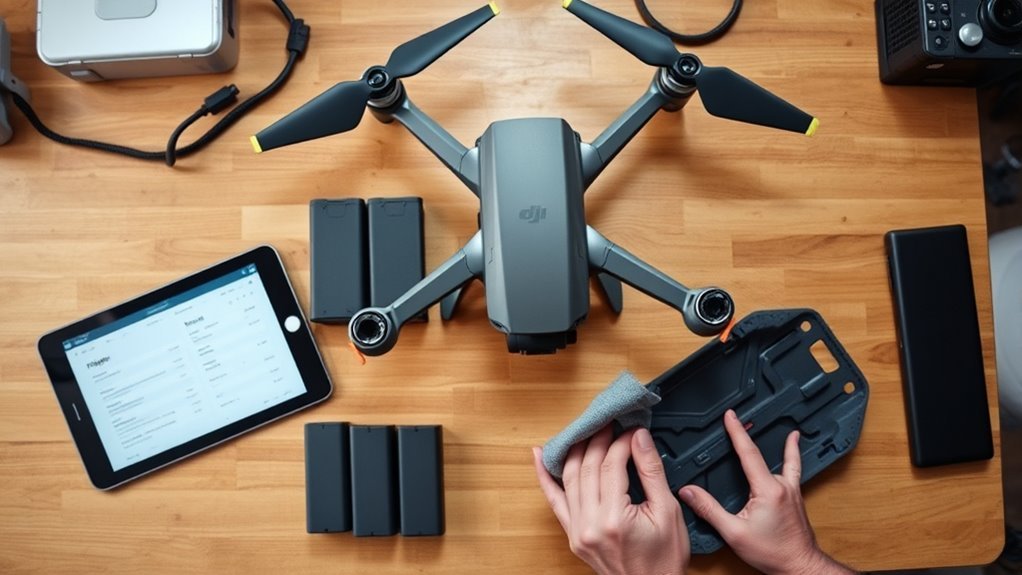
Buying a used DJI drone can be a sound decision, but only if the inspection is disciplined. A careful check of the body, propellers, gimbal, batteries, flight logs, and ownership status can expose hidden wear, repair history, or account problems before money changes hands. The real question is not whether the drone looks clean, but whether its records, hardware, and flight behavior still hold up under scrutiny.
When a Used DJI Drone Is Worth It
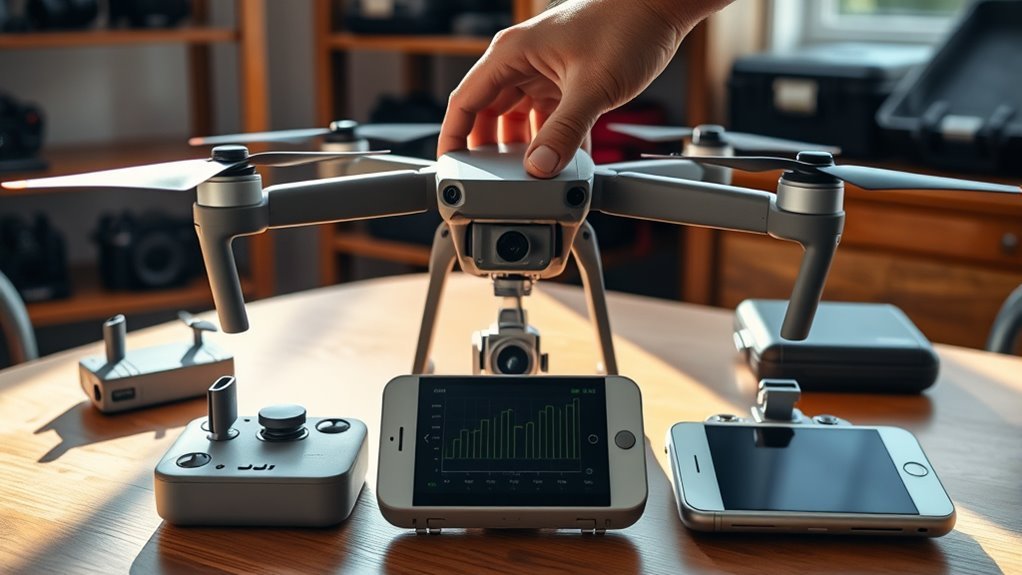
A used DJI drone is generally worth considering when its flight history is modest, with fewer than 200 flight hours and no visible crash damage, since heavy use can accelerate critical component failure. A used DJI unit in this range often retains enough structural integrity and mechanical margin for reliable service.
Battery condition matters equally: health above 90% and fewer than 300 charge cycles indicate reduced degradation and better likelihood of sustained performance. Documented flight logs with regular usage and no major gaps provide evidence of disciplined operation, which supports confidence in maintenance quality.
Original receipts and proof of ownership further reduce acquisition risk and establish legitimacy. Unbound status and current firmware also matter, because they improve setup continuity and post-purchase function.
In practical terms, these indicators help the buyer secure dependable equipment while avoiding avoidable dependence on worn or poorly managed hardware.
Inspect the Body and Propellers
A used DJI drone should first be examined for body damage, including cracks, dents, and other impact marks that may indicate prior crashes or rough handling.
The propellers should then be checked for chips, warping, and uneven wear, since these defects can compromise flight stability.
Finally, the mounting points and motor areas should be verified for security and corrosion, as looseness or damage can affect operational safety.
Body Damage Check
Careful inspection of the drone’s body should begin with a close check for visible cracks, dents, and scratches, since these often indicate prior crashes or rough handling.
In a proper body damage check, used drones should be examined under bright light for stress marks near seams, arms, and landing surfaces. Flight logs may help confirm whether the exterior condition matches the reported use history.
The motor mounts deserve special attention because hairline fractures here can weaken structural integrity. All mounting points should remain tight, with no looseness or shifting parts.
The overall finish of the body and propellers should also be assessed; uneven wear can suggest extended service life or hidden faults. A clean, intact shell supports safer operation and greater confidence in ownership.
Propeller Wear Signs
After confirming the drone body is structurally sound, attention should move to the propellers and their mounting points. Each blade should be examined for chips, cracks, bends, and warping, because even minor propeller wear can reduce flight stability and efficiency.
Discoloration or fading may indicate prolonged exposure to heat, UV, or moisture, conditions that weaken material integrity. Balance should also be checked; an unbalanced propeller can introduce vibration that slowly harms internal components and compromises control.
Propellers with more than 100 flight hours should be treated as near-end-of-life and replaced rather than trusted for continued service. When defects are present, replace propellers immediately to preserve safe operation and maintain the drone’s capacity for autonomous, unrestricted movement.
Mounting Point Inspection
The mounting points should be examined for wear, cracks, or misalignment, since these defects can signal prior crashes or rough handling and may compromise flight performance.
During inspection, each propeller mounting point should be checked for chips, warping, and stress marks, because damage can reduce stability and safety.
Screws and fasteners at the mounting points must be verified as secure and unstripped; looseness can escalate into failure in flight.
Adhesive residue, patched surfaces, or other repair traces around the body may reveal hidden impact history or unauthorized modifications.
Propellers should also be balanced and free of debris or obstructions, allowing smooth rotation and reduced vibration.
A disciplined inspection protects autonomy, preserves control, and supports confident ownership.
Test the Gimbal and Camera
Power on the drone and observe the gimbal’s startup sequence for smooth initialization, with no stuttering, drift, or unusual noise. The inspection then moves to a controlled test flight, where the gimbal and camera should demonstrate disciplined response and steady alignment.
- Verify the gimbal control wheel reacts immediately, translating input into precise tilt changes without lag.
- During ascent and turns, adjust aperture and ISO to confirm the camera remains stable while settings change.
- Monitor live feed quality for shakiness, rolling distortion, or image loss that would signal mechanical weakness.
- Review recorded footage after landing for clarity, smooth motion, and scratches on the lens surface.
Each result should feel reassuring, because a drone that holds its line offers practical freedom rather than uncertainty.
A steady drone inspires confidence, turning uncertain flight into practical freedom.
Minor inconsistencies matter; they often reveal wear hidden beneath cosmetic appeal. A clean, responsive gimbal and camera system supports confident operation, disciplined capture, and safer ownership decisions for the user.
Review Batteries, Cycles, and Charging
A buyer should inspect each battery for swelling, dents, or other physical damage, since these signs can indicate a compromised cell and reduced performance.
The next step is to note the cycle count for every pack. On DJI batteries, capacity generally begins to decline after 200 to 300 cycles, and severe degradation often appears beyond 400. A battery health tool such as Airdata can verify whether the pack still holds more than 90 percent of its rated charge, which is a practical threshold for continued use.
Compatibility with the exact drone model should also be confirmed, because mismatched batteries can create avoidable operating limits. If the batteries show high cycle count or weak battery health, replacement should be budgeted immediately.
Depending on model, new packs may cost between $89 and $199. This disciplined review preserves operational freedom by preventing avoidable downtime and dependence on unreliable power sources.
Check Flight Logs and Repair History
Flight logs in the DJI Fly app should be reviewed to verify total flight hours and identify usage patterns, including long idle gaps that may suggest inconsistent operation or unresolved problems.
The reviewer should compare total flight time against the seller’s description and inspect the sequence of flight logs for abrupt resets, repeated short flights, or missing periods.
Crash events recorded in the log merit close attention because prior impacts can compromise structural integrity and conceal internal damage.
Photo metadata should also be examined for discontinuities that imply tampering or history alteration.
- Unease rises when records feel incomplete.
- Confidence grows when data remains consistent.
- Concern sharpens when crashes appear unaddressed.
- Relief follows documented repair history.
Authorized service records help establish maintenance quality, parts replacement, and reliability.
A clear repair history, aligned with the flight logs, supports informed judgment and protects a buyer seeking operational freedom rather than hidden liability.
Confirm Ownership and Unbinding
Ownership verification should begin with the original purchase receipt or another valid proof of ownership, confirming both the drone’s legitimacy and the seller’s authority to transfer it.
The buyer should confirm ownership by comparing the receipt, packaging, and documentation against the drone’s serial number. That serial number should then be checked through available online databases to determine whether the aircraft has been reported stolen or subjected to restrictions.
The seller should be asked to unbind the drone from the linked account in the buyer’s presence, since account release is required to restore full access to the aircraft’s functions. Any hesitation, delay, or claim that the password is forgotten should be treated as a warning signal.
A complete transfer of possession should include original accessories and paperwork when available, because these materials strengthen authenticity and support a clean handover. This method preserves operational freedom and reduces the risk of acquiring a compromised aircraft.
Run a Live Flight Test Before You Pay
Before completing payment, the buyer should insist on a live flight test to verify that the drone responds cleanly and remains stable in the air. For used equipment, this is the clearest proof of condition, because dormant bench checks cannot reveal airborne faults. A controlled hover should hold within a 3-foot radius, indicating proper GPS behavior and flight-controller health.
Within 60 seconds, the aircraft should acquire at least 10 satellites. During ascent, the buyer should listen for abnormal motor noise, which can signal wear or imbalance.
Within 60 seconds, the aircraft should lock at least 10 satellites, while ascent should remain quiet and smooth.
- Controlled hover should feel calm, precise, and free.
- Gimbal response should be smooth, steady, and reassuring.
- Obstacle avoidance sensors should detect and route safely.
- Stable flight should restore confidence in ownership.
Mid-flight, the gimbal should level footage and follow command inputs without jitter. Obstacle avoidance sensors should also be tested to confirm active sensing and safe navigation.
Spot Red Flags and Negotiate the Price
A successful live flight test should be followed by a careful review of seller behavior, documentation, and pricing signals. When buying used, request complete flight logs and inspect them for gaps, excessive hours, or repeated short cycles that suggest abuse.
Evasive answers about ownership, repairs, or crash history are red flags, because opacity often protects hidden faults or scams. A price far below market value warrants forensic scrutiny; such offers can conceal “parts only” damage, logic board failure, or frame compromise.
During negotiation, itemize visible wear, cracked arms, scratched sensors, and battery cycle counts to justify a lower offer. Require the seller to unbind the aircraft from their account while present. Hesitation, password excuses, or delayed access indicates another red flag.
A disciplined buyer preserves autonomy by refusing pressure, verifying every claim, and trading only at a price aligned with condition, documentation, and risk.
Frequently Asked Questions
How to Get Flight Logs From DJI?
Flight logs from a DJI drone are obtained by opening the DJI app, connecting the aircraft, and viewing the recorded flight history.
If deeper export is required, DJI Assistant 2 can retrieve DAT files through USB for analysis.
These records reveal duration, altitude, GPS accuracy, and incidents.
Such data supports drone maintenance tips, underscores flight log importance, and reflects DJI app features that help users maintain independent control and informed evaluation.
How to Unbind DJI Drone From Previous Owner?
He should open DJI Fly, enter Profile, and remove the drone from the previous owner’s device list; some may object that this is tedious, yet the drone unbinding process is essential.
The drone must be powered on and connected during the DJI account transfer.
Afterward, the new owner should verify access in the app, confirm the previous owner concerns are resolved, and check the serial number to guarantee true liberation.
Can FAA Know You Flew a DJI Drone?
Yes, the FAA can know a DJI drone was flown through registration records, Remote ID data, and, where obtained, flight logs.
Those records may reveal flight history, location, altitude, and duration, supporting enforcement of drone regulations and safety guidelines.
With compliant setup, the operator maintains lawful autonomy; without it, the system can expose operations and trigger penalties.
Proper documentation and registration remain essential for liberated, lawful flight.
Do I Need a License to Fly a Drone for Roof Inspections?
Yes—if roof inspections are performed for commercial purposes in the United States, a Part 107 FAA license is generally required.
The operator must pass the aeronautical knowledge test and comply with registration rules for drones over 0.55 pounds.
Additional legal regulations, local restrictions, and safety guidelines may apply.
Drone insurance is strongly recommended to reduce liability and preserve operational freedom while conducting inspection work.
Conclusion
A used DJI drone is worth buying when condition, history, and ownership align: the body shows no damage, the gimbal moves cleanly, the batteries retain healthy capacity, and the flight logs show limited, consistent use. It should be inspected, tested, and verified; it should be flown, reviewed, and unbound. In this process, caution protects value, and discipline preserves trust. A careful buyer does not guess, rush, or assume; a careful buyer measures, confirms, and decides.
