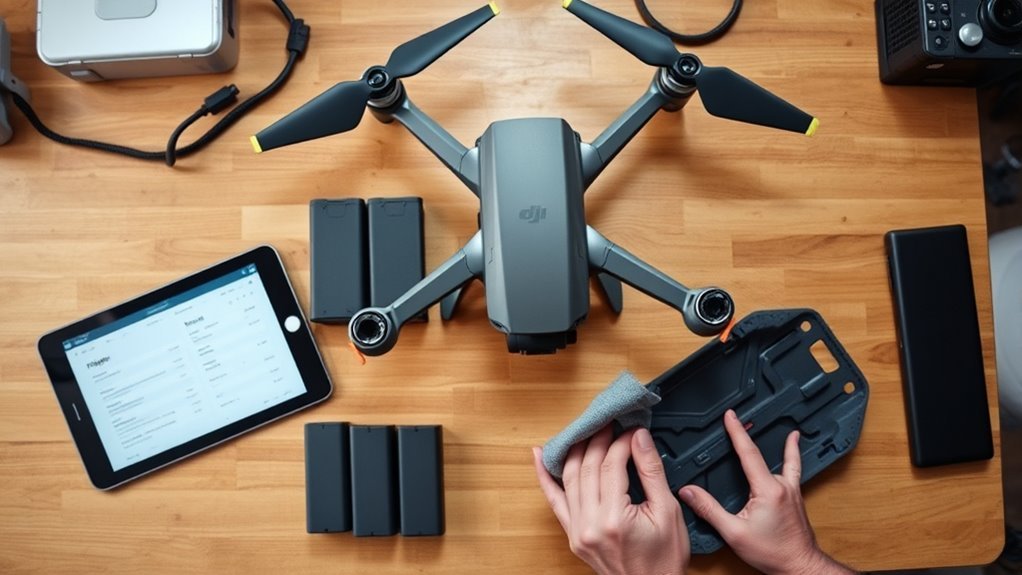
To buy a used DJI drone safely, check ownership and the DJI account first. Then check the body, gimbal, batteries and flight records, and finish with a short test flight. Do not pay until the seller removes the drone from their DJI account in front of you. Owning and flying a drone you already have is still legal in the US after the FCC’s 22 December 2025 Covered List decision, which only blocks new models from FCC authorization.
This 15-point checklist is in the order you should do it. To see what is still sold new, read which DJI drones are still available in the US. For software, read how DJI firmware updates work after the Covered List. Last checked: October 2026.
When a Used DJI Drone Is Worth It
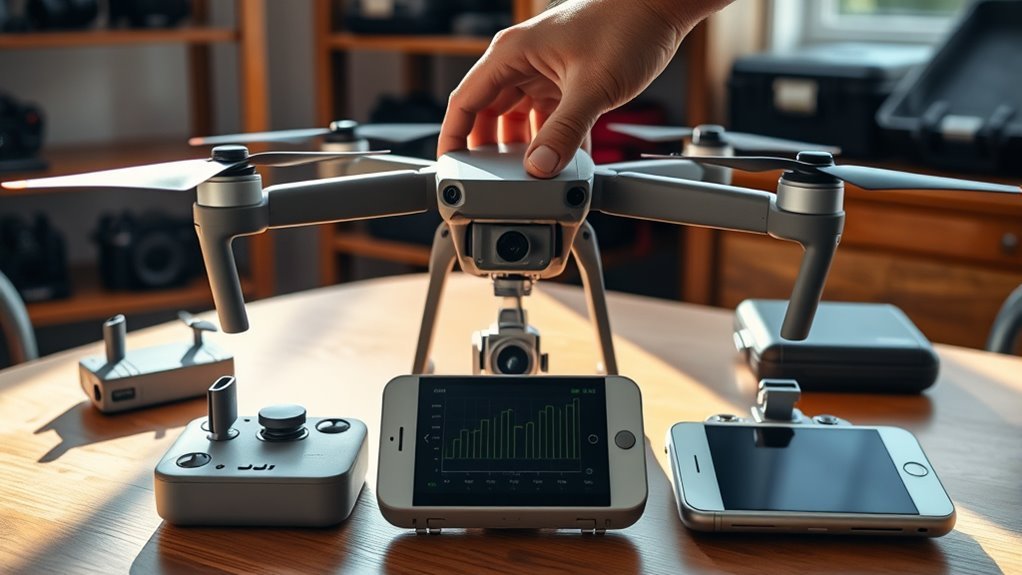
A used drone is worth buying when the seller can show its history and the drone shows light use. Look for:
- A receipt or invoice, with a serial number that matches the drone
- No signs of past crashes
- Batteries with low cycle counts. DJI says battery performance declines after about 200 cycles in its guidance, so a high count means a new battery soon
- Flight records that match what the seller tells you
- A seller who can remove the drone from their DJI account on the spot
Walk away if the seller refuses any of these. A low price does not make up for missing paperwork.
Confirm Ownership and Unbinding (Checks 1 to 4)
- Ask for proof of purchase. A receipt or invoice shows the seller bought it. Ask for photos of the serial number before you meet.
- Match the serial numbers. Compare the label on the aircraft with the box and the receipt. The remote controller has its own serial number.
- Look up the device. DJI’s repair site has a device information and service history lookup. Enter the serial number to see what DJI has on file.
- Watch the seller unbind it. The seller signs in to DJI Fly with their own account and connects the aircraft and controller. They then open Device Management and choose Remove Device from Account. Menu names can differ between app versions. After that, bind the drone to your own account.
We could not find a public DJI database for stolen drones. That is why the proof of purchase and the unbinding matter. If the seller will not or cannot unbind the drone, do not buy it. It may be stolen, or you may not be able to activate it.
Inspect the Body and Propellers (Checks 5 to 8)
- Frame and arms. Look under bright light for cracks, stress marks near seams, loose hinges and loose screws.
- Propellers and motors. Look for chips, bends and warping. Spin each motor by hand. It should turn smoothly, with no grinding or clicking. Propellers are cheap, so plan to fit a new set.
- Sensors, lens and vents. Check the obstacle sensors and camera lens for scratches. Look inside the battery bay and around the ports for corrosion or water marks.
- Repair traces. Glue, pried seams, mismatched screws and non-DJI parts show that the drone has been opened or repaired.
Test the Gimbal and Camera (Checks 9 and 10)
- Watch the gimbal start up. Power on the drone. The gimbal should move through its self-check smoothly, with no grinding, drifting or error messages in DJI Fly.
- Record test footage. Take a photo and a 30-second clip. Look for shaky video, dust spots, scratches on the lens and a tilted horizon. Then move the gimbal up and down with the controller and check that it follows your input without lag.
Review Batteries, Cycles, and Charging (Checks 11 and 12)
- Inspect every battery. Look for swelling, dents, leaks and damaged terminals. DJI says that if a battery is swollen and cannot be restored, you should not use it any more. Do not charge or buy a swollen battery.
- Read the battery data. Connect the drone to DJI Fly, open the menu (three dots), go to Safety, and open Battery Information. It shows the cycle count, the voltage of each cell, the temperature and the battery serial number. A high cycle count or a big voltage gap between cells means the pack is worn.
Make sure each battery is the right type for the drone. If the packs are worn, budget for new ones before you agree on a price.
Check Flight Logs and Repair History (Check 13)
- Review the flight records. In DJI Fly, open your profile and look for Flight Records. The exact place can differ by app version. Do this before the seller unbinds the drone, because the records stay with their account. Compare total flight time with what the seller said. Look for crash events, long gaps and error warnings.
Tools such as Airdata can import DJI logs for a deeper look. Ask the seller for any repair paperwork, too. A repair record that matches the logs is a good sign.
Run a Live Flight Test Before You Pay (Checks 14 and 15)
- Fly it in an open, legal area. Check that the drone gets a good GPS signal and records a home point. Hover for a minute. It should hold its position and sound even. Check that it responds to every control input, that the video feed stays clear, and that the obstacle sensors work if the model has them.
- Update and bind. Update the firmware in DJI Fly. Firmware updates for drones that are already FCC-authorized continue under a waiver that runs until at least 1 January 2029. Then confirm the drone is bound to your own account.
FAA Registration and Remote ID When You Buy Used
- Registration does not transfer. FAA rules end a registration when ownership changes. The seller must update their registration within 14 days of the sale. You then register in your own name on FAADroneZone if the drone weighs more than 0.55 pounds (250 grams). You will need the Remote ID serial number from the manufacturer.
- Remote ID. A drone that must be registered must broadcast Remote ID. It can do this with built-in Remote ID, a broadcast module, or by flying in an FAA-recognized identification area. Many newer DJI models have it built in. Older models may need a module, so check the model before you buy.
- Recreational or commercial. Recreational flyers must pass the TRUST test. Paid work needs a Part 107 remote pilot certificate.
Spot Red Flags and Negotiate the Price
These are signs to stop the deal:
- The seller will not unbind the drone, or says they forgot the password
- The serial numbers do not match the box, receipt or drone
- No receipt, and a story that keeps changing
- A price far below similar listings
- Swollen batteries, or a refusal to let you test fly
If the drone passes, use what you found to negotiate. Point to missing items such as the controller, charger, case or spare batteries. Point to cosmetic wear and to high battery cycle counts. Compare your offer with recent sold listings for the same model. Pay only after the unbinding is done, and get a written receipt that lists the serial number.
Frequently Asked Questions
How to Get Flight Logs From DJI?
Open the DJI Fly app, sign in, and look for Flight Records in your profile. The name and place can change between app versions. The records show date, duration, distance and altitude. For more detail, import them into a tool such as Airdata.
How to Unbind DJI Drone From Previous Owner?
Only the previous owner can do it. They sign in to DJI Fly with the account that the drone is bound to, connect the aircraft and controller, open Device Management, and choose Remove Device from Account. Then you bind the drone to your own account. If the seller is not reachable, you cannot do this for them, so do not buy the drone.
Can the FAA See Which DJI Drone I Flew?
Remote ID makes a drone broadcast its identity and location while it flies, and other parties can receive that signal. Your DJI flight logs stay in your account and app unless you share them. Registered drones also have to comply with Remote ID, so fly with your own registration in place.
Do I Need a License to Fly a Drone for Roof Inspections?
If you are paid for roof inspections in the US, you need a Part 107 remote pilot certificate. You get it by passing the FAA aeronautical knowledge test. You also need to register the drone if it weighs more than 0.55 pounds. Local rules may add limits.
Can I Still Buy and Fly a Used DJI Drone in the US?
Yes. The FCC’s December 2025 decision blocks new models from FCC authorization. It does not ban owning or flying drones that are already in use.
Conclusion
Buy a used DJI drone only when the paperwork, account, hardware, batteries and flight records all line up. Check ownership first, test fly it before you pay, and register it in your own name. If any check fails, walk away.
