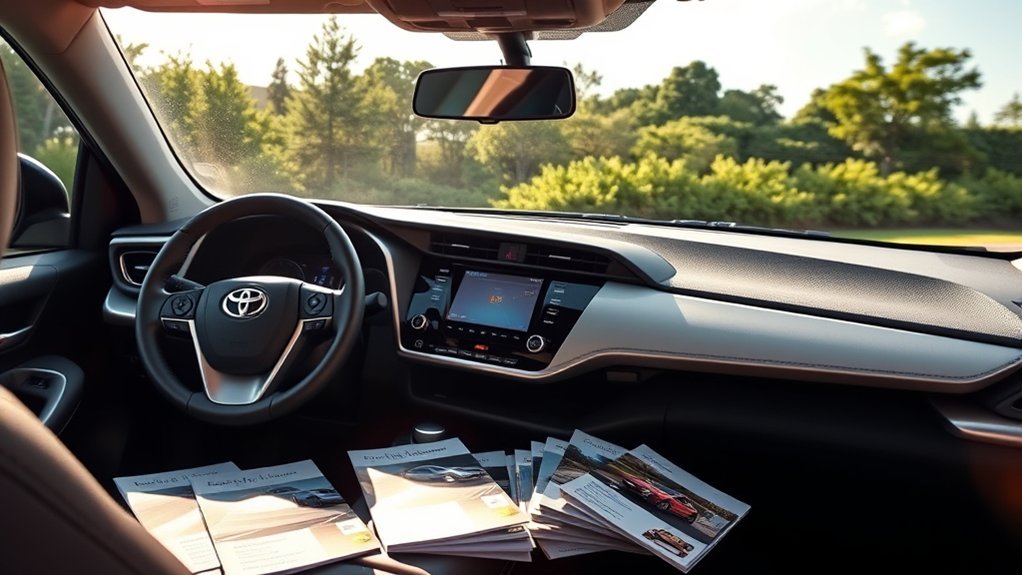
Whether a Toyota RAV4 XLE has navigation depends on its model year, multimedia system, and active connected-service plan. Newer models make phone-based directions easy through Apple CarPlay and Android Auto, while compatible vehicles can also use Toyota’s subscription-based Cloud Navigation service.
Quick Answer
A 2025 Toyota RAV4 XLE includes wireless Apple CarPlay and Android Auto for phone-based directions. Toyota Cloud Navigation is also available through a paid Drive Connect subscription. It does not include a permanent, no-fee offline navigation system as standard. Older XLEs vary, and the 2026 lineup replaces XLE with XLE Premium.
Key Takeaways
- The 2025 RAV4 XLE has an 8-inch Toyota Audio Multimedia screen with wireless Apple CarPlay and Android Auto.
- Toyota Cloud Navigation is available on the 2025 XLE through a paid Drive Connect subscription rather than a permanent built-in map system.
- Entune App Suite and Scout GPS Link are outdated and should not be recommended for current use.
- The 2026 U.S. RAV4 lineup does not include a plain XLE grade; the closest current trim is XLE Premium.
Does the RAV4 XLE Offer Built-in Navigation?
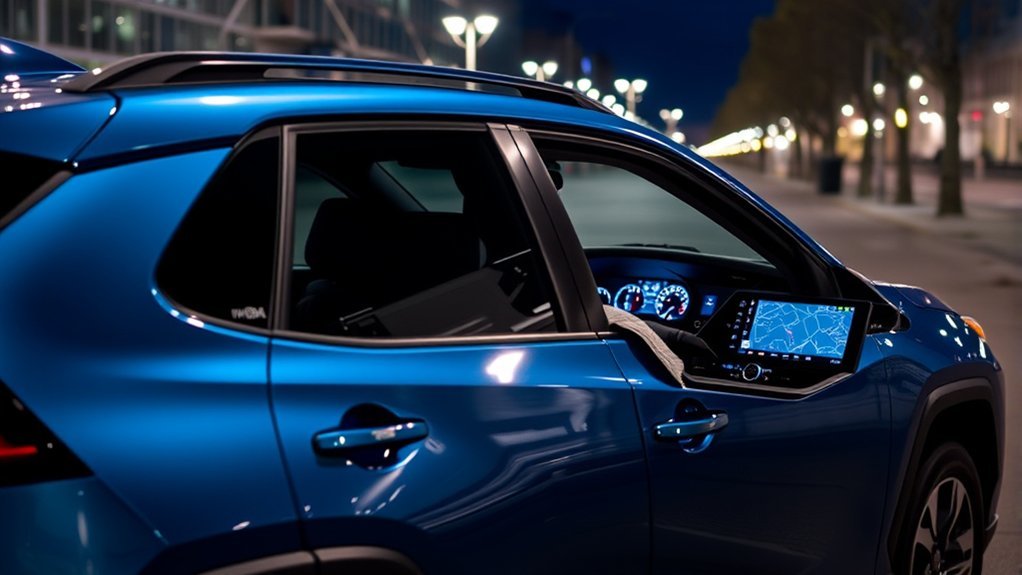
For the 2025 Toyota RAV4 XLE, the most accurate answer is that navigation is available in two forms:
- Phone-based navigation: Wireless Apple CarPlay and Android Auto are standard, allowing you to display compatible apps such as Apple Maps, Google Maps, or Waze on the vehicle’s 8-inch touchscreen.
- Toyota Cloud Navigation: The XLE is capable of using Cloud Navigation through an active Drive Connect subscription.
Toyota describes Cloud Navigation as an onboard service that downloads current map, traffic, routing, and point-of-interest information. It is part of Drive Connect, along with Intelligent Assistant and Destination Assist. You can review the official 2025 RAV4 multimedia information from Toyota.
This is different from an older, permanently installed navigation system that stores all maps in the vehicle and remains fully functional without a connected-service plan. On a 2025 XLE, wireless phone projection is the simplest no-Toyota-subscription option.
Note: Toyota does not offer a plain RAV4 XLE in the 2026 U.S. lineup. The current lineup includes XLE Premium, which is Drive Connect-capable but may require paid enrollment depending on the vehicle and included trial.
RAV4 XLE Navigation Options by Model Year
RAV4 infotainment equipment has changed substantially over time. A package name or setup instruction that applies to one model year may be wrong for another.
| Model year | Typical navigation choices | What to know |
|---|---|---|
| 2019–2022 | Apple CarPlay or Android Auto on compatible years; some vehicles had Entune-era factory or connected navigation equipment. | Equipment varies by year, package, and head unit. Scout GPS Link is no longer supported. |
| 2023–2025 | Wireless Apple CarPlay, wireless Android Auto, and available Drive Connect Cloud Navigation. | Cloud Navigation requires a compatible vehicle and an active trial or paid subscription. |
| 2026 | Wireless phone projection and available Drive Connect on the redesigned multimedia system. | There is no plain XLE grade in the U.S. lineup; XLE Premium is the nearest trim. |
Older articles often recommend the Entune App Suite or Scout GPS Link. Toyota states that Scout GPS Link support ended after October 30, 2023, so it is not a dependable upgrade path for an older RAV4 today. See Toyota’s App Suite retirement notice for affected services.
How to Check Whether Your RAV4 XLE Has Navigation
Because equipment varies, verify your individual vehicle instead of relying only on its XLE badge.
- Inspect the multimedia home screen. Look for a native map or navigation icon. A CarPlay or Android Auto icon alone indicates phone projection, not necessarily Toyota Cloud Navigation.
- Check the Toyota app. Add the vehicle to your account, open its connected-services area, and look for Drive Connect availability, trial status, or subscription options.
- Check the original window sticker. Look for Toyota Audio Multimedia, Drive Connect, Cloud Navigation, Premium Audio, or a named technology package.
- Use the VIN. Sign in to Toyota Owners or ask a Toyota dealer to confirm the factory-installed multimedia equipment.
- Check the multimedia manual. The correct manual will identify whether the system supports Cloud Navigation, factory navigation, or only smartphone projection.
Pro Tip: A map icon may disappear or remain unavailable when a connected-services trial expires. Check the Toyota app before assuming that the vehicle lacks compatible navigation hardware.
What Comfort and Convenience Features Does the RAV4 XLE Have?
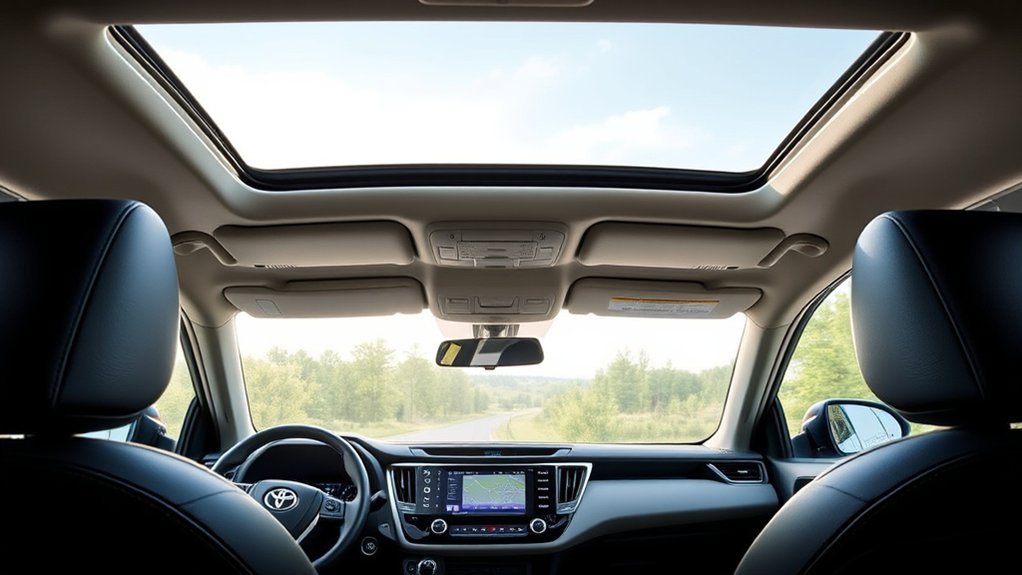
For the 2025 gas-powered RAV4, the XLE adds useful comfort and convenience equipment over the LE. Toyota lists features such as:
- Dual-zone automatic climate control with rear-seat air vents
- Color-keyed heated power mirrors with turn signals and blind-spot warning indicators
- Fog lights and automatic on/off headlights
- Smart Key access on the front doors and liftgate with push-button start
- A rear cargo-area cover
- Four additional USB charging ports
The Hybrid XLE also includes an 8-way power-adjustable driver’s seat with lumbar support and offers an available power liftgate.
Several features attributed to the ordinary XLE in the original article actually belong to the XLE Premium. On the 2025 gas model, XLE Premium adds SofTex-trimmed seating, a power liftgate, a moonroof, a leather-wrapped steering wheel and shift handle, and an 8-way power driver’s seat with lumbar adjustment.
How 2025 RAV4 Trims Compare for Navigation
Navigation Availability Explained
On a 2025 RAV4, screen size and Cloud Navigation access are related but not identical. A larger screen does not automatically mean the navigation service remains active forever. Drive Connect trial and subscription terms still apply.
Toyota’s official 2025 Audio Multimedia and Connected Services chart shows that the 8-inch XLE system supports wireless Apple CarPlay and Android Auto, while Drive Connect is available by subscription.
Feature Comparison With Trims
| 2025 trim | Multimedia screen | Phone navigation | Toyota Cloud Navigation |
|---|---|---|---|
| XLE | 8-inch standard | Wireless Apple CarPlay and Android Auto standard | Available with paid Drive Connect subscription |
| XLE Premium | 8-inch standard; 10.5-inch JBL system available | Wireless Apple CarPlay and Android Auto standard | Subscription required on the 8-inch system; the optional 10.5-inch system includes a one-year Drive Connect trial |
| Hybrid XSE | 10.5-inch standard | Wireless Apple CarPlay and Android Auto standard | One-year Drive Connect trial included |
| Limited and Hybrid Limited | 10.5-inch JBL system standard | Wireless Apple CarPlay and Android Auto standard | One-year Drive Connect trial included; paid renewal required afterward |
Customizing the RAV4 XLE With Tech Upgrades
Use Apple CarPlay or Android Auto
For most 2025 XLE owners, smartphone projection is the easiest navigation solution because it uses familiar apps and does not require a Toyota Drive Connect subscription.
- Turn on Bluetooth and Wi-Fi on the phone.
- Open the RAV4’s device or phone connection menu.
- Select the phone and approve the Apple CarPlay or Android Auto prompts.
- Allow location, contacts, microphone, and notification permissions needed by the chosen apps.
- Open the preferred navigation app from the vehicle screen.
Older RAV4 model years may require a USB cable rather than a wireless connection. Compatibility depends on the vehicle’s original multimedia system and the phone’s operating system.
Activate Drive Connect Cloud Navigation
If your RAV4 is Drive Connect-capable, you can activate Toyota Cloud Navigation through the Toyota app:
- Add the vehicle to your Toyota account using its VIN.
- Accept the applicable Connected Services agreements.
- Review whether the vehicle has an active trial or requires immediate paid enrollment.
- Select a plan that includes Drive Connect.
- Sign in to the same Toyota profile on the vehicle’s multimedia system.
- Confirm that the vehicle has a cellular connection, then open the native map or use a supported voice command.
As of July 2026, Toyota lists its Go Anywhere plan, which includes Drive Connect and Remote Connect, at $15 per month. The Premium plan is listed at $25 per month and adds integrated streaming. Prices and plan contents can change, so check Toyota’s current Connected Services plans before enrolling.
Install an Aftermarket Navigation System
An aftermarket head unit may add offline maps, a larger display, wired or wireless phone projection, or other features to an older XLE. However, it is not the same as enabling Toyota factory navigation.
Before replacing the original unit, confirm that the installation will retain the backup camera, steering-wheel controls, factory microphone, USB ports, vehicle settings, and any connected-service functions you still use. A model-specific interface module may be required.
Warning: Set or change destinations before driving, use voice controls when available, or stop in a safe location. Do not let the touchscreen or phone distract you from traffic and road conditions.
Advantages and Limits of Each Navigation Option
There is no single best system for every RAV4 XLE owner. The right choice depends on whether you value familiar apps, integration with the vehicle, offline capability, or freedom from subscription fees.
| Option | Main advantages | Main limitations |
|---|---|---|
| Apple CarPlay or Android Auto | Familiar apps, frequently updated maps, live traffic, saved destinations, and no Toyota navigation subscription | Requires a compatible phone; online features depend on phone data unless offline maps are downloaded |
| Toyota Cloud Navigation | Integrated interface, vehicle voice assistant, current traffic and routing data, and Destination Assist | Requires compatible hardware, cellular connectivity, and an active Drive Connect trial or subscription |
| Aftermarket navigation | Potential offline maps, screen upgrades, and added features for older vehicles | Installation cost, possible loss of factory integration, and varying update support |
What Owners Should Expect From the RAV4 XLE Navigation Experience
The main decision for a 2025 XLE owner is not simply whether the vehicle “has navigation.” It is whether to use a phone-projected app or pay for Toyota’s integrated Cloud Navigation.
For a 2025 RAV4 XLE, wireless smartphone navigation is standard, while Toyota’s native Cloud Navigation is an optional connected service.
Phone projection is likely to suit drivers who already use Apple Maps, Google Maps, or Waze and want their saved locations and app preferences available in the vehicle. Drive Connect may appeal to drivers who prefer Toyota’s native interface, “Hey Toyota” voice commands, live-agent destination assistance, and navigation that does not require opening a phone app.
Neither choice guarantees uninterrupted online routing. Smartphone apps depend on the phone’s data connection unless offline maps have been downloaded, while Cloud Navigation depends on supported vehicle connectivity. In remote areas, preparing an offline map or route before departure is sensible.
Troubleshooting RAV4 XLE Navigation
Apple CarPlay or Android Auto Will Not Connect
- Confirm that Bluetooth and Wi-Fi are enabled for a wireless connection.
- Unlock the phone and approve all connection prompts.
- Delete the phone from the vehicle and delete the RAV4 from the phone, then pair them again.
- Restart both the phone and multimedia system.
- Install current phone operating-system and app updates.
- For an older wired system, try a known-good data cable rather than a charge-only cable.
The Toyota Map Icon Is Missing or Disabled
- Check whether the vehicle is Drive Connect-capable.
- Review the trial or subscription status in the Toyota app.
- Make sure the vehicle and multimedia system are signed into the correct Toyota profile.
- Confirm that Connected Services agreements have been accepted.
- Move the vehicle to an area with a stronger cellular signal and restart the system.
Scout GPS Link No Longer Works
Scout GPS Link is a retired service and is not a reliable troubleshooting path. On a compatible older RAV4, use Apple CarPlay or Android Auto instead. If the factory system does not support either platform, consider a phone mount or a professionally installed aftermarket multimedia unit.
Frequently Asked Questions
Can I add navigation to my RAV4 XLE after purchase?
Yes. A compatible 2025 XLE can use Toyota Cloud Navigation after you enroll in Drive Connect. You can also use Apple CarPlay or Android Auto, which is usually the simplest option. Older vehicles may accept an aftermarket multimedia unit, but a dealer cannot necessarily convert every factory radio into a navigation-equipped system through software alone.
What does the RAV4 XLE navigation upgrade cost?
There is no universal $1,200 navigation-upgrade price. Factory package prices vary by model year and configuration. For a compatible newer RAV4, Toyota currently lists a Drive Connect plan at $15 per month as of July 2026. Aftermarket equipment and installation costs vary by unit and required interface hardware.
Does the RAV4 XLE support Apple CarPlay and Android Auto?
The 2025 RAV4 XLE supports wireless Apple CarPlay and wireless Android Auto as standard equipment. Older model years vary, and some require a USB connection or do not support both platforms. Check the multimedia manual for your exact year.
How does RAV4 XLE navigation compare with competing systems?
No single system is automatically more accurate than every competitor. The 2025 XLE offers the same practical choices found in many current compact SUVs: wireless smartphone projection and an optional connected factory navigation service. Compare subscription cost, offline capability, screen design, voice controls, and app preference rather than relying on broad superiority claims.
Are there subscription fees for Toyota Cloud Navigation?
Yes. Cloud Navigation requires an active Drive Connect trial or paid subscription. A 2025 XLE with the standard 8-inch system lists Drive Connect as available by subscription. Some higher trims or upgraded systems include a one-year trial, but continued access requires renewal after the trial expires.
Will navigation work without cellular service?
Online traffic, searches, and current routing may be limited when connectivity is weak. Cloud Navigation depends on vehicle network access. Phone navigation can also lose online features, but apps such as Google Maps and Apple Maps allow users to prepare or download supported offline map data before a trip.
Does the 2026 Toyota RAV4 have an XLE trim?
No plain XLE grade is listed for the 2026 U.S. RAV4. Toyota offers XLE Premium instead. It includes the redesigned Toyota Audio Multimedia system, wireless Apple CarPlay and Android Auto, and the capability to use Drive Connect services.
Conclusion
The Toyota RAV4 XLE can provide a full navigation experience, but the method depends on the model year. A 2025 XLE includes wireless Apple CarPlay and Android Auto, while Toyota Cloud Navigation is available through a paid Drive Connect subscription. It does not include a permanent, subscription-free factory navigation system as standard.
Before paying for an upgrade, check the vehicle’s screen, Toyota app, original window sticker, and VIN-specific documentation. For many owners, phone projection provides the best balance of current maps, familiar apps, and low cost. Drivers who prefer Toyota’s integrated voice controls and Destination Assist may find Drive Connect worthwhile.
Sources
- Toyota USA Newsroom: 2025 Toyota RAV4 — 2025 trim, multimedia, comfort, and Cloud Navigation information
- Toyota 2025 Audio Multimedia and Connected Services Feature Applicability — screen sizes, phone projection, Drive Connect availability, and trials
- Toyota Connected Services — current Drive Connect features and subscription plans
- Toyota App Suite Retirement Notice — Scout GPS Link discontinuation
- Toyota USA Newsroom: 2026 RAV4 — 2026 grades, Drive Connect capability, and trial information
- Toyota Owners — VIN-specific manuals and ownership resources

