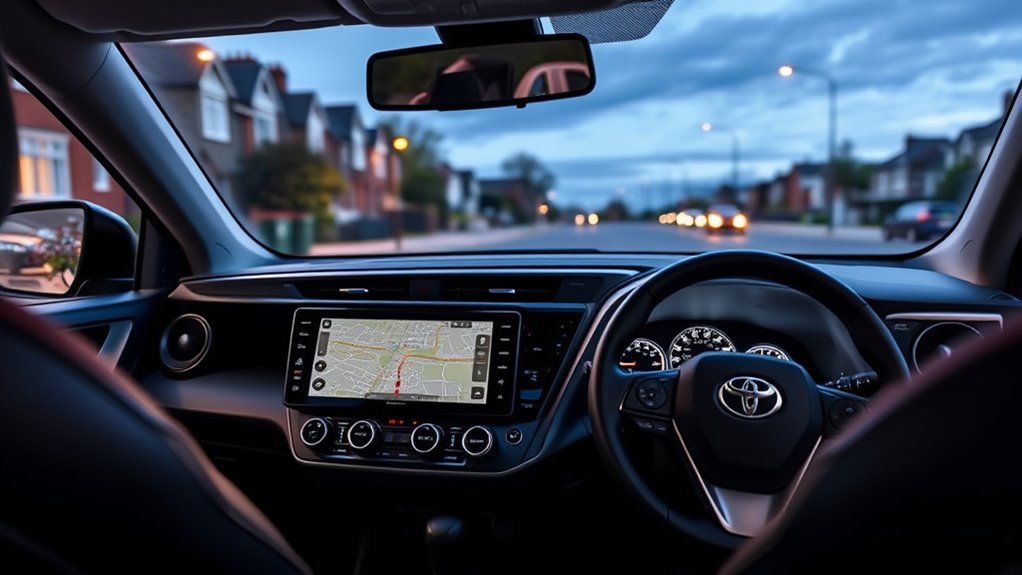
The best RAV4 Hybrid navigation upgrade for a 2017 UK car is usually a replacement head unit with Apple CarPlay and Android Auto, fitted with a RAV4-specific fascia and wiring kit, such as Pioneer’s 9-inch SPH-PF97BT. That gives you Google Maps, Waze or Apple Maps with live traffic. If you’d rather keep the factory Toyota Touch 2 screen, a paid map update through MyToyota is the cheaper, simpler option.
Here is how the two routes compare, what to check before you buy, and how installation works on the 2013–2018 RAV4 platform.
Your Options at a Glance
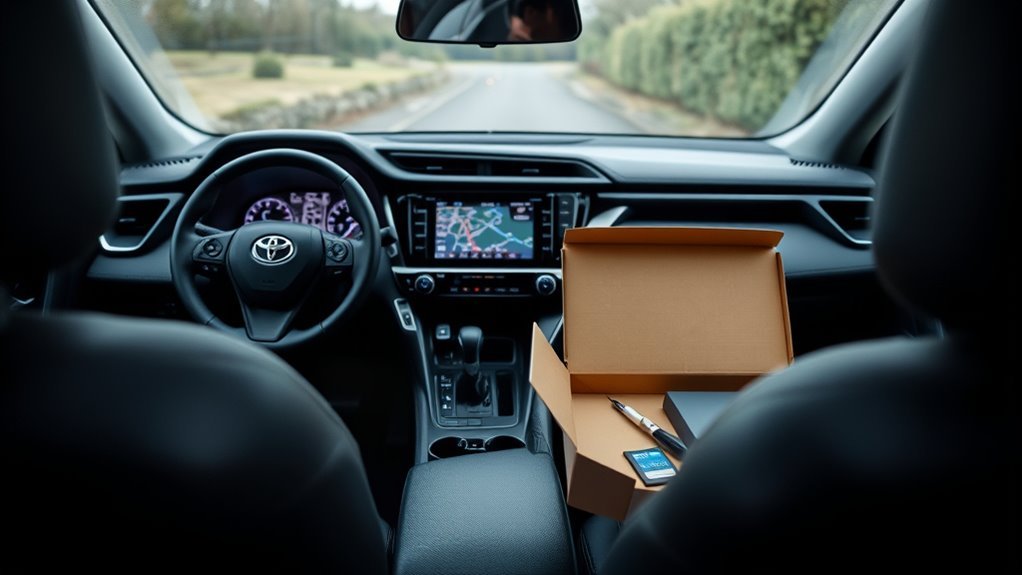
| Option | What you get | Best for | Limitations |
|---|---|---|---|
| Update Toyota Touch 2 with Go maps | Newer maps on the factory screen; keeps all factory integration | Owners happy with the original system | Paid update; still no CarPlay or Android Auto from this update; older interface |
| CarPlay / Android Auto head unit (e.g. Pioneer SPH-PF97BT) | Phone navigation with live traffic, larger screen, new Bluetooth | Most owners wanting modern navigation | Needs a vehicle-specific kit; check camera and steering control retention |
| Android head unit with built-in GPS | Offline navigation apps plus CarPlay / Android Auto on many units | Owners who want maps without a phone | Quality and software support vary widely between sellers |
| Phone on a dash mount | Phone navigation with no install | Lowest effort | Smaller screen; mounting and charging cables |
What the 2017 RAV4 Hybrid Has From the Factory (UK)
UK RAV4 Hybrids of this era use Toyota’s Touch 2 multimedia system, with navigation (Touch 2 with Go) on many trims. Check your car: if there’s a navigation button and map screen, you have Go.
Toyota UK explains that map updates are bought through your MyToyota account e-Store. You receive an activation code, download the files to a blank USB stick and install them in the car. Toyota doesn’t state the price in that guide, so check the current cost in the e-Store. If your system isn’t listed, ask a Toyota centre.
Best Replacement: Pioneer SPH-PF97BT
According to Pioneer, the SPH-PF97BT has:
- A 9-inch capacitive touchscreen
- Wireless and wired Apple CarPlay and Android Auto
- Steering wheel control support (with the right interface)
- Two camera inputs
- No built-in navigation: maps run through CarPlay or Android Auto from your phone
Pioneer describes it as a “non-DIN” unit that needs a third-party, vehicle-specific installation kit, sold separately. DAB radio isn’t listed for this model, so check whether that matters to you before buying.
Fitment Checklist for a 2017 RAV4 Hybrid
- Fascia kit: Aftermarket kits exist for the 2013–2018 RAV4 in double-DIN and 9-inch formats. Some are split by dashboard type and by whether the car has a factory JBL amplifier or 360-degree camera, so match yours exactly.
- Wiring harness: Use an OEM-specific harness rather than cutting factory wires.
- Steering wheel controls: Confirm the kit includes or supports a steering control interface for your car.
- Reversing camera: Check that the kit retains the factory camera, or plan a camera adapter.
- Hybrid-specific displays: Some factory screens show hybrid energy flow or vehicle settings. Ask the installer what will be lost or moved to the instrument cluster.
- Aerial and DAB: You may need an aerial adapter, and a DAB aerial if the new unit has DAB.
A specialist car audio installer who has done this car before is the safest route. Bring your registration so they can confirm the exact trim and equipment.
How Installation Works
- Disconnect the 12V battery as described in your owner’s manual. On a hybrid, never touch orange high-voltage cables.
- Remove the trim around the factory unit with plastic trim tools.
- Unbolt and unplug the Touch 2 unit.
- Connect the new unit through the vehicle-specific harness, steering control interface, camera adapter and aerial adapter.
- Route the GPS antenna (if supplied) and the microphone.
- Test power, audio, steering controls, camera, Bluetooth and CarPlay / Android Auto before refitting trim.
Common Problems After Upgrading
- No sound or low volume: often a factory amplifier (JBL) that needs a specific adapter.
- Steering controls don’t work: the interface needs programming or is the wrong type.
- Camera blank: missing camera adapter or wrong reverse trigger.
- Poor GPS: antenna mounted under metal; reposition it.
Which RAV4 Hybrid Navigation Upgrade Should You Choose?
- Keep the factory system if it works and you just want newer roads.
- Replace it if you want CarPlay or Android Auto, live traffic and a bigger screen. A branded unit like the Pioneer gives clearer support and firmware updates than many no-name Android units.
Related RAV4 Guides
- Need roof space for trips? See our RAV4 low-profile cross bars guide.
- Strange rear-wheel movement while parking? Read should a RAV4 rear tire turn when parking.
- Winter trips: best self-tightening tire chains for RAV4.
FAQ
What is the best navigation upgrade for a 2017 RAV4 Hybrid?
For most owners, a CarPlay and Android Auto head unit such as the Pioneer SPH-PF97BT, fitted with a RAV4-specific kit, is the best upgrade. If you want to keep the factory screen, update the Touch 2 with Go maps instead.
Can I add Apple CarPlay to a 2017 RAV4 Hybrid?
Yes, by fitting an aftermarket head unit with CarPlay and a vehicle-specific installation kit. The Touch 2 map update doesn’t add CarPlay.
How do I update the maps on my RAV4’s Toyota Touch 2?
Buy the map update in the MyToyota e-Store, note the activation code, copy the download to a blank USB stick and follow the prompts in the car.
Is the 2017 RAV4 radio double DIN?
The factory unit is a Toyota-specific design, but fascia kits exist that convert the 2013–2018 RAV4 dash to a double-DIN or 9-inch opening. Match the kit to your dashboard and audio system.
Will I lose the reversing camera or steering controls?
Not if you use the right adapters. Choose a kit that supports steering wheel controls and retains the factory camera, and test both before refitting the trim.