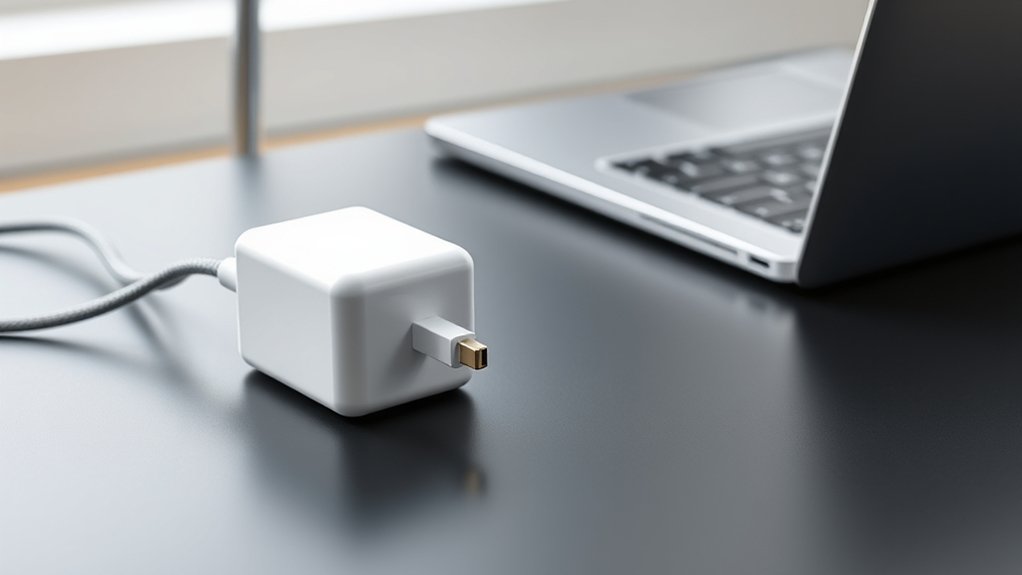
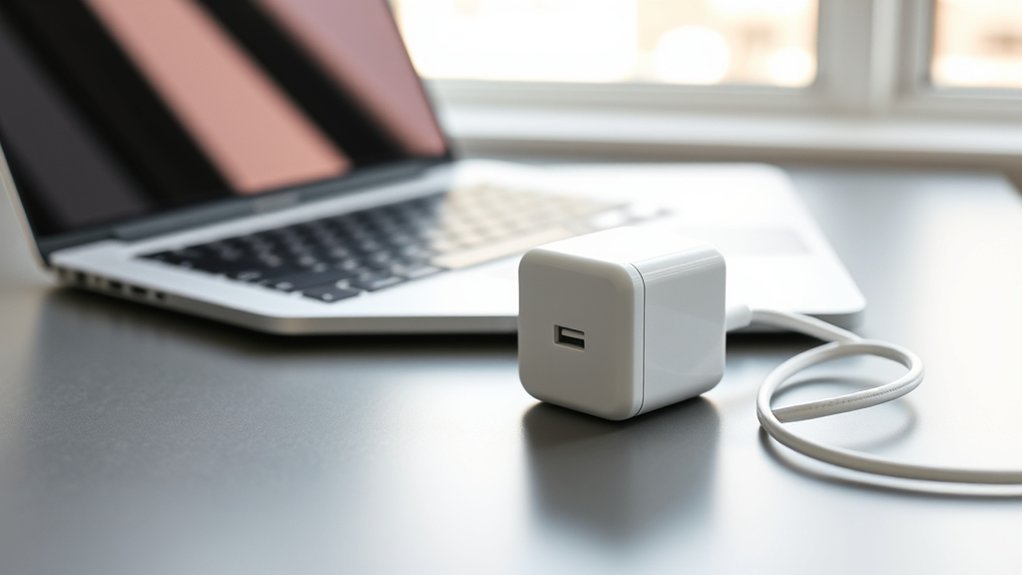
The Apple 70W USB-C Power Adapter is compatible with every MacBook Air and MacBook Pro that charges over USB-C or MagSafe 3, and Apple specifically recommends it for the 13- and 15-inch MacBook Air with M2 or later, the 13-inch MacBook Pro (2016 or later), and the 14-inch MacBook Pro. It also charges most Windows laptops, Chromebooks, iPads, and iPhones that charge over USB-C Power Delivery, though larger laptops that need more than 70W will charge more slowly.
Below is the Apple 70W USB-C power adapter compatibility list, the right cable for each Mac, and what to expect on non-Apple laptops.
Apple 70W USB-C Power Adapter Compatibility at a Glance
| Device | Works? | What to expect |
|---|---|---|
| MacBook Air 13″ and 15″ (M2 and later) | Yes, recommended | Supports fast charging with MagSafe 3 (Apple cites up to 50% in about 30 minutes on M2 Air) |
| MacBook Air M1 and Intel USB-C models | Yes | Charges at the laptop’s normal rate |
| MacBook Pro 13″ (2016 and later) | Yes, recommended | Full-speed charging |
| MacBook Pro 14″ (2021 and later) | Yes, recommended | Normal charging; fast charge on some configurations needs Apple’s 96W or higher adapter |
| MacBook Pro 16″ | Works, not ideal | Charges slowly; may drain under heavy load. Use the 140W adapter |
| 12″ MacBook (2015–2017) | Yes | Safe; the laptop only draws what it needs |
| iPhone and iPad | Yes | Charges at the device’s own maximum speed |
| Windows laptops and Chromebooks with USB-C PD charging | Usually | Fine for ultrabooks rated 65W or less; slower on higher-wattage laptops |
Compatibility details are based on Apple’s product listing (model MXN53AM/A; earlier version MQLN3AM/A) as shown by authorized retailers. Apple notes that charge times vary with settings and environment.
What’s in the Box and Key Specs
- Output: up to 70W over a single USB-C port
- Standard: USB Power Delivery (USB-C PD)
- Charges: one device at a time
- In the box: adapter only. The cable is sold separately.
- Warranty: Apple’s one-year limited warranty
- Price: check the current price at Apple or an authorized retailer
Which Cable to Use With the 70W Adapter
- MacBook Air (M2 and later) and 14″ MacBook Pro: USB-C to MagSafe 3 cable. This is required for fast charging on supported models.
- Older USB-C MacBooks and Windows laptops: a USB-C to USB-C charge cable rated for at least 60W (3A). A 100W/5A or 240W cable works too.
- iPhone 15 and later, iPad: USB-C to USB-C cable.
- iPhone 14 and earlier: USB-C to Lightning cable.
A cheap, thin cable can limit power. If a Mac charges slowly, try a known-good cable before blaming the adapter.
Does the Apple 70W Adapter Work With Non-Apple Laptops?
Usually yes, if the laptop charges through USB-C Power Delivery. USB-C PD chargers and laptops negotiate the voltage, so an Apple adapter won’t overpower a Dell, HP, Lenovo, or Asus laptop. Check three things:
- The laptop charges over USB-C. Look for a charging symbol or check the manual. Barrel-plug and proprietary-tip laptops won’t work.
- Its original charger wattage. If the laptop shipped with a 45W or 65W USB-C charger, 70W is plenty. If it came with 90W or more, charging will be slower and the laptop may show a “slow charger” warning.
- Use the right port. Some laptops only accept charging on one specific USB-C port.
Comparing options for a ThinkPad or IdeaPad? See our Lenovo USB-C 65W AC adapter guide.
Pros and Limitations
Pros
- Recommended by Apple for MacBook Air and 13″/14″ MacBook Pro
- Enables fast charging on supported MacBook Air models with MagSafe 3
- Also charges iPhone, iPad, and most USB-C PD laptops
Limitations
- No cable included
- Single port only, unlike Apple’s 35W dual adapter or third-party multi-port chargers
- Underpowered for the 16-inch MacBook Pro and high-wattage Windows laptops
Alternatives
- Apple 35W Dual USB-C Port adapter: enough for a MacBook Air if you also want to charge a phone, but slower.
- Apple 96W or 140W adapter: for 14″ MacBook Pro fast charging or the 16″ MacBook Pro.
- Third-party GaN USB-C PD chargers (65–100W): smaller and often multi-port. Choose a reputable brand with safety certifications.
Selling an old MacBook or iPhone after upgrading? Read can you sell a locked iPhone first.
FAQ
Is the Apple 70W USB-C power adapter compatible with MacBook Pro?
Yes. Apple recommends it for the 13-inch MacBook Pro (2016 and later) and the 14-inch MacBook Pro. It works with the 16-inch model but charges slowly, so the 140W adapter is a better fit there.
Can I use the Apple 70W adapter for a Windows laptop?
Usually, if the laptop charges over USB-C Power Delivery. It’s ideal for laptops that shipped with a 65W or smaller USB-C charger. Higher-wattage laptops will charge more slowly.
Does the Apple 70W adapter come with a cable?
No. The cable is sold separately. Use a USB-C to MagSafe 3 cable for newer MacBooks, or a USB-C cable rated for at least 60W.
Can the 70W adapter charge an iPhone safely?
Yes. USB-C Power Delivery means the iPhone only draws the power it supports, so a 70W adapter is safe for iPhone and iPad.
Does the 70W adapter fast charge a MacBook Air?
Yes, on MacBook Air M2 and later with a USB-C to MagSafe 3 cable. Apple cites up to a 50 percent charge in around 30 minutes for the M2 Air, with results varying by conditions.