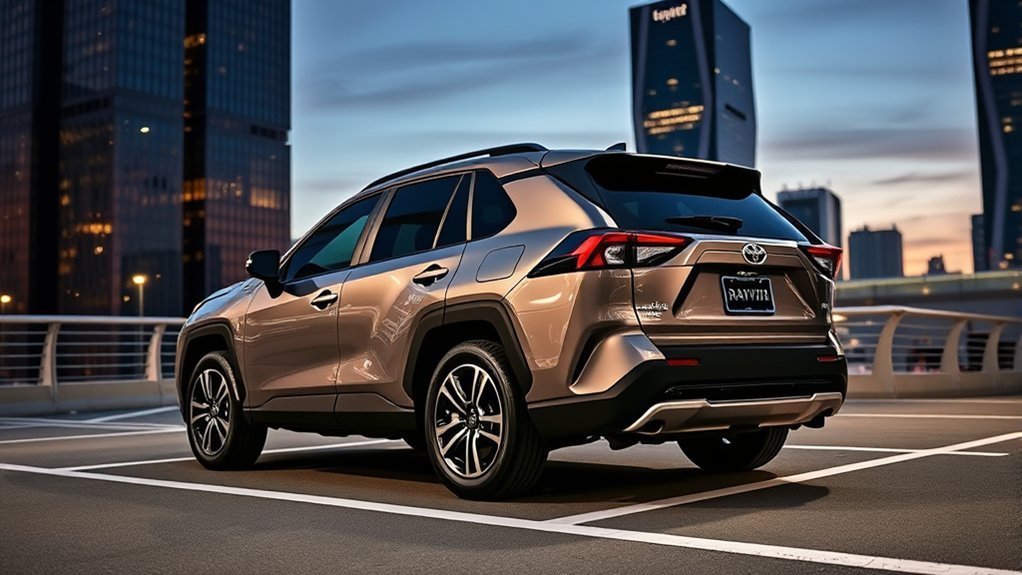
Whether a Toyota RAV4 Prime can park itself depends on the model year and the exact equipment fitted to the vehicle. Earlier RAV4 Prime models may warn about nearby objects, show a 360-degree camera view and apply the brakes, but those functions are not the same as automatic steering.
Quick Answer
Most Toyota RAV4 Prime models do not self-park. The 2021–2024 RAV4 Prime and 2025 RAV4 Plug-in Hybrid may have parking sensors, cameras and automatic braking, but not automatic steering. Toyota added available Advanced Park to the redesigned 2026 RAV4 Plug-in Hybrid. Availability still depends on the vehicle’s trim and option package.
Key Takeaways
- 2021–2024 RAV4 Prime: No Toyota Teammate Advanced Park in the U.S.; certain configurations have parking sensors, a Panoramic View Monitor and automatic braking.
- 2025 RAV4 Plug-in Hybrid: The Prime name was discontinued, but the parking technology still did not include automatic steering.
- 2026 RAV4 Plug-in Hybrid: Advanced Park is available on select configurations and can control steering, shifting, acceleration and braking.
- The driver must watch the surroundings, follow the display instructions and be ready to brake or cancel the maneuver.
At a Glance
| Time Required | About 2–3 minutes for one parking maneuver |
| Difficulty | Easy, but continuous driver supervision is required |
| Tools Needed | No tools; an equipped 2026 vehicle and a suitable parking area |
| Cost | No per-use fee; Advanced Park must be installed as factory equipment |
Does the Toyota RAV4 Prime Have Automatic Park Assist?
The answer changes by model year. The table below applies to U.S.-market vehicles; equipment can differ in other countries.
| Model year | Automatic parking status | Parking features that may be available |
|---|---|---|
| 2021–2024 RAV4 Prime | No Advanced Park or automatic steering | Intuitive Parking Assist, Panoramic View Monitor and Front and Rear Parking Assist with Automatic Braking on certain configurations |
| 2025 RAV4 Plug-in Hybrid | No Advanced Park | Available Panoramic View Monitor and Front and Rear Parking Assist with Automatic Braking |
| 2026 RAV4 Plug-in Hybrid | Advanced Park available on select configurations | Automatic parking and parking-space exit assistance, cameras, sensors and automatic braking, depending on equipment |
Note: Toyota renamed the RAV4 Prime to the RAV4 Plug-in Hybrid for model year 2025. The powertrain remained similar, but the name on current Toyota materials changed.
What Is Toyota Advanced Park?
Toyota Teammate Advanced Park is the actual automatic parking system. On an equipped 2026 RAV4 Plug-in Hybrid, it uses exterior cameras and sensors to identify a suitable target area and display a bird’s-eye view of the vehicle.
After the driver selects a space and starts assistance, the system can operate the:
- Steering wheel
- Shift position
- Accelerator
- Brakes
The system supports parallel parking and forward or reverse perpendicular parking. It can also help move the vehicle out of certain parallel or perpendicular spaces. These capabilities are described in Toyota’s 2026 RAV4 Plug-in Hybrid driving-support manual.
Parking Assist with Automatic Braking can help stop the vehicle near an obstacle, but it does not steer the vehicle into a parking space.
Advanced Park vs. Other RAV4 Parking Features
The similar names are easy to confuse. Each system has a different job.
| System | What it does | Does it steer? |
|---|---|---|
| Advanced Park | Assists with entering or exiting a selected parking space and can control shifting, acceleration and braking. | Yes |
| Front and Rear Parking Assist with Automatic Braking | Warns about certain static objects or rear-crossing vehicles and may apply the brakes when collision risk is high. | No |
| Intuitive Parking Assist | Uses sonar sensors to show the direction and approximate distance of nearby obstacles and provides beeps that increase as the vehicle gets closer. | No |
| Panoramic View Monitor | Combines camera images to provide an overhead-style view for low-speed maneuvering. | No |
| Rear Cross-Traffic Alert | Warns when a vehicle approaches from the left or right while the RAV4 is reversing. | No |
[Amazon Products Picked for You]
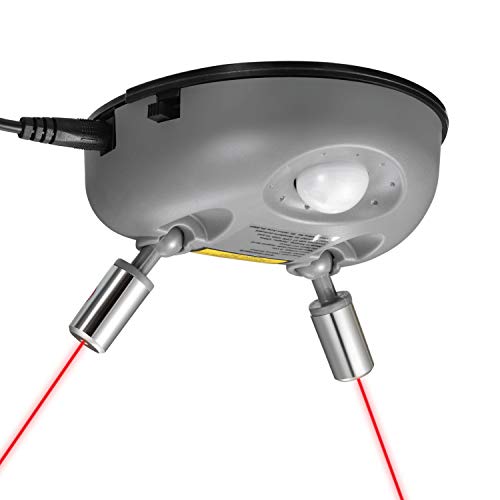
[New Wider Angle Upgrade] This updated product from Fosmon is perfect for a one or two car garage. The angle of the two lasers is widened up to 75 degrees, which can safely and efficiently assist two cars.

PRECISE PARKING CONTROL: Ultrasonic sensor detects your car and signals green, yellow, or red for perfect stop placement.

Park Perfectly Every Time: A single, adjustable laser shows you exactly where to park in your garage, so you avoid walls, shelves, and other stored items
How to Check Whether Your RAV4 Has Advanced Park
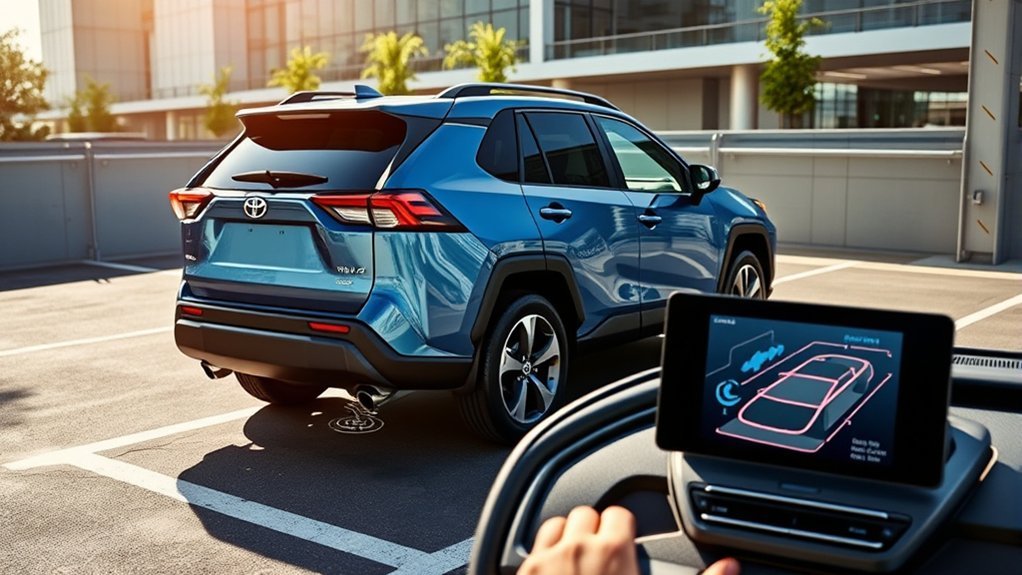
Do not assume the vehicle has Advanced Park because it beeps near obstacles or displays a 360-degree camera view. Use these checks instead:
- Confirm the model year. A U.S.-market RAV4 Prime from 2021 through 2024 does not have the 2026 Advanced Park system.
- Look for an Advanced Park control. An equipped 2026 vehicle has an Advanced Park main switch and corresponding controls on the multimedia display.
- Open the vehicle settings. Look specifically for a menu labeled “Advanced Park,” not only “PKSB,” “Parking Assist” or a camera icon.
- Check the original window sticker or build sheet. Advanced Park should be listed by name when installed.
- Verify the VIN with a Toyota dealer. This is the safest method when buying a used vehicle or when option-package details are unclear.
- Read the correct owner’s manual. Manuals often describe equipment that is optional, so confirm that the relevant switch and menu are present in the vehicle.
Pro Tip: A parking-sensor button or overhead camera view does not prove that a RAV4 can steer itself. Look for “Advanced Park” by its full name on the build sheet and vehicle display.
How to Use Advanced Park on a 2026 RAV4 Plug-in Hybrid
The following procedure applies only to an equipped 2026 RAV4 Plug-in Hybrid. Display wording can vary with software updates and equipment, so follow the instructions shown in the vehicle.
[Amazon Products Picked for You]

Fitment: Replacement for Toyota RAV4 2014 2015 2016 2017 2018, Tacoma 2015 2016 2017 2018 2019 2020 2021 2022, and Tundra 2014 2015 2016 2017 2018 2019 2020 2021. Please confirm your vehicle model, year, and part number before purchase.
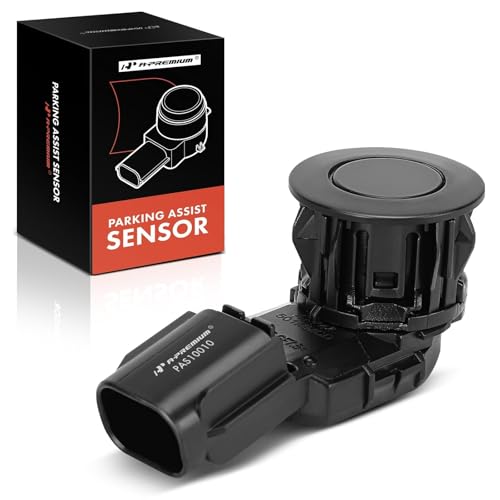
[Vehicle Fitment]: Compatible with Toyota RAV4 2014-2018 (Rear; Built In US), Tacoma 2015-2022 (Rear), Tundra 2014-2021 (Rear Outer/Rear Inner/Front; without Rubber Spacer)

Durable Material: This parking assist ball is made of durable materials, soft and gentle, will not scratch your vehicle's paint or windshield when in contact, has high elasticity and durability, and is unlikely to deform or fade, has a long service life
1. Prepare the Vehicle and Parking Area
Before starting, confirm that:
- The vehicle is stopped.
- Your foot is pressing the brake pedal.
- The driver’s seat belt is fastened.
- All doors and the liftgate are closed.
- The outside mirrors are unfolded.
- The parking brake is released.
- The steering wheel and accelerator are not being operated.
- The vehicle is not towing a trailer or another vehicle.
- The parking area is level, clearly marked and free from people or objects.
2. Position the RAV4 Near the Space
For perpendicular parking, stop close to and roughly perpendicular to the center of the target space. For parallel parking, stop alongside and near the center of the available space. Leave enough room for the system to recognize the boundaries and calculate a path.
3. Press the Advanced Park Switch
With the brake still depressed, press the Advanced Park main switch. The multimedia display should show detected parking areas and a target-space box.
4. Select the Space and Parking Direction
Choose the displayed target space. When the menu offers more than one option, select parallel parking or forward/reverse perpendicular parking and confirm the direction of entry.
5. Start and Supervise the Maneuver
Select the on-screen Start button. Release the brake only when the display instructs you to do so. The vehicle may then operate the steering, shift position, accelerator and brakes while following the calculated route.
Watch every side of the vehicle directly and through the mirrors. Do not rely only on the camera display. Keep your foot ready to press the brake.
6. Confirm That Parking Is Complete
When the vehicle reaches the target position, the display should indicate that Advanced Park has finished. Check the final position, surrounding objects and selected gear before unfastening your seat belt or opening a door.
Warning: Advanced Park is a driver-assistance feature, not an autonomous valet system. Immediately press the brake if the vehicle approaches a person, curb, wall, parking block or other object too closely. Press the Advanced Park switch to cancel assistance.
How to Use Parking-Space Exit Assistance
Advanced Park may also help an equipped vehicle leave a recognized parallel or perpendicular space:
- Keep the brake pedal depressed and select Park.
- Press the Advanced Park main switch.
- Select an available exit direction on the display.
- Select Start and follow the displayed instructions.
- Take control when the display says the vehicle has reached a position from which you can drive out manually.
The system may refuse exit assistance when another vehicle, wall, column or person blocks the intended route.
Advanced Park Settings You Can Customize
Documented settings for the 2026 system may include:
- Speed profile: Adjusts the vehicle’s speed while assistance is operating.
- Obstacle-detection range: Adjusts how far away the system begins avoiding detected obstacles.
- Preferred parking method: Sets the preferred parallel or perpendicular parking option.
- Preferred parking direction: Prioritizes forward or reverse entry where both are possible.
- Preferred exit direction: Sets a preferred direction when more than one exit route is available.
- Camera view: Changes the camera angle shown during parking or exit assistance.
- Parking path or final-position adjustment: Fine-tunes the route or finishing position where the vehicle allows it.
- Rear accessory setting: Accounts for certain installed rear accessories, such as a hitch, when supported.
Note: Parking-sensor volume, Parking Support Braking and Advanced Park are separate settings. Available menus vary by vehicle configuration, so do not disable a safety feature merely to silence an alert without understanding what the setting controls.
When and Where Advanced Park Works Best
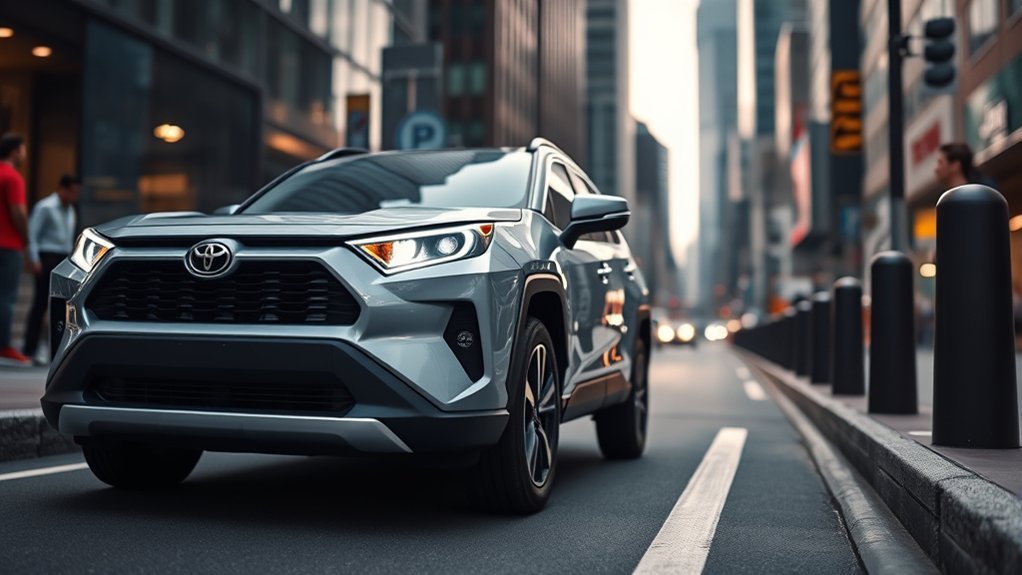
Suitable Parking Conditions
Advanced Park works best in a conventional, level parking lot with:
- Clear white or yellow parking lines
- Good lighting and camera visibility
- Enough space for the RAV4 to maneuver
- Clean cameras and parking sensors
- Low pedestrian and vehicle traffic
- A dry, stable road surface
Conditions in Which Advanced Park Should Not Be Used
Do not use the system when:
- The surface is frozen, slick or covered with snow.
- Heavy rain, snow or other weather obscures the cameras or sensors.
- The parking space is on a slope or has holes, gutters or major height differences.
- The surface is loose sand or gravel and the space is not clearly defined.
- The space is too narrow for the vehicle.
- People or vehicles are moving heavily around the target area.
- The parking lines are faded, dirty, unusually colored or covered by water, snow or de-icing material.
- A compact spare tire or tire chains are installed.
- The cameras or sensors are dirty, damaged, blocked or misaligned.
- A bicycle carrier, snowplow, bumper protector or other accessory interferes with detection.
- The vehicle is towing a trailer or another vehicle.
Wet reflective pavement, deep shadows, direct sunlight and poorly illuminated garages can also prevent correct parking-space recognition.
Using Parking Assistance in a Car Wash
Advanced Park is not a car-wash alignment feature and should not be activated inside an automatic wash. Conveyor equipment, brushes and nearby structures can also cause parking sensors or Parking Support Braking to issue warnings or apply the brakes.
Follow the car wash operator’s instructions and the car-wash section of your exact owner’s manual. When the operator or manual requires a parking-braking feature to be disabled, turn off the appropriate PKSB or parking-assistance setting before entering and restore it after leaving the wash.
Warning: Do not confuse the electronic parking brake, Parking Support Braking and Advanced Park. They are separate systems, and disabling the wrong one may prevent the vehicle from moving correctly through a conveyor wash.
What You Should Know About Advanced Park Safety
Cameras and ultrasonic sensors have detection limits. Thin poles, wires, ropes, low curbs, parking blocks, bicycle parts, objects that absorb sound and overhead projections may not be detected reliably.
The displayed camera image can also make distance or object position appear different from the real surroundings. Always look directly around and behind the vehicle and use the mirrors before allowing it to move.
Advanced Park may stop, suspend or cancel assistance when:
- The driver operates the steering wheel or accelerator.
- The shift position is changed.
- A door or the liftgate is opened.
- The driver’s seat belt is unfastened.
- The parking brake is engaged.
- Traction control, stability control or ABS intervenes.
- Snow mode or Trail Mode is selected.
- The mirrors are folded.
- The system detects a possible collision.
- The current parking environment no longer supports safe assistance.
If assistance cancels, firmly hold the steering wheel, press the brake and complete the maneuver manually or restart only after correcting the cause.
How to Troubleshoot Common Advanced Park Problems
| Problem | Likely cause | What to do |
|---|---|---|
| No Advanced Park button or menu | The vehicle is not equipped, or it is an earlier RAV4 Prime | Check the model year, window sticker and VIN equipment record |
| “No available parking space” appears | Poor vehicle position, faded lines, inadequate space or an undetected adjacent vehicle | Reposition the RAV4, select another clearly marked space and try again |
| Assistance will not start | Brake not depressed, seat belt unfastened, door open, mirrors folded, parking brake engaged, trailer attached or vehicle on a steep slope | Correct the displayed condition and restart only in a suitable area |
| Assistance suddenly cancels | Driver input, an opened door, vehicle-system intervention or a newly detected hazard | Brake, take manual control and check the message on the display |
| Space or obstacle is shown in the wrong position | Dirty camera, blocked sensor, tire change, impact damage or sensor misalignment | Clean the equipment and have the vehicle inspected if the problem continues |
| “Cannot control speed” appears | The surface has a slope, step or other condition that prevents stable speed control | Park manually and use Advanced Park only on a level surface |
Persistent warnings, a black camera screen or repeated incorrect detection may indicate a damaged or misaligned sensor. Have the vehicle inspected by a Toyota dealer rather than relying on the system.
[Amazon Products Picked for You]
【6 Pieces of 24mm Sensor Cleaning Swabs】 Tailored according to the size of the Full frame frame sensor;Smudge-and lintfree, flexible grip rod allows the head to be close to the sensor without harm. The width of swab is 16mm and each swab is vacuum packaged.

【6 Pieces of 16mm Sensor Cleaning Swabs】 Tailored according to the size of the APS-C frame frame sensor;Smudge-and lintfree, flexible grip rod allows the head to be close to the sensor without harm. The width of swab is 16mm and each swab is vacuum packaged.

WHAT CAUSES DUST SPOTS & HOW THIS FIXES IT: Dark spots appear when dust stick to your camera sensor, especially after lens changes. Our alcohol-free sensor cleaner safely lifts dust and smudges without harming coatings, and each 24mm full-frame swab is individually vacuum-sealed to ensure it is completely free of dust and debris before use.
What Drivers Should Expect in Real-World Use
Advanced Park is most useful when a driver wants assistance with steering and pedal coordination in a clearly marked space. It may take more time than an experienced driver parking manually because it pauses to confirm the target, checks its route and changes direction cautiously.
The system is less dependable when lines are faded, the pavement is reflective, the space is irregular or cameras are dirty. In those situations, it may fail to recognize the space or ask the driver to complete the maneuver manually.
Owners of 2021–2025 vehicles can still benefit from parking sensors, camera views and automatic braking when equipped. Those features can improve awareness, but the driver must perform all steering, shifting and pedal inputs.
Frequently Asked Questions
Does a 2024 Toyota RAV4 Prime park itself?
No. A U.S.-market 2024 RAV4 Prime may have parking sensors, a Panoramic View Monitor and Parking Assist with Automatic Braking, but it does not have Toyota Teammate Advanced Park or automatic steering.
Does the 2025 RAV4 Plug-in Hybrid have Advanced Park?
No. Toyota offered parking cameras and Front and Rear Parking Assist with Automatic Braking on certain 2025 configurations, but not the automatic-steering Advanced Park system.
Does the 2026 RAV4 Plug-in Hybrid have automatic parking?
Advanced Park is available on select 2026 RAV4 Plug-in Hybrid configurations. Check the exact vehicle’s window sticker, option package and multimedia menu because it is not installed on every vehicle.
Can I use Advanced Park in snowy conditions?
No. Toyota advises against using Advanced Park on frozen, slick or snow-covered surfaces or during heavy snow. Snow can hide parking lines, block sensors and reduce tire grip.
Does Advanced Park work with a trailer attached?
No. The system’s operating conditions require the vehicle not to be towing a trailer or another vehicle. Assistance may refuse to start or cancel if towing is detected.
How does Advanced Park handle tight spaces?
It will calculate a route only when it recognizes enough room for the vehicle. It may reject an unusually narrow space, stop close to an adjacent vehicle or require the driver to cancel when a safe path is unavailable.
Is there a speed limit for using Advanced Park?
The vehicle must be stopped before assistance begins. Advanced Park then moves the vehicle at a controlled low speed, and equipped vehicles may provide a speed-profile setting for the assisted maneuver.
Can Advanced Park be turned off temporarily?
Yes. Pressing the Advanced Park main switch cancels active assistance. Pressing the brake also stops the vehicle so the driver can take control. Parking Support Braking and parking-sensor settings are controlled separately.
Conclusion
The RAV4 Prime’s parking capabilities depend on its model year. Vehicles from 2021 through 2024—and the renamed 2025 RAV4 Plug-in Hybrid—may offer valuable parking sensors, camera views and collision-mitigation braking, but they do not steer themselves into a space.
Available Advanced Park arrived with the redesigned 2026 RAV4 Plug-in Hybrid. On an equipped vehicle, it can assist with parallel and perpendicular parking by controlling steering, shifting, acceleration and braking. It remains a supervised driver-assistance system, so always verify your vehicle’s equipment, use a suitable parking area and stay ready to stop.
Sources
- Toyota 2024 RAV4 Prime Quick Reference Guide — documents the Prime’s parking sensors, Panoramic View Monitor and Parking Assist with Automatic Braking.
- Toyota: New Name, Same Great Powertrain for the 2025 RAV4 Plug-in Hybrid — confirms the 2025 name change and available parking technology.
- Toyota 2026 RAV4 Plug-in Hybrid Overview — confirms that Advanced Park is available on the current model.
- Toyota 2026 RAV4 Plug-in Hybrid Driving-Support Manual — documents operation, prerequisites, settings, supported maneuvers and safety limitations.
- Toyota 2026 RAV4 Model Overview — provides current grade, technology and safety-feature information.
