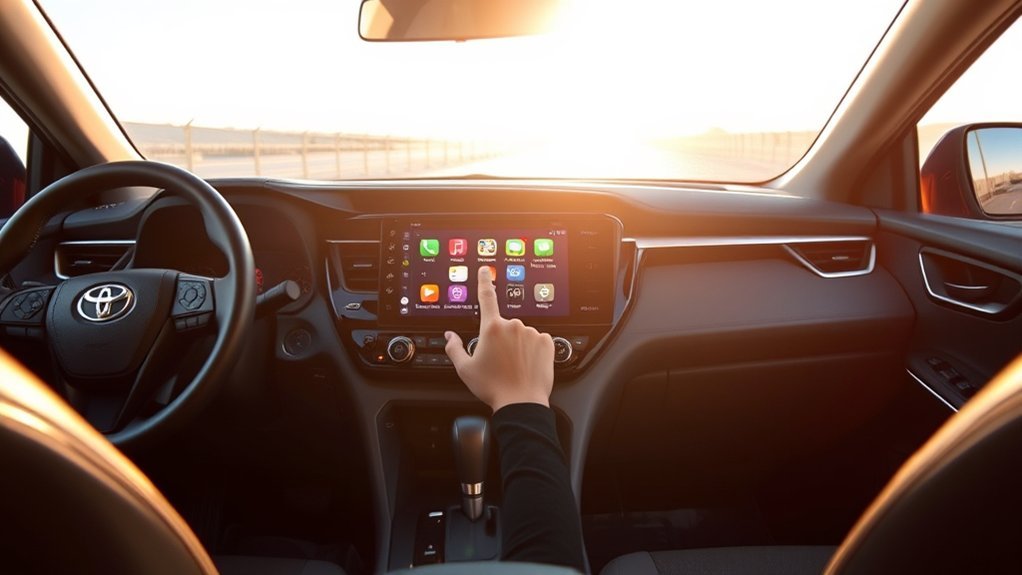
Your Toyota RAV4’s model year can provide a useful clue about its multimedia system, but it does not give you a guaranteed answer. Trim level, head-unit hardware, production date, and sales region can all affect whether the vehicle has Entune. You can usually identify the system in a few minutes by checking its startup screen, menus, and VIN-specific manual.
Quick Answer
Check the startup screen and Apps menu for “Entune” or “Entune 3.0,” then confirm the system in your owner’s manual using the VIN. In U.S.-market RAV4s, Entune was common through model year 2022. Newer models generally use Toyota Audio Multimedia, but equipment varies by trim and market.
Key Takeaways
- An Entune or Entune 3.0 label on the startup screen, Apps menu, or manual is the clearest sign.
- The Toyota phone app is not the same product as the multimedia system installed in your dashboard.
- Entune App Suite’s server-based services ended on October 30, 2023, but basic audio and Bluetooth functions may still work.
- Connected features vary by model year, trim, hardware, region, trial period, and subscription.
- Most Entune head units cannot be converted to Toyota Audio Multimedia through a normal software update.
At a Glance
| Time Required | About 5 minutes |
| Difficulty | Easy |
| Tools Needed | Your RAV4, its VIN or owner’s manual, and optionally a smartphone |
| Cost | Free |
How to Identify Entune in Your Toyota RAV4
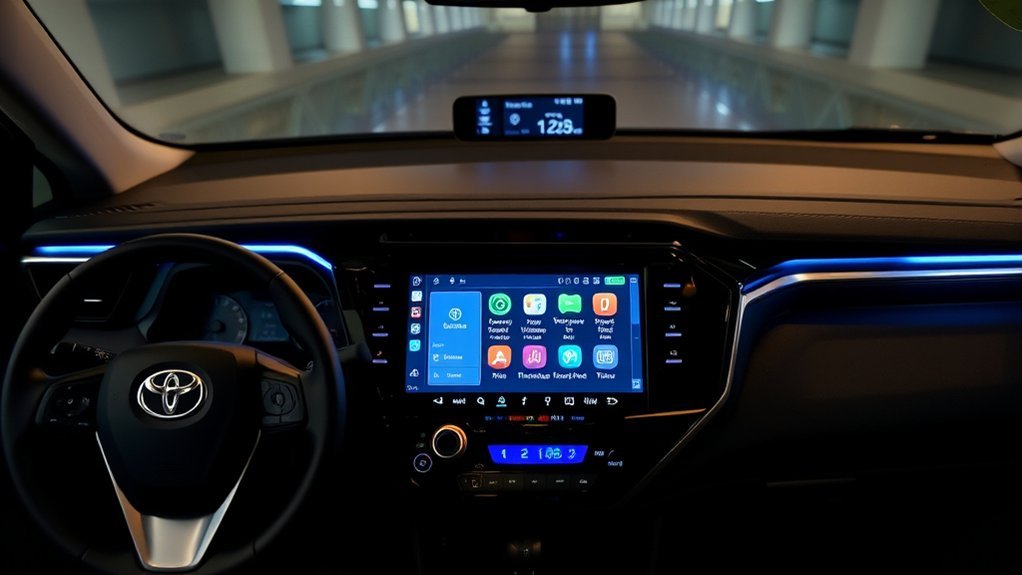
Use the following checks while your RAV4 is safely parked. You do not need an active Entune subscription or working phone app to identify the system installed in the dashboard.
- Watch the startup screen. Start the vehicle or place it in accessory mode. Look for an Entune, Entune 3.0, Toyota, or Toyota Audio Multimedia name or logo.
- Open the Apps or Menu screen. Older systems may show an Entune App Suite, Apps, Scout GPS Link, Destination Search, traffic, weather, or similar menu.
- Check the Settings or General menu. Look for system information, software information, model information, or a device name that identifies the head unit.
- Look at the physical controls. A MAP button, APPS button, CD slot, display size, and other controls can help distinguish one Entune configuration from another, although these clues are not conclusive by themselves.
- Confirm it with your VIN. Enter the VIN on Toyota’s manuals and warranties page, then open the multimedia or navigation manual that applies to your RAV4.
The model year is a useful clue, not proof. Your startup screen and VIN-specific multimedia manual provide a more reliable answer.
Pro Tip: Photograph the System Information screen before contacting Toyota or an installer. The screen may show a model number or software version that helps identify the exact head unit.
RAV4 Entune Model-Year Guide
The following guide applies mainly to U.S.-market vehicles. Toyota used different multimedia names, features, and rollout dates in other countries.
| RAV4 Model Year | What You May Find | Best Way to Confirm |
|---|---|---|
| 2012–2018 | Many U.S. trims used Entune or an earlier Toyota audio and navigation configuration. Features varied widely. | Check for Entune branding, an APPS button, and the multimedia manual. |
| 2019–2022 | Entune 3.0 was common on U.S.-market RAV4s, although screen size, navigation, smartphone integration, and connected services differed by trim and year. | Check the startup screen, Apps menu, system information, and VIN-specific manual. |
| 2023 and newer | These RAV4s generally use Toyota Audio Multimedia rather than an Entune-branded system. | Look for Toyota Audio Multimedia features and verify the equipment in the manual. |
| Vehicles outside the U.S. | The system may use another Toyota multimedia name even when the hardware looks similar. | Use the manual and support site for the country where the vehicle was originally sold. |
Entune, the Toyota App, and Connected Services Are Different
Several Toyota products have similar names but perform different jobs. Understanding these differences prevents a common mistake: assuming that installing the Toyota app changes the system built into your dashboard.
- Entune head unit: The physical in-dash multimedia system used for radio, Bluetooth, USB, navigation, and other supported functions.
- Entune App Suite: A collection of phone-linked and server-based apps that Toyota has retired.
- Toyota app: Toyota’s current smartphone app for managing compatible vehicle information and connected services. It does not turn an Entune head unit into Toyota Audio Multimedia.
- Toyota Connected Services: Services such as Safety Connect, Service Connect, Remote Connect, Drive Connect, Wi-Fi Connect, and navigation-related services when supported by the vehicle, region, hardware, trial, and subscription.
- Toyota Audio Multimedia: Toyota’s newer in-vehicle multimedia platform with features that can include wireless smartphone integration, cloud-based navigation, user profiles, voice assistance, and over-the-air enhancements.
You can review currently offered service categories on Toyota’s Connected Services page. Availability is not the same for every RAV4.
Top Entune Features for Your Toyota RAV4
Entune configurations ranged from basic audio systems to premium units with factory navigation and connected-service hardware. Your RAV4 may have only some of the following features:
- Bluetooth calling and audio: Pair a compatible phone for hands-free calls and music playback.
- USB and audio playback: Connect supported devices through the vehicle’s USB port.
- Factory navigation: Certain premium systems included built-in navigation instead of relying entirely on a phone.
- Entune App Suite: Supported systems once displayed phone-linked services such as audio, local search, traffic, weather, or fuel information. These server-based App Suite functions have been retired.
- Apple CarPlay or Android Auto: Some later Entune-era RAV4 systems support one or both smartphone-projection platforms. Availability depends on the year and head unit.
- Connected services: Properly equipped vehicles may support services such as Safety Connect, Service Connect, Remote Connect, Wi-Fi Connect, Destination Assist, or Dynamic Navigation. Trials and paid subscriptions may apply.
Note: Seeing one Entune feature does not prove that your RAV4 includes every Entune or Connected Services feature. Toyota offered different base, upgraded, and navigation-equipped systems.
What Entune’s Discontinuation Means for RAV4 Owners
Toyota began moving away from Entune as it introduced its next-generation multimedia platform. Entune App Suite’s server-based services were fully discontinued on October 30, 2023, according to Toyota’s App Suite retirement information.
The shutdown does not normally make the entire head unit unusable. Functions that do not depend on the retired App Suite may continue operating.
Functions That May Still Work
- AM, FM, HD Radio, and satellite radio when equipped and subscribed
- Bluetooth calling and audio playback
- USB audio and device charging
- The backup camera and vehicle-setting screens
- Built-in navigation, although map data and live information may become outdated
- Factory Apple CarPlay or Android Auto when the vehicle supports it
- Separate Connected Services that remain compatible and active for the vehicle
Functions That No Longer Work Through Entune App Suite
- Retired Entune App Suite apps that depended on Toyota’s servers
- Old phone-to-dashboard app integrations that required the discontinued Entune app
- Unsupported Scout GPS Link, Alexa, audio, search, traffic, weather, or similar App Suite integrations
Warning: Avoid unofficial downloads claiming to restore the retired Entune App Suite. Reinstalling an old application cannot reactivate services that Toyota has shut down, and untrusted installation files may put your phone or personal information at risk.
How to Fix Connectivity Problems in Your RAV4

Start by identifying which connection is failing. Bluetooth, wired Apple CarPlay, wireless Apple CarPlay, Android Auto, the Toyota app, and Connected Services use different settings and may require different fixes.
Warning: Park the RAV4 in a safe location before changing pairing records, phone permissions, cables, accounts, or multimedia settings. Do not troubleshoot menus while driving.
- Confirm the feature is supported. Check the multimedia manual for your exact year and head unit. A phone may support CarPlay or Android Auto even when the installed RAV4 system does not.
- Restart both devices. Turn the phone off and back on. Shut down the vehicle, open and close the driver’s door, wait briefly, and restart the system.
- Remove the old Bluetooth pairing. Delete the RAV4 from the phone’s Bluetooth list and delete the phone from the vehicle’s registered-device list.
- Pair the phone again. Enable Bluetooth, keep the phone unlocked, accept the matching pairing code, and approve contact, call, notification, and audio permissions as needed.
- Check the USB connection. For a wired connection, use the correct multimedia USB port and a short, data-capable cable. A charging-only cable can supply power without carrying CarPlay or Android Auto data.
- Review phone settings. Make sure Siri is enabled for Apple CarPlay or that Android Auto has the required permissions. Disable battery-saving restrictions that may stop the app in the background.
- Update supported software. Install current phone operating-system and Toyota app updates. For head-unit firmware, follow the procedure in the VIN-specific Toyota manual or ask a Toyota dealer. Do not assume every Entune unit supports over-the-air updates.
- Check accounts and subscriptions. Sign in to the correct Toyota account and confirm that the vehicle supports the requested Connected Service. An expired trial or subscription can appear to be a connection failure.
- Reset only as a last step. A multimedia-system reset may delete paired phones, presets, navigation destinations, and personal settings. Record anything important before proceeding.
You can check official smartphone compatibility through Apple’s CarPlay vehicle list and Google’s Android Auto compatibility page. Vehicle equipment can still vary by trim and market.
Pro Tip: Test another compatible phone and cable before replacing the head unit. This simple check can reveal whether the problem comes from the vehicle, cable, phone, or phone settings.
Switching to Toyota Audio Multimedia: What to Know
Toyota Audio Multimedia is not merely a renamed Entune phone app. It is a newer in-vehicle platform that Toyota announced in 2021 and introduced across supported vehicles in stages. Depending on the model and equipment, it can provide wireless Apple CarPlay and Android Auto, cloud-based navigation, voice controls, driver profiles, and over-the-air enhancements.
Toyota describes the newer platform in its next-generation multimedia announcement. Some services require compatible hardware, mobile data, a trial, or a paid subscription.
Can Entune Be Upgraded to Toyota Audio Multimedia?
In most cases, you cannot turn an Entune head unit into Toyota Audio Multimedia by downloading an update. The systems use different hardware and software architectures. A normal firmware update may fix bugs or improve an existing Entune unit, but it does not replace that unit with Toyota’s newer platform.
Your practical options may include:
- Continue using the Entune unit’s working radio, Bluetooth, USB, camera, and navigation functions.
- Use factory Apple CarPlay or Android Auto if the installed unit supports it.
- Ask a Toyota dealer whether a model-specific firmware update or service bulletin applies.
- Install a compatible aftermarket receiver with the required adapters for steering-wheel controls, microphones, cameras, amplifiers, and vehicle settings.
- Use a professional installer when the RAV4 has JBL audio, factory navigation, a 360-degree camera, or other integrated equipment.
Note: An aftermarket display advertised as “wireless CarPlay” is not Toyota Audio Multimedia. It may add similar phone-projection features, but it does not provide Toyota’s factory platform or guarantee access to Toyota Connected Services.
Frequently Asked Questions
Can I still access Entune services after October 30, 2023?
Entune App Suite’s server-based app services are no longer available. However, your head unit may still provide radio, Bluetooth, USB, cameras, built-in navigation, factory smartphone projection, and separate compatible Connected Services.
Which Toyota RAV4 model years are compatible with Entune?
Entune-branded systems appeared in many U.S.-market RAV4s from the 2012 through 2022 model years. The exact system and features vary by trim, production date, and region, so verify your vehicle through its startup screen and VIN-specific multimedia manual.
How can I confirm my RAV4’s system with the VIN?
Find the 17-character VIN on the lower driver-side windshield, registration document, or driver-door label. Enter it on Toyota’s manuals page and open the multimedia or navigation manual listed for the vehicle.
How do I perform a software update for Entune?
Use the update procedure in the manual for your exact head unit. Depending on the system, an update may require an automatic download, a USB process, or dealer service. Updating firmware cannot reactivate the retired Entune App Suite.
Is Entune available in every country?
No. Entune was primarily a North American Toyota multimedia brand. Vehicles sold in other regions may use different system names, apps, connected services, and retirement timelines even when their displays look similar.
Will my old Entune apps work with Toyota Audio Multimedia?
No. Retired Entune App Suite apps do not transfer to Toyota Audio Multimedia. The newer platform uses its own interface, smartphone integration, Toyota app support, and compatible Connected Services.
Can a Toyota dealer convert Entune to Toyota Audio Multimedia?
A routine dealer software update generally cannot convert an Entune head unit into Toyota Audio Multimedia. Ask the dealer about updates for your existing unit, or consult a qualified installer about an aftermarket receiver that preserves important factory functions.
Conclusion
You can usually tell whether your Toyota RAV4 has Entune by checking the startup screen, Apps menu, system-information page, and VIN-specific multimedia manual. Do not rely on a simple 2019-versus-2020 cutoff because Toyota equipment varied by year, trim, and region.
Entune App Suite’s retirement does not necessarily disable the entire dashboard system. Basic audio, Bluetooth, USB, cameras, and supported smartphone-projection features may remain useful. When a connection fails, identify the specific feature first and follow the instructions for your exact head unit rather than trying to reinstall the retired Entune app.
Sources
- Toyota App Suite Retirement — official information about the retirement of Toyota’s former App Suite.
- Toyota Motor North America: Next-Generation Multimedia System — features and rollout of Toyota Audio Multimedia.
- Toyota Manuals and Warranties — VIN-specific owner, multimedia, navigation, and warranty documentation.
- Toyota Connected Services — current service categories, compatibility qualifications, trials, and subscription information.
- Apple CarPlay Available Models — official vehicle-compatibility reference for Apple CarPlay.
- Android Auto Compatible Vehicles — official vehicle-compatibility reference for Android Auto.
