
Drone IMU calibration establishes accurate baseline readings for the aircraft’s accelerometers and gyroscopes so the flight controller can interpret tilt, rotation, and acceleration correctly. On DJI camera drones, calibrate when the app reports an IMU error or calibration requirement, or when the aircraft shows a persistent attitude or tilt problem and the app indicates calibration is appropriate. Use a level, dry, stable surface, follow every on-screen position prompt, and do not recalibrate routinely when the IMU status is normal.
Last updated: September 11, 2026 — reviewed against current DJI IMU calibration guidance and current FAA preflight guidance.
Quick Answer
IMU calibration establishes a clean baseline for your drone’s accelerometers and gyroscopes. For current DJI camera drones, use a battery with at least 50% charge, place the aircraft on a level and dry surface, fold the arms on Mavic-series drones as DJI instructs, and follow every orientation shown in the app. Calibrate when the app requires it or when troubleshooting a genuine IMU or attitude problem—not automatically before every flight.
Key Takeaways
- The IMU uses accelerometers and gyroscopes to help the flight controller interpret motion and aircraft attitude.
- For DJI calibration, use at least 50% battery and a level, dry, stable surface; Mavic-series drones should have their arms folded as DJI instructs.
- An IMU warning, abnormal attitude, or persistent off-level behavior is a stronger IMU clue than circular “toilet-bowl” movement.
- Toilet-bowl circling, magnetic-interference warnings, and an incorrect map heading point more strongly toward the compass or heading system.
- If IMU calibration keeps failing after a restart and a careful retry, stop flying and seek manufacturer support.
At a Glance
| Time Required | Varies by model; allow roughly 5–10 minutes for calibration, setup, and checks |
| Difficulty | Easy when you follow the manufacturer’s on-screen prompts carefully |
| Tools Needed | Drone, remote controller or goggles, battery with enough charge, the correct flight app, and a level stable surface |
| Cost | Free unless a persistent sensor fault requires inspection or repair |
Understanding IMU Calibration
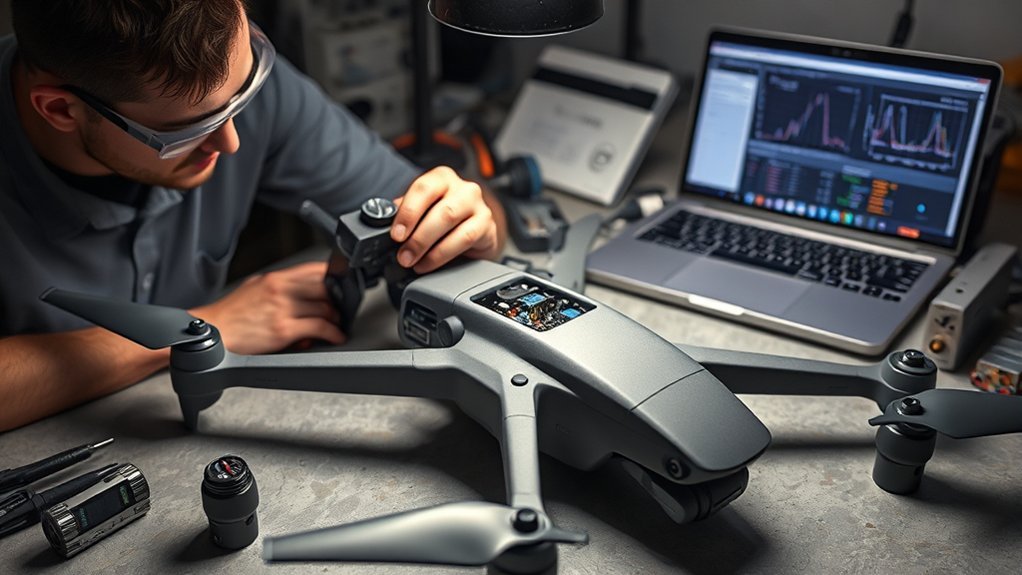
The Inertial Measurement Unit (IMU) uses accelerometers and gyroscopes to measure linear acceleration and angular motion. The flight controller combines that inertial data with other aircraft sensors to estimate attitude and control the drone in flight.
Accurate IMU data helps the aircraft maintain a level attitude and respond predictably to control inputs. If the IMU reports abnormal bias or other sensor errors, the drone may show an IMU warning, appear off-level, behave unpredictably, or refuse takeoff until the problem is corrected.
IMU calibration is not routine maintenance that must be performed before every flight. For DJI camera drones, the clearest trigger is an app message such as IMU calibration required, IMU calibration failed, or another IMU data error. If the sensor status is normal and the aircraft behaves normally, unnecessary calibration is usually not helpful.
The calibration process records the aircraft in a series of prescribed orientations. The exact sequence varies by model, so the app or goggles—not a generic position list—should determine how you place the aircraft.
You’ll know calibration has completed when the app reports success. Restart the aircraft if prompted, then complete a normal pre-flight inspection before launch.
Why IMU Calibration Matters

A drone’s flight controller depends on reliable inertial data to understand how the aircraft is tilting, rotating, and accelerating. When the app detects an abnormal IMU bias or data problem, calibration can re-establish the sensor baseline the aircraft expects.
- Helps the flight controller interpret aircraft attitude correctly
- Corrects certain accelerometer or gyroscope bias problems
- Supports predictable control response and level attitude
- Can resolve an IMU calibration warning when no hardware fault is present
- Provides a clean sensor baseline before the next flight
Do not use IMU calibration as a cure for every type of drift. Wind, GNSS quality, compass heading, damaged propellers, gimbal alignment, and hardware faults can create symptoms that look similar from the ground.
Warning: Do not ignore an IMU warning in your drone app. If the aircraft reports an IMU data or calibration error, resolve it before takeoff instead of trying to fly through the warning.
The goal is not to calibrate often. The goal is to calibrate correctly when the aircraft actually needs it.
How to Calibrate a Drone IMU
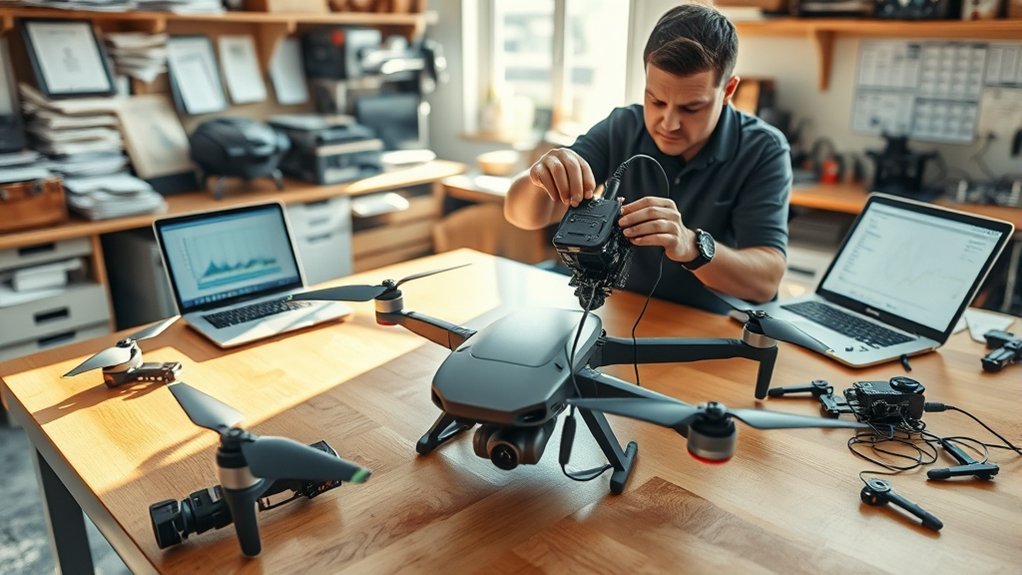
This walkthrough focuses on DJI camera drones. Other manufacturers use different apps, menu names, and placement sequences, so follow the calibration instructions provided for your exact aircraft.
For current DJI camera drones, connect the aircraft to the correct app or goggles before starting. DJI Fly is used by many current consumer models, DJI GO 4 supports several older models, and DJI FPV/Avata-series aircraft may require calibration through the goggles [DJI Support, accessed 2026-09-11].
[Amazon Products Picked for You]
FULL MODEL COMPATIBILITY: Designed for compatibility with DJI Mini, NEO, AVATA, FLIP and other series drones; fully compatible with DJI Mini 5 Pro, Mini 3, Mini 4K, Mini 4...
Pre-Calibration Preparations
Before you begin the IMU calibration process, set up the aircraft exactly as the manufacturer requires:
- Charge the battery: DJI specifies at least 50% aircraft battery before IMU calibration.
- Choose a level surface: Use a dry, rigid, stable surface that does not rock, flex, or vibrate.
- Prepare the arms correctly: For Mavic-series DJI drones, fold the arms before calibration as DJI instructs.
- Keep the aircraft still: Do not bump the table or move the aircraft until the app tells you to change orientation.
- Use the correct app: Confirm you are connected to the aircraft and can see the appropriate sensor-calibration menu.
DJI’s current generic IMU guide does not tell pilots to keep a fixed distance from phones, metal, or other magnetic objects for IMU calibration. Those precautions are much more important for compass calibration. For the IMU itself, levelness, dryness, correct orientation, and lack of movement are the priorities.
In DJI Fly, the current path is generally ⋯ → Safety → Sensor → IMU → Calibration. In DJI GO 4 on supported legacy models, use ⋯ → Main Controller Settings → Advanced Settings → Sensors → IMU → Calibrate IMU. DJI FPV and Avata-series aircraft may use the goggles’ Settings → Safety → Aircraft IMU Calibration menu [DJI Support, accessed 2026-09-11].
Step-by-Step IMU Calibration Guide
Once the aircraft is prepared, use the manufacturer’s on-screen routine rather than guessing the required orientations.
- Power on the controller or goggles and open the correct flight interface.
- Power on the aircraft and wait for it to connect.
- Open the IMU calibration menu for your model.
- Place the aircraft on the required level starting surface and begin calibration.
- Match each on-screen orientation exactly. Different models may request several sides or positions.
- Keep the aircraft still during each reading. Move it only when the app tells you to change position.
- Wait for the success message confirming calibration is complete.
- Restart the aircraft if prompted before checking the sensor status again.
DJI warns that placing the aircraft in the wrong orientation can cause calibration failure, so use the app’s diagrams as the authoritative position guide [DJI Support, accessed 2026-09-11].
After calibration, conduct a normal pre-flight inspection. The FAA states that a drone operator is responsible for ensuring the aircraft is safe before flying and, under Part 107, must perform a preflight inspection that includes checking the communications link between the control station and aircraft [FAA, 2026-07-06].
Pro Tip: If DJI reports that IMU calibration failed, restart the aircraft and retry carefully on a level, dry, stable surface. If the error remains after a proper retry, stop flying and contact DJI or the manufacturer for inspection.
What Are the Signs Your IMU Needs Calibration?
The strongest indication is the aircraft itself reporting an IMU calibration requirement, IMU data error, abnormal bias, or calibration failure. Physical behavior can support the diagnosis, but no single flight symptom proves that the IMU is the cause.
Possible IMU-related clues include:
- An explicit IMU calibration or IMU data warning in the flight app.
- The aircraft appears persistently off-level when sitting on a verified level surface.
- Unexpected attitude or tilt behavior that remains after basic checks.
- The gimbal or camera appears skewed and normal gimbal calibration does not resolve it; DJI notes that an aircraft sensor error can be one possible cause of a skewed gimbal.
- A new IMU warning appears after a significant bump, crash, hard landing, or transport impact.
Drift alone is not enough to diagnose an IMU problem. Wind, poor GNSS conditions, compass/heading errors, propulsion problems, or other sensor faults can also make a drone move when you expect it to hover.
Is It an IMU Problem or a Compass Problem?
| Symptom | Check First | Why |
|---|---|---|
| App says “IMU calibration required” | IMU | The aircraft has directly identified an IMU calibration or data issue |
| Aircraft appears persistently off-level | IMU / attitude sensors | Accelerometer or gyroscope bias may affect the estimated aircraft attitude |
| Magnetic-interference or compass warning | Compass | The magnetometer is detecting abnormal magnetic conditions |
| Slow circular “toilet-bowl” hover | Compass / heading system | Circular position-hold errors commonly point to a disagreement between heading and position data |
| Straight drift with no IMU warning | Wind, GNSS, compass, propulsion, then IMU | Drift is a symptom shared by several systems and should not automatically trigger IMU calibration |
If the aircraft reports a compass warning or shows heading-related symptoms, use the dedicated drone compass calibration guide instead of repeatedly calibrating the IMU.
When Should You Calibrate a Drone IMU?
You do not need to recalibrate the IMU every time you fly. The manufacturer’s sensor status and app prompts should take priority over a fixed calibration schedule.
Calibrate or inspect the IMU when:
- The app specifically reports that IMU calibration is required.
- The app reports an IMU calibration failure or IMU data/bias problem.
- A firmware update or model-specific manufacturer instruction explicitly requests IMU calibration.
- A hard landing, crash, or impact is followed by an IMU warning or abnormal attitude behavior.
- The aircraft remains visibly off-level or shows an attitude problem and the manufacturer’s troubleshooting flow points to IMU calibration.
Avoid unnecessary IMU calibration when:
- The app reports normal IMU status and the aircraft behaves normally.
- The surface is soft, uneven, moving, wet, or vibrating.
- The battery is below the manufacturer’s required level.
- You are trying to fix a clear compass or magnetic-interference warning.
- You are guessing that “more calibration” must be better even though the aircraft shows no IMU problem.
Note: IMU calibration and compass calibration solve different problems. The IMU handles inertial motion and attitude data; the compass provides magnetic heading information. Follow the exact sensor warning displayed by the aircraft instead of calibrating both automatically.
Can You Calibrate a Drone IMU Indoors?
Yes, IMU calibration can generally be performed indoors when your manufacturer allows it and you have a level, dry, rigid, vibration-free surface. Unlike compass calibration, the main IMU concern is not Earth’s magnetic field—it is obtaining stable inertial readings while the aircraft is positioned exactly as instructed.
If the flight app separately reports compass interference, treat that as a compass/location problem. DJI’s current compass guidance specifically warns against strong magnetic fields and large metal structures, while its current IMU guide focuses on level placement, battery level, and correct aircraft orientation [DJI Compass Calibration Guide, accessed 2026-09-11].
What Conditions Matter During IMU Calibration?
For a reliable IMU calibration, prioritize the conditions that affect accelerometer and gyroscope measurements directly:
- Use a level surface: The aircraft needs a reliable physical reference while each position is recorded.
- Prevent vibration: Do not use a moving vehicle, flexible shelf, unstable table, or surface that shakes when touched.
- Keep the surface dry: DJI’s current calibration guidance specifies a level and dry placement area.
- Follow the orientation exactly: Do not substitute your own position sequence for the diagrams shown by the app.
- Do not move early: Wait for the app to finish reading each position before rotating or repositioning the aircraft.
What Is the Best Surface for IMU Calibration?
The best surface is rigid, level, dry, and stable. Material matters less for the IMU than whether the drone can sit in the requested orientation without rocking or shifting.
| Surface Type | IMU Calibration Suitability |
|---|---|
| Flat Rigid Table or Floor | Excellent if level, dry, and stable |
| Carpet or Foam | Poor because the aircraft can compress or shift |
| Level Concrete Slab | Good for the IMU if stable; evaluate compass warnings separately |
| Tiled Surface | Good if level and grout lines do not make the aircraft rock |
A sturdy floor or table is usually easiest. Before starting, gently check whether the aircraft rocks in its starting position. If it does, choose another surface.
Does Metal Affect IMU Calibration?
There is no universal “few feet from metal” rule in DJI’s current general IMU calibration guide. Large metal objects and strong magnetic fields matter primarily to the compass, not to the accelerometer and gyroscope calibration itself.
For the IMU, concentrate on a level, dry, stable surface and correct placement. If the app shows a magnetic-interference or compass warning at the same location, move the aircraft and troubleshoot the compass separately rather than assuming the IMU calibration failed because of nearby metal.
- Do not use a metal object as a substitute for a stable calibration platform if it flexes, rocks, or vibrates.
- Do not treat a magnetic-interference warning as an IMU warning.
- Follow model-specific app instructions whenever they differ from generic guidance.
- If both IMU and compass warnings appear, diagnose each sensor message separately.
Why Does IMU Calibration Fail?
Calibration may fail if the aircraft moves, sits on an unsuitable surface, is placed in the wrong orientation, loses connection, or has a sensor fault that calibration cannot correct. DJI’s current guidance recommends restarting the aircraft after a calibration failure and trying the documented routine again; if the problem remains, the aircraft should be inspected.
| Problem | Likely Cause | What to Try |
|---|---|---|
| Calibration freezes | Connection problem or aircraft movement | Restart the aircraft/app connection and begin again with the drone completely still |
| Calibration fails at one position | Incorrect orientation or movement | Match the on-screen aircraft image exactly and wait until the app tells you to move |
| IMU warning remains after calibration | Persistent data error or possible sensor/hardware fault | Restart, retry once under correct conditions, then contact manufacturer support if the warning remains |
| Drone still drifts after successful calibration | Wind, GNSS, compass, propeller, propulsion, gimbal, or other issue | Do not keep recalibrating the IMU automatically; diagnose the other systems and warnings |
If the aircraft has crashed or continues to report an IMU error after a correct restart and calibration attempt, stop flying it until the fault is resolved. Calibration cannot repair a damaged IMU, loose hardware, or another physical fault.
If several sensor warnings appear together, the broader IMU and compass errors troubleshooting guide can help you separate IMU, compass, GNSS, and hardware symptoms.
[Amazon Products Picked for You]

1- Repair Tools for RC Car/Drone like DJI Mavic 3/Mavic Air 2/Mavic Air 2S/Mavic Mini 2/DJI FPV/DJI Avata, etc.

The Car Radar Angle Leveling Tool is designed to be powered by 2* AAA 1.5 V batteries (Please note that batteries are not included, so be sure to prepare them before purchasing).
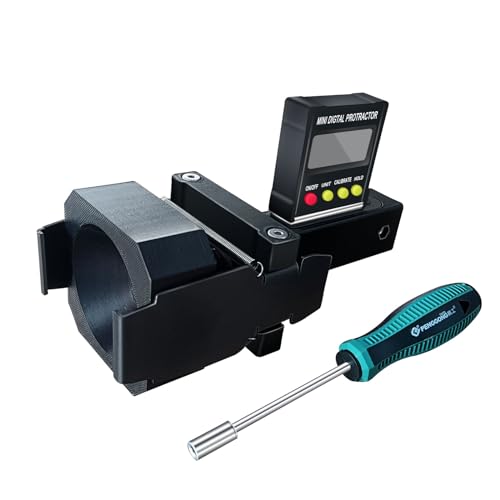
The ANGSO-AUTO leveling tool is designed to be powered by 2* AAA 1.5 V batteries (Please note that batteries are not included, so be sure to prepare them before purchasing).
What About Advanced IMU Calibration?
For most recreational and camera-drone pilots, there is no need to manually tune IMU bias, temperature compensation, or sensor-fusion parameters. The manufacturer’s guided calibration routine is the correct user-level procedure.
Some aircraft contain more than one IMU. DJI’s developer documentation states that when IMU calibration starts on supported aircraft with multiple IMUs, the calibration routine handles all IMUs. The pilot does not need to calibrate each unit manually [DJI Developer Documentation].
Specialized mapping and LiDAR systems can use additional in-flight or mission-specific IMU calibration procedures, but those workflows are different from the stationary calibration covered in this guide. Follow the manual for the exact aircraft and payload rather than applying enterprise procedures to a consumer drone.
[Amazon Products Picked for You]

Improved the drill bit of it to offer you the better experience with FlyFishRC tool kit

CNC Aluminum Quick Release Socket Wrench Multi-Purpose Prop Tool for FPV Drone RC Plane Airplane DIY Toys
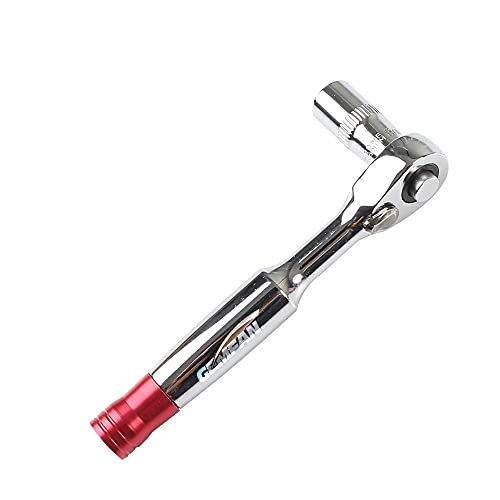
1/4" Ratchet Screwdriver Socket Wrench -8MM
What Should You Check After IMU Calibration?
Calibration is not the final step before launch. Check the aircraft again so a successful IMU calibration does not distract you from another flight-safety issue.
- Confirm the app shows normal IMU status.
- Check the compass status separately and resolve any magnetic-interference warning.
- Check battery level and battery seating.
- Inspect propellers for cracks, bends, damage, or insecure mounting.
- Confirm the control link is normal.
- Confirm the aircraft has the navigation status required for your planned flight.
- Verify the gimbal and camera horizon appear normal.
- Check that the takeoff area is clear and suitable for the operation.
The FAA states that drone operators are responsible for ensuring the aircraft is safe before flight and, for Part 107 operations, performing a preflight inspection that includes checking the communications link between the control station and drone [FAA, 2026-07-06].
After takeoff, use a cautious initial hover appropriate for your aircraft and surroundings. If the drone immediately shows abnormal attitude behavior or another sensor warning, land safely and troubleshoot before continuing.
Frequently Asked Questions
How do you calibrate IMU on a drone?
On a DJI camera drone, connect the aircraft to the correct app or goggles, use at least 50% aircraft battery, and place it on a level, dry surface. Open the IMU calibration menu and follow every on-screen orientation. DJI instructs Mavic-series users to fold the arms for IMU calibration. Restart afterward if prompted [DJI Support, accessed 2026-09-11].
When should you calibrate your drone’s IMU?
Calibrate when the app reports that IMU calibration is required, failed, or otherwise needed. After an impact or firmware change, check the sensor status and follow the manufacturer’s instructions rather than calibrating automatically. If the IMU is normal and the drone behaves normally, routine recalibration is usually unnecessary.
Can I fly without IMU calibration?
You do not need to recalibrate before every flight when the aircraft reports normal IMU status. However, do not fly when the app says IMU calibration is required or when an unresolved IMU error remains. Complete the required calibration or troubleshooting first.
How long does IMU calibration take?
The time varies by drone and calibration routine. Allow roughly 5–10 minutes so you are not rushing the setup, orientation prompts, restart, and post-calibration checks. Follow the progress indicator on your aircraft rather than interrupting the procedure based on a fixed timer.
Is IMU calibration the same as compass calibration?
No. IMU calibration deals with inertial sensors such as accelerometers and gyroscopes, while compass calibration deals with magnetic heading. A direct IMU warning or abnormal attitude points toward the IMU; a magnetic-interference warning, incorrect heading, or classic toilet-bowl circling points more strongly toward the compass or heading system.
Why does my drone still drift after IMU calibration?
Drift does not automatically mean the IMU is still wrong. Wind, GNSS conditions, compass or heading errors, propeller or propulsion problems, and other sensor faults can all contribute. Check the app for specific warnings and diagnose those systems instead of repeatedly recalibrating an IMU that already reports normal status.
Conclusion
Drone IMU calibration is useful when the aircraft actually reports an IMU problem or the manufacturer’s troubleshooting flow calls for calibration. For DJI camera drones, start with at least 50% battery, use a level and dry surface, prepare the aircraft as instructed for your model, and follow each on-screen orientation without moving early.
Do not use IMU calibration as a universal fix for drift or circling. A magnetic warning or toilet-bowl pattern points more strongly toward the compass, while persistent IMU errors after a correct restart and calibration attempt may require manufacturer inspection. Finish with a proper pre-flight check before returning the aircraft to normal operation.
Sources
- DJI Support: IMU Calibration Guide — current DJI camera-drone preparation, app paths, orientation prompts, failure restart, and service guidance.
- DJI Support: Compass Calibration Guide — magnetic-field and large-metal precautions used to distinguish compass issues from IMU issues.
- FAA: Small Unmanned Aircraft Systems (UAS) Regulations — Part 107 — current preflight inspection and communications-link guidance.
- DJI Developer Documentation: Flight Controller IMU Calibration — supports calibration handling for aircraft with multiple IMUs.
