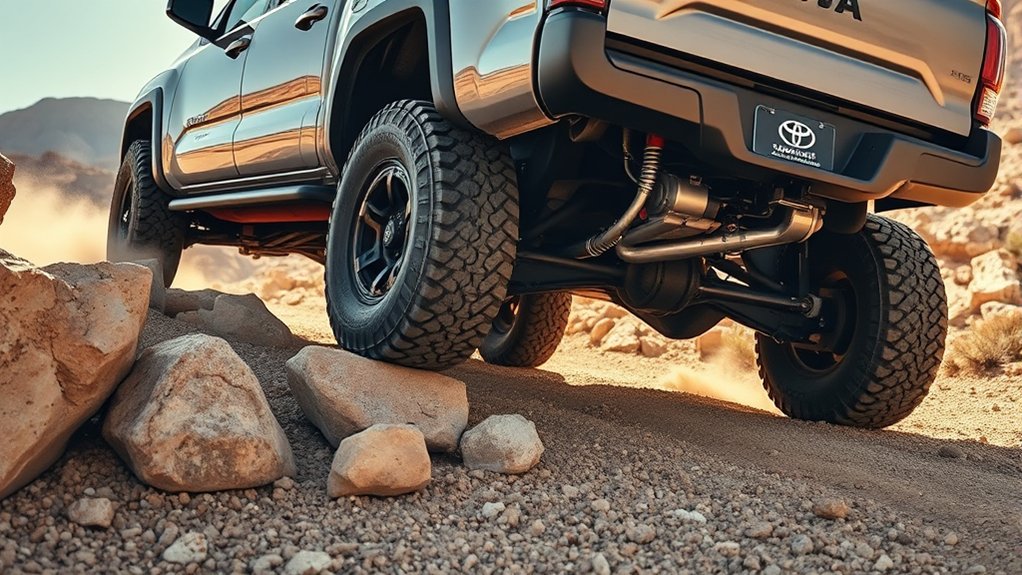
Toyota Tacoma CRAWL Control helps the truck maintain a very low off-road speed while automatically managing engine output and individual wheel braking. You still choose the route, hold the steering wheel, watch the truck’s clearance, and stop when conditions become unsafe. Because controls and operating requirements vary by model year, use the instructions below with your Tacoma’s owner’s manual.
Quick Answer
To use Tacoma CRAWL Control, stop on a loose off-road surface, select the required 4WD low range for your model, shift into a drive gear, turn CRAWL on, and choose the lowest speed first. Keep both hands on the wheel, steer your line, and turn the system off before changing 4WD ranges.
Key Takeaways
- CRAWL Control manages low-speed acceleration and braking, but you remain responsible for steering, clearance, route choice, and stopping.
- Neutral may be required while selecting 4L, but you must return the transmission to an appropriate drive gear before moving.
- Begin with the lowest speed and increase it only when the route, traction, and visibility allow.
- CRAWL, Multi-Terrain Select, A-TRAC, and the locking rear differential perform different jobs and may have different operating limits.
- Turn CRAWL off before changing the transfer-case range, and follow the exact procedure in your model-year owner’s manual.
At a Glance
| Time Required | About 2 to 5 minutes to stop, select the correct 4WD range, and activate the system |
| Difficulty | Easy to activate, but safe use requires careful off-road judgment |
| Tools Needed | No tools; carry your owner’s manual and use a spotter when visibility is limited |
| Cost | No additional cost if your Tacoma is equipped with CRAWL Control |
Quick-Start: Activate Crawl Control in 3 Steps
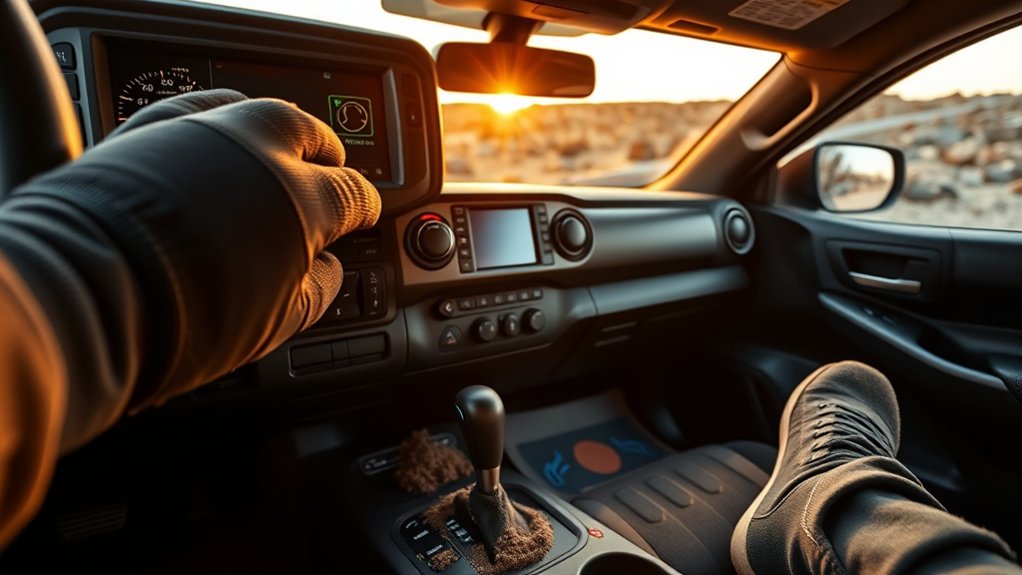
- Prepare the truck. Stop on a loose, uneven off-road surface. Hold the brake, select the 4WD range required by your model, and wait for the correct 4WD indicator to confirm engagement. Many Tacoma applications require 4L.
- Turn CRAWL on. After selecting 4L, move the transmission out of Neutral and into the appropriate forward or reverse gear. Use the CRAWL switch or dial to activate the system and select its lowest speed.
- Steer and monitor. Ease off the brake as instructed by your manual, keep both hands on the wheel, and guide the truck over the chosen line. Turn CRAWL off with its switch before changing the 4WD range.
Warning: Do not shift the transfer case directly to 4H or 2WD merely to cancel CRAWL. Turn the system off first, stop in a safe place, and follow your owner’s manual when changing between 4L, 4H, and 2WD.
How Crawl Control Works in the Toyota Tacoma
CRAWL Control acts like a very low-speed off-road cruise-control system. It adjusts engine output and applies braking at individual wheels to help the truck maintain a selected pace over loose, steep, or uneven ground. Toyota describes the current system as maintaining one of five selectable speeds while the driver concentrates on steering.
The feature can reduce the constant accelerator-and-brake corrections that are difficult to manage when the truck is bouncing over rocks or descending a loose slope. It does not read the entire trail, choose a safe line, prevent a rollover, or guarantee traction.
You may hear clicking, buzzing, or pulsing from the brakes while CRAWL is operating. That can be normal because the system is repeatedly adjusting brake pressure. Stop and inspect the truck if the sound becomes a harsh grind, a heavy mechanical clunk, or is accompanied by a warning message, smoke, or a burning smell.
CRAWL Control manages pace, not judgment. You still decide whether the route, slope, clearance, and available traction are safe.
Check Compatibility and Model-Year Requirements
Not every Tacoma includes CRAWL Control. Availability can depend on the model year, trim, transmission, drivetrain, and equipment package. Check for a labeled CRAWL control and confirm the feature in Toyota’s official owner’s manual portal.
2016-2023 Tacoma
Third-generation Tacoma models commonly use overhead off-road controls and require a specific sequence before CRAWL becomes available. On many equipped trucks, you stop, hold the brake, place the automatic transmission in Neutral, select 4L, wait for low range to engage, and then return the transmission to Drive or Reverse before turning CRAWL on.
Do not treat that sequence as universal. Trim, transmission, and model-year differences can change which conditions must be met.
2024 and Newer Tacoma
The redesigned Tacoma uses a newer off-road control system. Toyota states that its current CRAWL Control has five selectable speeds. Toyota also says fourth-generation Multi-Terrain Select can operate in both 4H and 4L, but that statement does not mean every configuration can use CRAWL in both ranges.
Use the exact activation conditions shown in your model-year manual and instrument display. The current Tacoma feature page confirms that CRAWL remains an available trail feature, but it is not standard on every configuration.
Note: Multi-Terrain Select operating in 4H does not prove that CRAWL Control also operates in 4H. They are separate functions with model-specific requirements.
Activate Crawl Control Step-by-Step
1. Inspect the route before entering
Walk the obstacle when it is safe to do so. Check for drop-offs, deep holes, unstable rocks, hidden stumps, water depth, and obstacles that could contact the frame, differential, bumpers, or body.
2. Stop on a suitable surface
Use CRAWL only in an off-road setting where very low speed and controlled wheel movement are useful. Avoid testing it on dry, high-traction pavement. Part-time 4WD and low range can bind the drivetrain when used on surfaces that do not allow tire slip.
3. Select the required 4WD range
Hold the brake and follow the transfer-case instructions for your Tacoma. If the truck requires Neutral to enter 4L, shift to Neutral only while making that range change. Wait until the 4L indicator stops flashing and confirms engagement.
4. Select a driving gear
After 4L engages, move the transmission into Drive, a permitted manual-selection range, or Reverse as needed. Do not attempt to travel with the transmission left in Neutral.
5. Turn CRAWL on
Press or rotate the labeled CRAWL control according to your model. Watch the instrument cluster for confirmation. If the indicator continues flashing or a message appears, do not assume the system is ready.
6. Choose the lowest speed first
Start with setting 1 or the lowest displayed speed. Release the brake only after confirming the route is clear and the system is active. Let the truck establish a steady pace before making another adjustment.
7. Steer smoothly
Keep both hands on the wheel and look where you want the truck to go. Avoid sudden steering changes because they can move the tires away from the best traction line or place the body against an obstacle.
8. Cancel CRAWL safely
Use the CRAWL switch to turn the feature off. Be ready to take full control of the accelerator and brake. If you also need to leave 4L, stop and use the transfer-case procedure in the owner’s manual.
Pro Tip: Practice activation and cancellation on a wide, level dirt area before relying on CRAWL near rocks, ledges, or steep grades.
Choose Speed and Multi-Terrain Setting
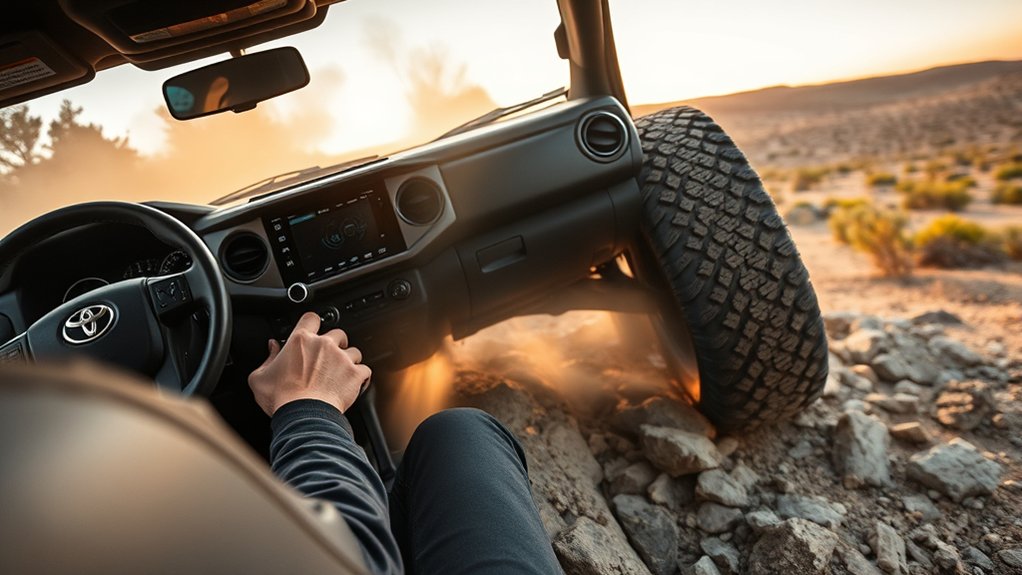
Select the lowest CRAWL speed for rock steps, tight turns, ruts, ledges, and routes where tire placement matters. A slower setting gives you more time to watch the front corners, listen to a spotter, and correct the steering line.
Higher settings may suit an open sandy, muddy, or loose section where the truck needs a little more movement to continue progressing. Do not increase the speed simply because the tires spin or the truck stops. More speed can worsen wheelspin, increase impact force, or carry the truck farther into an unsafe position.
Multi-Terrain Select changes how the truck responds to wheel slip on selected surfaces. CRAWL Control manages the vehicle’s low-speed pace. Terrain labels and available settings vary by model year, so select the mode that most closely matches the actual surface shown in your manual.
- Loose rock or uneven rock: Start at the lowest CRAWL speed and use careful tire placement.
- Mud or sand: Use a matching terrain mode when available, but avoid digging the tires deeper with excessive wheelspin.
- Steep descent: Select a low setting before the slope becomes severe. Do not wait until the truck is already sliding.
- Deep ruts or moguls: Move slowly enough to monitor body lean and underbody clearance.
Crawl Control, 4WD, 4L and Multi-Terrain Select
| System | Primary Job | Important Limit |
|---|---|---|
| CRAWL Control | Maintains a selected low speed by managing engine output and braking | Operating range and prerequisites vary by model year |
| 4H | Provides four-wheel drive for suitable loose or slippery surfaces | Do not assume CRAWL is available in 4H merely because another off-road mode is |
| 4L | Provides lower gearing for slow, high-control off-road movement | Selecting and leaving 4L requires the correct transfer-case procedure |
| Multi-Terrain Select | Adjusts traction-control response for selected surface types | Modes and compatibility with other systems vary by generation |
| A-TRAC | Uses braking intervention to limit wheelspin and redirect usable torque | It does not replace safe tire placement or suitable tires |
| Locking Rear Differential | Locks both rear axle shafts together for difficult traction situations | Use only under the speed, gear, and surface conditions listed in the manual |
Do not switch several off-road systems on at random. Start with the required 4WD range, select the terrain function that matches the surface, and activate CRAWL only after its operating conditions are satisfied. Watch the cluster because the truck may reject an incompatible selection.
When to Use Crawl Control on the Trail
CRAWL is most useful when maintaining a consistent, very low speed is harder than steering the obstacle. Suitable situations can include:
- Slow climbs over loose rock or uneven ledges
- Controlled descents on gravel, dirt, or broken rock
- Deep ruts where steady tire placement matters
- Muddy or sandy sections where abrupt throttle changes cause wheelspin
- Tight technical routes that require frequent steering corrections
- Reversing slowly away from an obstacle when your model permits reverse operation
Use a spotter when the hood, bodywork, terrain angle, or darkness blocks your view. Agree on hand signals before moving and stop immediately if you lose sight of the spotter.
When Not to Use Crawl Control
Do not use CRAWL as ordinary cruise control or as a substitute for trail judgment. Avoid using it:
- On normal public roads or dry, high-traction pavement
- At speeds above the system’s intended low-speed range
- Where a side slope creates an unacceptable rollover risk
- When water depth, current, or the condition of the crossing is unknown
- When people, animals, or other vehicles are close to the truck
- When underbody clearance or approach and departure clearance cannot be confirmed
- When a warning light, brake warning, overheating warning, or drivetrain fault is present
- When the truck is towing unless the owner’s manual expressly allows the intended operation
Warning: CRAWL cannot prevent a rollover on an excessive side slope, stop the body from striking an obstacle, or create traction where the tires have no usable grip.
Troubleshooting Crawl Control and Safety Checks
| Symptom | Likely Check | What to Do |
|---|---|---|
| CRAWL will not turn on | Wrong 4WD range, low range not fully engaged, incorrect gear, vehicle still moving, or another operating condition is unmet | Stop safely, read the cluster message, and repeat the owner’s-manual sequence |
| Indicator keeps flashing | The requested 4WD range or CRAWL function may not be fully engaged | Keep the truck stopped and follow the displayed instruction instead of driving ahead |
| System cancels | A gear, range, speed, switch, brake, accelerator, or temperature condition may have changed | Take full pedal control, stop if needed, and identify the cluster message before reactivating |
| Clicking or brake pulsing | Normal brake modulation may be occurring | Continue only if no warning appears and the truck responds normally |
| Grinding, hard clunking, smoke, or burning smell | Possible mechanical, brake, or drivetrain problem | Stop immediately in a safe place and arrange an inspection |
| Persistent warning after modifications | Tire size, wheel-speed data, sensors, wiring, suspension changes, or drivetrain work may be affecting the system | Have the truck checked by a qualified technician familiar with Toyota off-road systems |
Before each trail trip, inspect tire condition and pressure, confirm that no warning lights remain on, test the brakes at low speed, and make sure the 4WD system engages normally. After a hard underbody impact, inspect the truck before relying on CRAWL again.
Trail Tips: Get the Most From Crawl Control
- Start at the lowest setting: Give yourself time to understand how the truck responds.
- Look beyond the hood: Plan the next tire placement instead of staring directly in front of the bumper.
- Use small steering inputs: Sudden corrections can pull a tire off the intended line.
- Keep your foot ready: Be prepared to regain full brake and accelerator control.
- Listen to the truck: Normal brake pulsing differs from grinding, impact, or drivetrain clunks.
- Use a spotter: Stop if you cannot see the spotter or understand the signal.
- Do not fight the system: If the chosen line is failing, stop and reassess rather than adding speed.
- Protect the trail: Avoid unnecessary wheelspin, widening the route, or driving around established obstacles.
CRAWL works best when you combine its steady pace with careful route selection. It cannot correct a poor approach angle, an unstable side slope, or an obstacle that exceeds the truck’s clearance.
Related Guides
Frequently Asked Questions
How do you use TRD Off-Road Crawl Control?
Stop on a suitable off-road surface, select the 4WD range required by your model, shift from Neutral into an appropriate drive gear, turn CRAWL on, and begin with the lowest speed. Steer smoothly and switch CRAWL off before changing the transfer-case range.
What does Crawl Control do on a Tacoma?
It manages low-speed engine output and braking to maintain a selected off-road pace. You continue to steer, choose the route, monitor clearance, and decide when to stop.
Does Crawl Control work in mud?
It can help maintain controlled movement in mud when your Tacoma is properly configured and the tires still have usable grip. It cannot prevent the truck from becoming stuck in deep mud or create traction when the chassis is resting on the ground.
Does Tacoma Crawl Control work in 4H?
Do not assume that it does. Toyota confirms that fourth-generation Multi-Terrain Select can function in 4H and 4L, but CRAWL has its own operating requirements. Many Tacoma applications require 4L, so follow the manual for your exact model year.
Why won’t Tacoma Crawl Control engage?
The truck may be in the wrong 4WD range or gear, low range may not be fully engaged, the vehicle may be moving, or another operating condition may be unmet. Stop safely and follow the message shown in the instrument cluster.
Is Tacoma Crawl Control worth having?
It can be valuable if you regularly drive slow, technical trails where steady pedal control is difficult. Drivers who remain on pavement or mild dirt roads may use it rarely. It improves low-speed control, but it does not replace off-road training, suitable tires, or careful route selection.
Conclusion
Use Tacoma CRAWL Control as a low-speed aid for loose, steep, or technical off-road terrain. Select the correct 4WD range, move the transmission out of Neutral before driving, start with the lowest speed, and keep full responsibility for steering and stopping. Turn CRAWL off before changing transfer-case ranges, and let your model-year owner’s manual override any general instruction.
Sources
- Toyota Manuals and Warranties — model-specific operating instructions, indicators, warnings, and 4WD procedures
- Toyota USA Newsroom: 2024 Tacoma — five-speed CRAWL Control and fourth-generation Multi-Terrain Select information
- Toyota Tacoma Official Vehicle Page — current Tacoma feature and configuration information
