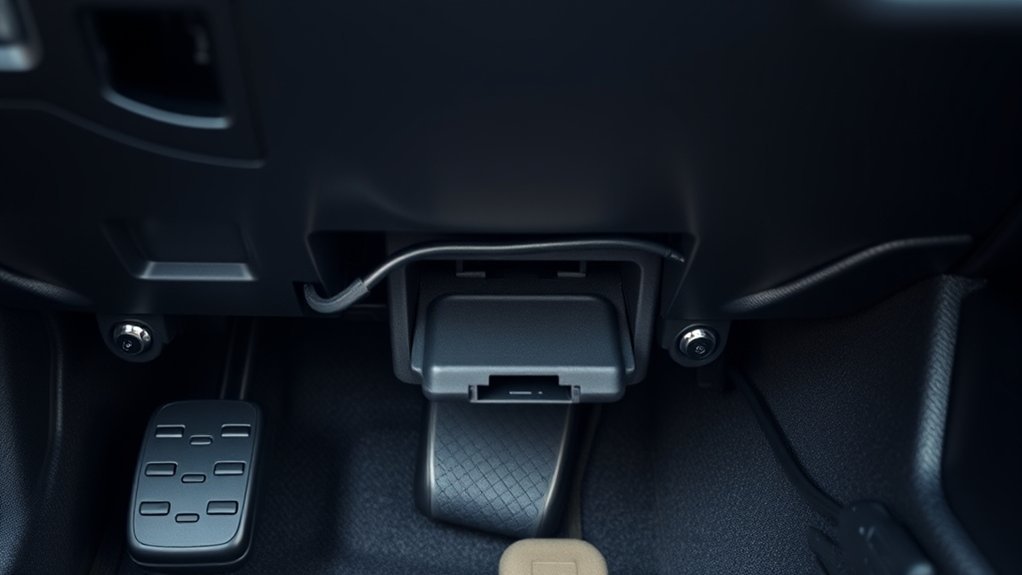
Your Toyota Tacoma’s OBD‑II port sits under the driver’s side dash near the steering column. It’s above the brake pedal or parking brake depending on year and trim. This trapezoidal 16‑pin connector takes a code reader with the ignition ON. It gives access to ECU trouble codes, live sensor data, emissions readiness, and basic resets. Pins 6 and 14 carry CAN on newer models. Read on for step‑by‑step access tips and troubleshooting.
Where the OBD‑II Port Is on the Toyota Tacoma (Quick Answer)
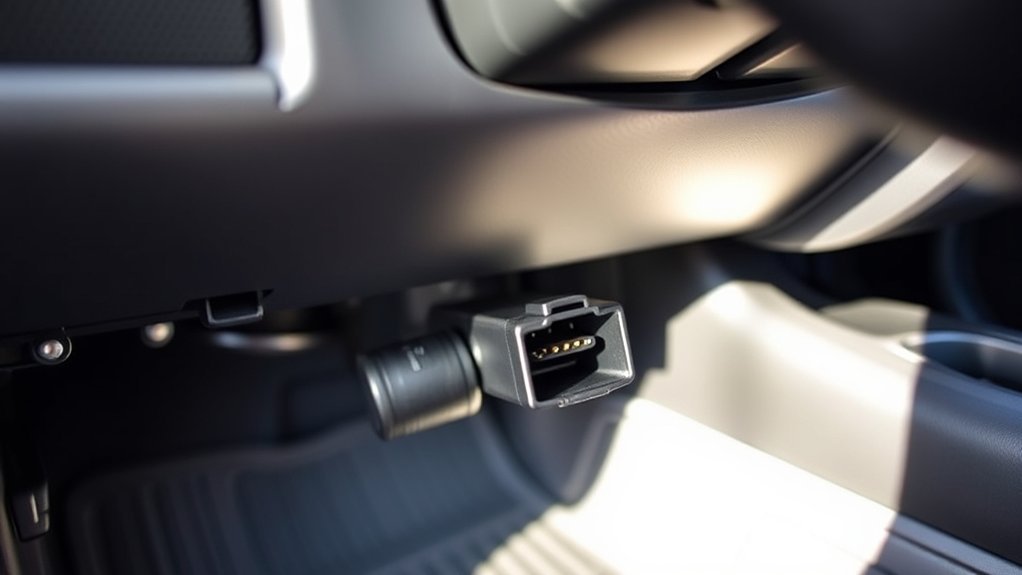
- The OBD-II port is under the driver’s side dashboard, near the steering column and your right leg.
- It’s low, often next to the gas pedal. No need to remove panels.
- Use it to pull diagnostic trouble codes, check performance data, and test sensors.
- Keep the area clear for quick routine checks.
The 16-pin connector works with standard scanners. Regular use helps spot issues early and reset lights.
Find the Port in 1 Minute: Step‑By‑Step
Sit in the driver’s seat. Look under the dashboard to the left of the steering column. The trapezoid‑shaped 16‑pin OBD‑II connector is low, above the brake pedal. No panels to remove.
Feel for the plastic housing. On the 2025 Tacoma, it’s exposed. Clear any dust for clean pin contact.
Turn the ignition to ON. Plug in your code reader. Align the trapezoid shape and press until it seats. If no connection, check for blocks or corrosion.
Remove the reader when done. This quick process lets you run diagnostics and handle vehicle troubleshooting.
[Amazon Products Picked for You]

CEL Doctor: The ANCEL AD310 is one of the best-selling OBD II scanners on the market and is recommended by Scotty Kilmer, a YouTuber and auto mechanic. It can easily determine the cause of the check engine light coming on. After repairing the vehicle's problems, it can quickly read and clear diagnostic trouble codes of emission system, read live data & hard memory data, view freeze frame, I/M monitor readiness and collect vehicle information

Turn your iPhone, Android device, or Windows PC into a professional grade diagnostic scan tool.
What the Tacoma OBD‑II Port Looks Like (Pins & Connector)
The port is a trapezoidal 16‑pin OBD‑II connector under the dash near the steering column. Its shape makes it easy to spot and plug in correctly.
The pin layout is standard. Pins 6 and 14 handle CAN high/low on 2008+ models. Others provide power, ground, and signals. Turn ignition on before scanning for trouble codes.
Connector Shape & Layout
The Tacoma has a 16-pin trapezoidal connector under the dash. It follows the OBD‑II standard. Two rows of pins include power, ground, and data lines.
The housing is black, white, or purple. It fits standard scan tools. Some pins like 1, 9, 11, 15 stay unused. Keying prevents wrong insertion.
With ignition on, the diagnostic system powers up and communicates.
Pin Assignment & Functions
The Tacoma’s OBD‑II port uses the standard 16‑pin layout. Grounds are on pins 4 and 5. CAN high/low on 6 and 14. Others handle power and serial data. Pins 1, 9, 11–13, 15, 16 are reserved or model-specific.
Use it for trouble codes and live sensor data. Check your model’s active pins. Use adapters and isolate circuits for accurate tests.
Tacoma Year/Trim Differences : Where to Check
The OBD2 port location varies by year. For 2006–2015, it’s under the driver’s dash above the parking brake. 2010–2024 near steering column. 2025 at driver’s left knee. Check trim details. See your owner’s manual.
Model-Year Placement Differences
Start under the driver’s dashboard near the steering column or left knee. For 2006–2015, above the parking brake pedal. No tools needed.
2016–2021 closer to steering column, above brake pedal. 2022 same. 2025 near left knee under dash. Changes are small. Check around steering column and lower trim.
Trim-Specific Access Notes
OBD2 ports are under driver’s dash. But trim-level panels affect access. Higher trims may have knee bolsters or mounts over it.
2025 often exposed near left knee. 2024 above parking brake. 2023, 2022 similar. Know your model year and trim. Release panels gently to avoid clips.
Access Tips If a Trim Panel or Knee Bolster Blocks It
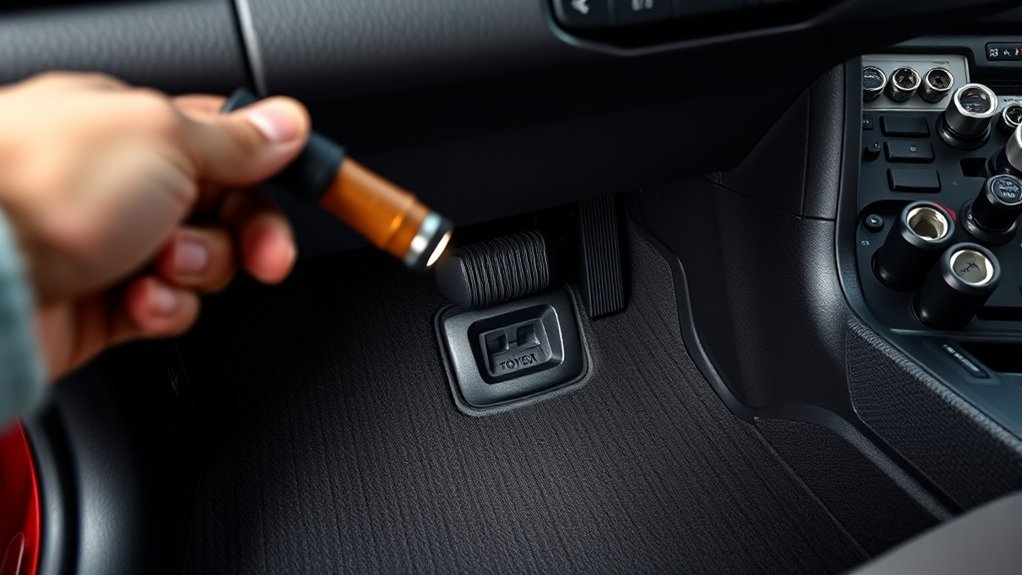
If a trim panel or knee bolster covers the OBD2 port, use a flashlight in the footwell. Look for screws, clips, or a removable cover.
Many models show it near steering column. Check fasteners or clips. Use trim tools. See owner’s manual first. Or use a flexible OBD2 extension cable.
[Amazon Products Picked for You]

1.Brand New Design This OBD2 extension cable is flexible and bendable for easy routing and placement. It allows users to position the cable conveniently before vehicle diagnostics, avoiding awkward crouching or bending to reach the OBD port, making connection quicker and more user-friendly.

OBD2 16Pin male to female extension cable
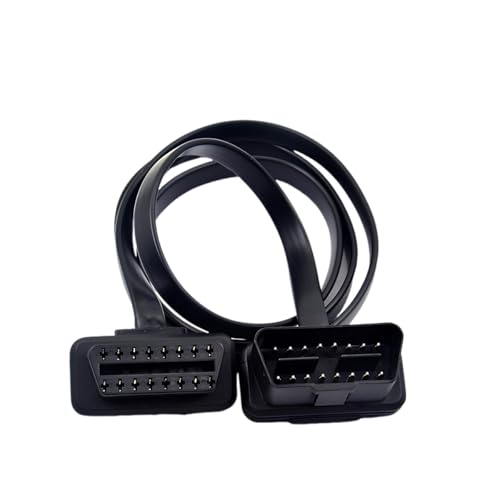
【Material】:This OBD2 extension cable is made of all-copper wire, which has excellent conductivity and can provide a stable power supply for devices. The outer is flame-retardant and high-temperature material, which is sturdy and wear-resistant, can effectively avoid the risk of overheating and short circuits, and ensure safe use.
Scanners and Adapters That Work With Tacomas (Bluetooth, USB, CAN)
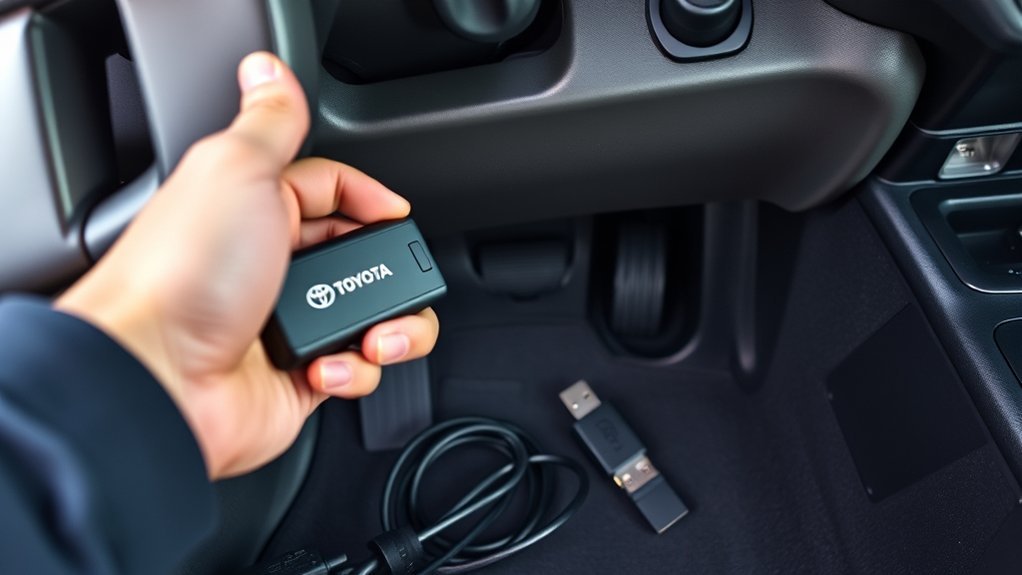
Match your scanner to the Tacoma’s OBD-II/CAN needs. Pick a Bluetooth ELM327 for phone use, USB for laptops, or CAN tool for newer models.
Plug into the port under the dash. Bluetooth is wireless. USB stable. CAN decodes messages. Check protocols, supported PIDs, and apps. Choose reputable brands with updates.
[Amazon Products Picked for You]

NOTE: This device requires a compatible third-party app to operate and is primarily designed for standard OBD-II diagnostics (excluding ABS/SRS, oil light or service reset, etc.). Please check the product description for compatible apps and supported functions.

[Diagnose Like a Pro] BlueDriver Pro Next-Gen is a professional OBD2 scanner and diagnostic tool that helps you scan, understand, and clear vehicle trouble codes with confidence. Turn your phone into a powerful car diagnostic scanner—no guesswork, no unnecessary repairs.

Premium Material: Constructed from premium ABS material, this diagnostic scanner is both insulated and flame retardant. Its exceptional durability ensures it can withstand high temperatures and impact, making it a reliable tool that won't easily crack over time
Basic Checks to Run After You Plug In a Scanner
Plug into the OBD‑II port. Turn ignition ON. Confirm scanner shows valid VIN and protocol.
Scan for stored and pending trouble codes. Note or export them before clearing. Check live data like RPM, coolant temp, fuel trim. Rev engine to test response.
Clear codes. Drive to see if they return. Inspect port for dust or bent pins. Clean as needed.
Common Connection Problems and Fixes
Check ignition ON and full seat in OBD‑II port if no connect. Clean dirt or bent pins with contact cleaner.
Test scanner compatibility. Try another unit to check port vs. tool.
Common Connection Causes
Issues include dirt, bent pins, bad reader, or ignition off. Inspect port and connector. Verify tools. Clean regularly.
| Cause | Symptom | Action |
|---|---|---|
| Debris | No connection | Clean port |
| Bent pins | Intermittent | Inspect/align |
| Bad tool | No codes | Replace |
Simple Diagnostic Fixes
Turn ignition ON. Inspect 16‑pin connector. Test with known-good scanner.
- Clean port with soft cloth. Skip solvents.
- Test another reader.
- Align and seat plug fully.
These steps fix most issues.
Safety and Maintenance for the OBD‑II Port
Inspect OBD‑II port for dirt before use. Get reliable readings. Avoid forcing tools.
Keep clean with air or brush. Turn ignition ON. Check for damage like bent pins or bad wiring. Insert straight.
Store scanners protected. Log checks.
When to Call a Pro vs. DIY Diagnostics
Clean port and scan yourself for basics. Read trouble codes, reset lights.
Keep port clean. Scan basics. Call pro for complex issues.
Use DIY for simple codes.
- Persistent codes across systems.
- Critical engine/transmission faults.
- Port damage or no communication.
Related Guides
Frequently Asked Questions
Where Is the OBD Port on a 2015 Toyota Tacoma?
Under driver’s side dash near steering column. Plug in tools there. Keep clean.
Where Is the Secret Compartment in a Toyota Tacoma?
Under center console. Pry open panel for storage.
Does Toyota Have an OBD Port?
Yes. Under dash for diagnostics.
Where Is the OBD2 Port Located?
Under dashboard by steering column near right leg.
Conclusion
The OBD‑II port is under driver’s dash left of steering column. Most Tacomas access it in a minute. Scan for DTCs. Over 95% faults show codes. Use panel tips if blocked. Check live data and readiness. Pro for complex issues.
