Last updated: September 19, 2026. This guide uses U.S.-market Toyota documentation unless otherwise noted. Features can differ by model year, trim, package and country.
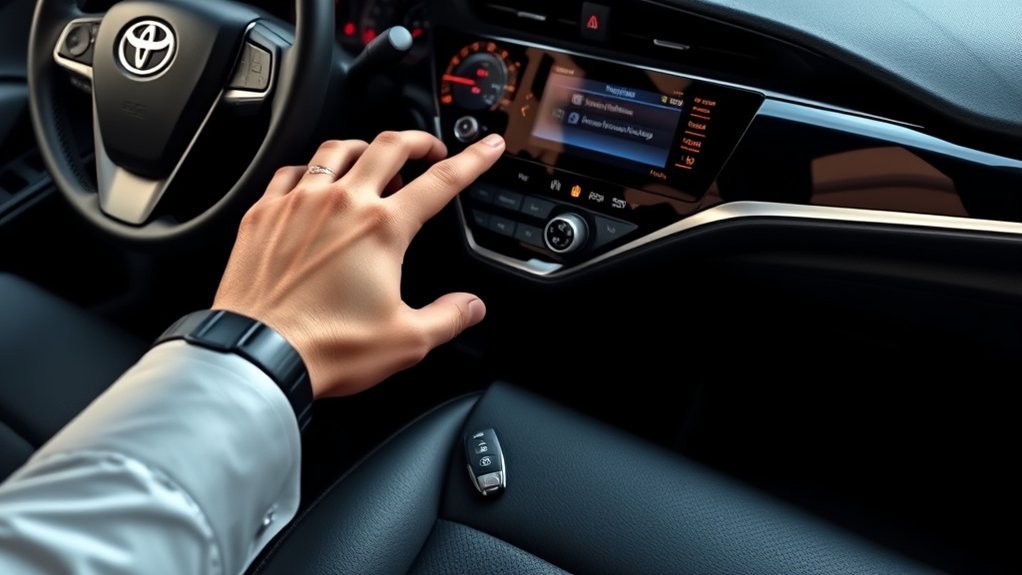
Toyota Camry keyless entry can refer to several separate systems: wireless remote keyless entry, passive Smart Entry, push-button start, Remote Connect and, on eligible newer models, Digital Key. An equipped Camry can detect a registered Smart Key near the vehicle so you can unlock an equipped door and start the vehicle while the key stays in your pocket, but passive entry, remote start and phone-as-key capability are not universal across every Camry.
Quick Answer
An equipped Toyota Camry detects its registered Smart Key near the vehicle, allowing you to unlock an equipped door by touching or pulling the handle and start the vehicle while the key remains in your pocket. If the system stops working, first test the spare key, check the fob battery and vehicle 12V battery, then determine whether the failure affects the remote buttons, passive entry, starting function or every registered key. Replacement-fob compatibility, programming and remote-start availability vary by model year and equipment.
Key Takeaways
- Remote keyless entry, passive Smart Entry, push-button start, Remote Connect and Digital Key are related but separate features.
- A nearby Smart Key does not universally unlock the Camry automatically; an equipped handle normally must be touched or pulled.
- Push-button start does not by itself prove that every exterior door has passive Smart Entry capability.
- Always verify a replacement key by VIN, Toyota part number, FCC ID or applicable radio identifier, button layout and transponder type.
- Many newer Smart Keys require professional registration with appropriate diagnostic equipment.
- A weak fob battery, weak 12V vehicle battery, interference, disabled Smart Key setting or an unregistered key can create similar symptoms.
At a Glance
| Time Required | About 5–15 minutes for basic checks; professional diagnosis or key registration may take longer |
| Difficulty | Easy for battery and spare-key tests; advanced for immobilizer or Smart Key registration |
| Tools Needed | Owner’s manual, spare key, correct replacement battery and a small screwdriver or pry tool if specified |
| Cost | Low for a fob battery; highly variable for a replacement fob, emergency-key cutting and programming |
What Keyless Features Do 2025–2026 Camrys Have?
For current U.S.-market Camrys, it is especially important not to treat every “keyless” feature as the same thing. Toyota introduced the 2025 generation with Smart Key/push-button-start technology, while Digital Key remains a separate connected feature. For 2026, Toyota lists Push Button Start as standard and Digital Key as available on XLE and XSE with the Premium or Premium Plus Package and an active Remote Connect trial or subscription.
| Feature | What It Means | What to Verify |
|---|---|---|
| Push Button Start | The vehicle can authorize starting without inserting a mechanical ignition key. | Exact starting procedure in the owner’s manual. |
| Passive Smart Entry | An equipped exterior handle can request unlocking or locking while a registered Smart Key is nearby. | Grade, package, equipped doors and VIN-specific equipment. |
| Remote Connect | A connected service that can provide compatible app-based remote functions. | Vehicle eligibility, active trial/subscription and cellular connectivity. |
| Digital Key | Allows a compatible smartphone to function as a vehicle key on supported configurations. | Supported grade/package, compatible phone and active Remote Connect eligibility. |
For current availability, review Toyota’s 2026 Camry information and verify the exact vehicle by VIN rather than assuming every grade has identical passive-entry or Digital Key equipment.
Verification basis: This guide uses Toyota owner documentation, Toyota Connected Services/model information, Toyota parts resources and published vehicle-security research. It does not assume that every Camry generation uses identical key hardware or programming procedures.
Why Is Your Toyota Camry Keyless Entry Not Working?
The symptom pattern is the fastest way to decide whether to test the key, passive-entry system, starting authorization or the vehicle itself.
| Symptom | First Test | What It Suggests |
|---|---|---|
| Primary fob is dead but the spare works | Install the specified battery and inspect the primary fob | Primary-key battery, contacts, damage or registration issue |
| Remote buttons work but the door handle will not unlock | Try another equipped door and check Smart Key settings/battery-saving mode | Passive-entry setting, detection area, handle sensor or antenna issue |
| Doors unlock but the vehicle says “Key Not Detected” | Move the key into the cabin and use the manual’s depleted-fob recognition method | Weak fob battery, interference or starting-authentication problem |
| Both registered keys fail | Check vehicle 12V power, related fuses and diagnostic faults | Vehicle-side problem is more likely than two simultaneous fob failures |
| Only one door fails | Compare that door with the other doors using the fob and interior switch | Local actuator, latch, wiring, connector or handle-sensor problem |
| Fob works only at very short range | Install a fresh specified battery and move away from interference | Weak battery, transmitter/contact issue or radio interference |
| Toyota app remote start fails but local key functions work | Check Remote Connect status, connectivity and vehicle operating conditions | Connected-service issue rather than basic Smart Key failure |
If one door is the only problem, see the dedicated Toyota Camry door-lock troubleshooting guide before replacing a Smart Key.
What Does “Keyless Entry” Mean on a Toyota Camry?
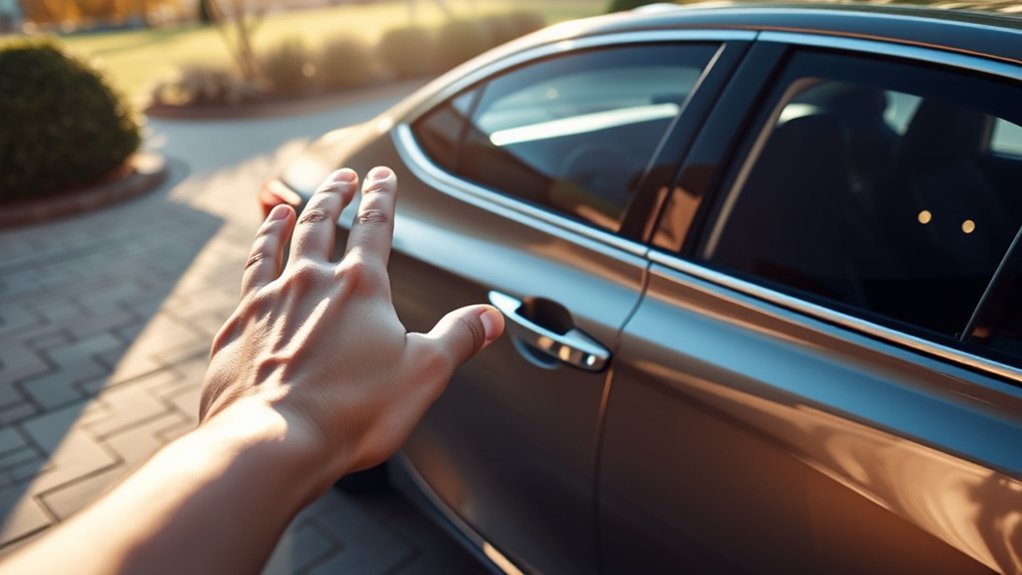
“Keyless entry” can refer to more than one system. Understanding the differences makes it easier to operate the vehicle, diagnose a problem and order the correct replacement key.
Remote Keyless Entry
A conventional wireless remote unlocks or locks the doors when you press a button on the fob. Some Camrys combine the remote with a mechanical ignition key, while others use an electronic Smart Key and push-button start.
Smart Entry
On an equipped Camry, antennas in and around the vehicle detect a registered Smart Key within a limited operating area. You can normally unlock an equipped door by touching or pulling its handle while carrying the key. Locking is usually performed with the handle’s lock sensor or the fob’s lock button.
The vehicle does not universally unlock simply because you walk near it, and walk-away locking should not be assumed unless the exact owner’s manual confirms that behavior.
Push-Button Start
Push-button start allows the ignition or hybrid system to be activated after the vehicle recognizes a registered Smart Key inside the cabin. For current Camry Hybrid models, follow Toyota’s starting procedure with the shift position in P and the brake pedal depressed. Older generations can differ, so follow the exact model-year owner’s manual.
Remote Connect and Digital Key
Remote Connect is a connected service available on compatible Toyota vehicles. Depending on the Camry’s equipment and service eligibility, it can provide functions such as remote lock/unlock, vehicle status and remote starting through the Toyota app or other supported devices. An active trial or paid subscription and cellular connectivity may be required. Review Toyota’s current Connected Services information for eligibility and limitations.
Digital Key is another separate feature that can allow a compatible smartphone to act as a vehicle key on supported Camrys. It should not be confused with a standard Smart Key fob, passive Smart Entry or basic wireless remote keyless entry. For a broader explanation of subscription-based functions, see Toyota Camry Connected Services explained.
Note: Feature names, available doors, detection areas and settings differ by model year, trim and market. Use Toyota’s owner-manual lookup and select your exact Camry before following a model-specific procedure.
How Can You Tell Which Key System Your Camry Has?
Do not rely only on the model year. Equipment can differ between trims, packages, fleet vehicles and countries. Check the following:
- Ignition area: A start button indicates push-button start. A key cylinder indicates a conventional ignition key.
- Door handles: Small ridges, a touch-sensitive area or an exterior lock sensor can indicate passive Smart Entry.
- Key design: A Smart Key is generally an electronic fob with a removable emergency mechanical key.
- Vehicle settings: Equipped models may show Smart Key or door-lock customization options in vehicle menus.
- Owner’s manual: Look for sections titled “Smart Key System,” “Wireless Remote Control,” “Entry Function” or “Power/Engine Switch.”
- VIN: A Toyota dealer or parts catalog can use the VIN to confirm original equipment and matching part information.
How Does Toyota Camry Push-Button Start Work?
The push-button start system checks for a registered electronic key in the cabin before authorizing the ignition or hybrid system. The exact radio and authentication design varies by generation, so it is more accurate to describe the process as coded key authentication than as one universal signal method.
Key-Fob Communication Process
When you touch an equipped door handle or press the start/power switch, the vehicle and registered key exchange authentication data. If the key is recognized in the correct detection area, the vehicle can unlock the door or authorize starting.
The system may not respond normally when the key is too far away, buried near metal objects, next to another transmitting device, inside the trunk, near strong electronic interference or operating with a weak battery.
Starting the Engine or Hybrid System Safely
- Carry the registered Smart Key into the vehicle.
- For current Camry Hybrid models, confirm that the shift position is P; use your exact manual for older generations.
- Press and hold the brake pedal.
- Press the engine or power switch once as directed by the owner’s manual.
- Confirm that the engine has started or, on a hybrid, that the READY indicator is illuminated.
Note: A Camry Hybrid may be ready to drive even when the gasoline engine is silent. Use the READY indicator—not engine noise—to confirm that the hybrid system is operating.
Warning: Never start or remotely start a gasoline or hybrid vehicle in a closed garage or another poorly ventilated space. Exhaust can contain deadly carbon monoxide even when the vehicle is unattended.
Security Features Overview
A registered electronic key and the vehicle’s immobilizer work together to prevent the powertrain from being started with an unrecognized key. The fob’s panic button normally activates an alarm or horn-and-light response to draw attention; it should not be described as a door-unlocking feature.
These systems add useful protection, but no keyless vehicle is theft-proof. Relay, replay and other electronic attack methods can target remote or passive keyless systems.
What Are the Benefits of Camry Smart Key and Push-Button Start?
When correctly equipped and configured, Toyota Camry keyless features can make everyday access easier:
- You can unlock an equipped door without removing the Smart Key from a pocket or bag.
- Push-button start avoids inserting and turning a mechanical ignition key.
- The immobilizer requires a registered key before authorizing the vehicle to start.
- A removable emergency key provides a mechanical backup on many Smart Key fobs.
- Eligible Remote Connect vehicles may support app-based locking, status checks and remote starting.
The main benefit is convenience, not invulnerability. Owners should still confirm that the vehicle locked, protect every registered key and use additional theft deterrents where appropriate.
[Amazon Products Picked for You]

**Please confirm compatibility using the fitment guide located in the product images**

【Replacement】For FCC ID:HYQ12BBY; P/N:89070-06232, 1511A-12BBY, 4D-67; Frequency:315 MHz; Please Make Sure That Your Original Remote Has the Same Buttons on it
Can You Use a Camry When the Smart Key Battery Is Weak or Dead?
A weak fob battery may cause reduced button range, intermittent handle response, a dashboard key warning or the need to place the fob closer to the start/power switch.
Use the Emergency Mechanical Key
Many Toyota Smart Keys contain a removable mechanical key. Release it using the fob’s latch and use it at the concealed or visible driver-door key cylinder. The cylinder location and cover-removal method vary, so avoid forcing exterior trim.
Use the Emergency-Start Recognition Method
Many push-button-start Camrys can recognize a depleted fob when it is held directly against or very near the engine/power switch while the brake pedal is depressed. The orientation and timing vary by model, so follow the emergency-start procedure in the exact owner’s manual rather than relying on one universal sequence.
Replace the Key-Fob Battery
- Check the owner’s manual or the battery already inside the fob for the correct battery type.
- Remove the mechanical key if required.
- Open the case only at the designated slot and use a non-damaging tool where possible.
- Note the old battery’s polarity before removal.
- Install the same specified battery type in the correct orientation.
- Close the case fully and test all buttons and Smart Entry functions.
For model-year-specific battery types and case-opening guidance, see the Toyota Camry key fob battery replacement guide.
Pro Tip: Test the spare key before assuming the vehicle has a failed Smart Key antenna or control module. If the spare works normally, the primary fob, its battery, contacts, physical condition or registration is the more likely problem.
How Do You Choose the Right Replacement Key Fob for a Camry?
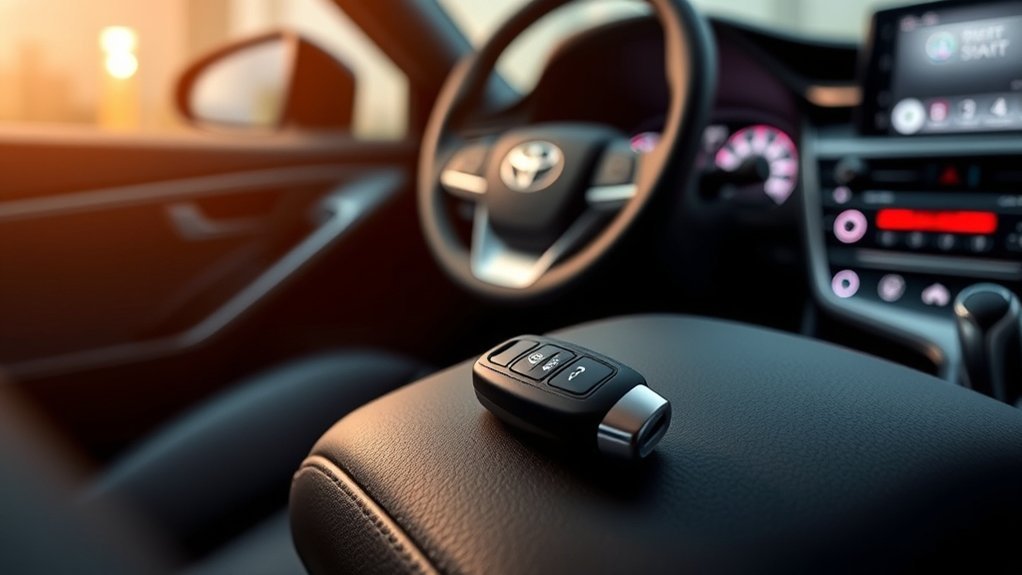
A fob that looks identical may use a different frequency, transponder, circuit board or software configuration. Visual similarity alone is not enough.
[Amazon Products Picked for You]

Only Key Fob Shell: This is just a key shell case replacement with no electronics, transponder chip, or battery inside

Compatibility: Compatible with FCC ID:HYQ12BBY. This Remote Key Fob Is Compatible with 2007-2011 Toyota Camry & 2009-2010 Toyota Corolla (only vehicles with VIN # starting with letter "J"). This Remote Is 4D67 Chip (Also Called "Dot Chip"). It Will Not Work for The Key Has a "G" Stamped On The Blade.

fits Toyota 2008-2013 Avalon / 2007-2011 Camry / 2008-2013 Corolla / 2009-2014 Venza
Compatibility With Your Model
Verify all available identifiers before purchasing:
- Full 17-character VIN.
- Toyota part number.
- FCC ID or the applicable radio-approval identifier for your country.
- Model year, trim and market.
- Button count and button functions.
- Remote-start or trunk-release requirements.
- Smart Key versus conventional remote-key design.
- Transponder and immobilizer compatibility.
- Emergency mechanical-key blade style.
- New, refurbished or previously registered condition.
Use the Toyota Genuine Parts VIN search, the original fob’s identifiers or a qualified provider’s catalog. Do not assume that one FCC ID fits every Camry in a broad year range.
Programming Requirements Explained
“Programming a key” can involve several separate jobs:
- Cutting the emergency blade: Produces a mechanical key that operates the matching lock cylinder.
- Pairing remote buttons: Allows lock, unlock, trunk or panic commands to be recognized.
- Registering the transponder: Allows the immobilizer to authorize starting.
- Registering a Smart Key: Enables passive entry and push-button-start recognition.
Completing one of these steps does not guarantee that the others are complete. Many newer Camry Smart Keys require professional diagnostic access, suitable equipment and proof of ownership. Some older remote-only systems may support a manual pairing process, but the exact procedure must come from year-specific service information.
For the deeper year-by-year programming decision process, see Toyota Camry key fob reprogramming basics.
Cost-Effective Replacement Options
Compare the complete installed cost rather than the advertised fob price. The final amount may include:
- The remote or Smart Key.
- An emergency-key blade.
- Mechanical key cutting.
- Remote-button pairing.
- Immobilizer or Smart Key registration.
- Deletion of missing keys from the vehicle.
- Diagnostic or service fees.
- A replacement battery and warranty.
A lower-priced aftermarket fob can be economical when its compatibility is documented and a local provider agrees to program it. Some providers will not program customer-supplied or previously used keys, so confirm that policy before buying.
What Causes Toyota Camry Keyless Entry Problems?
The Fob Buttons Do Not Work
- Try the spare key.
- Replace the fob battery with the specified type.
- Inspect the battery contacts and case for damage or moisture.
- Move away from strong radio transmitters or other electronic keys.
- Confirm that the key is registered to the vehicle.
Smart Entry Does Not Unlock the Door
- Hold the key away from a phone, laptop, metal case or another key fob.
- Try another Smart Entry-equipped door because not every door is equipped on every configuration.
- Use the remote unlock button to determine whether the fob is transmitting.
- Check whether the Smart Key function was disabled through a vehicle setting.
- Check the owner’s manual for the electronic-key battery-saving mode; passive Smart Entry may not operate normally while that mode is active.
- Test the spare Smart Key.
The Start Button Says “Key Not Detected”
- Place the key inside the cabin rather than in the trunk or near an open window.
- Depress the brake pedal firmly and follow the model-specific starting procedure.
- Use the depleted-fob recognition procedure in the owner’s manual.
- Replace the fob battery.
- Check the vehicle’s 12V battery if interior lights, locks or displays are also weak.
Remote Start Does Not Work
Remote starting is not the same as push-button starting. Depending on the model and service, it may fail when the vehicle is not eligible, an applicable trial or subscription is inactive, cellular communication is unavailable or an operating condition is not satisfied.
Possible conditions include an unlocked door, open hood, warning condition, low vehicle battery, incorrect shift position or another model-specific restriction. Check the Toyota app and the exact owner’s manual for the reported reason. For factory-fob procedures and subscription caveats, see how to use remote start on a Toyota Camry.
The Problem Affects Both Keys
If both registered keys stopped working at the same time, investigate the Camry rather than immediately buying another fob. A weak 12V battery, blown fuse, antenna fault, body-control issue or stored diagnostic trouble code may affect both keys.
The Fob Works Only at Very Short Range
A weak fob battery is common, but radio interference, a damaged transmitter, poor battery contact or a vehicle receiver problem can produce similar symptoms. Test a fresh specified battery and the spare fob before replacing expensive components.
When one key fails, test the key. When every key fails, test the vehicle.
Can You Program a Toyota Camry Key Fob Yourself?
There is no single safe programming procedure for every Toyota Camry. Some older remote-only systems may have a confirmed owner procedure, while transponder registration, push-button Smart Keys and many newer systems require professional diagnostic equipment. Avoid generic instructions that tell every Camry owner to cycle the ignition, open and close doors or press one fixed button sequence.
- Identify the exact system. Determine whether you have a conventional remote key, transponder key or full Smart Key.
- Verify the replacement. Match the VIN, Toyota part number, FCC ID or applicable identifier, transponder, button layout and blade.
- Confirm the provider’s requirements. Ask whether the provider accepts customer-supplied or used keys and whether all keys must be present.
- Bring proof of ownership and identification. Legitimate providers may require both before security-related programming.
- Register every required function. Confirm remote buttons, immobilizer authorization, passive entry, push-button start and emergency blade operation.
- Delete missing keys when appropriate. If a key was lost or stolen, ask whether its registration can be removed from the vehicle.
- Test before leaving. Check every door, trunk release, panic function, starting function and mechanical backup.
A Toyota dealer or qualified automotive locksmith can determine whether the vehicle supports an owner-performed remote pairing procedure or requires diagnostic registration. Toyota’s official technical information is available through the Toyota Technical Information System.
Warning: Do not use programming or bypass instructions intended to defeat an immobilizer or gain access to a vehicle without authorization. Key registration should be performed only for a vehicle you own or are legally authorized to service.
[Amazon Products Picked for You]

【Replacement】For FCC ID:HYQ12BBY; P/N:89070-06232, 1511A-12BBY, 4D-67; Frequency:315 MHz; Please Make Sure That Your Original Remote Has the Same Buttons on it

【Replacement】For FCC ID:HYQ12BDM, HYQ12BEL; P/N:89070-02880; Frequency:314 MHz; Please Make Sure That Your Original Remote Has the Same Buttons on it

Replacement: For Remote fob P/N: 89070-06790; FCC ID: HYQ12BFB; Chip: H Chip only; 315MHz; Key Fob Replacement Suitable for Toyota 2018-2024 Camry/2020-2025 Corolla
How Secure Is Toyota Camry Keyless Entry?
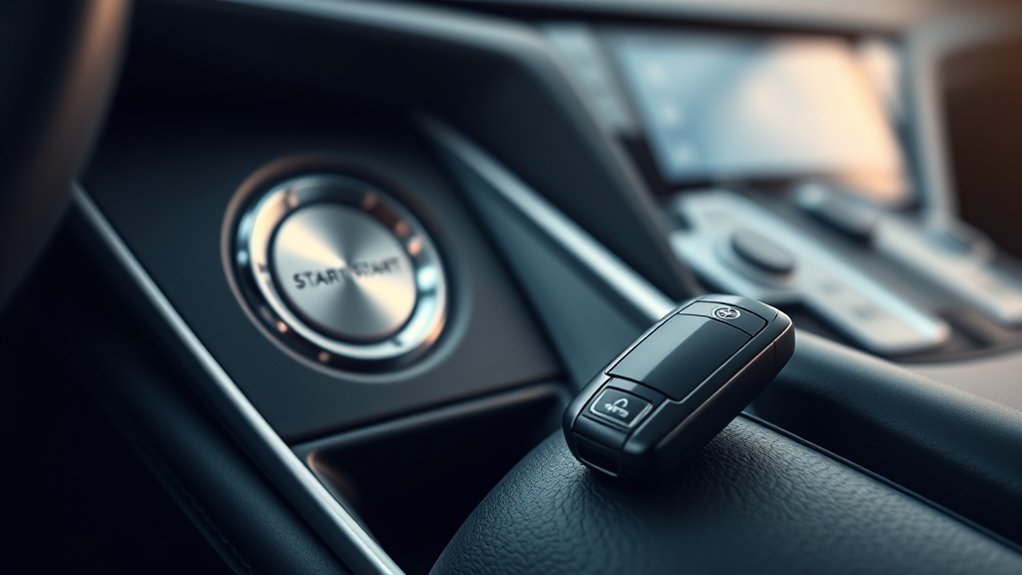
The immobilizer and registered-key authentication help prevent the vehicle from being started with an ordinary copied metal key. Coded remote commands also provide more protection than an uncoded mechanical locking system alone.
However, passive keyless entry and remote-entry systems can be targeted by relay, replay and other electronic attacks. A 2025 USENIX VehicleSec research review examined the evolution of Remote Keyless Entry and Passive Keyless Entry and Start attacks and defenses. See “SoK: Stealing Cars Since Remote Keyless Entry Introduction and How to Defend From It.”
Practical Keyless-Theft Precautions
- Store keys away from exterior doors, windows and shared walls.
- Keep the spare key protected as carefully as the primary key.
- Consider a tested signal-blocking pouch or container when the vehicle is parked at home.
- Confirm that a signal-blocking product works by placing the key inside and testing the door handle.
- Use a visible steering-wheel lock or another physical deterrent in higher-risk locations.
- Do not leave the registration, spare key or key-identification information in the vehicle.
- Ask a dealer or qualified locksmith about removing missing keys from the registration list.
- Use an available tracking or stolen-vehicle service as an additional layer, not as a substitute for prevention.
Pro Tip: After buying a used Camry, count the supplied keys and consider having the registered-key list checked. A missing key may still be authorized even though it was not handed to you.
Where Should You Buy a Replacement Camry Key Fob?
You can obtain a replacement from several sources, but compatibility and programming support matter more than the initial purchase price.
- Toyota dealer: Can verify equipment by VIN, order a matching genuine key and perform required registration.
- Qualified automotive locksmith: May supply, cut and program compatible keys, often with mobile service.
- Toyota parts retailer: Useful for checking genuine part numbers and purchasing hardware, although programming may be separate.
- Established aftermarket seller: Can be economical when the complete compatibility information and return policy are clear.
- Used or refurbished seller: May reduce hardware cost, but some Smart Keys cannot be reused easily and some providers will not program them.
Before ordering, obtain written confirmation that the key fits your VIN and that a local provider can complete every required programming step. Also confirm whether the emergency blade is included, cut or sold separately.
Frequently Asked Questions
Do Toyota Camrys have keyless entry?
Many Toyota Camrys have wireless remote door locks, while certain years and trims also include passive Smart Entry and push-button start. Availability varies by trim, package, country and model year. Check the door handles, ignition switch, original window sticker, VIN equipment record or exact owner’s manual.
Why is my Toyota Camry keyless entry not working?
Common causes include a weak fob battery, a weak vehicle 12V battery, radio interference, a damaged fob, an unregistered key, a disabled Smart Key setting, battery-saving mode or a vehicle antenna or control-module fault. Replace the fob battery, test the spare key and check whether both keys have the same problem.
How does Toyota Camry Smart Entry work?
The vehicle detects a registered Smart Key within an operating area around an equipped door. Touching or pulling the handle requests authentication, and the door unlocks when the key is recognized. The exact doors, detection zones and settings vary by Camry configuration.
How can I tell whether my Camry has Smart Key?
Look for a push-button ignition, an electronic fob with a removable mechanical key and passive-entry sensors on applicable exterior door handles. Confirm the equipment through the VIN or the Smart Key System section of the year-specific owner’s manual.
Can I start my Camry when the Smart Key battery is dead?
Many push-button-start Camrys have an emergency recognition method that involves holding the depleted fob directly against or near the engine/power switch while pressing the brake. Because orientation and timing vary, follow the exact procedure in your owner’s manual.
Can I program a Toyota Camry key fob myself?
Some older remote-only systems may have an owner-performed pairing procedure, but many transponder keys and newer Smart Keys require suitable diagnostic equipment. Remote-button pairing, immobilizer registration and Smart Key registration are different tasks, so use model-specific service information.
Why does my key fob work but the Camry will not start?
The remote buttons and immobilizer can use separate registration functions. A fob may lock and unlock the doors without being authorized to start the vehicle. The wrong transponder, incomplete registration, a weak 12V battery or another vehicle fault may also be responsible.
Does every Camry support remote start from the key fob?
No. Remote-start availability depends on model year, equipment, market and Connected Services eligibility. Compatible vehicles may support the Toyota app, a factory key-fob method or both, and applicable trial or subscription requirements can vary.
What is the difference between Smart Key, Remote Connect and Digital Key?
Smart Key uses a registered physical electronic key for supported passive entry and vehicle starting. Remote Connect is Toyota’s connected service for compatible remote app functions. Digital Key is a separate supported feature that allows a compatible smartphone to function as a vehicle key and depends on vehicle and service eligibility.
Does push-button start mean my Camry has passive Smart Entry?
Not necessarily. Push-button starting and passive exterior-handle entry are separate functions, and equipment can vary by year, grade, package and market. Check the exterior handles, VIN equipment information and exact owner’s manual before assuming both functions are installed.
Conclusion
Toyota Camry keyless entry is easiest to troubleshoot when you first identify which function has failed. Test the spare key, replace a weak fob battery, check vehicle 12V power, and separate remote-button problems from passive Smart Entry, start authorization and Remote Connect issues.
When replacing a key, verify compatibility by VIN and complete identifiers rather than appearance or model year alone. For Smart Key or immobilizer registration, use a Toyota dealer or qualified automotive locksmith who can program and test every required function. Finally, protect every registered key and use physical theft deterrents as an additional security layer.
Sources
- Toyota Manuals and Warranties — year- and model-specific Smart Key, starting, emergency-access and safety procedures.
- Toyota Remote Connect — current Remote Connect features, eligibility and service information.
- Toyota 2026 Camry Newsroom — current U.S. Push Button Start, Digital Key availability and Connected Services details.
- Official Toyota Camry Page — current U.S. Camry model and feature information.
- Toyota Genuine Parts — VIN-based parts and key-component verification.
- Toyota Technical Information System — official service and diagnostic information.
- USENIX VehicleSec 2025: SoK — Stealing Cars Since Remote Keyless Entry Introduction and How to Defend From It — research review of remote and passive keyless-system threats and defenses.
