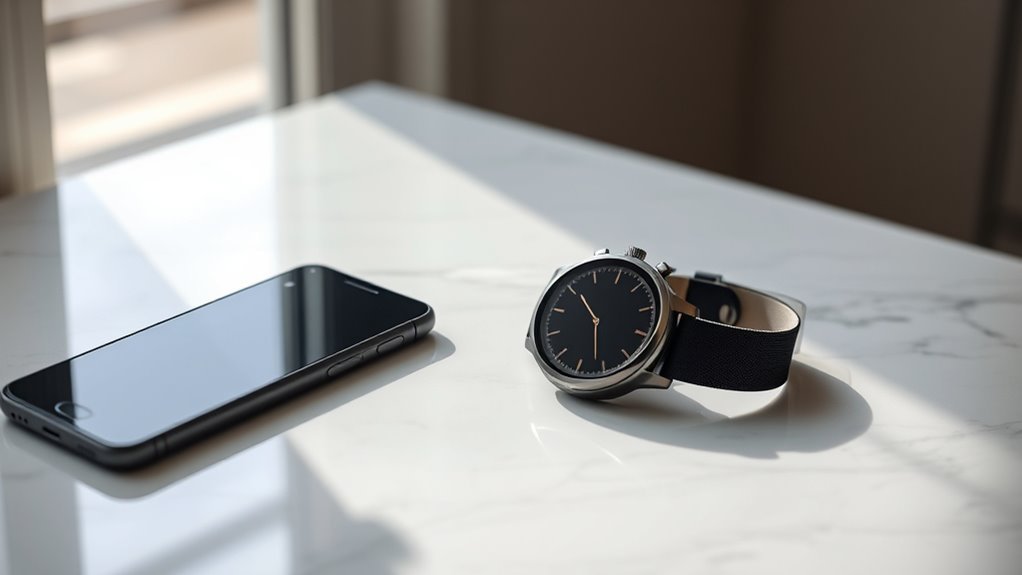
The Galaxy Watch 7 may look appealing to iPhone users, but its iOS support is limited. Basic pairing can work in some cases, yet key health features, advanced notifications, and smooth setup are often restricted. Samsung designed it mainly for Android, which leaves Apple users with several gaps to contemplate. Before buying, it is worth asking what functions actually matter and whether the trade-offs are acceptable.
Is Galaxy Watch 7 Compatible With iPhone?
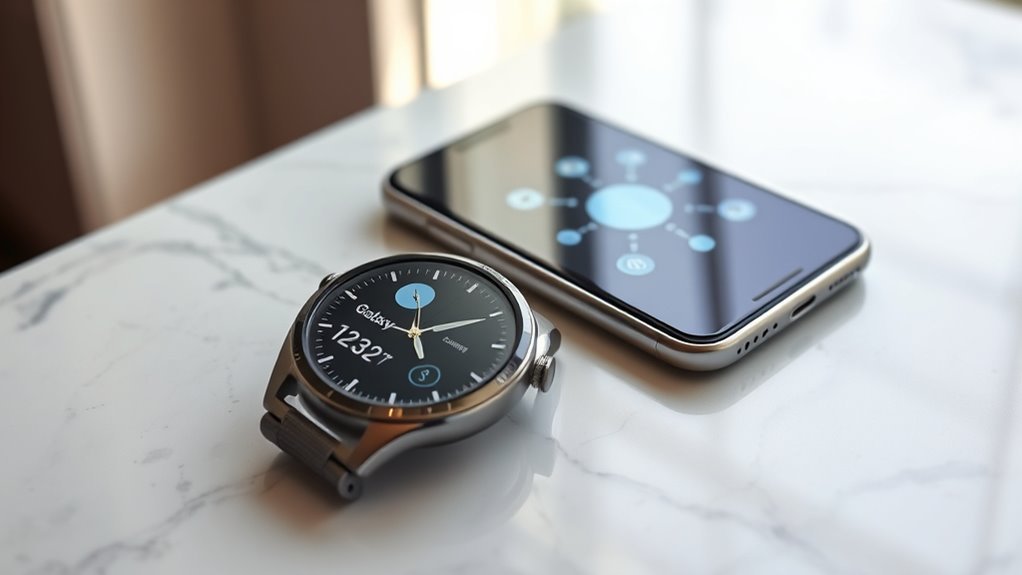
No, the Galaxy Watch 7 is not compatible with iPhones, so it cannot fully connect or sync with iOS devices. Its compatibility is designed around Samsung and Android phones, reflecting the shift to Wear OS 3. That change ended iPhone support seen on earlier models such as the Galaxy Watch 3.
The Galaxy Watch 7 isn’t compatible with iPhones, limiting sync and core features for iOS users.
For an iPhone user, the result is restricted access and limited functionality, not true freedom of use. Third-party apps may surface basic notifications, but they do not grant access to the full system. Core features remain unavailable without a Samsung device.
The Galaxy Watch Ultra follows the same general direction, reinforcing the platform gap. Anyone seeking a smartwatch for iPhone should weigh alternatives that integrate cleanly with iOS.
In practice, the Apple Watch offers the most seamless path for users who want reliable sync, full control, and fewer barriers.
What Works on iPhone
On iPhone, the Galaxy Watch 7 offers only limited functionality.
Galaxy Watch 7 support for iPhone users is partial, not full, and that constraint shapes every feature. Basic call and message notifications may appear, giving a small measure of connection, but the watch does not deliver the broad experience available on Samsung or other Android devices.
Some health features, including heart rate monitoring and sleep tracking, are tied to Samsung device access for complete use, so iPhone users see only restricted results. A Merge app connection can link the watch to an iPhone, yet it still reveals only a narrow set of tools.
For people seeking liberation from closed systems, the key fact is simple: the Galaxy Watch 7 was built primarily for Samsung and Android ecosystems.
iPhone users needing full compatibility should look toward alternatives designed to work cleanly with iOS.
What Doesn’t Work on iPhone
The Galaxy Watch 7 does not fully work with iPhone, and several key features are either unavailable or severely limited.
Samsung Health access is restricted, so tracking tools on the Galaxy Watch cannot deliver the same experience on iPhone. Advanced notifications also lose depth, reducing the watch’s usefulness as a clear, responsive companion. Suggested replies do not work, and alarms fail to sync properly with iPhones or other non-Samsung Android phones.
Critical health features are especially constrained: ECG and blood pressure monitoring require a Samsung phone for full access, leaving iPhone users without those functions. The initial setup process also depends on an Android device, which blocks easy configuration from iPhone alone.
In practical terms, the watch can show limited data, but it cannot support the full, independent use that many buyers expect. For iPhone owners seeking freedom from lock-in, this limitation matters.
How to Set Up Galaxy Watch 7 on iPhone
Setting up a Galaxy Watch 7 with an iPhone is not a full-featured experience, because the watch is not compatible with iOS for complete syncing or app support. The setup process usually requires an Android phone, since Samsung’s pairing tools are built for Android devices.
Some users try the Merge app on iPhone, but it provides only limited access and cannot recreate the full Samsung experience.
Some users try the Merge app on iPhone, but it only offers limited access to Samsung’s full experience.
During setup, connectivity problems may appear, and repeated pressing of the Wear app logo on the watch has reportedly helped some users move forward.
Even when pairing succeeds, the Galaxy Watch 7 will still face restrictions on notifications, health data, and other functions that depend on deeper system integration.
For users seeking freedom from technical barriers, the clearest path is to use the watch with a Samsung or compatible Android phone. That approach offers the most stable setup process and the widest feature access.
Should You Buy Galaxy Watch 7 for iPhone Users?
For iPhone users, the Galaxy Watch 7 is generally not a strong purchase, since it does not support iOS and cannot deliver full smartwatch functionality with an iPhone. Its compatibility is limited to Samsung and Android devices, reflecting the move to Wear OS 3 and away from earlier Tizen support.
As a result, iPhone users lose access to core features such as Samsung Health tracking, notifications, alarms, and most app-based functions. Setup is also problematic, because pairing typically requires an Android device or supporting software that iOS does not provide.
In practical terms, the Galaxy Watch 7 offers little value for someone committed to Apple hardware. A better choice is an Apple Watch, which provides seamless integration, or an older Samsung model that still supports iOS.
For users seeking freedom through reliable device choice, selecting a watch built for the phone already in hand is the more sensible path.
Frequently Asked Questions
What Are Some Tips and Tricks for Using the Galaxy Watch 7?
Useful tips for the Galaxy Watch 7 include adjusting fitness tracking goals, customizing notification settings, and practicing battery management by lowering brightness, disabling always-on display, and reducing GPS use.
Pairing with an Android phone grants full Samsung Health features and smoother app access. The Galaxy Wearable app helps personalize watch faces and controls.
Community forums can reveal practical workarounds and user-tested methods for better performance and greater device freedom.
Is the Samsung Watch 7 Compatible With iOS?
No, the Samsung Watch 7 is not compatible with iOS.
Like a locked gate, it keeps iPhone users outside its full experience. The watch delivers core Samsung features only on Android, while iOS limitations block notifications, calls, and health syncing.
In smartwatch comparisons, it stands apart as an Android-first device. A few basic functions may work through Merge, but freedom from restriction requires a Samsung or recent Android phone.
What App Do I Need to Connect My Galaxy Watch 7 to My iPhone?
There is no official app that fully connects a Galaxy Watch 7 to an iPhone. The Samsung Galaxy Wearable app does not support this model on iOS, so watch functionality is limited.
Some users try the Merge app for basic pairing, but app limitations and sync issues remain common. For reliable performance, the watch is best used with a Samsung or compatible Android device rather than an iPhone.
How to Use Galaxy Watch With iOS?
It cannot be fully used with iOS. The Galaxy Watch 7 needs an Android phone for setup and full access, so iPhone users only get limited use through the Merge app.
That setup may allow basic notifications settings and calls, but fitness tracking, ECG, and other health tools remain restricted. Battery life is unaffected, yet functionality is reduced.
For more freedom, pairing with a compatible Android device is recommended.
Conclusion
In reviewing the Galaxy Watch 7’s iPhone compatibility, the evidence supports the common concern: it is not a practical choice for most iPhone users. A theory that third-party apps can fully bridge the gap proves weak in practice, as core functions remain limited and setup is cumbersome. While basic alerts may work, deeper health tracking and seamless integration do not. For iPhone owners, the Apple Watch remains the more reliable and complete option.
