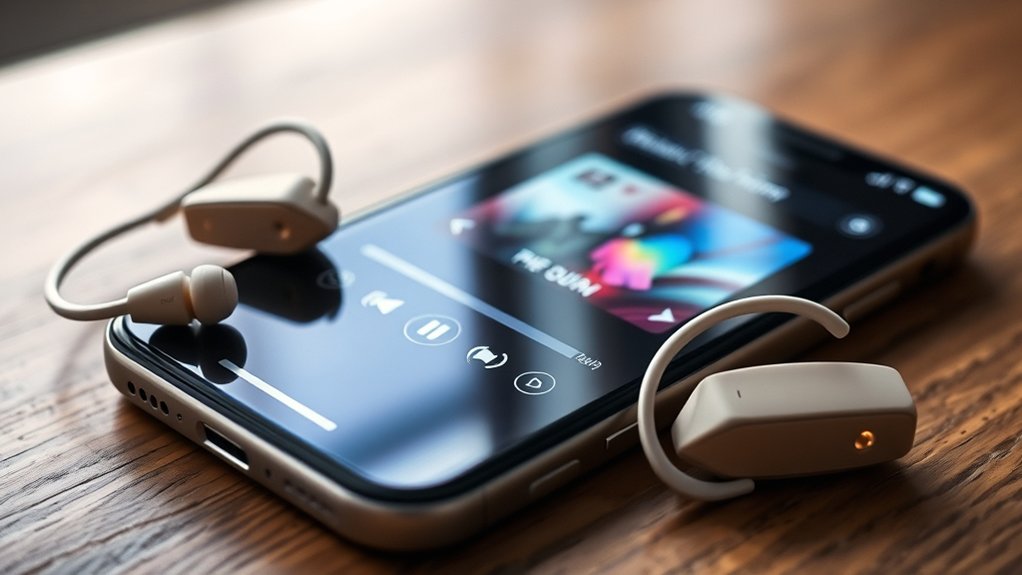
To resolve issues with Spotify playing through Phonak hearing aids on an iPhone, make certain Bluetooth is enabled on both devices. Restart the iPhone and re-pair the hearing aids if sound interruptions occur. Check for firmware updates via the myPhonak app for improved performance. Keeping the iPhone close to the hearing aids can enhance signal stability. For additional tips on optimizing sound quality and battery life, further insights are available.
Connecting Your Phonak Hearing Aids to Your iPhone
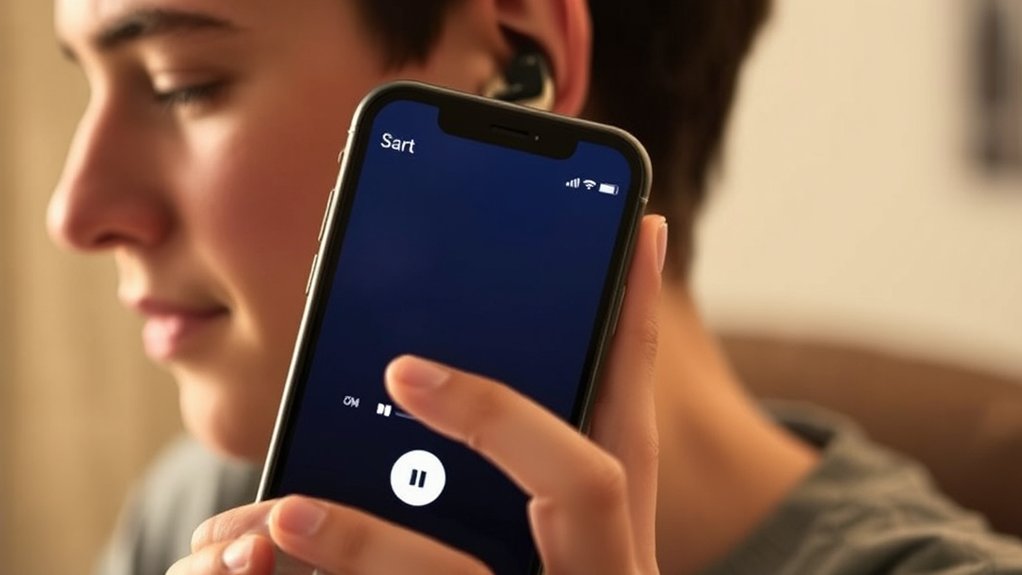
Connecting Phonak hearing aids to an iPhone requires a few straightforward steps to guarantee peak functionality.
First, verify Bluetooth is enabled on the iPhone. Next, prepare the hearing aids by turning them off and back on to activate pairing mode.
Verify Bluetooth is enabled on your iPhone, then turn your hearing aids off and on to activate pairing mode.
Download the myPhonak app from the App Store, as it serves as an essential tool for managing Bluetooth connections and settings. Only one hearing aid needs to be paired, allowing simultaneous audio streaming to both aids, simplifying the process.
If the hearing aids do not appear in the app, reboot them to facilitate a successful connection. Additionally, it’s advisable to regularly consult with an audiologist for firmware updates, which can enhance performance and ensure compatibility with the iPhone.
Following these steps enables users to enjoy a seamless auditory experience through their Phonak hearing aids.
Troubleshooting Common Bluetooth Issues With Spotify
Bluetooth connectivity between Spotify and Phonak hearing aids can often be problematic, necessitating verification of the connection status.
Users may need to follow specific steps to re-pair their hearing aids with their iPhone, which can resolve frequent playback interruptions.
Ensuring a strong Bluetooth signal is essential for ideal audio performance.
Bluetooth Connection Verification
Establishing a reliable connection between an iPhone and Phonak hearing aids is vital for seamless Spotify streaming. First, confirm Bluetooth is enabled on both devices to facilitate communication.
Should sound interruptions occur during playback, temporarily turning off one of the Bluetooth devices may help, as Bluetooth range limitations can affect performance. Regular firmware updates for both the iPhone and hearing aids are essential, as outdated software can cause connectivity issues.
Restarting the iPhone can also alleviate background processes that may interfere with the Bluetooth connection. For persistent problems, utilizing the myPhonak app to refresh the connection through re-pairing can be a beneficial step. This guarantees ideal functionality and enhances the overall streaming experience.
Re-Pairing Hearing Aids Steps
Re-pairing Phonak hearing aids with an iPhone is an essential step for resolving common Bluetooth issues encountered during Spotify streaming. To effectively re-pair the devices, follow these steps:
- Reset Connection: Verify Bluetooth is enabled on the iPhone. Turn off the hearing aids and then turn them back on to reset the connection.
- Initiate Pairing: Open the Bluetooth menu on the iPhone. If the hearing aids do not appear, reboot both aids and attempt pairing again. For rechargeable aids, place them in the charger for 10 seconds.
- Confirm Pairing: After successful pairing, check that both hearing aids are displayed in the Bluetooth menu; if only one appears, repeat the process for the other.
Regularly update the hearing aids’ firmware to avoid connectivity issues.
How to Get the Best Sound When Streaming Music
To achieve ideal sound quality when streaming music through Phonak hearing aids on an iPhone, several technical factors must be considered.
Ensuring proper Bluetooth settings, maintaining regular firmware updates, and effectively managing streaming applications are vital steps in enhancing audio performance.
Optimize Bluetooth Settings
Optimizing Bluetooth settings is essential for achieving the best sound quality when streaming music from Sootify on an iPhone through Phonak hearing aids.
To guarantee a seamless audio experience, consider the following steps:
- Enable Bluetooth: Confirm that Bluetooth is activated on both the iPhone and Phonak hearing aids for a stable connection.
- Minimize Distance: Keep the iPhone close to the hearing aids to prevent signal disruption, as physical barriers can limit Bluetooth range.
- Close Background Apps: Shut down unnecessary applications running on the iPhone to enhance Bluetooth stability and reduce audio interruptions.
Regular Firmware Updates
Regularly updating the firmware of Phonak hearing aids is essential for ensuring ideal audio quality when streaming music from an iPhone through platforms like Sootify.
These regular firmware updates enhance audio clarity and connectivity by maintaining compatibility with the latest Bluetooth standards, thereby reducing latency during playback.
Audiologists can assist with this process, optimizing hearing aids for the best sound experience while using music apps.
Frequent updates also address known bugs that may disrupt streaming performance, ensuring an uninterrupted listening experience.
Users should regularly consult the myPhonak app or their audiologist to check for updates, as this proactive approach helps maintain the quality of their streaming experience, liberating them from potential audio issues.
Manage Streaming Apps
After ensuring that Phonak hearing aids are updated and functioning at their best, users can focus on managing streaming apps for enhanced audio quality.
Key steps include:
- Pairing: Confirm that Phonak hearing aids are properly paired with the iPhone to enable seamless streaming from apps like Spotify.
- MyPhonak App: Utilize the myPhonak app to fine-tune sound settings, optimizing audio quality according to individual hearing preferences during streaming sessions.
- Background Activity: Minimize background app activity on the iPhone to enhance performance and reduce interruptions while streaming music.
Optimizing Battery Life While Streaming
To enhance battery life while streaming audio to Phonak hearing aids, users must adopt strategic practices that mitigate power consumption. Streaming audio directly to these devices can substantially drain battery life compared to standard use. Typically, modern rechargeable Phonak hearing aids last 18-24 hours on a full charge, but heavy streaming may necessitate a portable charger for mid-day top-ups.
Utilizing the Bluetooth LE Audio standard in compatible hearing aids can enhance sound quality while minimizing energy use during streaming.
Additionally, closing unnecessary apps on the iPhone is essential, as background processes can disrupt Bluetooth stability and deplete power resources.
Regularly checking for firmware updates for Phonak hearing aids can also optimize performance and energy efficiency, ensuring that users enjoy uninterrupted audio streaming while preserving battery life effectively.
Using Hands-Free Features With Spotify
Many users appreciate the hands-free features that Spotify offers when streamed directly to Phonak hearing aids via Bluetooth. This integration enhances the listening experience by providing seamless audio control, allowing users to engage in daily activities without interruption.
Key hands-free features include:
- Music Playback Control: Users can play, pause, and skip tracks using voice commands or touch controls on their hearing aids.
- Call Management: Incoming calls can be answered or declined without accessing the iPhone, ensuring convenience during multitasking.
- Stereo Sound Transmission: Bluetooth technology delivers high-quality stereo sound, improving clarity for both music and calls.
These hands-free capabilities empower users, providing liberation from traditional device handling while ensuring a comfortable listening experience.
Hands-free capabilities empower users, freeing them from device handling while delivering a comfortable and enjoyable listening experience.
Maintaining a stable Bluetooth connection is essential for peak performance, as obstructions can interfere with sound quality and playback.
Minimizing App Interference While Streaming
Streamlining the audio experience while using Phonak hearing aids with an iPhone requires minimizing app interference during streaming sessions. To achieve ideal audio quality, users should guarantee only essential applications are active, as multiple open apps can disrupt sound playback. Closing unnecessary background applications enhances Bluetooth stability, reducing interruptions during streaming.
The following table summarizes effective strategies for minimizing app interference:
| Action | Purpose | Benefit |
|---|---|---|
| Close unnecessary apps | Improve Bluetooth stability | Fewer interruptions |
| Restart the iPhone | Clear app-related issues | Enhanced streaming performance |
| Check for app updates | Fix known issues | Better connectivity |
| Maintain clear line of sight | Prevent Bluetooth disruptions | Consistent audio quality |
| Limit active applications | Minimize resource use | Improved playback fidelity |
Community Tips for Using Spotify With Phonak Hearing Aids
Utilizing Spotify with Phonak hearing aids can greatly enhance the listening experience, provided users follow effective community tips. Here are three essential recommendations:
- Bluetooth Connectivity: Confirm Bluetooth is enabled on the iPhone, and verify that the Phonak hearing aids are properly paired for seamless streaming of Spotify.
- Regular Updates: Schedule routine check-ups with an audiologist to verify firmware updates for the hearing aids, guaranteeing superior compatibility and performance with Spotify.
- Troubleshooting: If audio interruptions occur, consider re-pairing the hearing aids or moving closer to the iPhone to mitigate Bluetooth signal interference.
Utilize the myPhonak app for managing settings and troubleshooting connection issues.
Additionally, since streaming can drain battery life, opting for rechargeable hearing aids with extended durations will facilitate longer listening sessions without interruption.
What to Do When Spotify Doesn’t Recognize Your Hearing Aids?
What steps should be taken when Spotify fails to recognize Phonak hearing aids?
First, verify that Bluetooth is enabled on the iPhone, and that the Phonak hearing aids are powered on and in pairing mode.
If recognition issues persist, attempt to re-pair the devices by disconnecting and then reconnecting them through the Bluetooth settings.
A clean reinstall of the Spotify app can also resolve connectivity issues, revitalizing the connection and eliminating potential software glitches.
Additionally, verify that both the hearing aids and the Spotify app have the latest firmware updates, as outdated versions may cause compatibility problems.
If these actions do not resolve the issue, consult the myPhonak app for model-specific troubleshooting steps or contact technical support for further assistance.
These measures can help guarantee that Spotify seamlessly connects with Phonak hearing aids, enhancing the auditory experience.
Frequently Asked Questions
Why Does My Hearing Aid Keep Playing Music?
The hearing aid plays music due to audio compatibility issues, often stemming from automatic mode switching or app conflicts. Re-pairing devices or reinstalling the Spotify app can help resolve persistent playback interruptions. Regular updates are recommended.
What iPhone Settings Affect Hearing Aid Use?
Maneuvering the settings landscape, iPhone users must enable Accessibility Features, guarantee Bluetooth is active, and update iOS for peak hearing aid performance. Additionally, Location Services should be turned on for seamless connectivity and enhanced functionality.
How Do I Stream Music on myPhonak Hearing Aid?
To stream music on myPhonak hearing aids, confirm Bluetooth is activated, pair the devices, and utilize the myPhonak app. Maintaining updated firmware and battery levels enhances streaming quality and overall listening experience.
Conclusion
In the intricate dance of technology and sound, connecting Phonak hearing aids to an iPhone transforms auditory experiences. By overcoming common Bluetooth hurdles and optimizing settings, users can immerse themselves in a symphony of clarity. Battery life extends like a steady heartbeat, while hands-free features enhance convenience. As users share insights from their journey, they weave a tapestry of community support, ensuring that when Spotify sings, every note resonates, enriching lives with harmonious melodies and seamless connections.

