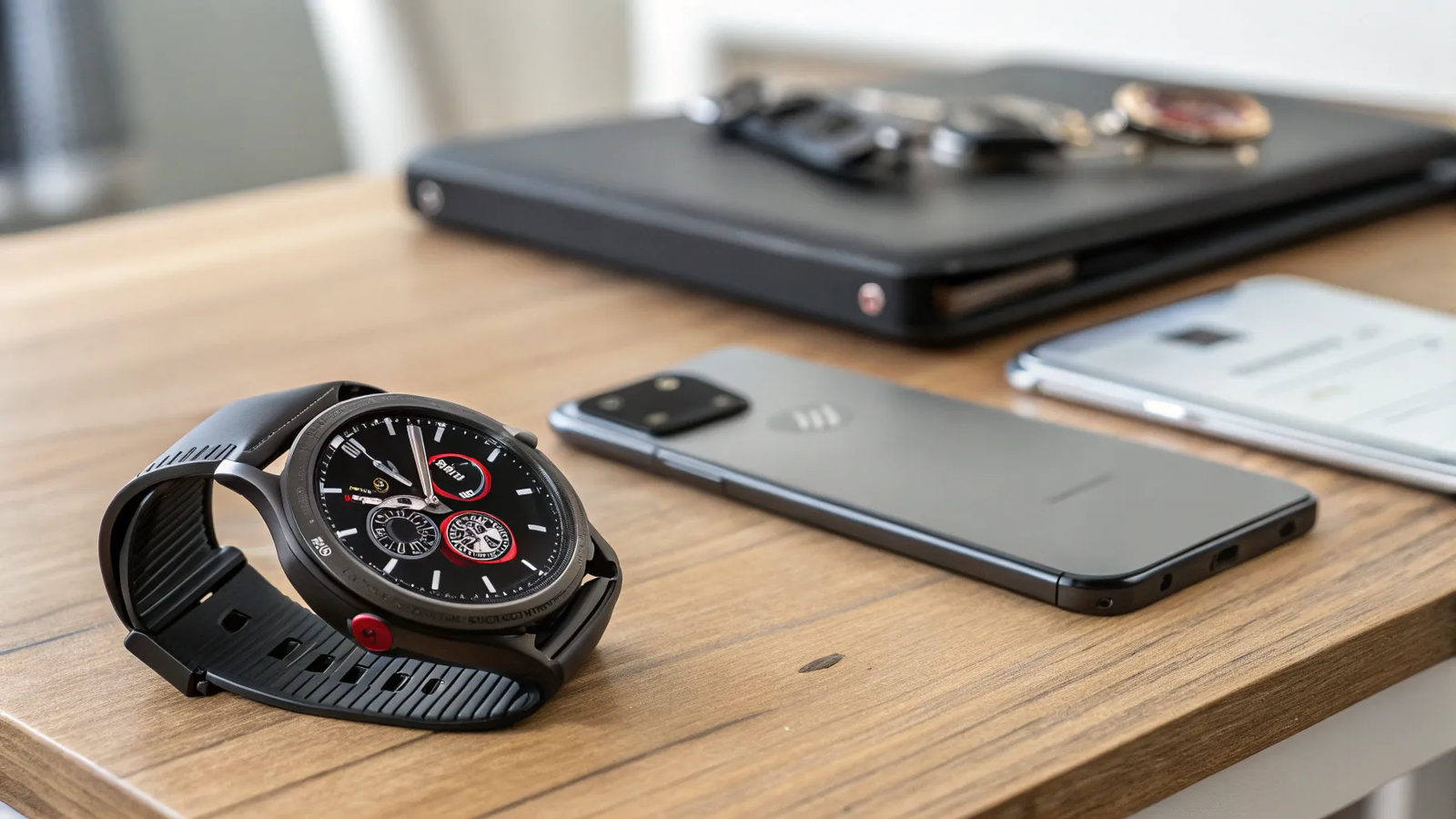
The Samsung Galaxy Watch 7 is a sleek, feature-packed smartwatch built for Android users who want strong health tracking, fitness tools, Google services, and Samsung’s One UI Watch experience. But if you own an iPhone, the real question is simple: can the Galaxy Watch 7 pair with iOS?
The answer is disappointing for iPhone users. Galaxy Watch 7 does not officially support iPhone pairing, syncing, notifications, calls, messages, app downloads, or Samsung Health setup through iOS. This guide explains what works, what does not, why compatibility is limited, and what you can still do if you already bought the watch.
Quick Answer
No, the Samsung Galaxy Watch 7 does not work with iPhone for normal pairing or syncing. It requires a compatible Android phone for setup through the Galaxy Wearable app. After Android setup, you can use some watch-only features, but iPhone notifications, calls, messages, Samsung Health syncing, and app management will not work.
Key Takeaways
- Galaxy Watch 7 is not supported by iOS and cannot pair with an iPhone like older Samsung watches once did.
- You need a compatible Android phone and the Galaxy Wearable app for the first setup.
- After setup, basic on-watch tools such as workouts, steps, heart rate, alarms, timers, and some watch faces can work without your phone nearby.
- Calls, texts, app downloads, Play Store access, cloud syncing, and detailed Samsung Health history depend on Android setup and account access.
- If you use an iPhone and want full smartwatch integration, an Apple Watch is usually the better choice.
Deal tip: If you use an iPhone, see the Apple Watch Series 11 and SE 3 in our October Prime Day smartwatch deals. Android users will find the Galaxy Watch 8 and Watch 7 there too.
📱 Galaxy Watch 7 and iPhone Compatibility: The Hard Truth
If you’re hoping to pair the Samsung Galaxy Watch 7 with your iPhone, here’s the blunt reality: the watch is not supported by iOS devices. Unlike older Samsung watches that had limited iPhone support through Samsung’s iOS apps, Galaxy Watch 7 does not offer a current official iPhone pairing path.
That means you cannot set it up through an iPhone, receive iPhone notifications, answer iPhone calls, reply to iPhone messages, install watch apps from your iPhone, or sync Samsung Health data through iOS. Samsung’s newer wearable ecosystem is built around Android phones, especially Samsung Galaxy devices.
On the Apple App Store, you may still see Samsung’s “Galaxy Watch” app, but it supports older models such as Gear S2, Gear S3, Gear Sport, Galaxy Watch, Galaxy Watch Active, Galaxy Watch Active2, and Galaxy Watch3. It does not add support for Galaxy Watch 7. So even if the app installs on your iPhone, it will not make the Galaxy Watch 7 pair or sync with iOS.
Warning: Do not buy Galaxy Watch 7 expecting it to work like an Apple Watch with your iPhone. For iPhone users, the main smartwatch features are blocked because setup and syncing require Android.
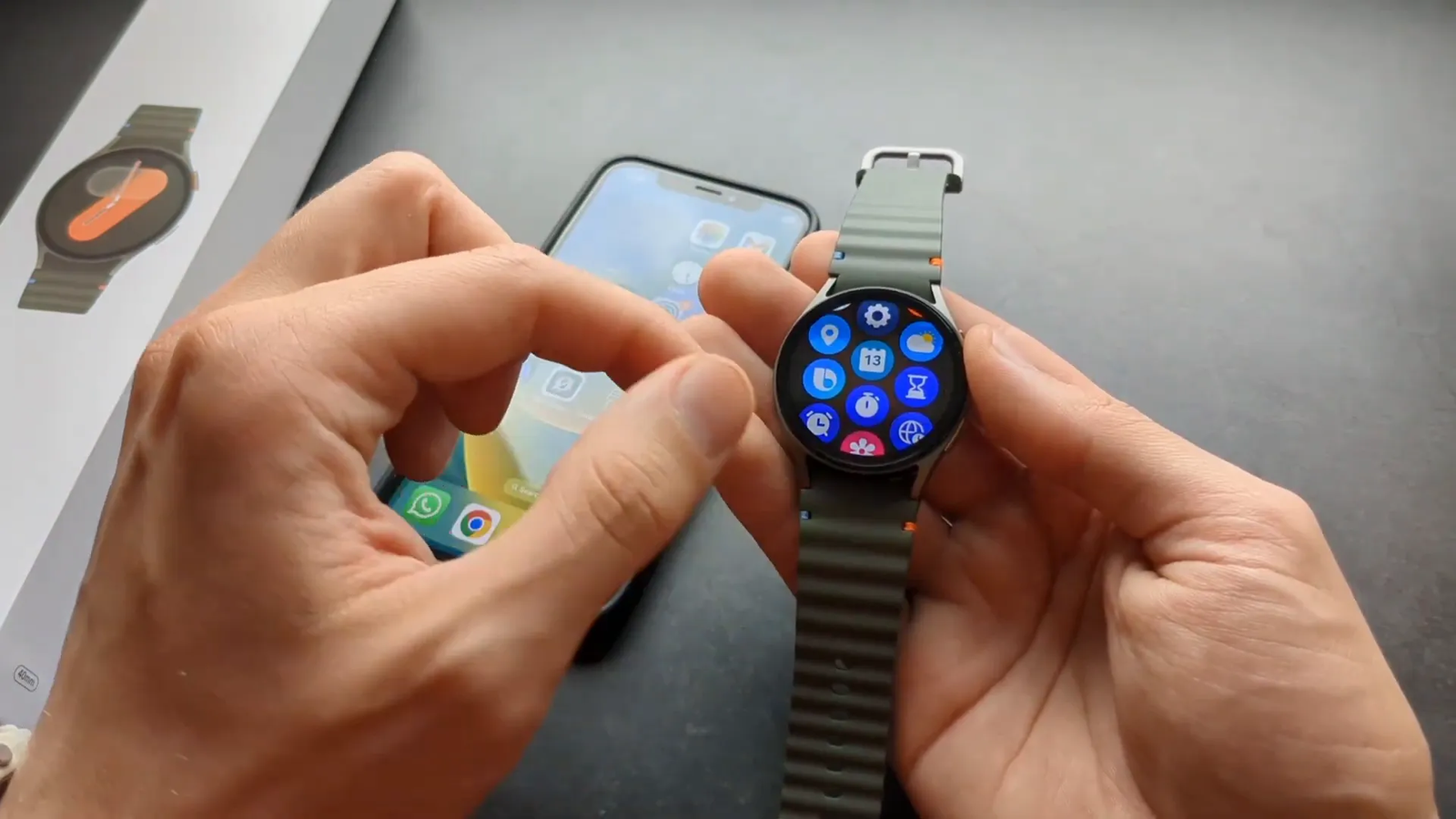
While this may feel frustrating, it is not unique to Samsung. Apple Watch models do not support Android phones either. Both brands use tightly controlled ecosystems that work best when your phone and watch come from the same platform.
⌚ Using Galaxy Watch 7 Without a Phone: Is It Possible?
Short answer: you can use some Galaxy Watch 7 features without carrying a phone nearby, but you cannot set it up from scratch without a compatible Android phone. Galaxy Watch 7 runs Wear OS with Samsung’s One UI Watch software, and it needs Android-based setup before you can use it properly.
After setup, the watch can still handle many basic tasks on its own. This is useful if you want to leave your phone at home during a walk, gym session, or short workout. But the watch still depends on the original Android setup for account access, Play Store features, Samsung Health syncing, backups, updates, and advanced connected functions.
At a Glance
| Main Question | Can Galaxy Watch 7 work with iPhone? |
| iPhone Pairing | Not supported |
| Setup Requirement | Compatible Android phone with Galaxy Wearable app |
| Works Without Phone Nearby | Yes, for limited features after Android setup |
| Best Match | Android users, especially Samsung Galaxy phone owners |
What still works on-watch after setup when your phone is not nearby:
- Heart rate, steps, and exercise tracking: The built-in sensors can record basic activity from the watch itself.
- Sleep monitoring: The watch can track sleep on-device after setup.
- Alarms and timers: You can set and use these directly on the watch.
- Pre-installed watch faces: You can use built-in faces, though new faces usually need Play Store access.
- Basic offline tools: Some settings, workouts, stopwatch features, and watch-only functions can run without your phone beside you.
What doesn’t work without pairing, account setup, or LTE/Wi-Fi access:
- App downloads and updates from the Play Store
- Calling and messaging unless you have an LTE model with an active plan configured during setup
- Detailed health history syncing to your phone or cloud account
- iPhone notifications such as texts, calls, app alerts, and calendar reminders
- Samsung Health setup through iOS
- Google account features if you never complete the Android setup process
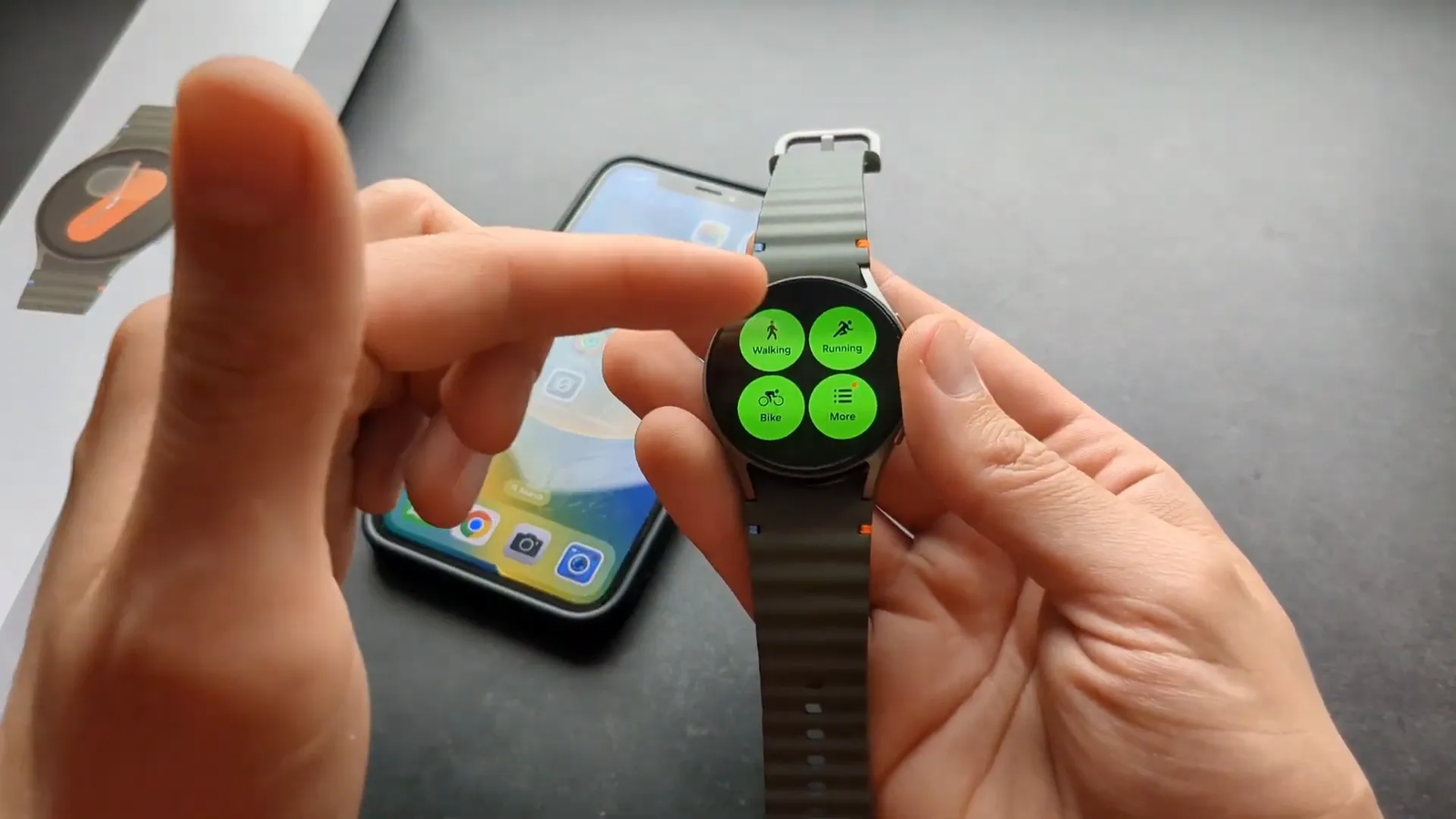
🔧 How to Set Up Galaxy Watch 7 as a Standalone Device
Important: Galaxy Watch 7 does not support true standalone setup from scratch. Any method that claims you can fully activate it without a phone should be treated carefully because it is not the normal supported path. The safest option is to set it up with a compatible Android phone first, then use watch-only features when your phone is not nearby.
Use this setup path if you want the watch to work as independently as possible after activation:
- Use a compatible Android phone. Borrowing an Android phone just for setup may work in some cases, but the best experience comes from using your own Android phone because syncing, backups, and account settings stay connected to you.
- Install Galaxy Wearable. Open the Galaxy Wearable app on the Android phone and follow the pairing prompts for Galaxy Watch 7.
- Sign in to your Samsung account. This helps with Samsung Health, backups, settings, and Samsung services.
- Sign in to your Google account. This enables Google Play Store access, app installs, account-based features, and Wear OS services.
- Activate LTE if your model supports it. If you bought an LTE version, set up a carrier plan during the pairing process if you want calls or texts without your phone nearby.
- Update the watch software. After setup, check for watch updates so the device has the latest available fixes and feature improvements.
- Test phone-free features. Leave the Android phone nearby at first, then test workouts, alarms, timers, watch faces, Wi-Fi, LTE, and health tracking before relying on the watch alone.
Note: If you reset the watch later, you may need an Android phone again to complete setup. A factory reset can remove account access, apps, settings, and saved watch data.
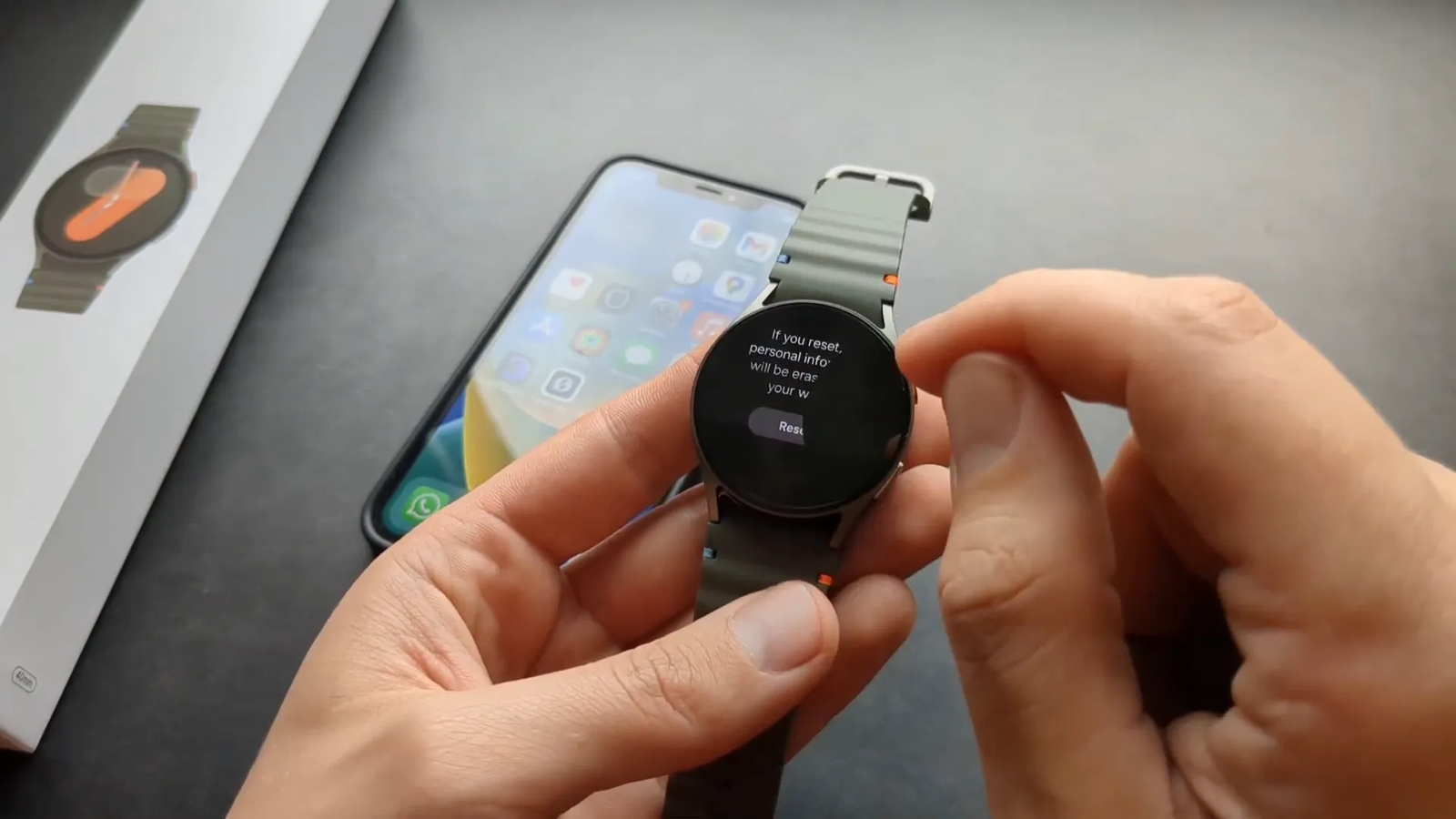
After setup, you can still work out, set alarms, use timers, check basic health stats, and use some offline features with your phone left at home. For app downloads, new watch faces, Google services, software updates, backups, and cloud syncing of health data, you’ll still need account access through the Android setup path.
🏃♂️ What Can You Do on Galaxy Watch 7 Without a Phone?
Even without carrying your phone after setup, the Galaxy Watch 7 can still work as a helpful fitness and health companion. It is not useless without a phone nearby, but you should understand the difference between watch-only features and connected smartwatch features.
Here’s what you can usually do from the watch itself after proper Android setup:
- Heart rate monitoring: Check heart rate data from the watch sensors.
- Step counting: Track daily movement and activity goals.
- Exercise tracking: Record walking, running, cycling, gym workouts, and other supported activity modes.
- Sleep monitoring: Wear the watch overnight to collect sleep data.
- Alarms and timers: Use the watch as a standalone time-management tool.
- Stopwatch: Track short activities without using your phone.
- Pre-installed watch faces: Change among built-in faces already available on the watch.
- Basic settings: Adjust brightness, sound, vibration, display, and watch preferences.
However, the experience becomes limited if you never reconnect to the Android phone used for setup. You may miss software updates, app updates, health history syncing, cloud backups, and deeper smartwatch features.
Pro Tip: If you already own an iPhone and still want Galaxy Watch 7 for fitness tracking, set it up with an Android phone you can access regularly. Without regular Android access, the watch becomes much harder to manage.
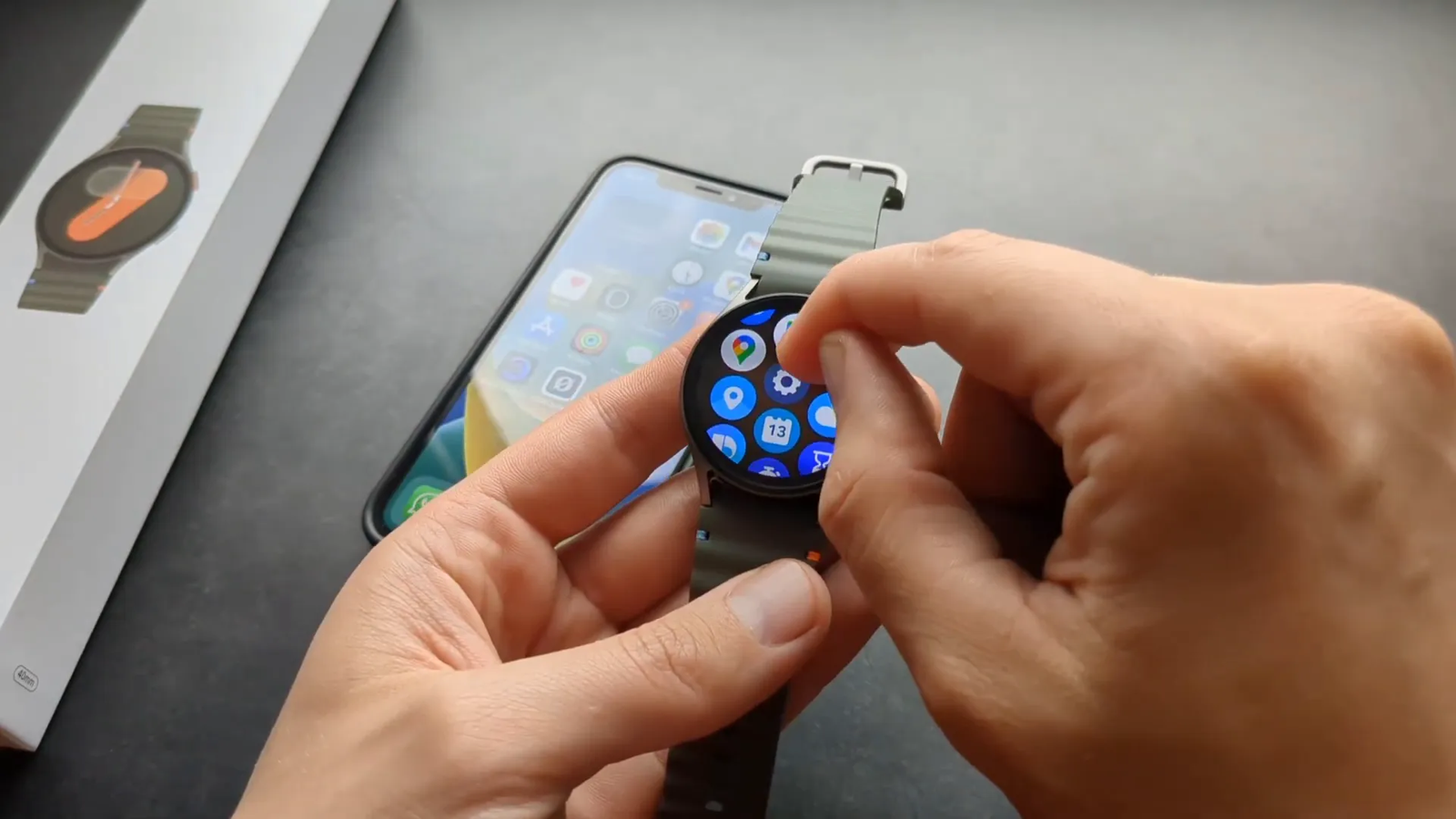
🔄 Why iPhones Don’t Support Galaxy Watch 7
The lack of iPhone support for Galaxy Watch 7 comes down to software, apps, accounts, and ecosystem control. Galaxy Watch 7 runs Wear OS with Samsung’s One UI Watch layer, which depends on Android services, Google Play Store access, Samsung Health, and the Galaxy Wearable app.
Samsung has not released an iOS app that supports Galaxy Watch 7 pairing. Without that iPhone companion app, the watch cannot exchange setup data, notifications, app permissions, health sync, or account settings with iOS.
The same type of platform lock-in exists in the other direction. Apple Watch is designed for iPhone and does not support Android pairing. So the safest buying rule is simple: use Apple Watch with iPhone, and use Galaxy Watch 7 with Android.
🧩 What Happens If You Try to Pair Galaxy Watch 7 With an iPhone?
If you try to pair Galaxy Watch 7 with an iPhone, you will likely run into a dead end. The iPhone may not detect the watch through a supported companion setup flow, and Samsung’s older iOS apps will not add Galaxy Watch 7 support.
Bluetooth alone is not enough. Smartwatches need a supported companion app to handle setup, permissions, notifications, account login, updates, health sync, app management, and watch settings. Since Galaxy Watch 7 does not have that iPhone setup path, normal pairing will not work.
You may still see the watch in basic Bluetooth menus in some cases, but that does not mean the watch is properly connected. A basic Bluetooth listing will not unlock notifications, calls, Samsung Health sync, Play Store access, or full smartwatch controls.
✅ Best Alternatives for iPhone Users
If you use an iPhone and want a smartwatch that works smoothly every day, you have better options than Galaxy Watch 7. Your best choice depends on whether you care most about deep iOS integration, fitness tracking, battery life, or price.
- Apple Watch: Best for iPhone notifications, calls, messages, Apple Pay, Apple Fitness, app support, and seamless setup.
- Fitness-focused watches: Some Garmin, Fitbit, and similar fitness watches may support iPhone through their own apps, though features vary by model.
- Basic Bluetooth watches: Some budget watches support limited iPhone notifications, but they usually lack the app ecosystem and polish of Apple Watch.
- Galaxy Watch 7: Best for Android users, not iPhone users.
If you are planning to switch from iPhone to Android soon, Galaxy Watch 7 may still make sense. But if you plan to keep your iPhone, you will get a better daily experience from a watch designed for iOS.
🛒 Where to Buy the Samsung Galaxy Watch 7
If you’re interested in Galaxy Watch 7 and have a compatible Android phone, you can buy it from major retailers. You can find options for different sizes, colors, bands, Bluetooth models, and LTE models.
Here’s a convenient link to check the latest price and availability for the Samsung Galaxy Watch 7 40mm Bluetooth AI Smartwatch:
Samsung Galaxy Watch 7 on Amazon
Affiliate disclosure: We may earn a commission if you buy through links on our site. As an Amazon Associate, we earn from qualifying purchases.
❓ Frequently Asked Questions About Galaxy Watch 7 and iPhone Compatibility
Can I pair the Samsung Galaxy Watch 7 with my iPhone?
No. Galaxy Watch 7 is not supported on iOS, and there is no official iPhone app that enables full pairing or syncing for this model.
Can I use the Galaxy Watch 7 without any phone at all?
Not from scratch. Galaxy Watch 7 must be set up with a compatible Android phone first. After setup, many basic features can work without the phone nearby.
What features won’t work if I don’t pair the watch to a phone?
You will not get proper app downloads, Play Store access, calls, messages, detailed health syncing, cloud backups, or iPhone notifications. LTE calling and texting also require setup with a supported plan.
Why doesn’t Samsung support iPhones for the Galaxy Watch 7?
Galaxy Watch 7 runs Wear OS with Samsung’s One UI Watch software. It depends on Android services, Google Play Store access, Samsung Health, and the Galaxy Wearable app. Samsung does not provide iPhone pairing support for this model.
Is there any workaround to get the Galaxy Watch 7 to work fully with an iPhone?
No official workaround exists. Unofficial methods are not recommended because they may fail, break features, cause syncing problems, or require resetting the watch.
Can I use an Android phone to get full functionality of the Galaxy Watch 7?
Yes. Pairing Galaxy Watch 7 with a compatible Android phone unlocks the normal setup experience, app downloads, settings, calls, messages, Samsung Health syncing, backups, and connected smartwatch features.
Will Galaxy Watch 7 show my iPhone notifications?
No. Since Galaxy Watch 7 cannot pair with iPhone through a supported companion app, it cannot show your iPhone calls, texts, app alerts, or other iOS notifications.
Should I buy Galaxy Watch 7 if I use an iPhone?
Usually, no. If you plan to keep using an iPhone, an Apple Watch or another iPhone-compatible fitness watch will give you a smoother experience. Galaxy Watch 7 makes the most sense for Android users.
🔚 Conclusion
The Samsung Galaxy Watch 7 is a powerful smartwatch with strong fitness, health, app, and Android-connected features. However, if you use an iPhone, it will not deliver the seamless experience you might expect from a modern smartwatch. You cannot pair it with iOS, sync Samsung Health through an iPhone, receive iPhone notifications, or manage apps through Apple’s ecosystem.
If you already have a Galaxy Watch 7, you can still use some features after setting it up with a compatible Android phone. Heart rate tracking, steps, workouts, sleep monitoring, alarms, timers, and built-in watch faces can still be useful without carrying your phone every moment. Just remember that advanced features depend on Android setup, Samsung and Google accounts, and in some cases LTE service.
For the best experience, pair Galaxy Watch 7 with a compatible Android phone. If you’re shopping for a smartwatch and want to explore this model further, check the Samsung Galaxy Watch 7 on Amazon for current options.
Ultimately, your phone ecosystem should guide your smartwatch choice. If you use an iPhone, an Apple Watch is usually the better fit. If you use Android, especially a Samsung Galaxy phone, Galaxy Watch 7 is a strong option to consider.
Sources
- Samsung Galaxy Watch 7 — official product information and platform context.
- Galaxy Wearable app on Google Play — Android companion app used for Samsung wearable setup.
- Samsung Galaxy Watch app on the App Store — older iOS app listing context for supported legacy Samsung watches.
- Apple Watch — official Apple Watch ecosystem reference for iPhone users.


2 thoughts on “Can You Use Samsung Galaxy Watch 7 with iPhone?”